A:AnswerHey Octy,
Generally, there is some form of "click" as physical feedback when pressing the power button with the laptop. If you feel that something is wrong with the button and if its function is impacted, please reach out to Lenovo Support at this number: 877-453-6686, sharing the details with a representative who may help by providing a solution for you.
Please feel free to reach out to us with any other questions!
A:AnswerHey,
Open box products are eligible for a 1-year warranty manufacturer's warranty (after proof of purchase, the warranty will be reinstated to its original duration of coverage), along with Best Buy and Geek Squad's support and protection options.
Please feel free to reach out to us with any other questions!
A:AnswerHey Checo,
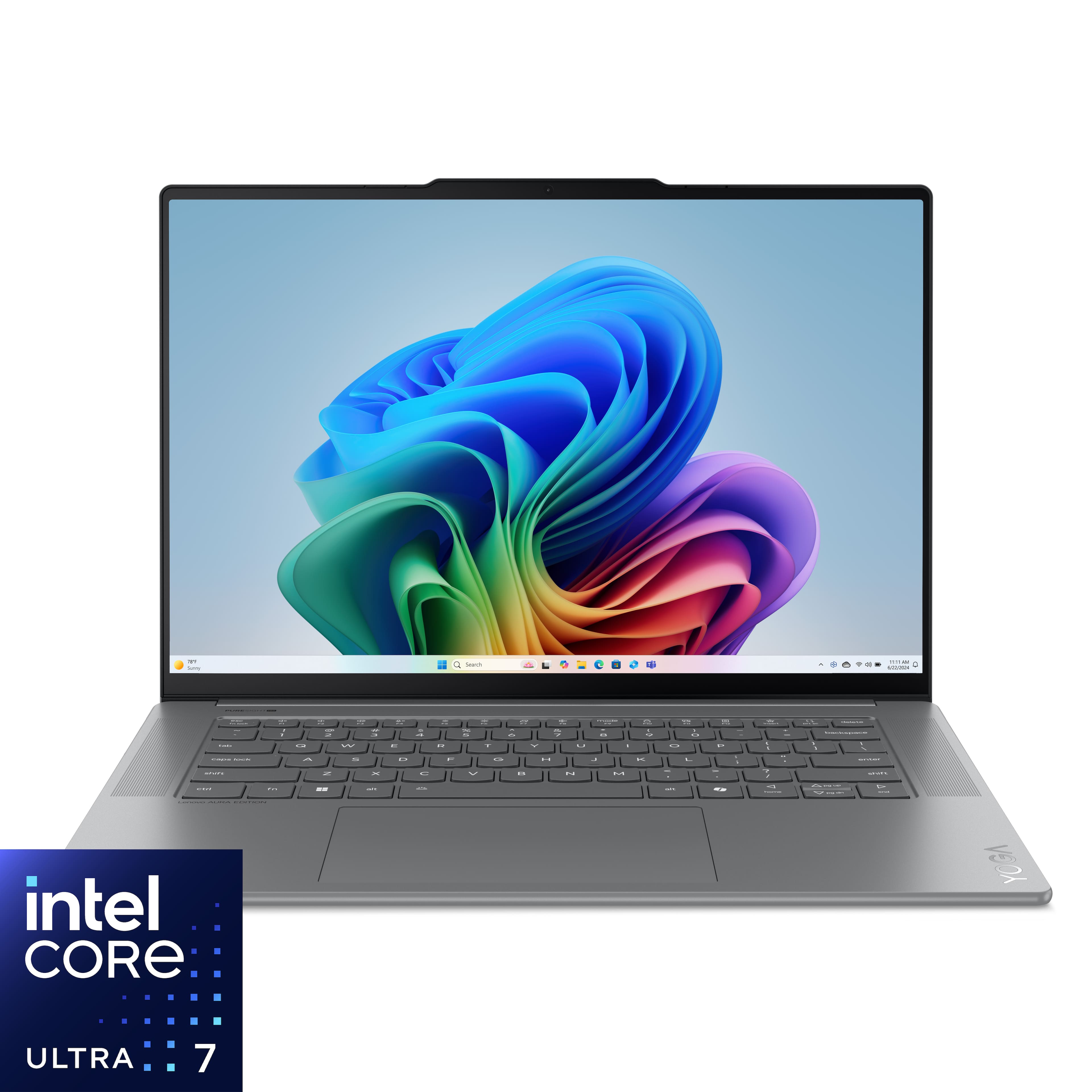
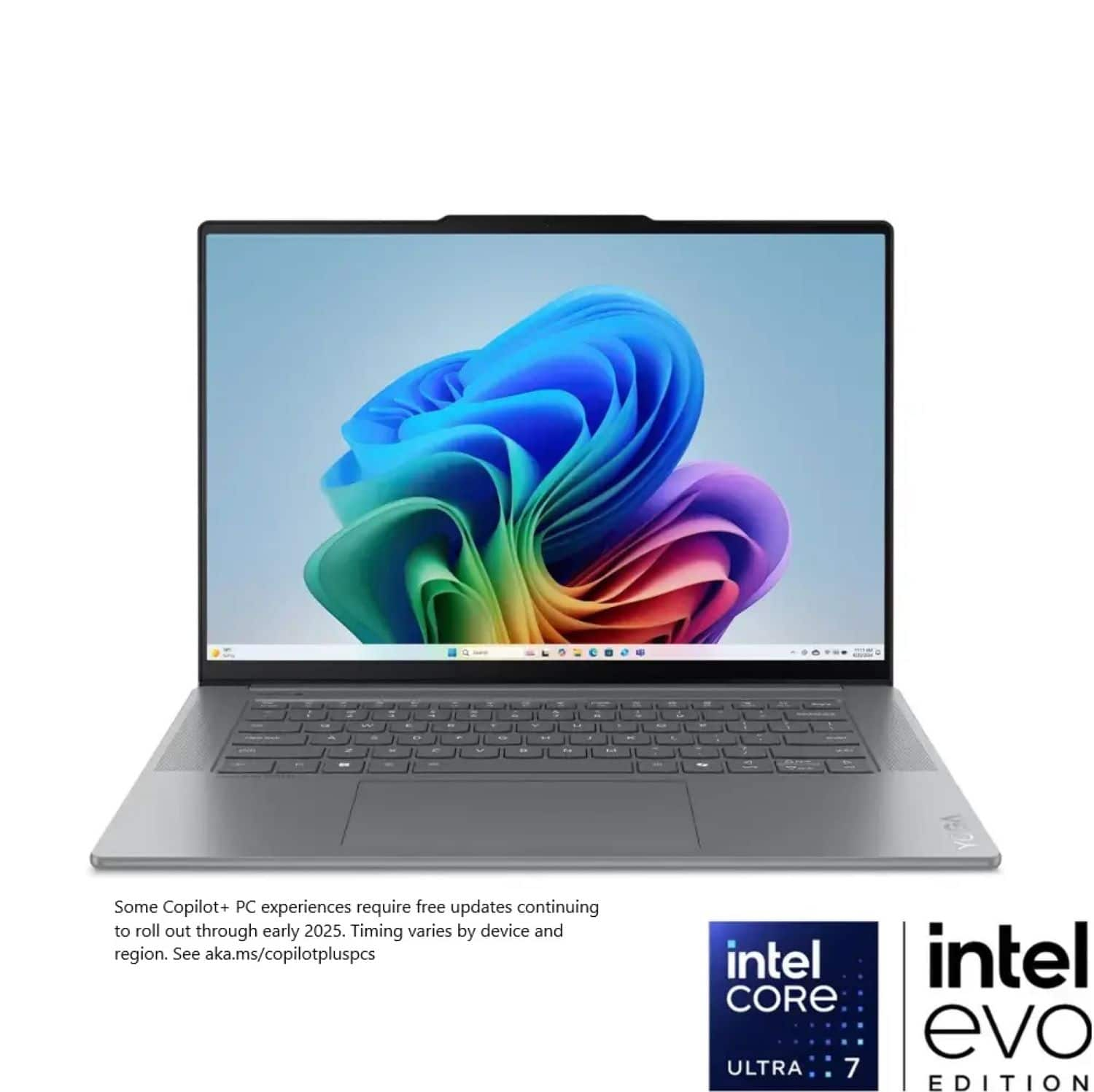
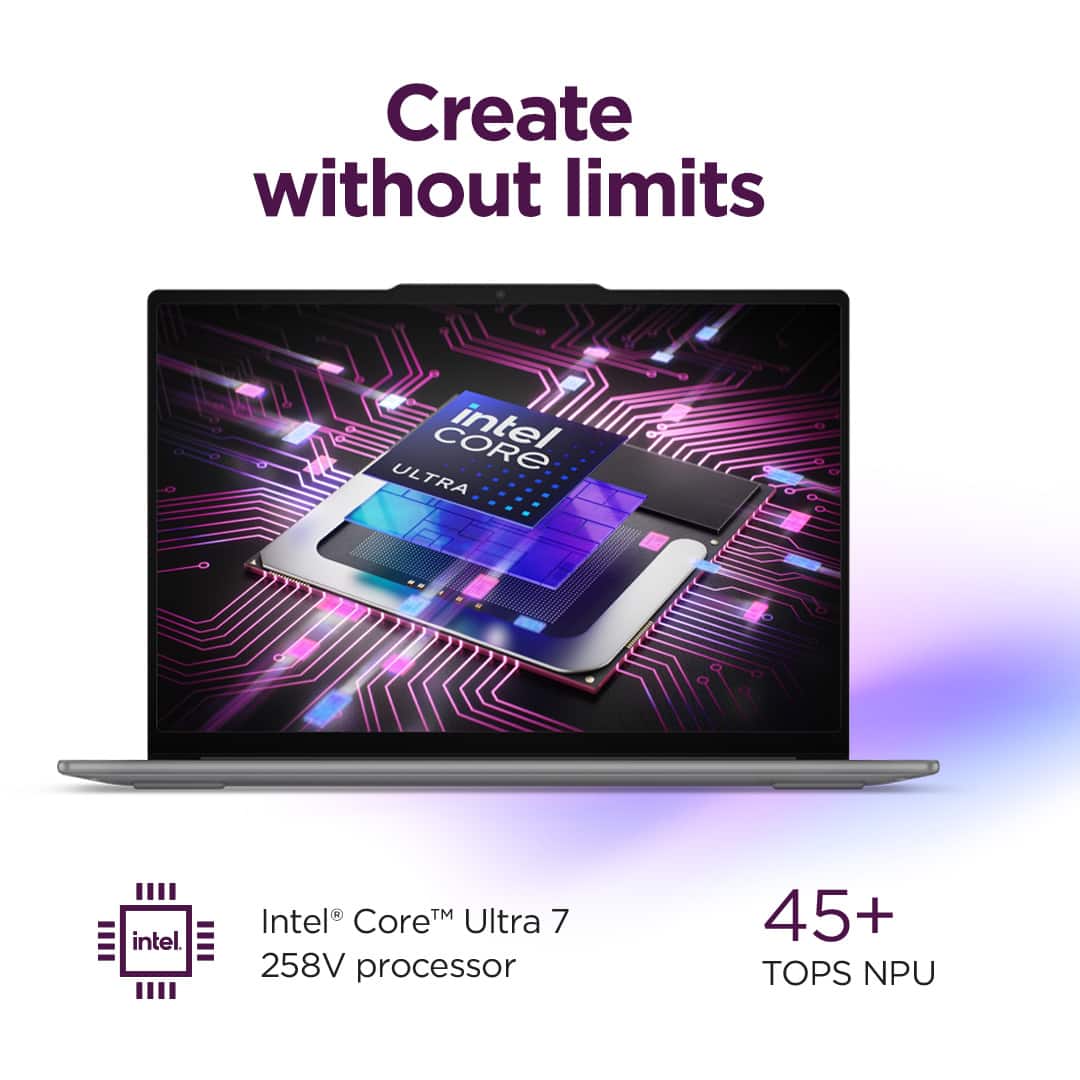
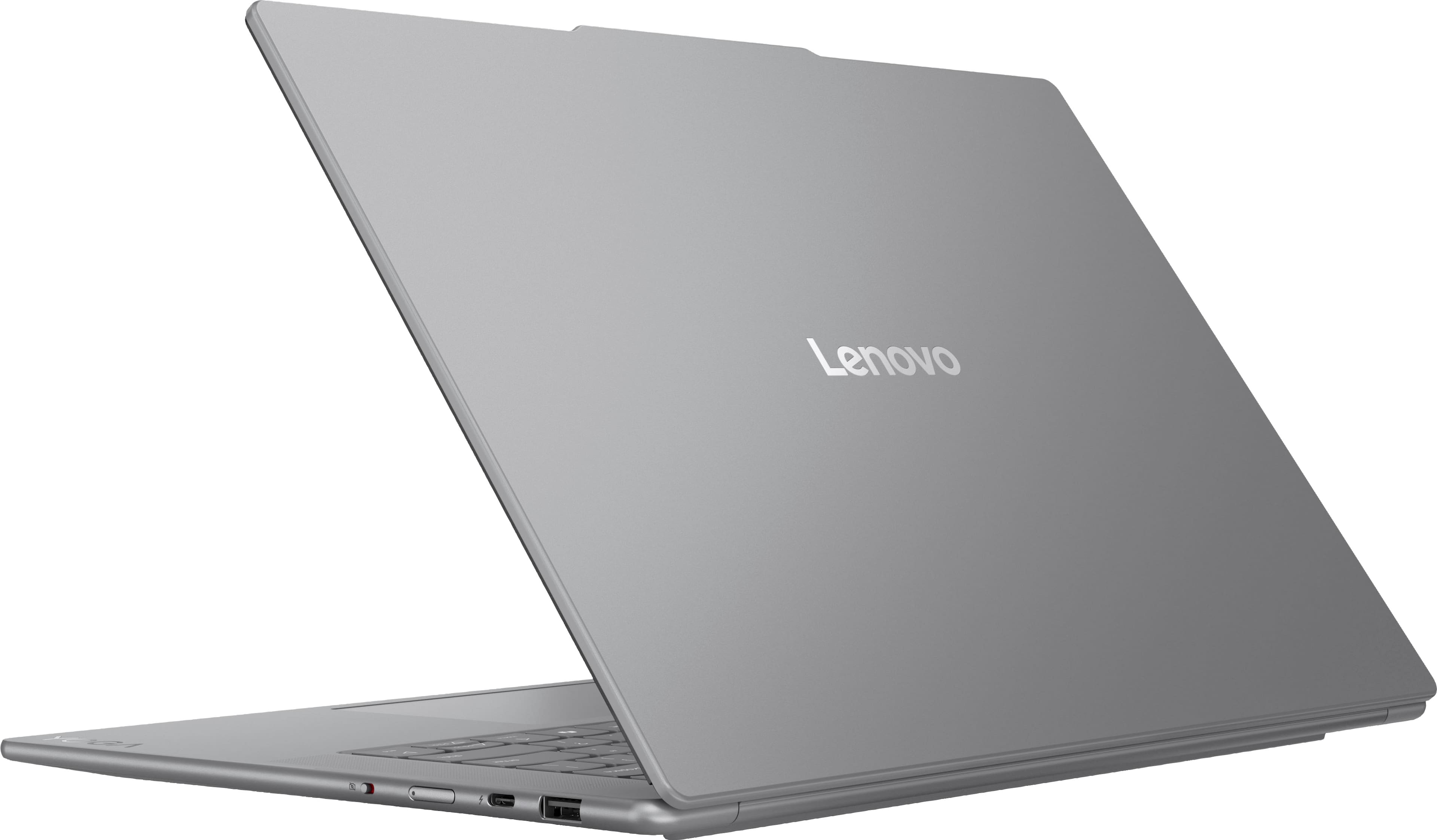
Yes, this Yoga Slim 7i Aura Edition features an Intel Core Ultra 7 258V with Intel AVX2.
Please feel free to reach out to us with any other questions!
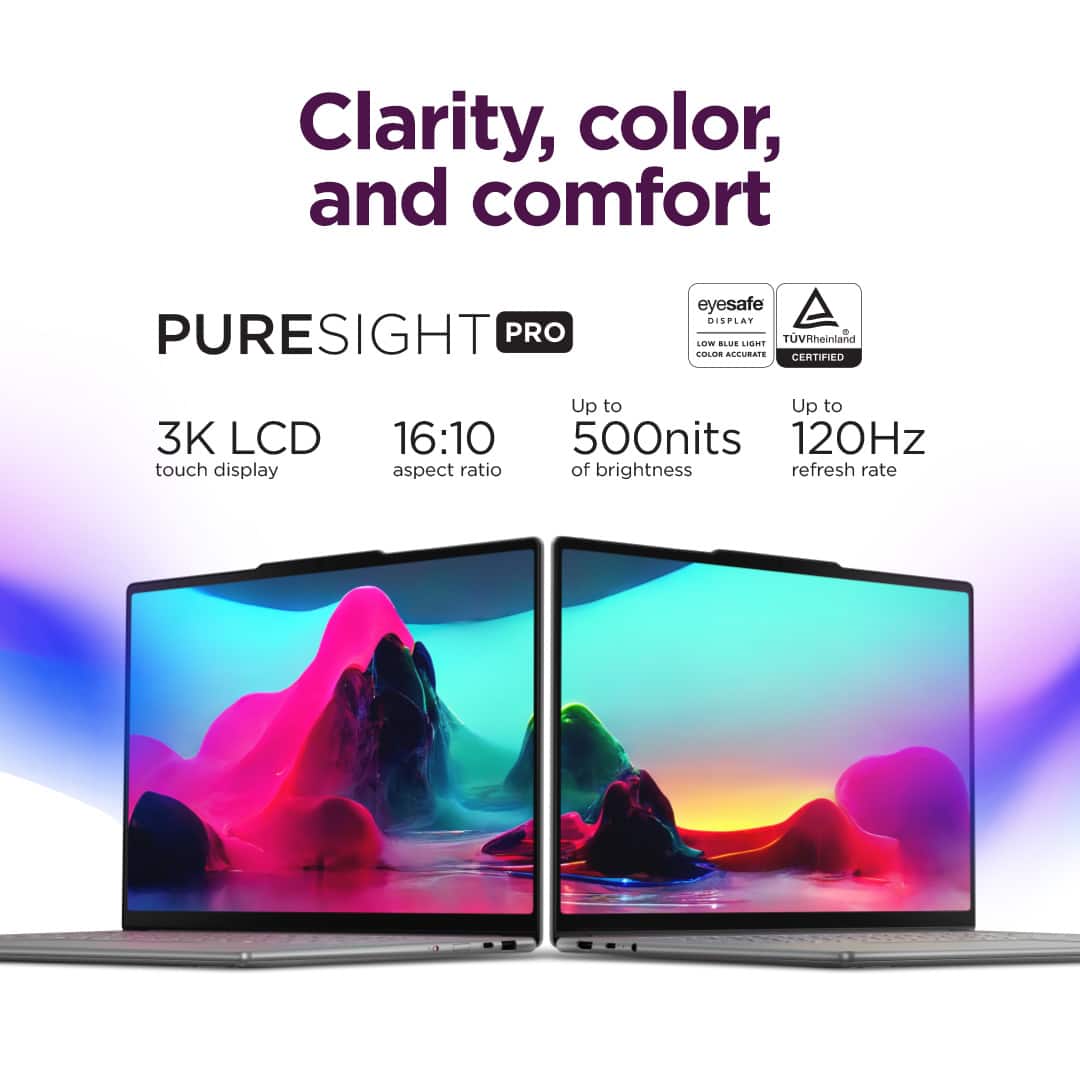
A:AnswerI tried using my stylus on it but it didn't work. Obviously I don't have every stylus out there. I think the screen might only be made for the fingertips.
A:AnswerHey EEL,
We appreciate your interest in our products and inquiry. This Yoga Slim 7i Aura Edition features an Intel Core Ultra Series 2 processing, the current latest offering from Intel for consumer systems. While this Yoga Slim 7i Aura Edition was originally released late 2024, it continues to be produced.
Please feel free to reach out to us with any other questions!
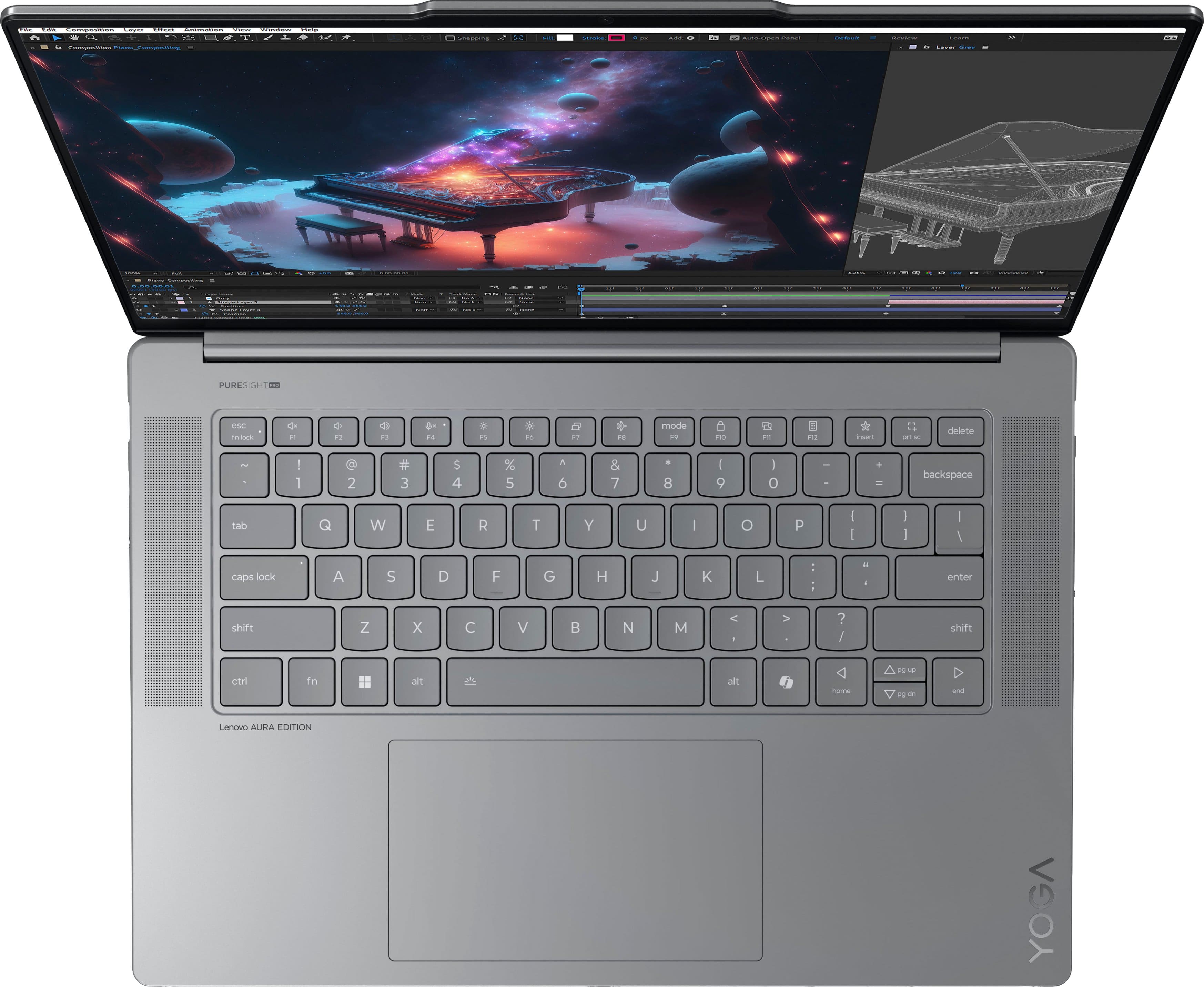
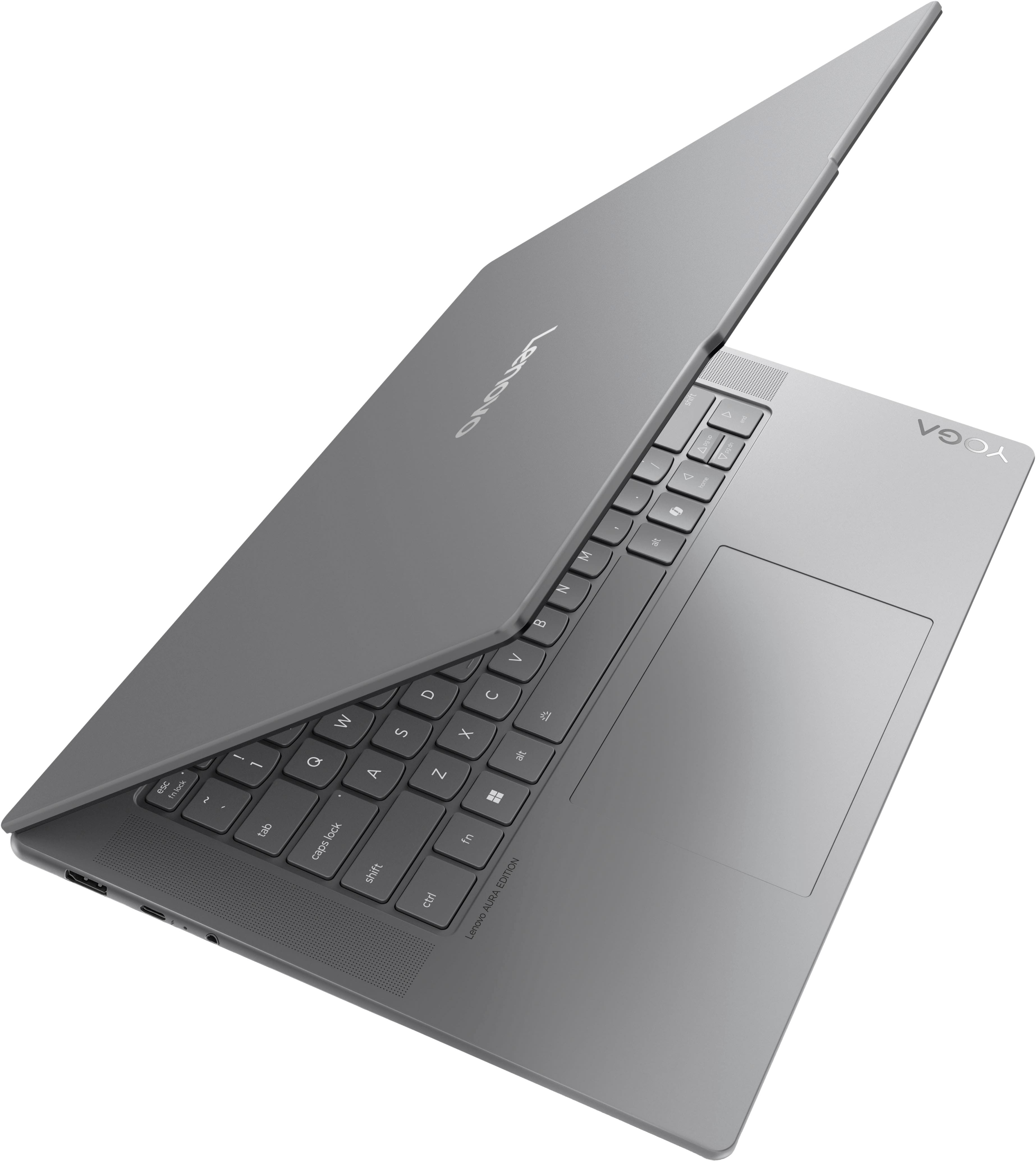
A:AnswerYes, it does have a backlit keyboard that can be adjusted in brightness or turned off; however, it only features a solid white backlight, not RGB. You can adjust the settings with `fn + spacebar`
A:AnswerHey Scott,
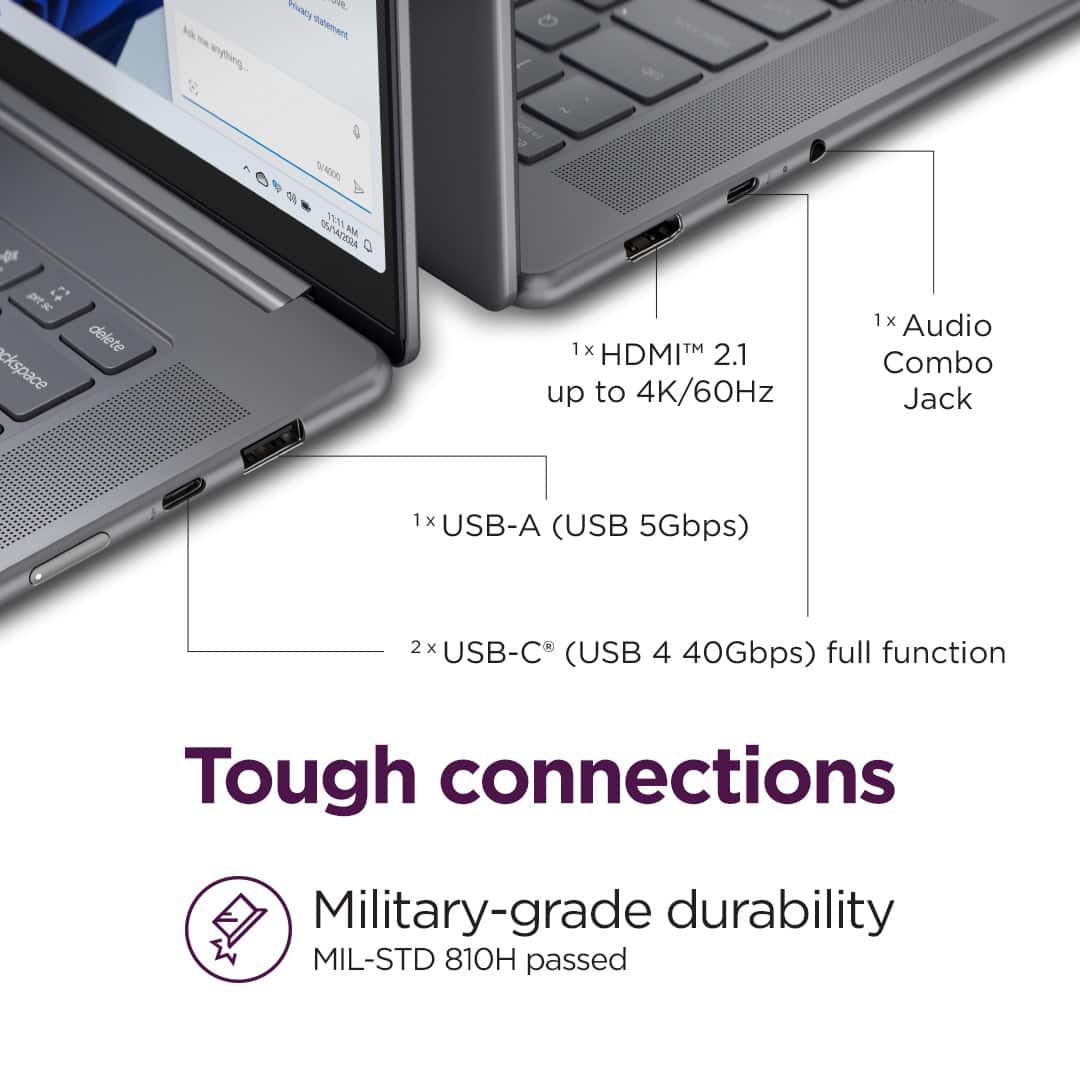
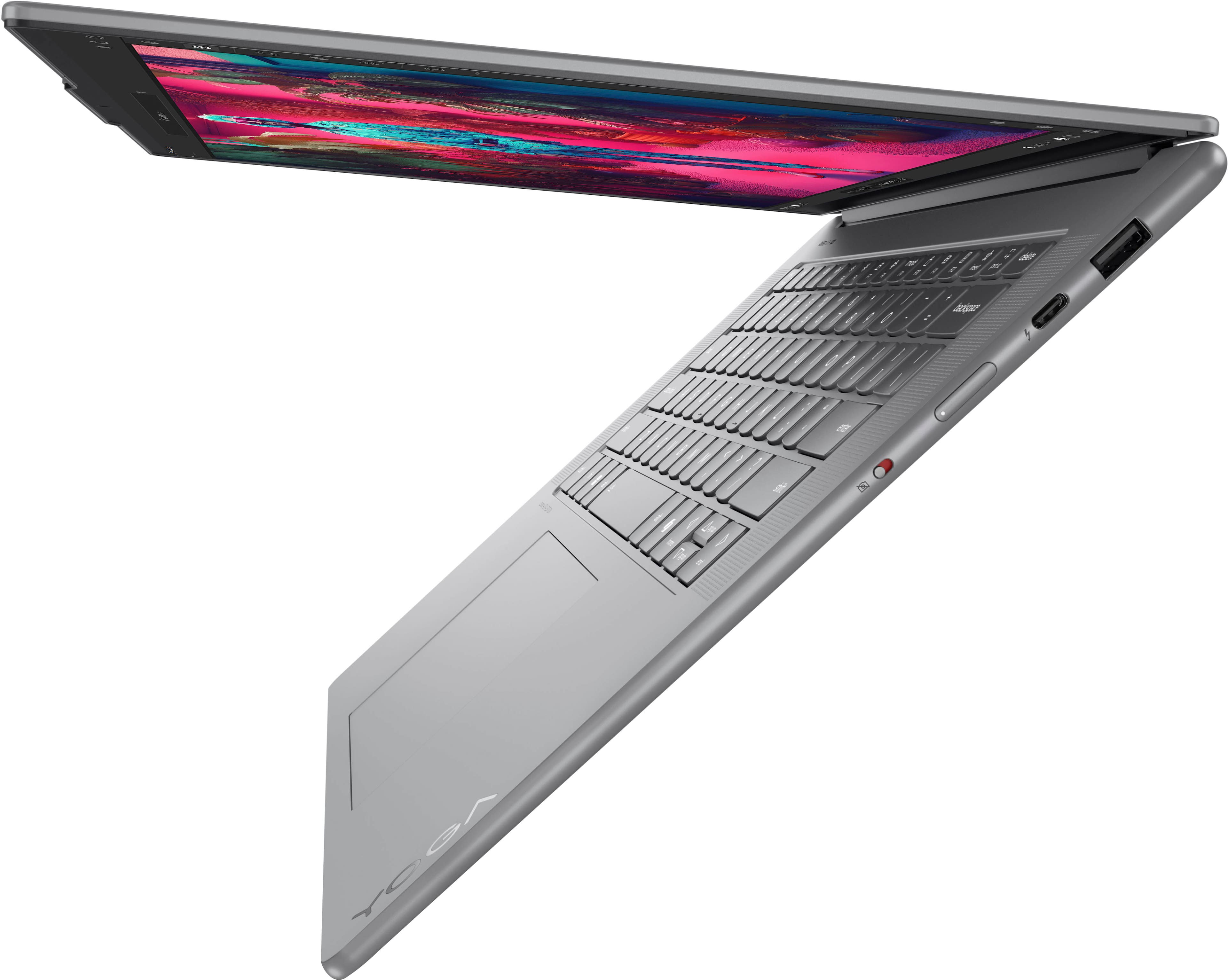
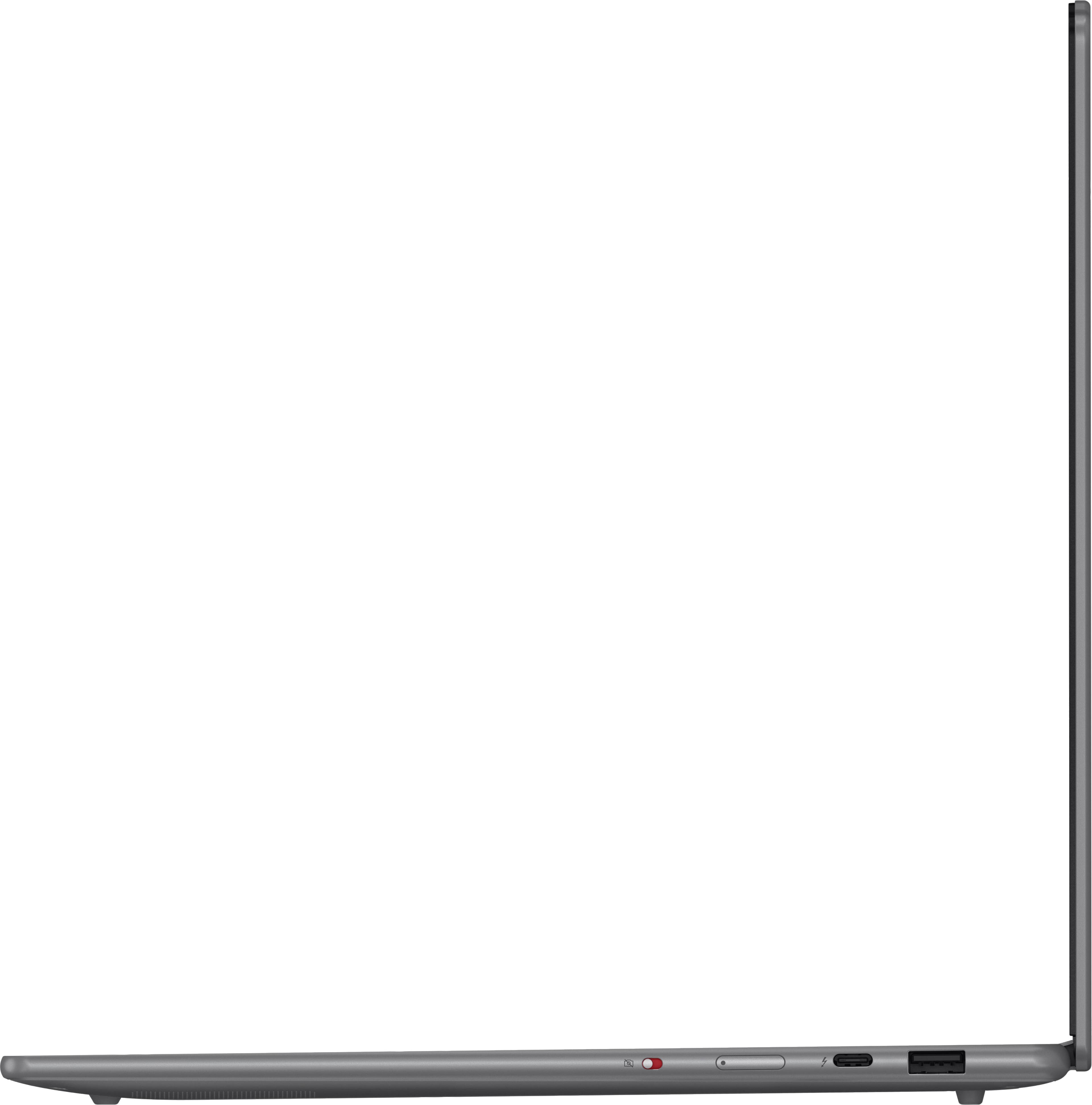
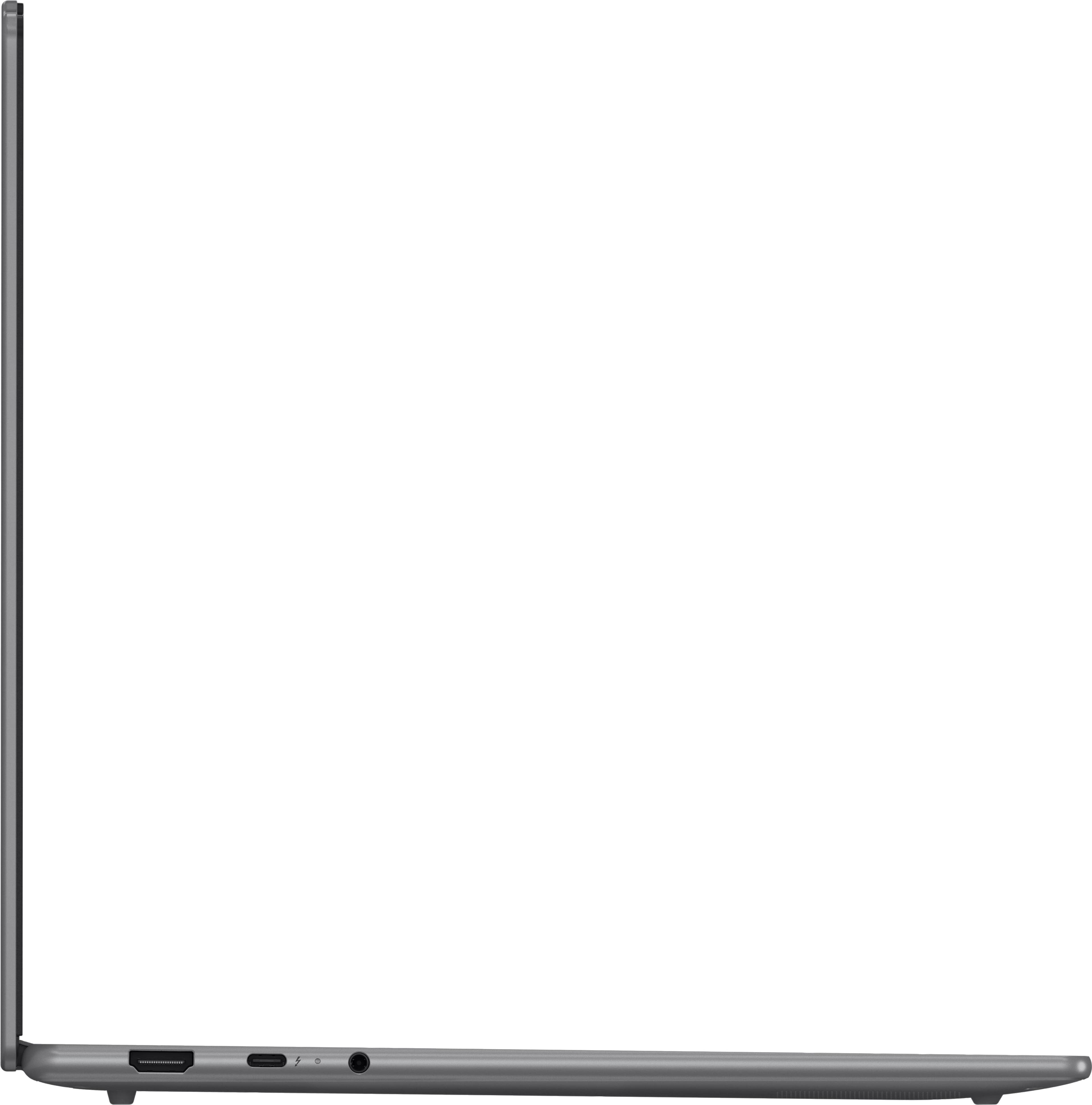
The Yoga Slim 7i 15 Aura Edition does not feature a microSD or card reader; although, you can use a microSD/SD card to USB-A /USB-C adapter should you desire.
Please let us know if you may have any other questions!
A:AnswerHi Hanako,
You can expand storage by swapping out the existing 1TB drive. The system should support up to 4TB if you're using a single sided M.2 2242 SSD.
Let us know if you have any other questions!
A:AnswerHey fishjohnson,
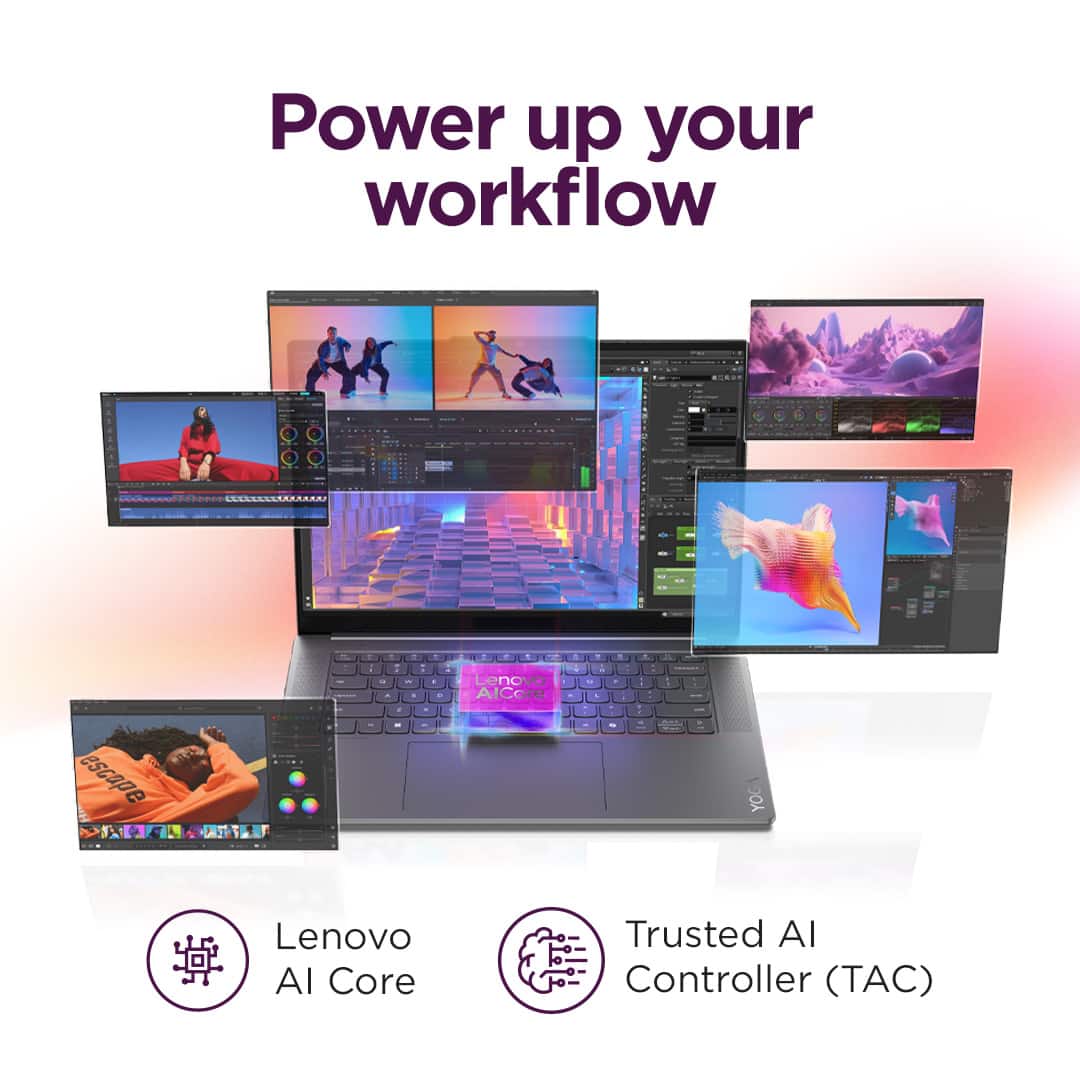
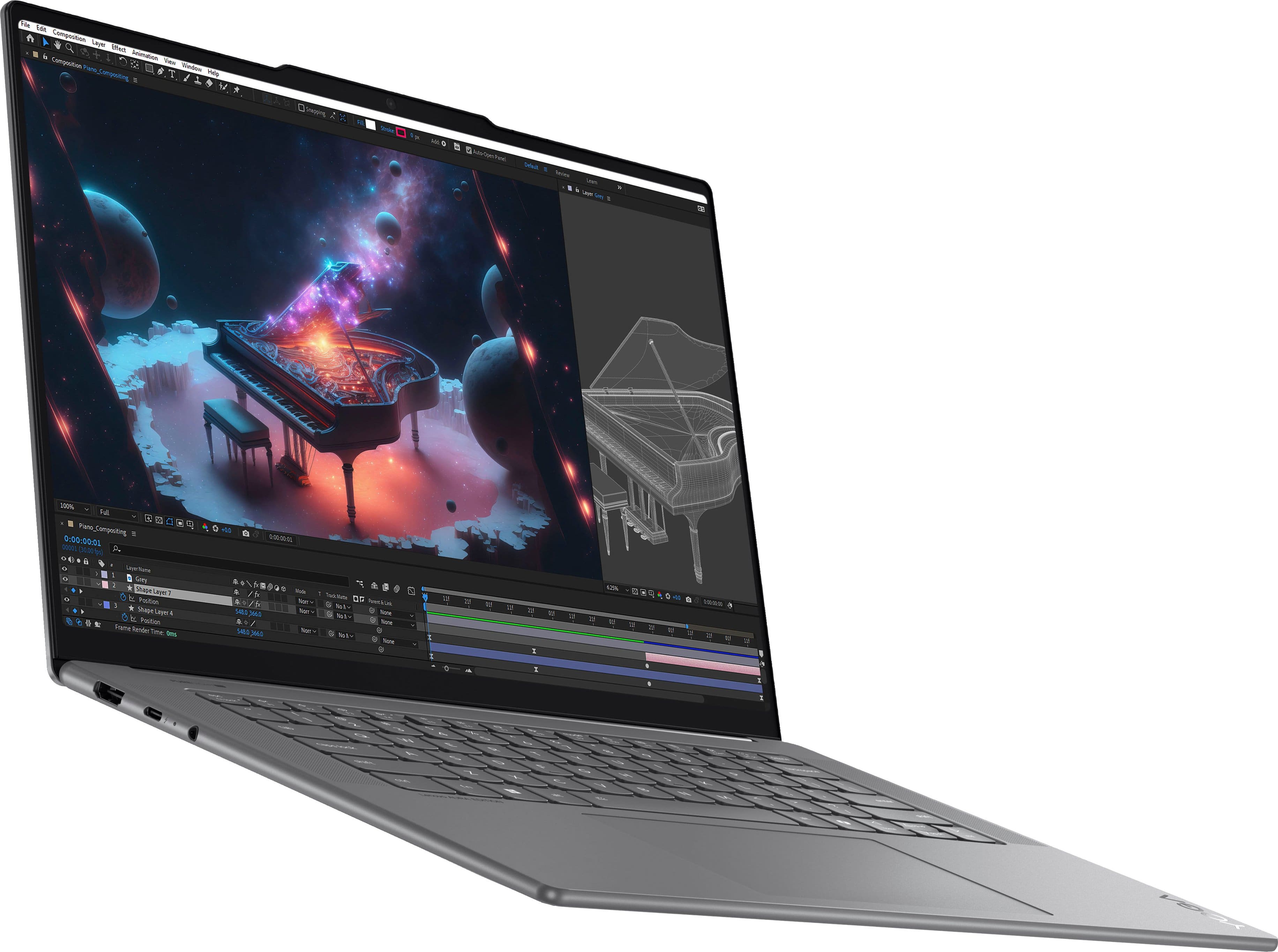
This Yoga Slim 7i Aura Edition should work quite well for you and your use. The architecture of the Ultra 7 and super quick 32GB of memory will help dramatically with multitasking, even with applications like the ones you mentioned. Also, the optimized AI performance will help cut down editing and rendering times.
A:AnswerHi, Iconicwarrior64. With processing speed and memory, this Yoga Slim 7i Aura Edition checks the right boxes for your use, but due to the graphic demands of AutoCAD and SOLIDWORKS, we recommend considering a device that it designed and optimized for performance in mind. With that being said, based off regular item price, we would recommend two options. Option A is designed for gaming with unbridled performance capabilities. This would be great to grow with you as your engineering needs may change throughout your college career. Meet the Legion 7i 16:(https://www.bestbuy.com/site/lenovo-legion-7i-16-gaming-laptop-wqxga-intel-14th-gen-core-i9-with-32gb-memory-nvidia-geforce-rtx-4070-8gb-1tb-ssd-glacier-white/6575387.p?skuId=6575387). Option B is a bit thinner and lighter than the Legion 7 16, and while it may not have as powerful of a processor or as much graphics memory as the RTX 4070 in the Leigon 7, may users in the same field as you have found success with it -- the Yoga Pro 9i (https://www.bestbuy.com/site/lenovo-yoga-pro-9i-16-3-2k-touchscreen-laptop-intel-core-ultra-9-185h-with-32gb-memory-nvidia-geforce-rtx-4050-1tb-ssd-luna-grey/6571367.p?skuId=6571367). Also to help you understand what you may need in a computer that will fit your needs, we recommend reviewing the system requirements shared by AutoCAD and SOLIDWORKS on their websites, then comparing it with the specifications of any computer you’re interested in to help ensure you find the right fit for you. Feel free to share any other questions and hopefully this helps!