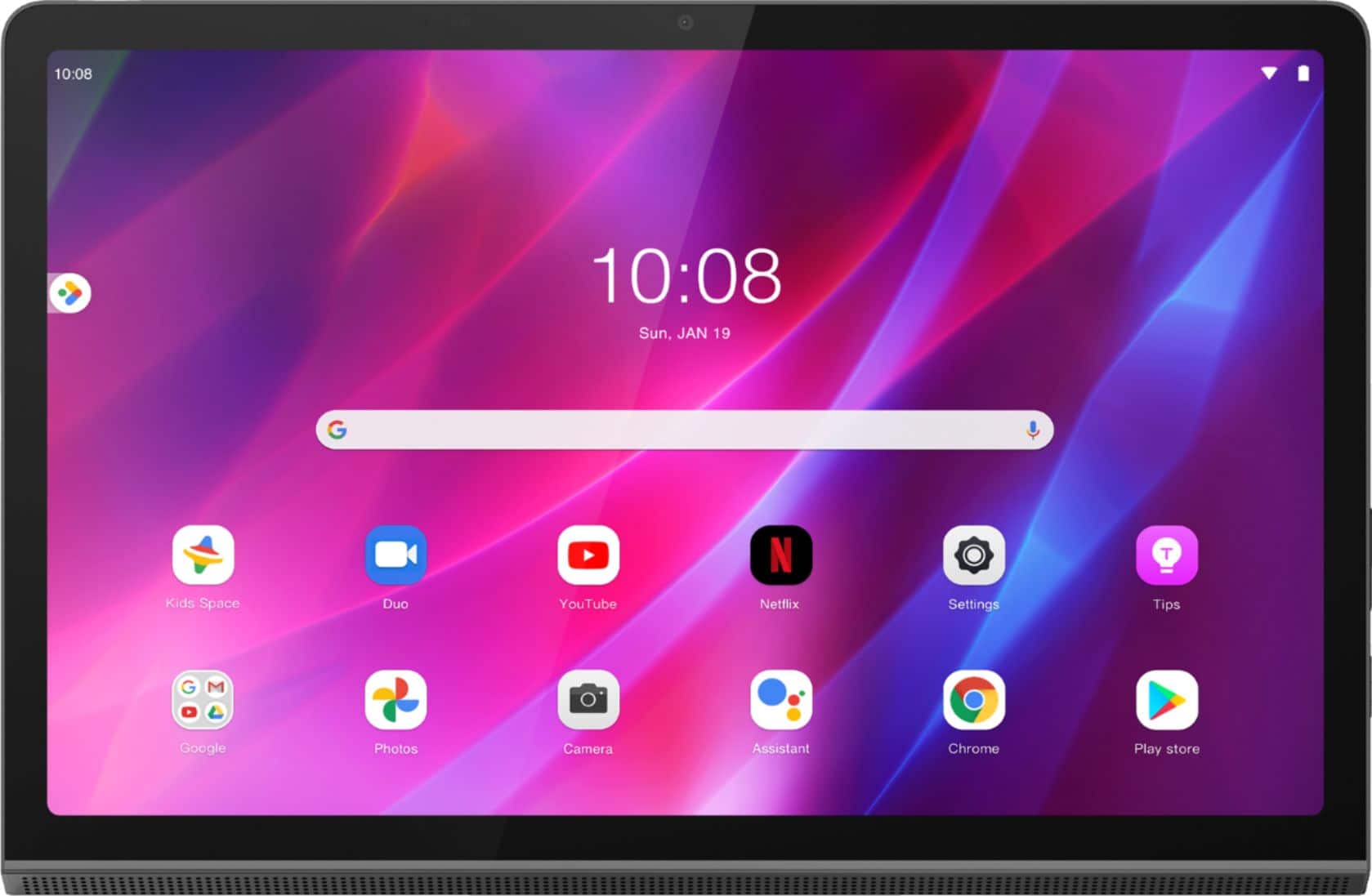
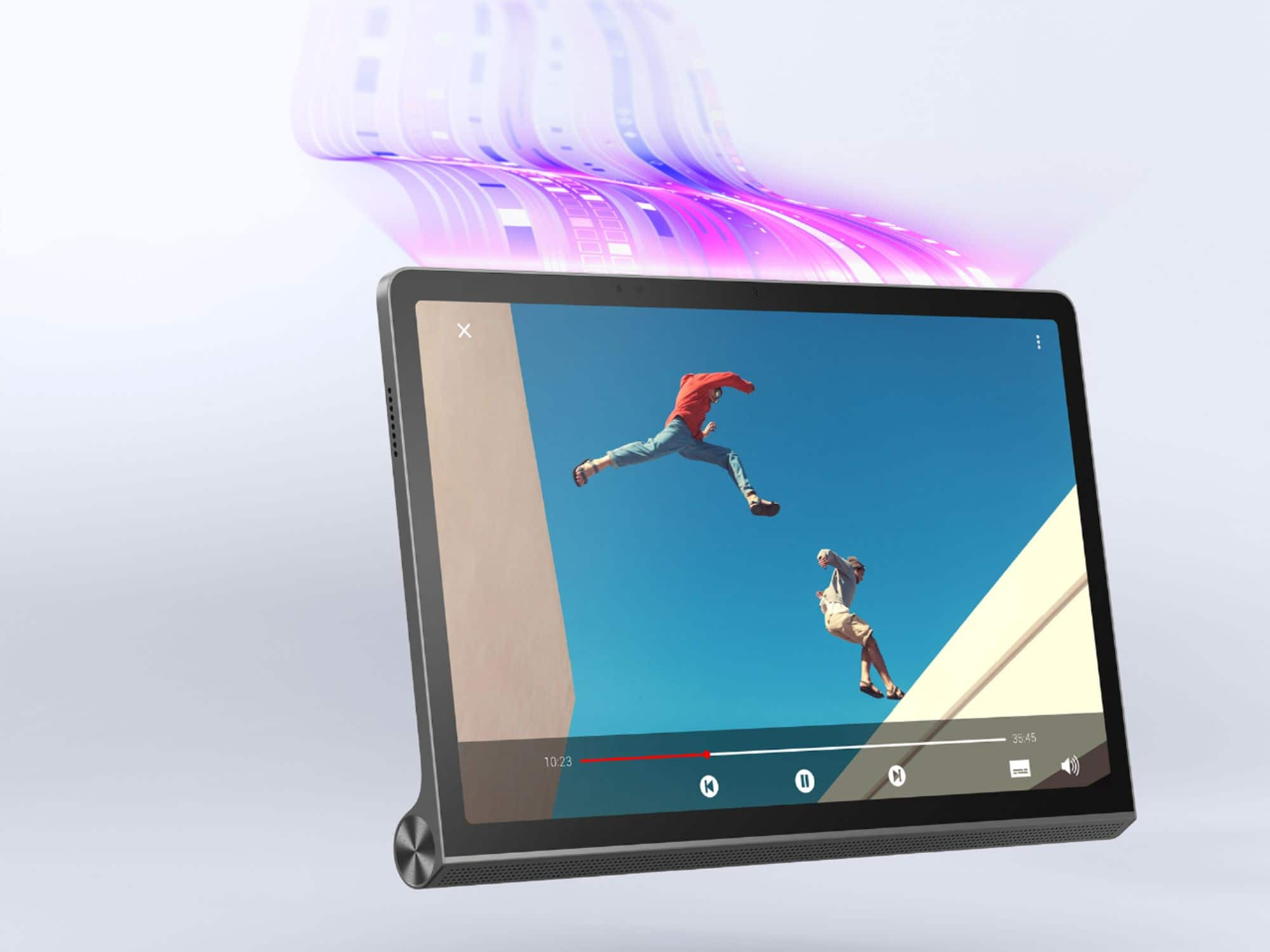
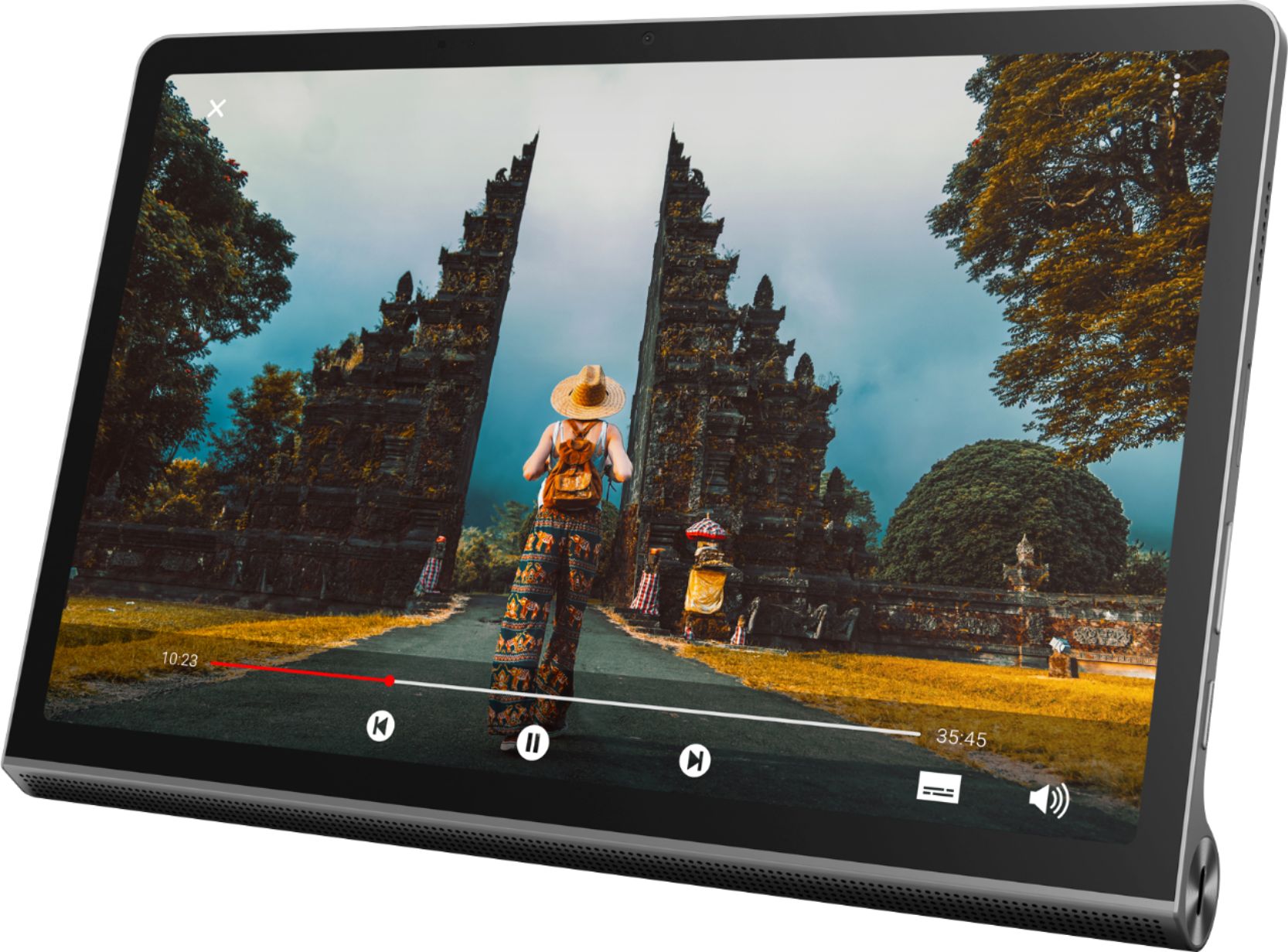
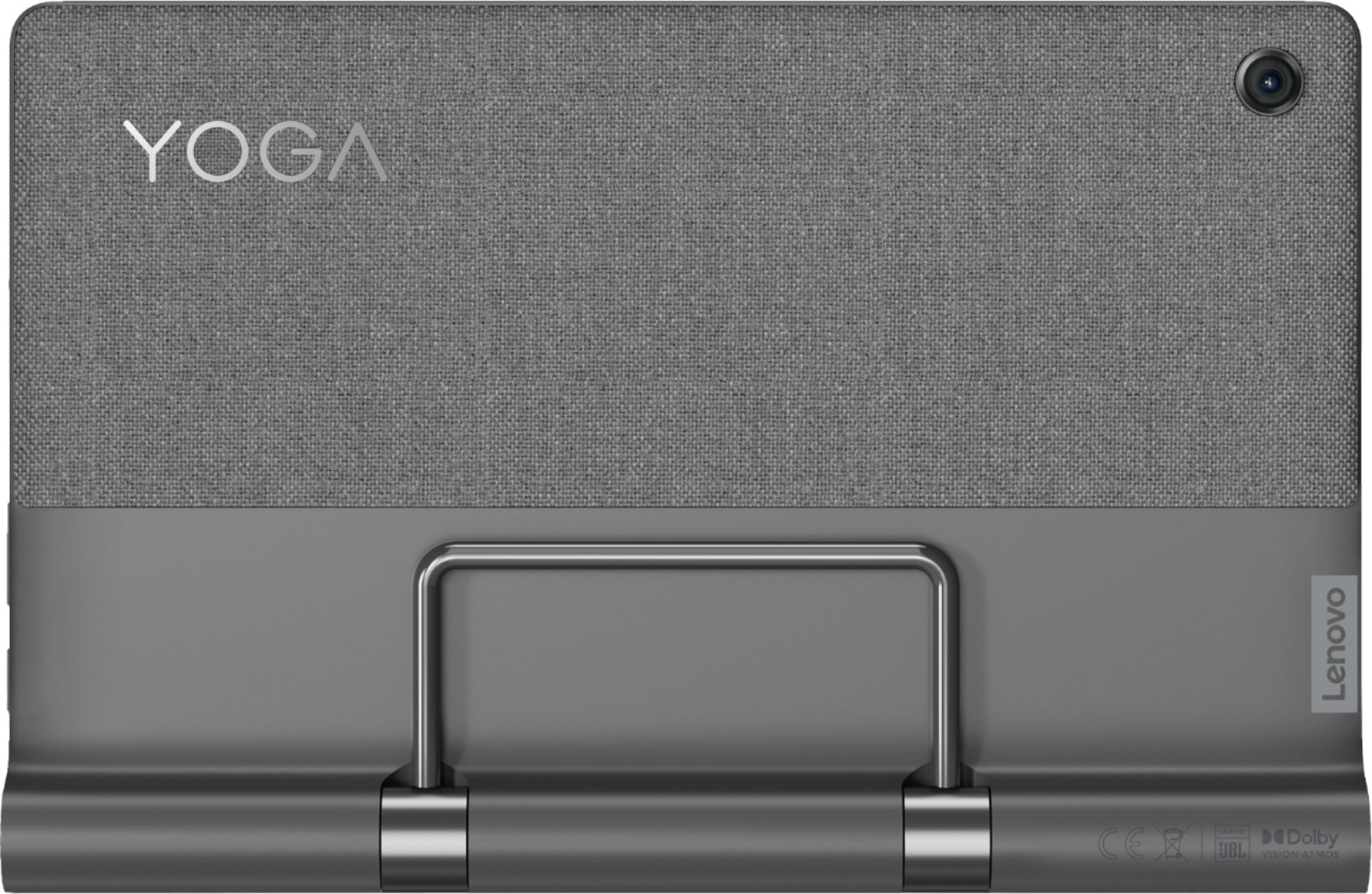
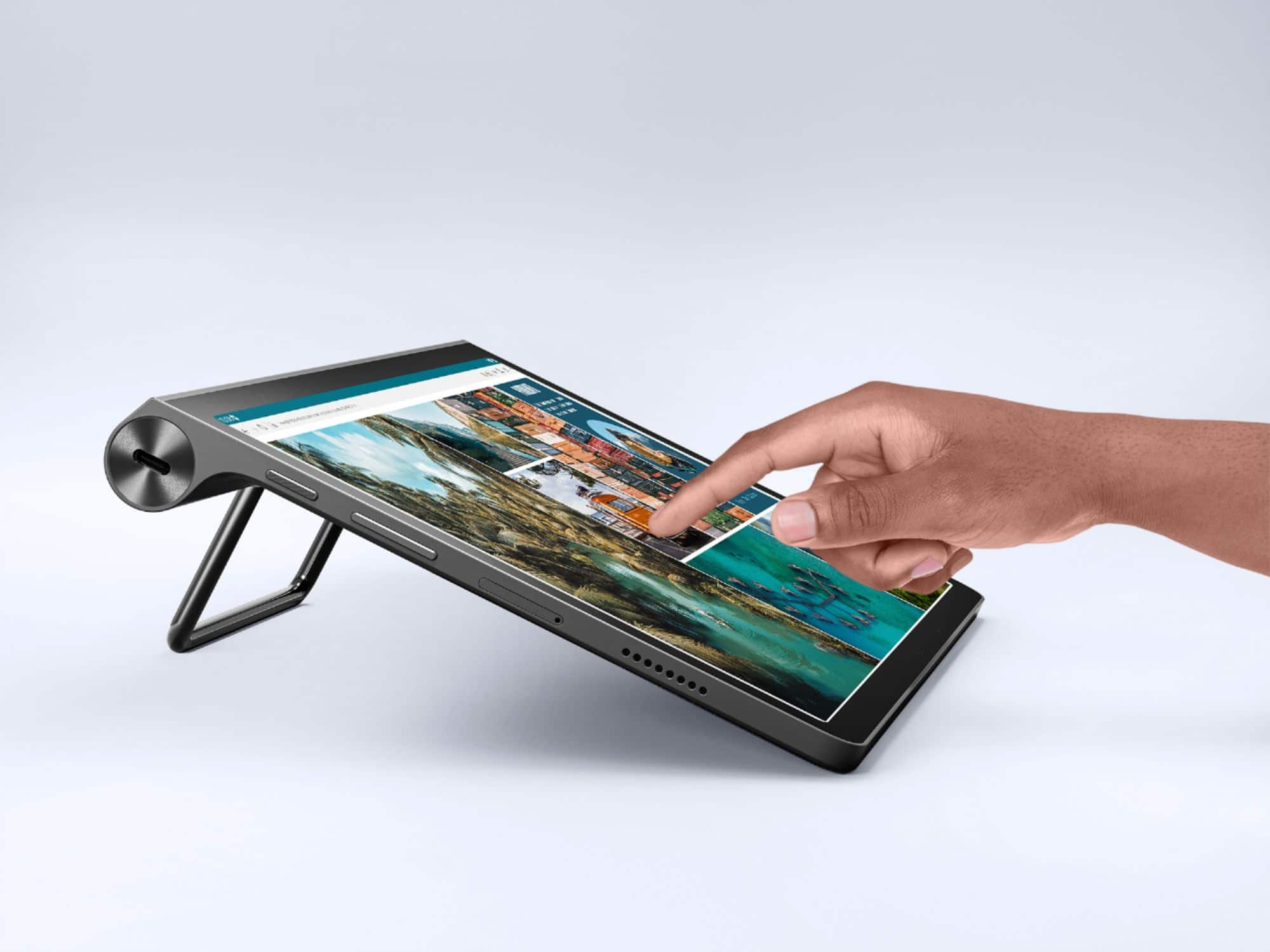
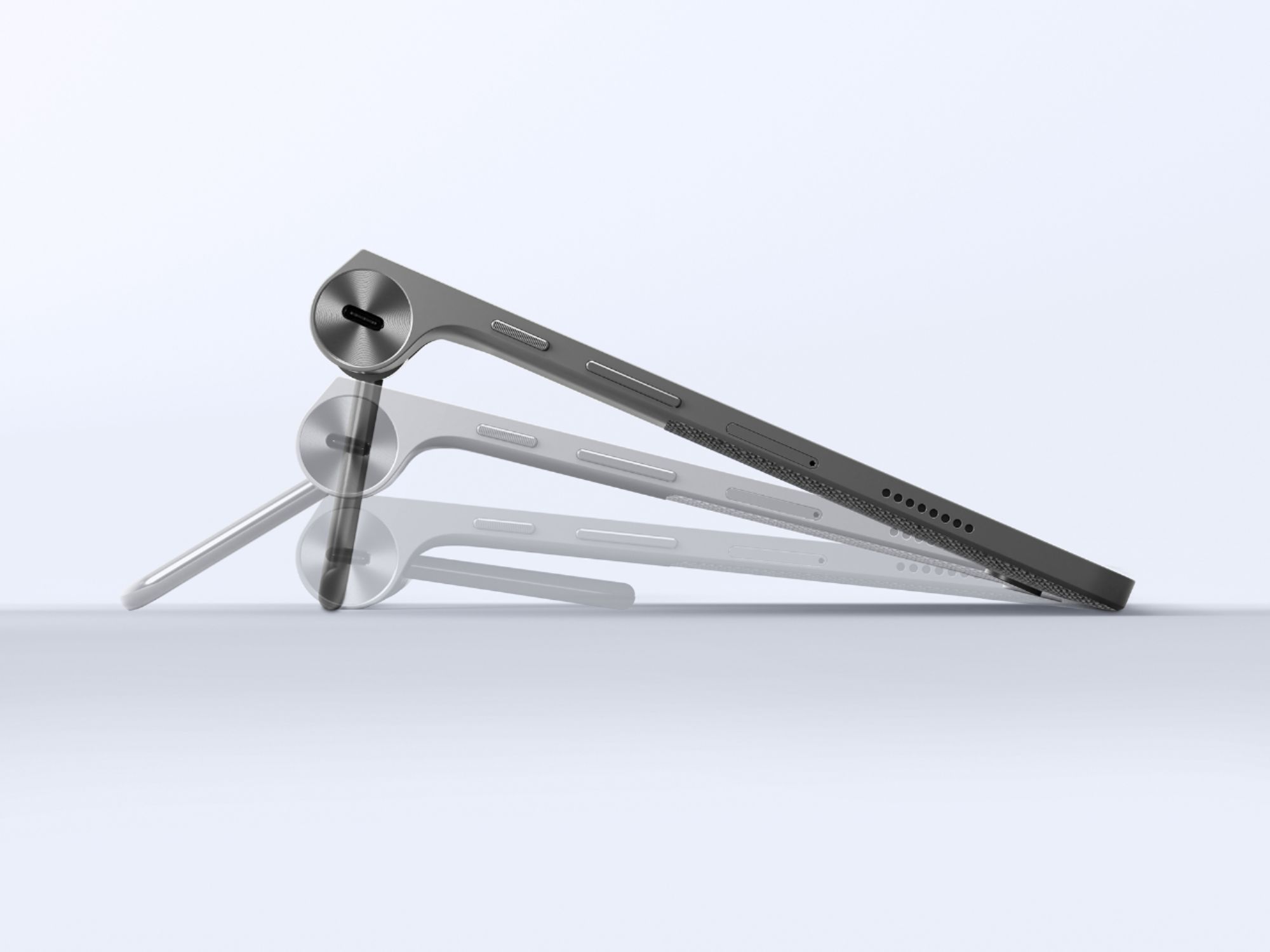
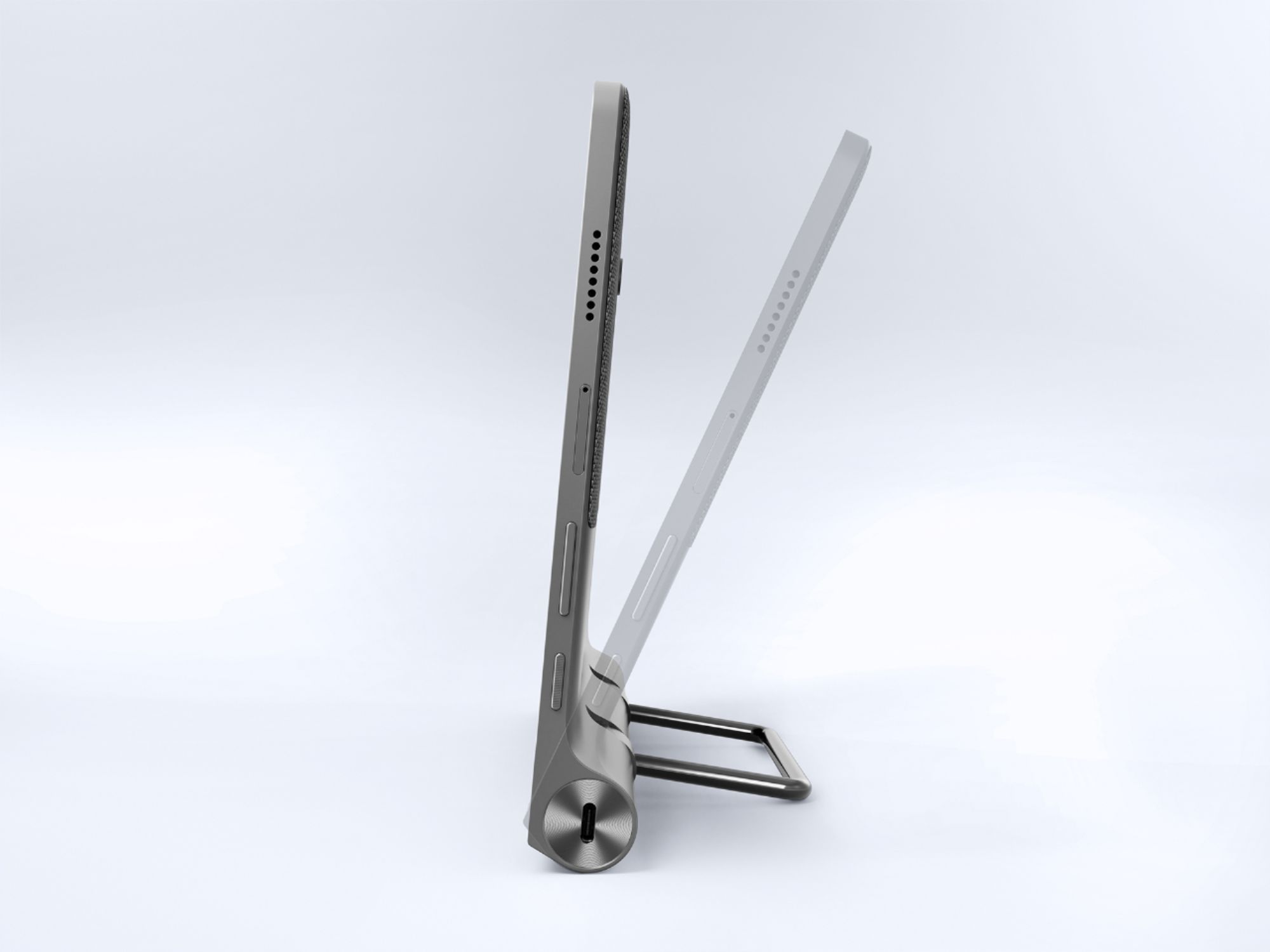
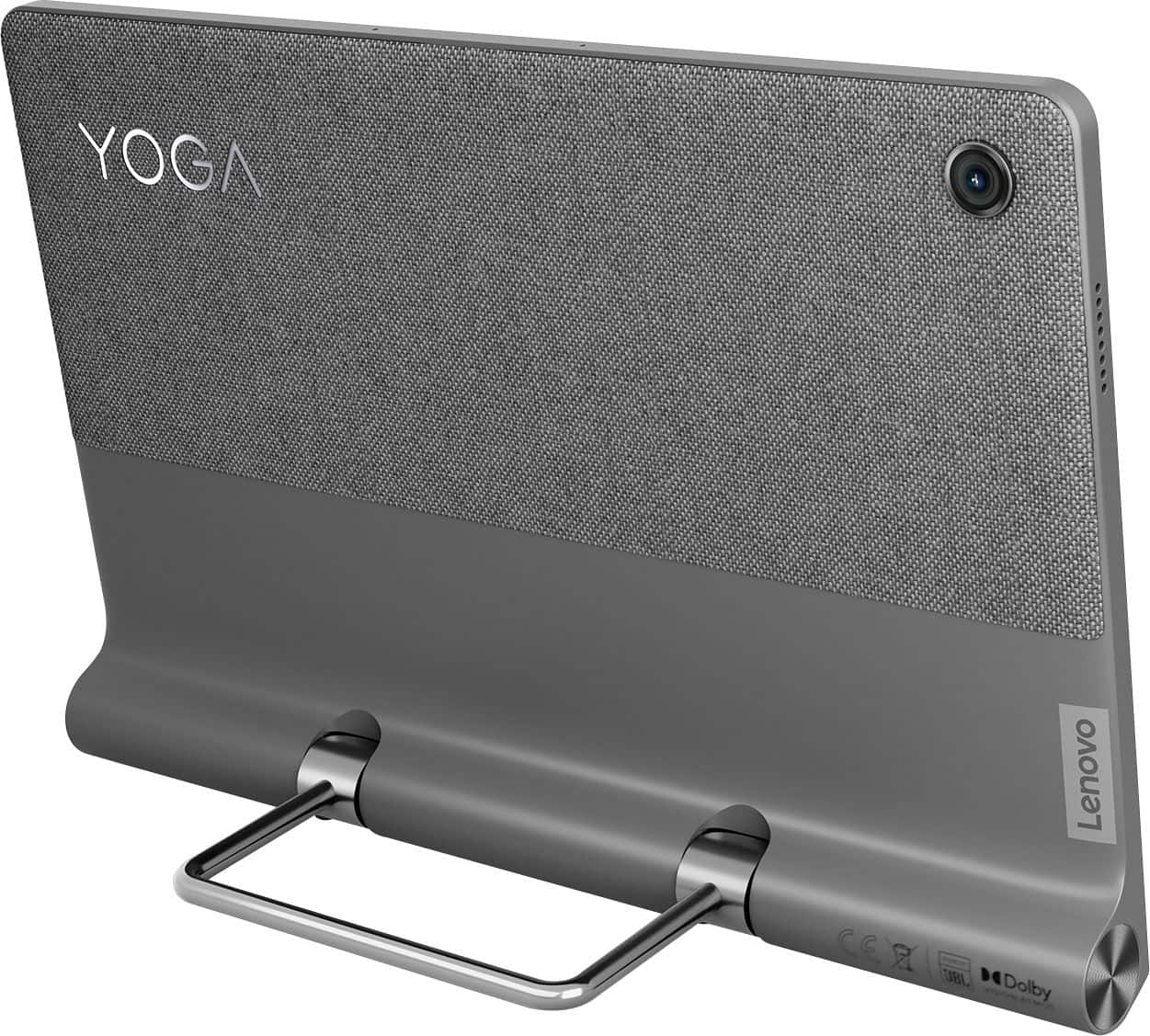
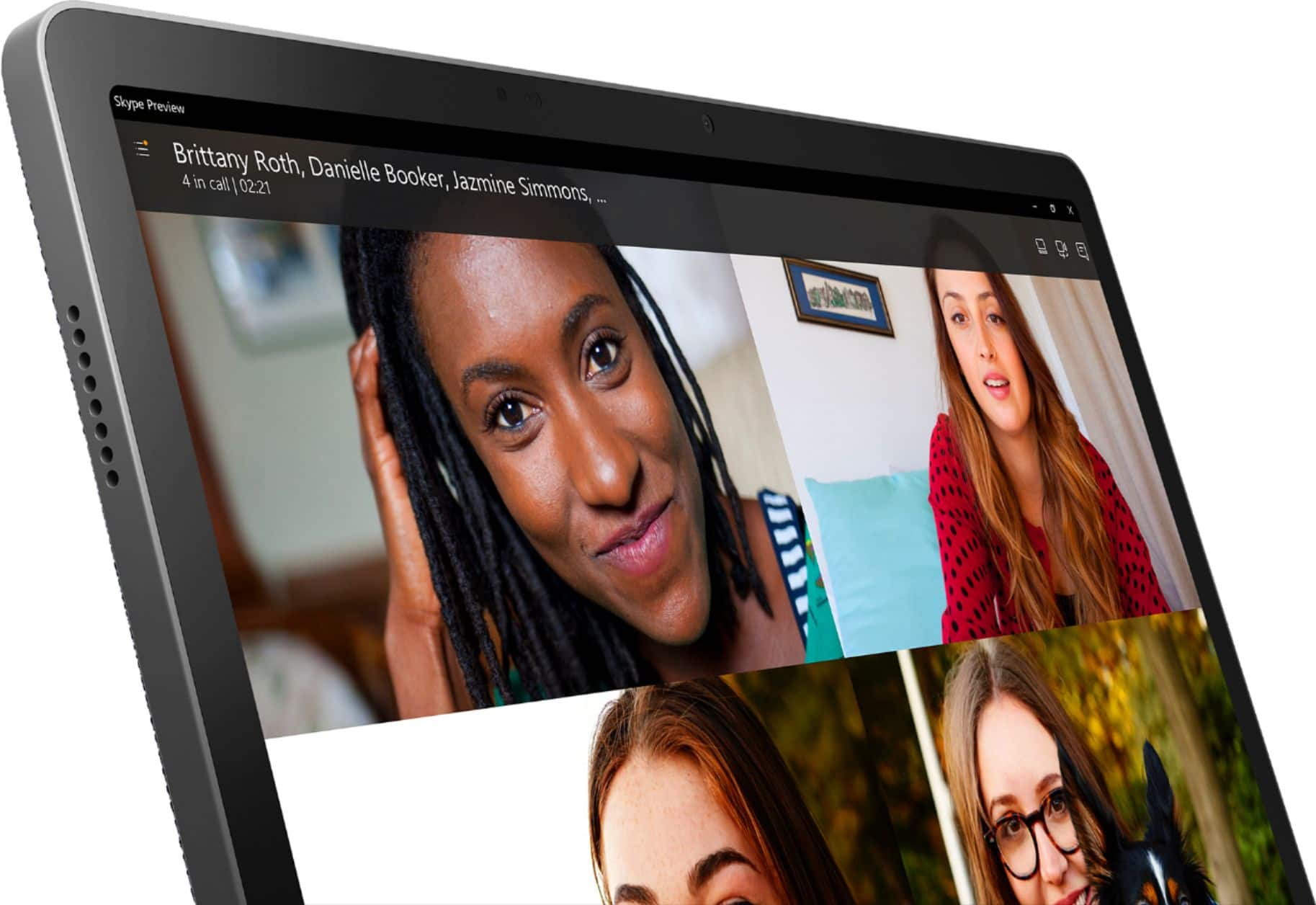
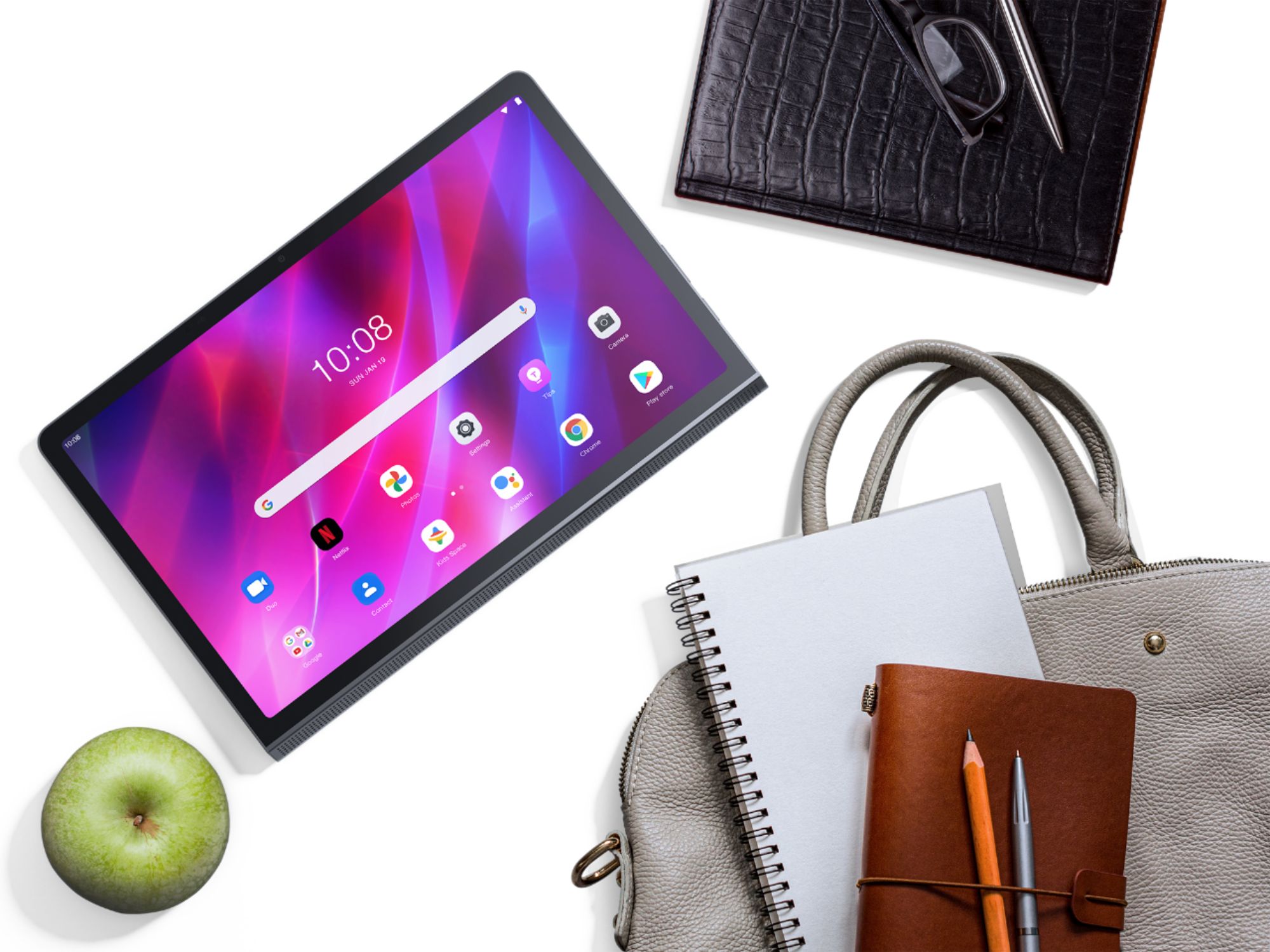
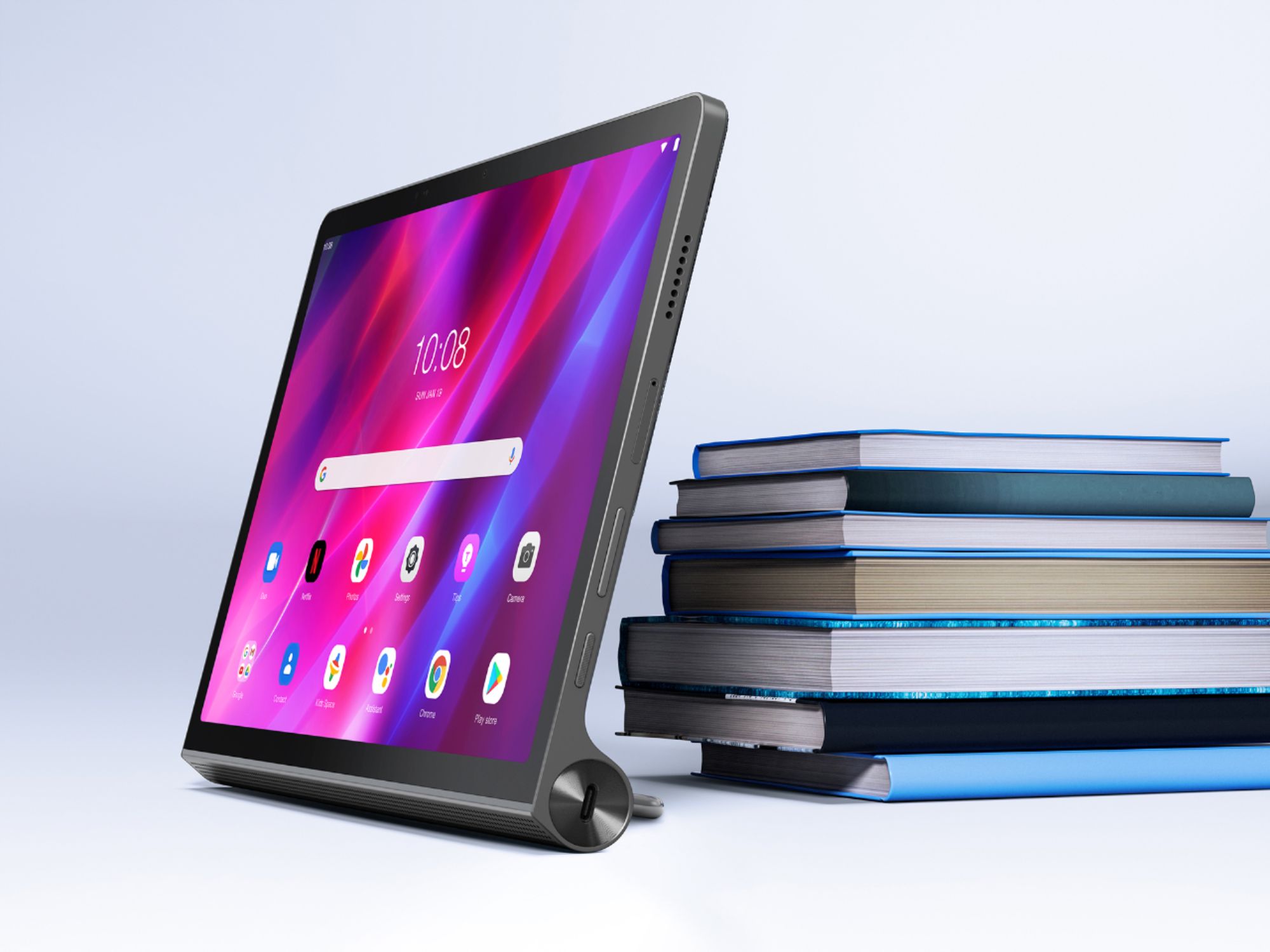
A:AnswerThis Lenovo Yoga Tab 11, model number ZA8W0084US, ships with 1x microSD Card Slot for data expansion. You also could use the apps containing those shows to download them to your device, or use the 1x USB-C® 2.0 (support data transfer and charging) port to transfer media to your device.
A:AnswerNo. This Lenovo Yoga Tab 11, model number ZA8W0084US, ships with 1x USB-C 2.0 (support data transfer, OTG and Power Delivery 2.0) port that does not have video in/out capability.
A:AnswerAbsolutely. These tablets are designed to stream media and they do so exceptionally well. I have the Kindle app on mine and it works flawlessly.
A:AnswerNo. This Lenovo Yoga Tab 11 Tablet, model number ZA8W0084US, ships with the Android 11.0 Operating System installed and is not compatible with the Windows Operating System.
A:AnswerThis Lenovo Yoga Tab 11 Tablet, model number ZA8W0084US, uses 2x2 802.11ac frequency WiFi for connecting to the internet. The Yoga Tab 11 has no cellular/broadband data capability, built in. You can create a WiFi Hotspot with a compatible cell phone, then connect this Yoga Tab 11 to that WiFi signal. We recommend you contact your cellular provider for more information.