A:AnswerYou can access the on-screen keyboard within Android 11 Operating System by following these instructions: https://ostoday.org/android/how-do-i-enable-the-onscreen-keyboard-on-android.html
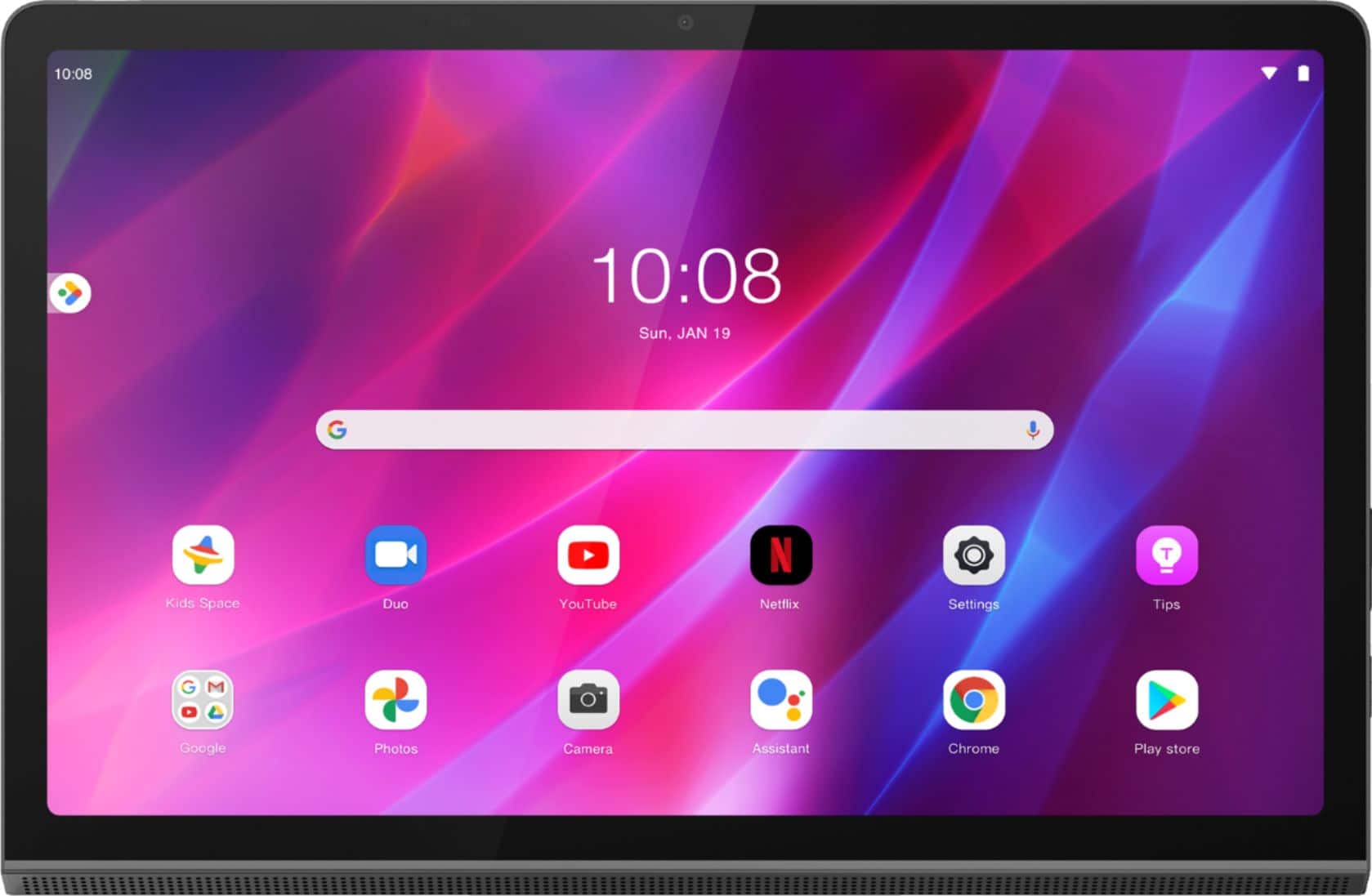
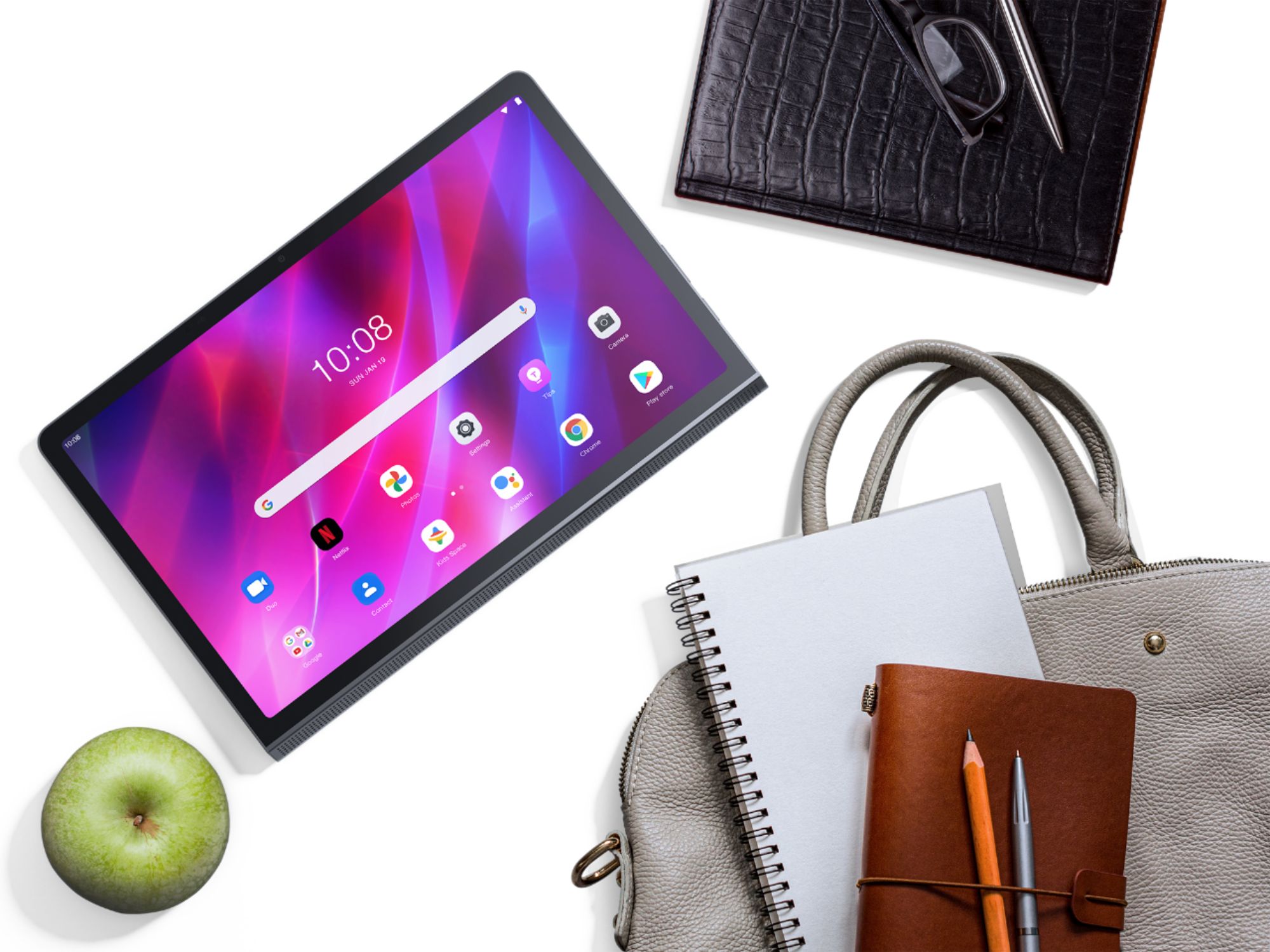
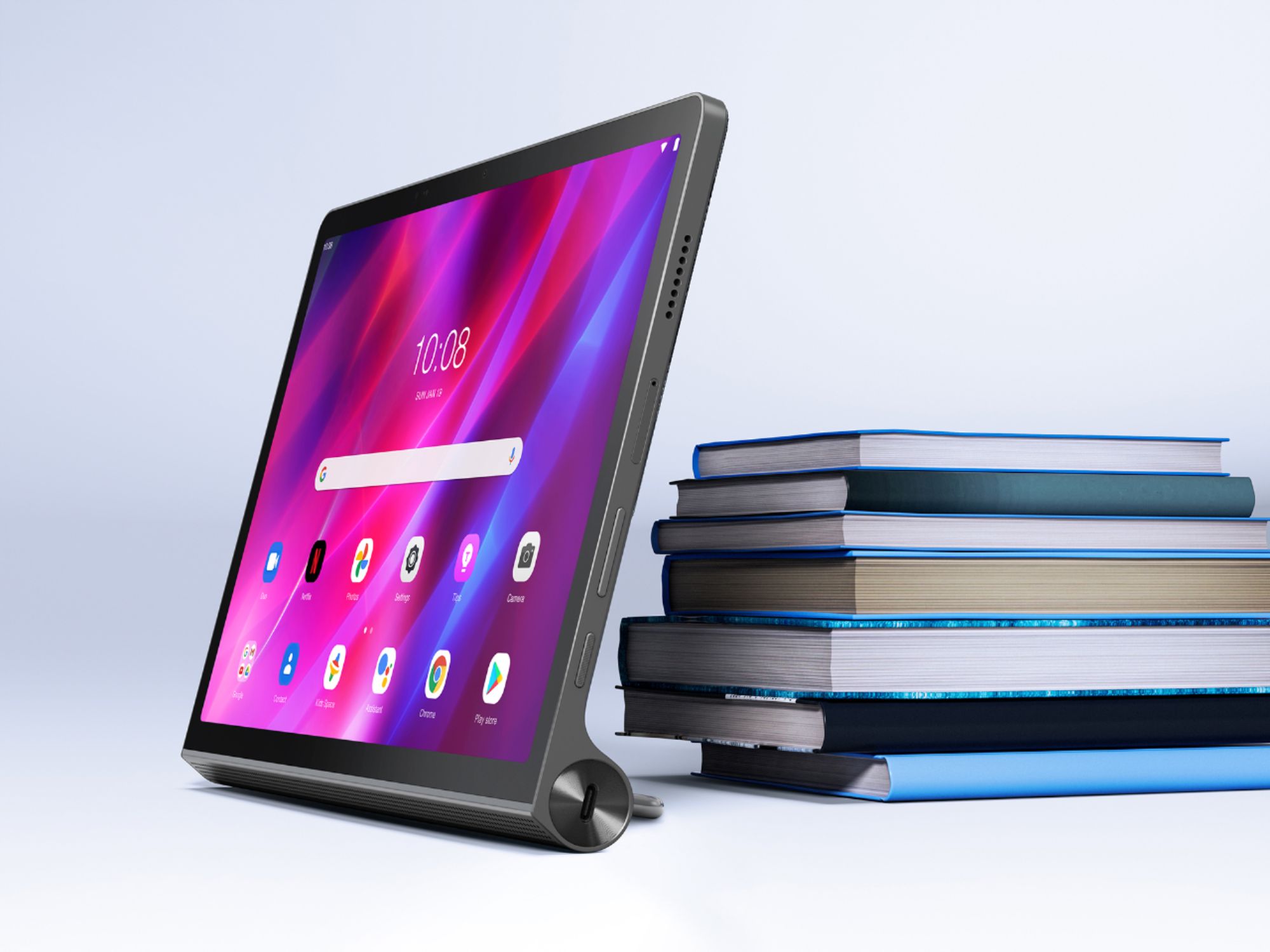
A:AnswerThat will depend on the requirements and compatibility of the specific APP you want to run. This Lenovo Yoga Tab 11 Tablet ships with the Android 11 Operating System and is compatible with Google Play Store APPs. We recommend you check with the specific APPs software publisher's web site for their compatibility with the Android 11 operating system and the minimum/recommended hardware requirements (Is a Graphics card required, the processor speed and the minimum required system RAM and the minimum available hard drive space) to run their program, then compare those requirements to this system's configuration.