A:AnswerI can't think of any reason why it should be. the air discharge from this unit should help keep your tv cool. It doesn't cause any interference with my tv signal.
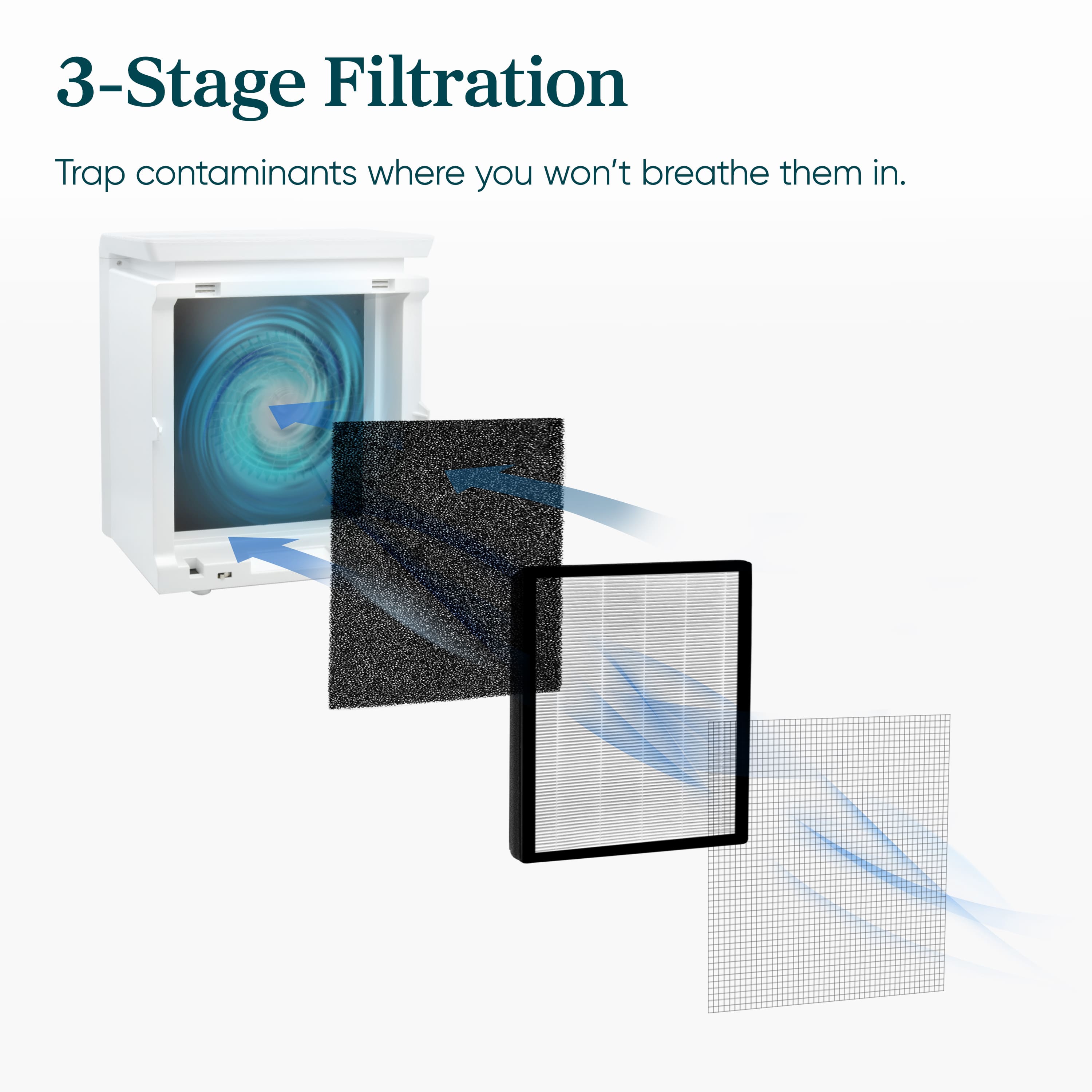
A:AnswerYes, this unit contains a 3-layer filter: the pre-filter, the grade H13 True HEPA filter, and the activated carbon filter. The activated carbon filter will be able to reduce odors and the True HEPA filter is able to capture 99.97% of airborne particles as small as 0.3 microns. We hope this helps!
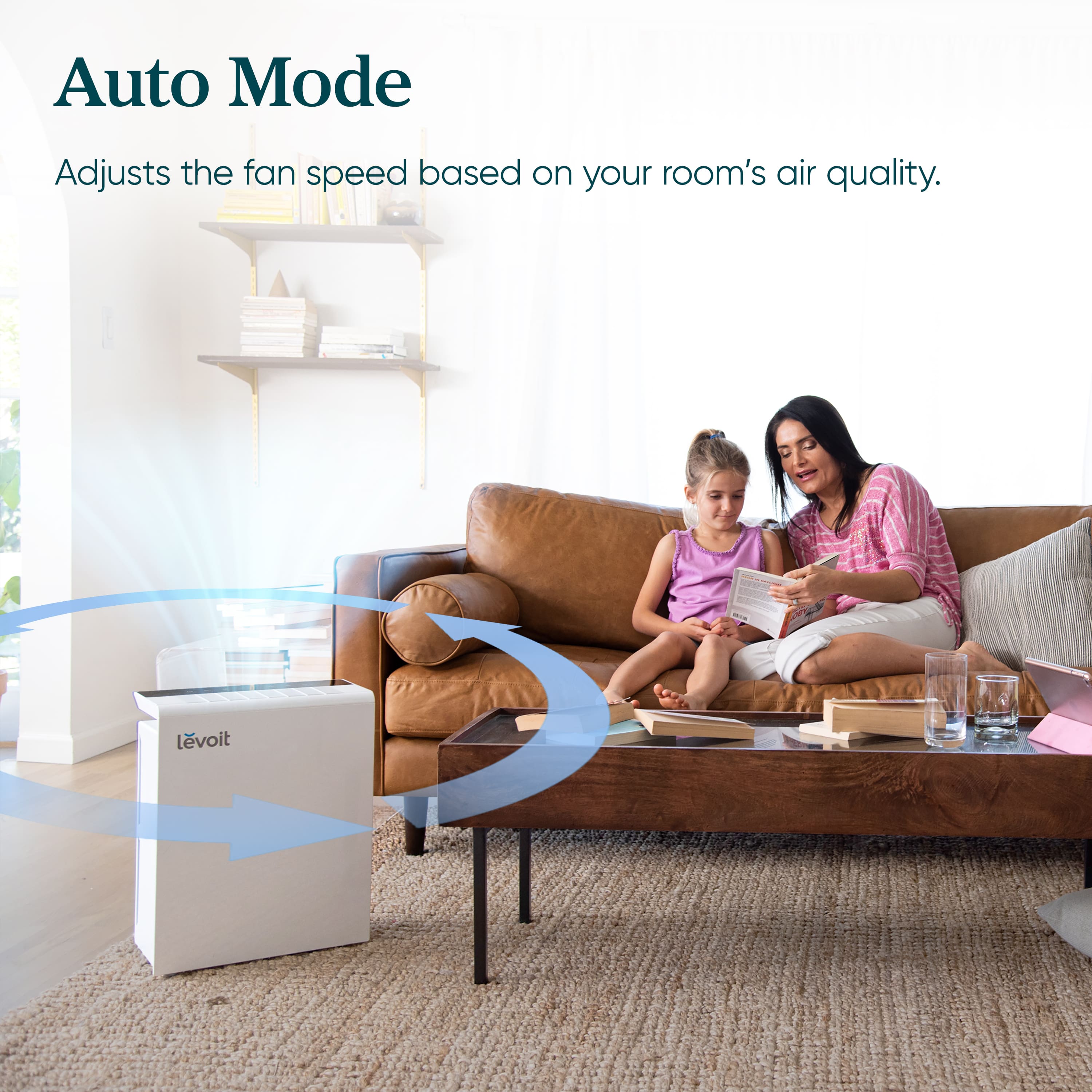
A:AnswerHave let it run nonstop on auto mode since we bought it about a month ago. I can't feel any heat coming from it. Granted our filter life is still at 88% so maybe that will change as we get closer to needing to replace it but for now we couldn't be more happy with it.
A:AnswerAlong with 99.97% of airborne contaminants, this air purifier can help reduce airborne hair and dander from pets. Please note that it will not be able to capture pet hair that has already settled onto a surface. We hope this is helpful!
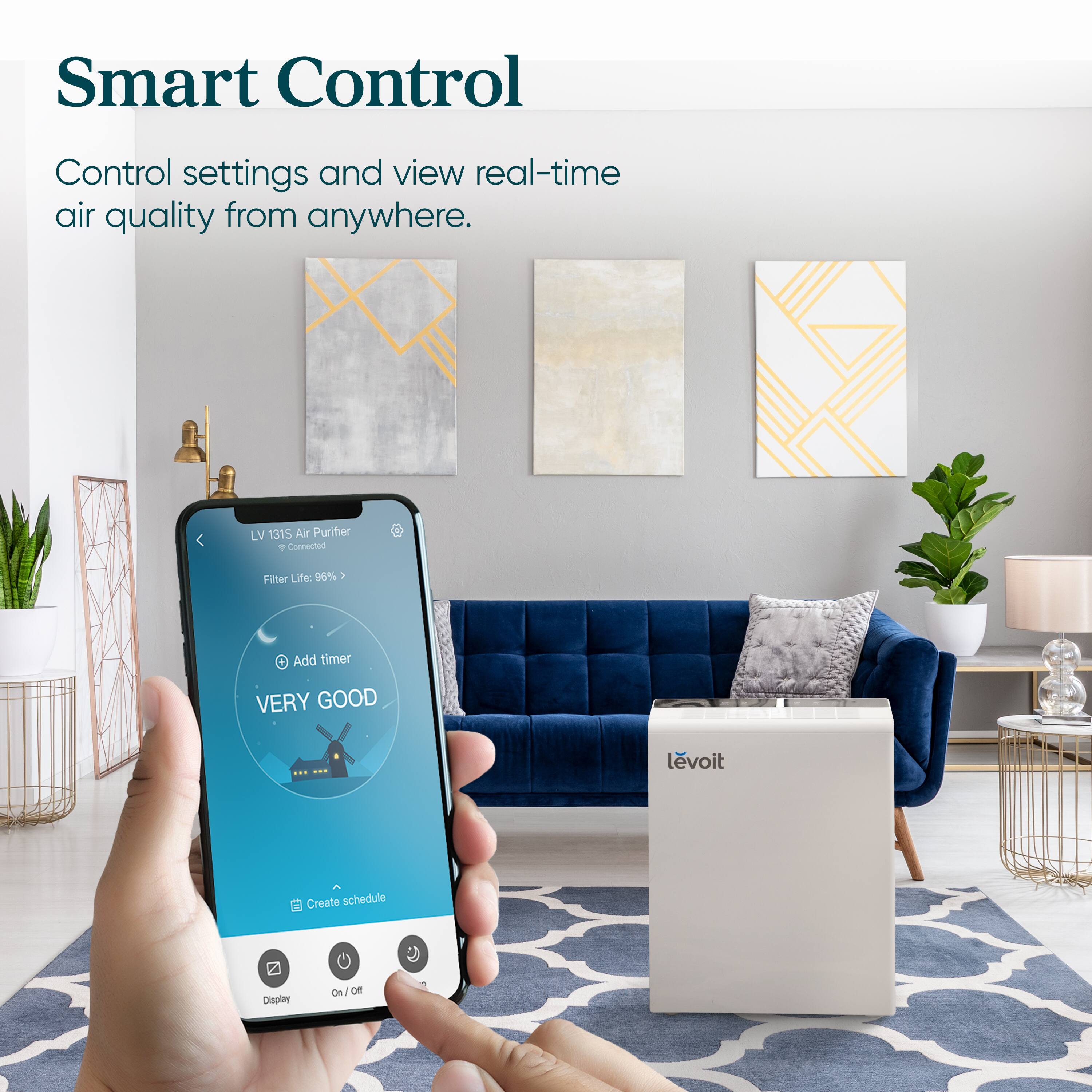
A:AnswerWe are here to help! Kindly make sure of the following:
• During the setup process, you must be on a secure 2.4GHz Wi-Fi network. Confirm that the network is working correctly.
• Make sure the Wi-Fi password you entered is correct.
• If you’re manually typing in the SSID and password, double-check that both are entered
correctly.
• Try moving your air purifier closer to the router. Your phone should be as close as possible
to your air purifier.
• Your router may need to be at a higher location, away from obstructions.
• Make sure your air purifier and router are away from appliances (such as microwave ovens,
refrigerators, electronic devices, etc.) to avoid signal interference.
• If you’re using a VPN, make sure it’s turned off while setting up your air purifier.
• Disable portal authentication for your Wi-Fi network. If portal authentication is enabled, the air purifier will not be able to access your Wi-Fi network, and the setup will fail.
We hope this helps!
A:AnswerOne of the filters is activated charcoal; I'm not sure whether that would eliminate formaldehyde as this is a particulate filter. I would check with the manufacturer, as formaldehyde and other chemicals do not induce a situation where you want to spend a lot of time without thorough and careful disbursement of the byproducts you have described. The EPA may have links that would address your situation.
A:AnswerYes, the activated carbon filter will be able to capture odors and VOCs, and the Grade H13 True HEPA filter will be able to capture 99.97% of airborne contaminants 0.3 microns in size. We hope this helps!
A:AnswerThe activated carbon filter will help capture smoke particles in the room. For best results, we recommend using the unit in a closed space. We hope this helps!
A:AnswerThe Filter cost about $35 each. I found on Amazon or EBay at a better price. Haven’t used or changed the filter yet. The unit is still at about 95 percent. They recommend about 5-6 for filter change. Could be sooner or later. Depending on how dirty the filter gets.
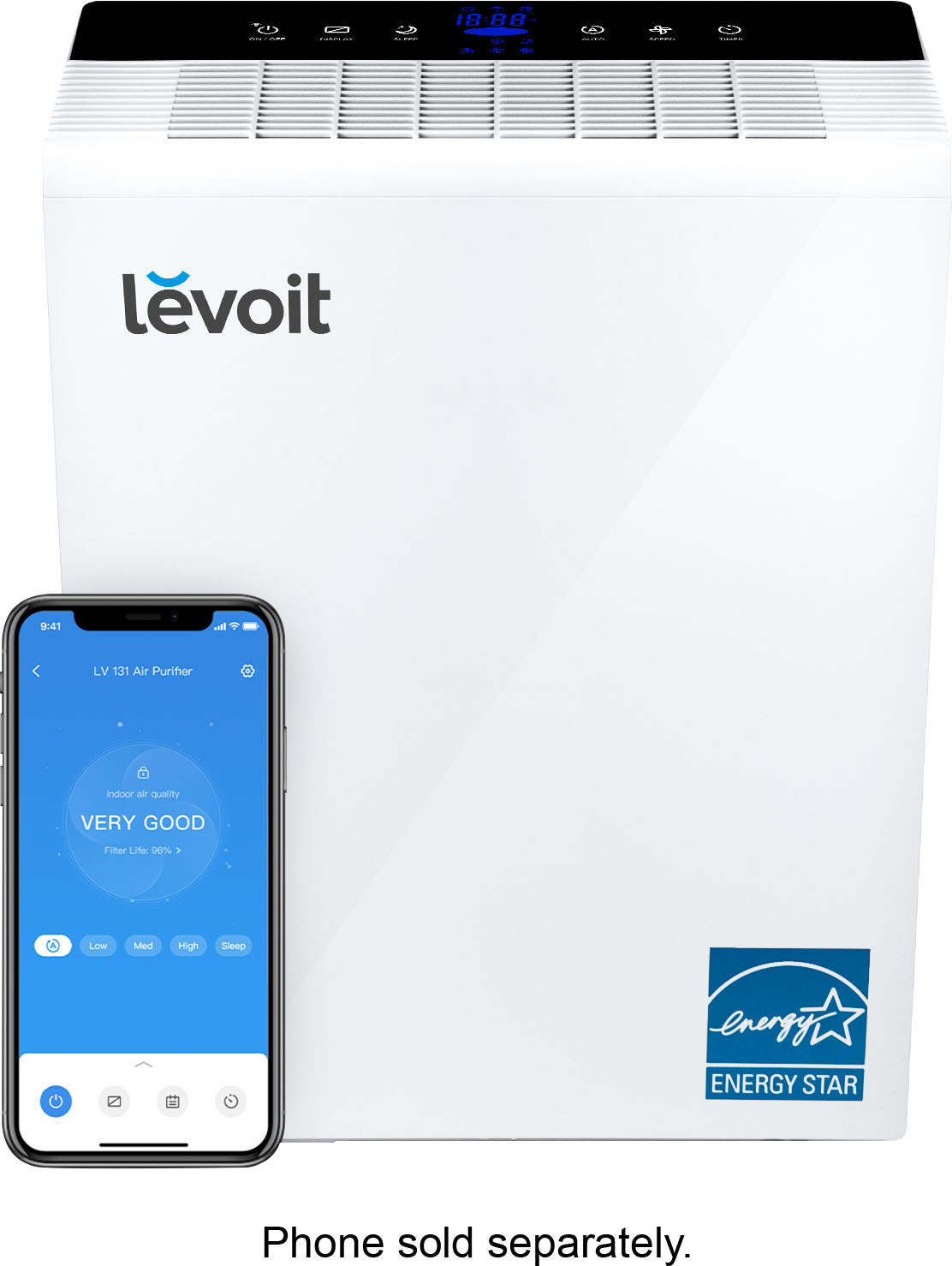
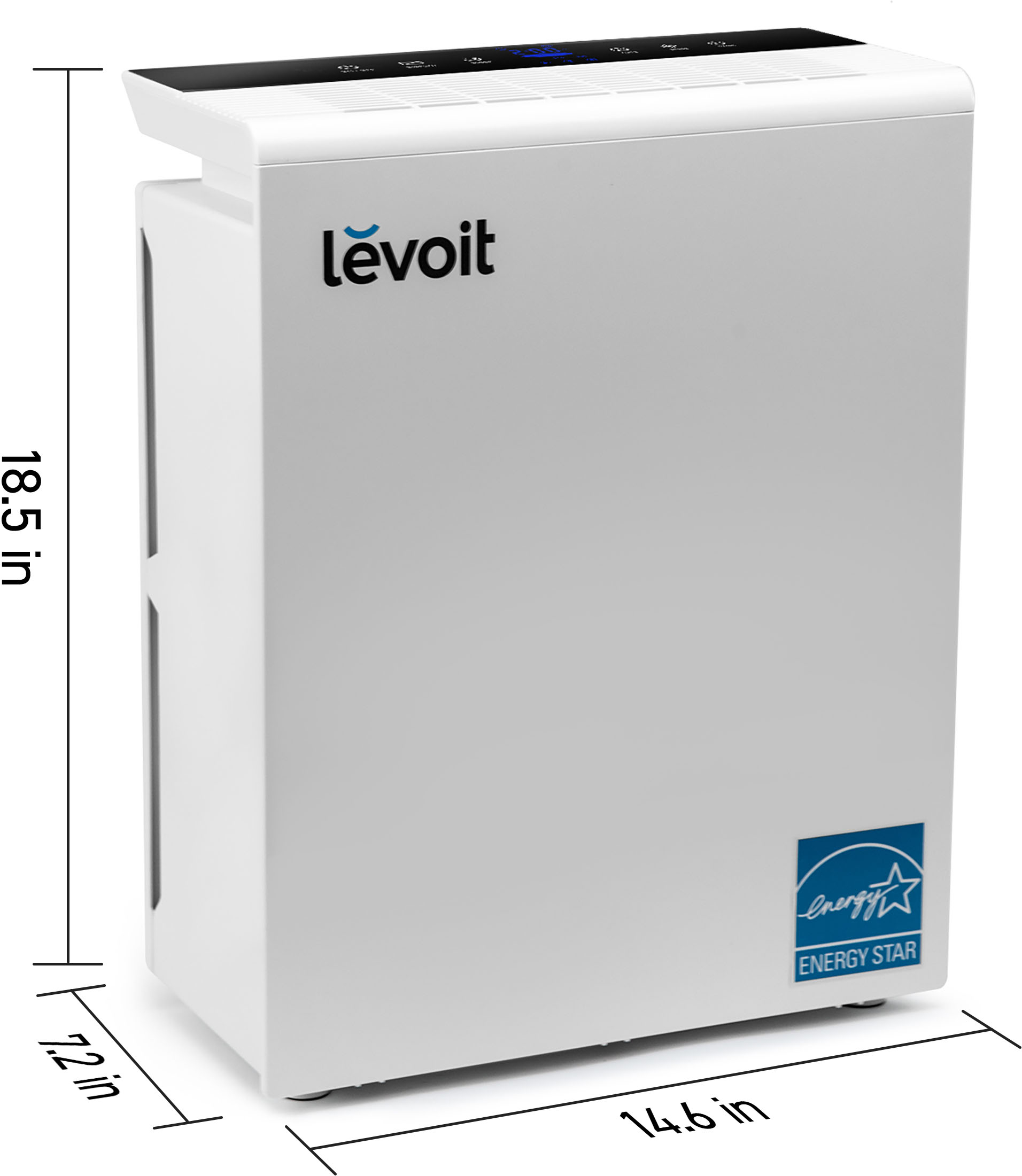
A:AnswerThe manufacturer and Best Buy claim it is Energy Star certified. However, this device (everything from Levoit, actually) is not featured on the energystar gov website.
I ran into the same issue trying to claim a rebate from Dominion. I wrote energystar gov and spoke with a Dominion rebate rep. None of us can figure out how/why companies can claim/publish Energy Star without proof/being listed on the gov site.
TLDR I'll no longer buy an energy star unit unless it can be found on the energystar gov site.
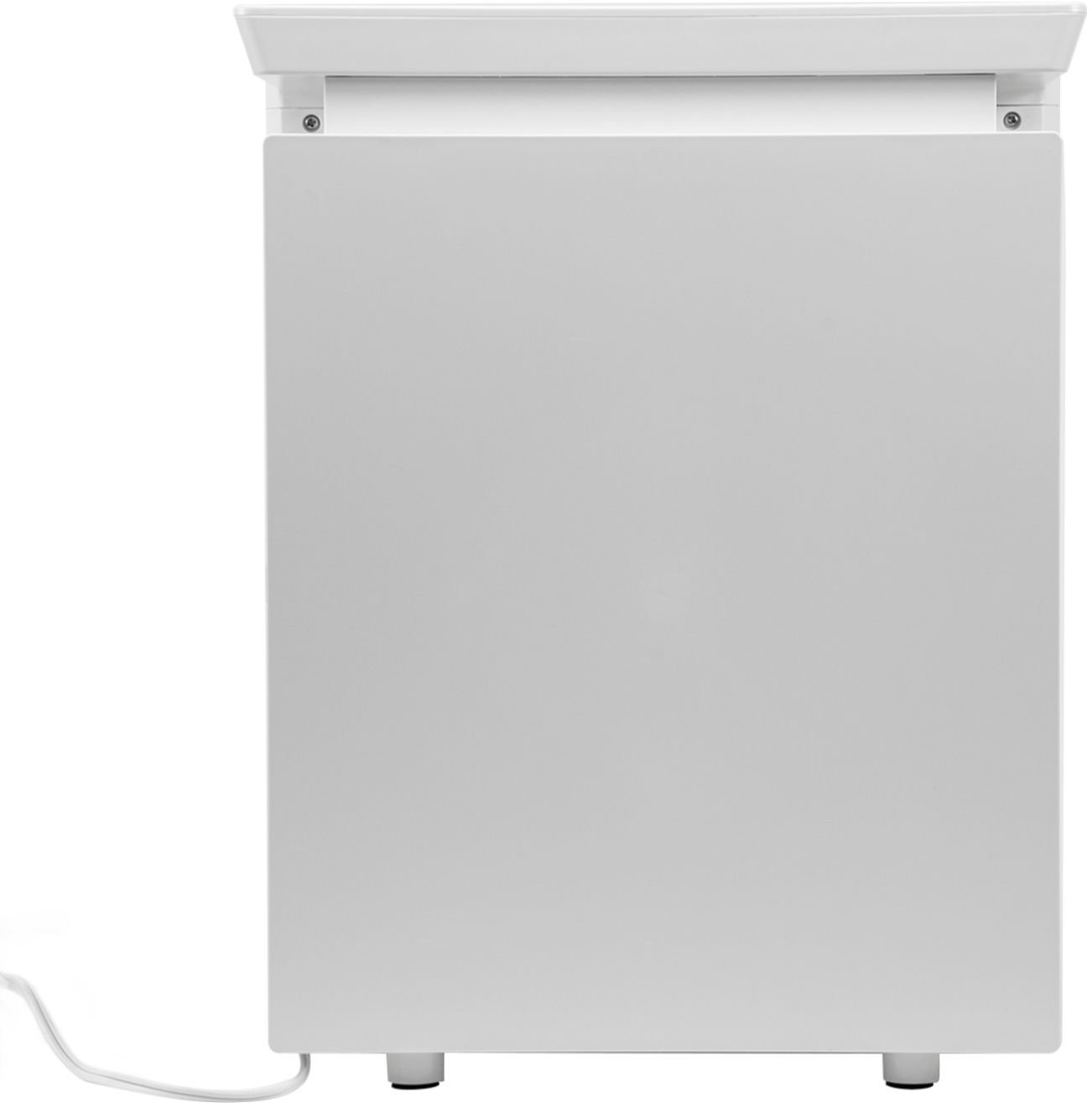
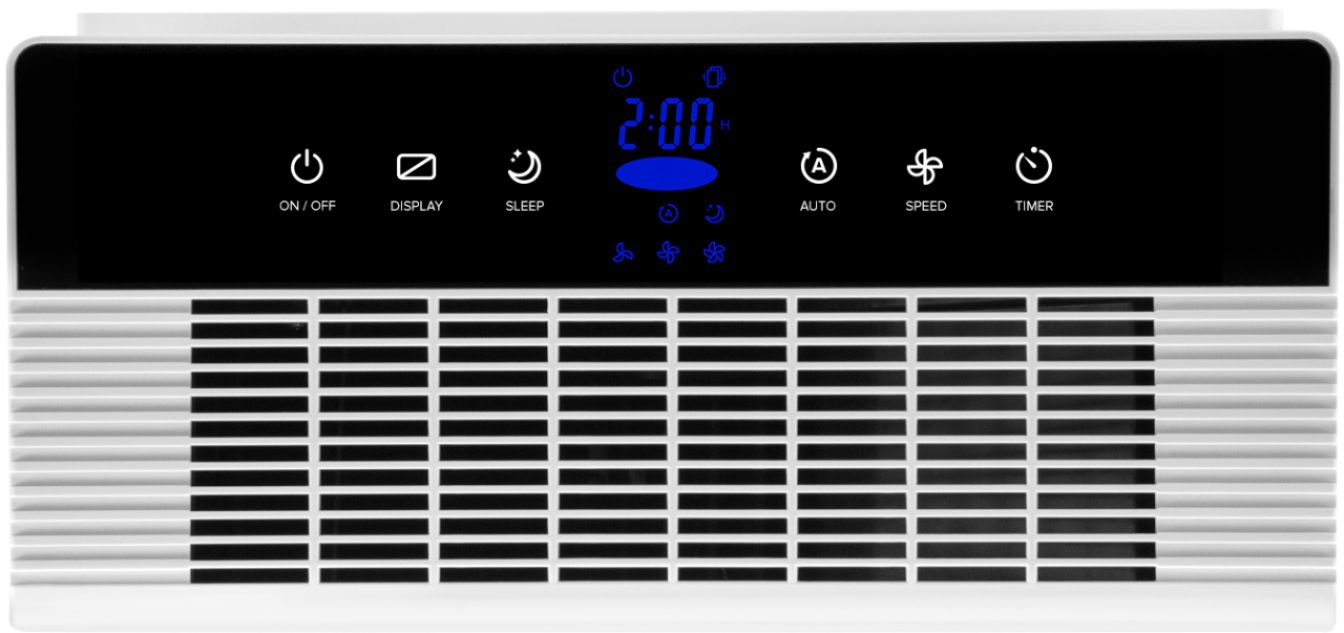
A:AnswerThat should work. The air inlet and outlet vents are on the sides and top of the unit. The front is a solid piece of plastic and has no controls or vents to be blocked if you lay it down on its face (front).