A:AnswerIt depends on the connection that you have on the TV. I tried to hook up a sound bar to an old Insignia TV and it only had connections for a headphone type connection.
A:AnswerPlease contact LG Customer Support so that we can better investigate your issues with your soundbar and assist you towards a resolution. You can contact our Customer Support by any of the below options:
Phone: 1-800-243-0000
LiveChat: https://www.lg.com/us/support/chatbot
Email: https://www.lg.com/us/support/email-appointment
Facebook Messenger: https://www.facebook.com/LGUSA/
Twitter: @LGUSSupport
The LG Community Forum is also a great resource for getting help from other LG customers: https://lgcommunity.us.com/
A:AnswerYes you can if you go through the 3.5 mm jack with a transmitter. I'd reccomend Magnolia to find a Bluetooth transmitter with solid range and can connect to multiple devices
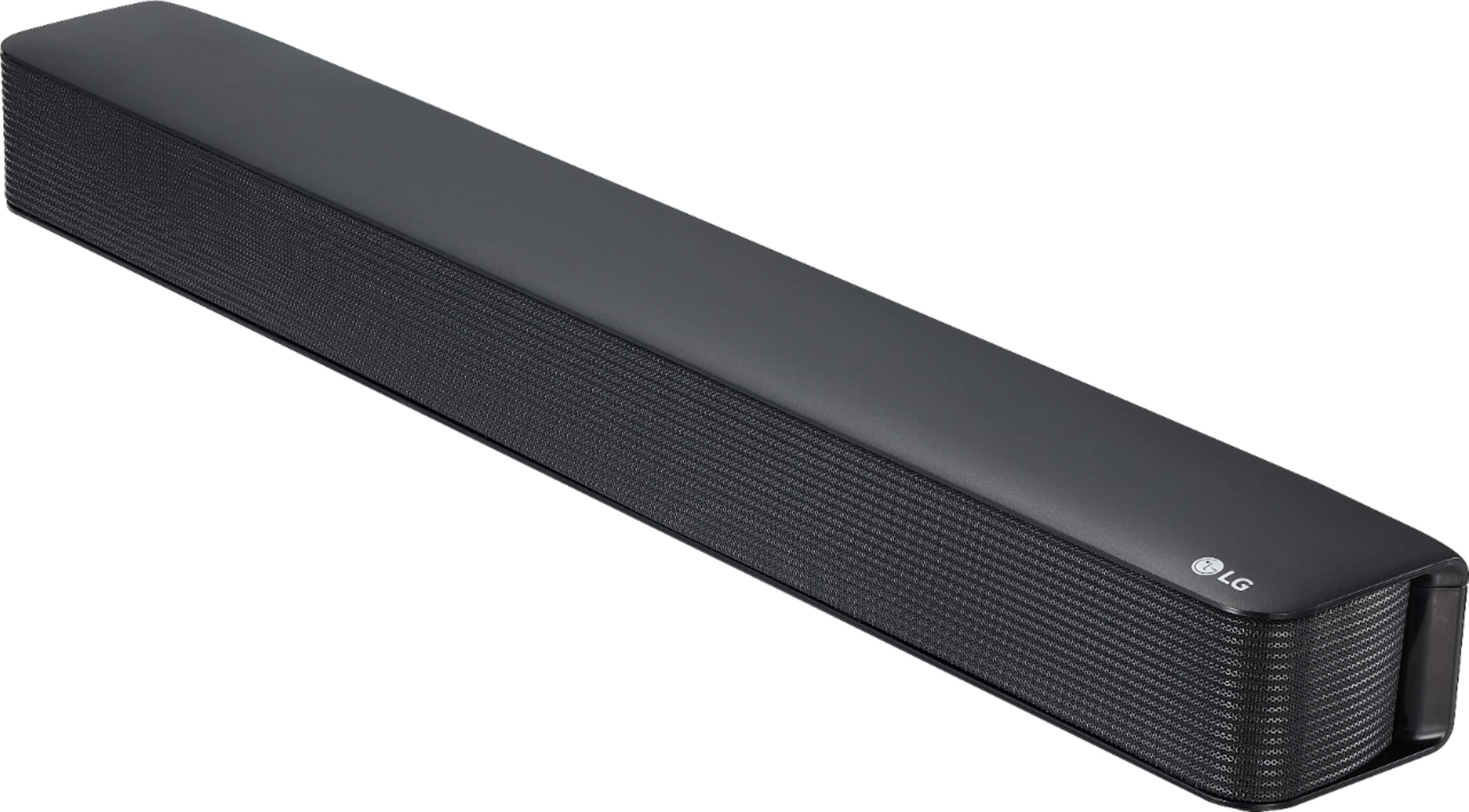
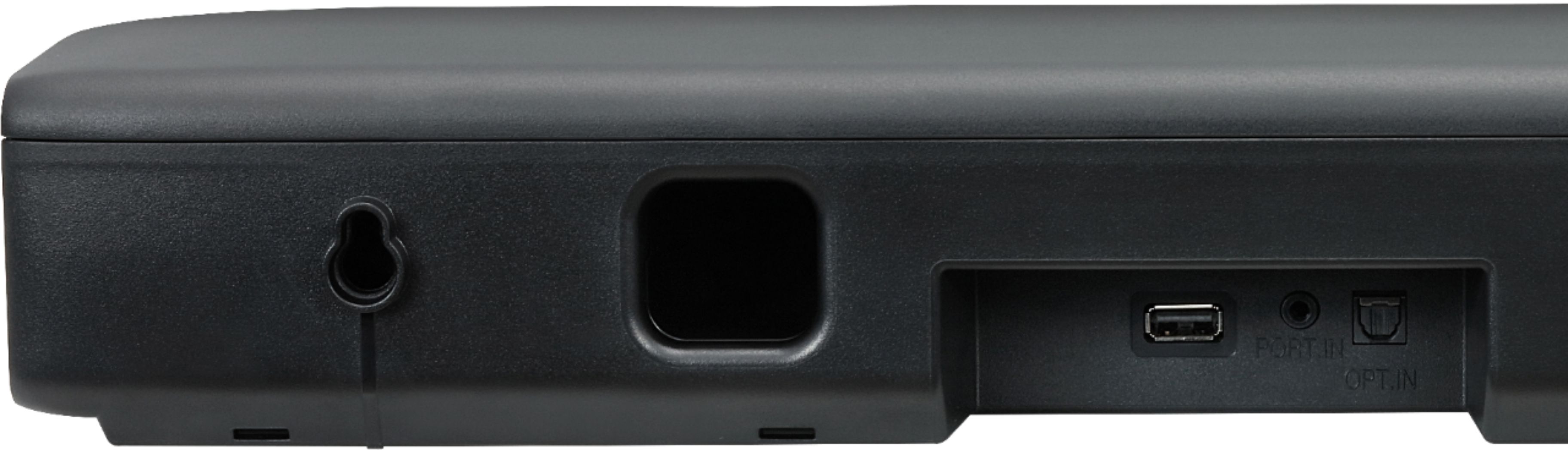
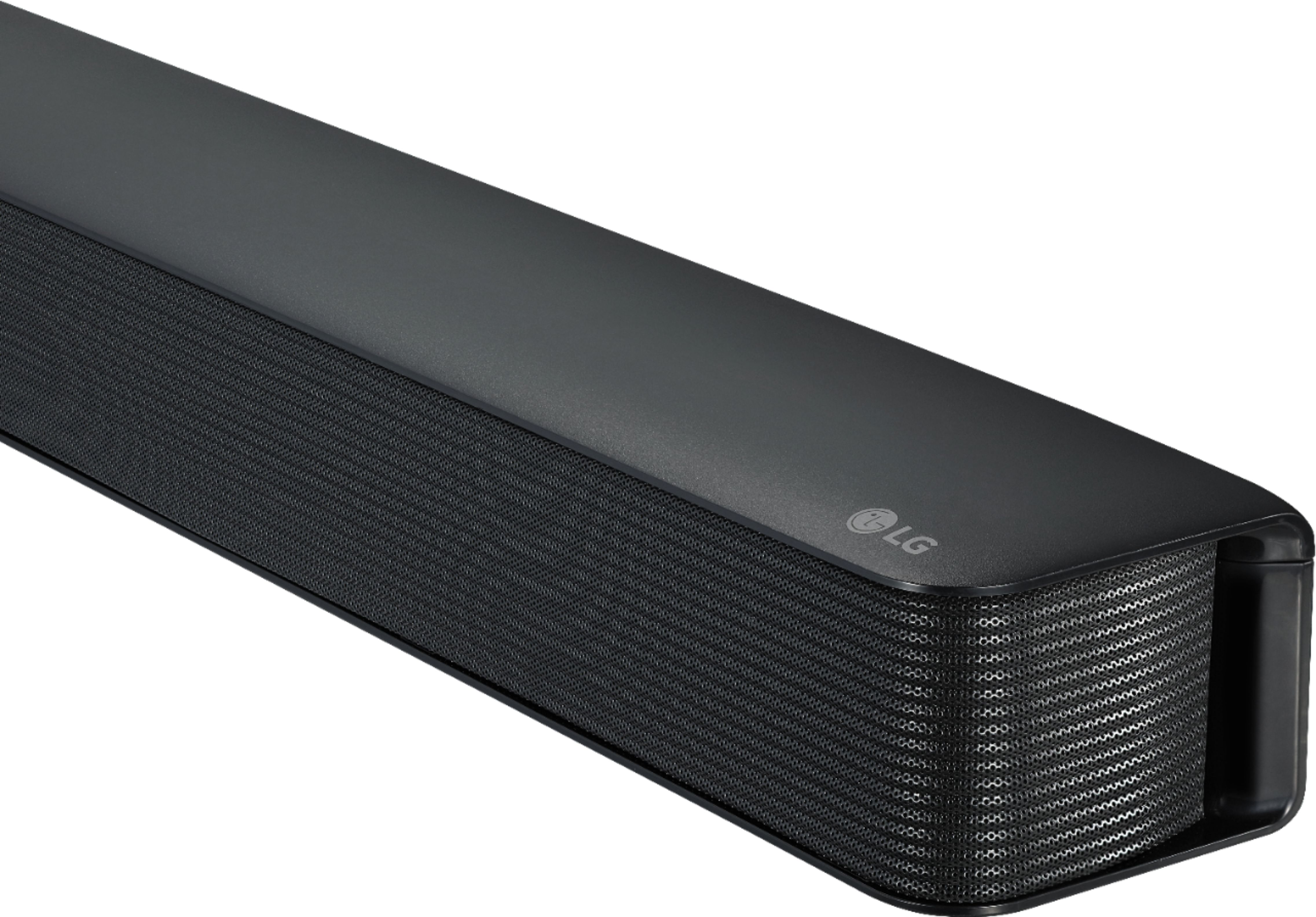
A:AnswerThe LG - 2.0-Channel Soundbar with 40-Watt Digital Amplifier - Black, Model # SK1 supports Bluetooth® Connectivity so if your TV supports Bluetooth®, you can pair it with the Soundbar to stream audio wirelessly. The Soundbar also has an Optical Digital Audio Input on it so if your TV does not support Bluetooth® but has an Optical Digital Audio Output on it, then you can connect the ports with an optical (Toslink) cable. If the TV only has the older Analog RCA Stereo Audio Outputs (Red/White barrel ports) on it, you can connect those to the AUX IN (3.5 mm) port on the Soundbar with a stereo to mini stereo RCA cable. If you are in need of any assistance, have additional questions, or would just like to see our helpful tips, check us out on Twitter @LGUSSupport Facebook https://www.facebook.com/LGUSA/ or you can give us a call at 800-243-0000. ^CP
A:AnswerThe LG - 2.0-Channel Soundbar with 40-Watt Digital Amplifier - Black, Model # SK1 supports Bluetooth® Connectivity so if your TV supports Bluetooth®, you can pair it with the Soundbar to stream audio wirelessly. The Soundbar also has an Optical Digital Audio Input on it so if your TV does not support Bluetooth® but has an Optical Digital Audio Output on it, then you can connect the ports with an optical (Toslink) cable. If the TV only has the older Analog RCA Stereo Audio Outputs (Red/White barrel ports) on it, you can connect those to the AUX IN (3.5 mm) port on the Soundbar with a stereo to mini stereo RCA cable. If you are in need of any assistance, have additional questions, or would just like to see our helpful tips, check us out on Twitter @LGUSSupport Facebook https://www.facebook.com/LGUSA/ or you can give us a call at 800-243-0000. ^CP
A:AnswerAiden,
I bought the LG soundbar at Best Buy. The electric cord obviously plugs into the wall. The "optical" cord has matching square ends on each end of the three foot cord. One of those square ends goes into the back of the soundbar; the other goes into the optical port on the back of the TV. I plugged the "optical" cord into both a non-smart Vizio, and into a new Samsung smart TV. So, I guess the answer to your question is that your LG box should contain a separate three foot cord for this purpose.
A:AnswerThe remote control of the SK1 can control your TV's power as well as the volume. It cannot change the channel however. Your TV's remote control may be able to control the volume of the soundbar as described on page 17 of the owner's manual https://www.lg.com/us/support-product/lg-SK1#manuals ^CP
A:AnswerWe are sorry to see you are experiencing issues with the audio on your SK1 and we would be happy to see what is causing this to happen. Please take a moment, at your convenience, to contact us directly via Twitter @LGUSSupport or Facebook https://www.facebook.com/LGUSA/ or you can give us a call at 800-243-0000. ^CP