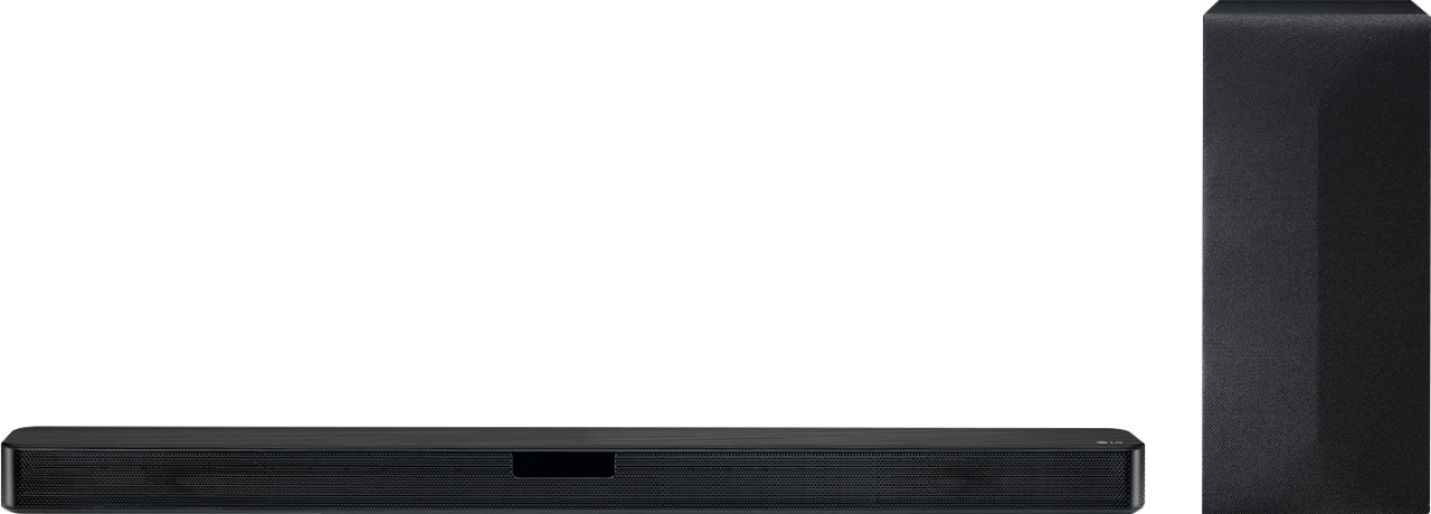
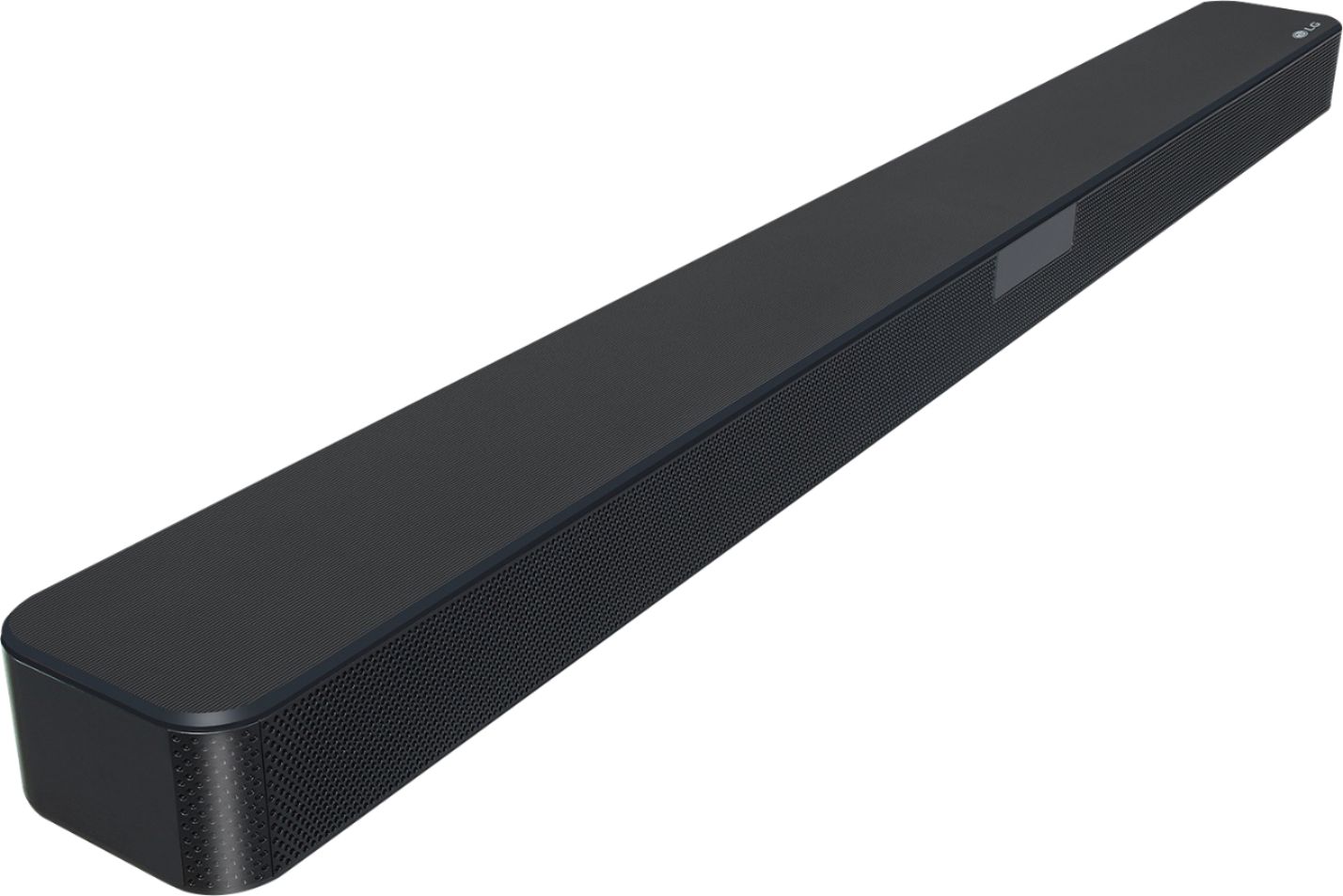
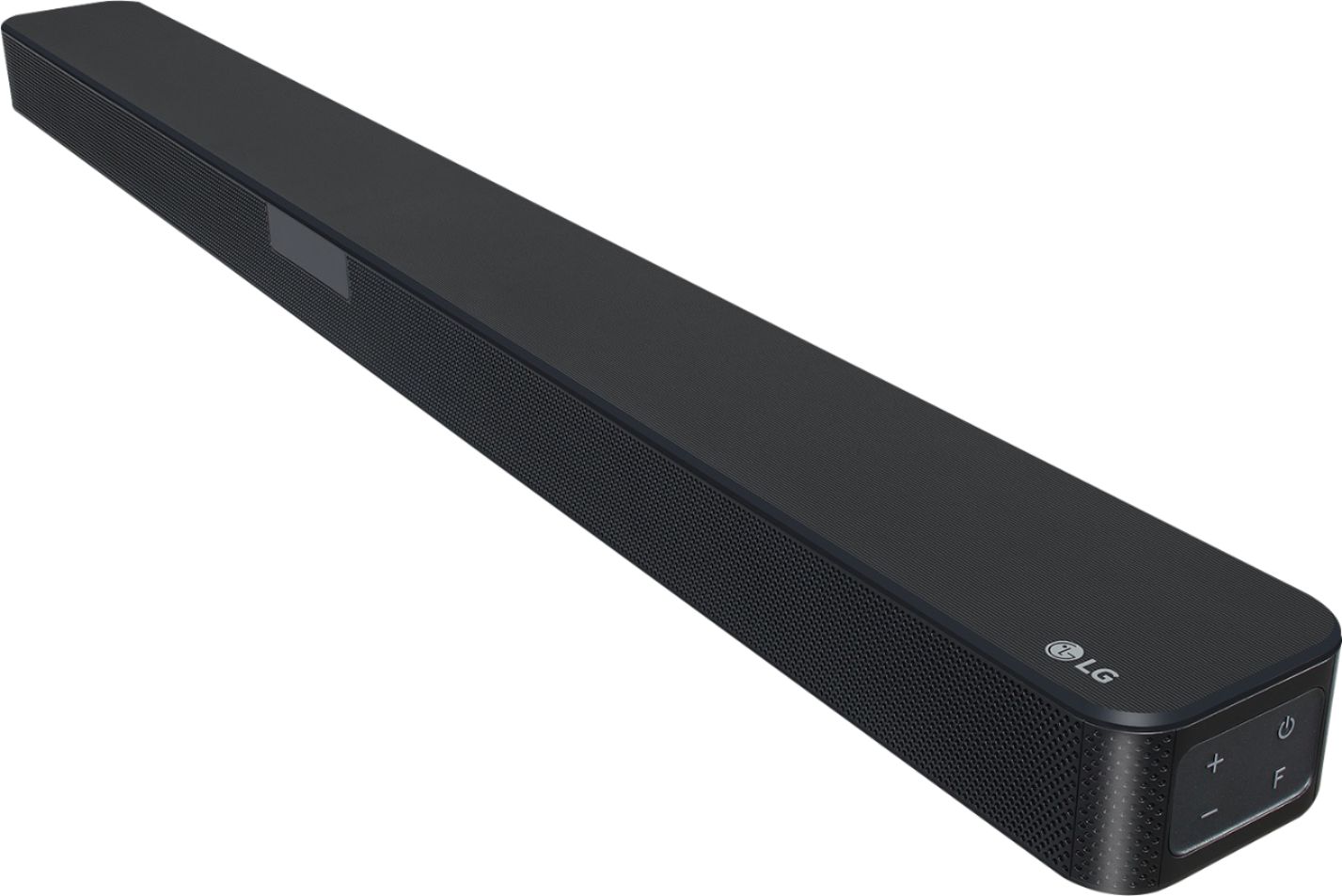
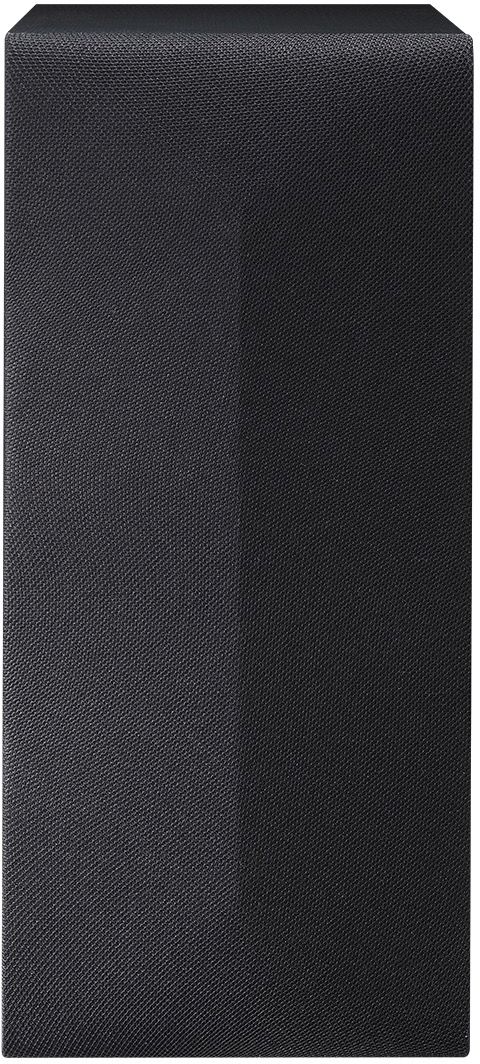
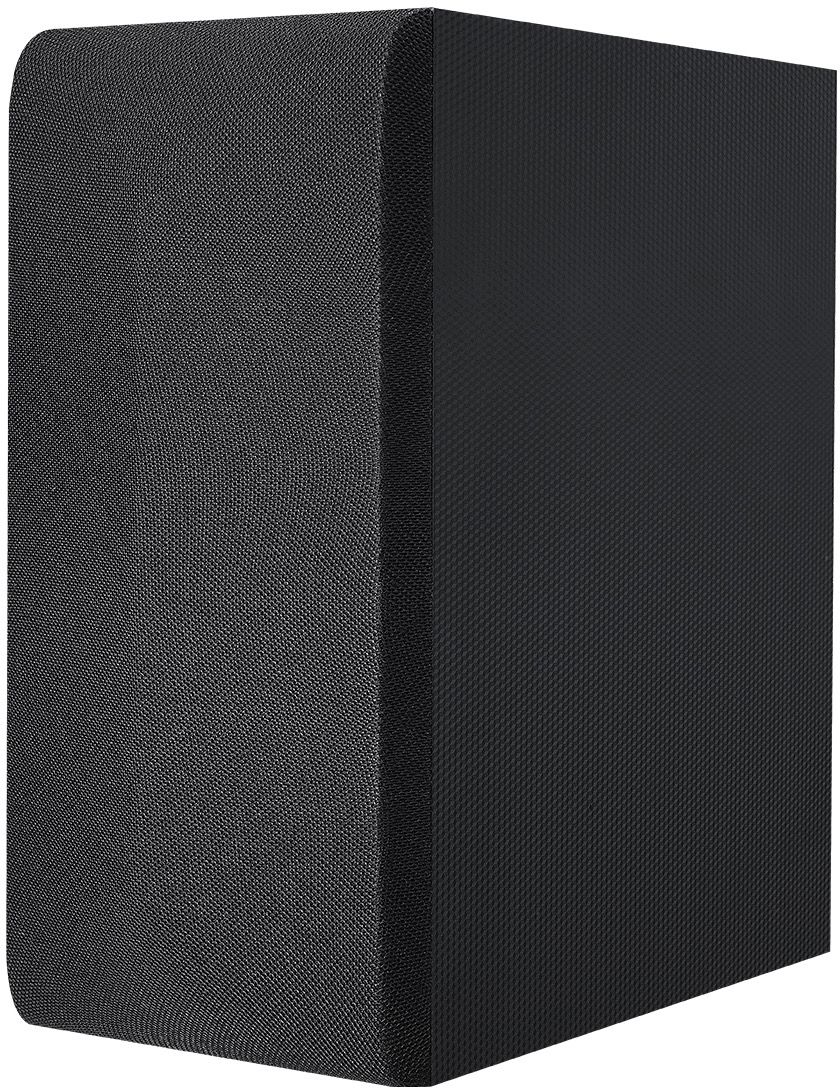
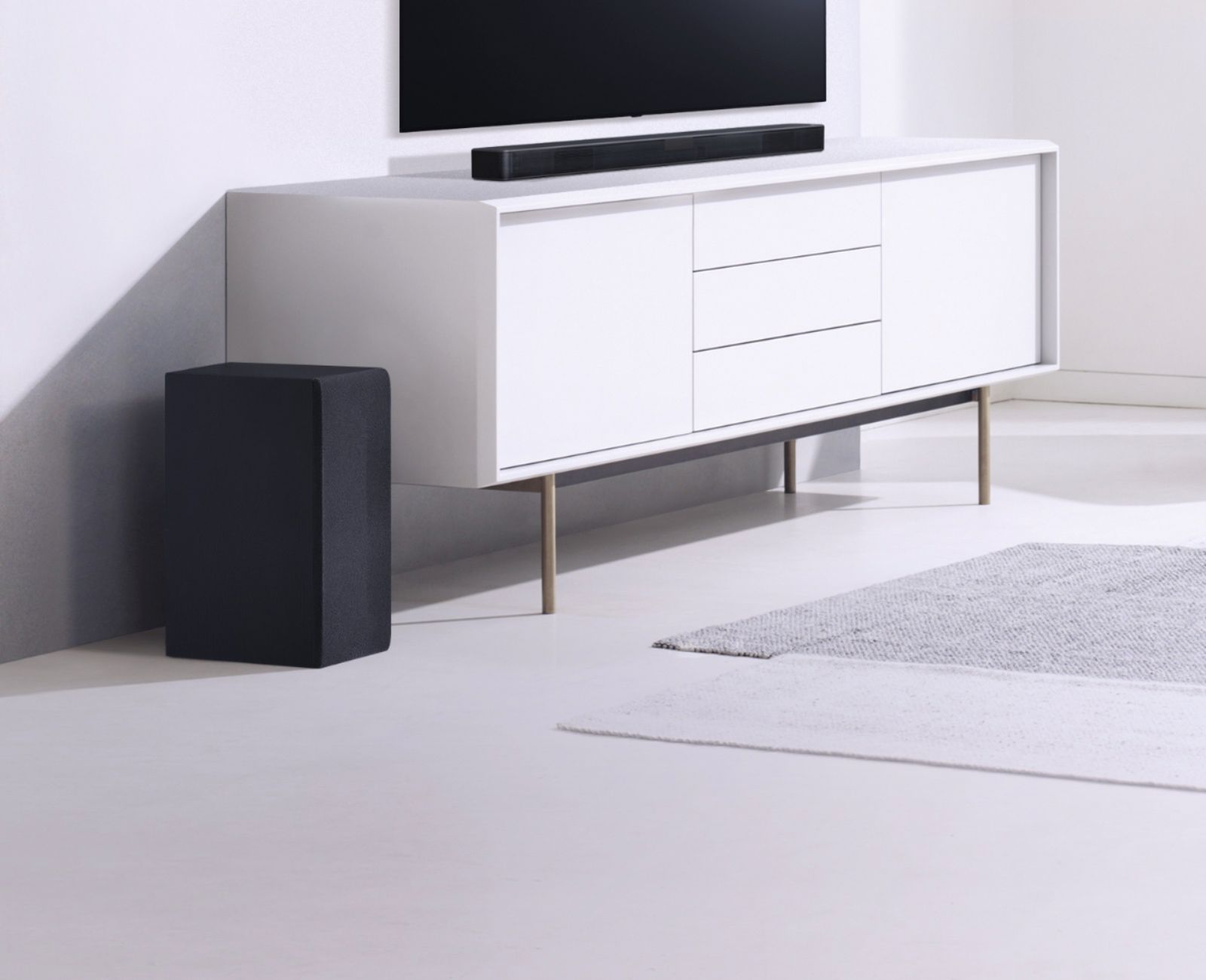
A:AnswerYou can find the exact W x H x D dimensions for the LG SL4Y 2.1 Channel 300W Sound Bar w/ Bluetooth Streaming listed under 'Specifications' on its product page on the Best Buy site. They are: 35.1" x 2.3" x 3.4" for the Soundbar and 6.8" x 15.4" x 10.3" for the Subwoofer. When on its stand, the 50UM7300 has approximately 2.3" between the entertainment center and the bottom of the TV. ^CP
A:AnswerYou can control some functions of this unit by your TV remote control even by other company’s product. Controllable functions are volume up/down and mute. Press and hold SOUND EFFECT on the remote control for about 3 seconds. “ON - TV REMOTE” appears and you can control this unit by your TV remote control. To check the status of this function, press and hold SOUND EFFECT on the remote control. To turn off this function, press and hold SOUND EFFECT on the remote control and press it once again while “ON - TV REMOTE” is scrolled. ^CP
A:AnswerHello Andi. The LG SL4Y 2.1 Channel 300W Sound Bar w/ Bluetooth Streaming will not work with your Sony WH-RF400 Wireless Stereo Headphone System. It does not have any audio outputs that you can connect to the RF stereo transmitter TMR-RF400 for your system...^IFV
A:AnswerThe LG SL4Y 2.1 Channel 300W Sound Bar w/ Bluetooth Streaming can be paired via Bluetooth with any LG TV that supports Bluetooth. Not all LG TVs support Bluetooth. The Soundbar also has an Optical Digital Audio In that can be connected to the Optical Digital Audio Out on any LG TV that has such a port which should be all LG TVs except for the entry-level LG TVs that do not feature such a port. This unit comes with a wall mount bracket for mounting the soundbar. ^CP
A:AnswerThe LG SL4Y 2.1 Channel 300W Sound Bar w/ Bluetooth Streaming can be paired via Bluetooth with any TV that supports Bluetooth. Not all TVs support Bluetooth. The Soundbar also has an Optical Digital Audio In that can be connected to the Optical Digital Audio Out on any TV that has such a port which should be all TVs except for the entry-level TVs that do not feature such a port. ^CP
A:AnswerRegrettably, there is no way of connecting the LG SL4Y 2.1 Channel 300W Sound Bar w/ Bluetooth Streaming to the LG Full HD 1080p LED TV - 49'' Class (48.5'' Diag), Model # 49LJ510M. The 49LJ510M is an entry-level model that does not have any audio outputs nor support for Bluetooth...^IFV
A:AnswerThe LG SL4Y 2.1 Channel 300W Sound Bar w/ Bluetooth Streaming can be paired via Bluetooth with any TV that supports Bluetooth. Not all TVs support Bluetooth. The Soundbar also has an Optical Digital Audio In that can be connected to the Optical Digital Audio Out on any TV that has such a port which should be all TVs except for the entry-level TVs that do not feature such a port. ^CP
A:AnswerThe LG SL4Y 2.1 Channel 300W Sound Bar w/ Bluetooth Streaming can be paired via Bluetooth with any LG TV that supports Bluetooth. Not all LG TVs support Bluetooth. The Soundbar also has an Optical Digital Audio In that can be connected to the Optical Digital Audio Out on any LG TV that has such a port which should be all LG TVs except for the entry-level LG TVs that do not feature such a port. ^CP
A:AnswerThe SL6Y has the following inputs for connecting to an external device such as a TV: HDMI, USB, Optical, Bluetooth, Aux In. Information regarding connecting a soundbar to your TV can be found on the following help article: https://www.lg.com/us/support/product-help/CT30009760-1422046866931-connecting-external-devices If you are in need of any assistance, have additional questions, or would just like to see our helpful tips, check us out on Twitter @LGUSSupport Facebook https://www.facebook.com/LGUSA/ ^CP
A:AnswerThe LG SL4Y 2.1 Channel 300W Sound Bar w/ Bluetooth Streaming is designed to play audio from any device that is connected to your TV. The Sound bar can be connected via Bluetooth to a TV that supports Bluetooth, to a device that has an HDMI port that supports HDMI ARC functionality when connected to an HDMI port that also supports HDMI ARC functionality on a TV that features an HDMI port that also supports HDMI ARC functionality, or to a TV that features an Optical Digital Audio Output via the Soundbars's Optical Digital Audio Input...^IFV
A:AnswerASC is auto sound calibration and adjust sounds for action scenes so manually adjusting is not needed. Cinema , in my opinion just makes everything louder even the background noise. As gives you more treble for music and lower sounds and standard is well, standard. Like everything you already heard.
A:AnswerHi. Power off the LG - 2.1-Channel 300W Soundbar System with 6" Subwoofer - Black, Model # SL4Y at the mains, then hold the power button on the sound bar and the power on at the mains then release the power button and it should be out of demo mode. IF that doesn't work, please contact our Support Center at (*00) 243-0000 for assistance...^IFV