A:AnswerHello there! Thank you for reaching out with your question. We understand the importance of durability, especially for RV transport. The Model # 24LQ520S-PU is designed to be a reliable TV, but it may not have the same specialized features for vibration protection as the Furrion TV with "Vibrationsmart" and "Climatesmart."
For RV use, you might want to consider a TV specifically designed for mobile environments or use additional mounting solutions to secure the TV and reduce vibrations. If you need further advice or assistance, please send us a private message on Social Media @LGUSSupport. Our team will be happy to provide more detailed guidance. We appreciate your patience. —Renzo
A:AnswerThank you for reaching us regarding LG Smart TV. The LG 24LQ520S is a 24-inch HD Smart TV that features webOS for smart functionality. However, it does not have a touch screen. You can download its owner's manual through this link for more information: https://www.lg.com/us/support/product/lg-24LQ520S-PU.AUS. For additional assistance, please reach out to us on social media @LGUSSupport so we can help you further. ^Cris
A:AnswerHello there. Thank you for your inquiry about the LG 24LQ520S-PU TV. We understand you're interested in whether this TV can connect directly to the internet and stream services like Netflix and HBO without needing another device. The LG 24LQ520S-PU features smart TV capabilities with built-in Wi-Fi, allowing you to connect directly to the internet. It supports streaming apps such as Netflix and HBO, so you can enjoy your favorite content without the need for an external computer or phone. If you need assistance setting up or have any other questions, please send us a private message on Social Media @LGUSSupport. Our team will be more than happy to help. We appreciate your interest in LG products! —Renzo
A:AnswerHi there! Thank you for your question about using the 24LQ520S-PU in a multi-TV setup. We understand the need to control each TV individually without interference. The remote for the 24LQ520S-PU is designed specifically for LG TVs, so it should not interfere with other brands' remotes as long as the TVs are from different manufacturers and use different IR codes. However, if you do experience any overlap in remote signals, there are options such as using a universal remote with customizable settings or ensuring the remotes are pointed directly at the intended TV to minimize interference. For more assistance or further details, please send us a private message on Social Media @LGUSSupport, and we'll be happy to help.
We appreciate your inquiry!
—Renzo
A:AnswerThank you for reaching us regarding LG Smart TV (24LQ520S-PU) model. Here is the Drawbacks of Buying an Open-Box TV:
1.Condition:
• Wear and Tear: Open-box TVs might have some minor scratches or cosmetic damage.
• Testing Issues: There could be problems that weren't found during initial tests.
2. Missing Accessories:
• Incomplete Packaging: Sometimes, open-box TVs may lack original items like remotes or manuals, so check what's included before buying.
3. Limited Availability:
• Model Options: You might not find the exact model or features you want.
4. Warranty:
• Manufacturer’s Warranty: Check if the TV comes with a full warranty for defects. You may need to register it for coverage.
• Retailer’s Warranty: Some retailers offer extra warranties for open-box items.
5. Return Policy:
• Return Timeframe: Open-box TVs usually follow the same return rules as new ones, but this can vary. Read the policy carefully.
• Restocking Fees: Some retailers charge fees for returning open-box items, so ask about this.
Steps to Take When Buying an Open-Box TV:
1. Inspect the TV: If you can, check for any visible damage before buying, especially in-store.
2. Verify Warranty: Ask about the manufacturer’s and any retailer’s warranty.
3. Understand the Return Policy: Read the return policy carefully to know what to expect.
4. Test the TV: If possible, test the TV to ensure it works properly before you buy it.
By considering these factors, you'll be better prepared to buy an open-box TV and know what to expect. You can download its owner's manual through this link for more information: https://www.lg.com/us/support/product/lg-24LQ520S-PU.AUS. For additional assistance, please reach out to us on social media @LGUSSupport so we can help you further. ^Cris
A:AnswerThank you for reaching us regarding LG Smart TV. Yes, you can use Bluetooth earbuds with the LG 24LQ520S-PU TV. You can download its owner's manual through this link for more information: https://www.lg.com/us/support/product/lg-24LQ520S-PU.AUS. For additional assistance, please reach out to us on social media @LGUSSupport so we can help you further. ^Cris
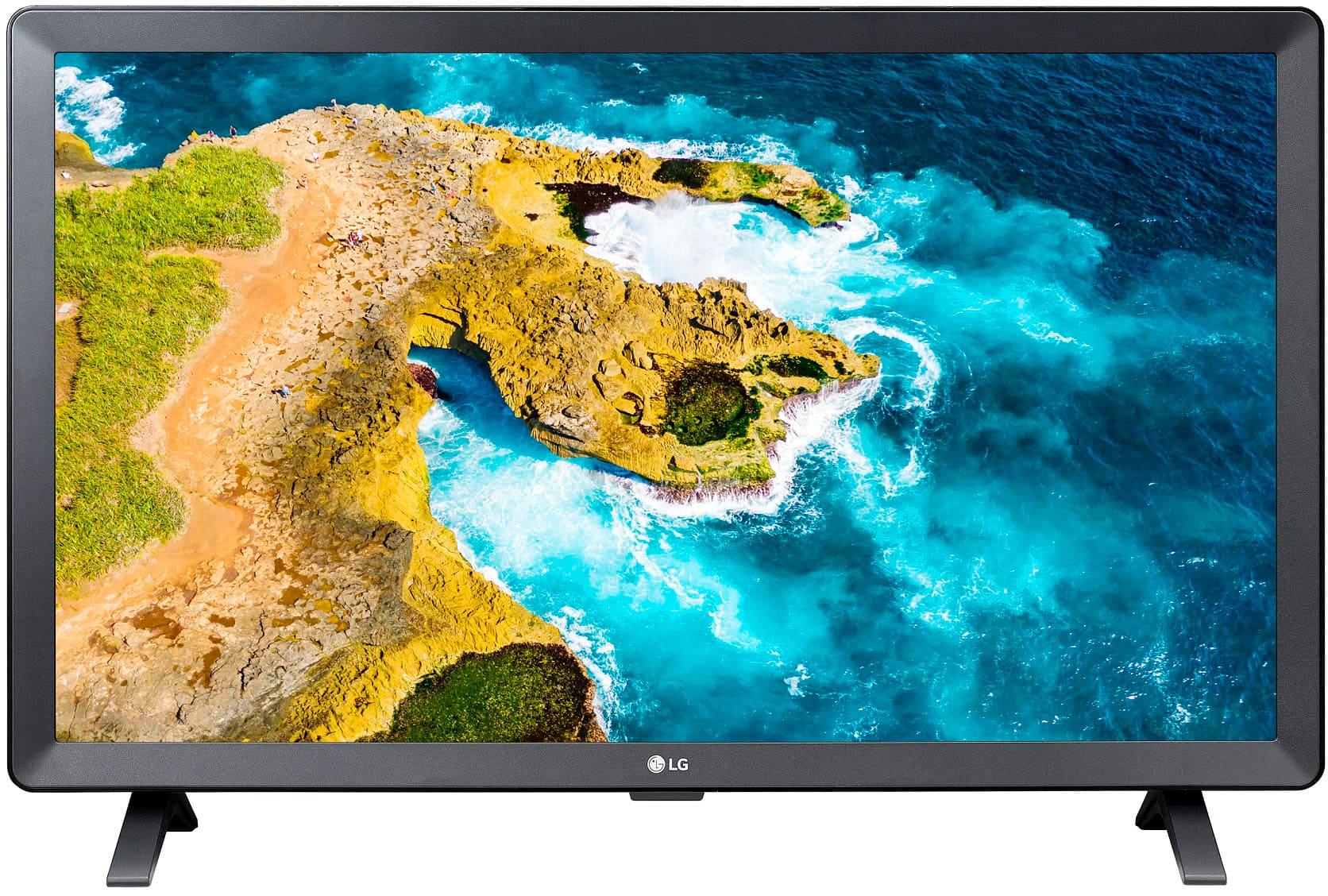
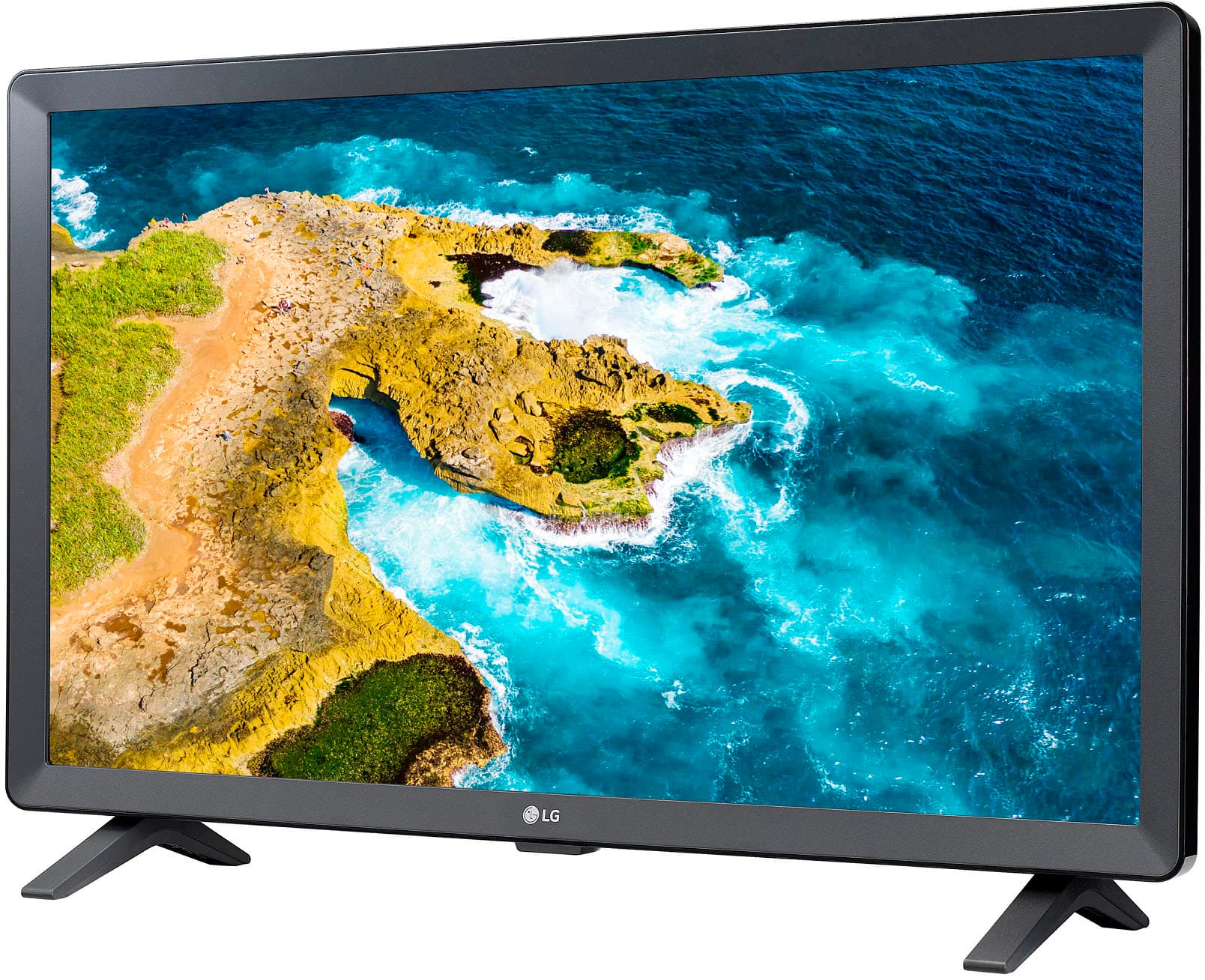
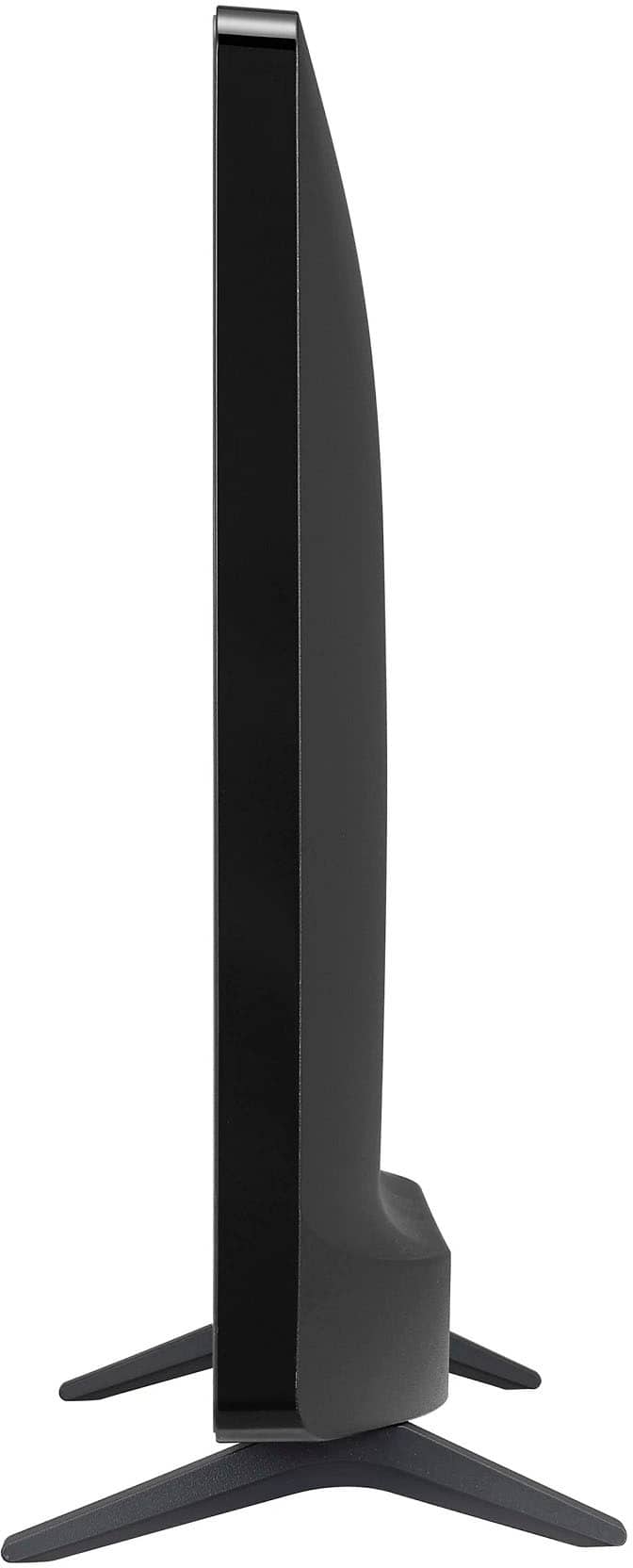
A:AnswerHello, Rexie. Thank you for your question about the LG TV model 24LQ520S-PU. The outside dimensions of the TV when set up are 22.2 inches in width, 14.4 inches in height, and 5.9 inches in depth when set up. This information will help you determine if it fits the space you have available. If you need further assistance or have more questions, feel free to ask. ^Sam
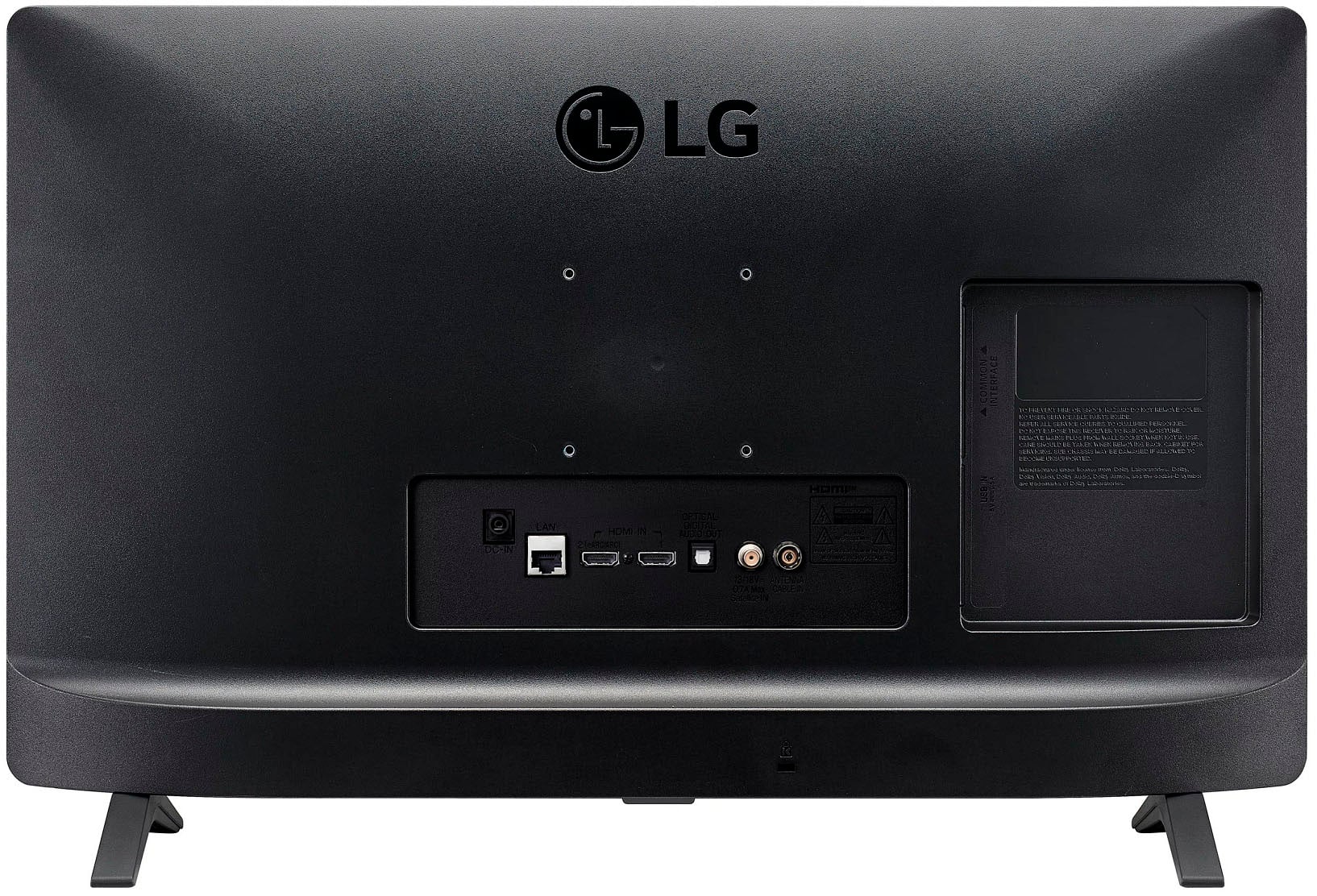
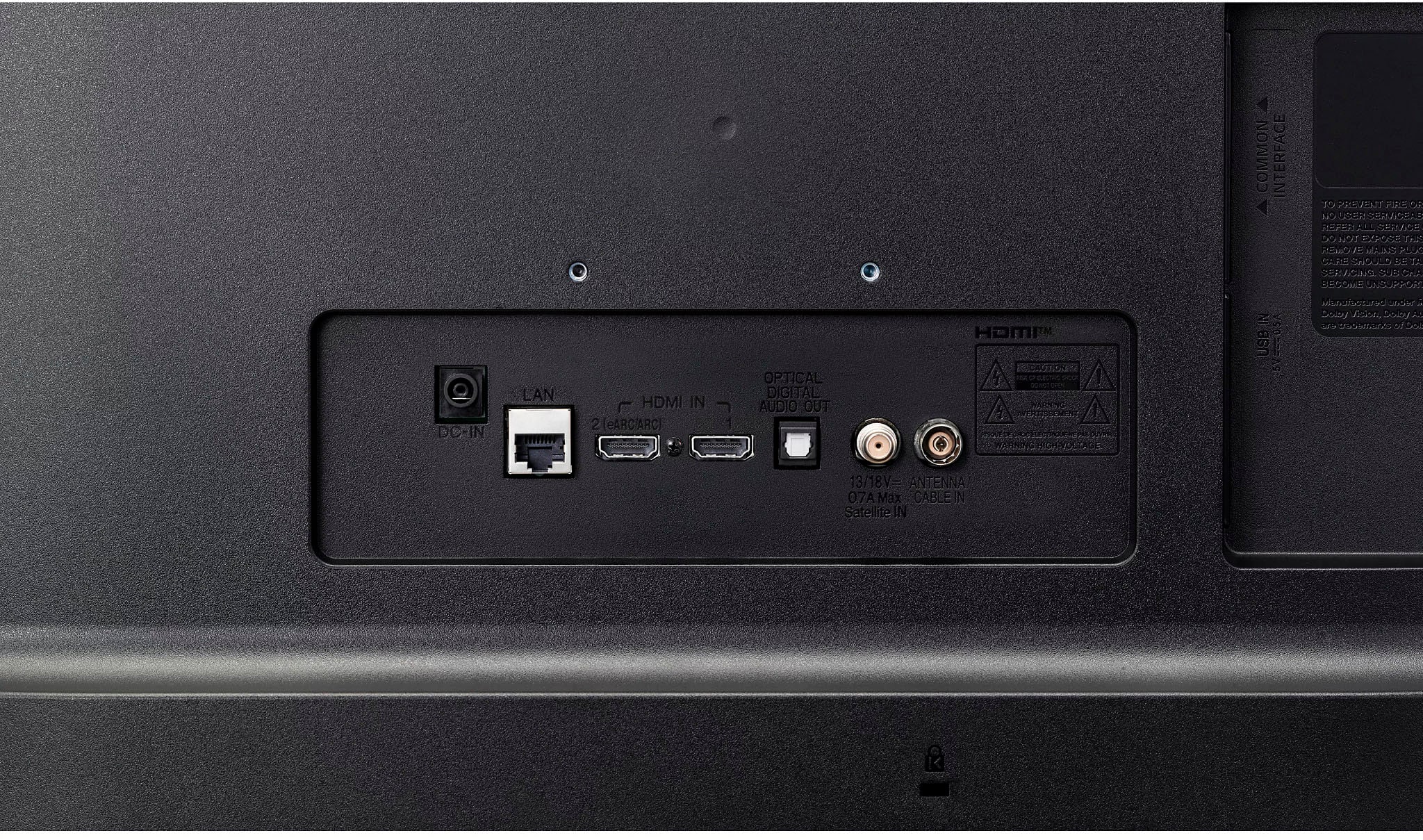
A:AnswerHello there. Thank you for your interest in the LG 24LQ520S-PU TV. Yes, you can connect an Xfinity cable TV box to this set using HDMI or other compatible inputs. You should be able to use the Xfinity remote to control the cable box connected to the TV. This model does not require Wi-Fi for basic cable TV functionality. If you have more questions or need further assistance with setup, please refer to the TV's manual or contact our support team via private message on Social Media @LGUSSupport. We're here to help. —Renzo
A:AnswerThank you for reaching us regarding LG Smart TV. Yes, LG TVs can do Picture in Picture (PIP) through a feature called Multi-View. You can download its owner's manual through this link for more information: https://www.lg.com/us/support/product/lg-24LQ520S-PU.AUS. For additional assistance, please reach out to us on social media @LGUSSupport so we can help you further. ^Cris
A:AnswerThank you for reaching us regarding LG Smart TV with webOS. You generally wouldn't need a Firestick or Roku with the LG 24LQ520S-PU, as it is indeed a smart TV with built-in streaming capabilities. You can download its owner's manual through this link for more information: https://www.lg.com/us/support/product/lg-24LQ520S-PU.AUS. For additional assistance, please reach out to us on social media @LGUSSupport so we can help you further. ^Cris
A:AnswerThank you for reaching us regarding LG Smart TV with webOS. Yes, the LG 24LQ520S-PU 24" HD Smart TV has a sleep timer feature that allows you to set the TV to automatically turn off after a specified amount of time. You can download its owner's manual through this link for more information: https://www.lg.com/us/support/product/lg-24LQ520S-PU.AUS. For additional assistance, please reach out to us on social media @LGUSSupport so we can help you further. ^Cris
A:AnswerThank you for reaching us regarding LG Smart TV with webOS. Yes, you can connect a PlayStation 4 to the LG 24LQ520S-PU 24-inch HD Smart TV and play games on it. You can download its owner's manual through this link for more information: https://www.lg.com/us/support/product/lg-24LQ520S-PU.AUS. For additional assistance, please reach out to us on social media @LGUSSupport so we can help you further. ^Cris
A:AnswerThank you for reaching us regarding LG No, the LG 24LQ520S-PU monitor does not support 5GHz WiFi. You can download its owner's manual through this link for more information: https://www.lg.com/us/support/product/lg-24LQ520S-PU.AUS. For additional assistance, please reach out to us on social media @LGUSSupport so we can help you further. ^Cris
A:AnswerThank you for your interest in the LG Smart TV with webOS. The LG 24LQ520S-PU model does not appear to have the "audio only / screen off" function that is available on some other LG smart TV models. You can download its owner's manual through this link for more information: https://www.lg.com/us/support/product/lg-24LQ520S-PU.AUS. ^Cris
A:AnswerThank you for your interest in the LG Smart TV webOS (24LQ520S-PU) model. To scan for available channels on your LG 24LQ520S-PU smart TV, follow these simple steps:
•Press the Home button on your remote control.
•Scroll over to "Live TV" and press OK.
•Click the Settings button on the remote, go to "All Settings", and select the "Channels" menu.
•Choose "Channel Tuning" and then select "Auto Tuning" to begin scanning for available channels.
•Once the scan is complete, click "Done" and your TV will now have all the available antenna channels.
If problem persist, please reach out to us on social media @LGUSSupport so we can help you further. ^Cris
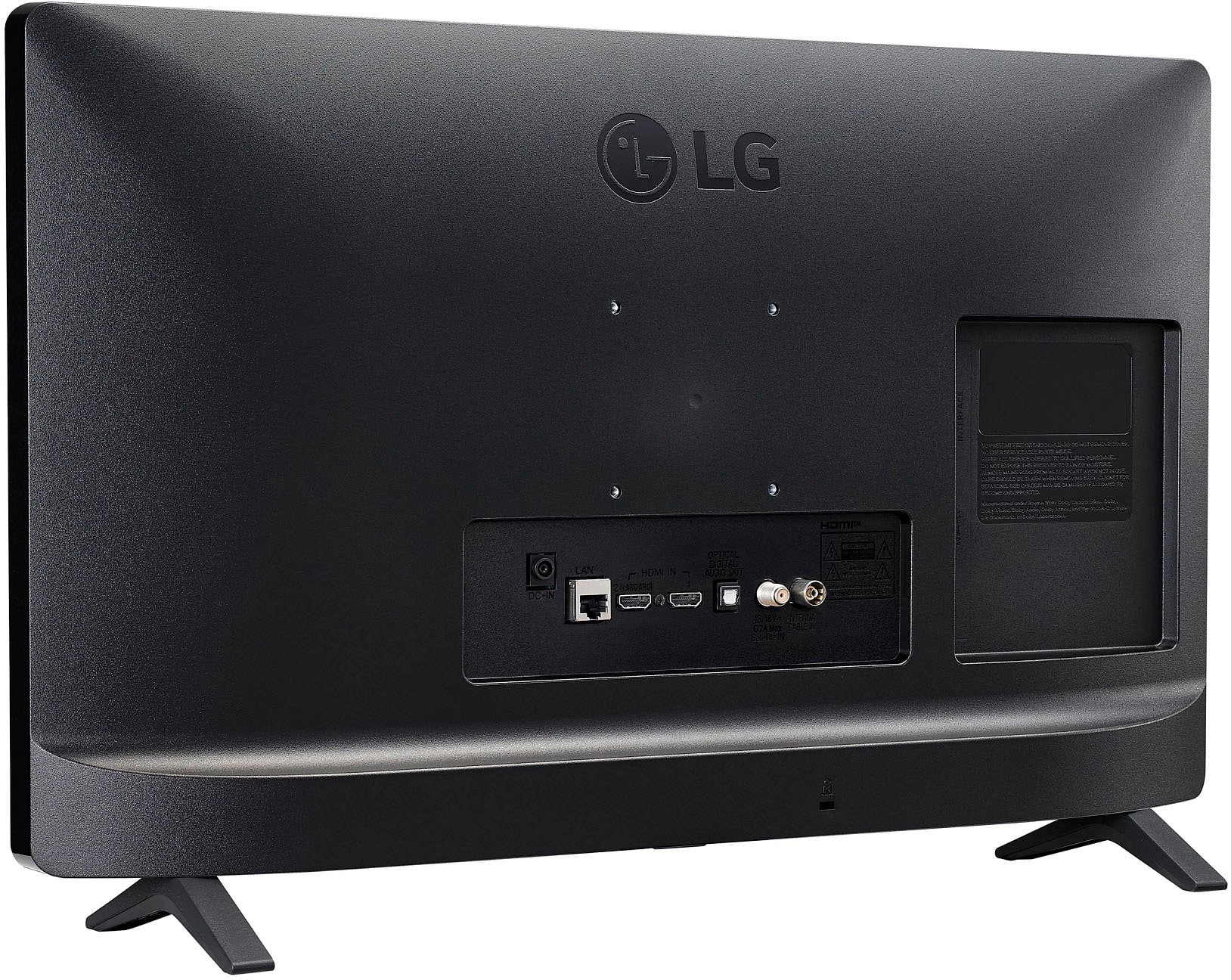
A:AnswerThank you for reaching us regarding LG Smart TV. The LG 24LQ520S-PU TV is not designed to stand alone without its legs. You can download its owner's manual through this link for more information: https://www.lg.com/us/support/product/lg-24LQ520S-PU.AUS. For additional assistance, please reach out to us on social media @LGUSSupport so we can help you further. ^Cris