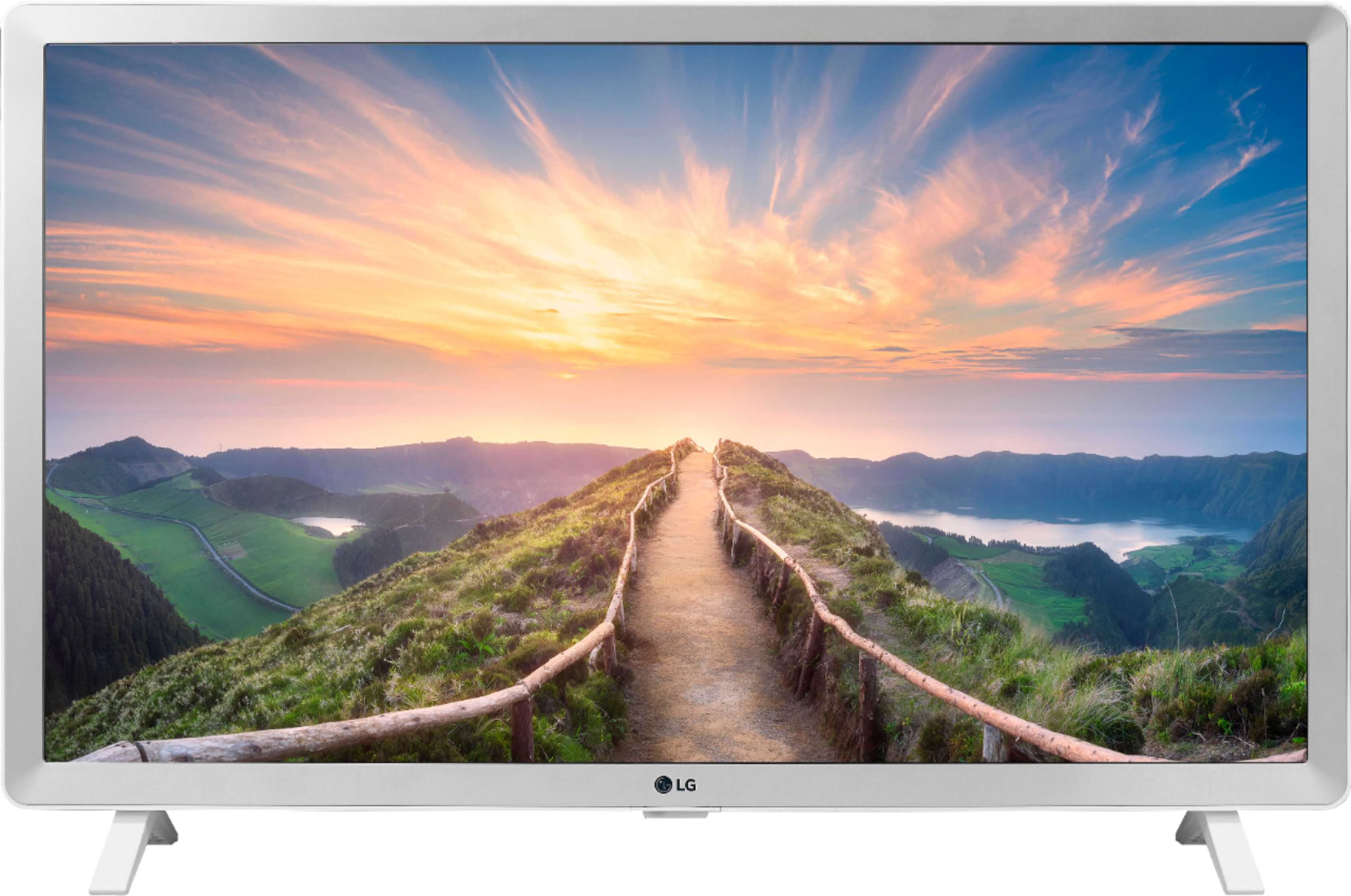
A:AnswerYes, but you will only get an HD picture as this is not a 4k TV. You may not even need the Apple TV becaue the TV itself has a lot of built in streaming services like Hulu,Netflix, Disney+ and others.
A:AnswerThe LG 24 inch Class HD Smart TV (23.6'' Diag), Model # 24LM520S-WU has built-in Wi-Fi so you can create a hotspot from your mobile device to create a wireless Internet network in your home that the TV can access...^IFV
A:AnswerWe regret to read about the issues that you are experiencing with the LG 24 inch Class HD Smart TV (23.6'' Diag), Model # 24LM520S-WU and sincerely apologize for any inconvenience. It sounds like it could be a buffering issue and you may need to have your router checked or that the TV will need to be inspected and diagnosed by a qualified technician to determine what the issue is. Please contact our Support Center at (800) 243-0000 so they can assist you making arrangements for a service repair. You can also visit our site at https://www.lg.com/us/support/find-service-center to see if there are any LG Authorized Repair Service Centers in your area...^IFV
A:AnswerDedee,
Depending upon what you want to do, i.e., cable TV, video streaming, or regular over-the-air television which uses an antenna, you must configure your option to the LG set by selecting the Input selection source [input button which is the bent wire icon on your LG remote control (See Page 13 of LG owner's manual).
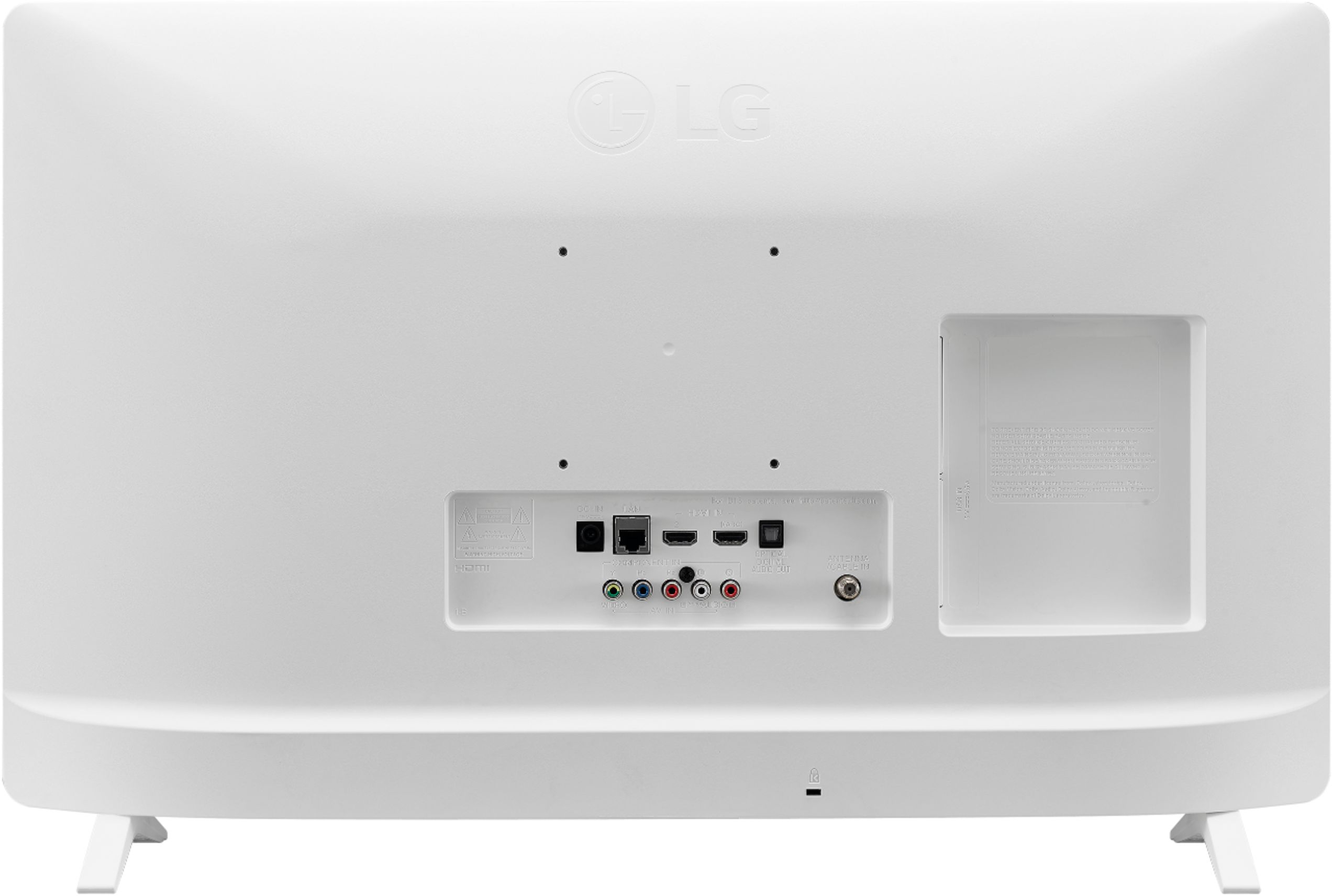
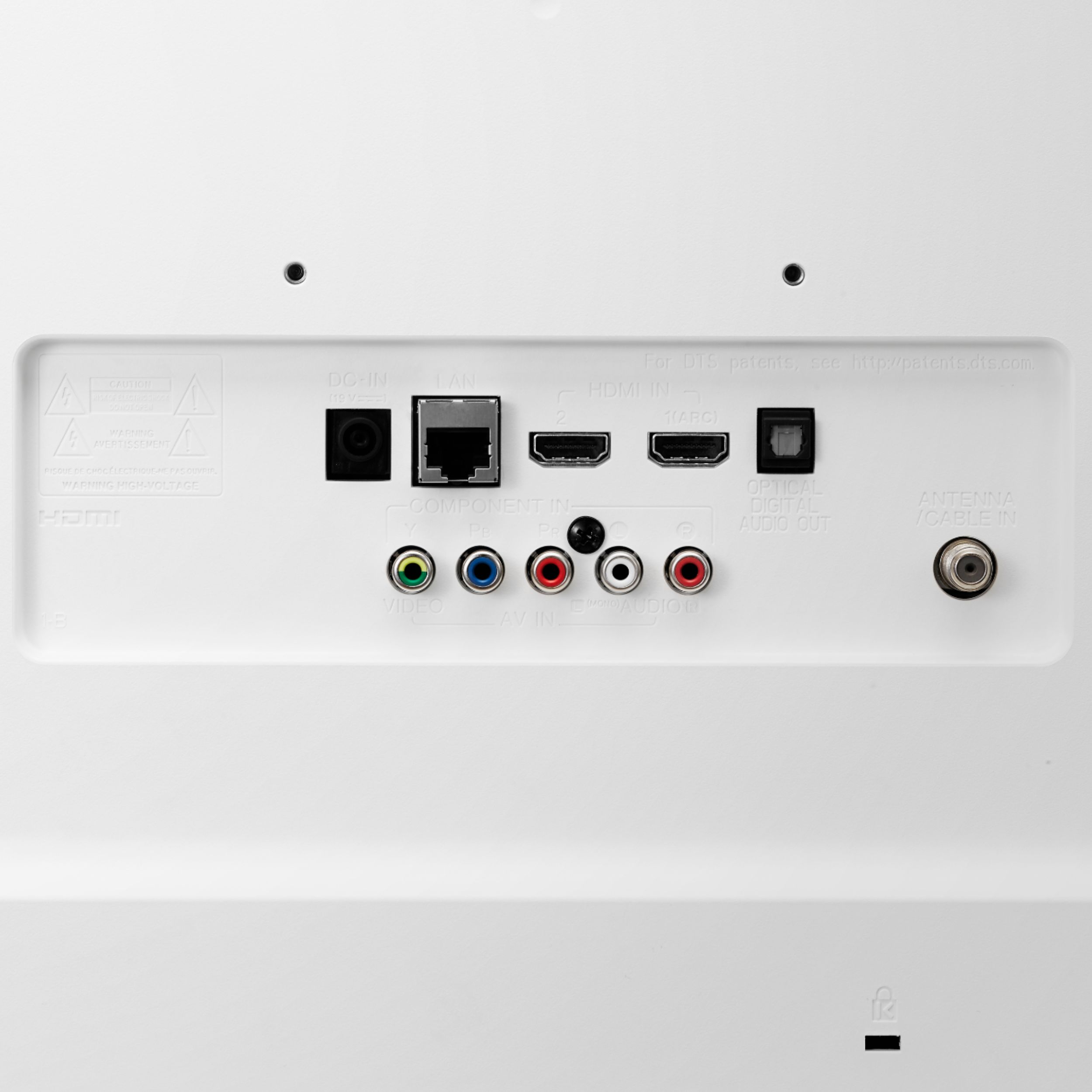
If your TV is to be connected to a cable TV service, you must connect the LG TV to the cable box furnished by your cable company provider using a coaxial cable connected
to the cable/antenna connection port on the back of the LG TV and a HDMI cable from the cable box to the HDMI port connection also on the back of the TV set.
If you are interested in connecting to video streaming services such as Netflix, Hulu, Sling, etc. you must purchase a streaming player or streaming stick such as a Roku and
connect the streaming device to the HDMI port on the back of your LG. You must press the [black colored 1 button] on your LG remote control to connect to the video streaming service.
You can also phone LG support at (800) 243-0000 for technical advice.
Hope this helps.
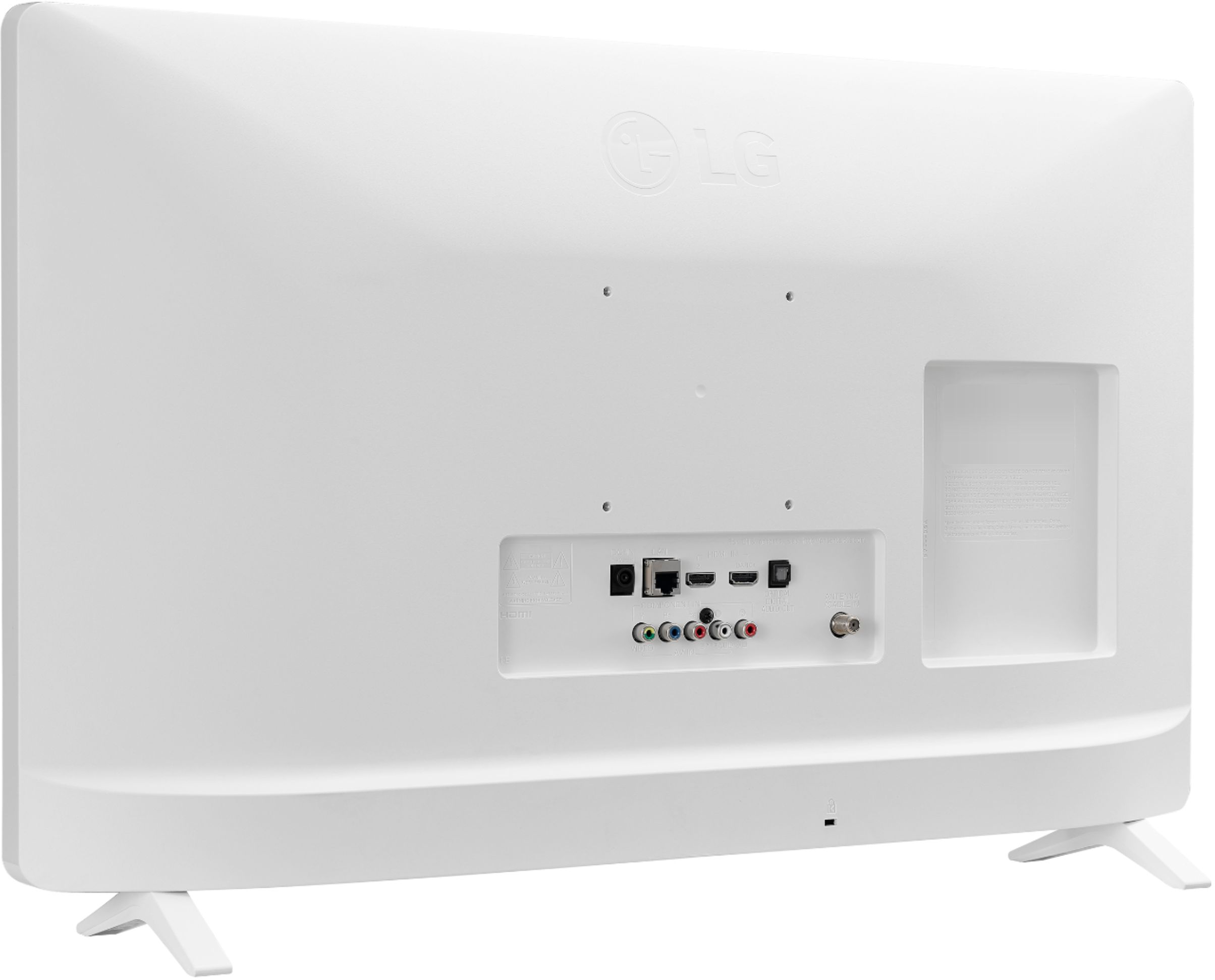
A:AnswerIf it isn't a smart TV, why can I get Net Flix and etc. on it. It even has a place on the back on which to put my wireless box. I needed a smart TV to connect wireless since I did not have a plug. This fit the bill. I think you will be happy with it.
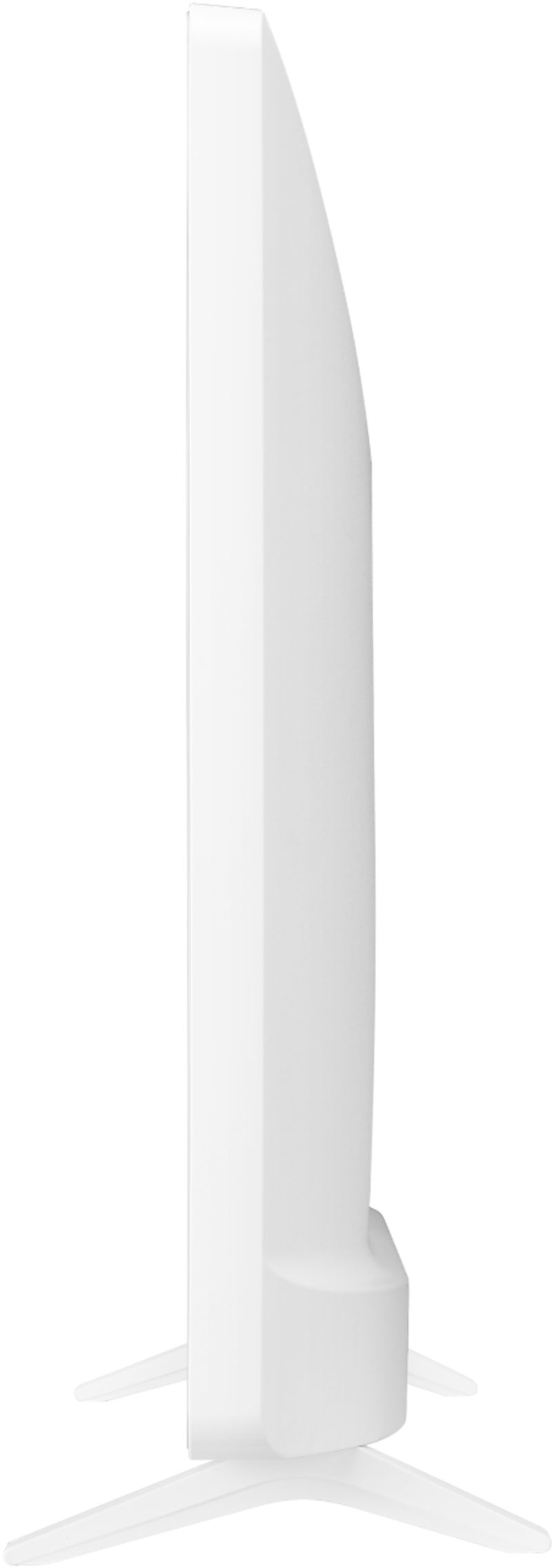
A:AnswerThe LG - 24" Class - LED - 720p - Smart - HDTV, Model # 24LM520S-WU will work without the stand. You will need to either mount it on a TV Stand or Wall Mount it to keep it upright if you are not using the supplied stand legs for support...^IFV