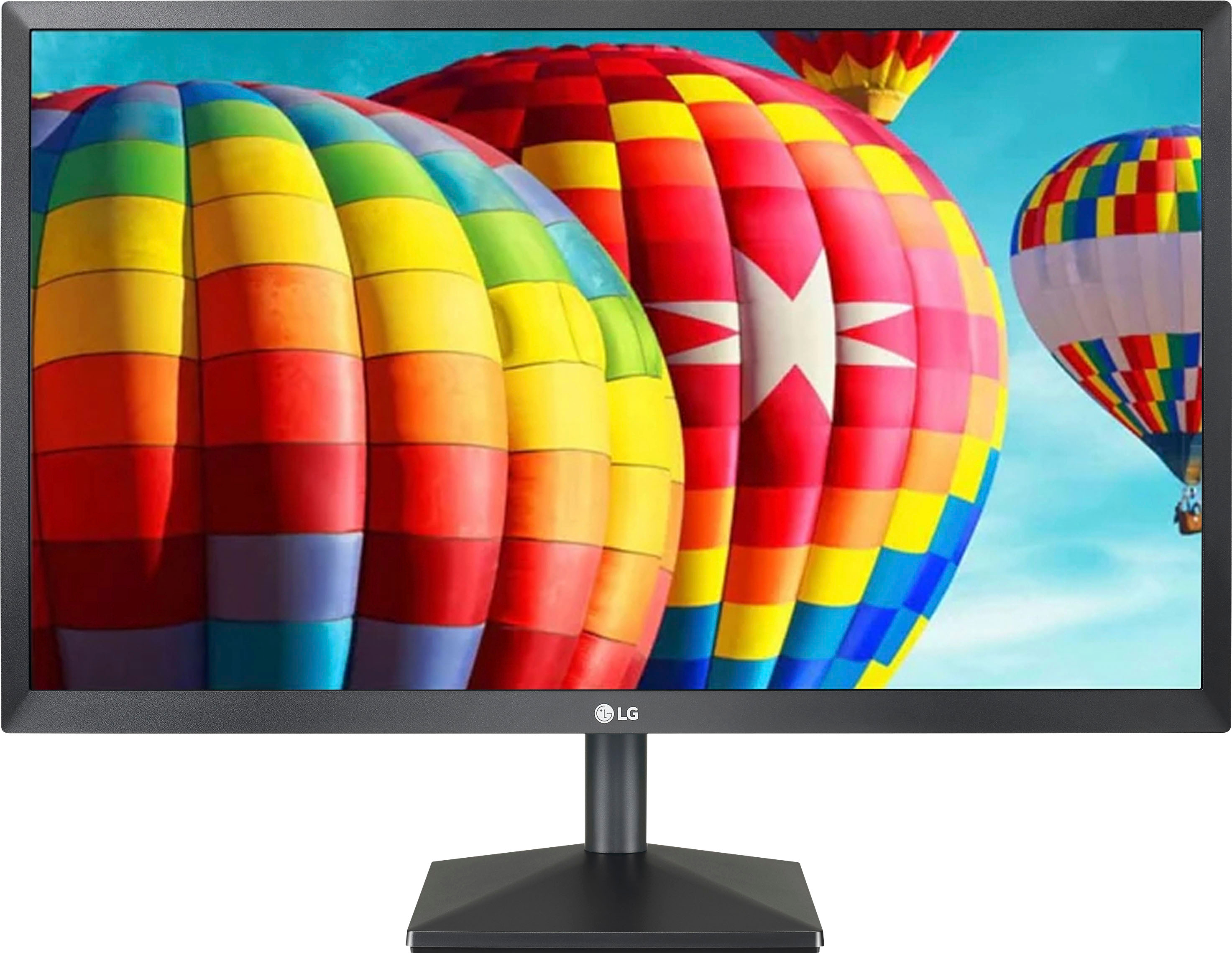
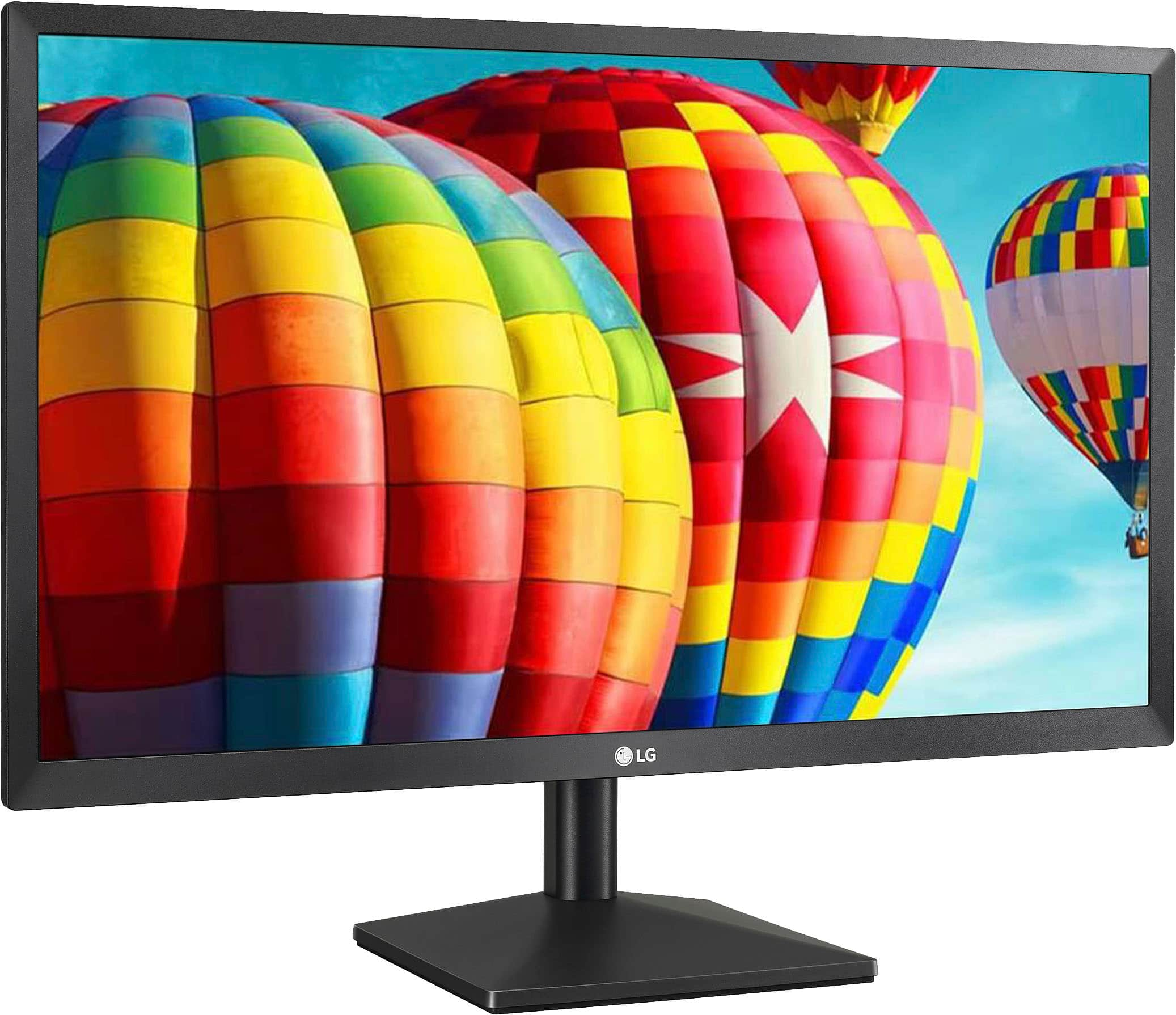
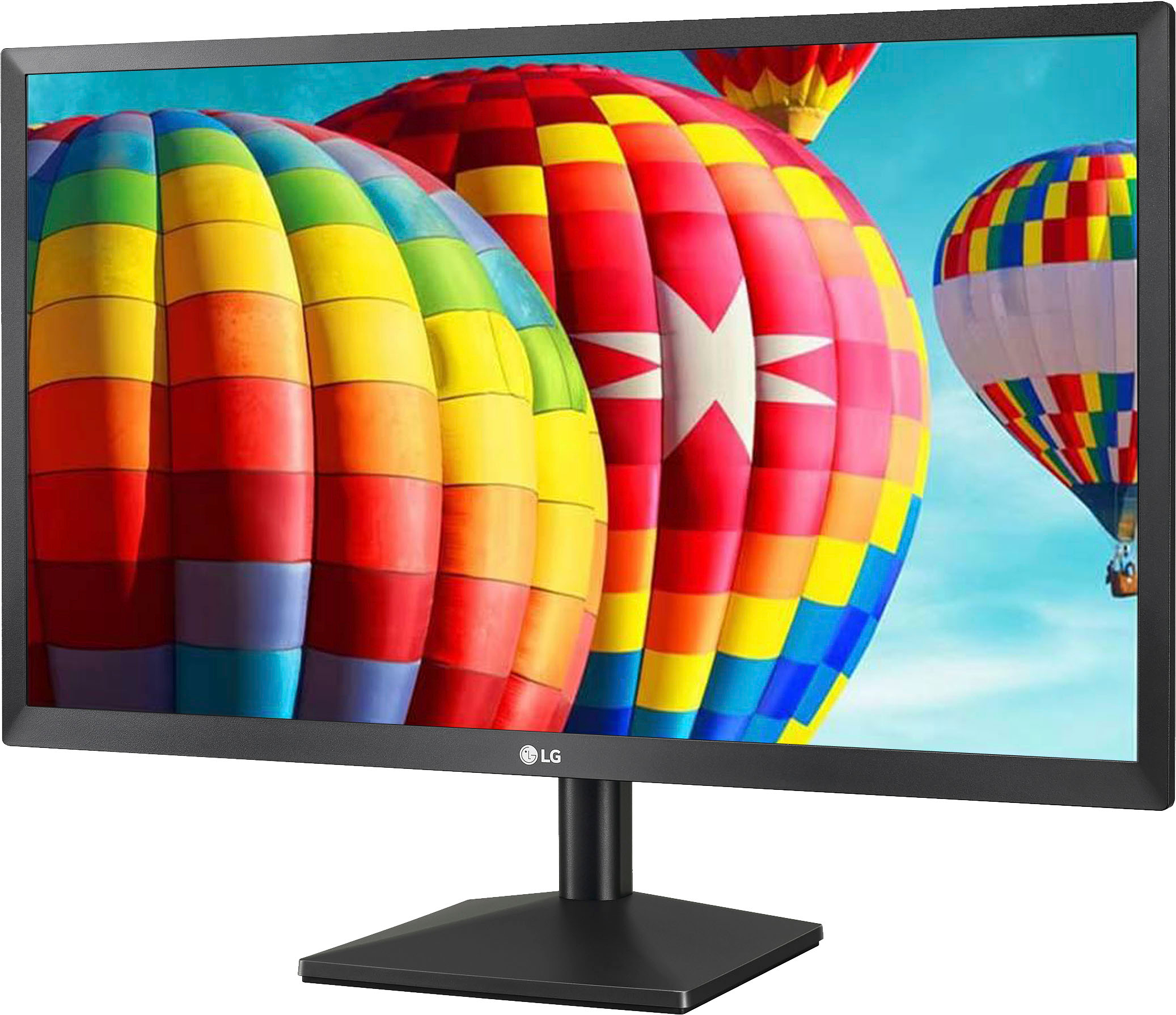
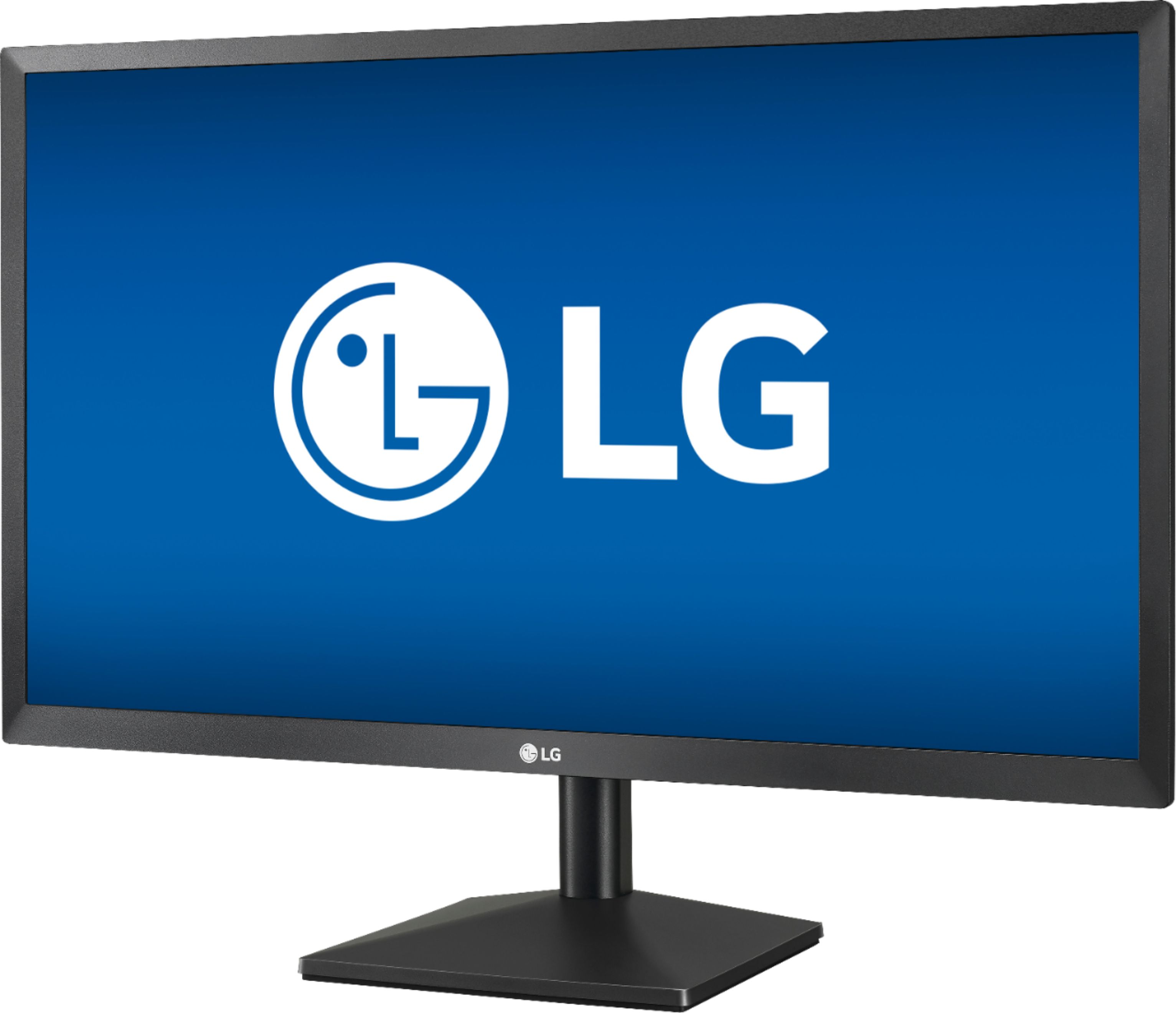
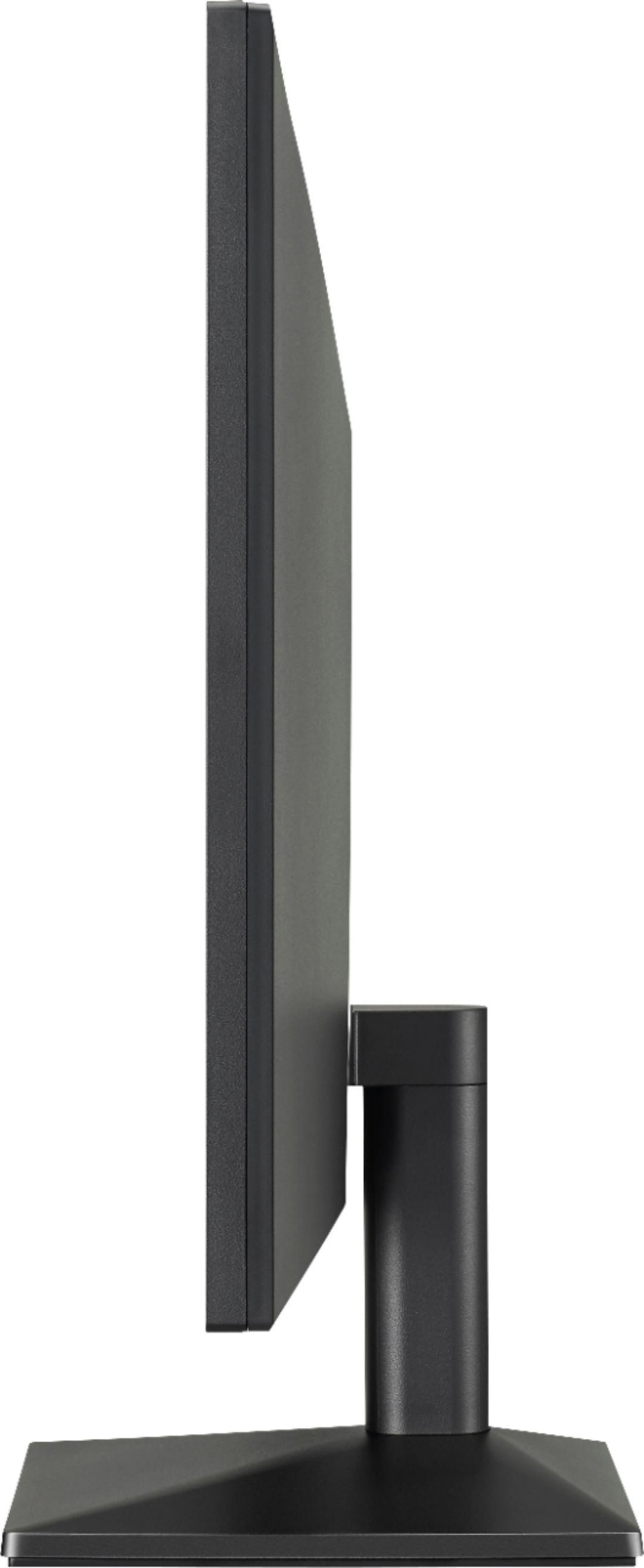
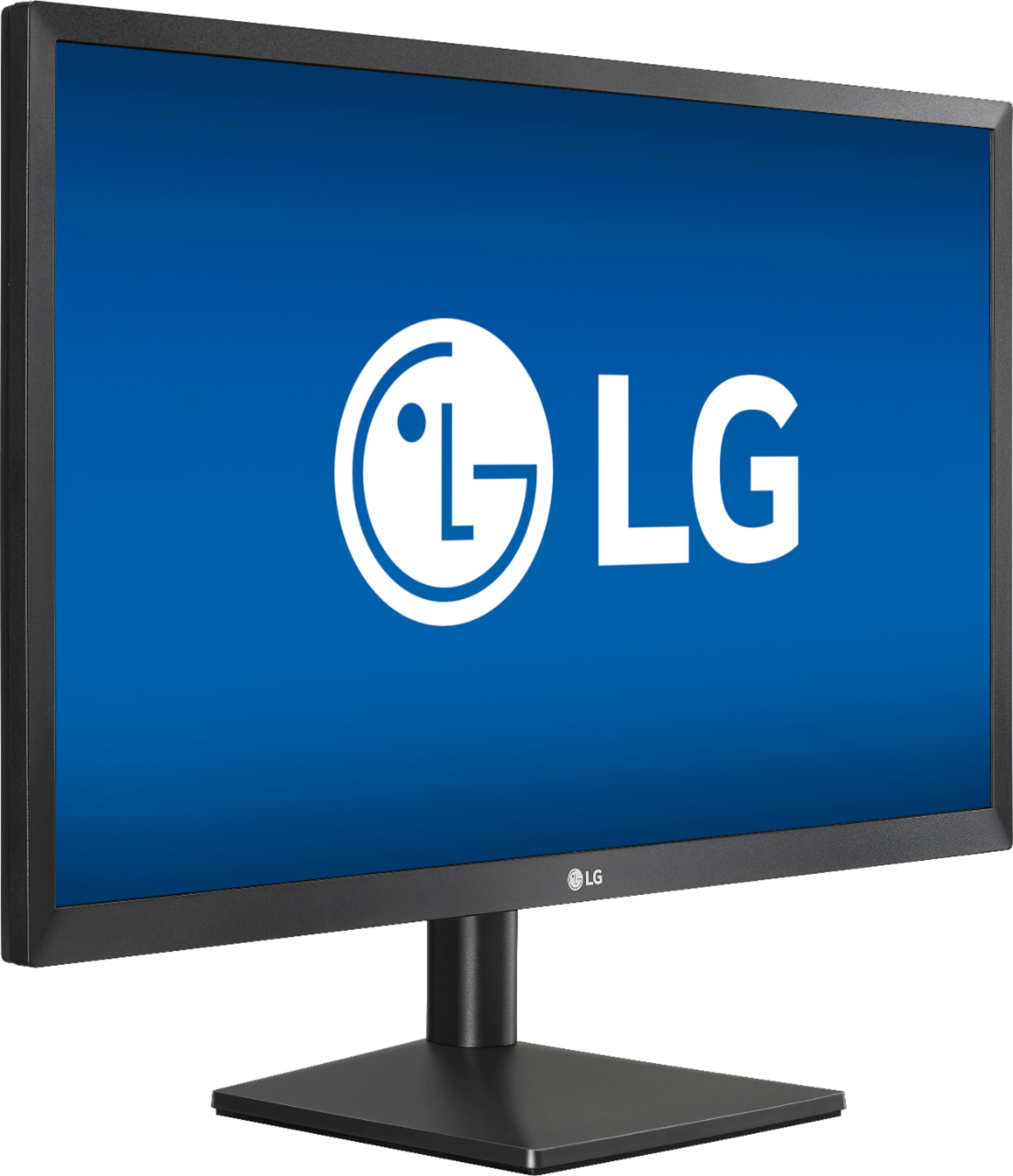
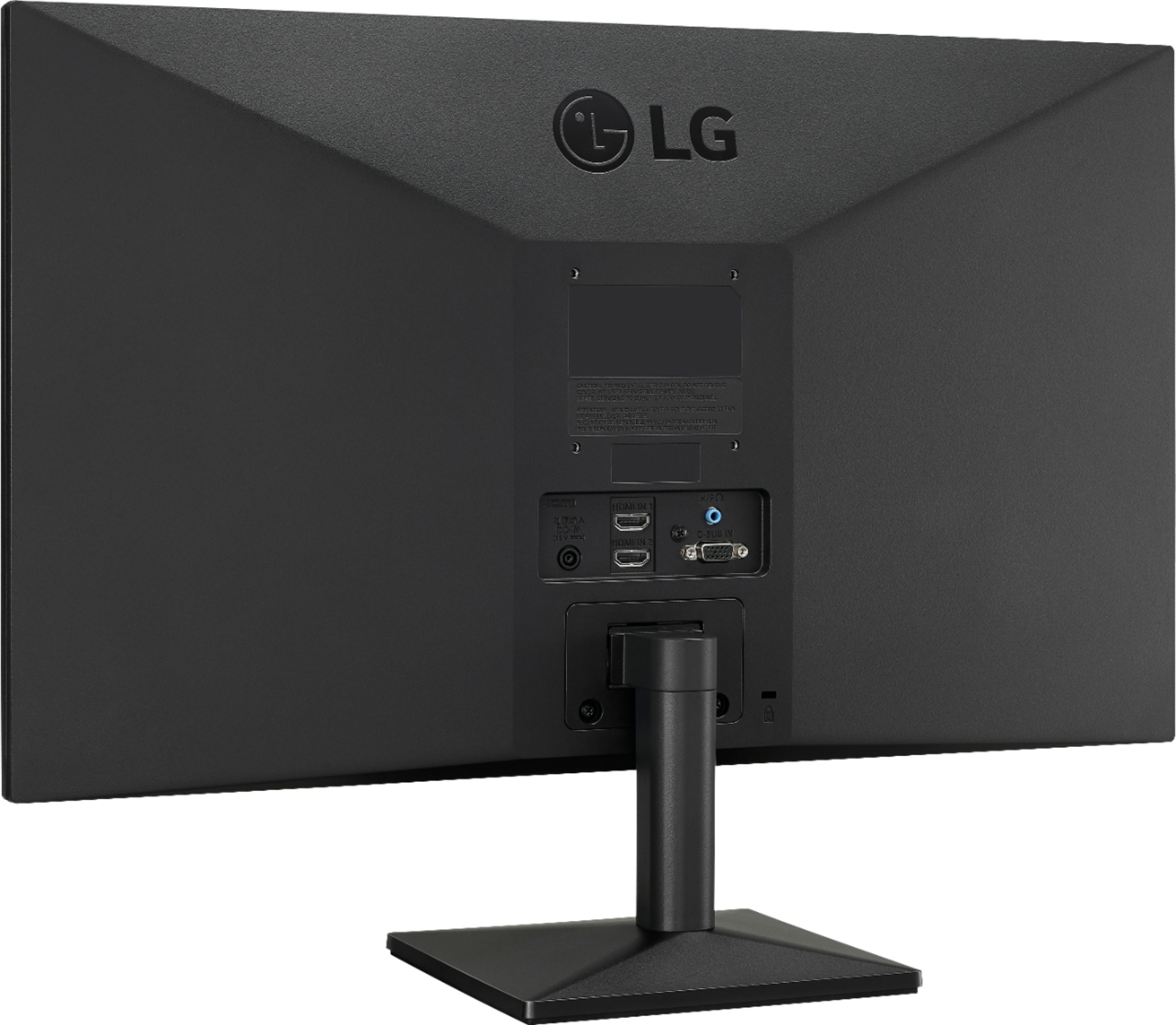
A:AnswerThis is a Plug and Play monitor and doesn't require drivers. For further assistance, please reach out to our support team via private message on Facebook @LGUSSupport and use #VOC in your first message to our social media support team or call at 800-243-0000. ^Daphane
A:AnswerIf you wanna be a competitive gamer, looks elsewhere for 144hz and above. If you're a normal, regular gamer like me, this'll do for PS4/5, Xbox and something like my HP Omen 2020.
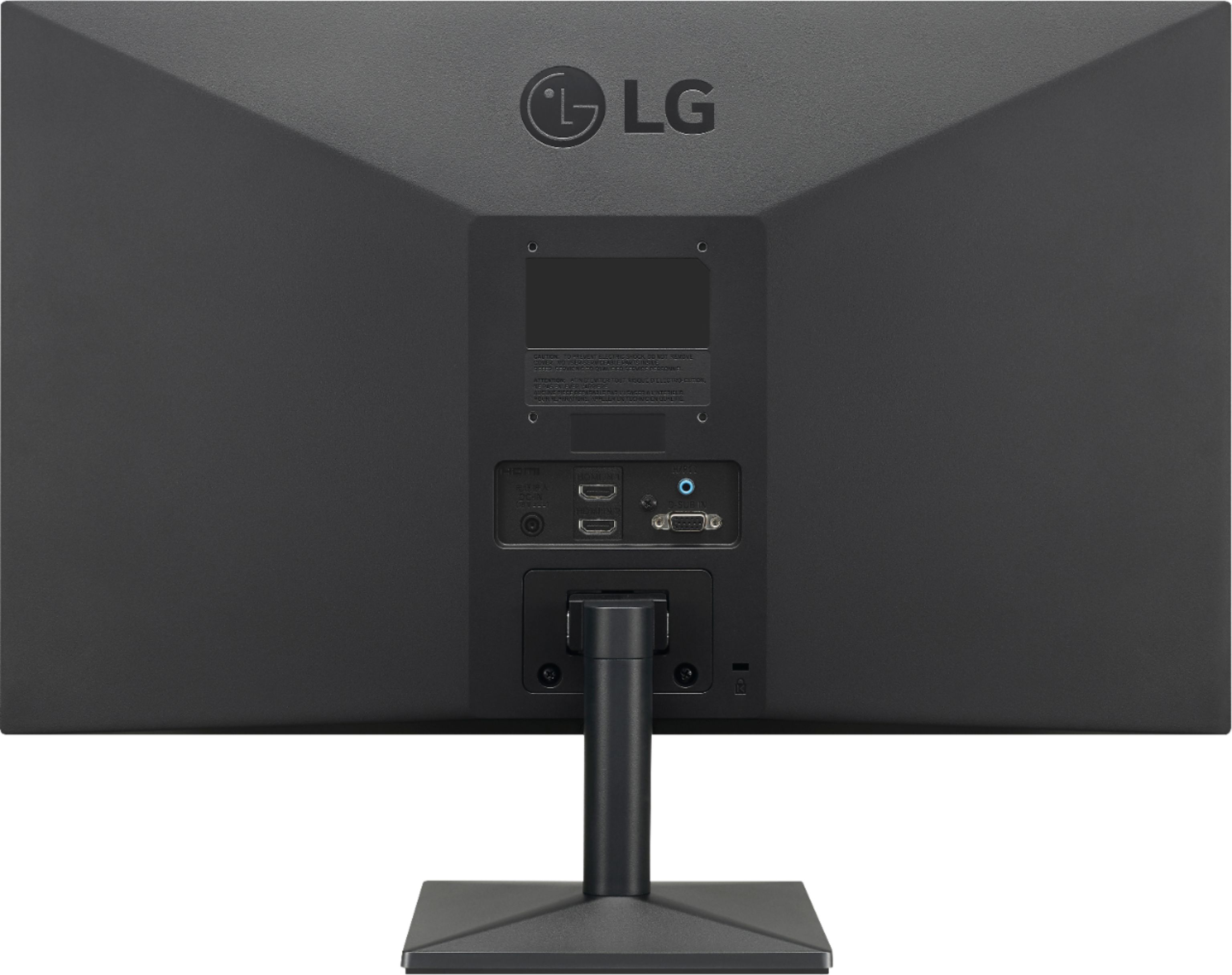
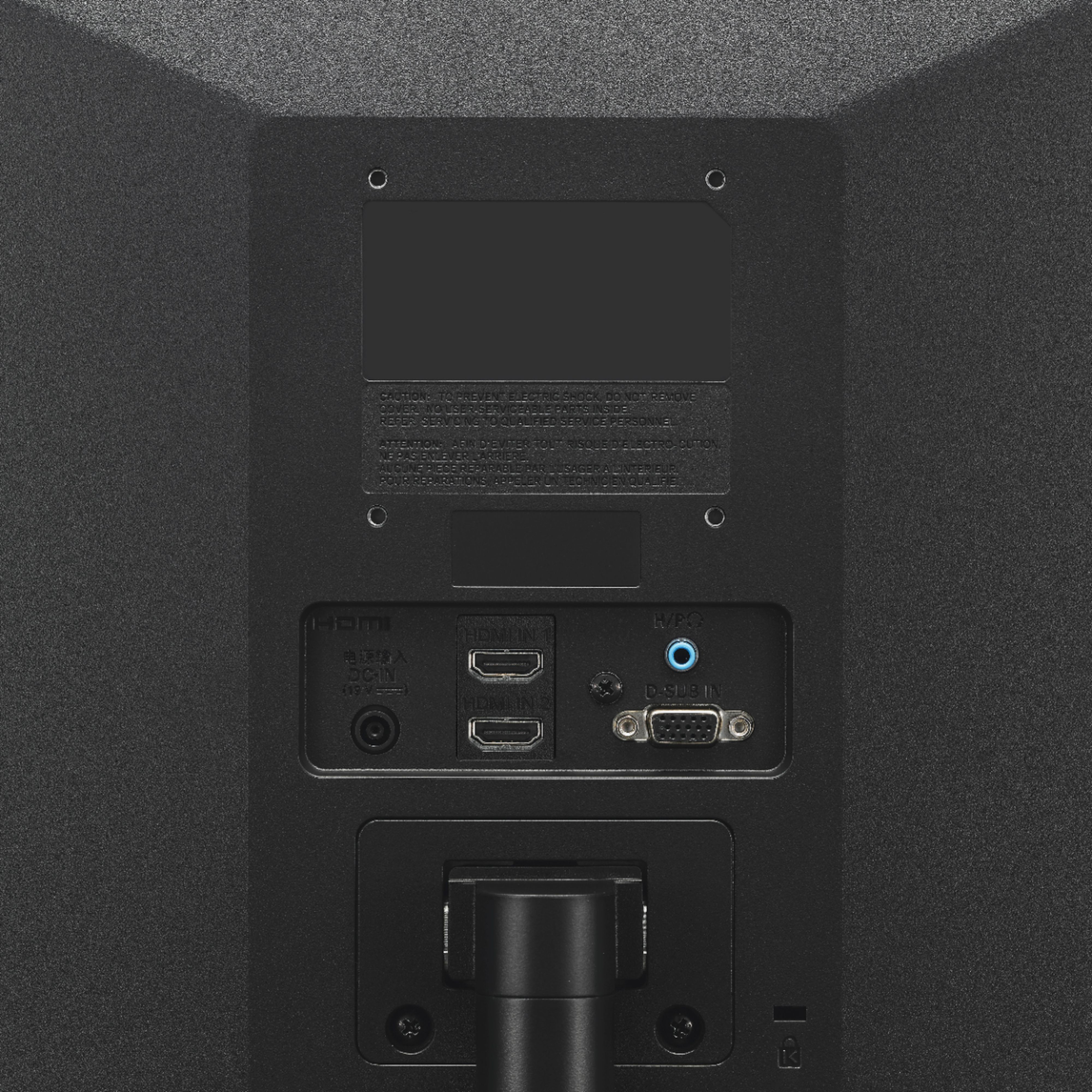
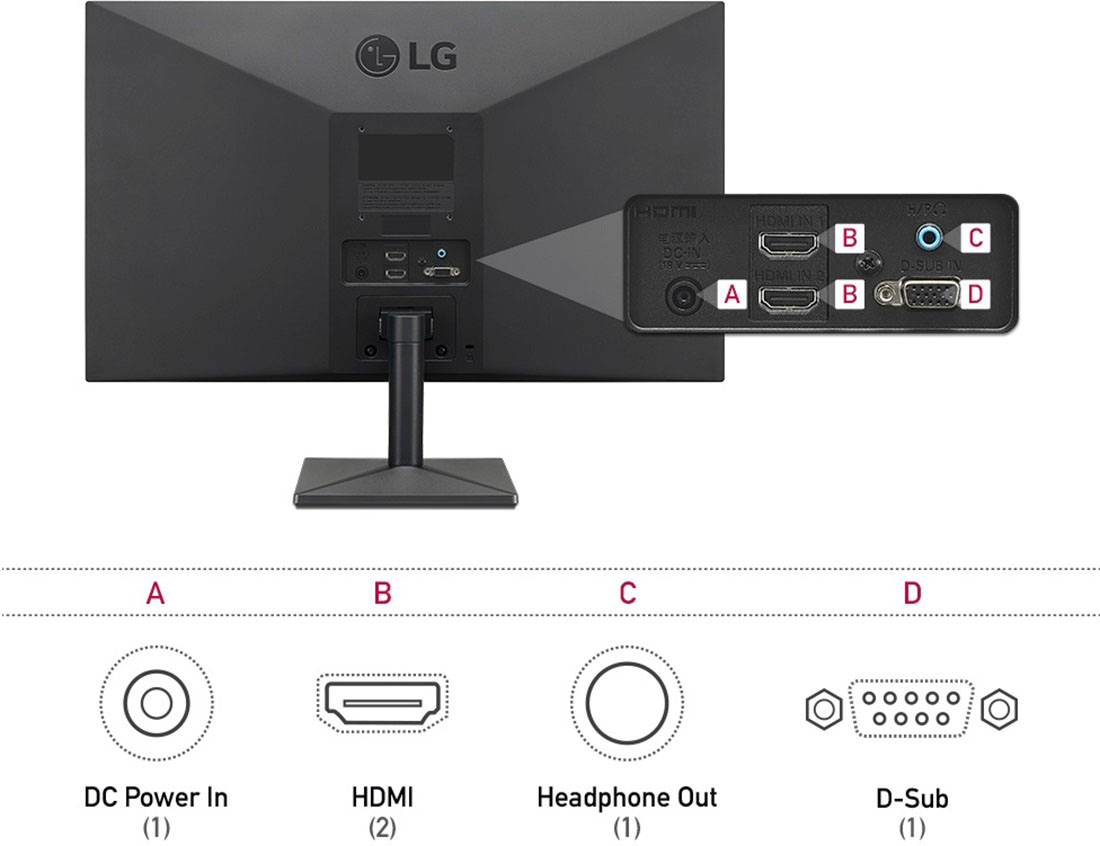
A:AnswerThat will depend on what type of security cameras you have and what connectivity they have. This monitor has 2- HDMI inputs and a 15-pin D-Sub VGA connector. You will need to check the specifications for your security cameras for details on its requirements and what resolutions it can support. The monitor has a native resolution of 1920 x 1080 and most current security cameras will support that resolution. ^Daphane
A:AnswerThis is a Plug and Play monitor and doesn't require drivers. If you are in need of assistance with using a monitor, give our computer specialists a call at 800-243-0000. ^Daphane
A:AnswerI am trying to get it working with my ASUS C302CA. I have a j5create USB C to HDMI cable that Best Buy sold me. It is not working. I have had no difficulty operating from my Chromebook to an external projector using D-Sub.
A:AnswerWall mount requires use of screws and wall mounts (75 x 75) that meet the VESA standard. Screw length from outer surface of back cover should be under 8mm. ^Daphane