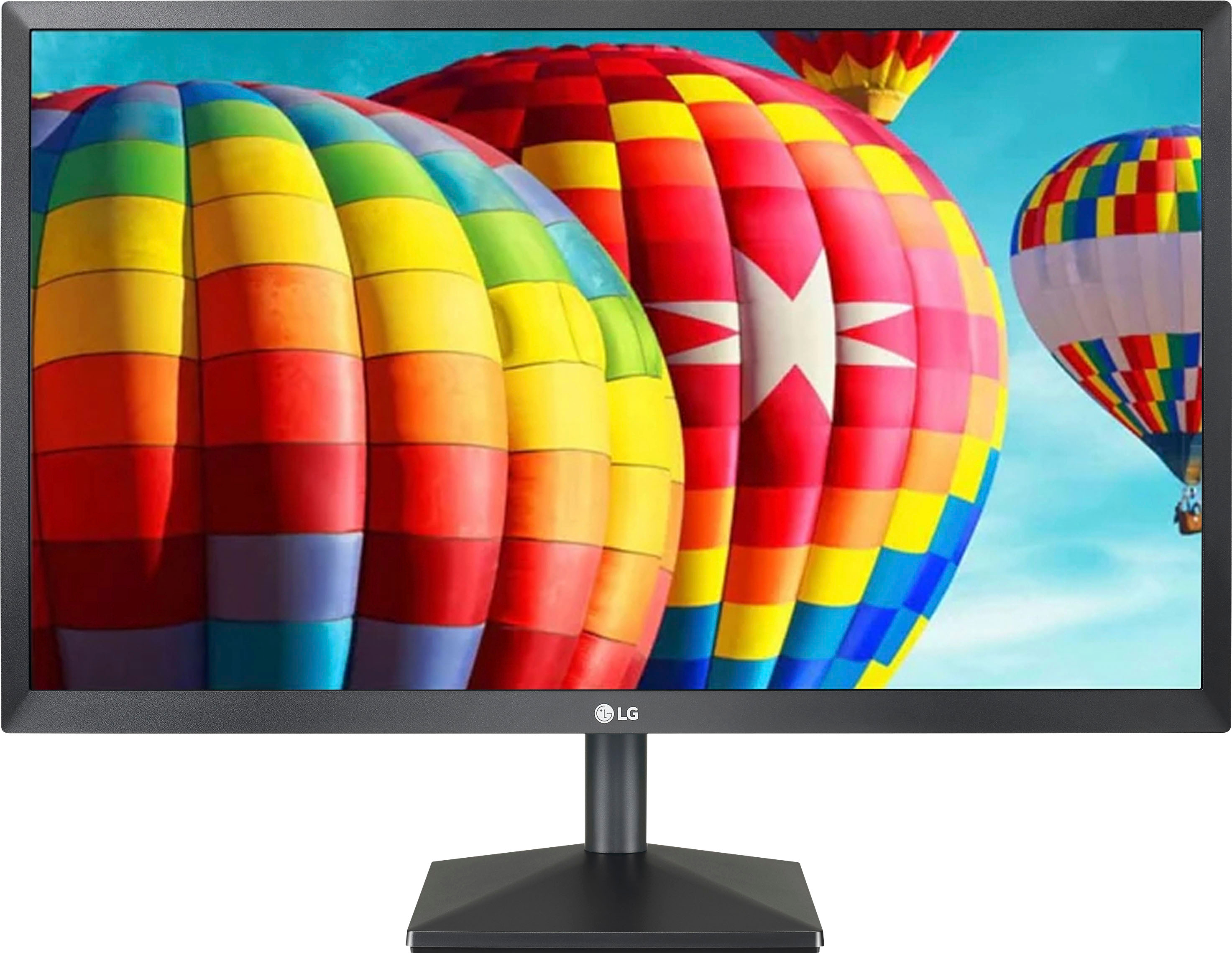
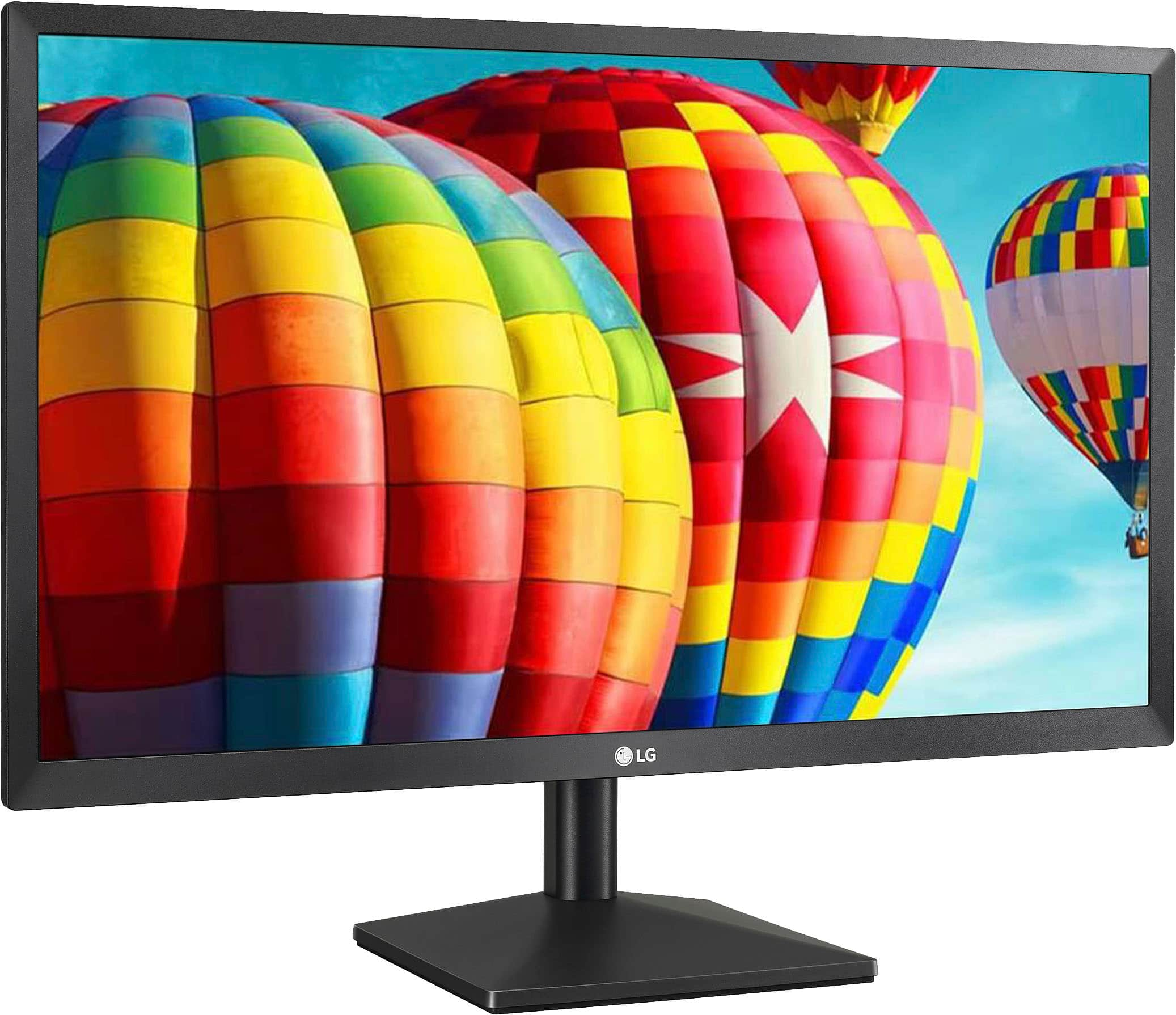
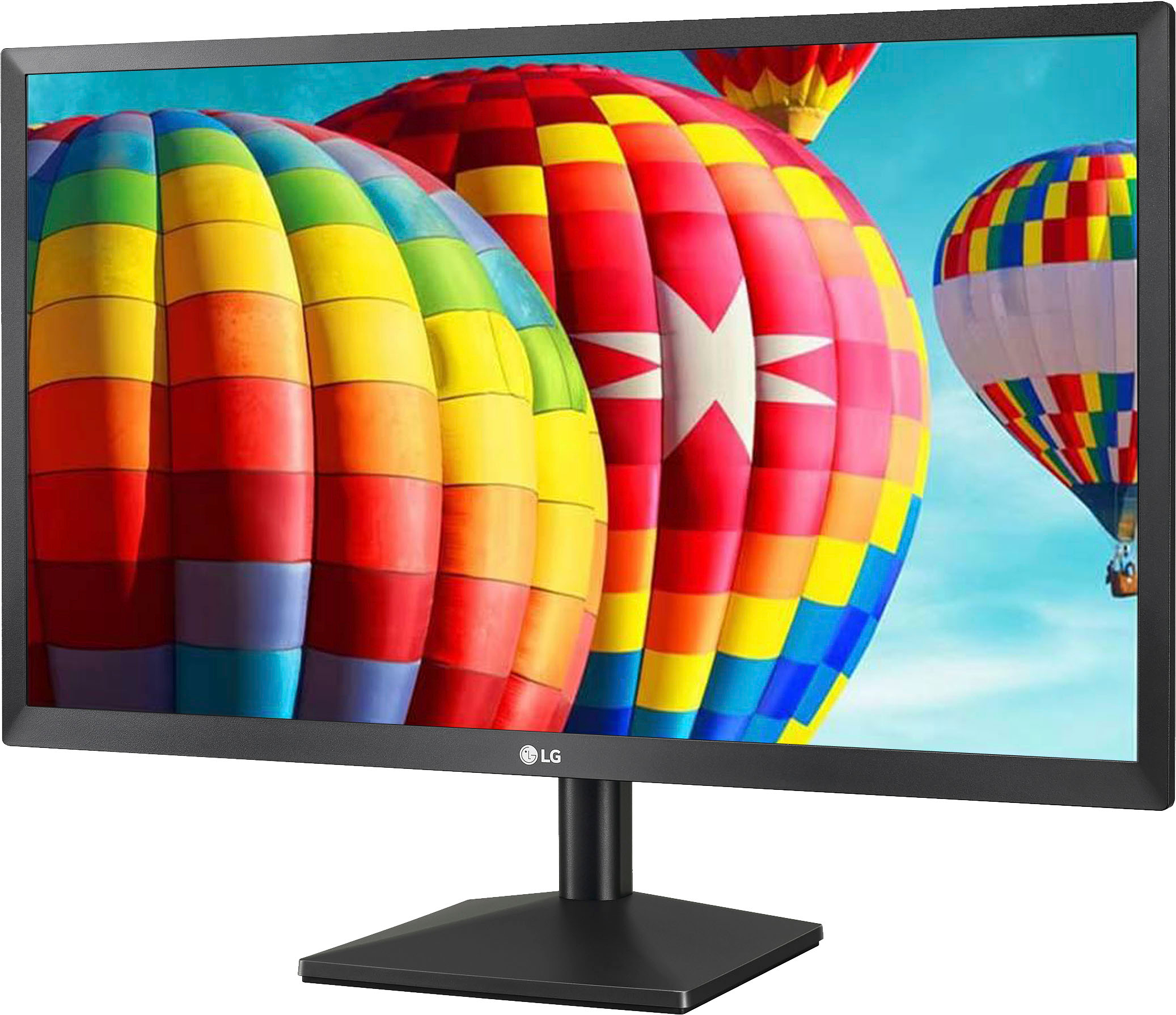
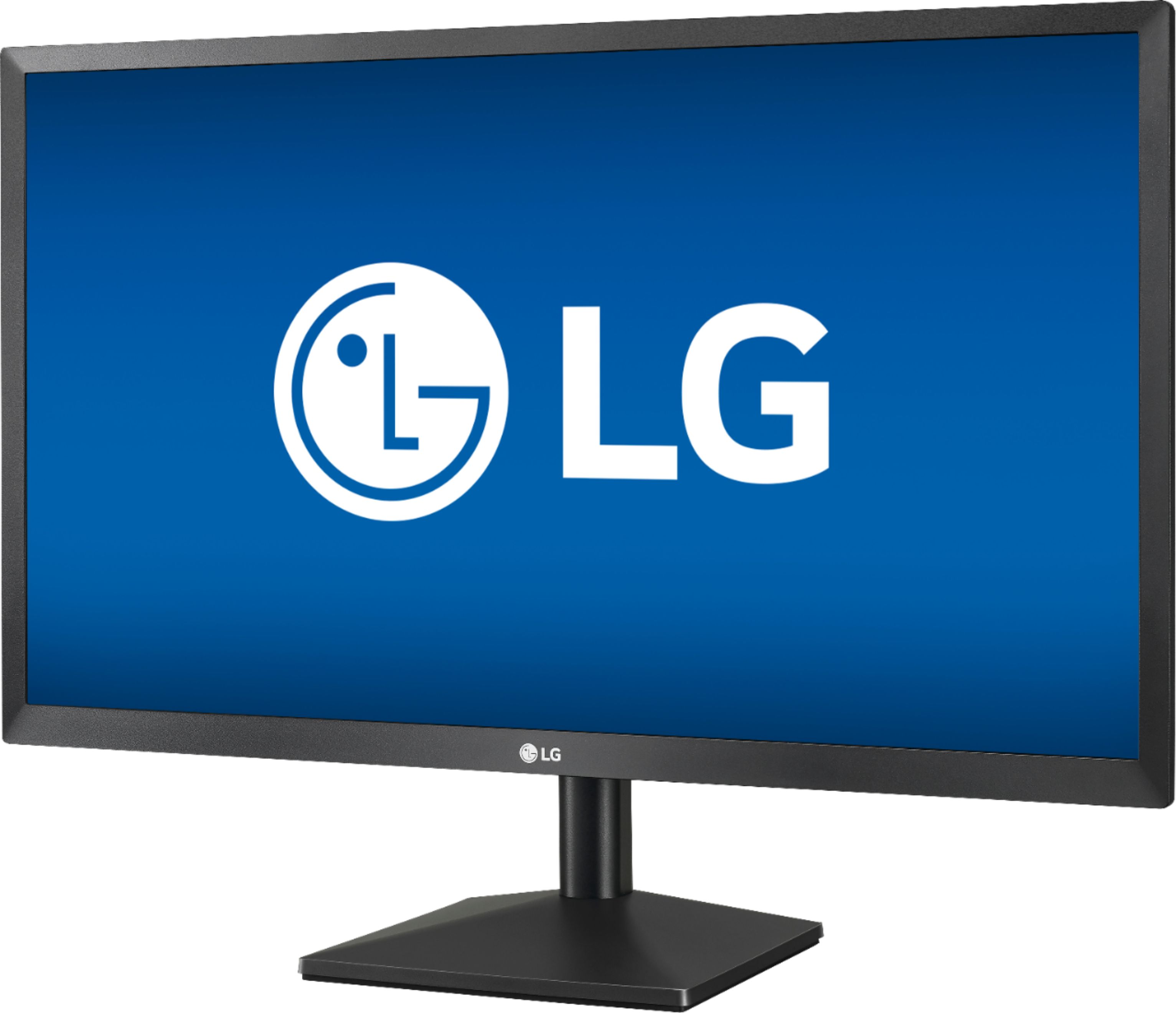
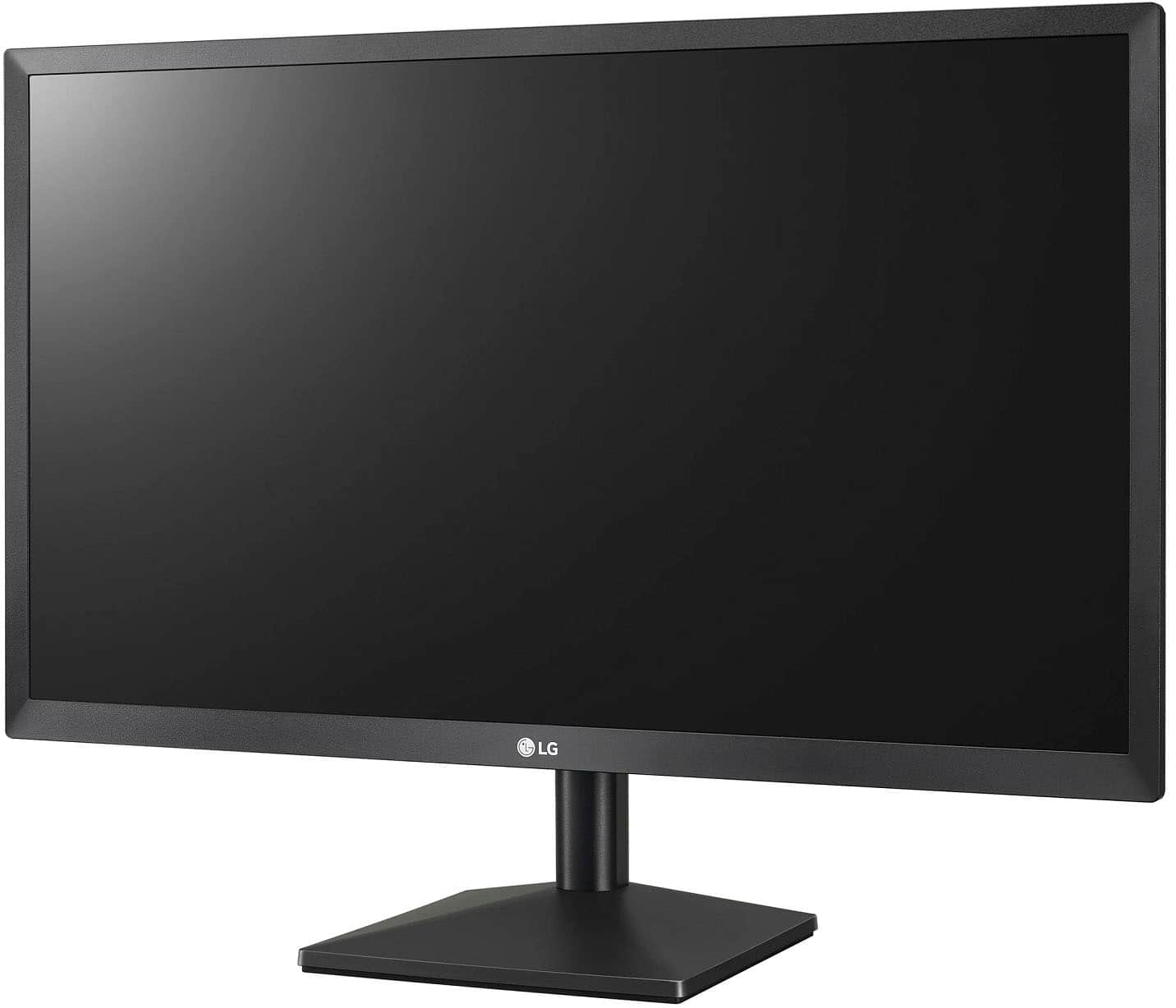
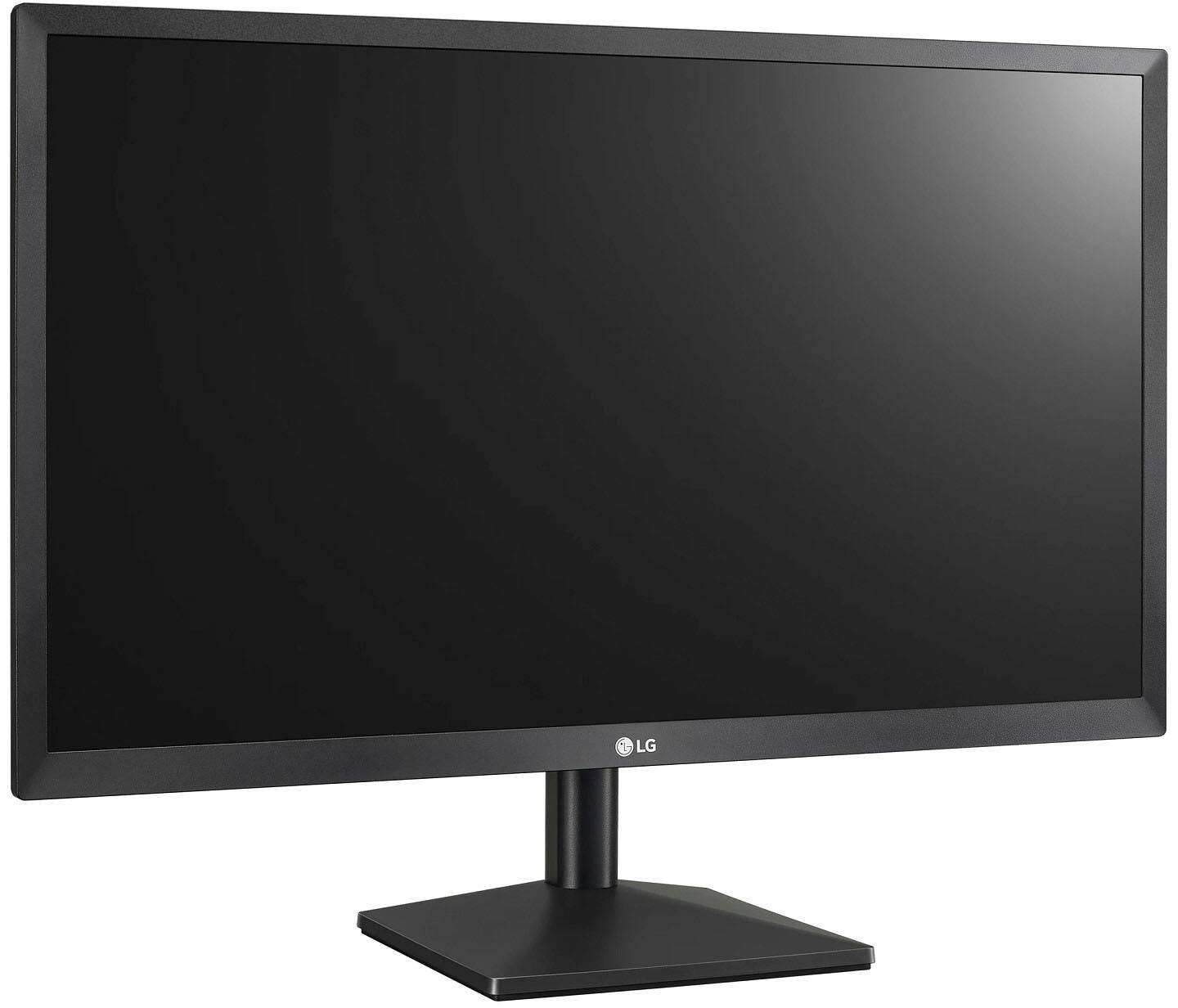
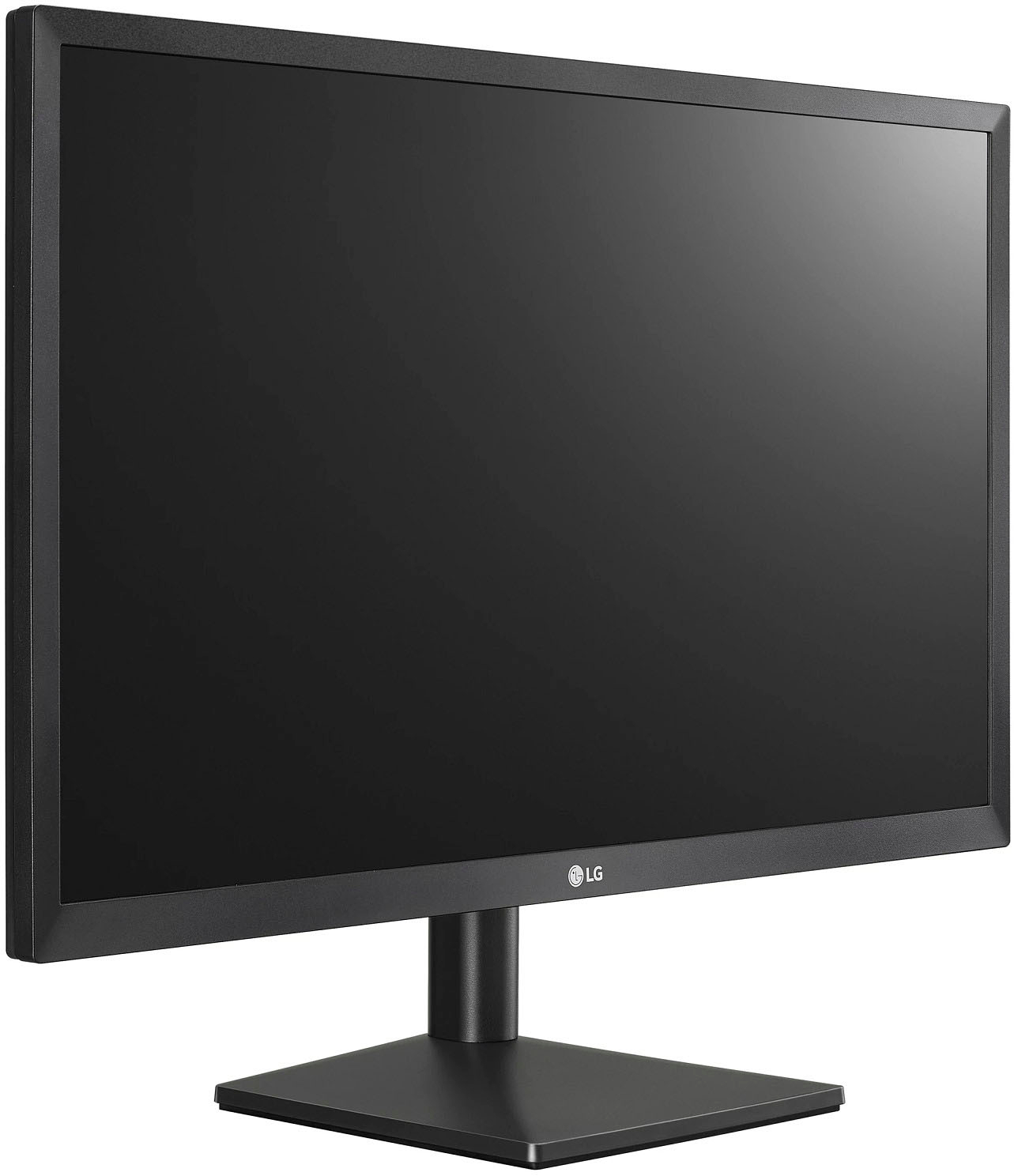
A:AnswerYou will need to check the requirements for the animation software that you intend to use with your computer to see what refresh rate is recommended. The LG 24'' Class Full HD IPS LED Monitor with AMD FreeSync (23.8'' Diagonal), Model # 24ML44B-B has a native refresh rate of 75Hz. If you need a higher refresh rate then you will need a monitor that is capable of giving you a higher refresh rate as recommended by the animation software requirements...^IFV
A:AnswerLook for the LG emblem at the bottom of the monitor. Reach behind the emblem and you will feel a button. Push it in to turn the monitor on/off. Move it forward, back, left, or right to show various display options.
A:AnswerPress the joystick button on the bottom of the monitor to access the settings menu to change the resolution. Move the joystick up/down (▲/▼) and left/right(◄/►) to set the options. User can set the desired resolution. This option is enabled only when the screen resolution on your computer is set to the following(D-SUB only). For further assistance, please reach out to our support team via private message on Facebook @LGUSSupport and use #VOC in your first message to our social media support team or call at 800-243-0000. ^Daphane
A:AnswerPress the joystick button on the bottom of the monitor to access the settings menu. Move the joystick up/down (▲/▼) and left/right(◄/►) to set the options. ^Daphane
A:AnswerThe LG 24'' Class Full HD IPS LED Monitor with AMD FreeSync (23.8'' Diagonal), Model # 24ML44B-B comes with a Limited Manufacturer's Warranty of 1 Year for Parts and Labor from date of purchase...&IFV
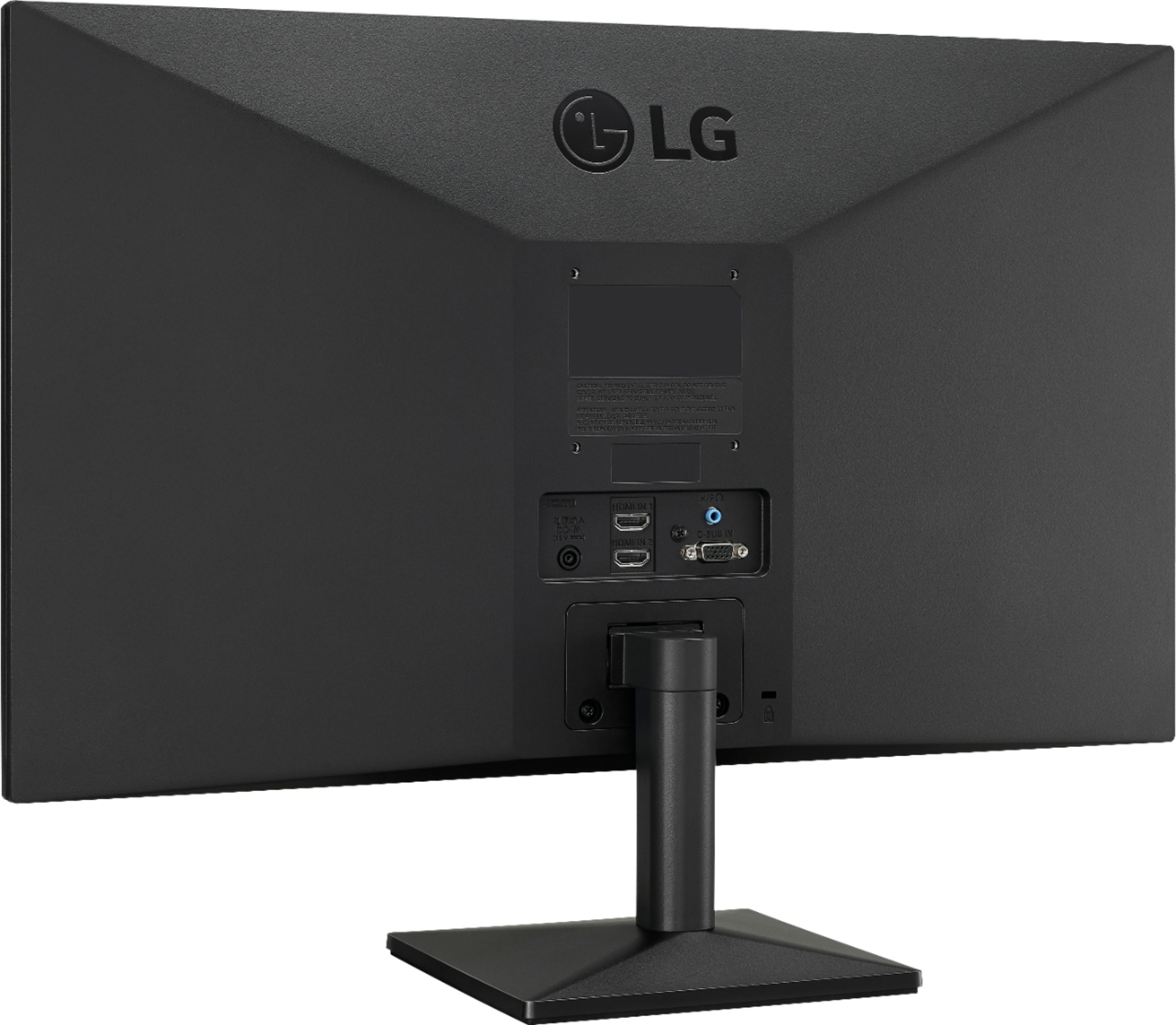
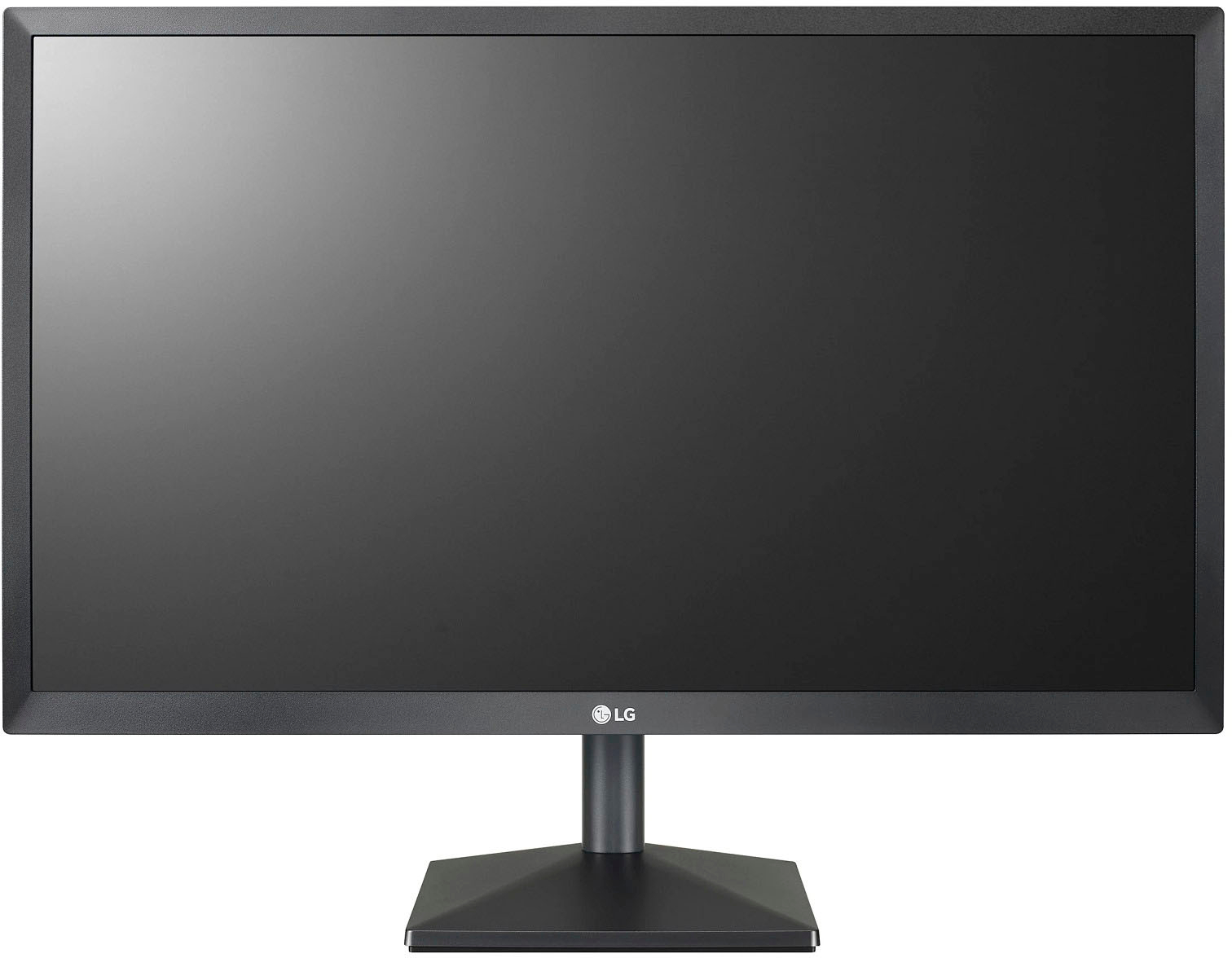
A:AnswerThe LG 24'' Class Full HD IPS LED Monitor with AMD FreeSync (23.8'' Diagonal), Model # 24ML44B-B has a joystick button under the panel in the middle where the LG logo is that you can use to access to the settings menu on the monitor and manually configure settings within the settings menu...^IFV
A:AnswerI am sorry, the factory did not provide that specification. Please seek help in the LG Community Forum, https://lgcommunity.us.com. The LG Community Forum is a great resource for getting help from other LG customers. ^Daphane
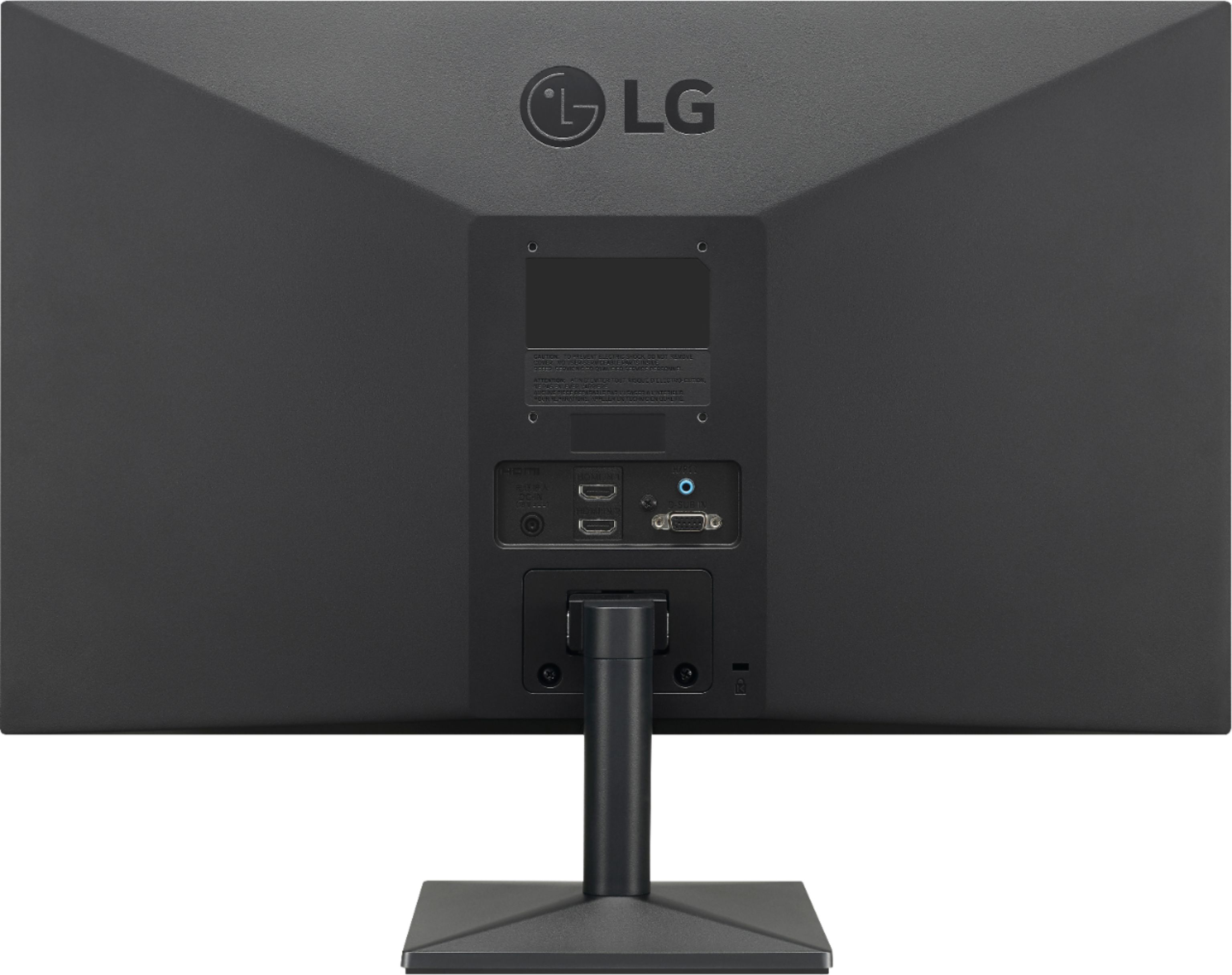
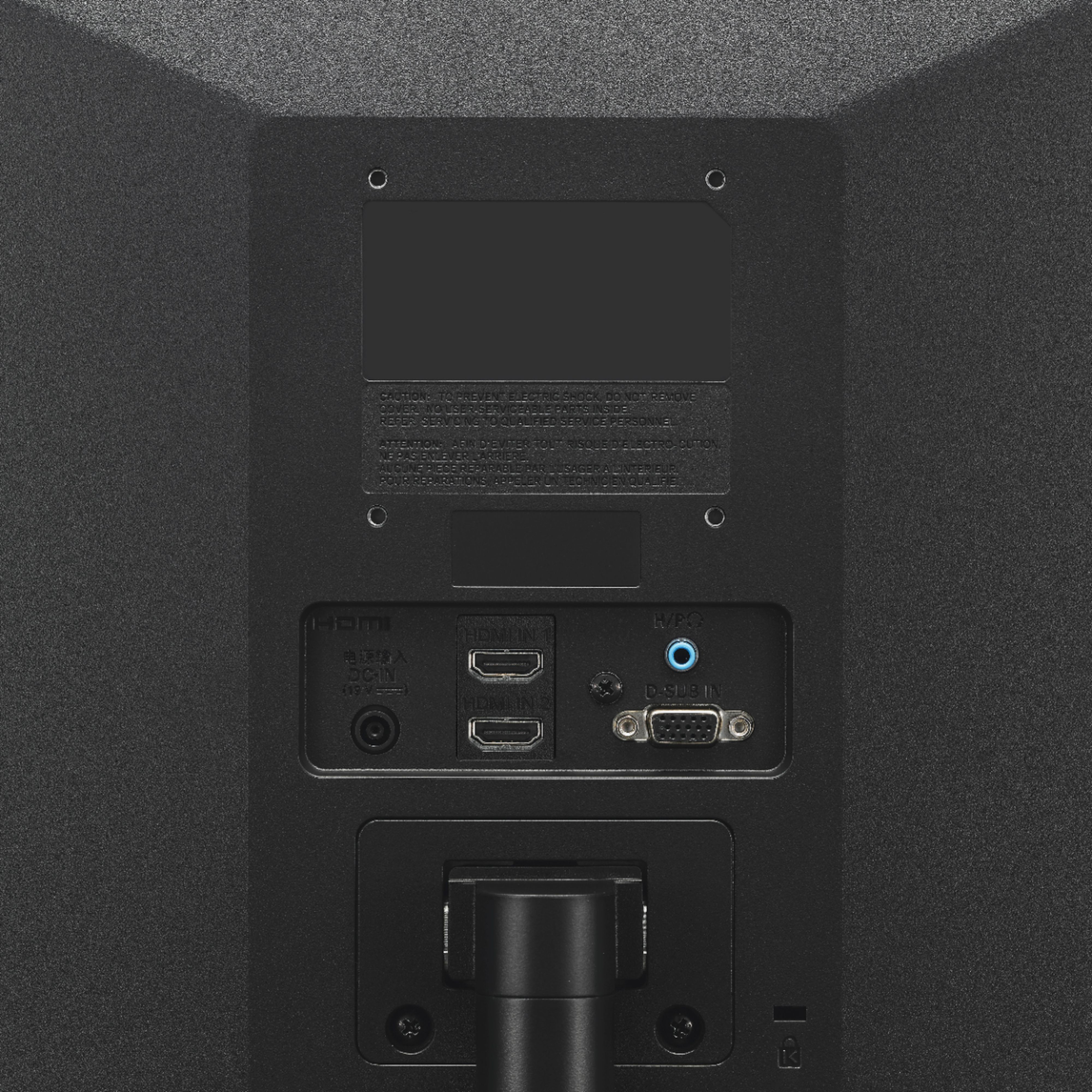
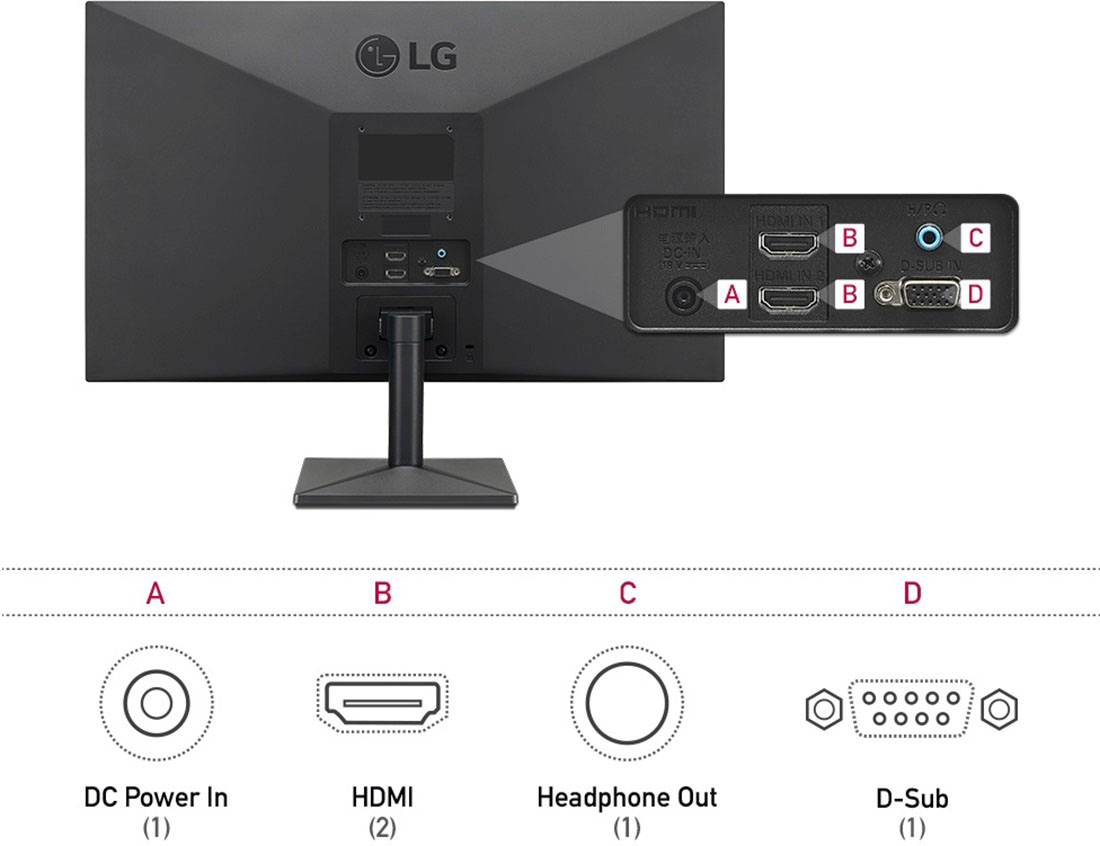
A:AnswerWhat connections does your Swann Security System have? The LG 24'' Class Full HD IPS LED Monitor with AMD FreeSync (23.8'' Diagonal), Model # 24ML44B-B has 2 x HDMI Inputs and a 15-pin D-Sub (VGA) port on it for connectivity. IT has a native resolution of 1920 x 1080 and a native refresh rate of 75Hz...^IFV
A:AnswerThe LG 24'' Class Full HD IPS LED Monitor with AMD FreeSync (23.8'' Diagonal), Model # 24ML44B-B is not an All-In-One computer. It's a standalone monitor so you will need to connect it to a PC/Laptop or a gaming console...^IFV
A:AnswerThe LG 24'' Class Full HD IPS LED Monitor with AMD FreeSync (23.8'' Diagonal), Model # 24ML44B-B has a native resolution of 1920 x 1080. 1440p is not a supported resolution...^IFV
A:AnswerYou need to right-click on the desktop screen on your laptop to access the Display Settings then under Display, you will need to click the drop down arrow to select Duplicate these Displays, Extend these Displays, Show only on 1 or Show only on 2 to have your laptop show on the LG 24'' Class Full HD IPS LED Monitor with AMD FreeSync (23.8'' Diagonal), Model # 24ML44B-B...^IFV
A:AnswerI'd love to answer your question, but Best Buy's shipping policy is confusing. Ordered this monitor back on July 11. BB shipped it via UPS to California, then from there via USPS parcel post to Hawaii. Parcel post to Hawaii usually takes 3-4 weeks in a good year. It's July 31, and the tracker says it's still in CA. In the meantime, other parts such as a power supply, ordered a week later, arrived a couple of days ago via priority mail. Really random on the shipping.
(specs from BB and LG website says 75hz)
A:AnswerThe LG 27 Inch UltraFine 5K IPS Monitor with macOS Compatibility, Model # 27MD5KL-B and the LG 27'' Class UltraFine™ 5K IPS LED Monitor (27'' Diagonal), Model # 27MD5KA-B have a Built-in Camera...^IFV