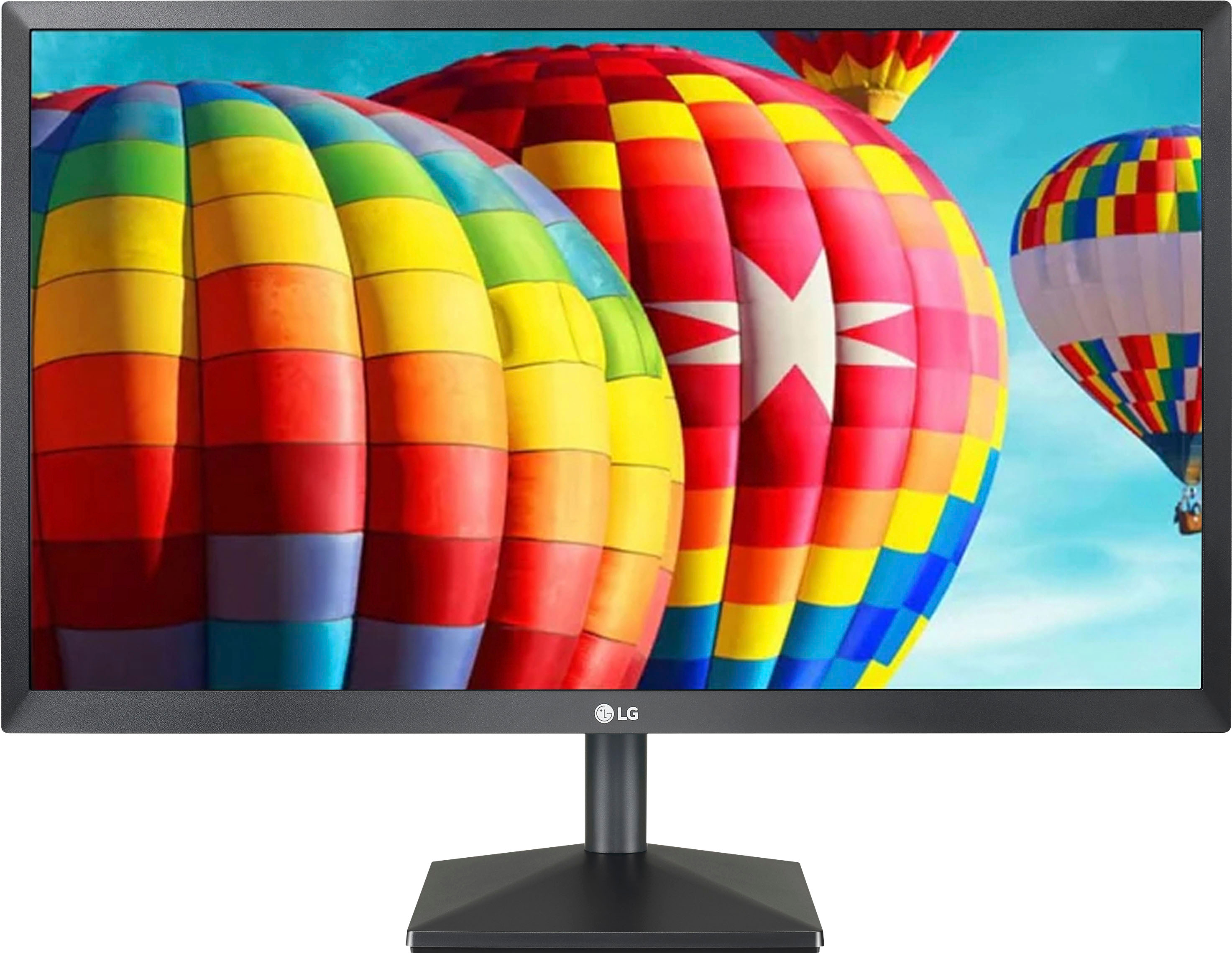
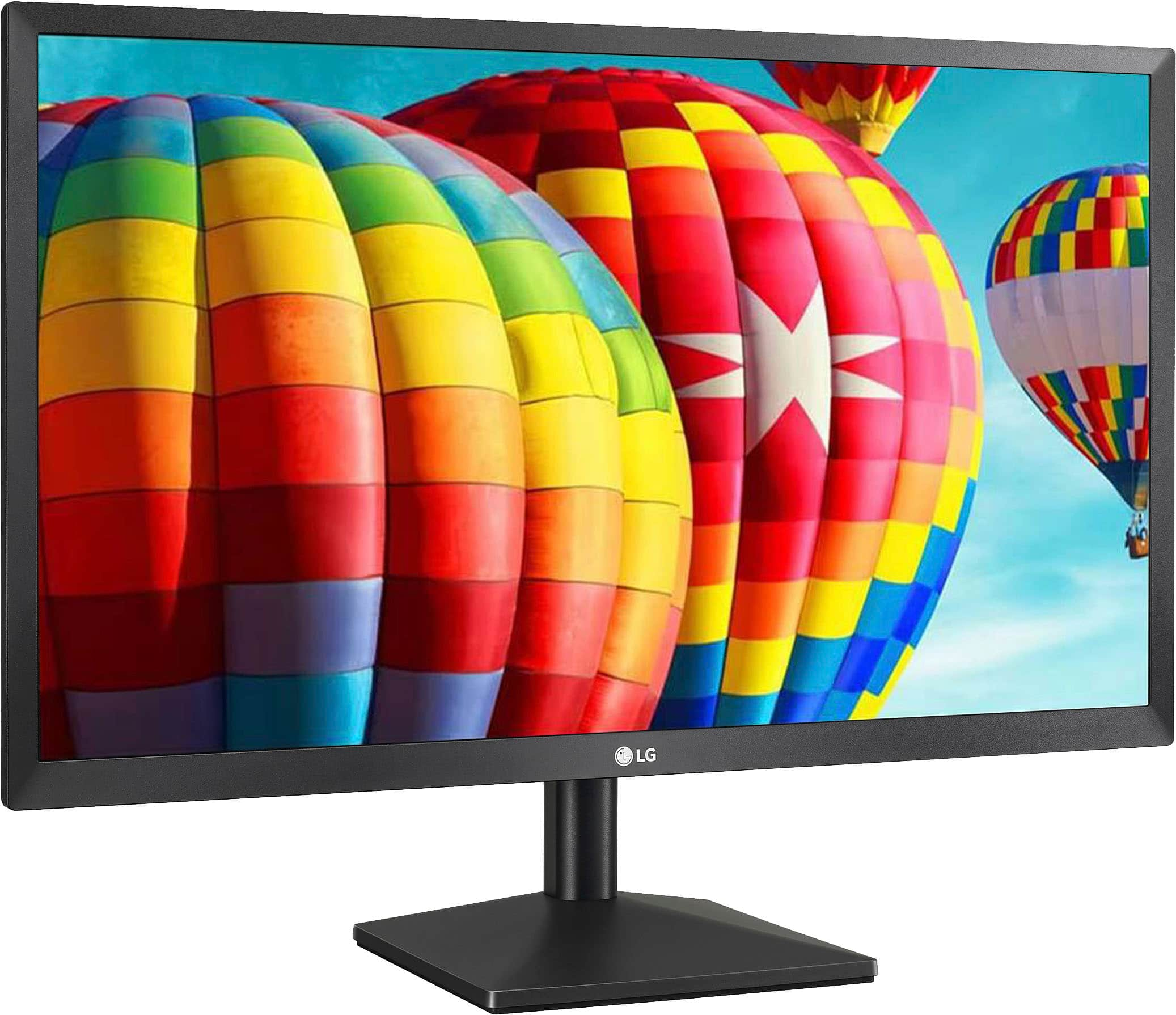
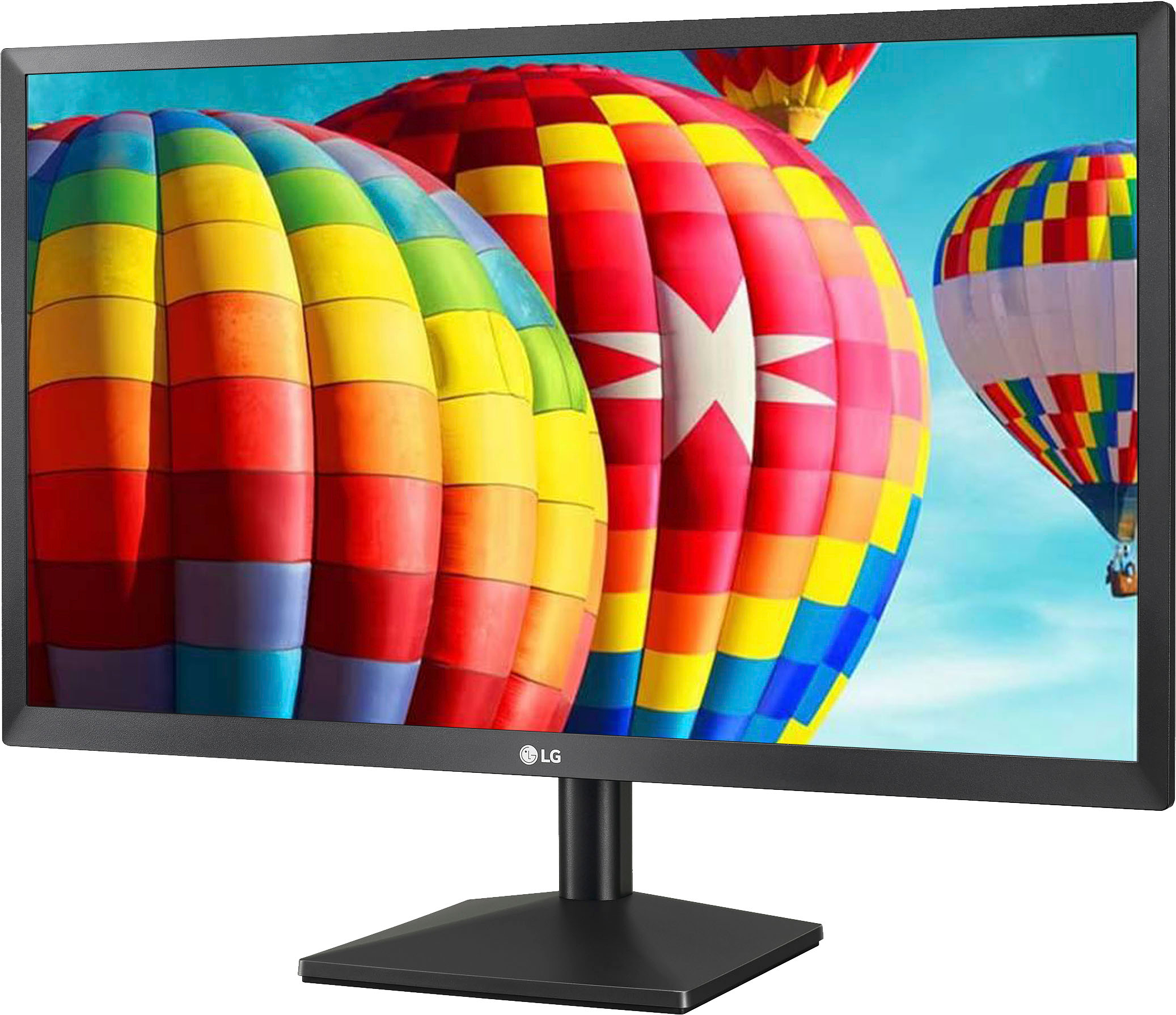
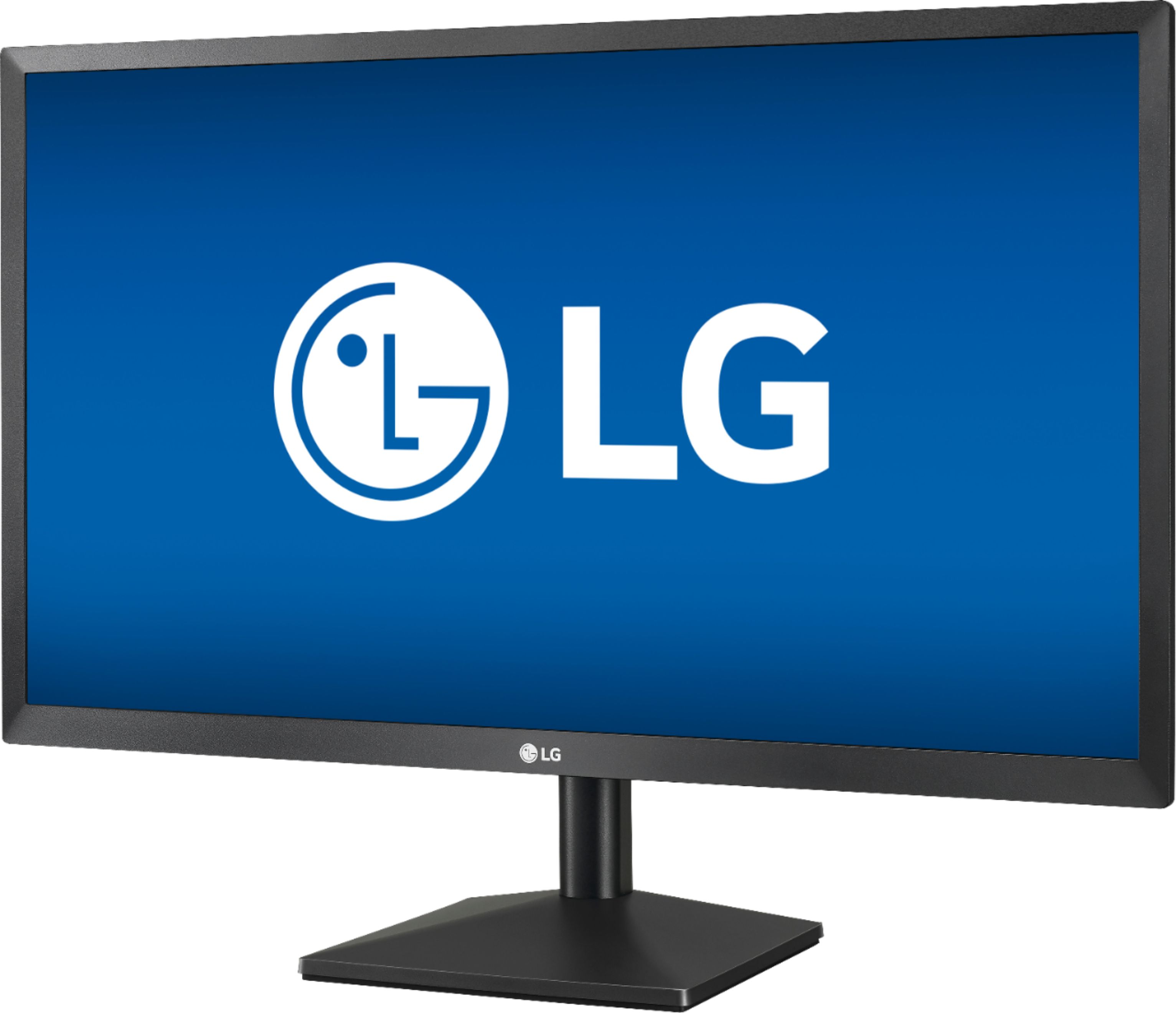
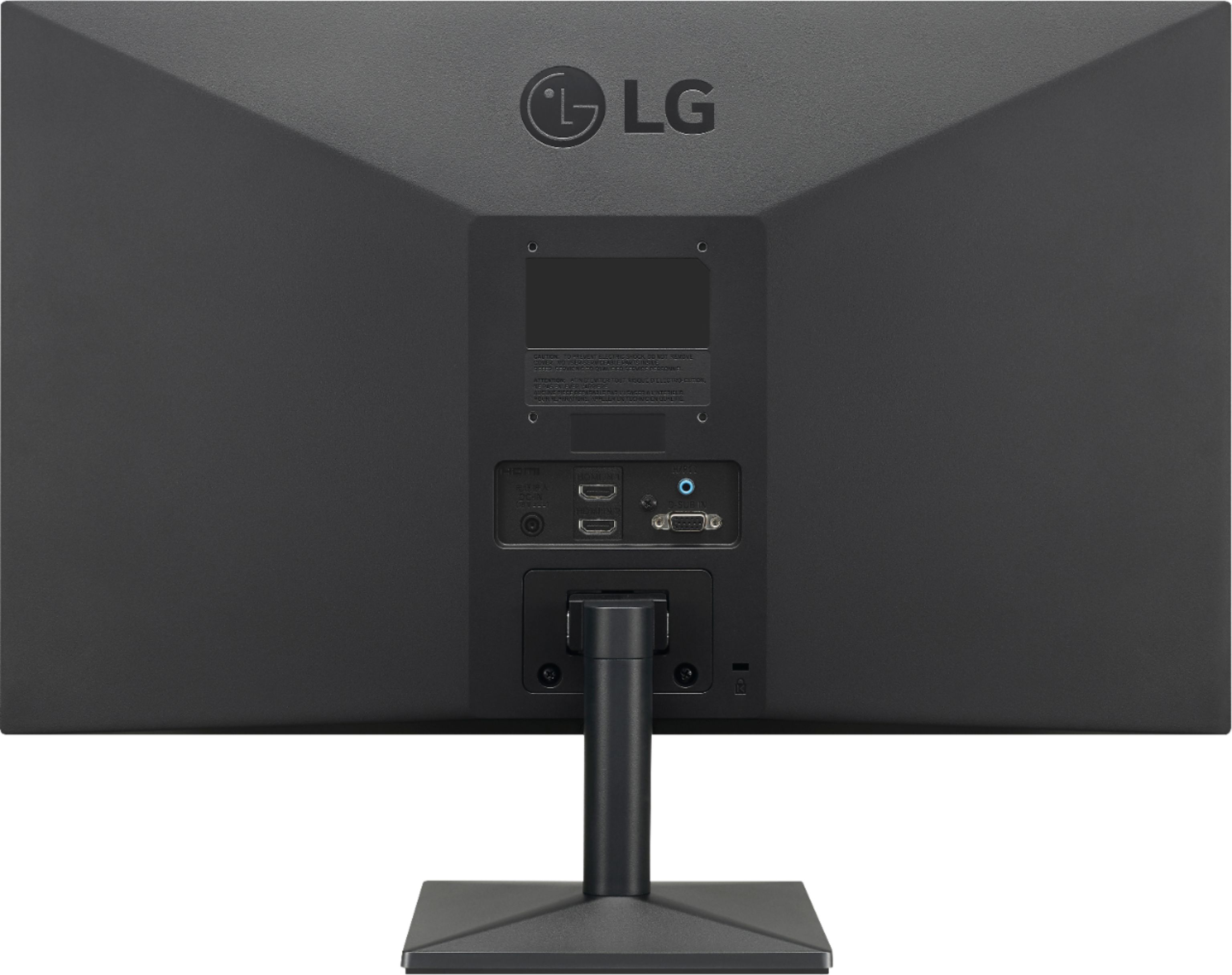
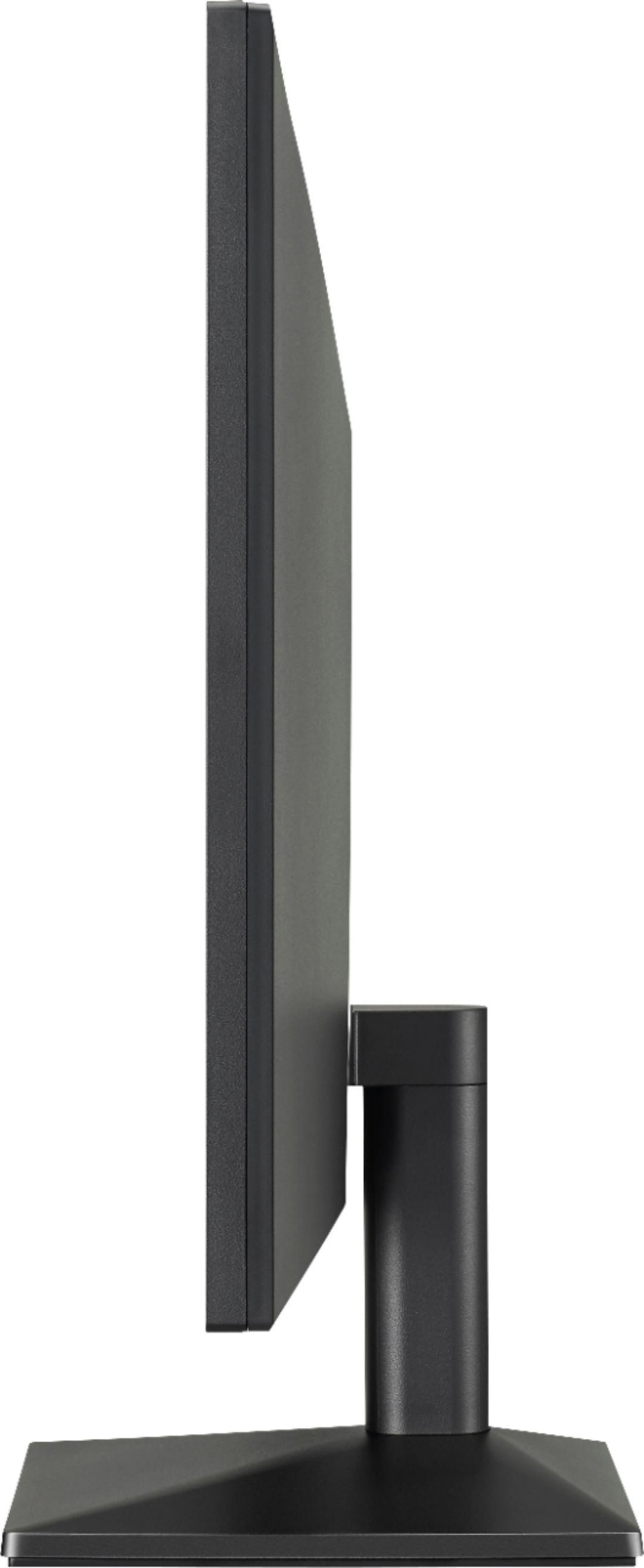
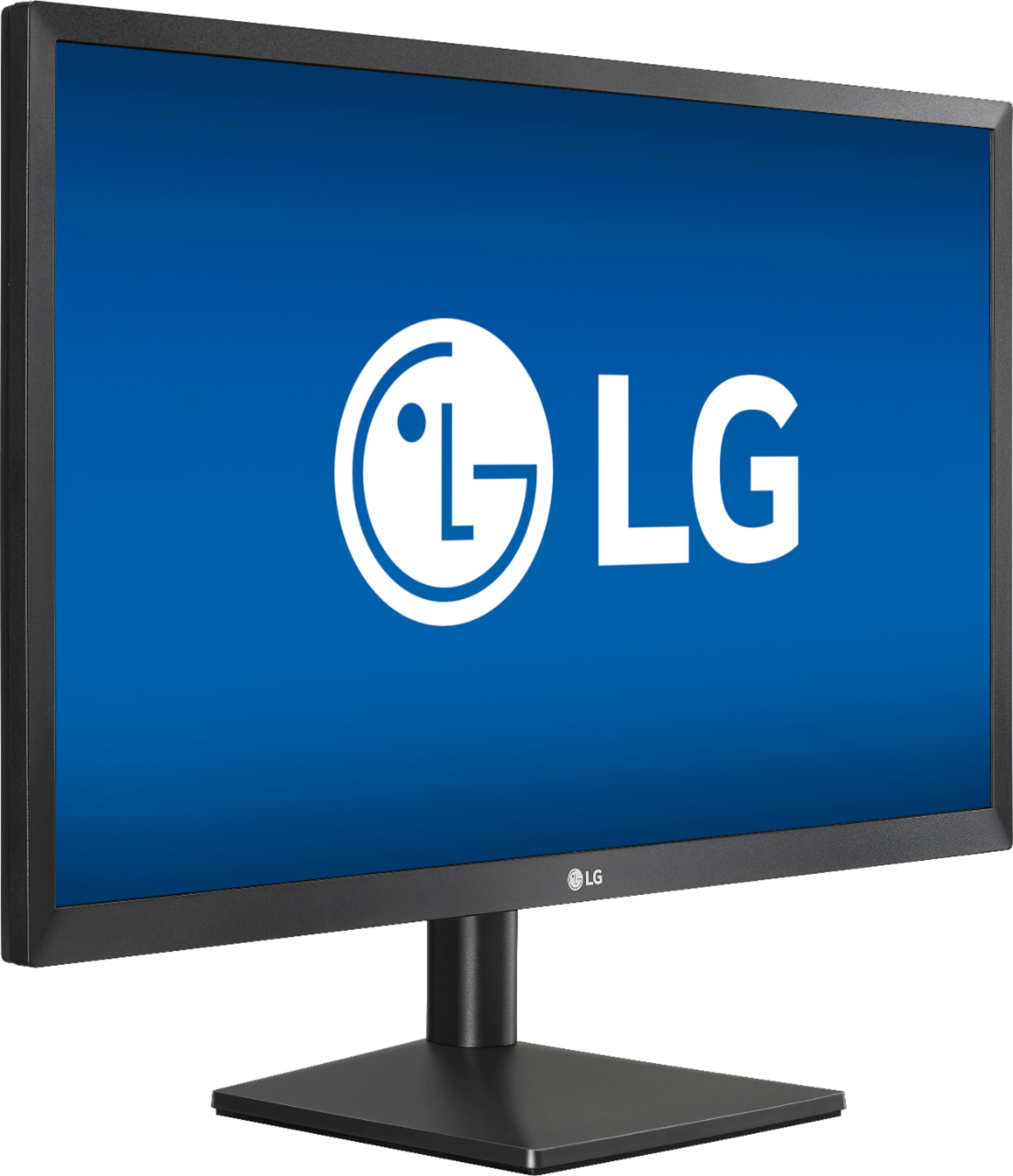
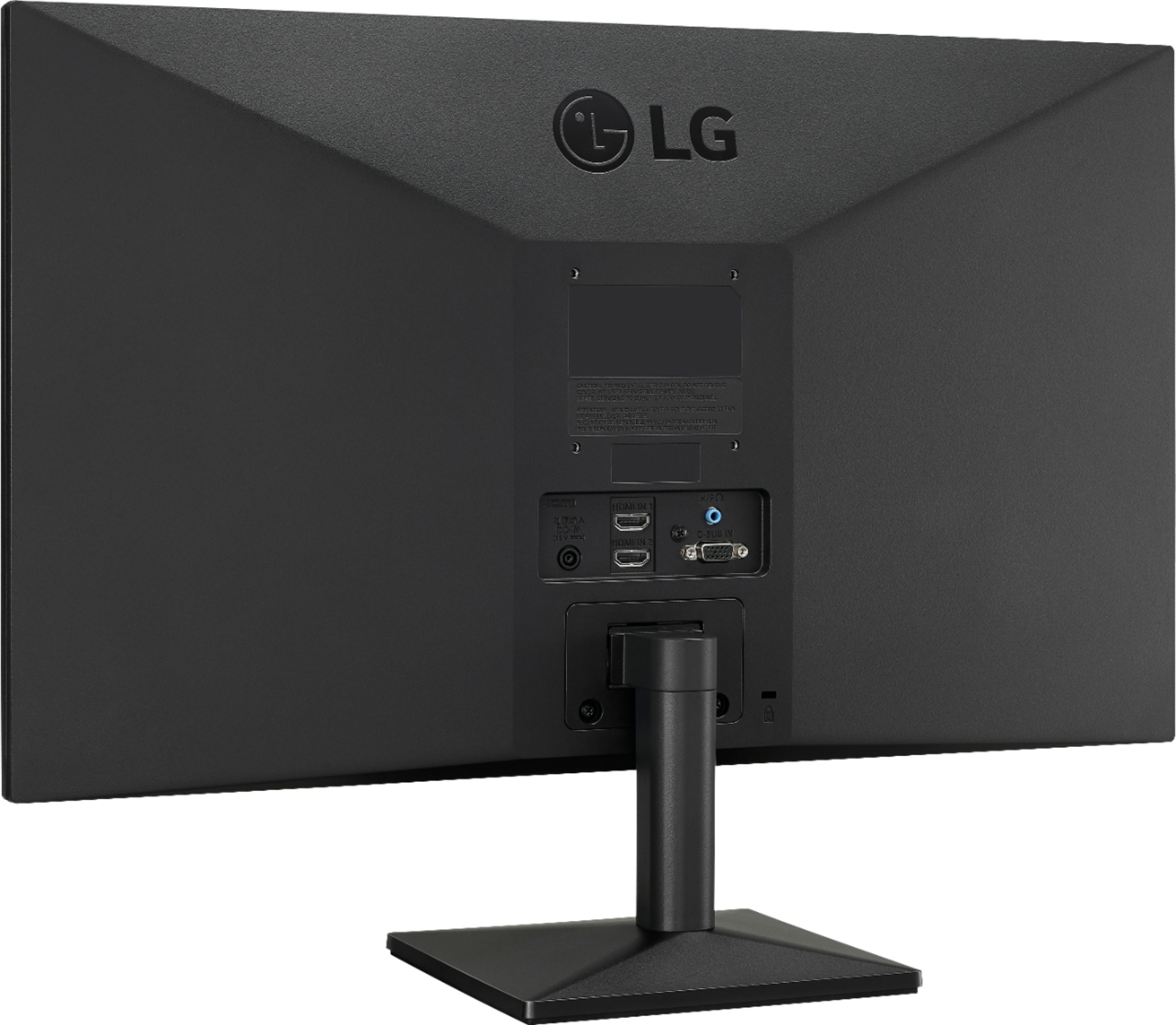
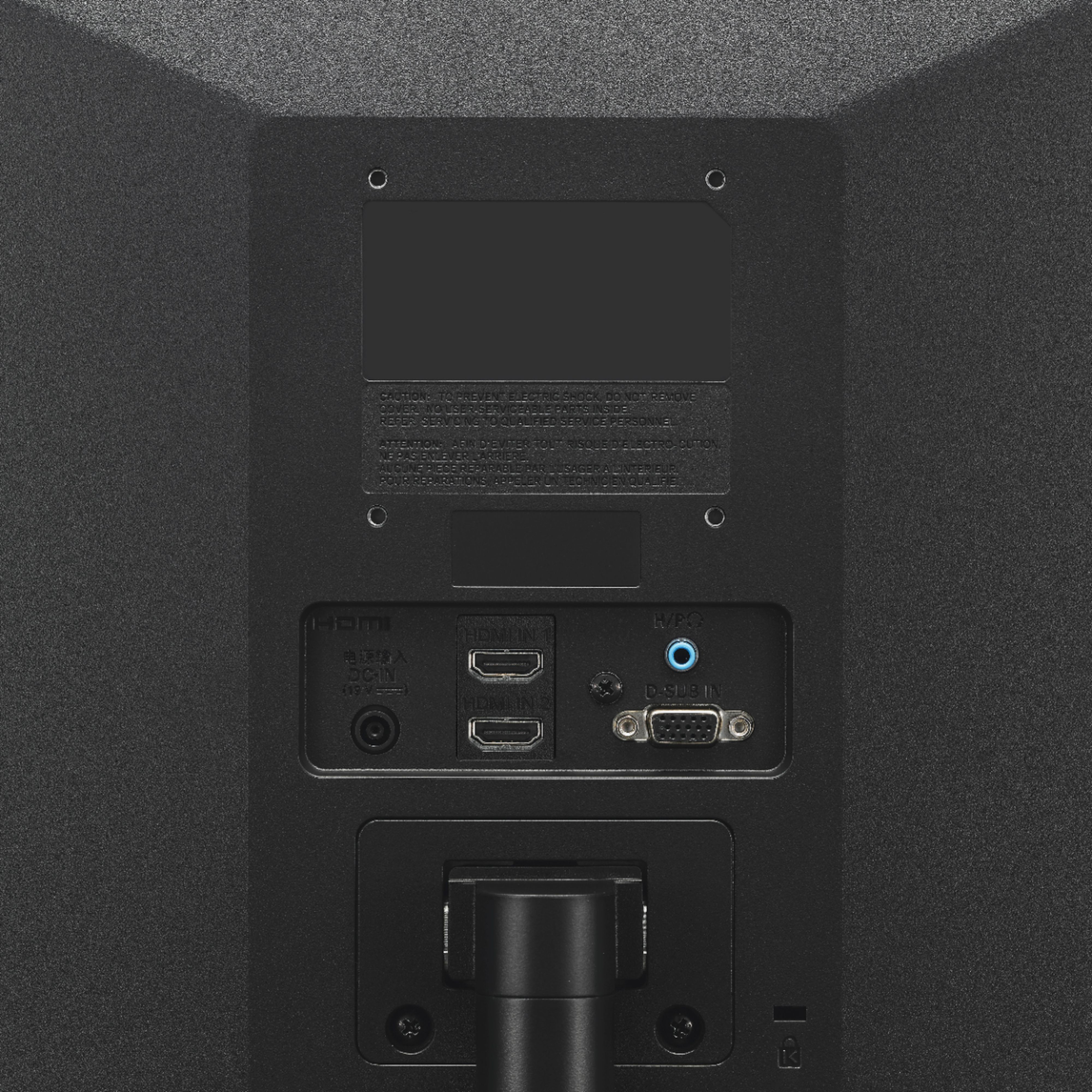
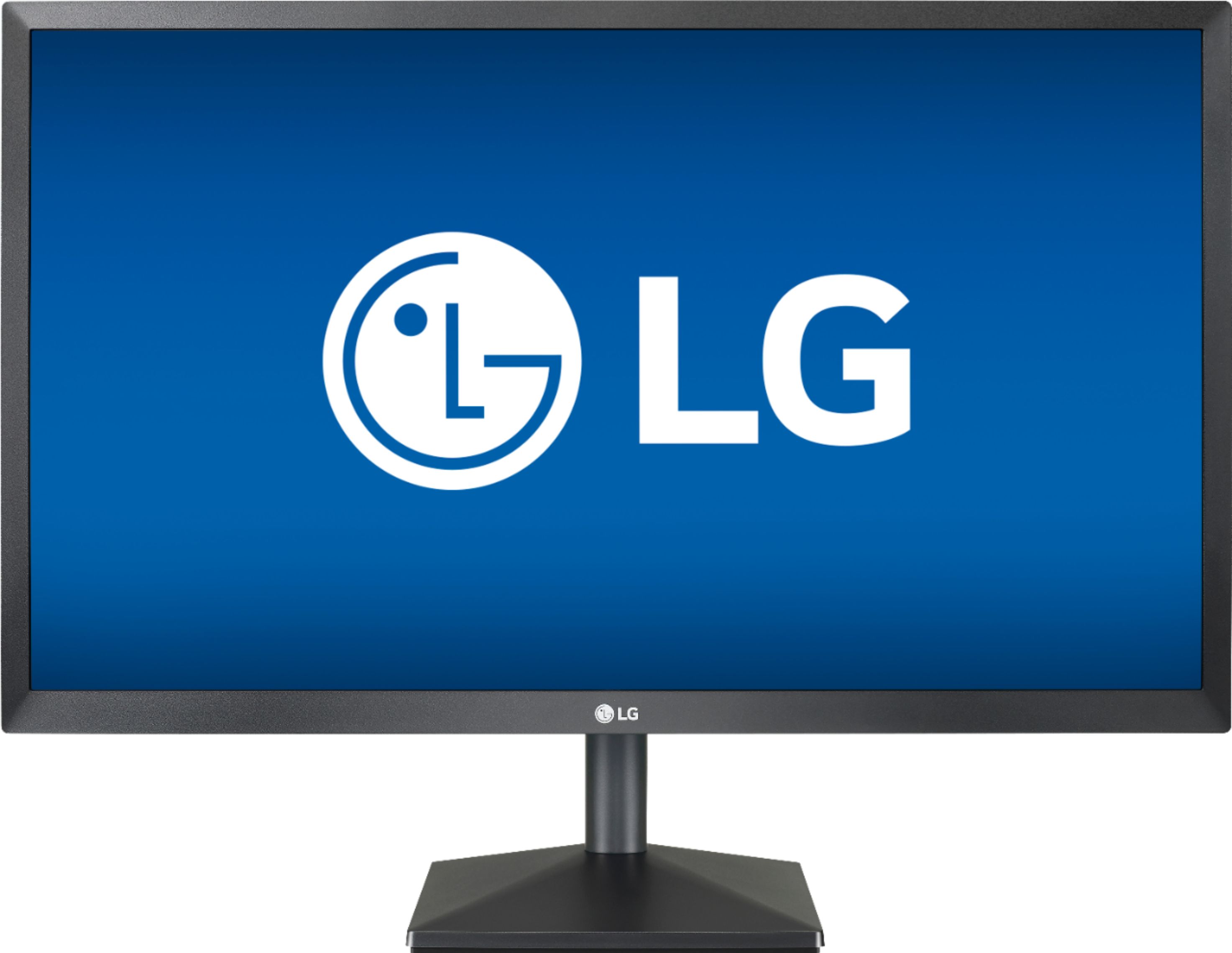
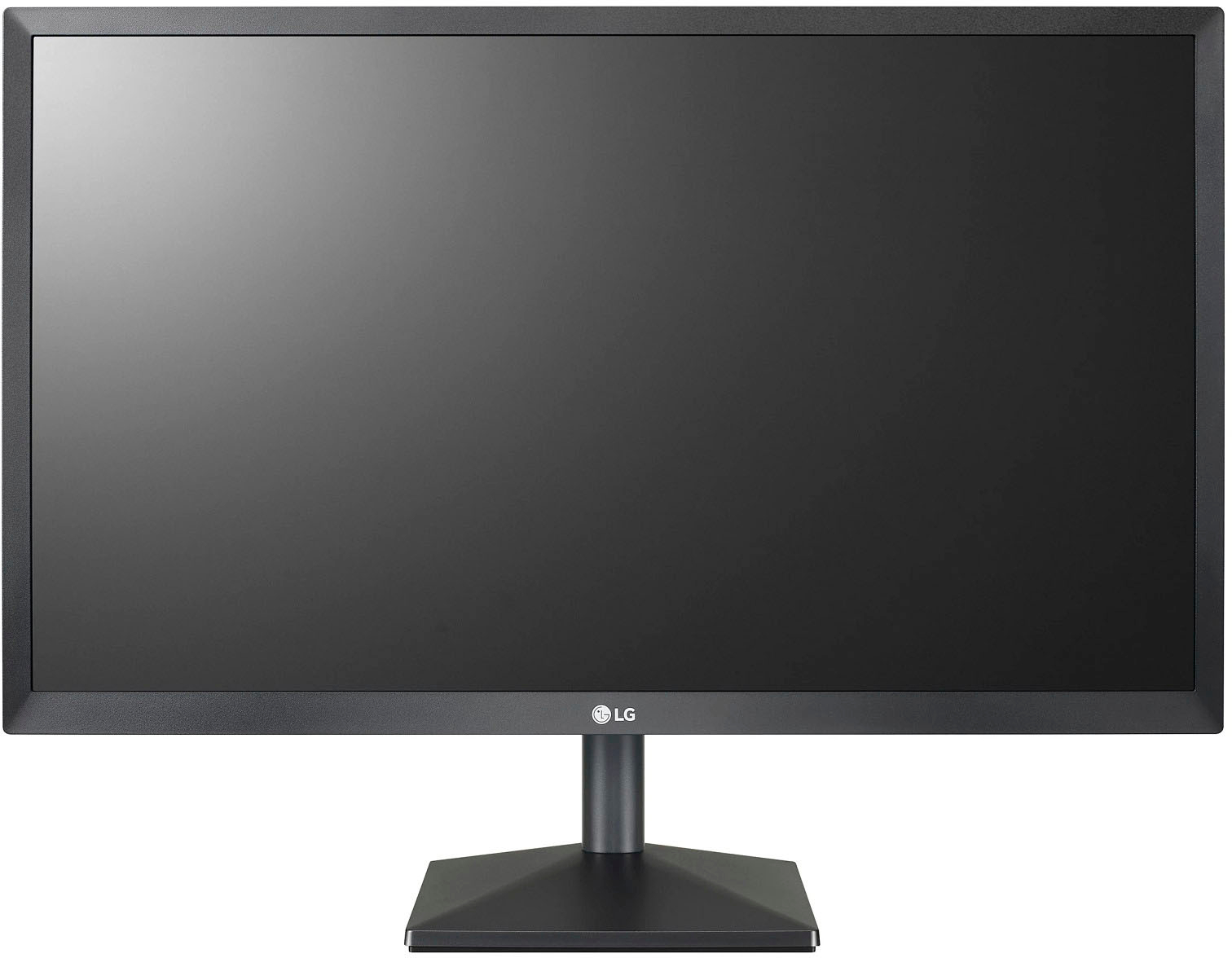
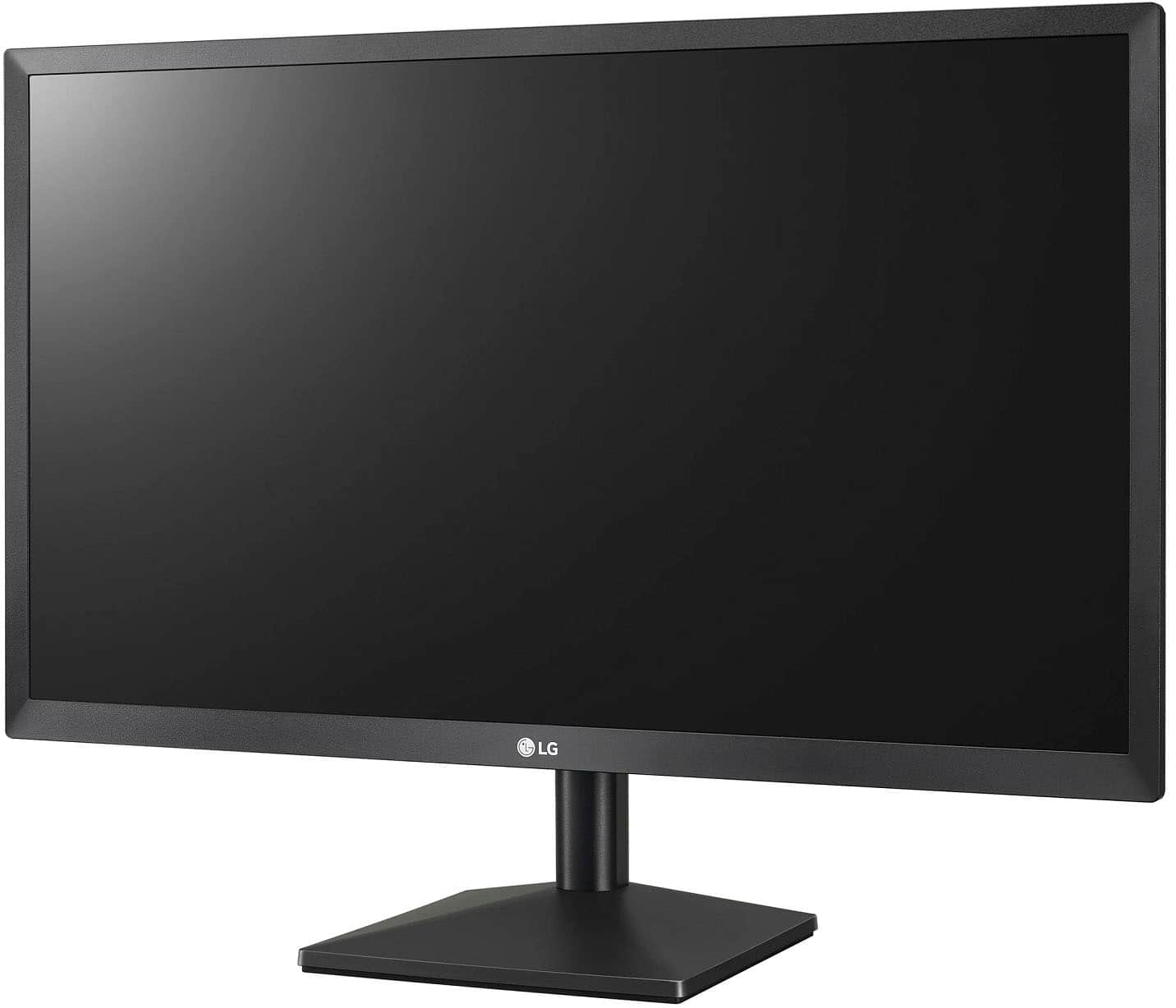
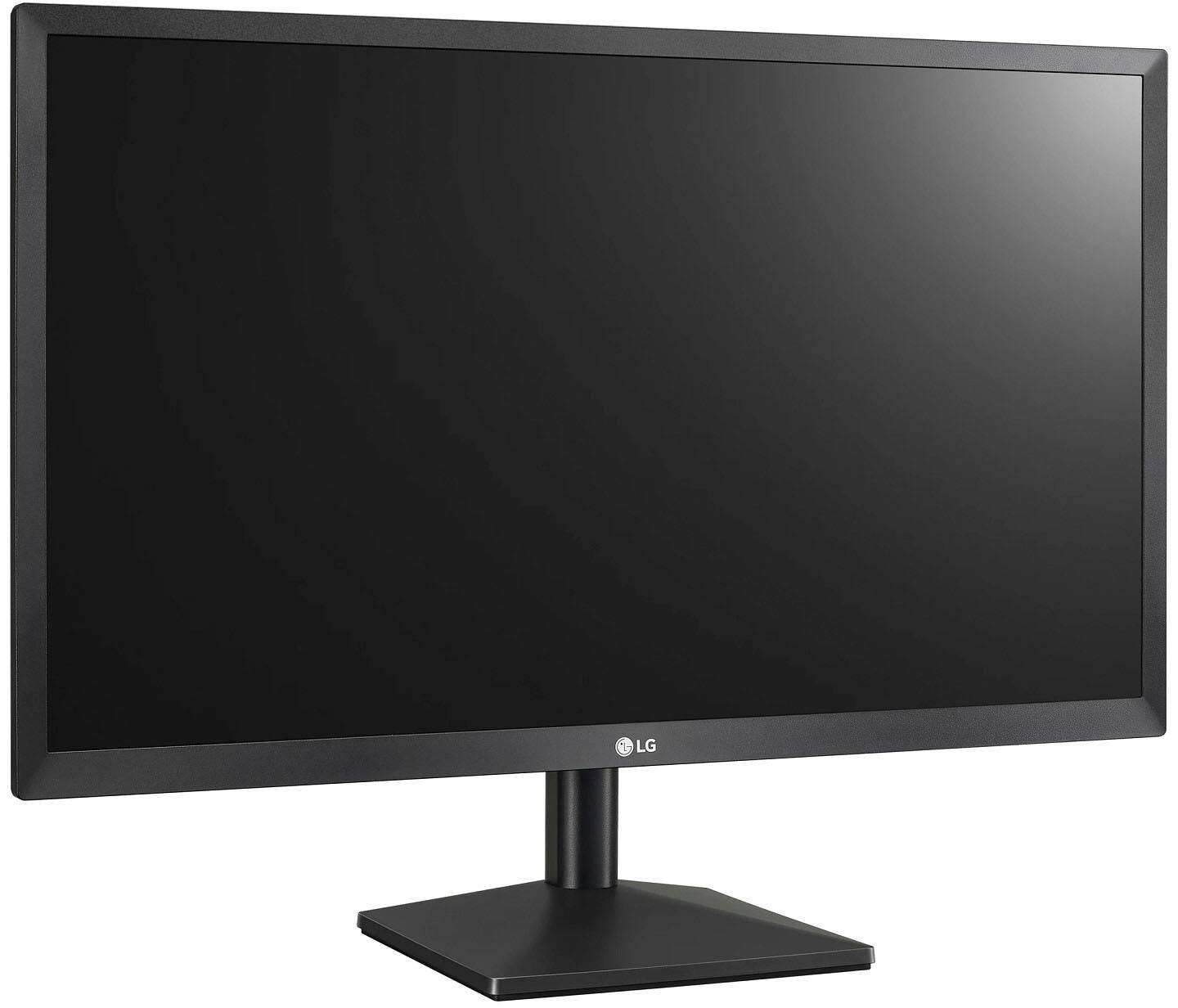
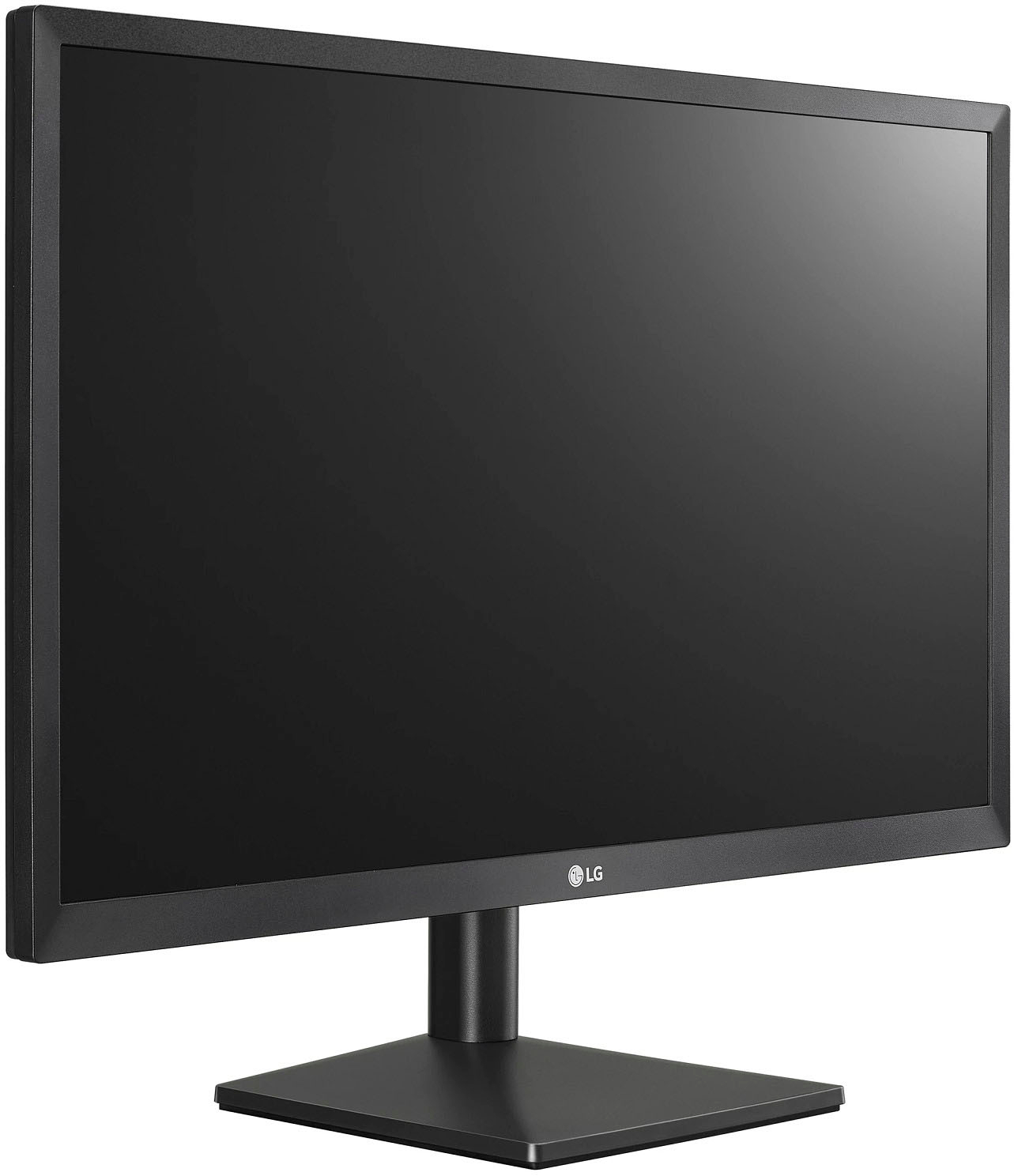
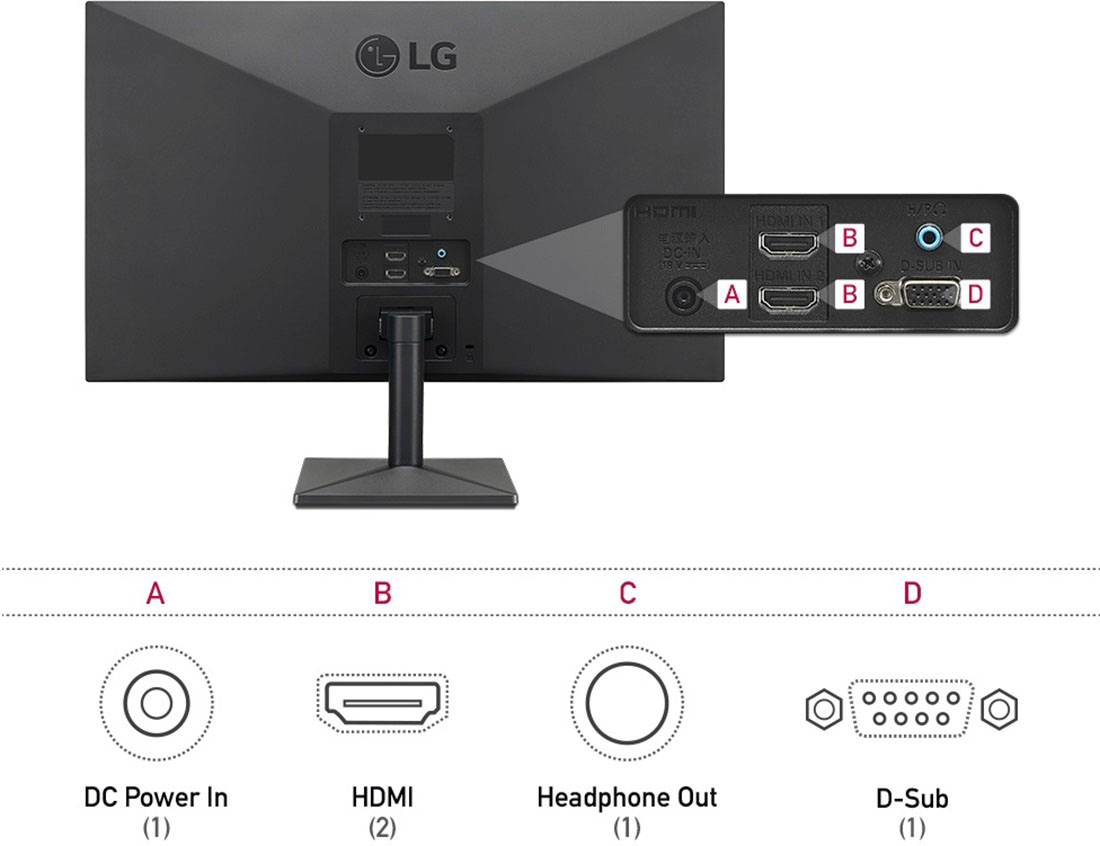
A:AnswerThe 24'' Class Full HD IPS LED Monitor with AMD FreeSync (23.8'' Diagonal), Model # 24ML44B-B has a Response Time (GTG) of 5 ms (GTG at Faster). It has a Headphone Out port that you can connect to a pair of computer speakers or use a headphone with...^IFV
A:AnswerPlease seek opinions in the LG Community Forum, https://lgcommunity.us.com. The LG Community Forum is a great resource for getting help from other LG customers. ^Daphane
A:AnswerRegrettably, without knowing any details about your graphics card for your PC or Laptop nor the connectivity, we cannot advise you on how you can set two of the LG 24'' Class Full HD IPS LED Monitor with AMD FreeSync (23.8'' Diagonal), Model # 24ML44B-B up so you'll have dual monitors. You cannot daisy chain the monitors so your graphics card will need to have two outputs to connect each monitor and be able to drive both or you will want to search for adapters that you can split the video output with so you can connect to two monitors. Depending on what Operating System you have installed on your PC or Laptop, you can adjust the "Multiple Displays" settings if your PC or laptop supports multiple monitors...^IFV
A:AnswerPlease reach out to our support team via private message on Facebook @LGUSSupport or call at 800-243-0000. Please be sure to provide your contact information, model/serial numbers and date of purchase. ^Daphane
A:AnswerI do not know anything about a Dynex TV to offer an opinion. Please seek recommendations/opinions in the LG Community Forum, https://lgcommunity.us.com. The LG Community Forum is a great resource for getting help from other LG customers. ^Daphane
A:AnswerYes it can be used for fortnite. And if your playing on a pc and want to game at 144hertz this aint the monitor for that. However this monitor is perfect for ps4 pro and xbox 1 x. There both capped at 60hertz. 5ms response.