Questions & Answers
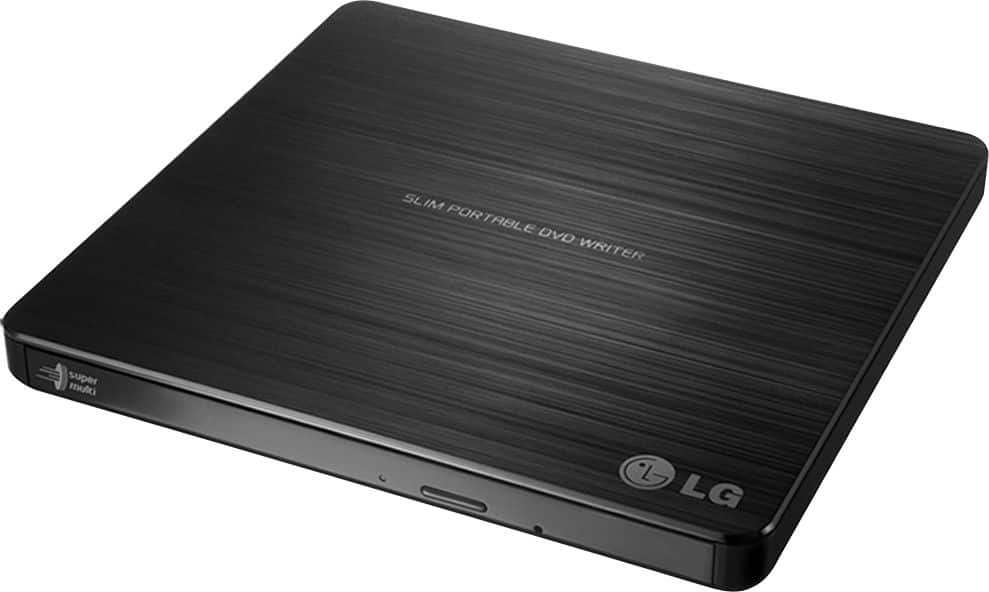
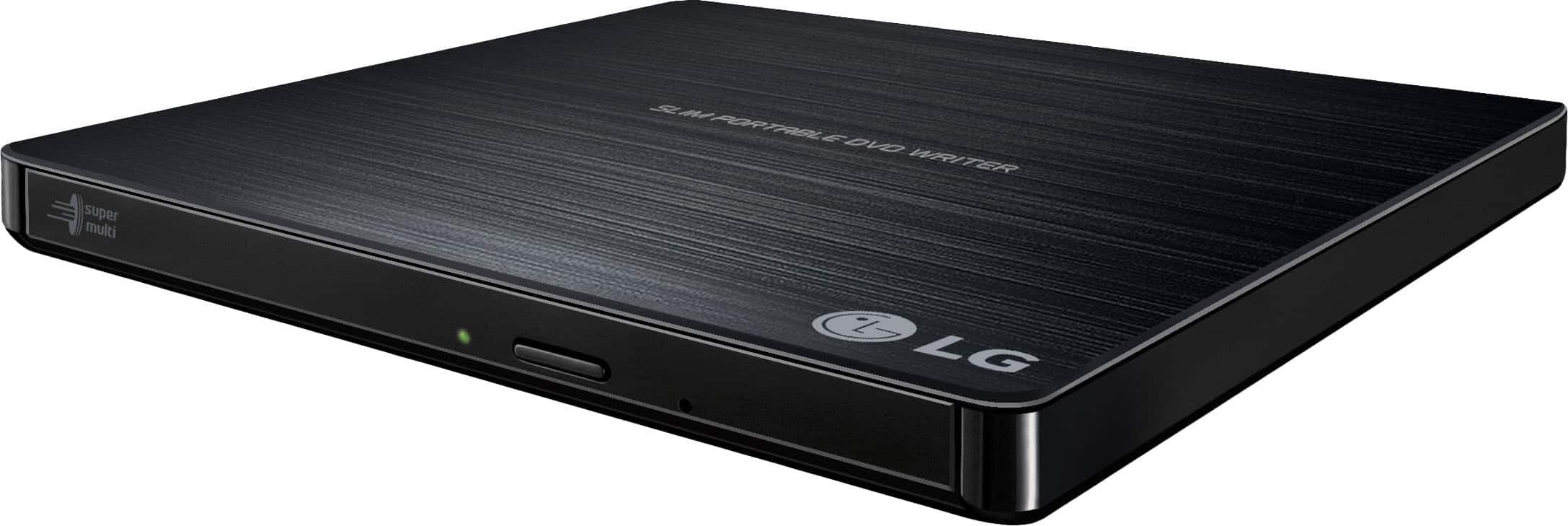
- Model:
- GP60NB50
- |
- SKU:
- 1970008
Q: QuestionWill this system work with Windows 11
Asked by ronnie.
- A:Answer Hello there, Ronnie. We understand your inquiry regarding the LG Super Multi Portable DVD Rewriter (Model GP60NB50) and whether it will work with Windows 11. Although the official specifications list compatibility up through Windows 10, many customers have successfully used this drive on Windows 11 systems by relying on Windows’ built-in USB mass storage drivers. To ensure the best possible performance: Use Windows Update: Once you connect the GP60NB50 via USB 2.0 to your Windows 11 PC, allow Windows Update to automatically locate and install the most up-to-date generic CD/DVD driver. This step often enables the drive to function immediately without needing additional manual driver installation. Verify Device Recognition: After attaching the drive, open Device Manager (on Windows 11, press Win+X and select Device Manager). You should see “LG DVD Writer” (or similar) listed under “DVD/CD-ROM drives.” If you see a yellow warning icon, proceed to right-click the device and choose “Update driver” → “Search automatically for drivers.” If you require step-by-step assistance with downloading firmware, updating drivers, or troubleshooting any recognition issues on Windows 11, please send us a private message on social media @LGUSSupport. We understand your inquiry and want to ensure your GP60NB50 operates flawlessly on your system. https://www.bestbuy.com/site/lg-24x-write-24x-rewrite-24x-read-cd-8x-write-dvd-external-usb-2-0-dvd-writer-drive-multi/1970008.p?skuId=1970008 Thank you for choosing LG, and we look forward to helping you further. —Renzo
Answered by LG Digital Customer Care

Q: Questiondoes this work with Windows 11?
Asked by Anonymous.
- A:Answer Hi there! We understand your inquiry about the compatibility of the LG GP60NB50 External DVD Writer with Windows 11. We're glad you're checking in before making a decision! While the official system requirements listed on the product page reference Windows XP through Windows 10, the LG GP60NB50 is also compatible with Windows 11, thanks to the continued support for USB 2.0 plug-and-play optical drives within Microsoft’s latest operating systems. Here’s a quick troubleshooting step to ensure optimal performance on Windows 11: • Let Windows Update install drivers automatically – When you connect the drive via USB, Windows 11 should automatically recognize it and install the required generic drivers. No special software is needed, but we recommend checking for any available firmware updates via LG’s official support site to ensure optimal compatibility and performance. If you run into any issues using the drive after connecting it, please don’t hesitate to send us a private message on social media @LGUSSupport. Our team will be more than happy to assist you directly. https://www.bestbuy.com/site/lg-24x-write-24x-rewrite-24x-read-cd-8x-write-dvd-external-usb-2-0-dvd-writer-drive-multi/1970008.p?skuId=1970008 Thank you again for considering LG. We’re here to help every step of the way! —Renzo
Answered by LG Digital Customer Care
Q: QuestionIs this drive compatible with Windows 11
Asked by gmamary.
- A:Answer Hello there, thank you for your question about the LG External DVD Drive (model GP60NB50). We understand you're wondering about its compatibility with Windows 11. https://www.lg.com/us/burners-drives/lg-gp60nb50-external-dvd-drive#pdp_specs This drive is officially listed as compatible with Windows 7, Windows Vista™, Windows XP, and Mac OS® X. While it may function with Windows 11, since it is not specifically listed, we recommend contacting @LGUSSupport on Social Media for detailed guidance and support regarding compatibility with newer operating systems. We look forward to assisting you further! —Renzo
Answered by LG Digital Customer Care
Q: QuestionWill this work with Windows11?
Asked by Steve.
- A:Answer Hi there, Steve. Thank you for reaching out with your question about the LG GP60NB50 External DVD Drive. We understand your situation, and we’re happy to provide guidance. The device is compatible with operating systems such as Windows 7, Windows Vista™, and Windows XP, as well as Mac OS® X. However, for Windows 11, while the official documentation doesn't explicitly mention compatibility, external drives generally work with newer versions of Windows as long as the necessary drivers are installed. We recommend ensuring that your Windows 11 system is up to date, as it may automatically detect and install the required drivers for the external DVD drive. If you encounter any issues, checking for Windows updates or reaching out to us for further assistance will help. https://www.lg.com/us/burners-drives/lg-gp60nb50-external-dvd-drive#pdp_specs For additional support, please send us a private message on Social Media @LGUSSupport, and our team will be happy to assist you. We appreciate your patience, and we're here to help! —Renzo
Answered by LG Digital Customer Care
Q: QuestionIs this compatible with Windows 11?
Asked by RandyB.
- A:Answer Hi there, RandyB. Thank you for your question. We understand that you're wondering about the compatibility of the LG GP60NB50 external DVD drive with Windows 11. While the product specification lists compatibility with Windows 7, Vista, and XP, as well as Mac OS X, it should also work with Windows 11. Typically, external drives like this one are plug-and-play with newer versions of Windows, as long as the appropriate drivers are installed. https://www.lg.com/us/burners-drives/lg-gp60nb50-external-dvd-drive#pdp_specs If you experience any issues or need further assistance with setting it up on Windows 11, please send us a private message on Social Media @LGUSSupport, and our team will be happy to provide additional support. We appreciate your interest in our products! —Renzo
Answered by LG Digital Customer Care
Q: QuestionIs this compatible with macOS Sequoia 15.1.1?
Asked by Fluff.
- A:Answer Hello, Fluff. Thank you for reaching out to us. The GP60NB50 model is a portable DVD writer, and yes, it is compatible with macOS, including macOS Sequoia 15.1.1. To use it with your Mac, you might need to install compatible software for reading or writing DVDs, as macOS doesn't include native support for optical drives. You can try using software like Burn or Toast to manage DVD media. If you need assistance with setup or encounter any issues, feel free to send us a private message on Social Media @LGUSSupport, and we’ll be happy to assist you further. We appreciate your inquiry. ^Con
Answered by LG Digital Customer Care
Q: QuestionCan I burn songs from Spotify or Youtube?
Asked by Mjonesss99.
- A:Answer Hi there, thank you for your question! The LG GP60NB50 External DVD Drive allows you to burn CDs and DVDs, but you cannot burn songs directly from platforms like Spotify or YouTube due to copyright restrictions. These services are streaming platforms, and the content you access is not meant to be downloaded or redistributed unless explicitly permitted by the platform. To create audio CDs, you would need songs that you legally own or have downloaded with proper permissions. Once you have the files, you can use compatible software to burn them onto a disc with the GP60NB50. https://www.lg.com/us/burners-drives/lg-gp60nb50-external-dvd-drive#pdp_specs If you have additional questions or need guidance, feel free to contact us on social media @LGUSSupport, and we’d be happy to assist further! We appreciate your interest in LG! —Renzo
Answered by LG Digital Customer Care
Q: QuestionNot compatible with Windows 11? Came preinstalled on the machine I bought from you last month. Answers are inconsistent
Asked by PK.
- A:Answer Hello there, PK! Thank you for reaching out regarding the GP60NB50’s compatibility. While the GP60NB50 is officially supported on Windows 7, Vista, XP, and Mac OS X.The GP60NB50 external optical drive is designed to work with computers equipped with a USB 2.0-compliant connector or PCI adapter card, and it requires the USB 2.0 EHCI (Enhanced Host Controller Interface) driver software for optimal performance. This driver software is generally included with USB 2.0-compliant PCI adapter cards and is also available through Microsoft for Windows XP SP3. Since Windows 11 may not natively support this older USB 2.0 EHCI driver, compatibility could vary. For further assistance, we recommend reaching out to your PC manufacturer, USB 2.0 adapter dealer, or consulting the Microsoft website to verify driver availability for newer operating systems. You may access this link related to your concern and go to Page 3 for more information: https://www.lg.com/us/support/product/lg-GP60NB50.AVAR10B. If you need additional help, please send us a private message on Social Media @LGUSSupport, and our team will be glad to assist further. We appreciate your patience and are here to help! —Avril
Answered by LG Digital Customer Care
Q: QuestionIs this compatible with windows 11?
Asked by Kenny.
- A:Answer Sure is. I'm using it with my new computer.
Answered by VicGuev
Q: Questioncan i burn photos on to a c d?
Asked by dlove270.
- A:Answer Thank you for reaching us regarding LG DVD REWRITER. Yes, you can easily burn photos onto a CD with the LG GP60NB50 external DVD writer. You can download its owner's manual through this link for more information: https://www.lg.com/us/support/product/lg-GP60NB50.AVAR10B. For additional assistance, please reach out to us on social media @LGUSSupport so we can help you further. ^Cris
Answered by LG Digital Customer Care
Q: QuestionIs it compatible for chromebook
Asked by TL.
- A:Answer Thank you for reaching us regarding LG MULTI PORTABLE.Yes, the LG GP60NB50 external DVD writer is compatible with Chromebooks. You can download its owner's manual through this link for more information: https://www.lg.com/us/support/product/lg-GP60NB50.AVAR10B. For additional assistance, please reach out to us on social media @LGUSSupport so we can help you further. ^Cris
Answered by LG Digital Customer Care
Q: QuestionIs there a region cap on it
Asked by Cyrus.
- A:Answer Thank you for your interest in the LG Portable. The LG GP60NB50 is a portable external DVD writer that can be used anywhere. It's not region-locked, which means you can play DVDs from any region without restrictions. It's a USB 2.0 device with 8x DVD writing speed and 24x CD writing speed. You can download its owner's manual through this link for more information: https://www.lg.com/us/support/product/lg-GP60NB50.AVAR10B. If problem persist, please reach out to us on social media @LGUSSupport so we can help you further. ^Cris
Answered by LG Digital Customer Care
Q: Questioncan I burn a CD on this from my stereo
Asked by rrev.
- A:Answer I have burned DVDs from it but not CDs. It says you can though.
Answered by Dkjackson
Q: QuestionIs this compatible with windows 11
Asked by Sully.
- A:Answer It sure is. I'm using it on my new desktop computer.
Answered by VicGuev
Q: QuestionDoes it play mini-DVDs (8 cm)?
Asked by mannyman.
- A:Answer Thank you for your interest in the LG SUPER MULTI PORTABLE (GP60NB50) model. The LG GP60NB50 Super Multi Portable DVD Rewriter does not specifically mention support for mini-DVDs (8 cm) in the provided sources. You can download its owner's manual through this link for more information: https://www.lg.com/us/support/product/lg-GP60NB50.AVAR10B. ^Cris
Answered by LG Digital Customer Care
Q: QuestionIs this drive compatible with MacOS Sonoma?
Asked by mommy25.
- A:Answer Thank you for your interest in the LG DVD-Writer Drive - Multi (GP60NB50) model. The LG GP60NB50 external DVD drive is compatible with macOS Sonoma on certain Mac models. You can download its owner's manual through this link for more information: https://www.lg.com/us/support/product/lg-GP60NB50.AVAR10B. ^Cris
Answered by LG Digital Customer Care
Q: QuestionWill this transfer music directly to iTunes or will I have to burn to laptop then transfer
Asked by Meme.
- A:Answer Thank you for raising your concern regarding LG DVD REWRITER (GP60NB50) model. The LG GP60NB50 is an external DVD writer compatible with both PC and Mac systems. While it is best used for reading and writing discs, you can still transfer music to iTunes easily. Here are two ways to do it: Importing music from CDs: Use the LG GP60NB50 to rip your CDs and convert them into digital files. Then, open iTunes, go to the "File" menu, select "Add File to Library" or "Add Folder to Library", choose the location of your music files, and click "Open" to import them into iTunes. Transferring music from your computer: If you already have music files on your computer, you can directly add them to iTunes. Open iTunes, go to the "File" menu, select "Add File to Library" or "Add Folder to Library", navigate to your music files, click "Open" to import them into iTunes. If problem persist, please reach out to us on social media @LGUSSupport so we can help you further. ^Cris
Answered by LG Digital Customer Care
Q: QuestionCan this be used to play cds in a vehicle
Asked by Anonymous.
- A:Answer I would not recommend it. Although with proper attachment it can be used but not worth the trouble.
Answered by SalinaM
Q: QuestionIs this device compatible with windows 11
Asked by jake.
- A:Answer Hi there, Jake. Thank you for asking about the compatibility of the GP60NB50 external DVD drive. Yes, this device is compatible with Windows 11, allowing you to enjoy smooth functionality for reading and writing CDs and DVDs on your new operating system. If you have any additional questions or need assistance, please send us a private message on Social Media @LGUSSupport. We're always happy to help with further details or support. Thank you for choosing LG! —Avril
Answered by LG Digital Customer Care
Q: QuestionIs this compatible with the latest iMac?
Asked by Chris.
- A:Answer Thank you for your interest in the LG SUPER MULTI PORTABLE 8X DVD REWRITER WITH M-DISC™ SUPPORT (GP60NB50) model. Yes, The LG GP60NB50 external DVD writer is marketed as Mac compatible. You can download its owner's manual through this link for more information: https://www.lg.com/us/support/product/lg-GP60NB50.AVAR10B. ^Cris
Answered by LG Digital Customer Care