A:AnswerWe would be happy to help you with your case, however we need to move to a platform that supports back and forth messaging. Please send us a private message on Facebook or Twitter using @LGUSSupport and include #VOC, your contact info and we will doing everything in our power to expedite a resolution for you. Thank you. ^Venette
A:AnswerWe would be happy to help you with your case, however we need to move to a platform that supports back and forth messaging. Please send us a private message on Facebook or Twitter using @LGUSSupport and include #VOC, your contact info and we will doing everything in our power to expedite a resolution for you. Thank you. ^Venette
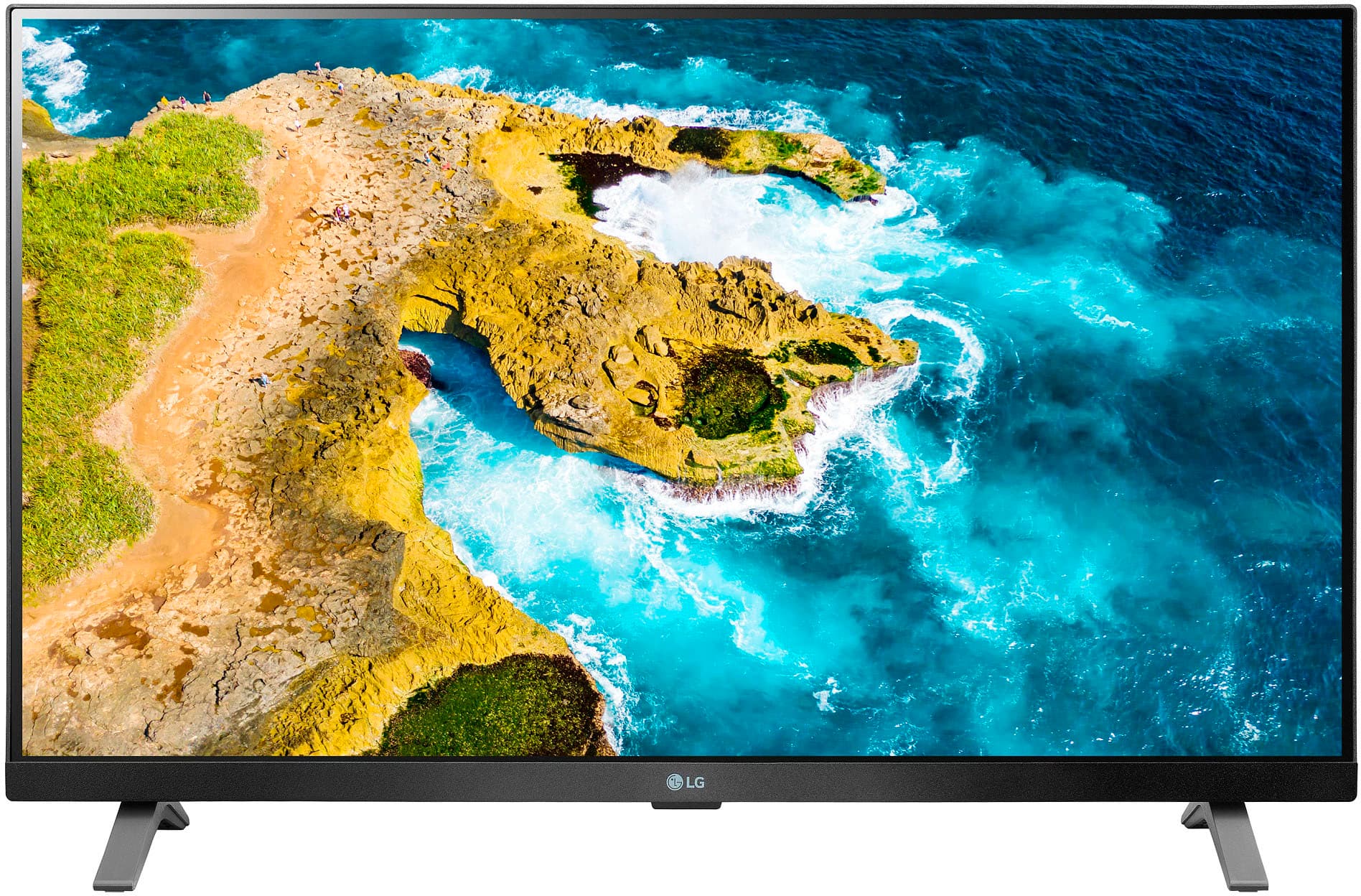
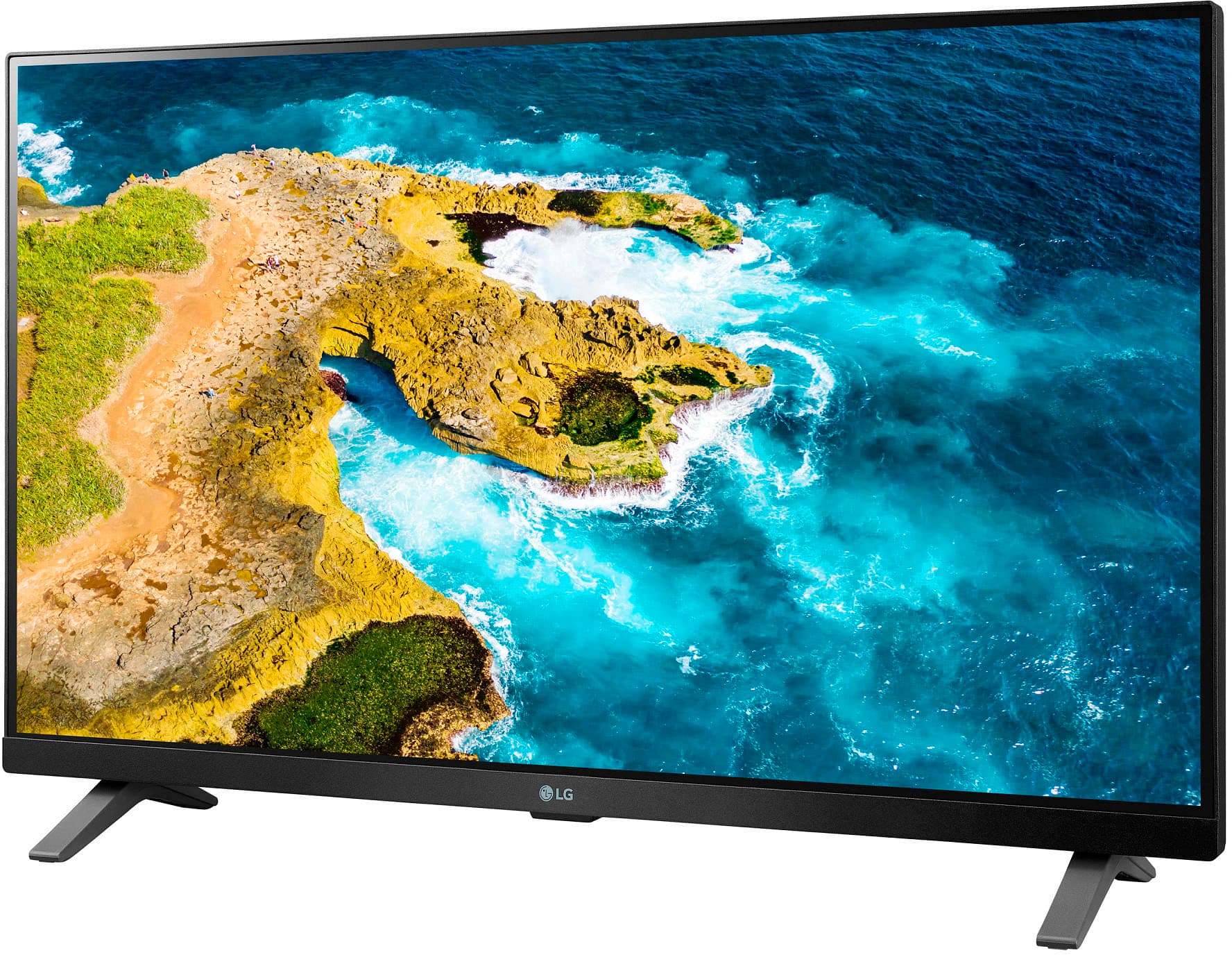
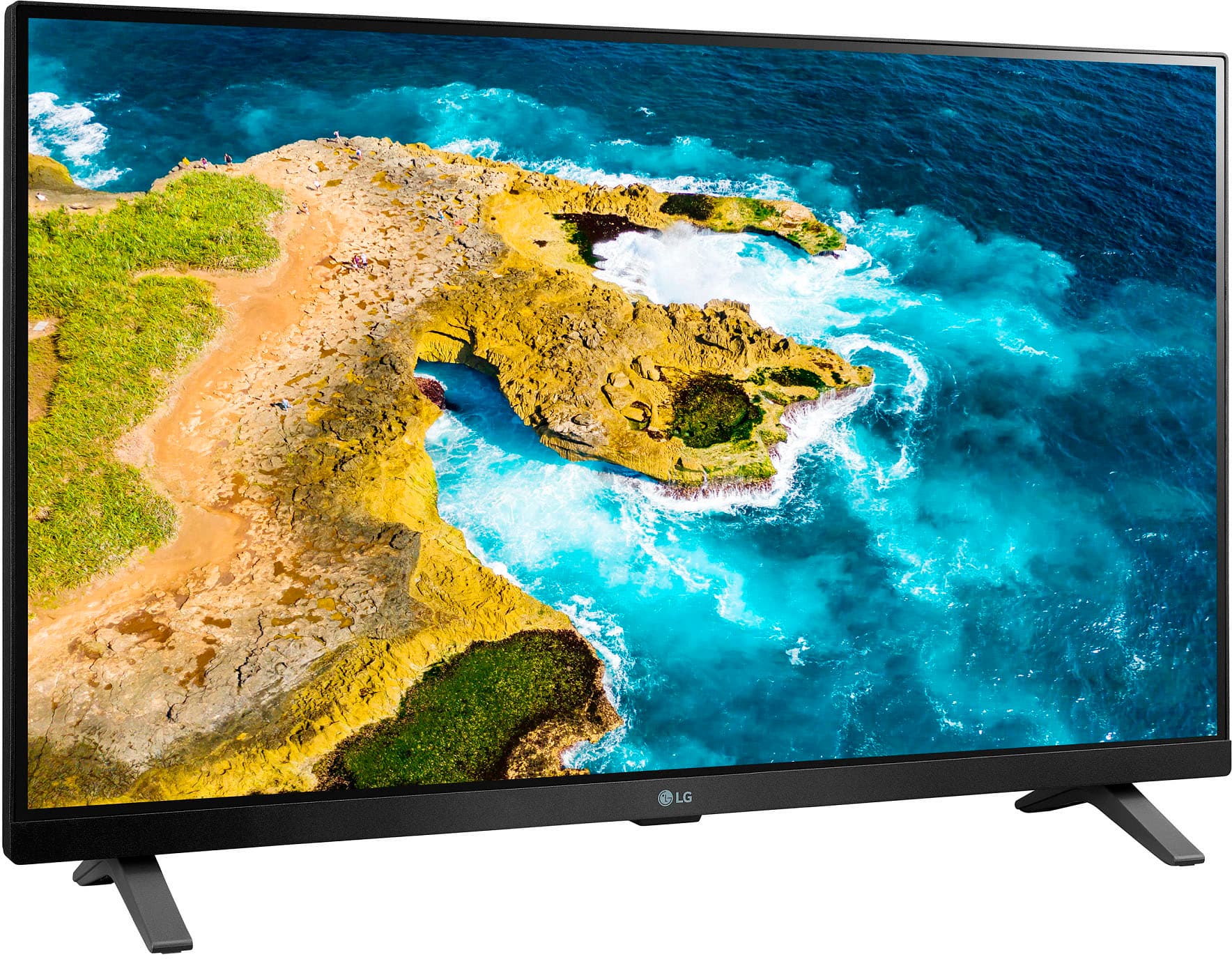
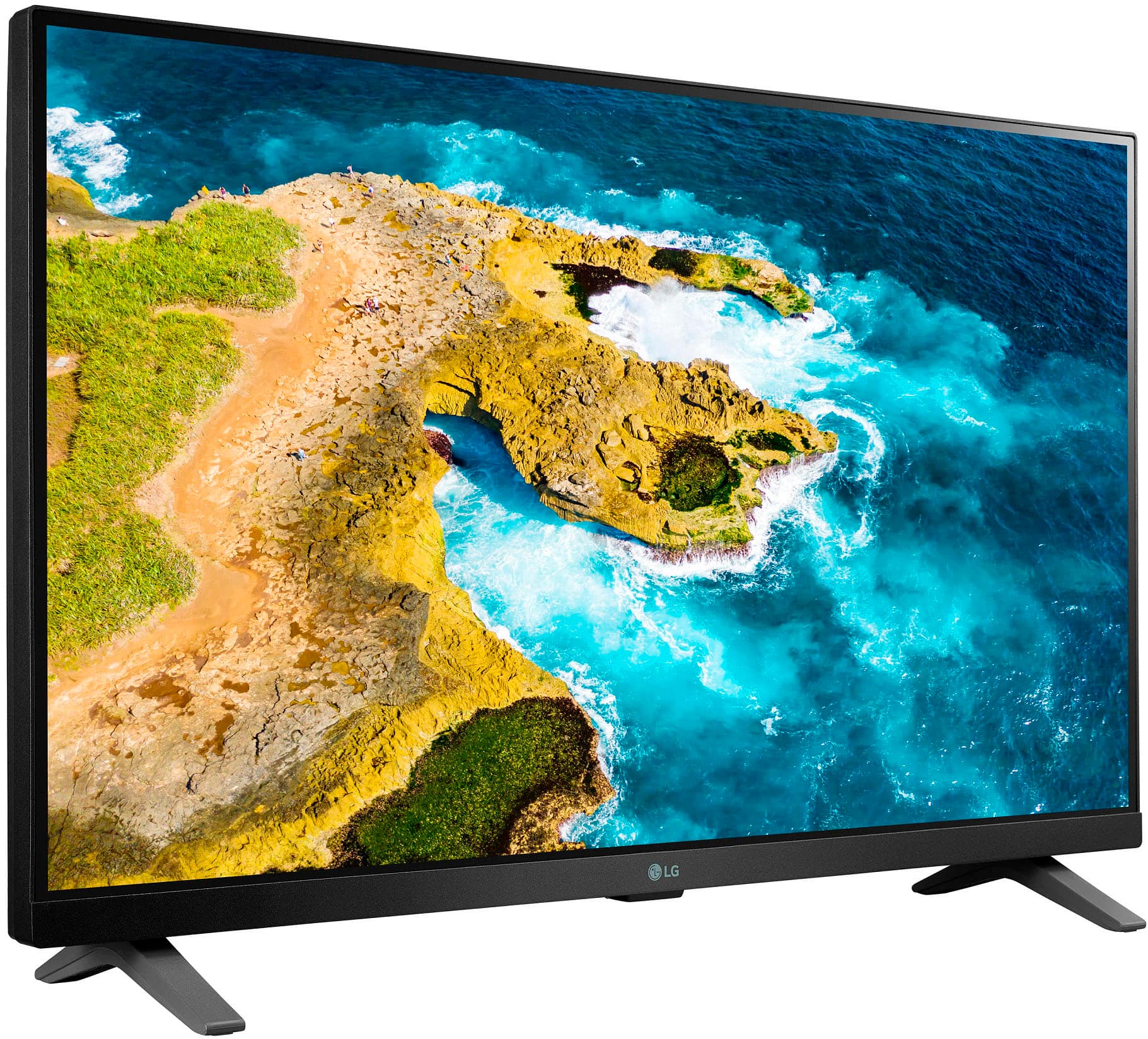
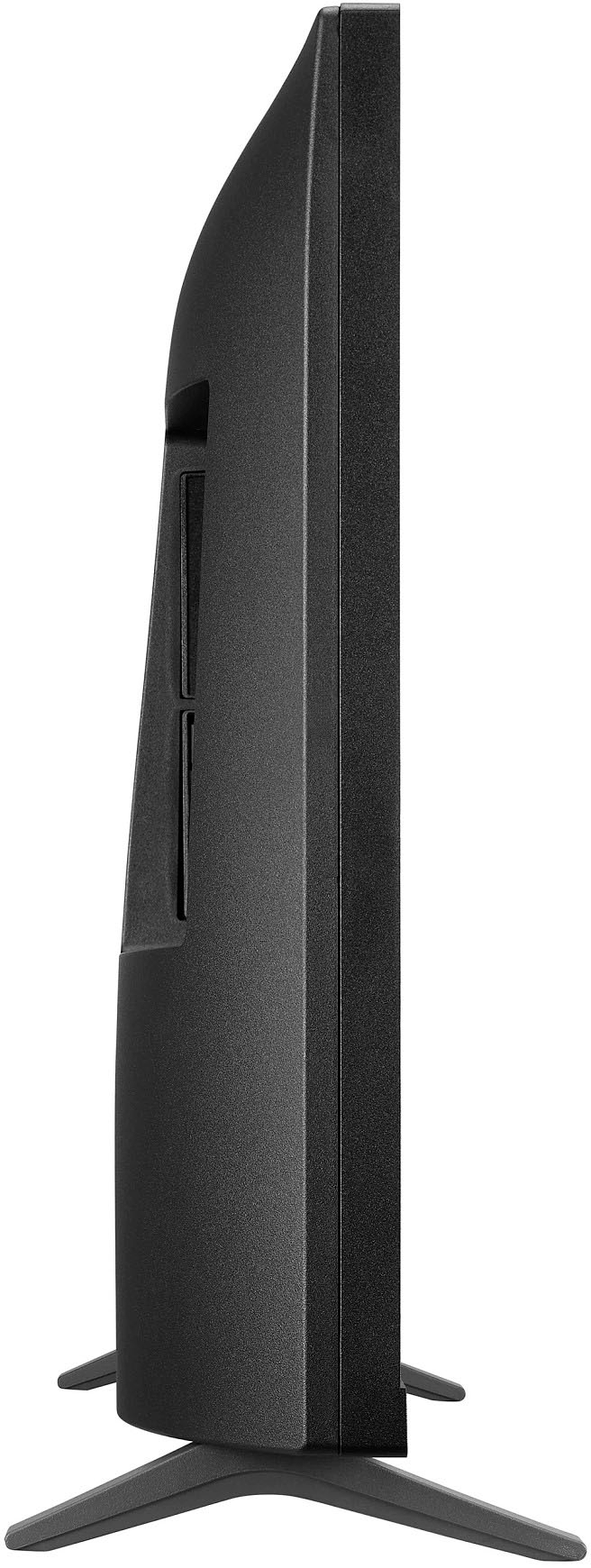
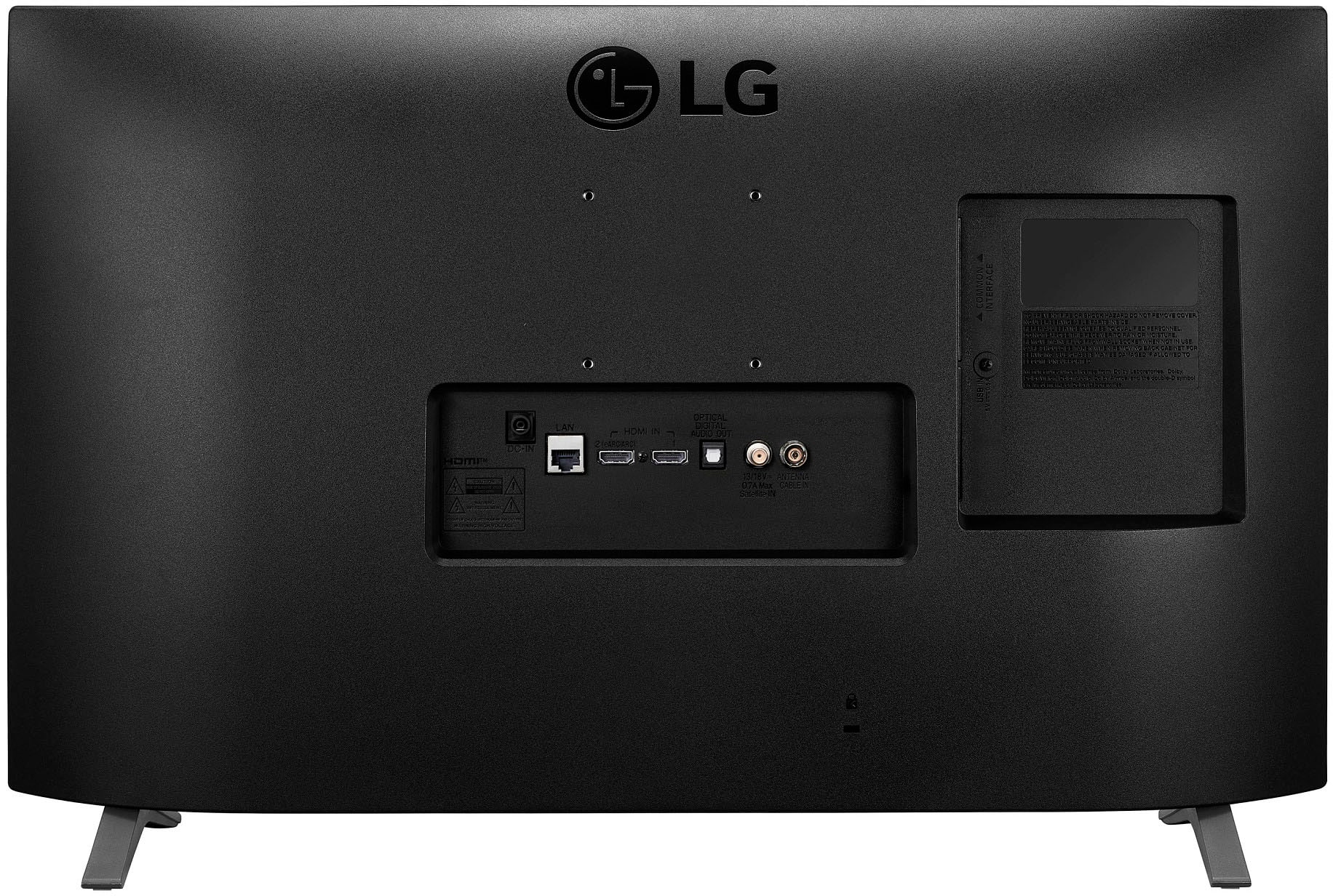
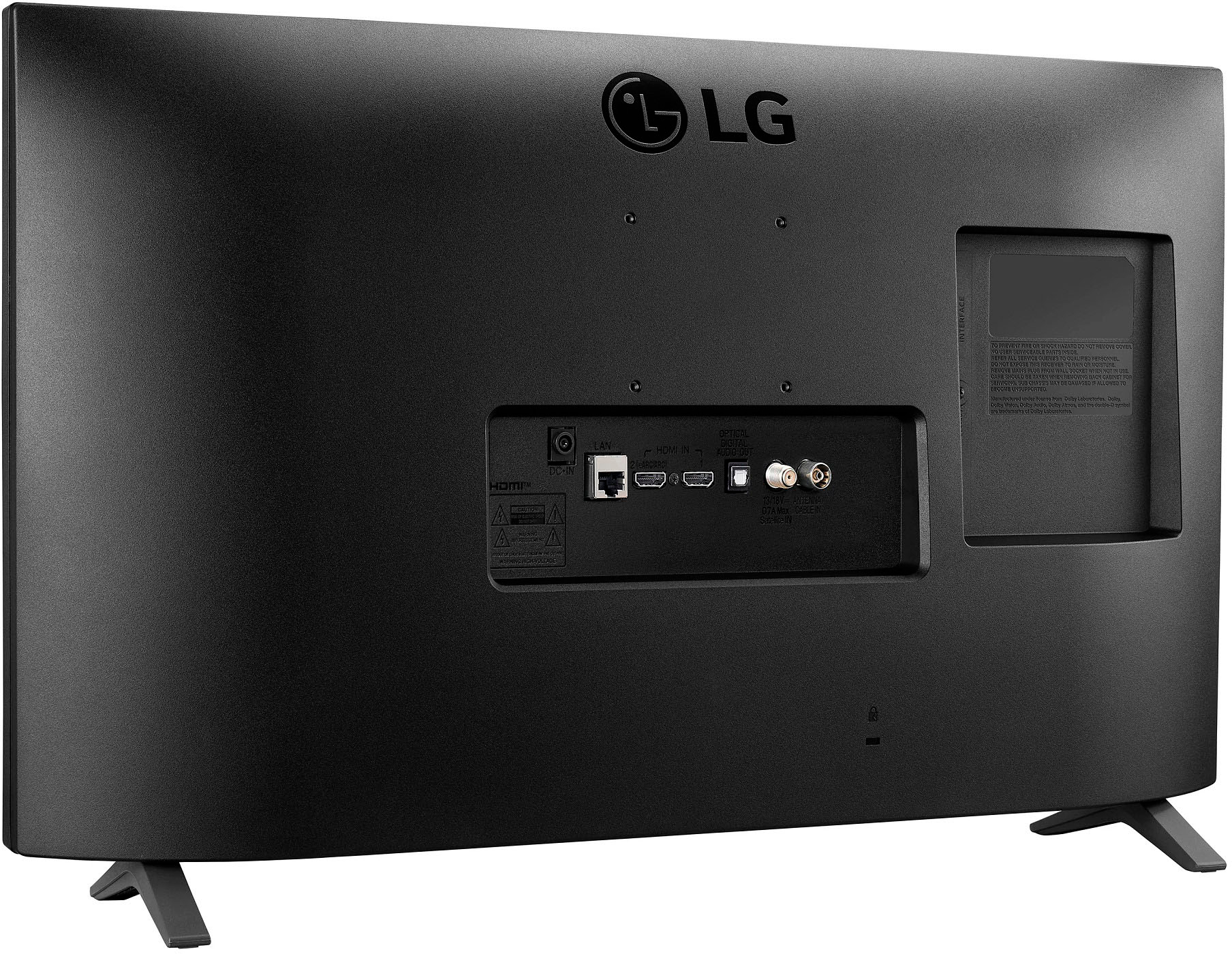
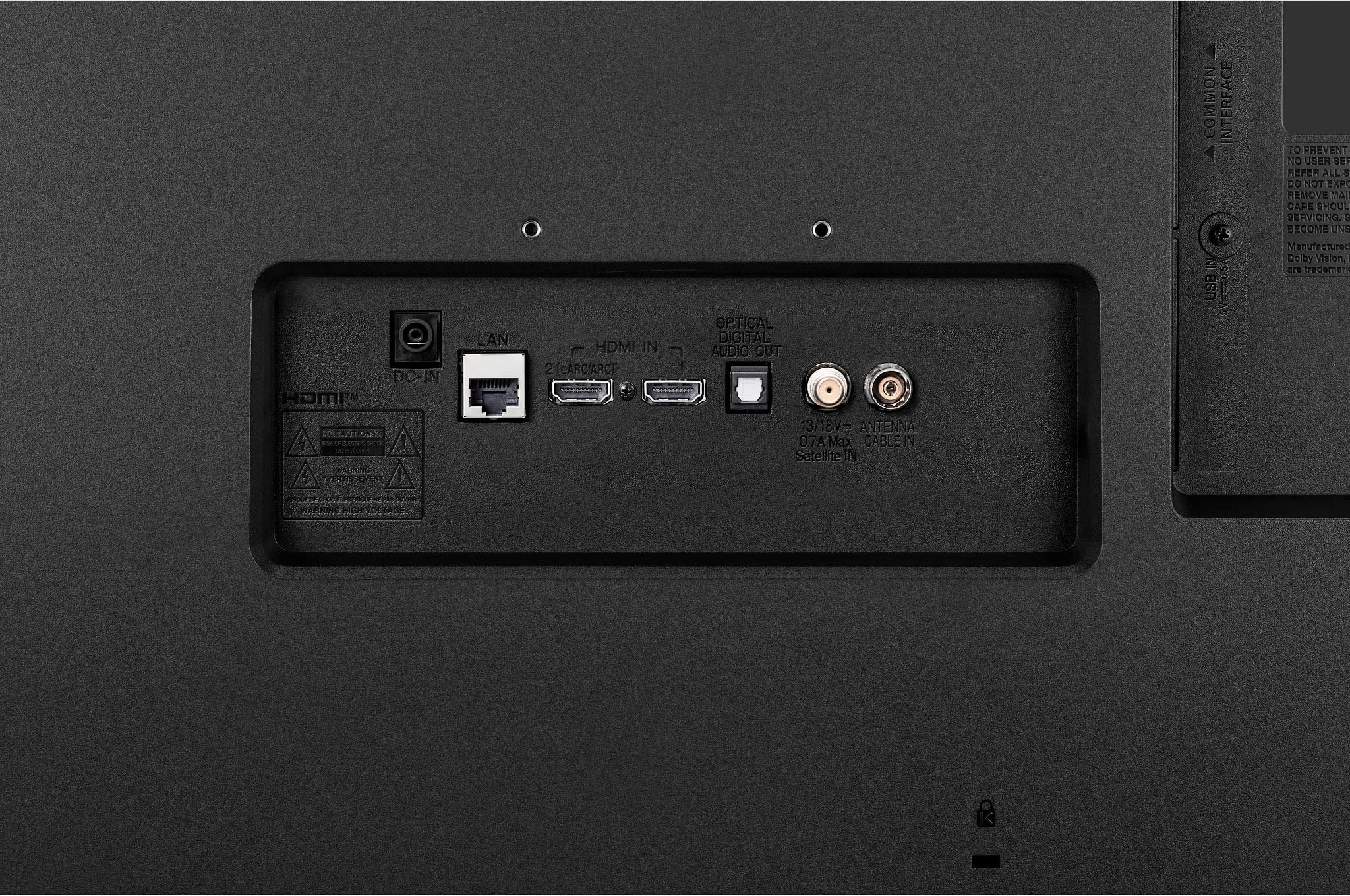
A:AnswerThe USB port is not on the section in your photo. It's adjacent to that and faces to the side so you can't really see it from the angle of that photo. But it *is* there.
A:AnswerLet us help you with that! Please send us a private message on Facebook or Twitter using @LGUSSupport and include #VOC, your contact info and we can expedite a resolution for you. Thank you. ^Venette
A:Answeryes.
it is on the specs for the unit.
here is the link. look under connectivity.
https://www.bestbuy.com/site/lg-27-class-led-full-hd-smart-tv-monitor-with-webos/6506780.p?skuId=6506780&ref=212&loc=1&extStoreId=504&ref=212&loc=1&gclid=EAIaIQobChMIo4ei2vnx-QIVuDizAB05cQ7QEAQYAiABEgL06PD_BwE&gclsrc=aw.ds