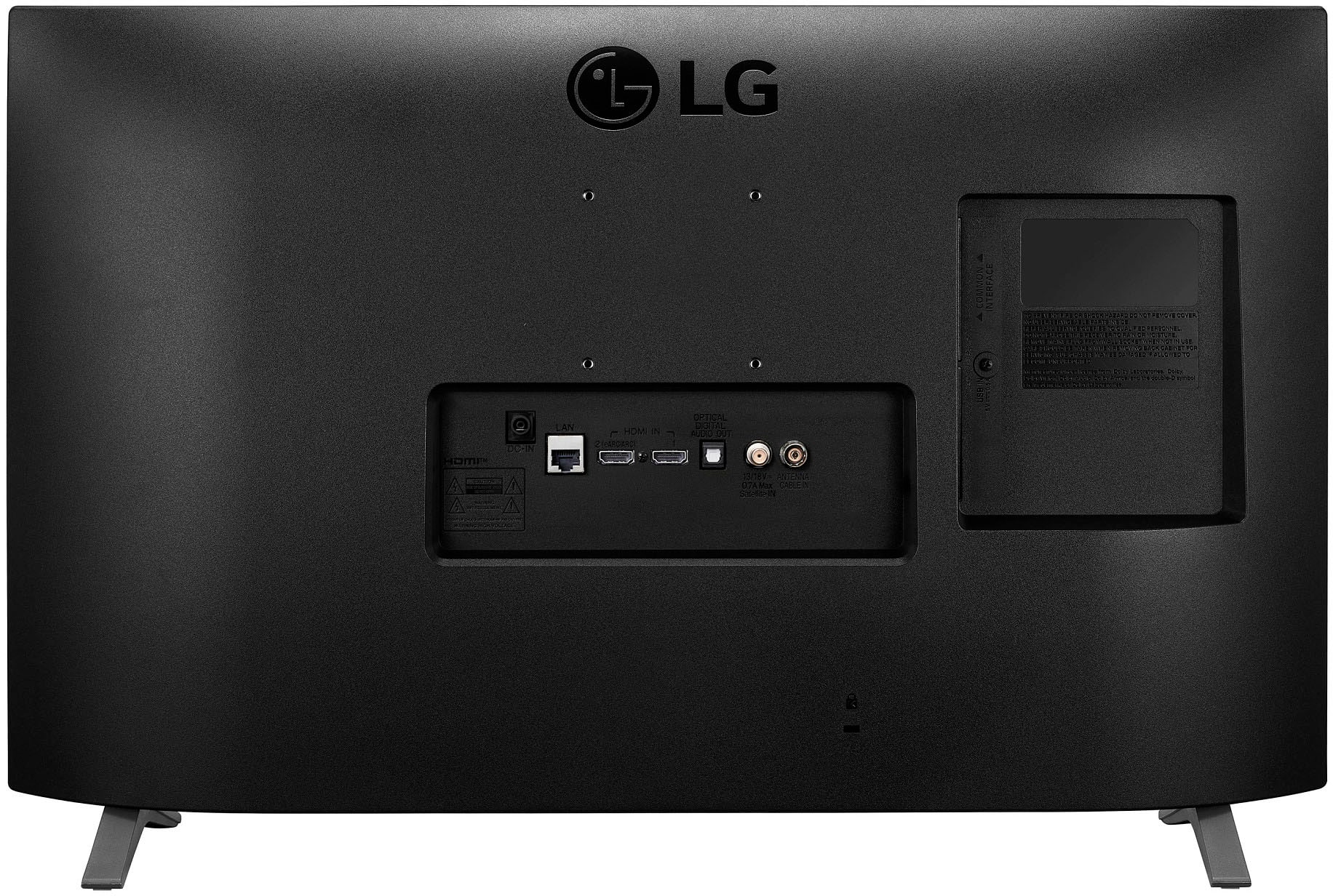
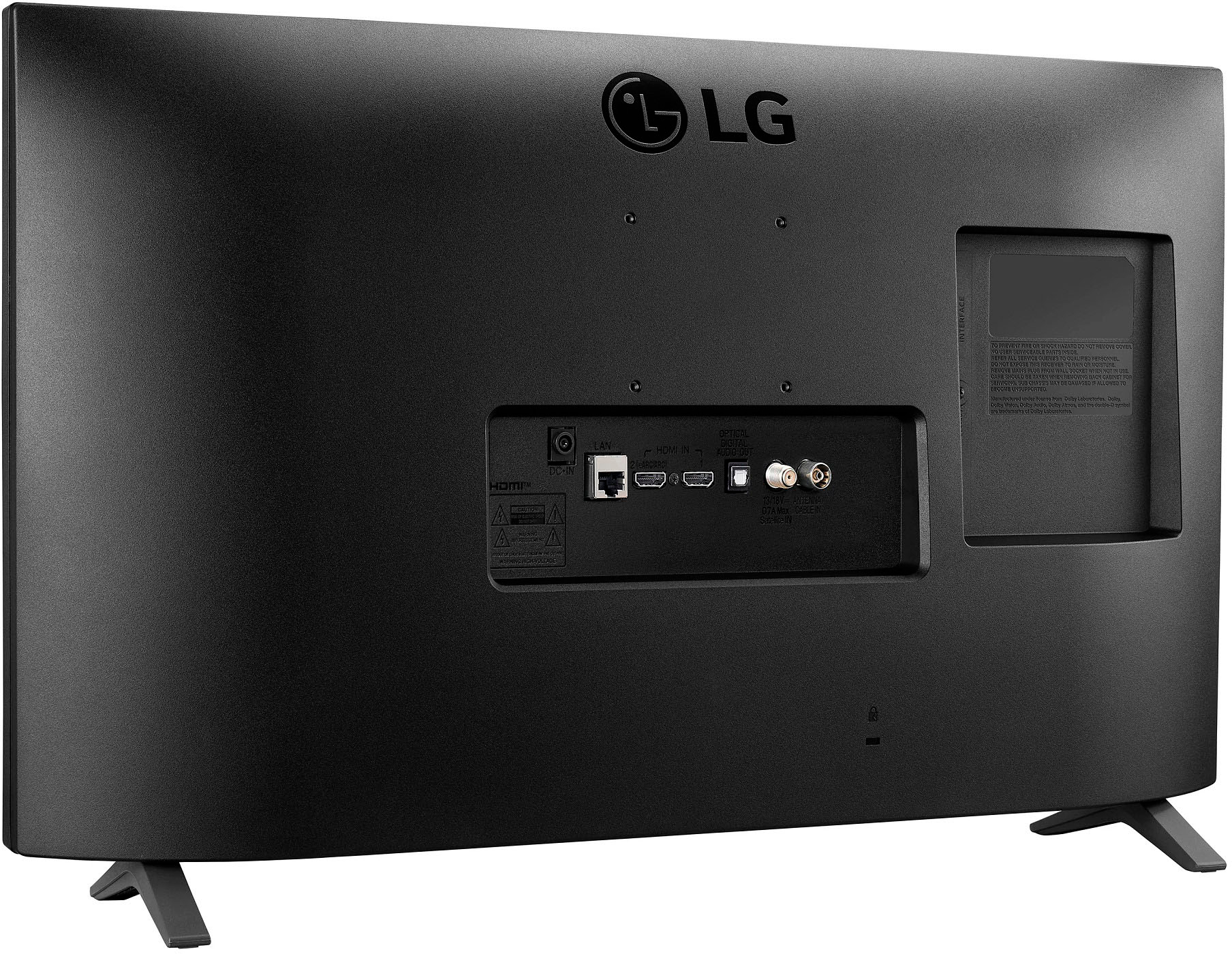
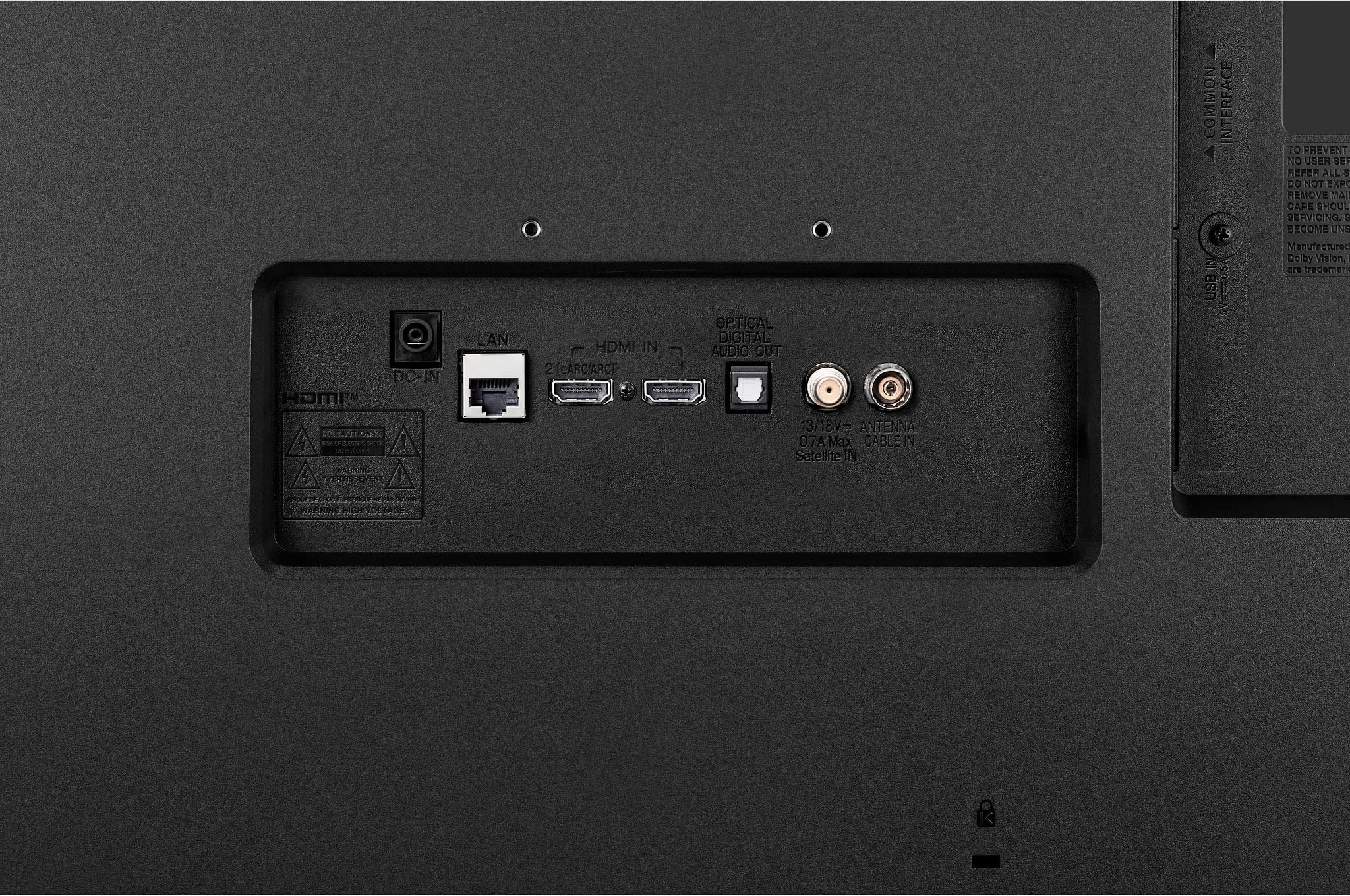
A:AnswerI haven't tried enabling this but there is a SimpLink option. This is in the All Settings > General > Devices > HDMI Settings menu. The default setting is Off.
A:AnswerYes you can download Discovery but I am not sure about Hallmark using wifi services, most or all smart tv's have wifi capabilities. I suggest searching for the Hallmark channel app due to that I do not watch Hallmark
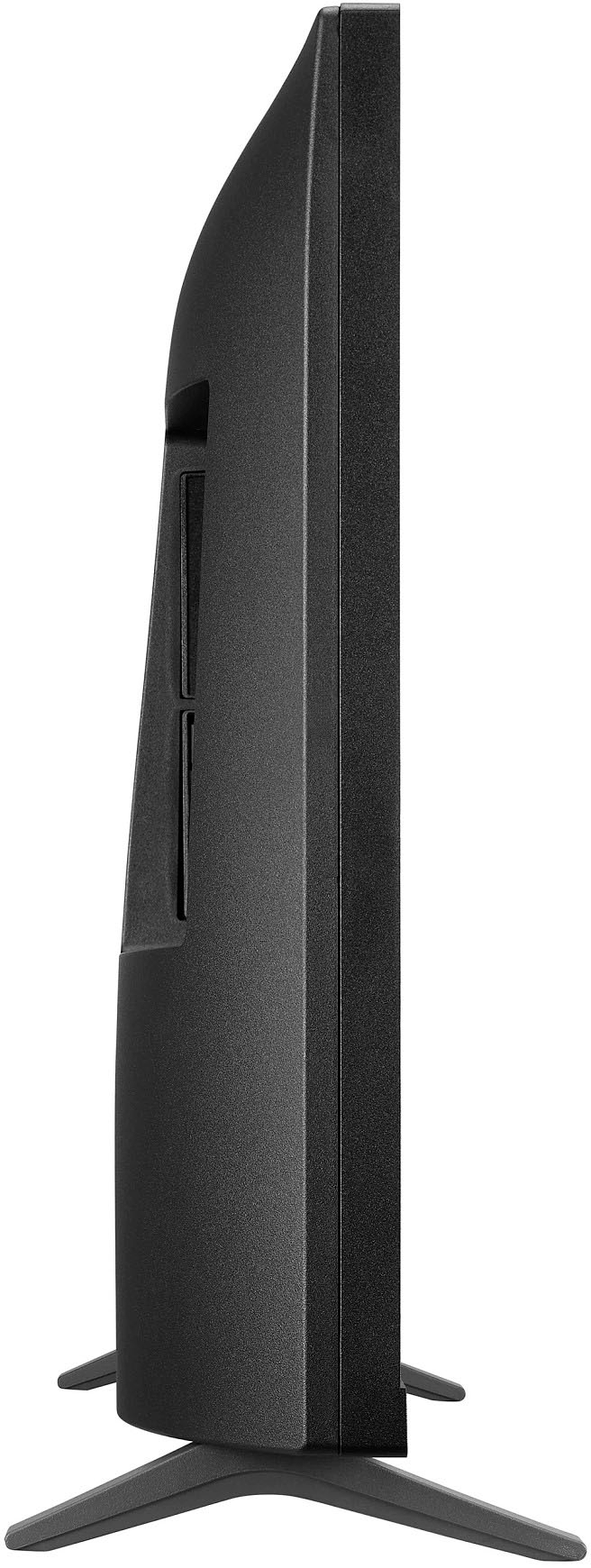
A:AnswerTwenty and 3/8 inch.
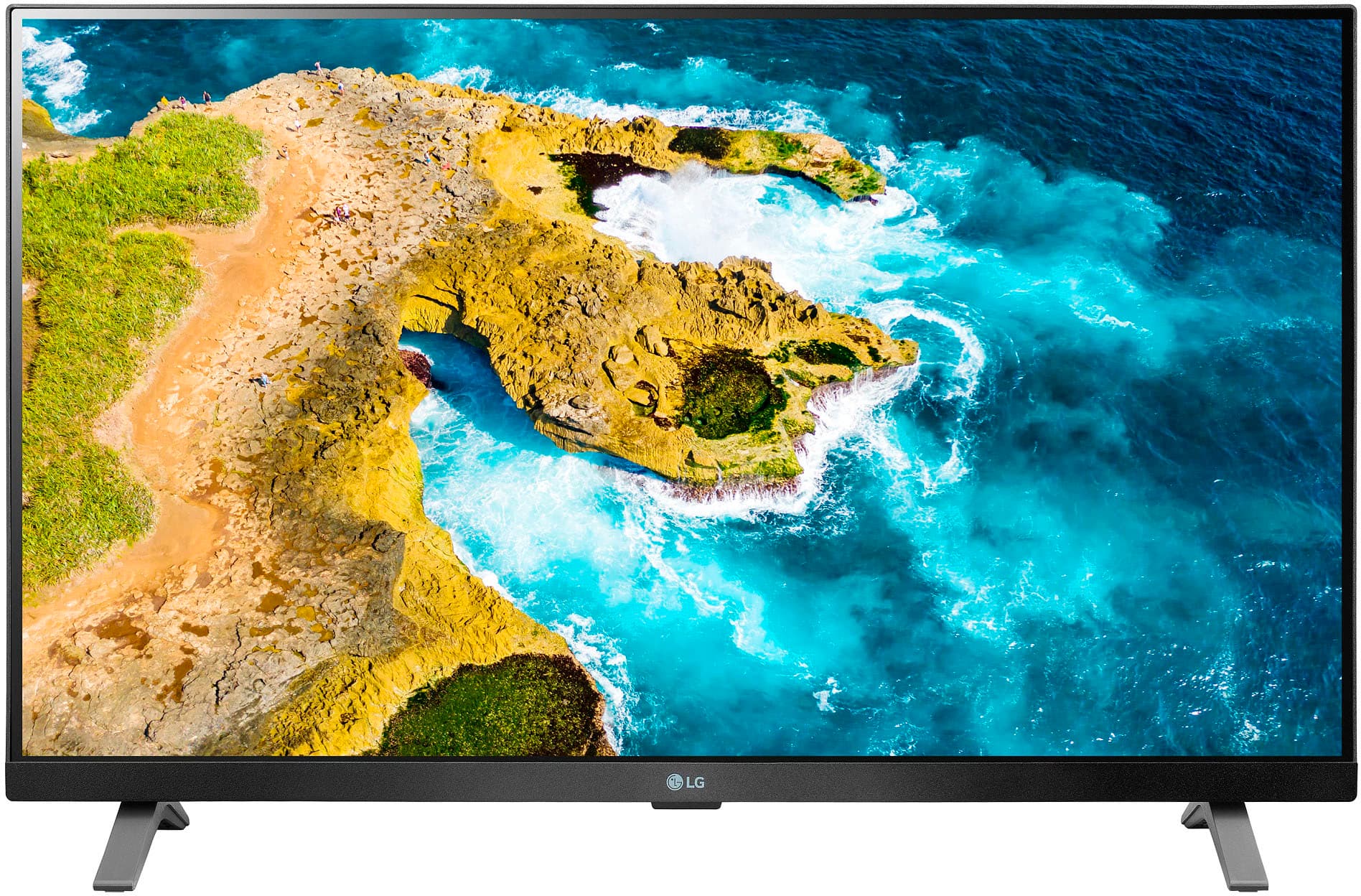
The TV has a beautiful picture with wide viewing angle thanks to its IPS panel. We bought it for our basement exercise room and the built-in WiFi connects seamlessly with our WiFi router that is two floors above it.
A:AnswerTry downloading the app from the LG Content Store (App Store). Press the Home button on the Remote control. Select the LG Content Store from the home page. Then choose the app you want to download to go to its dedicated screen. For a complete listing of available apps, please visit: https://us.lgappstv.com/main/tvapp. For further assistance, please reach out to our support team via private message on Facebook @LGUSSupport and use #VOC in your first message to our social media support team or call at 800-243-0000. ^Venette