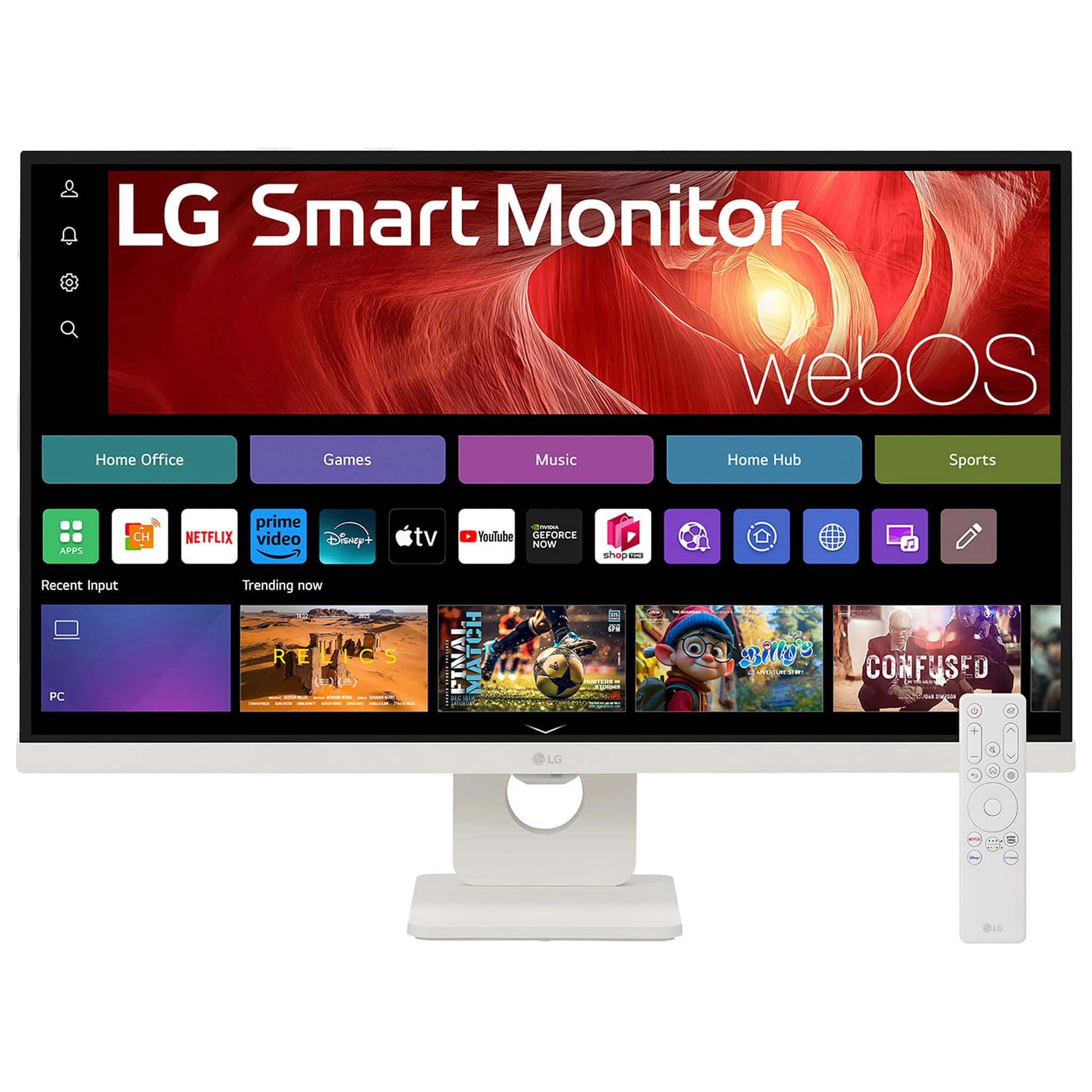
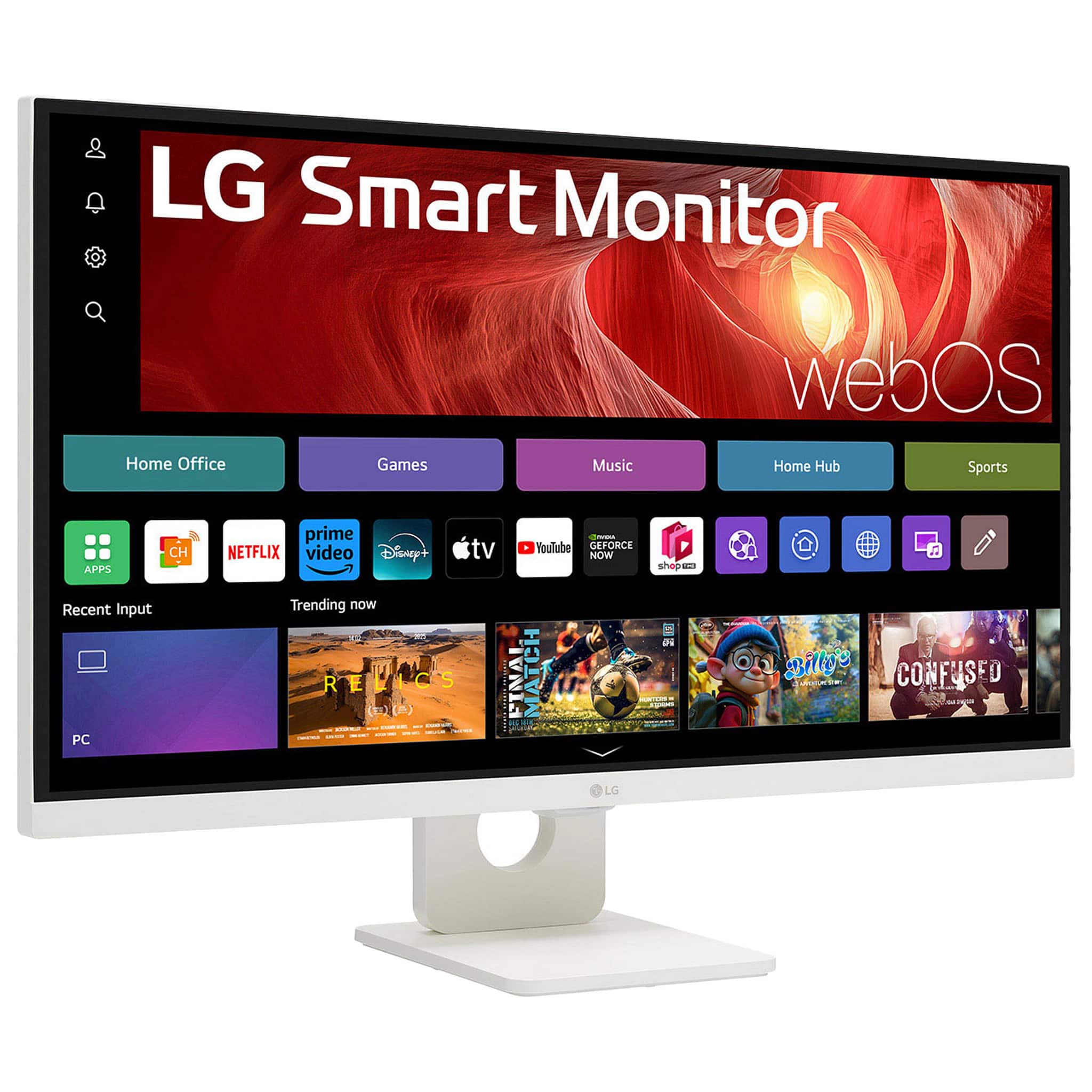
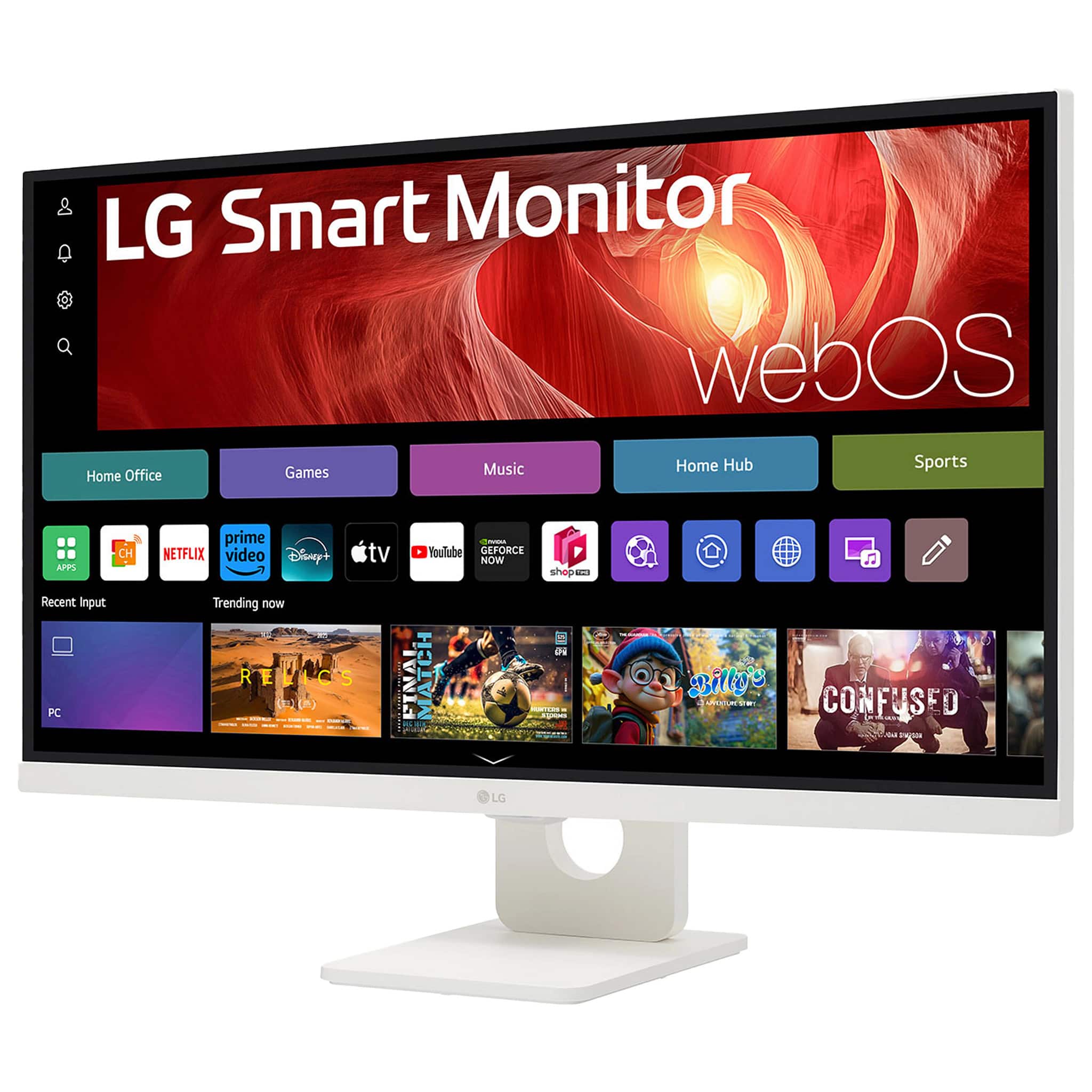
A:AnswerHello there. Thank you for sharing your question with us. We understand your inquiry regarding the peak brightness of your LG monitor 27U731SA. The 27U731SA-W features a typical brightness of 350 cd/m², which is equivalent to 350 nits. The minimum brightness for this display is rated at 280 cd/m². Because this model is equipped with HDR10 technology and an IPS display, it is designed to provide a vibrant and clear 4K UHD picture with a 1000:1 contrast ratio and support for 1.07 billion colors. The 350 nits typical rating ensures that your screen remains bright and legible for various tasks, from professional office work to streaming high-definition media. We want to ensure you have all the technical details necessary to enjoy the high-quality visual performance this monitor offers. We are always here to provide clarity on the technical specifications of our products to ensure you have the best viewing experience possible.
https://www.bestbuy.com/product/lg-27-ips-uhd-60hz-5ms-smart-monitor-with-hdr10-hdmi-usb-c-white/JJ8VPZWS3Z
If you have any further questions about its features, please contact us on lgdigitalcare@lg.sprinklrsupport.com, and our team will be more than happy to assist you. —Renzo
A:AnswerThe LG - 27" IPS UHD 60Hz 5ms Smart Monitor with HDR10 (HDMI, USB-C) - White, Model # 27U731SA-W, is a monitor, like any other monitor; it does not have a built-in tuner, so you will need an external tuner if you want to watch local TV channels on it.
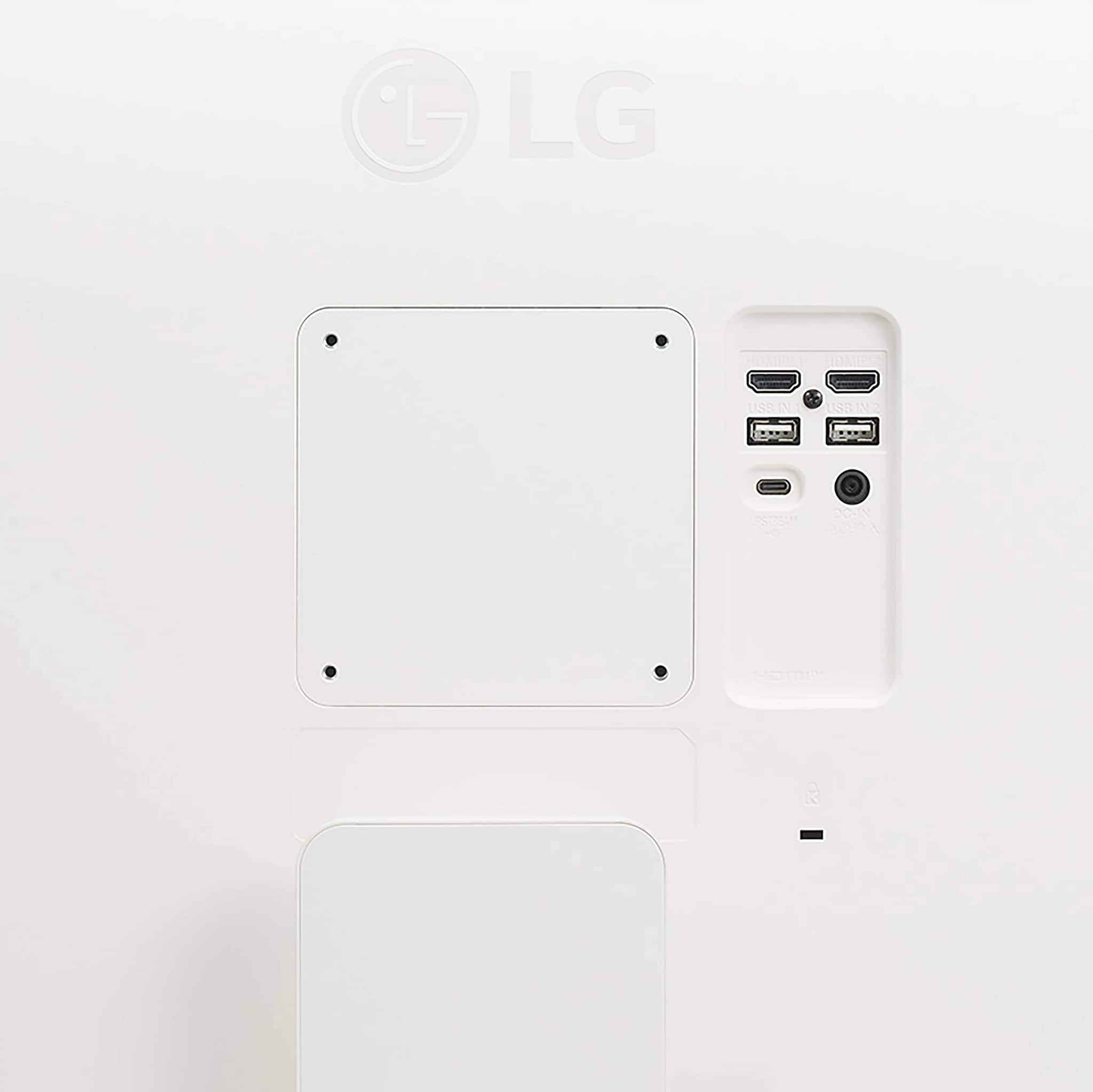
You can connect a cable set-top box that has an HDMI output to either of the HDMI inputs on the monitor to watch unencrypted cable channels, which are typically the basic broadcast channels (local networks like ABC, CBS, NBC, FOX) that the cable provider passes through in an unscrambled, digital format, often referred to as clear QAM...^Ivan.
A:AnswerHi there. Thank you for your interest in the 27U731SA-W Smart Monitor. We understand your inquiry regarding the remote control capabilities. Yes, since this model runs on the webOS platform, the volume can typically be controlled with a universal remote that supports LG codes, in addition to the provided remote and the LG ThinQ App.
https://www.bestbuy.com/product/lg-27-ips-uhd-60hz-5ms-smart-monitor-with-hdr10-hdmi-usb-c-white/JJ8VPZWS3Z
If you have any further questions about its features, please contact us on lgdigitalcare@lg.sprinklrsupport.com, and our team will be more than happy to assist you. —Renzo
A:AnswerThe LG - 27" IPS UHD 60Hz 5ms Smart Monitor with HDR10 (HDMI, USB-C) - White
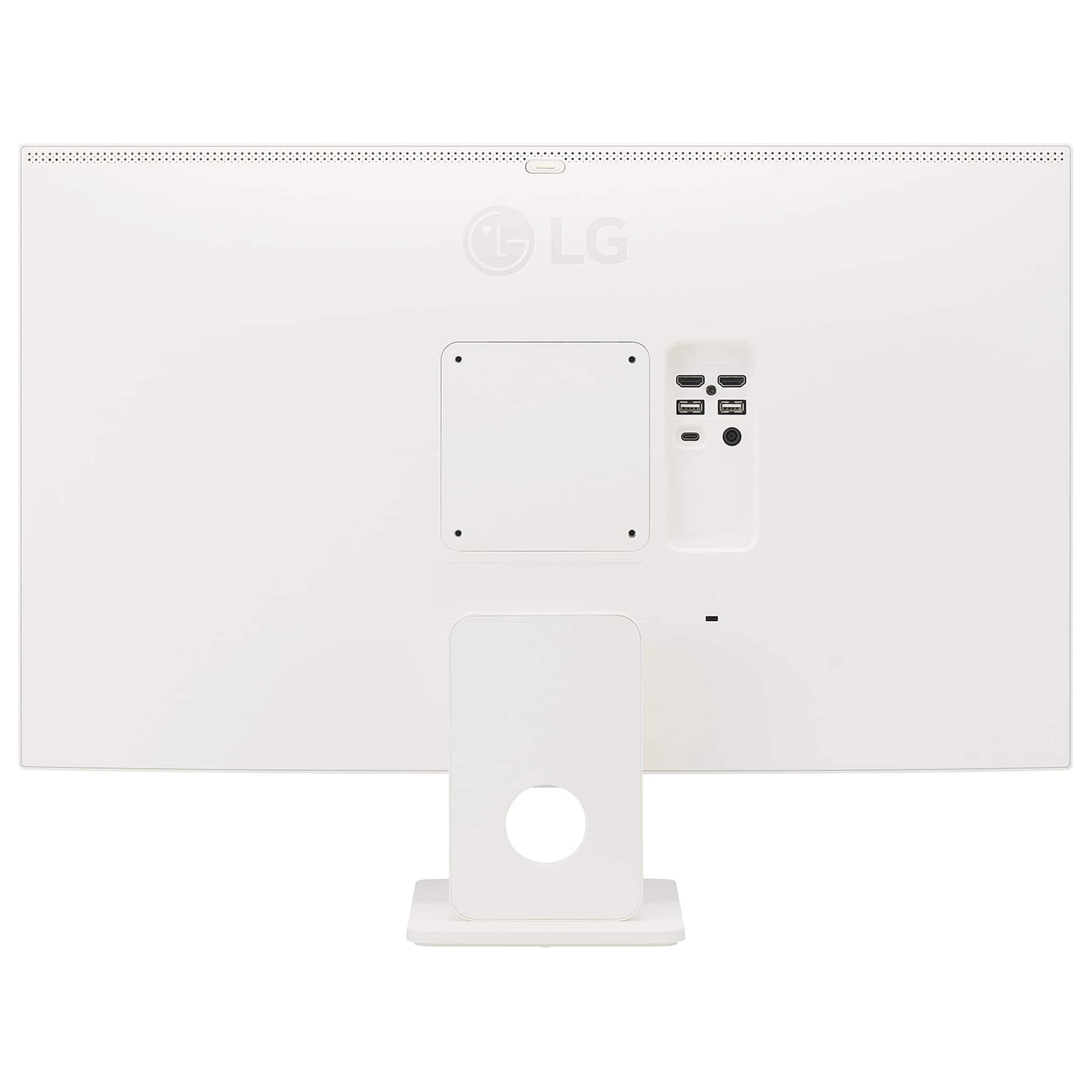
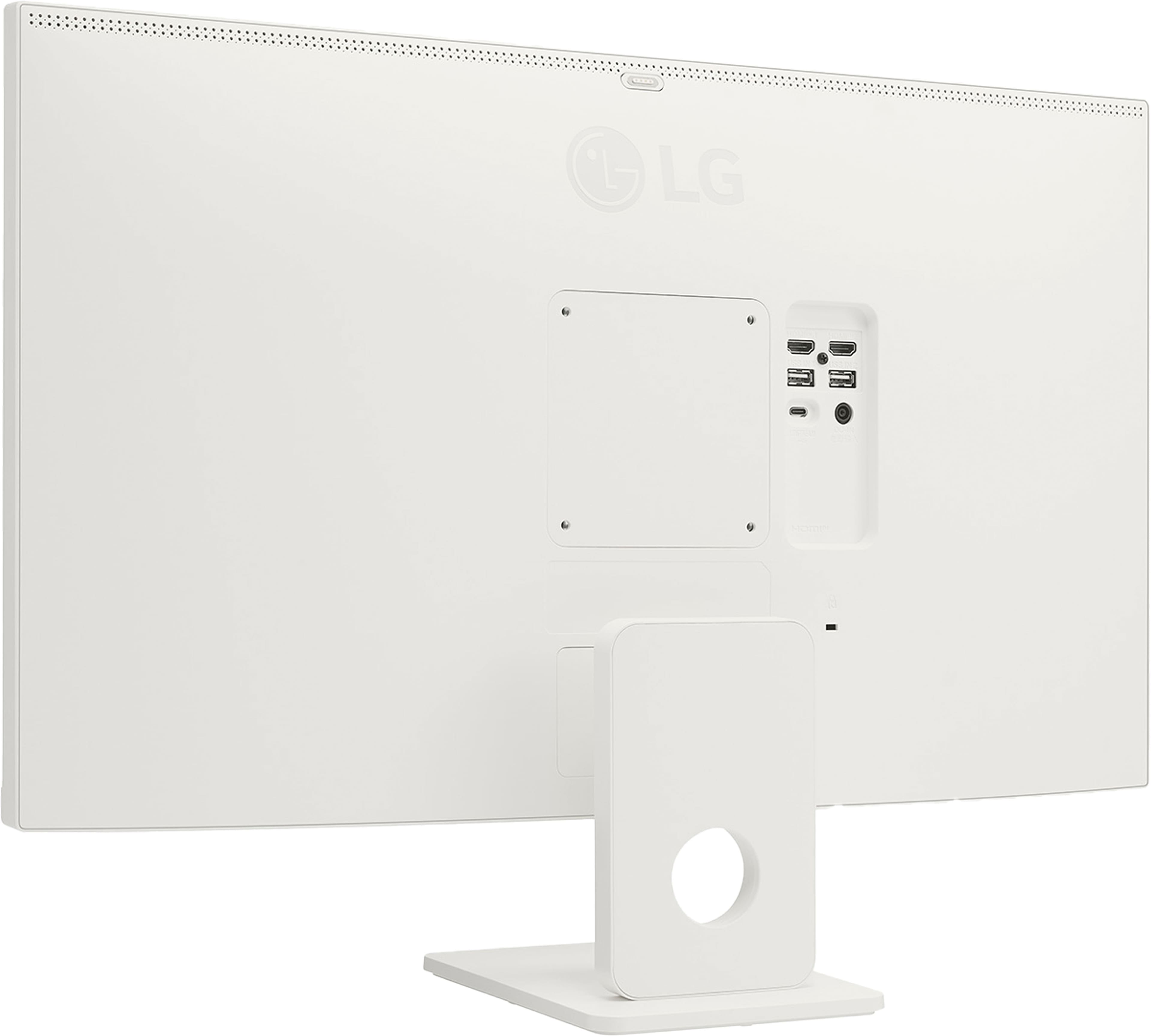
Model # 27U731SA-W only has one USB-C port on it, and USB-C ports do not support daisy chaining, but if your iMac has two USB-C ports, USB-C ports are bidirectional, so you can connect two of these monitors to the USB-C ports, if the graphics card in your iMac supports multiple displays...^Ivan.
A:AnswerPage 15 in your owner's manual for the LG 27-inch 4K UHD IPS Smart Monitor with webOS and USB Type-C, Model # 27U731SA-W, under Parts and Buttons shows the joystick button located under the panel under the LG logo on the front bezel, and it shows you which direction to move the joystick button for Menu Control.
You need to access the menu to navigate to Brightness Settings...^Ivan.
A:AnswerwebOS 3.0 is a 2016 version, and you cannot upgrade to an older webOS version. The LG 27" IPS UHD 60Hz 5ms Smart Monitor with HDR10 (HDMI, USB-C) - White, Model # 27U731SA-W, runs on the webOS 24 platform, which supports current streaming apps.
App support for LG webOS 3.0 (primarily 2016 models) is extremely limited and largely phased out by major developers in favor of newer webOS versions. While core apps like Netflix may still function, many newer apps, updates, and streaming services do not support this older platform, resulting in a "legacy" status where, in some cases, developers have stopped updating...^Ivan.
A:AnswerAs you correctly noted, the LG 27-inch 4K UHD IPS Smart Monitor with webOS and USB Type-C, Model # 27U731SA-W, does support Bluetooth speaker connectivity. The details for other options should be outlined in the owner's manual...^Ivan.
A:AnswerIf the LG - 27" IPS UHD 60Hz 5ms Smart Monitor with HDR10 (HDMI, USB-C) - White
Model # 27U731SA-W, is not turning on; you may have a faulty AC/DC Adapter.
When you say you "performed a hard reset with no luck", that indicates that the power light turned on, but you are not getting a picture. If that is the case, check your video cables to ensure they are connected securely. If not, you can try unplugging the monitor power cable and waiting about 30 seconds, reconnecting the cable, and then turning on the monitor. If that does not resolve the issue, the monitor will require a service repair...^Ivan.
A:AnswerWhen you press the power button under the panel on the LG 27-inch 4K UHD IPS Smart Monitor with webOS and USB Type-C, Model # 27U731SA-W, an onscreen display appears on the and the power button is highlighted in red. Push the joystick button up and the monitor should power off fully...^Ivan.
A:AnswerBe advised that the CAM23PW smart camera advertised by the LGs comment, only work with LG monitor apps. It will not connect to an external computer how most folks would likely want to use it. The web cam is for LGs fitness apps or a remote desktop.
A:AnswerRegrettably, as you have noted, the LG 27-inch 4K UHD IPS Smart Monitor with webOS and USB Type-C, Model # 27U731SA-W, does not have a 3.5mm Headphone Out that you can connect external speakers to, and there is no way to connect external speakers to it...^Ivan.
A:AnswerThe LG 27" IPS UHD 60Hz 5ms Smart Monitor with HDR10 (HDMI, USB-C) - White, Model # 27U731SA-W, has a native 4K UHD (3840 x 2160) resolution. You can use a 4K DVD player with a 4K monitor.
It is recommended to use a 4K Ultra HD Blu-ray player...^Ivan.
A:AnswerHello there, Jamoy. Thank you for sharing your experience with us. We understand your inquiry about the refresh rate for the LG 27U731SA-W monitor. This unit has a native refresh rate of 60Hz. While it can display a 4K resolution, it will not support a 120Hz refresh rate. We'd be happy to assist you further. Please send us a private message on Social Media @LGUSSupport and our team will be more than happy to explore possible solutions.
https://www.bestbuy.com/product/lg-27-ips-uhd-60hz-5ms-smart-monitor-with-hdr10-hdmi-usb-c-white/JJ8VPZWS3Z
We appreciate your patience. —Renzo
A:AnswerAn HDMI cable, and a remote control are included accessories with the LG 27-inch 4K UHD IPS Smart Monitor with webOS and USB Type-C, Model # 27U731SA-W.
We do not include an HDMI to USB-C cable with any of our monitors...^Ivan.