A:AnswerThe LG 27" IPS UHD 60Hz 5ms Smart Monitor with HDR10 (HDMI, USB-C) - White, Model # 27U731SA-W, does not have a 3.5 mm Headphone jack on the back of the monitor.
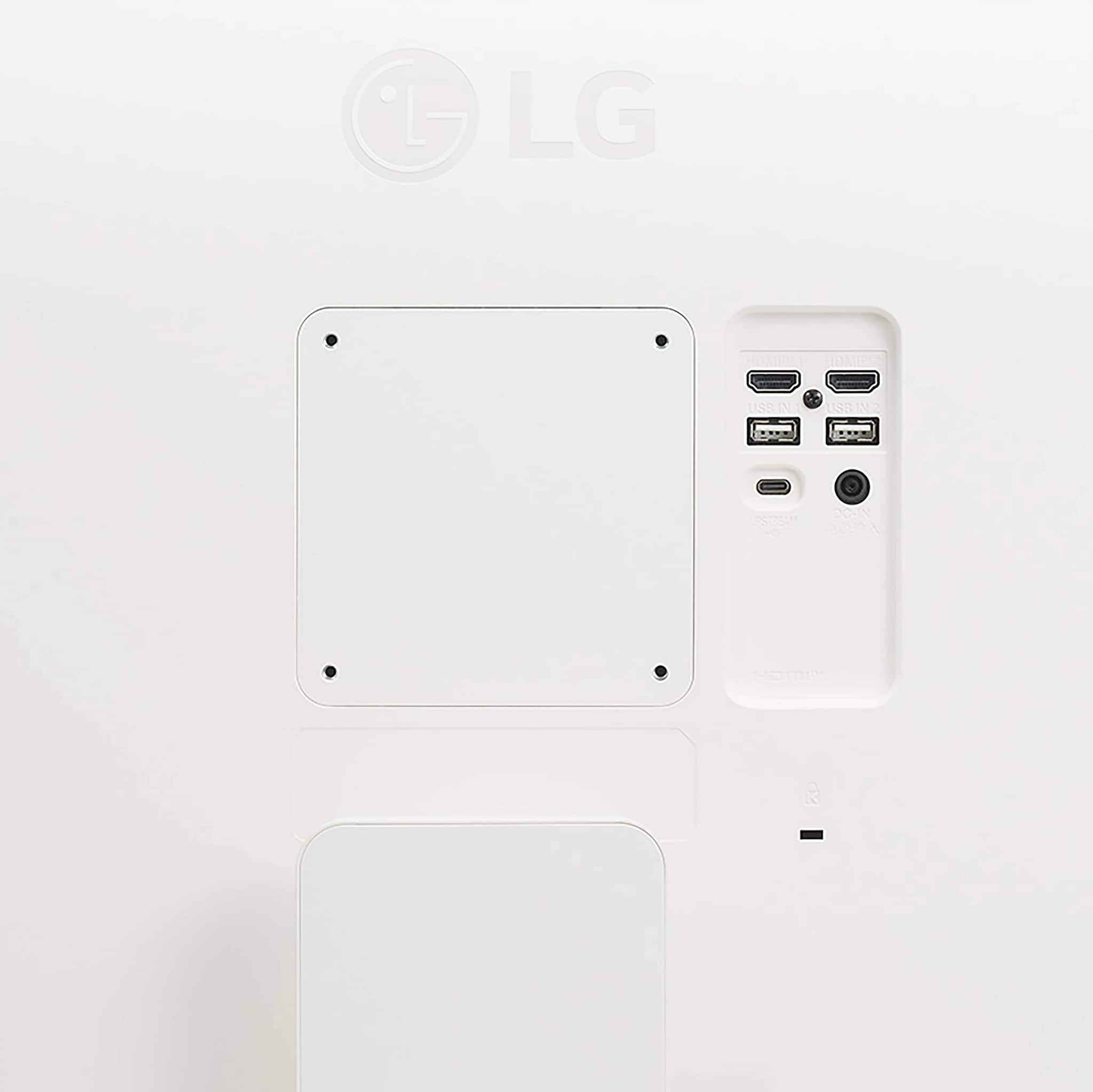
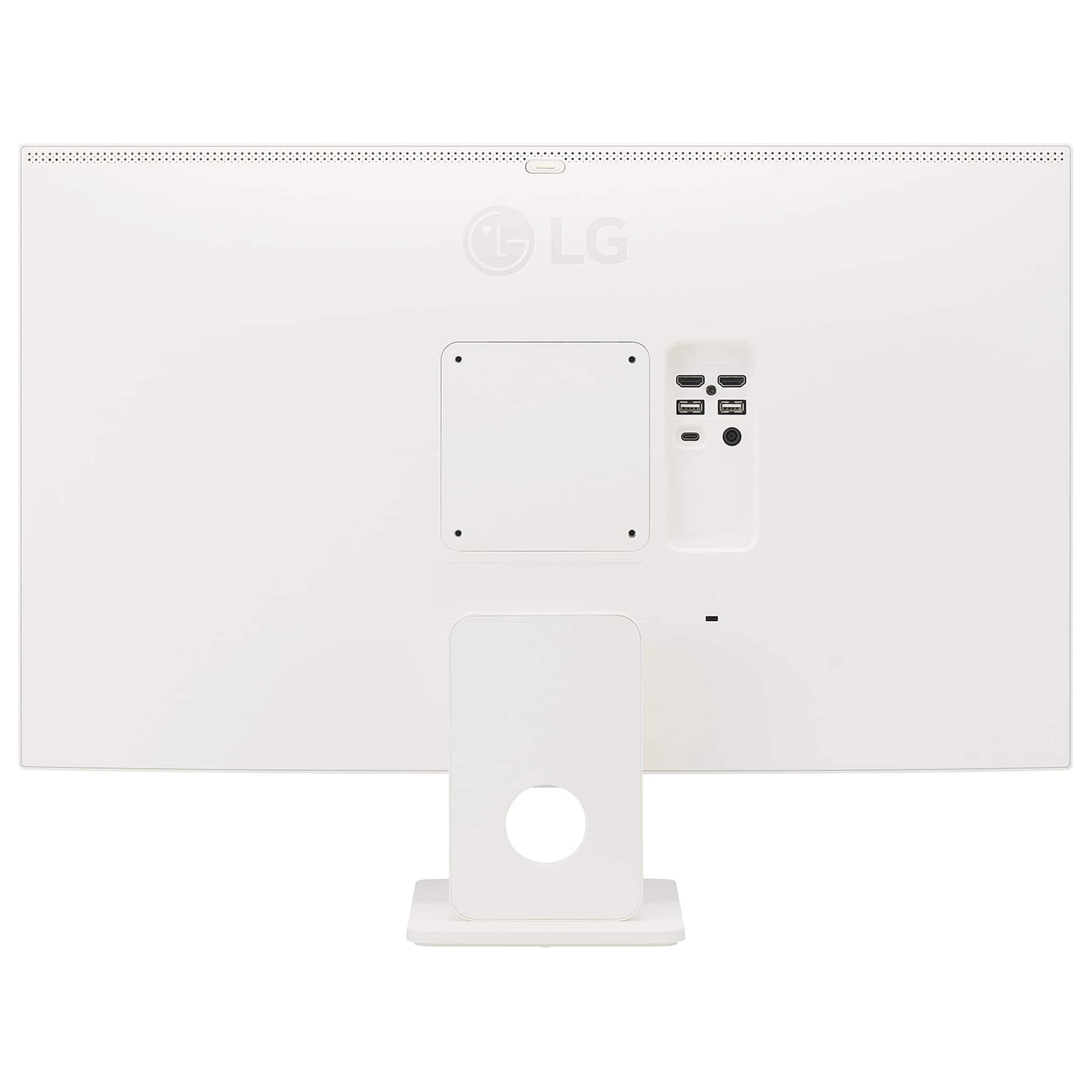
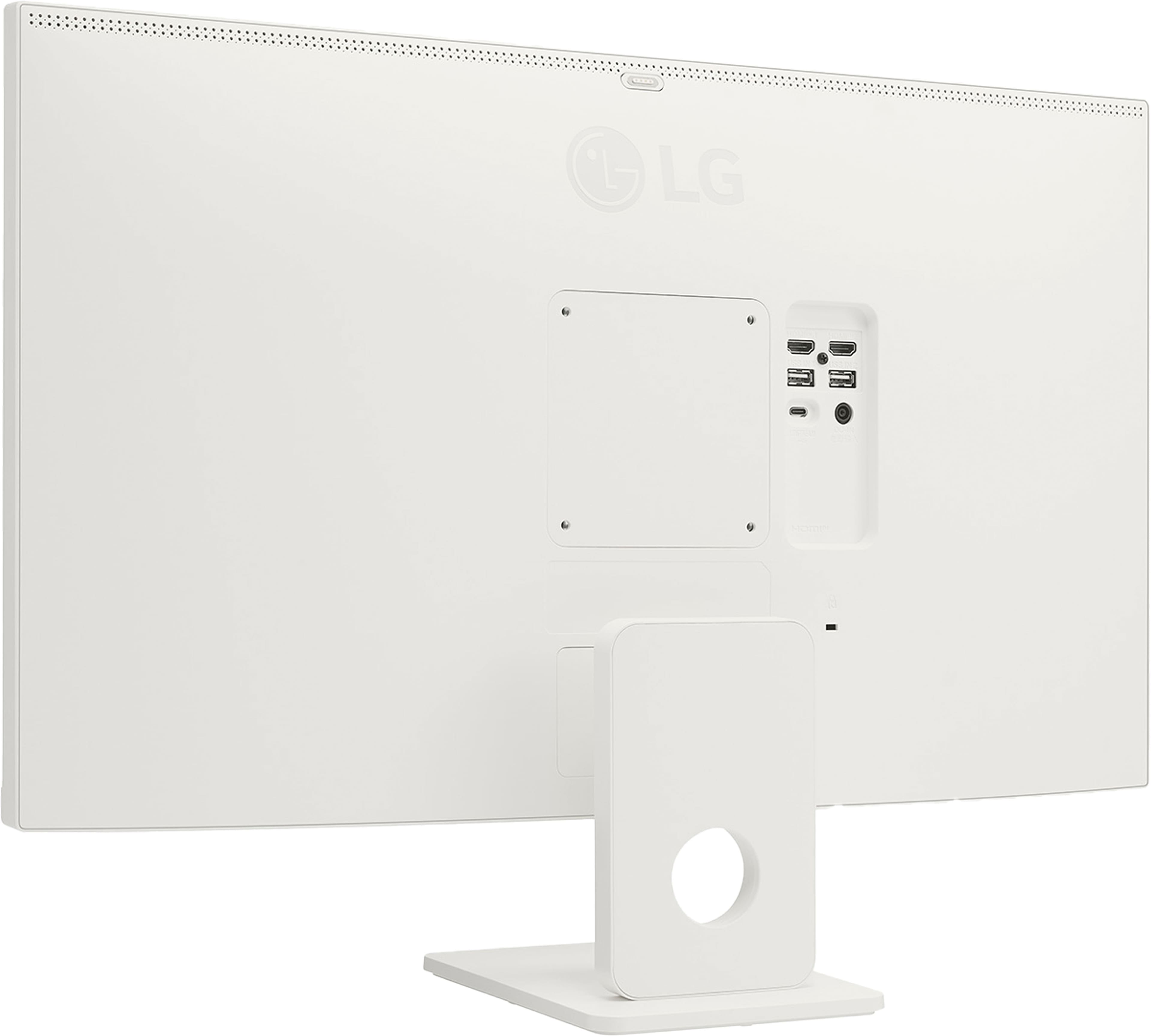
If you click on the last thumbnail image with '+3 more' to the left of the main image on Best Buy's product detail page for the monitor, on the page that opens up, you can navigate to the seventh thumbnail image showing the connections on the back of the monitor. The top row of connections are the HDMI ports, the middle row of connections are the USB-A Down-Stream ports, and the last row of connections are the USB-C port on the left and a DC In port on the right. Those are the only connections on the monitor...^Ivan.
A:AnswerThe 3.5 mm jack on the back of the LG 27" IPS UHD 60Hz 5ms Smart Monitor with HDR10 (HDMI, USB-C) - White, Model # 27U731SA-W, is commonly referred to as the headphone jack so it can be used with wired headphones or external computer speakers...^Ivan.
A:AnswerHi, Jean. Thanks for reaching out with your question about the LG Monitor (27U731SA-W) model. It's great that you're looking into its compatibility with your PlayStation 5. This 27-inch 4K UHD IPS Smart Monitor is designed for both productivity and entertainment. You can connect it via HDMI, but note it has HDMI 2.0 ports, supporting up to 4K at 60Hz. This allows for smooth visuals at 60 frames per second, but it won't support 120Hz gaming available in some PS5 titles.
To optimize performance, remember to:
- Set your PS5 to output at 4K resolution with a 60Hz refresh rate.
- Use a high-speed HDMI cable rated for 4K.
- Disable unnecessary video processing features in the monitor's settings, like “Super Resolution” or “Noise Reduction,” to reduce input lag.
For more information, visit https://www.lg.com/us/monitors/lg-27u731sa-w-smart-monitor. If you need further assistance, send us a private message @LGUSSupport. We’re here to help. ^Juvy
A:AnswerYou can mirror smart devices and laptops with the AirPlay 2 for iOS devices and with Screen Share for Andriod devices on the LG 27" IPS UHD 60Hz 5ms Smart Monitor with HDR10 (HDMI, USB-C) - White, Model # 27U731SA-W...^Ivan.
A:AnswerIt appears there is someone who uses with an iMac Studio for a second screen. He reports the same problems as others when the screen sleeps you have to put it back in display mode or may even unplug it because it become unresponsive.
A:AnswerIncluded accessories for the LG 27 Inch 4K UHD IPS Smart Monitor with webOS and USB Type-C, Model # 27U731SA-W are an HDMI cable, a remote control with batteries, the stand, owner's manual and an AC/DC Adapter...^Ivan.
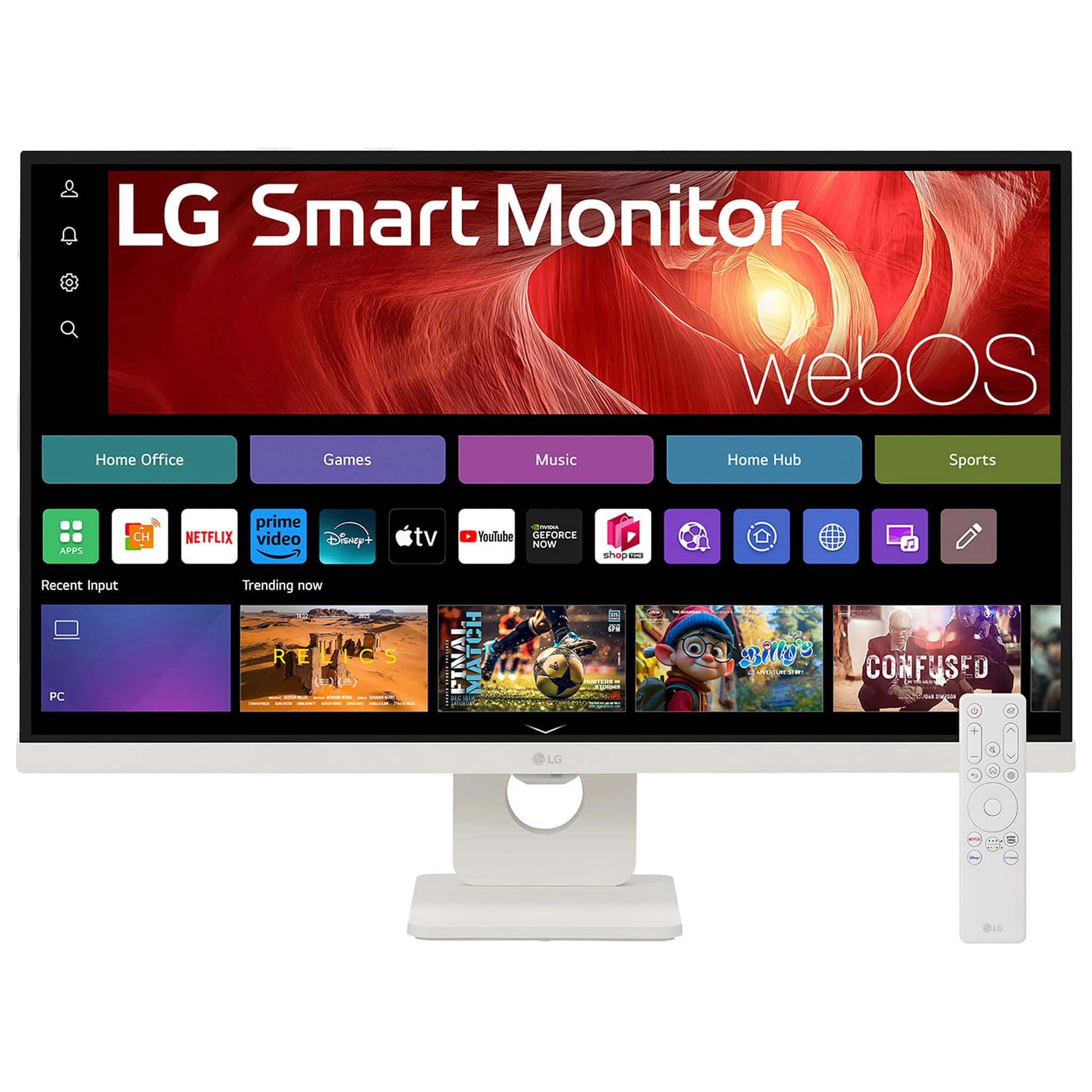
A:AnswerHello there, Amie. We understand your inquiry about using the LG 27U731SA‑W Smart Monitor without a PC. Your monitor is designed with built‑in webOS smart functionality, so you can stream apps, browse the web, and view content directly—no computer required.
One helpful step to get started:
• Connect to your home Wi‑Fi network. Use the on‑screen Settings menu to go to Network → Wi‑Fi Connection, select your network, and enter your password. Once online, you’ll have access to popular streaming apps (like Netflix, YouTube, and Disney+), web browsing, and even screen mirroring from compatible mobile devices.
If you ever find an app not loading correctly, try this quick troubleshooting tip:
From the Home screen, navigate to the app launcher.
Press and hold the app icon, then select Close to fully quit it.
Relaunch the app—this often clears any temporary hiccups.
https://www.bestbuy.com/site/lg-27-ips-uhd-60hz-5ms-smart-monitor-with-hdr10-hdmi-usb-c-white/6619496.p?skuId=6619496
For any additional questions—whether it’s app recommendations, firmware updates, or advanced setup—please send us a private message on Social Media @LGUSSupport and our team will be more than happy to explore possible solutions. We appreciate you choosing LG for your smart display needs!
—Renzo
A:AnswerThe LG 27" IPS UHD 60Hz 5ms Smart Monitor with HDR10 (HDMI, USB-C) - White, Model # 27U731SA-W is incompatible with Bluetooth® Headphones. It does not support Bluetooth®...^Ivan.
A:AnswerCheck the specifications for your MacBook.
The LG 27" IPS UHD 60Hz 5ms Smart Monitor with HDR10 (HDMI, USB-C) - White, Model # 27U731SA-W has a native 3840 x 2160 resolution and features two HDMI inputs, a USB-C port and two USB-A Downstream ports for connectivity.
It is a Plug and Play monitor, a feature that enables a PC/Laptop to recognize devices attached by the user without device configuration or user intervention when powering up.
It can be used with any PC/Laptop that has a graphics card that supports the monitor's native resolution, including your MacBook Pro as long as you can make the necessary connections to the inouts and ports on the monitor...^Ivan.