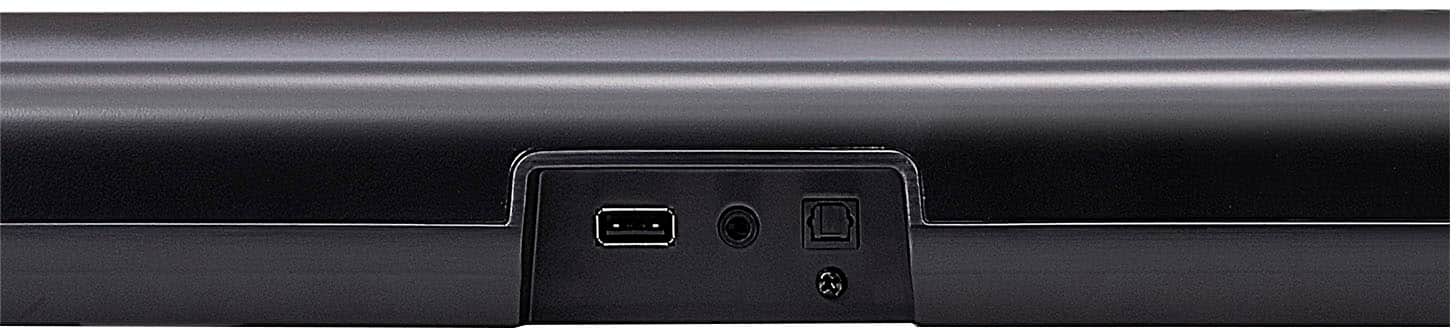
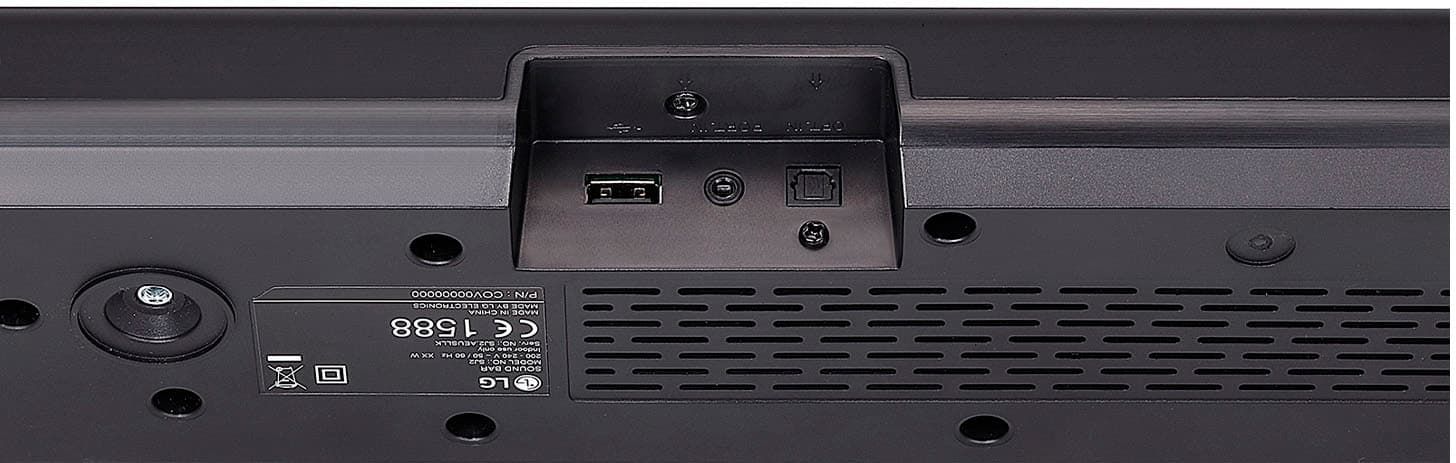
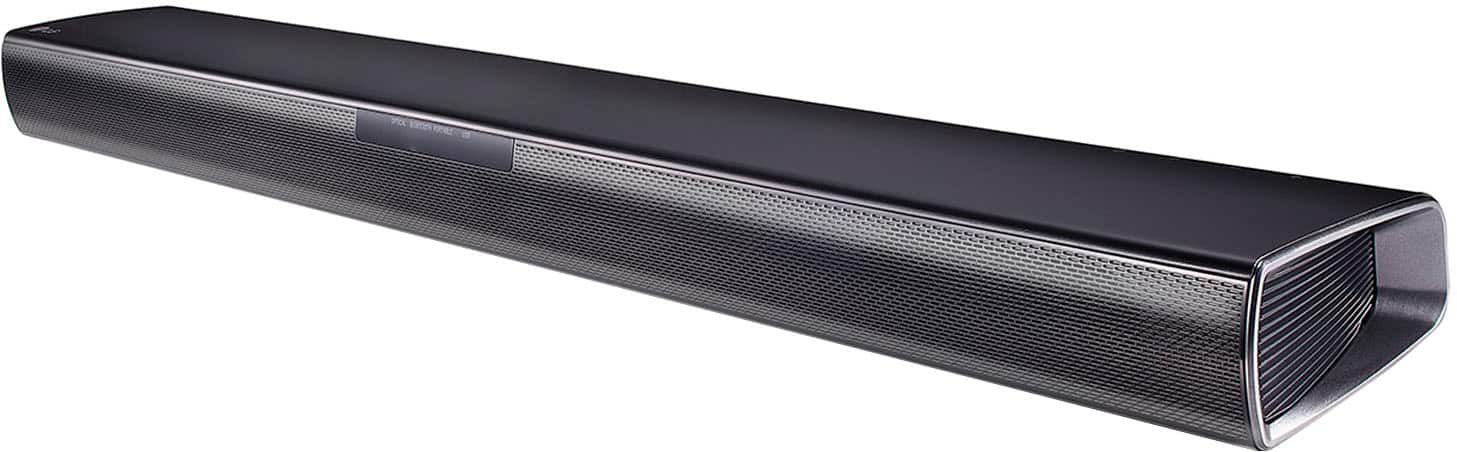
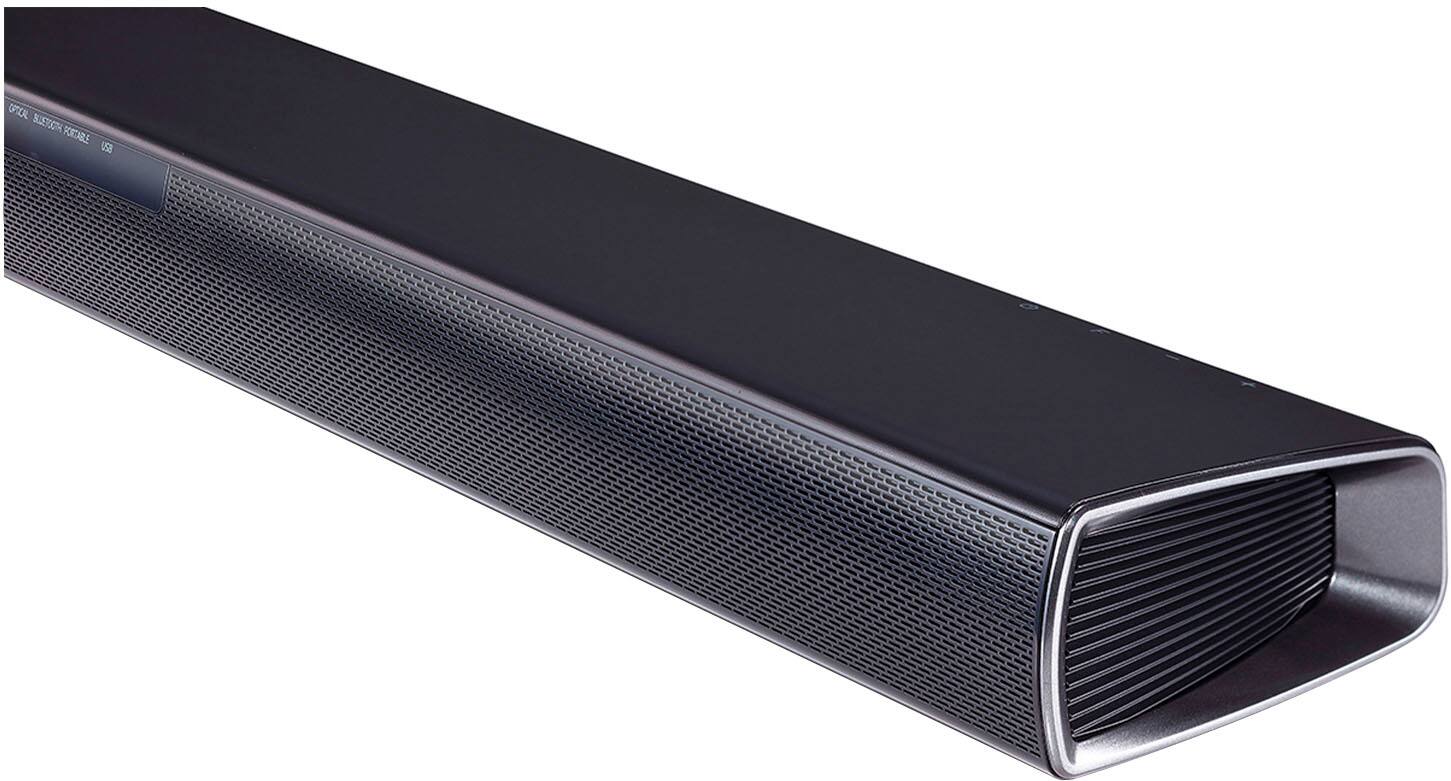
A:AnswerHello there! Thank you for your question about the SQC4R soundbar. We understand the importance of compatibility with your devices. Yes, the SQC4R soundbar is compatible with Hisense Roku smart TVs. You can connect the soundbar via HDMI ARC, optical, or auxiliary input to enhance your audio experience.
If you have any further questions or need assistance with setup, please send us a private message on Social Media @LGUSSupport, and our team will be more than happy to help you. We appreciate your interest in our products! —Avril
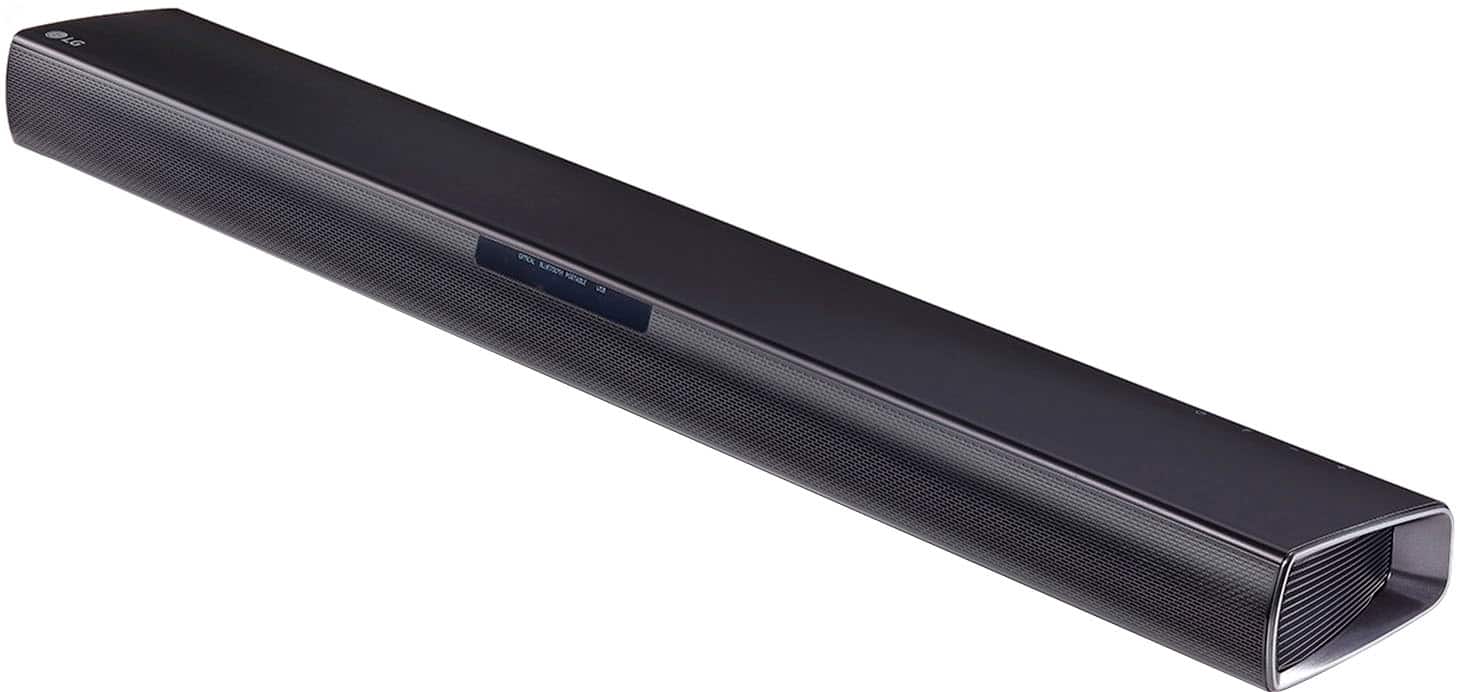
A:AnswerHi there, Jack. Thank you for your question about the SQC4R soundbar. Yes, the main soundbar can be mounted to the bottom of an LG TV, provided that the TV has the necessary mounting points and space to accommodate it. Ensure that the soundbar is securely attached and that it does not obstruct any of the TV’s ports or sensors. If you need further assistance with the installation or have any additional questions, please feel free to send us a private message on social media @LGUSSupport, and our team will be happy to help. We appreciate your time! —Avril
A:AnswerHi there. Thank you for reaching out with your question about setting up the SQC4R system with your existing setup. Based on the configuration you've shared, it sounds like your Sony stereo is handling multiple inputs through HDMI and sending the output to your TV. To integrate the SQC4R, you can indeed use the optical digital audio connection to transfer audio from your TV to the sound system.
Simply connect the optical digital audio cable from your TV’s optical output to the SQC4R’s optical input. This should allow audio to pass through, while your HDMI connections continue to handle video and input sources like your Roku and Blu-ray.
If you need any further assistance or encounter issues during setup, please send us a private message on Social Media @LGUSSupport. We're here to help with any troubleshooting or setup guidance. Thank you for choosing LG!
—Avril
A:AnswerThis sound bar has 3.5mm audio, Auxiliary, and Digital optical Inputs, if your reciever has any of these outputs it should be compatable.
You can also run the output from your tv directly to this soundbar.
A:AnswerHi there! Thank you for your inquiry about the SQC4R system. Yes, this system is compatible with a Fire Stick, allowing you to stream your favorite content effortlessly. Just connect the Fire Stick to an available HDMI port, and you’re all set! If you have any further questions or need assistance, please send us a private message on Social Media @LGUSSupport, and our team will be happy to help you. We appreciate your engagement! —Avril
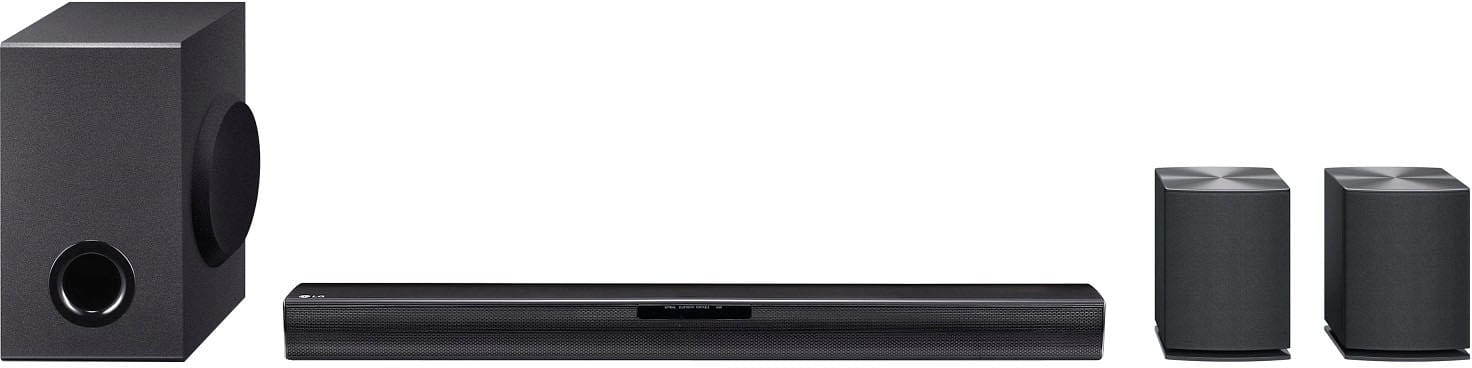
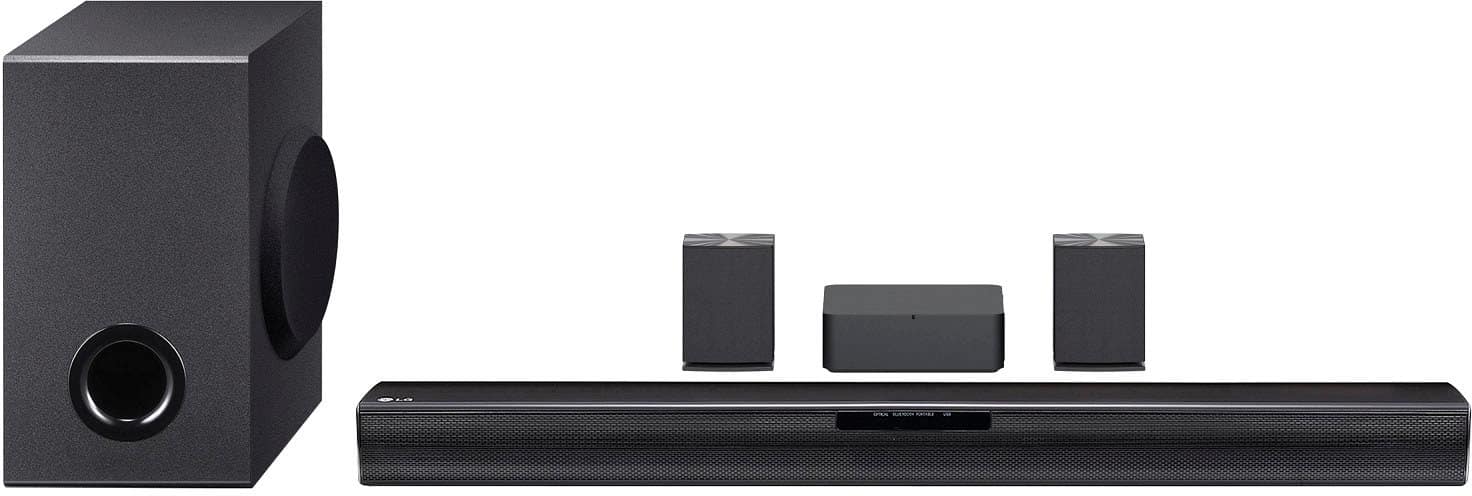
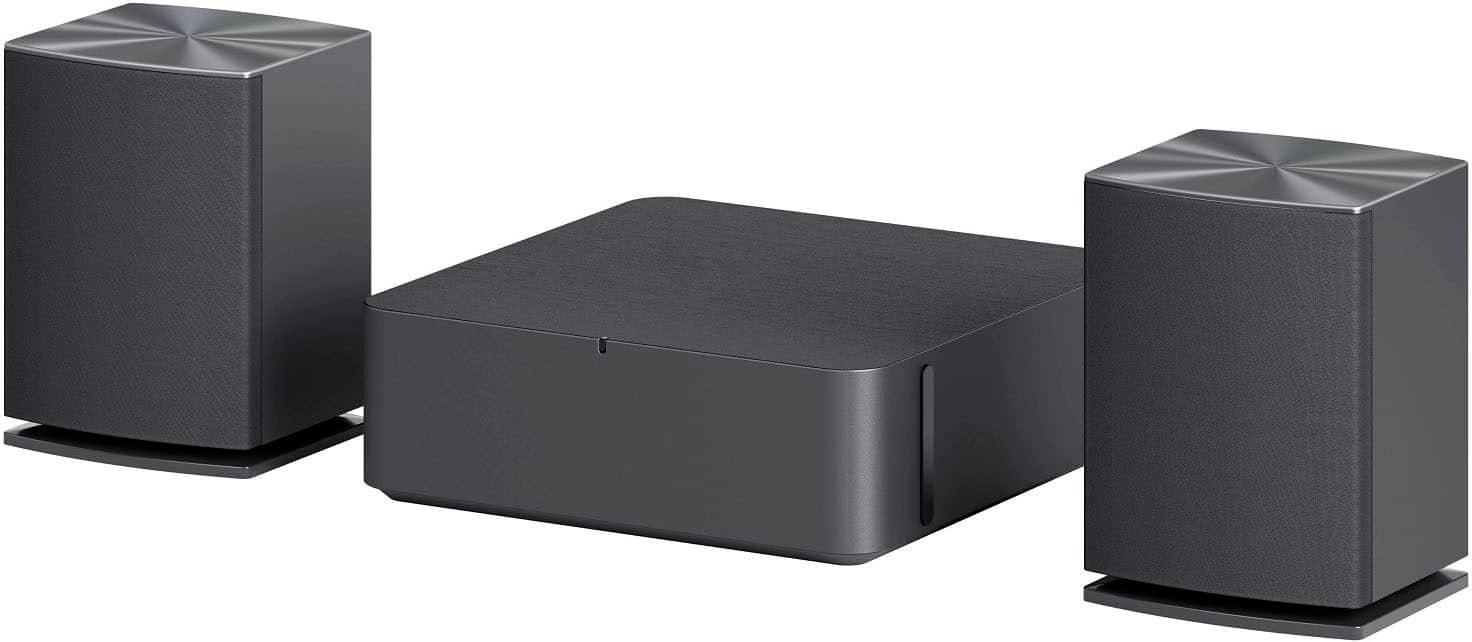
A:AnswerHi there! Thank you for your interest in the SQC4R surround sound system. With this model, the subwoofer and rear speakers connect wirelessly to the main unit for easy setup, but please note that the rear speakers still require a wired connection to a wireless receiver. If you have further questions or need assistance, please feel free to reach out to us on Social Media @LGUSSupport—we’re here to help!
—Avril
A:AnswerHello there, Red. Thank you for sharing your experience with us regarding the mounting of your rear speakers on the LG SQC4R. We understand your situation and are here to help guide you through the process.
Based on the installation guidelines for the SQC4R, the mounting brackets for the rear speakers are designed to attach securely in designated locations. A troubleshooting step we recommend is to carefully review the installation guide that came with your unit. Please double-check if the brackets are meant to be affixed on the back of the speakers or if there’s an alternative hidden slot where they can be securely placed. Often, the mounting hardware is included in the package with clear diagrams illustrating the proper placement and alignment. It may also be helpful to ensure that all the mounting components are correctly oriented and that any necessary screws or fasteners are properly tightened.
For more detailed assistance or if you need further clarification on any steps, please send us a private message on Social Media @LGUSSupport. Our team is more than happy to work with you to explore possible solutions and ensure your rear speakers are mounted correctly.
https://www.bestbuy.com/site/lg-4-1-ch-sound-bar-with-wireless-subwoofer-and-rear-speakers-black/6559015.p?skuId=6559015
We appreciate your patience and look forward to assisting you further.
—Renzo
A:AnswerHi there! Thanks for reaching out with your question about the LG SQC4R Sound Bar. We understand you're looking to use your existing rear speaker wires under the carpet.
Yes, you can absolutely mount the rear speaker receiver near the TV and subwoofer and use your existing speaker wires to connect to the new rear speakers. The wireless receiver provided with the soundbar allows flexibility in positioning, so you can place it in a location that works best for you, such as near the TV and subwoofer.
https://www.lg.com/us/sound-bars/lg-sqc4R-sound-bar#pdp_specs
Just make sure that the rear speakers are properly connected to the receiver and that the wires are securely routed. If you need any further assistance or tips, feel free to reach out to us via @LGUSSupport on social media. —Renzo
A:AnswerHi there! Thank you for reaching out with your question about the LG SQC4R sound bar. We understand your interest in the specifications of your unit. The total output wattage for the SQC4R sound bar is 220 watts, providing you with a great audio experience.
https://www.lg.com/uk/speakers/soundbars/sqc4r/?srsltid=AfmBOooxa4_EbwB9nRhNjDffdDvnyjoksBL_-ixMeKjhlbWguQW1weRe
If you have any further questions or need assistance, please send us a private message on Social Media @LGUSSupport, and our team will be more than happy to assist you. We appreciate your engagement and look forward to helping you! —Renzo
A:AnswerThank you for your interest in the LG Sound Bar (SQC4R) model. Yes, you can connect an Amazon Echo to the LG SQC4R soundbar using Bluetooth. The soundbar supports Bluetooth connectivity, allowing you to pair it with your Amazon Echo or any other Bluetooth-enabled device. You can also connect the soundbar to a TV using optical or Bluetooth connections. You can download its owner's manual through this link for more information: https://www.lg.com/us/support/product/lg-SQC4R.DUSALLK. ^Cris
A:AnswerThe set up comes with every cable you need. Optical audio cable to connect from the sound bar to the television; speaker wire to connect the rear speakers to the bluetooth receiver; and then that receives and transmits the audio to the subwoofer. No additional cables needed.