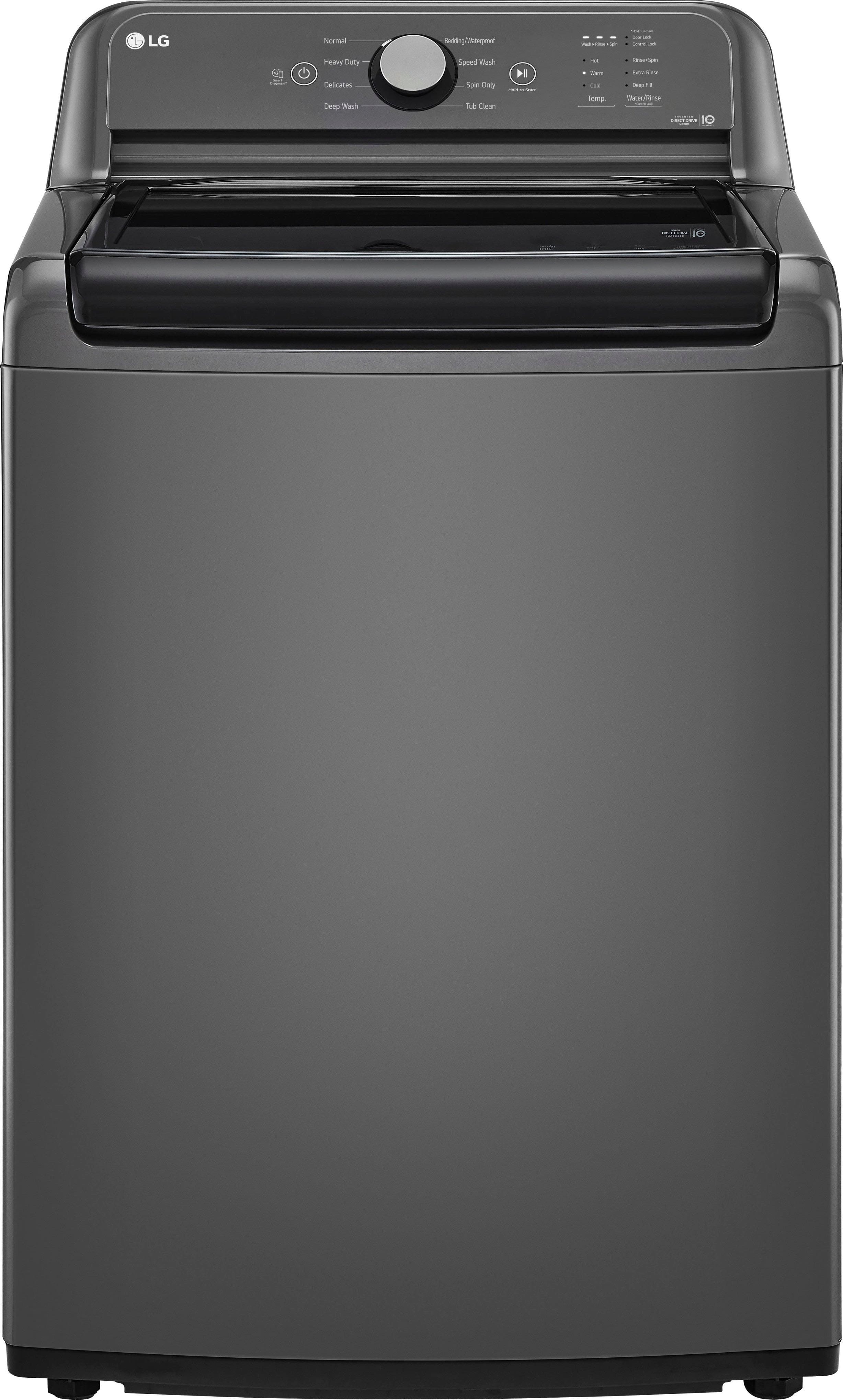
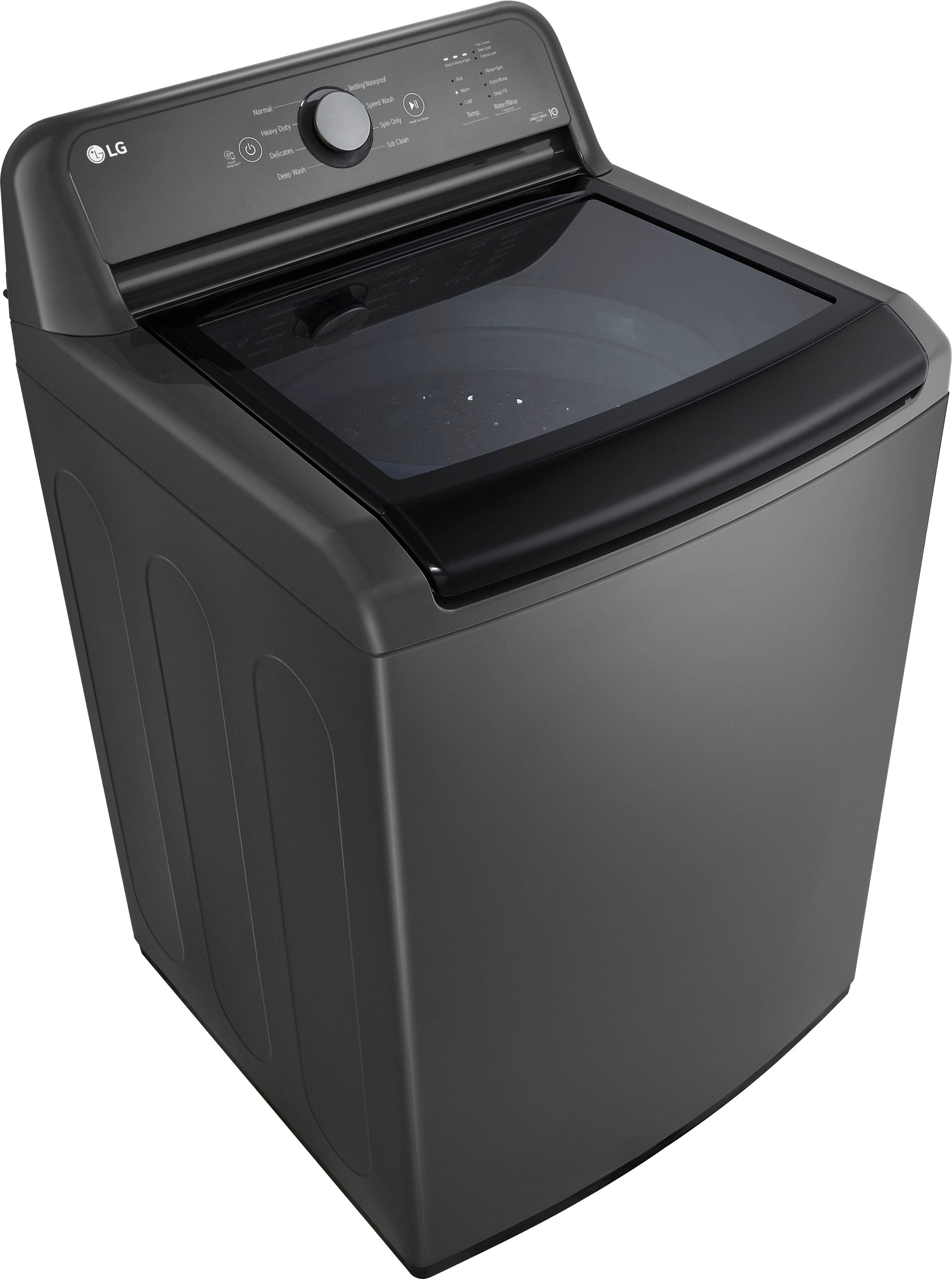
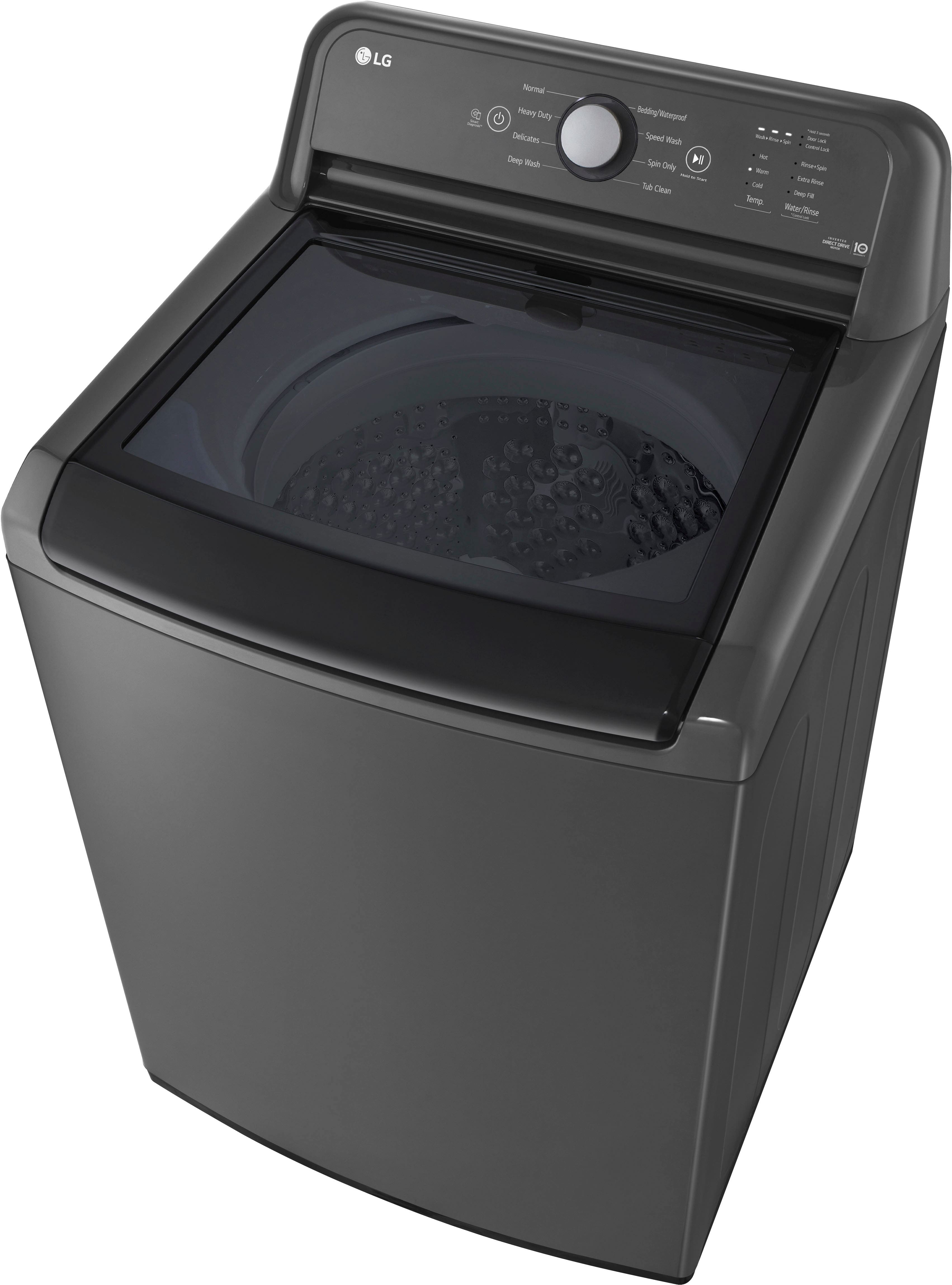
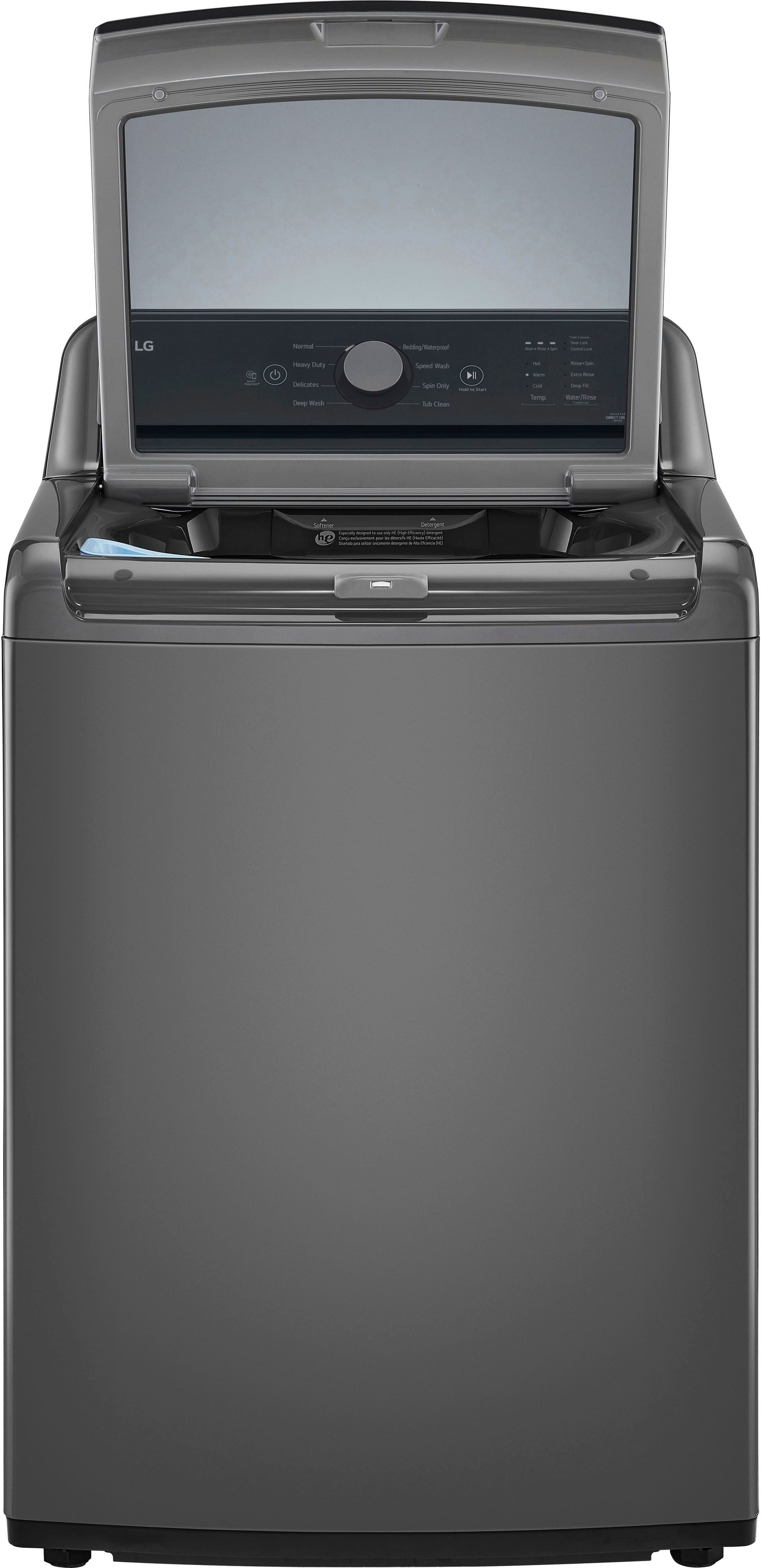
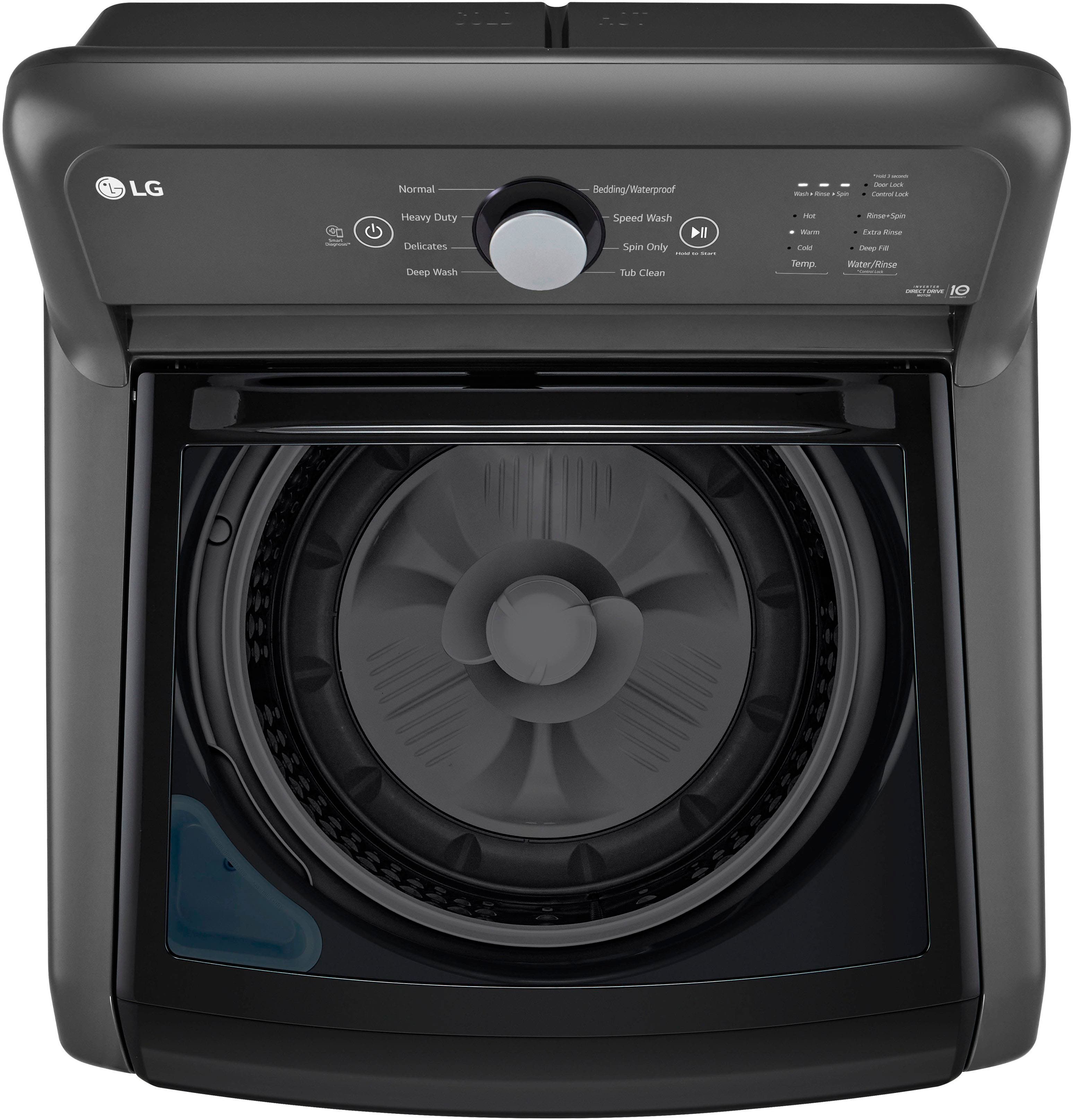
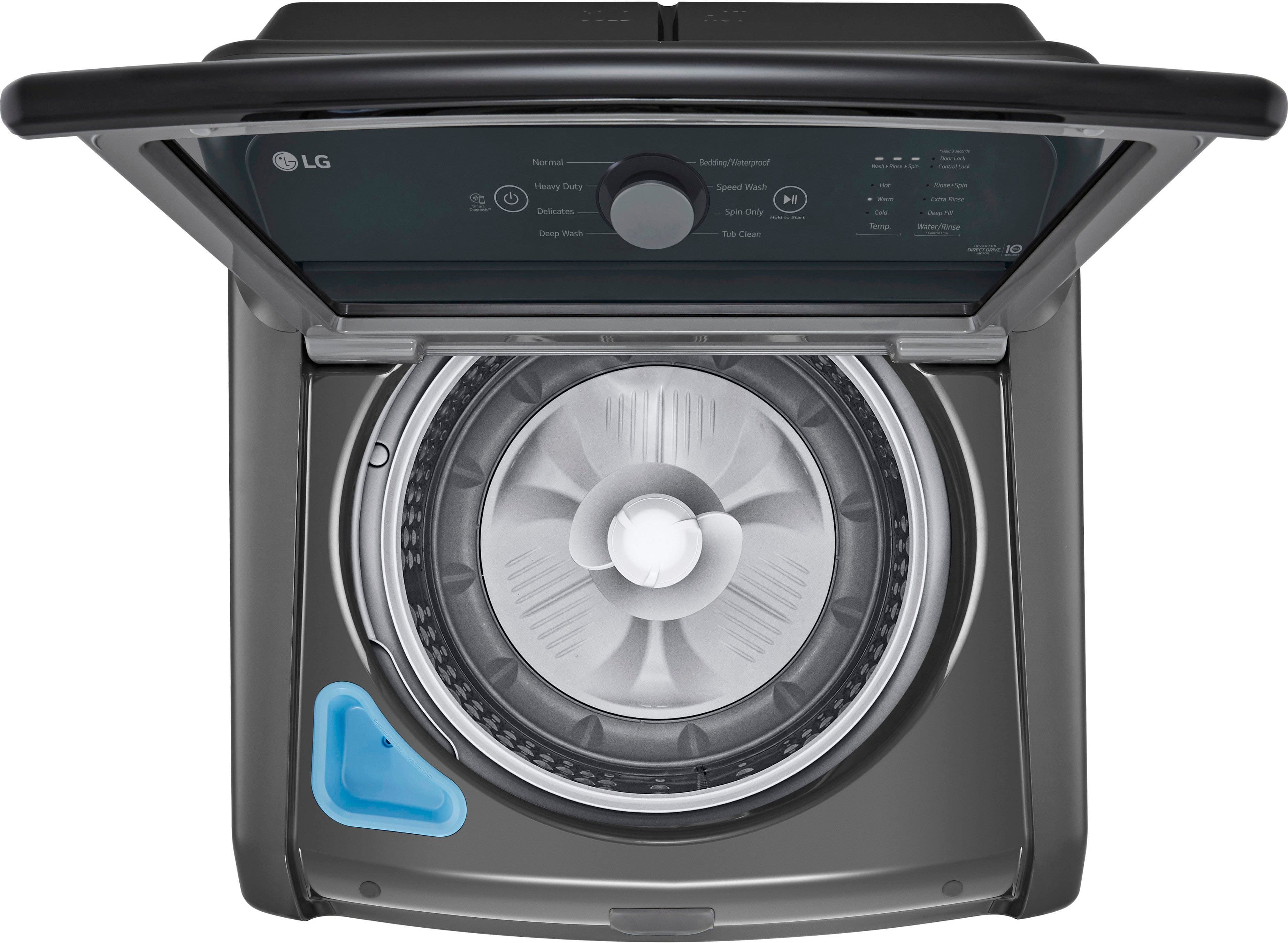
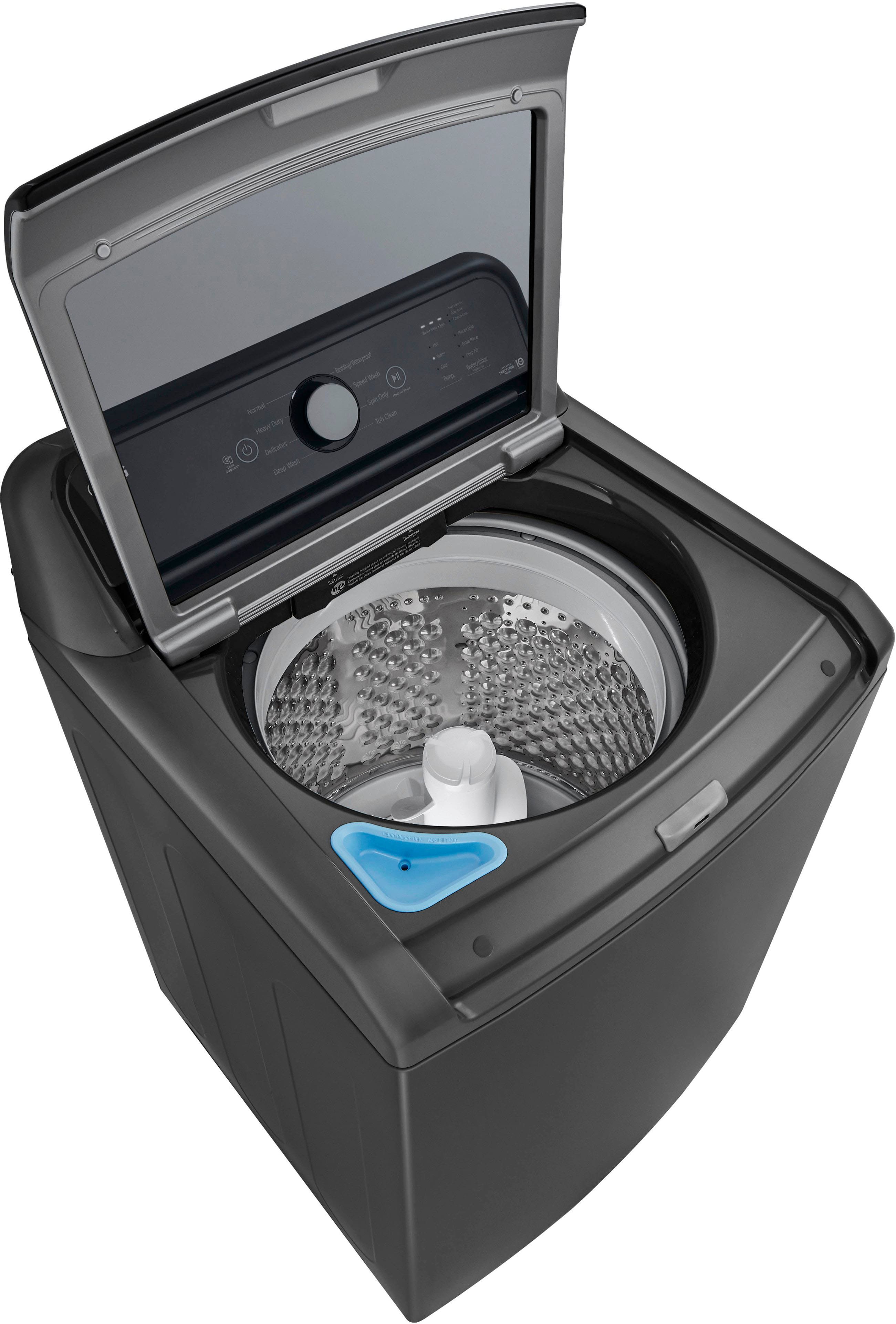
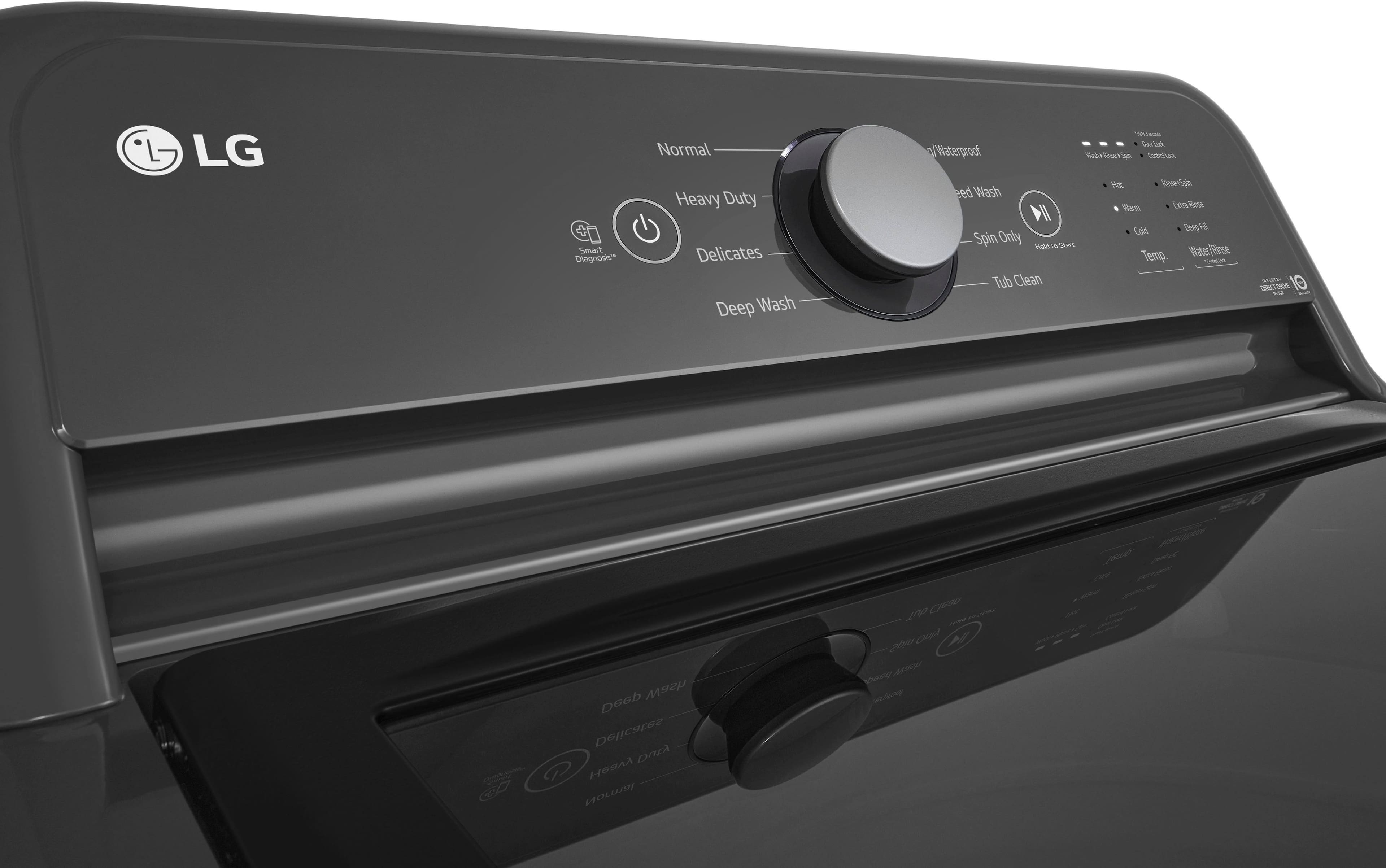
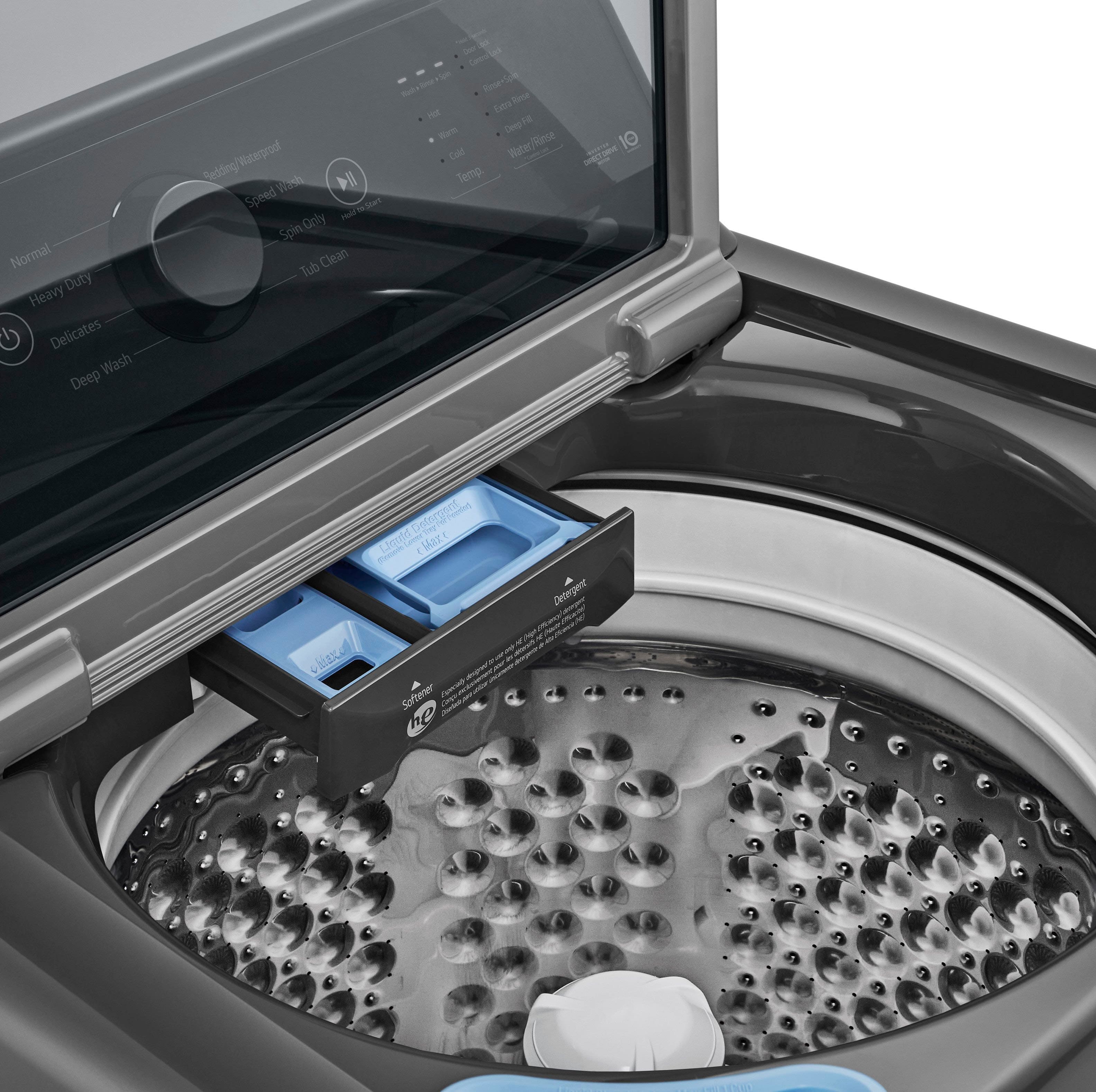
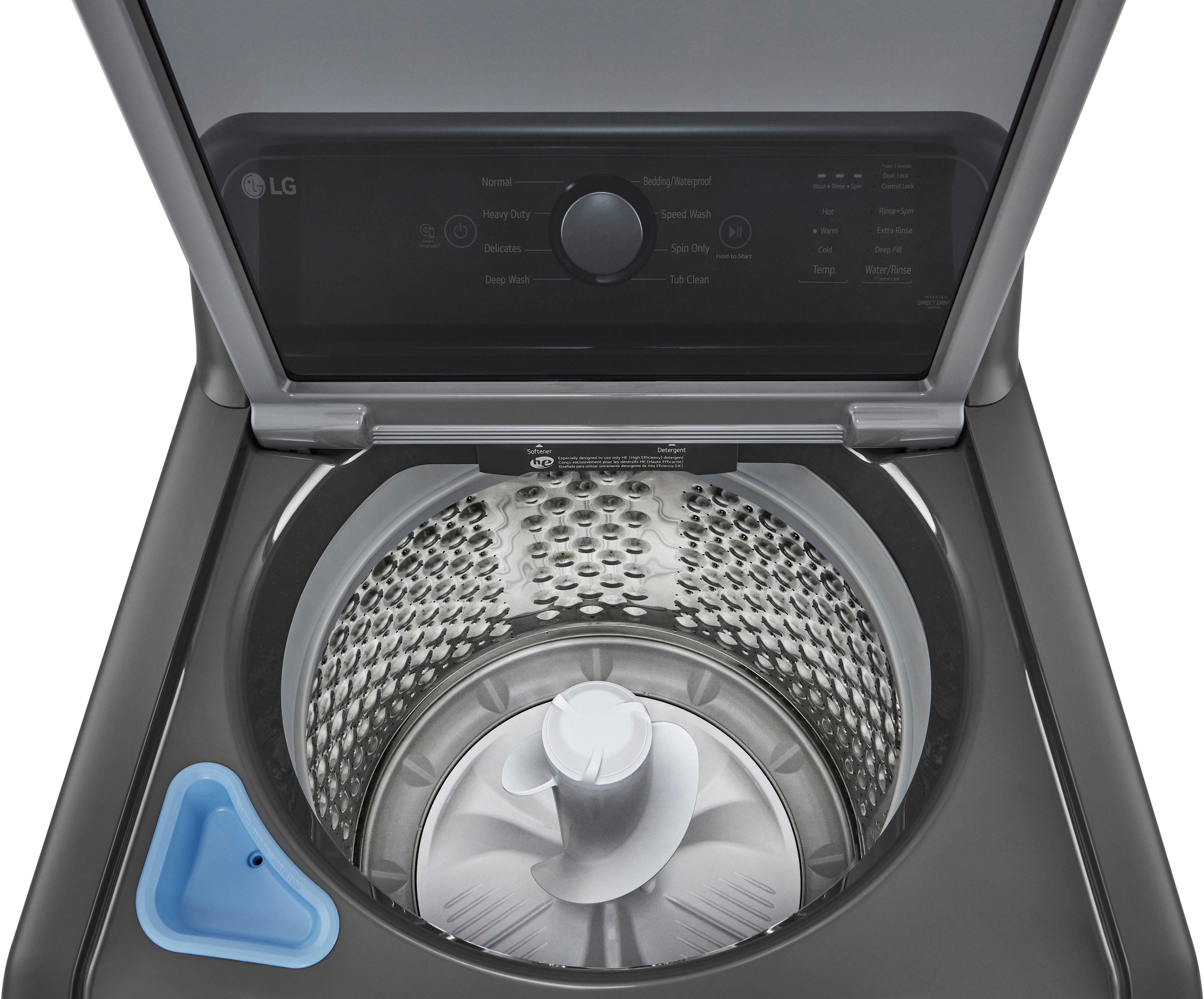
A:AnswerA. Yes, This model has a deep fill cycle. In regards to the end of cycle chime, It can be turned off by pressing the signal button for 3 seconds. ~Tanisha
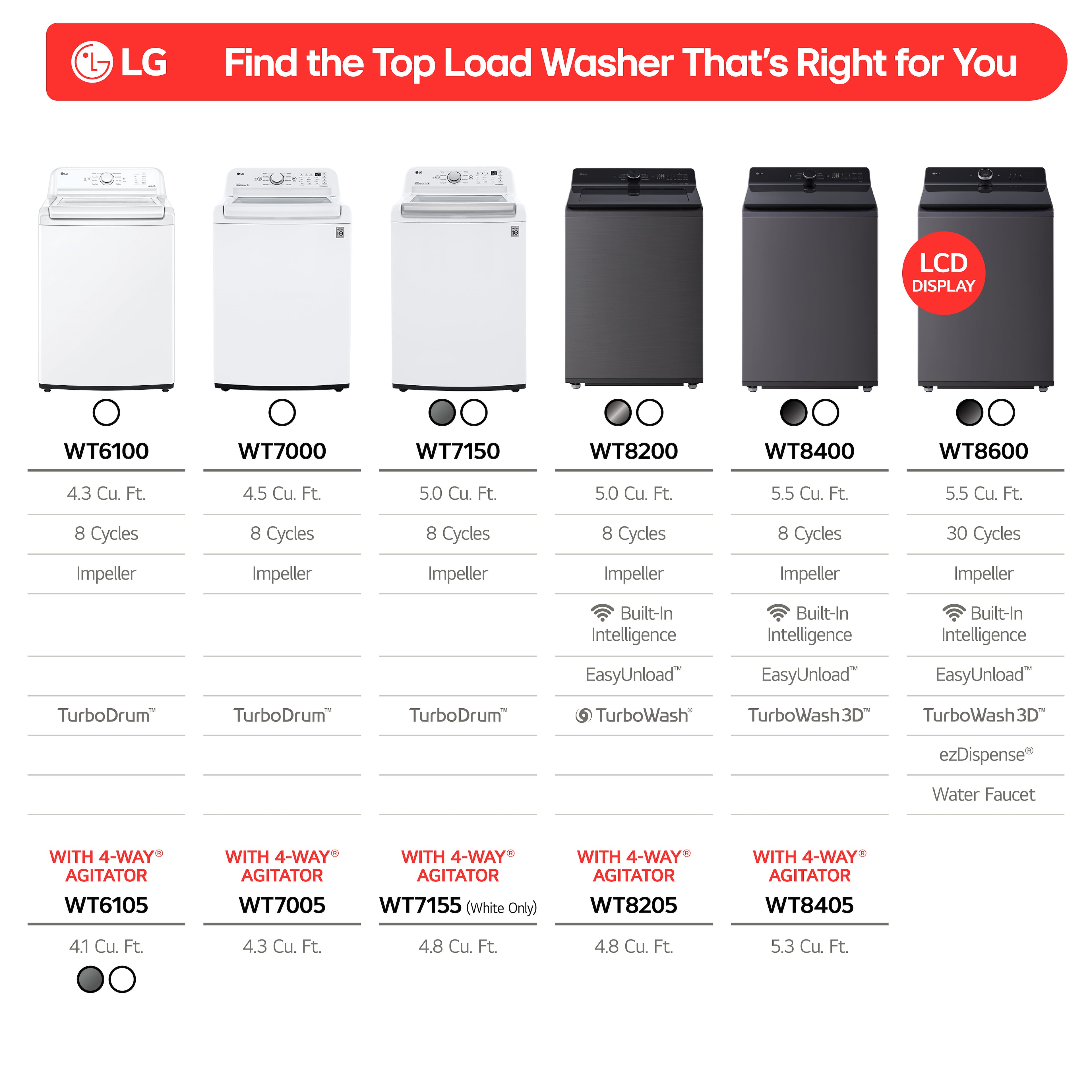
A:AnswerThank you for your interest in the LG Washer. Yes, the WT6105CW has WiFi, but instead of a dedicated "WiFi" button, you use the press-and-hold of the Extra Rinse button to enable the WiFi pairing mode for connecting to the ThinQ app. You can download its owner's manual through this link for more information: https://www.lg.com/us/support/product/lg-WT6105CW.ABWETUS. For additional assistance, please reach out to us on social media @LGUSSupport so we can help you further. ^Cris
A:AnswerHello there, Dee. Thank you for sharing your experience with us. We understand your inquiry regarding the sound settings on your WT6105CW washing machine.
Yes, it is possible to turn off the sounds, including the melody at the end of a cycle and the button sounds, on your LG WT6105CW washing machine. To do this, you typically need to press and hold the "Signal" button or a combination of buttons above the "Signal" marker for a few seconds.
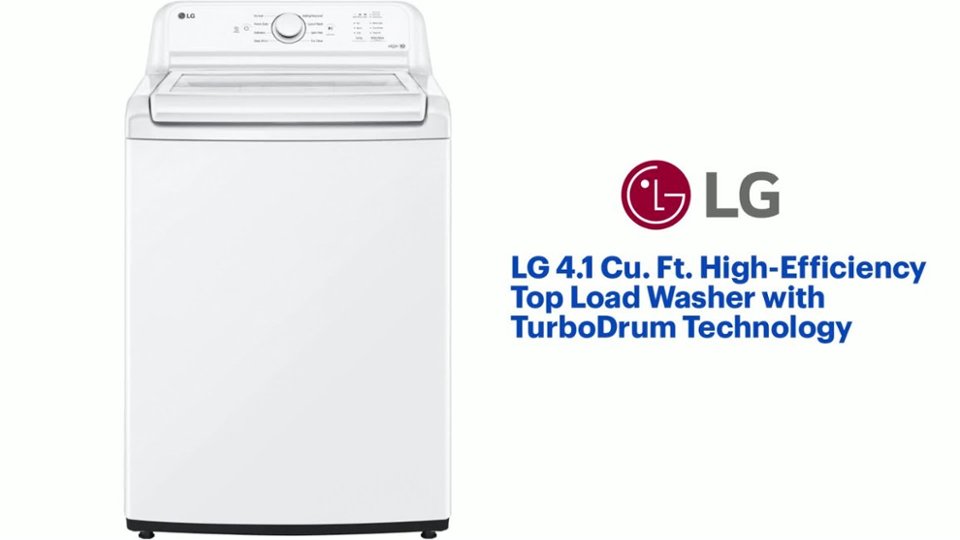
https://www.bestbuy.com/site/lg-4-1-cu-ft-high-efficiency-top-load-washer-with-turbodrum-technology-white/6529899.p?skuId=6529899
Your feedback is important, and we'd like to assist you further if needed. Please send us a private message on Social Media @LGUSSupport and our team will be more than happy to explore possible solutions. We appreciate your patience. —Renzo