A:AnswerWorks well in game mode. With all post processing turned off (Super Resolution, Noise Reduction, etc.) I can hardly notice. If you turn any post processing on, it becomes unbearable. It works with Xbox One's HDR mode so turning all that stuff off isn't a big deal.
A:AnswerYes you can change the brightness. (1.) Press the settings button on the remote (looks like a gear, 2nd button from the left near the top of the remote (to the right of the "CC/SUB" button)) A display will appear on the right side of the screen. (2.) Use the arrow down button on your remote to go all the way down to "All Settings". (3.) Press "OK" when you get to "All Settings." Now a display will appear on the left side of your screen. The top (first) setting on the left side of the screen is PICTURE. (4.) The first setting for PICTURE is "Picture Mode Settings", so press (once) the arrow on the remote that points to the right. Press "OK" on your remote when "Picture Mode Settings" is highlighted. Now use your down arrow on the remote to go down to "Brightness" (third one down under "Customize". ) Click "OK" on your remote when "Brightness" is highlighted. Press "OK" again, and then your right and left arrows on the remote to adjust the brightness. Press "EXIT" (near the bottom right of the remote).
There is also one other thing you can do. Follow above steps 1 through 3. The first setting is PICTURE on the left side of the screen. Now press your right arrow on the remote once, then use your down arrow to go to "Additional Settings" . Press "OK" on your remote when "Additional Settings" is highlighted. "Eye Comfort Mode" is the first thing on your screen and should be highlighted. Click "OK" on your remote to turn on "Eye Comfort Mode". This will take away some of the blue light. Press "EXIT" on the remote. I recommend you always have "Eye Comfort Mode" turned on. I do!
A:AnswerThe wireless module in the LG UK6090PUA 4K HDR Smart LED UHD TV - 43" Class (42.5" Diag), Model # 43UK6090PUA uses the IEEE 802.11a/b/g/n/ac specification...^IFV
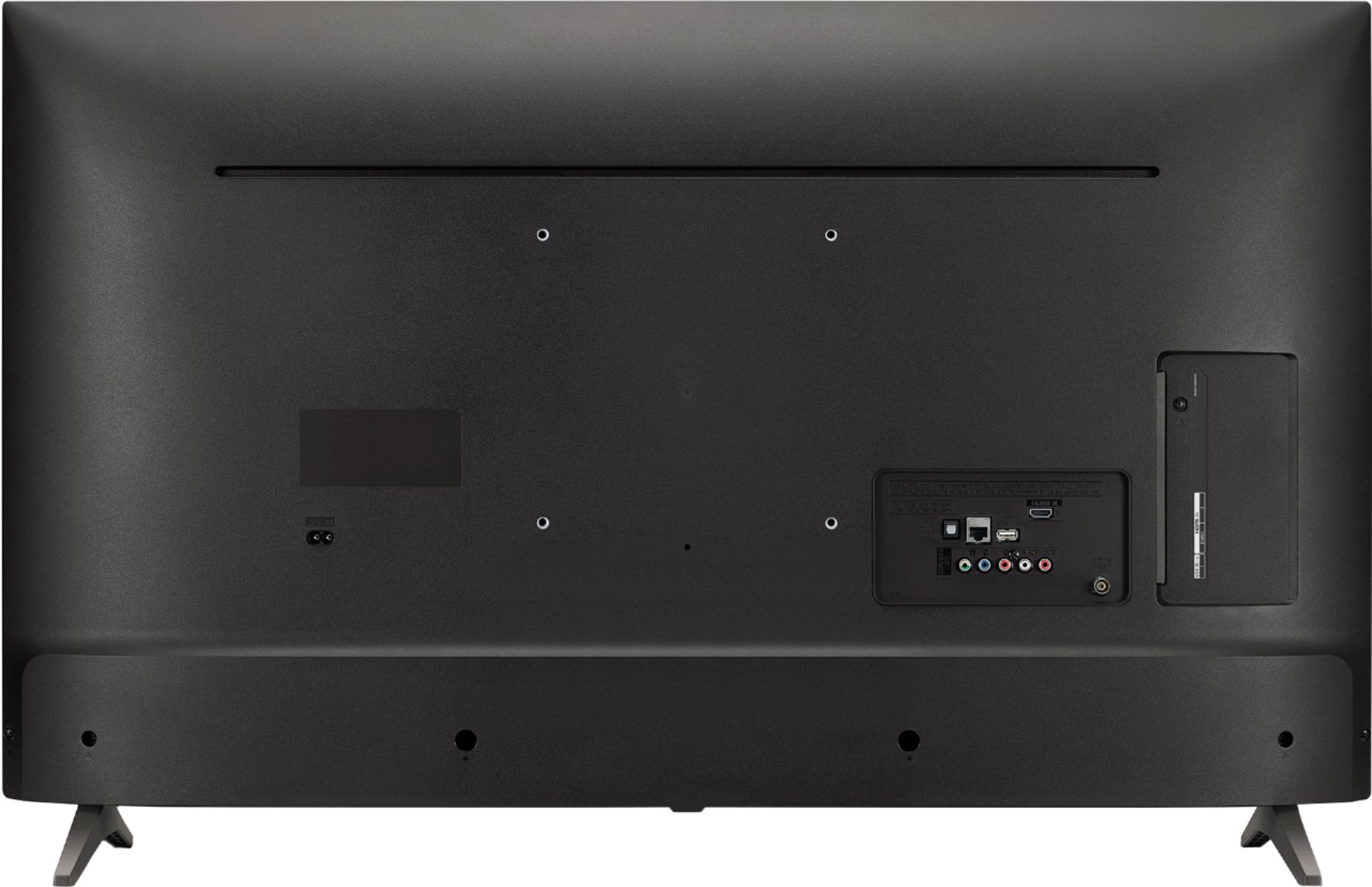
A:AnswerIf you hook the TV up to a sound bar or other output device (receiver) through the optical cable that has bluetooth capability you can use the bluetooth output from that device for your headphones
A:AnswerHello, this TV is manufactured for use in the USA and does require 120Vac for optimal operation, however, the TV can withstand up to 240Vac with an adapter if needed. ^CP
A:AnswerAll our TVs that are designed for the U.S. will have three built-in tuners, an ATSC tuner, an NTSC tuner, and a QAM tuner. They do not have a built-in PAL tuner. ^CP
A:AnswerYou can use the on-screen keyboard in the LG UK6090PUA 4K HDR Smart LED UHD TV - 43" Class (42.5" Diag), Model # 43UK6090PUA to enter alphabet characters in the text field. Click in the text field that you want to enter the characters and the on-screen keyboard should appear and you can use the remote to scroll down and select the characters...^IFV
A:AnswerThe lower refresh rate depends on what you are viewing on the TV. Sports and video games may cause the refresh rate to be more noticeable than news or slower motion TV shows. If you are in need of any assistance, have additional questions, or would just like to see our helpful tips, check us out on Twitter @LGUSSupport Facebook https://www.facebook.com/LGUSA/ or you can give us a call at 800-243-0000. ^CP
A:AnswerI just bought this tv today. Legs are 33.5 inches apart. I have it sitting on a 38" stand with 2" on either side. The answer given earlier stating you need 49" is absurd.