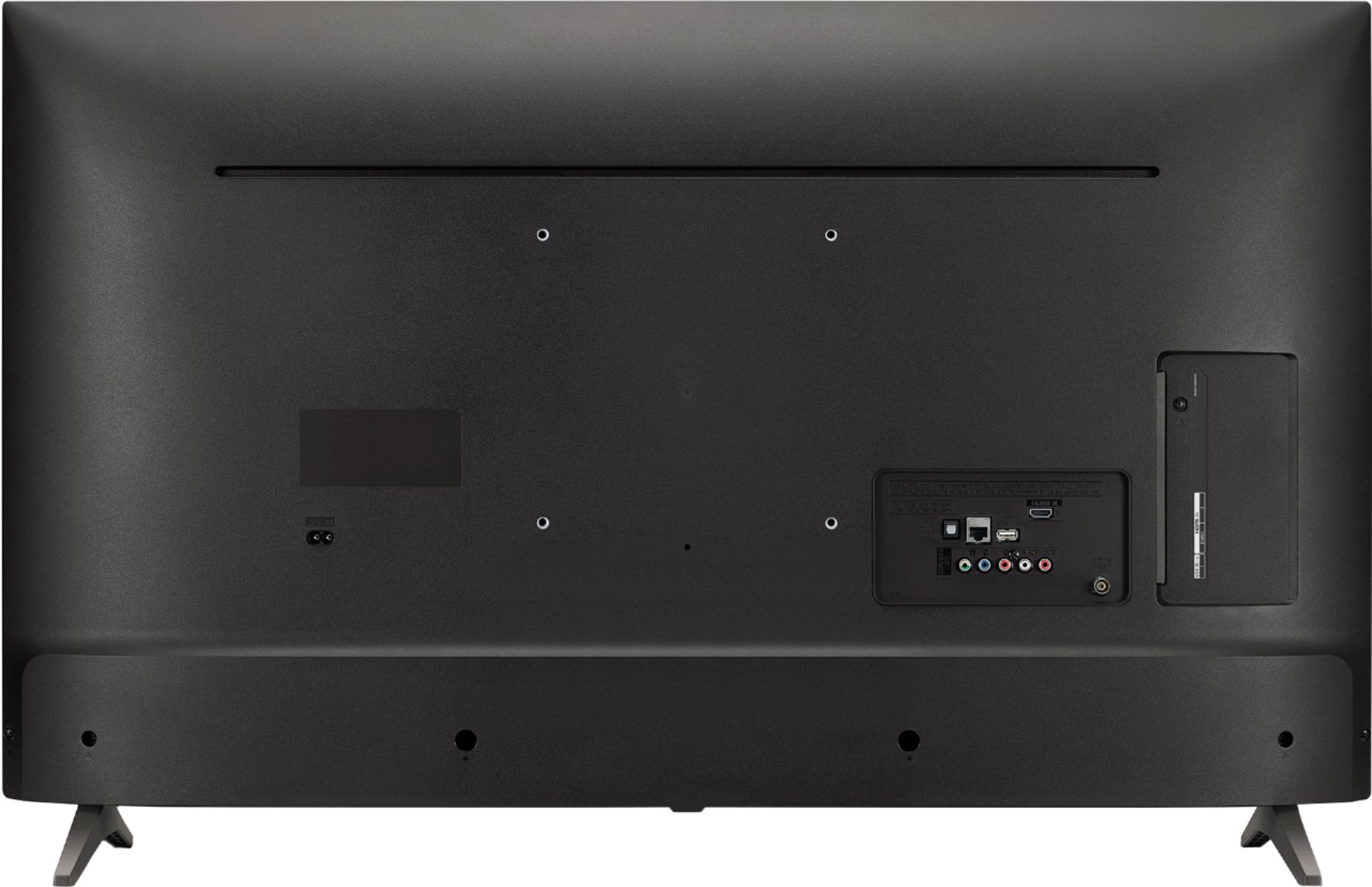
A:AnswerNo converter necessary.Just screw in your antenna into the antenna connection (close to the middle of the back side) and then program for air channels. There are some very nice HD programs out there for free!
A:AnswerThere is a Netflix button but unfortunately no Hulu. The only way to get Hulu is if you would connect a streaming device like a ROKU Express to one of the HDMI's on the TV. But that means another remote (ROKU remote) for your grandmother to learn. See attached photo.
A:AnswerThere is nothing to set up your TV to watch in 4K UHD. First you need to choose content that is offered in Ultra High Def. Then when you watch a 4K UHD show, say on Netflix, you will be automatically viewing it in 4K UHD instead of regular High Def, HD. Not all content is provided in UHD. For example many shows are in UHD on Netflix, but Hulu is not offering 4K programming. If you want UHD programming in Netflix you need the highest plan, PREMIUM.
So it partly has to with the content being offered in 4K UHD.
However, if you are watching regular HD programming on your TV, the LG technology "upscales" your current HD content to gorgeous, Ultra HD-level picture quality.
If you rent or buy a movie from iTunes, Vudu, Google etc, look to rent or by UHD and not just HD.
A:AnswerWe hate to hear that you are having trouble getting your TV set up, but would love to be able to help. We would be happy to see what's going on. Drop us a line on Twitter at @LGUSSupport or on Facebook https://www.facebook.com/LGUSA/ or you can give us a call at 800-243-0000 so we can get more info and see what we can do. ^CP
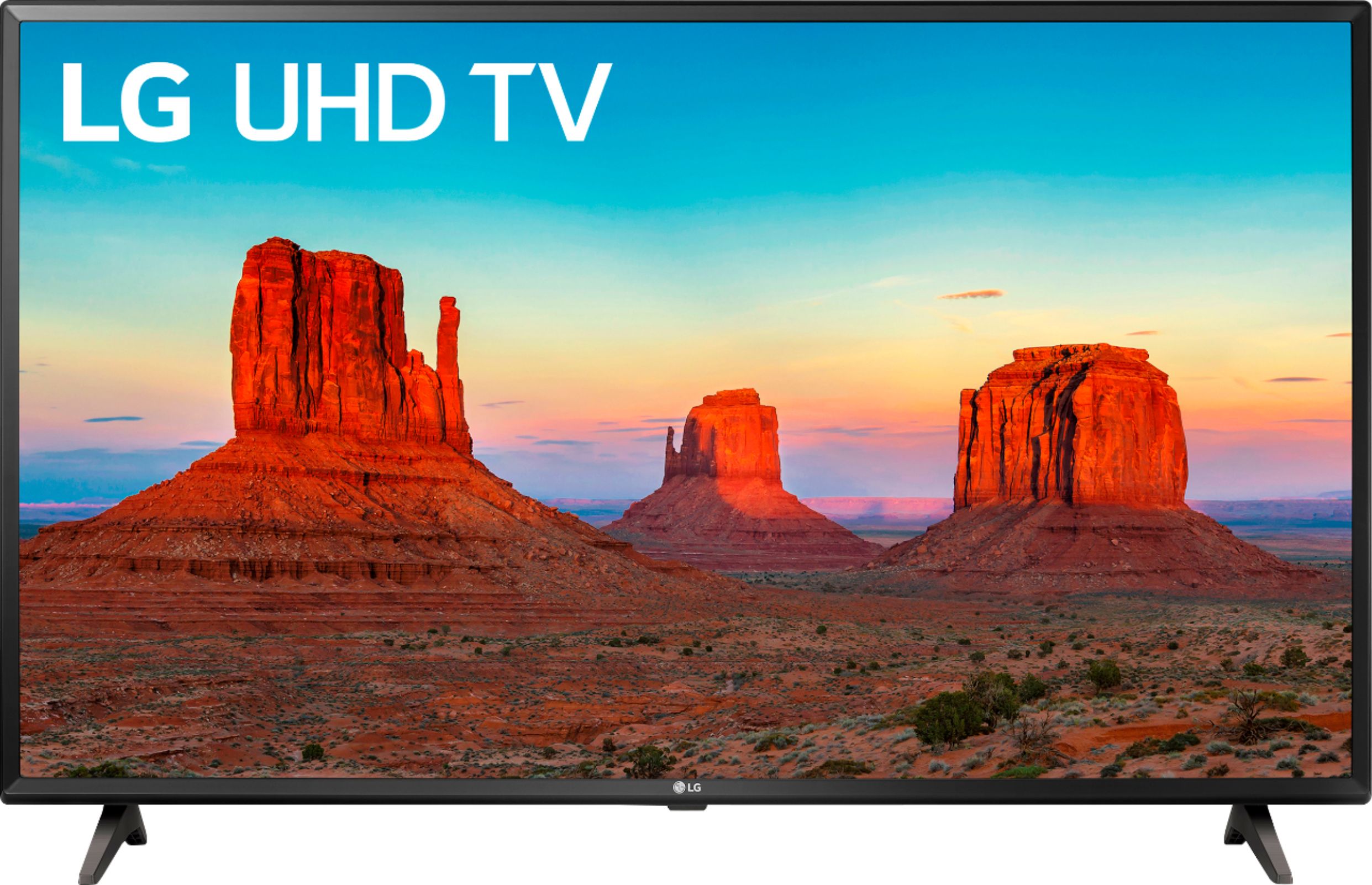
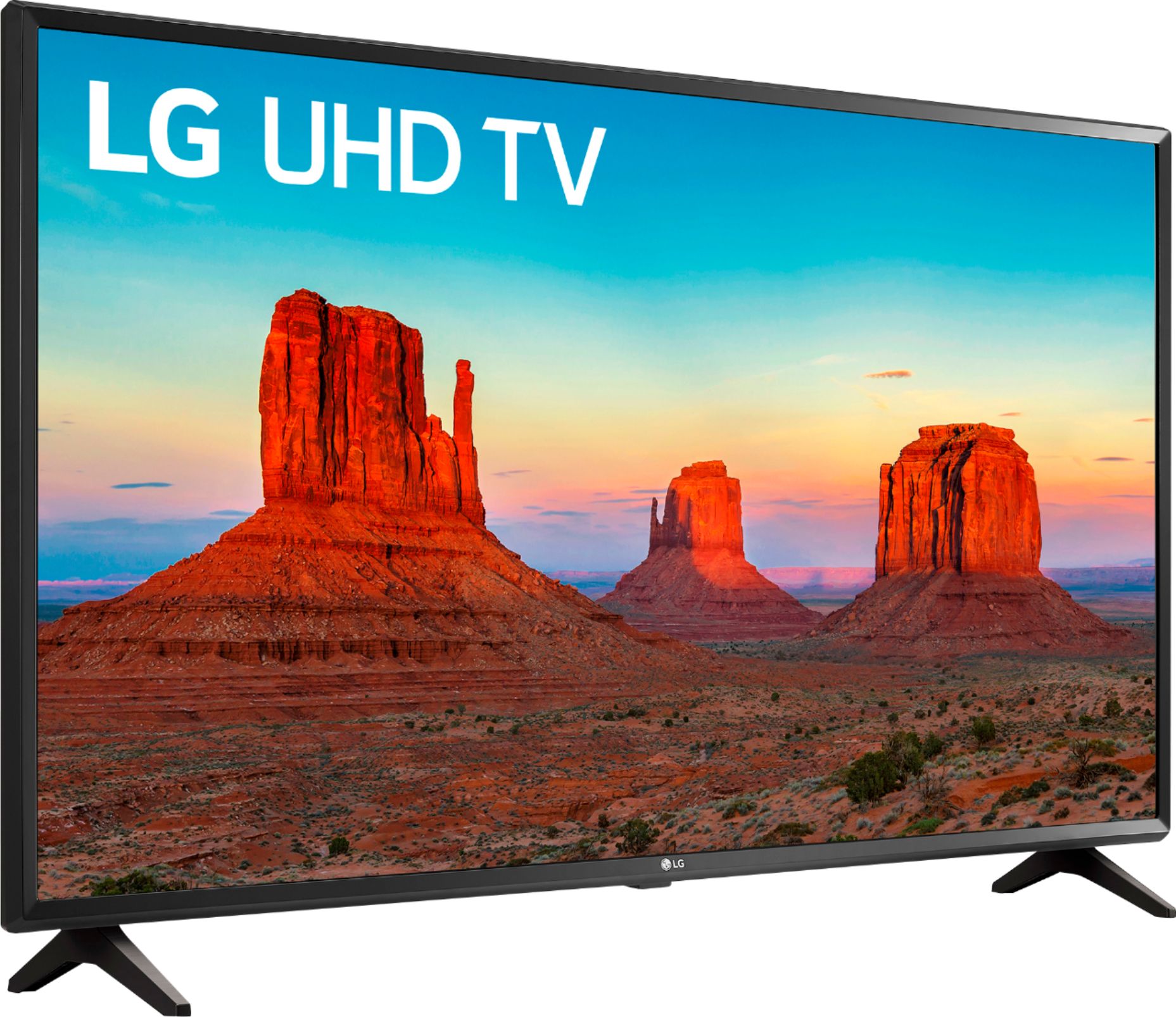
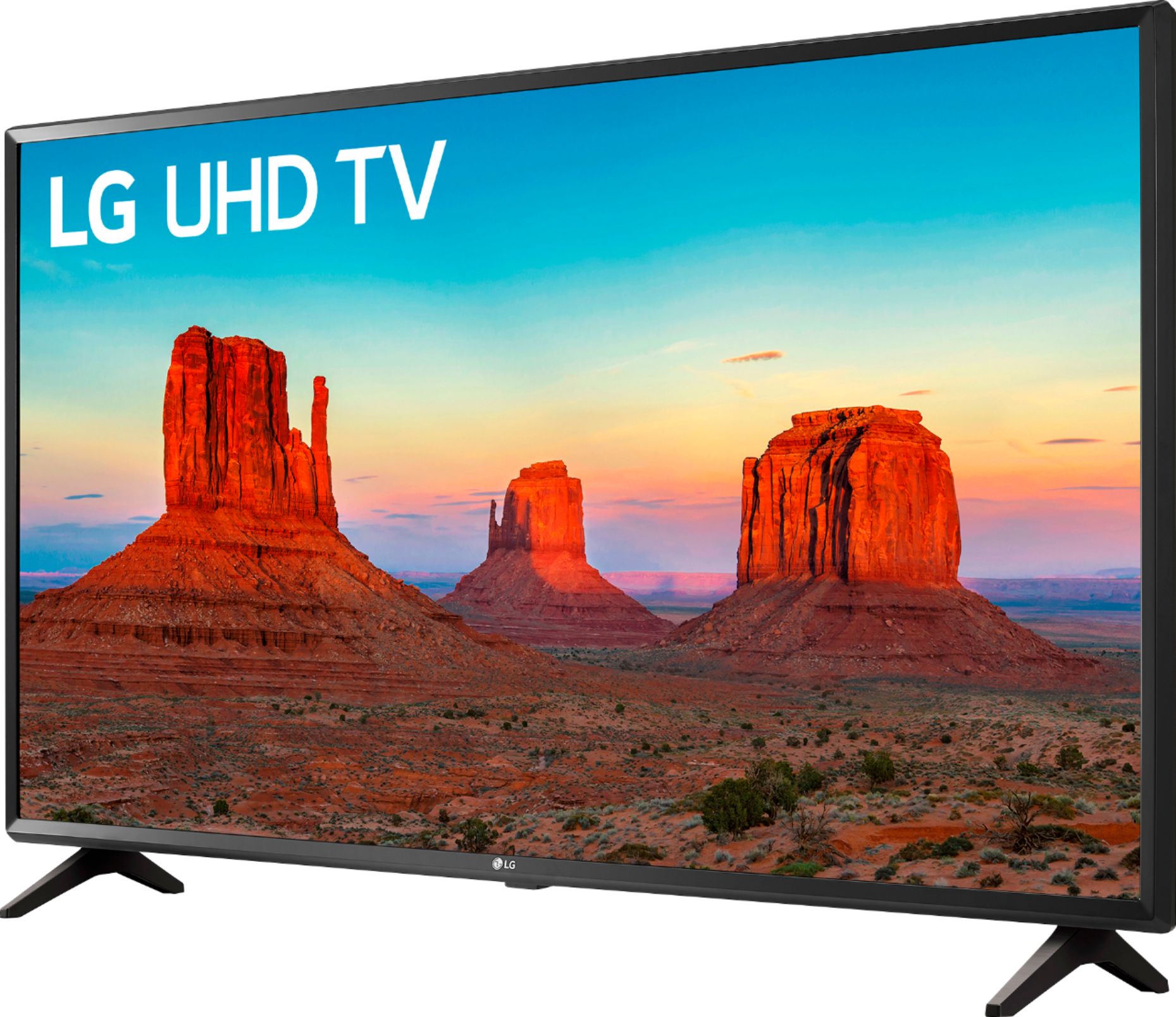
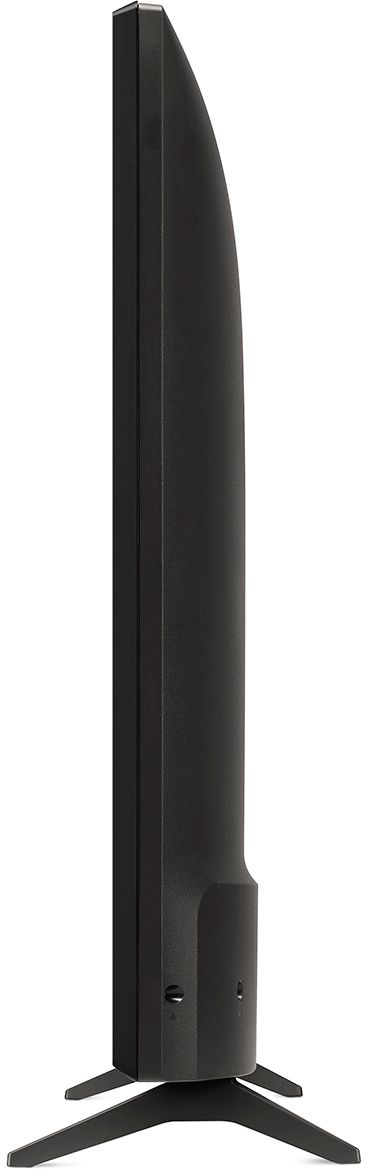
A:AnswerYes, you can sit it on top of TV stand. It has two legs. The dimensions are:
Product Height With Stand 24.2 inches
Product Width 38.5 inches (horizontally)
Product Depth With Stand 7.4 inches