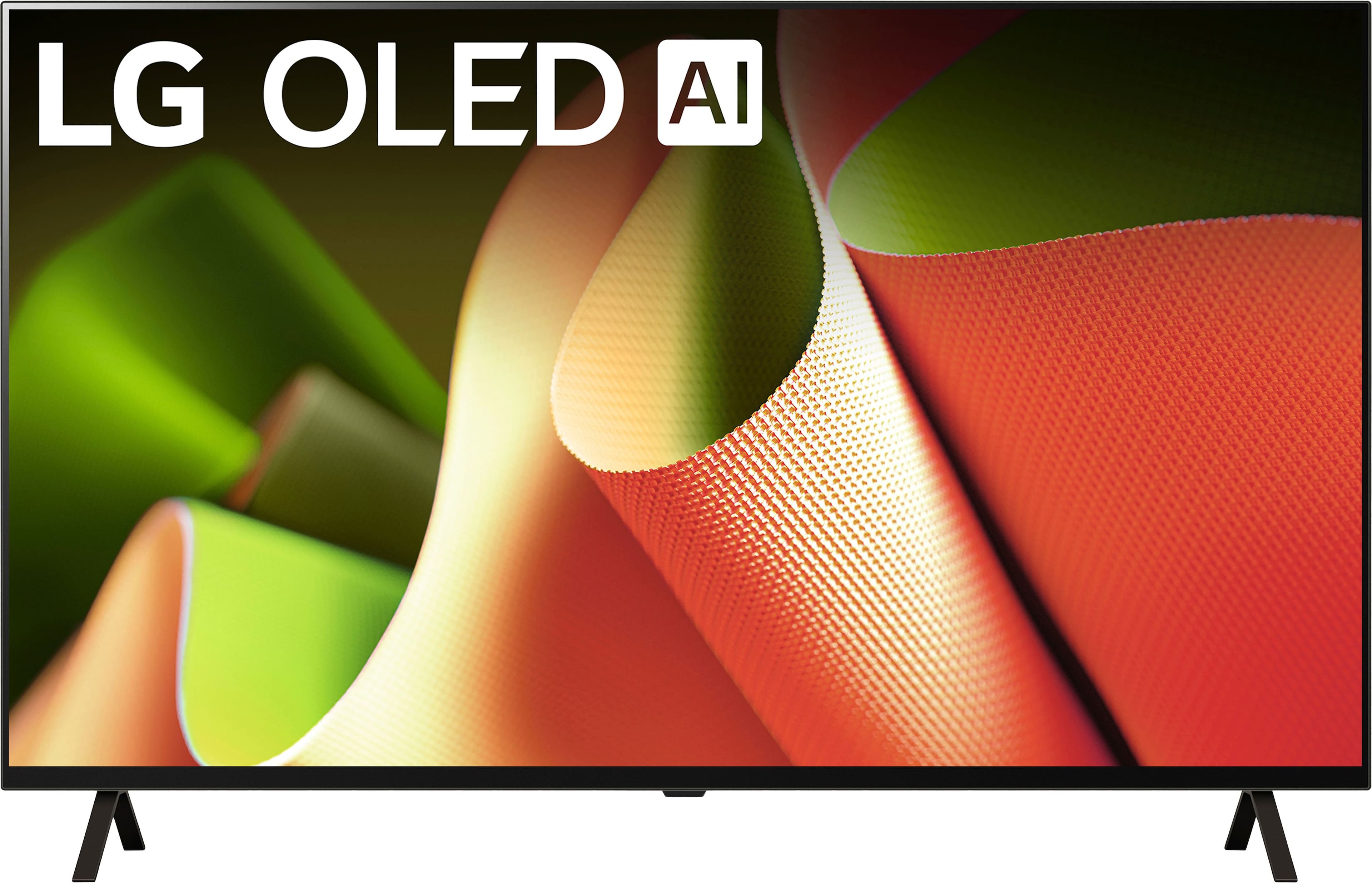
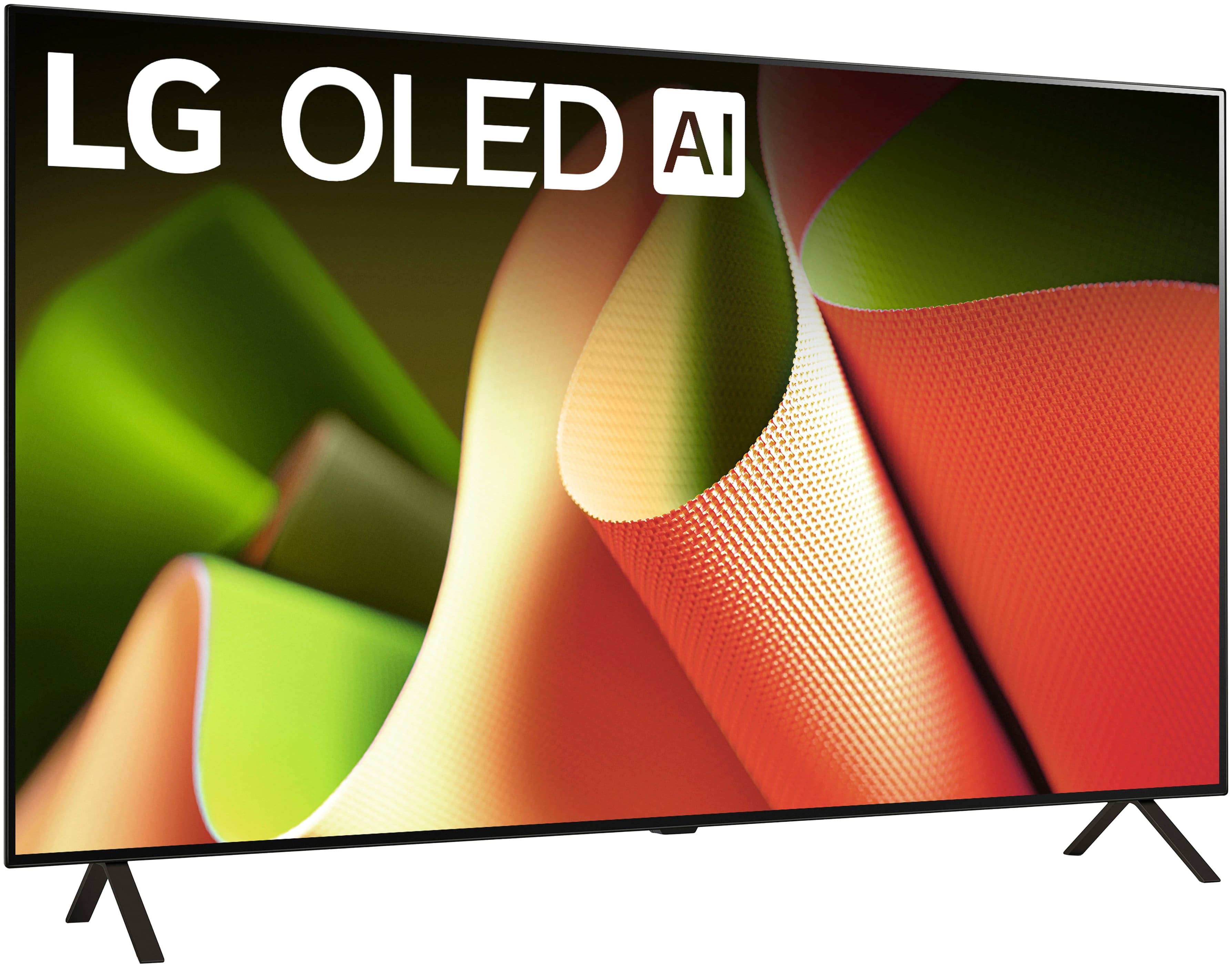
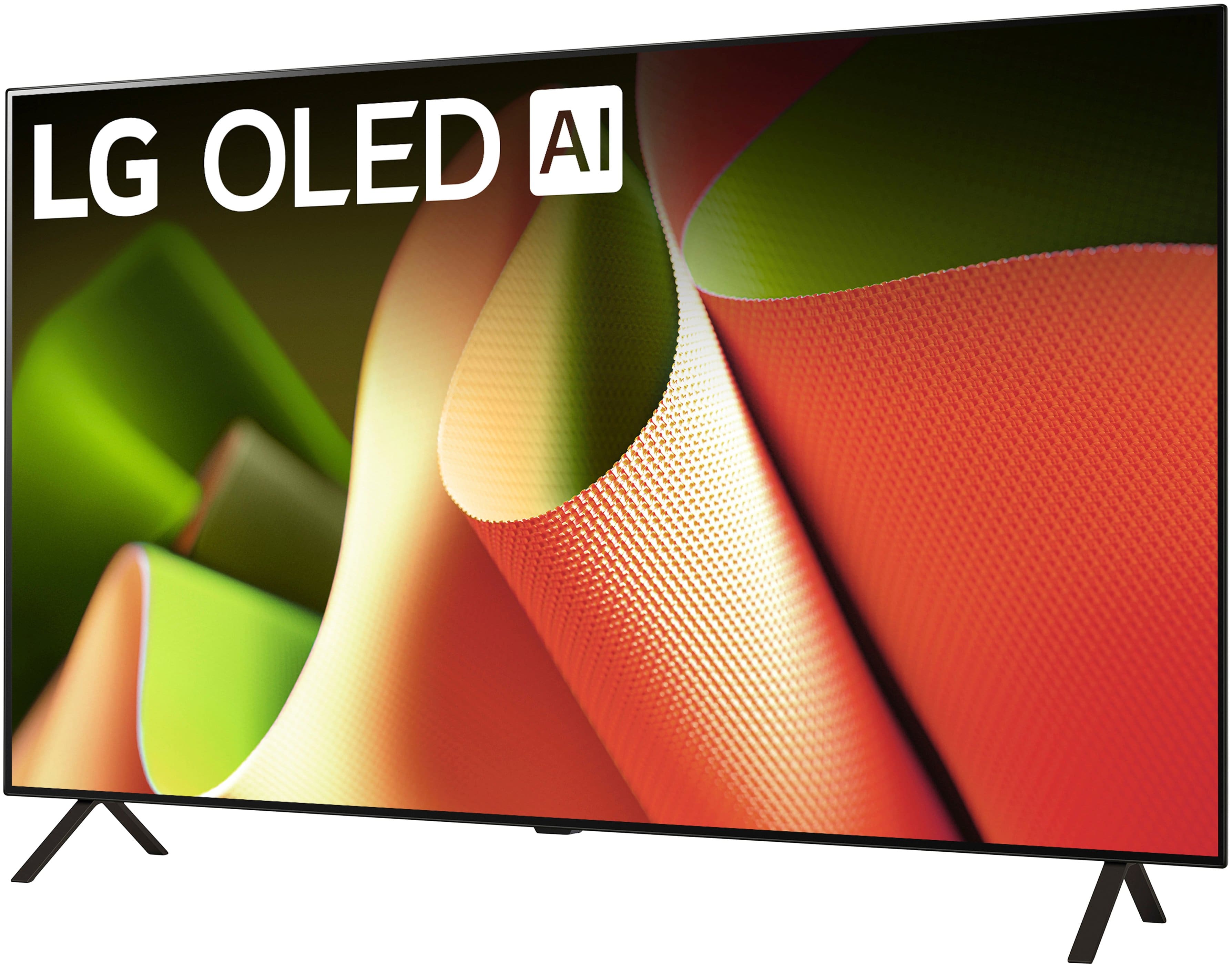
A:AnswerHello there! We understand your inquiry about connecting two Bluetooth headphones simultaneously to your LG OLED48B4PUA. The OLED48B4PUA is equipped with Bluetooth 5.1, which allows you to pair wireless audio devices such as headphones, soundbars, or speakers. However, this model—like most LG TVs—only supports streaming audio to one Bluetooth device at a time.
That said, here’s a quick troubleshooting step to make sure your headphones pair and work correctly:
Update Your TV’s Firmware: Before pairing any Bluetooth device, please go to Settings > All Settings > Support > Software Update > Check for Updates. Ensuring your TV is running the latest webOS version can help maintain optimal connectivity.
Pairing Your Headphones: Put your primary Bluetooth headphones into pairing mode. On the TV, navigate to Settings > All Settings > Sound > Sound Out > Bluetooth Device List. The TV will scan for nearby devices—select your headphone model when it appears. Once it’s connected, you should hear audio through them.
Verifying Single-Device Limit: If you try to pair a second set of headphones using the same steps, you’ll notice that the TV will prompt you to disconnect the first set before connecting another. This is because the OLED48B4PUA does not support dual headphone streaming natively. If you need both listeners to hear audio at once, you can:
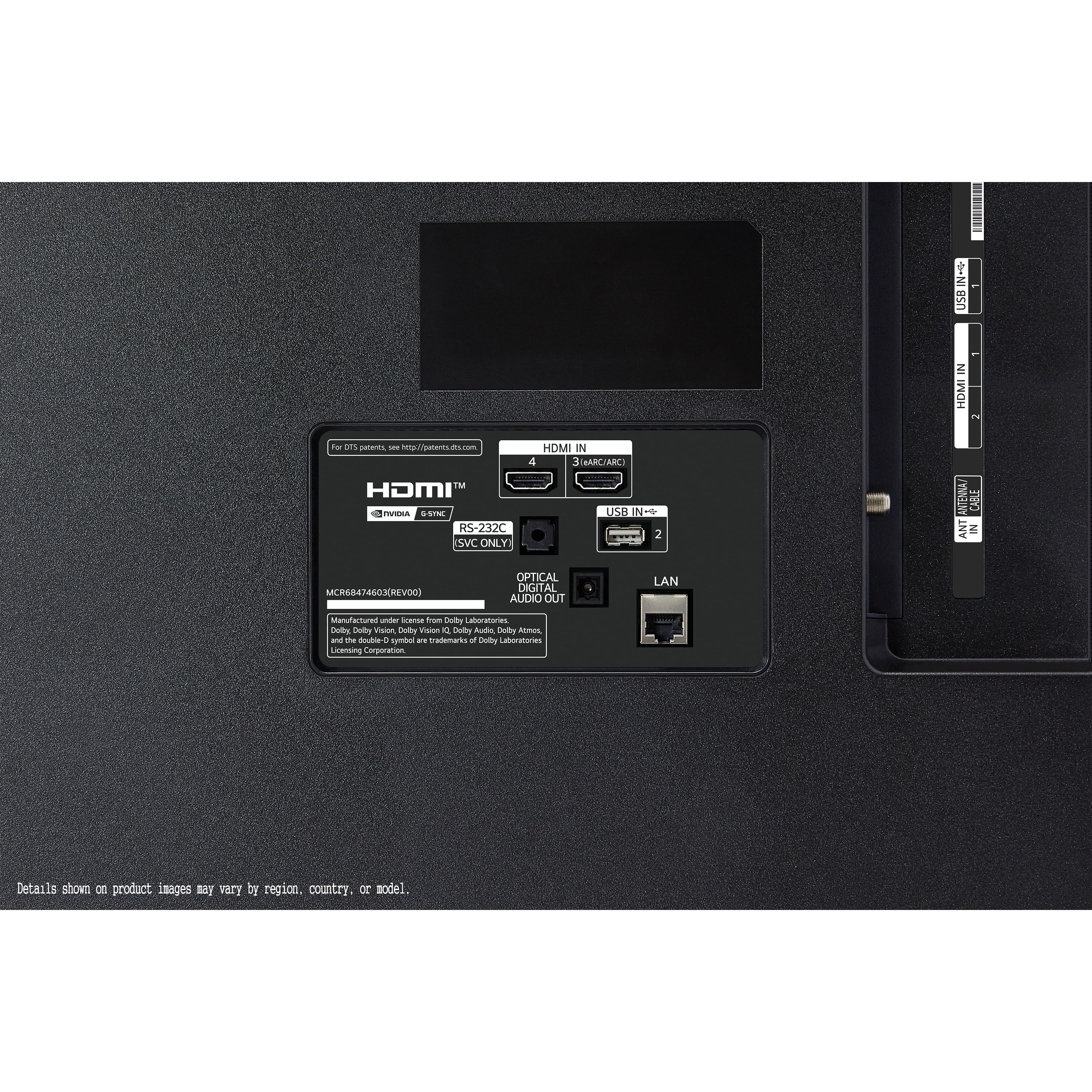
Use a Bluetooth audio splitter (third-party accessory) plugged into the TV’s Optical (Toslink) audio output or 3.5 mm headphone jack (via adapter). That splitter duplicates the audio signal to two Bluetooth headphones.
Alternatively, consider using two pairs of wireless headphones that support a shared connection feature (some headphone brands offer a “Dual Connect” mode through their own app), but this functionality is controlled by the headphone manufacturer rather than the TV itself.
If you choose to try a Bluetooth audio splitter, make sure it’s compatible with optical or 3.5 mm outputs and supports low-latency codecs if you’re concerned about audio lag—this can help maintain proper lip-sync with video.
https://www.bestbuy.com/site/lg-48-class-b4-series-oled-4k-uhd-smart-webos-tv-2024/6584787.p?skuId=6584787
Should you require further assistance selecting the right accessory or setting up either a splitter or dual-connect headphones, please send us a private message on social media @LGUSSupport. Our team can help verify which external adapters are compatible or suggest other solutions to achieve simultaneous audio for two viewers. We appreciate your patience and look forward to helping you enjoy your OLED48B4PUA to its fullest. —Renzo
A:AnswerThe LG 48" Class B4 Series OLED 4K UHD Smart webOS TV (2024), Model # OLED48B4PUA is NOT a dual voltage TV. It has a power requirement of 120 V, 50/60 Hz.
The TV also has three built-in tuners, an ATSC tuner, an NTSC tuner, and a QAM tuner that are only compatible with the television broadcast systems used in the US, so you will need to check what television broadcasts systems your home country uses. If it uses a different television broadcast system than those listed above, the TV will not receive programming in your country...^Ivan.
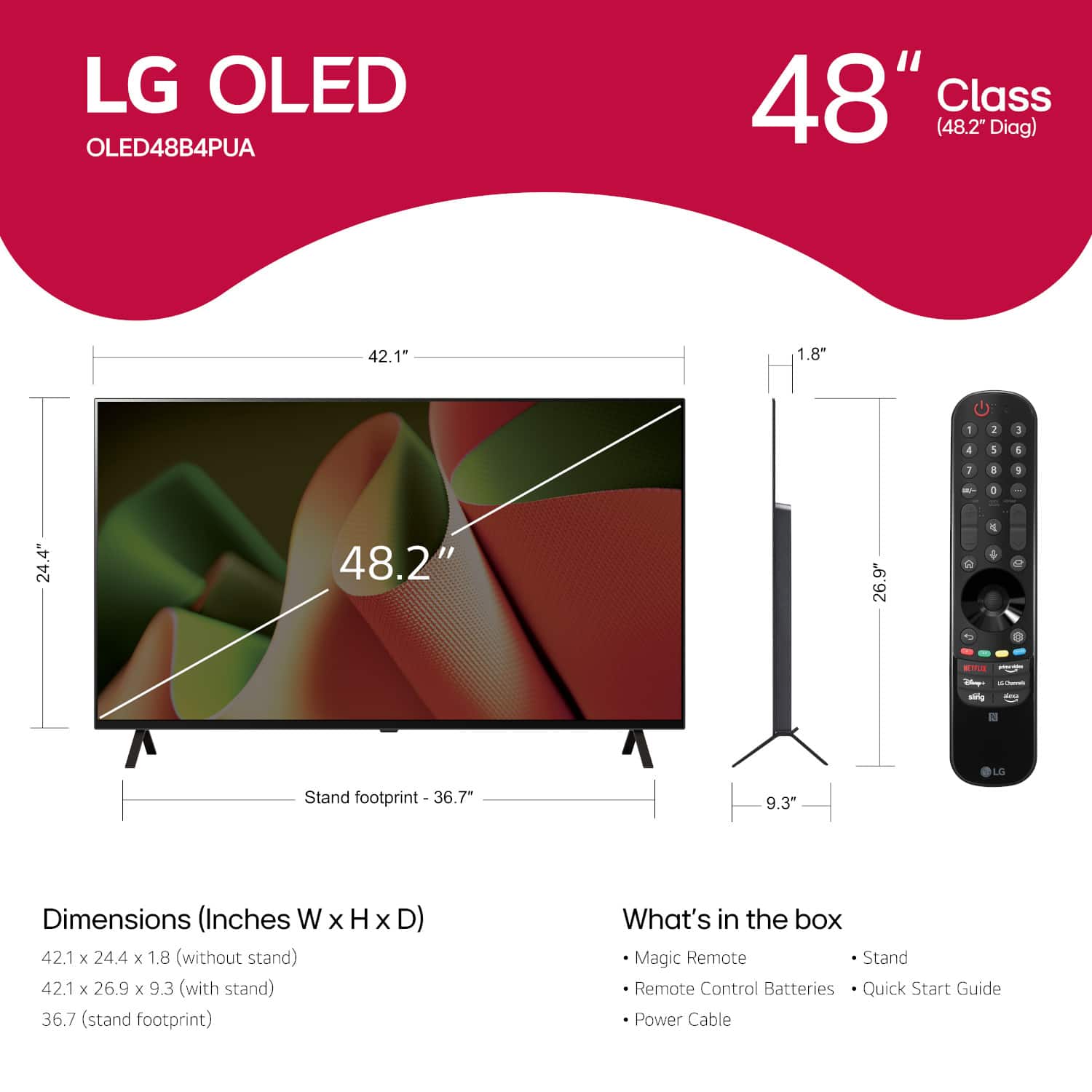
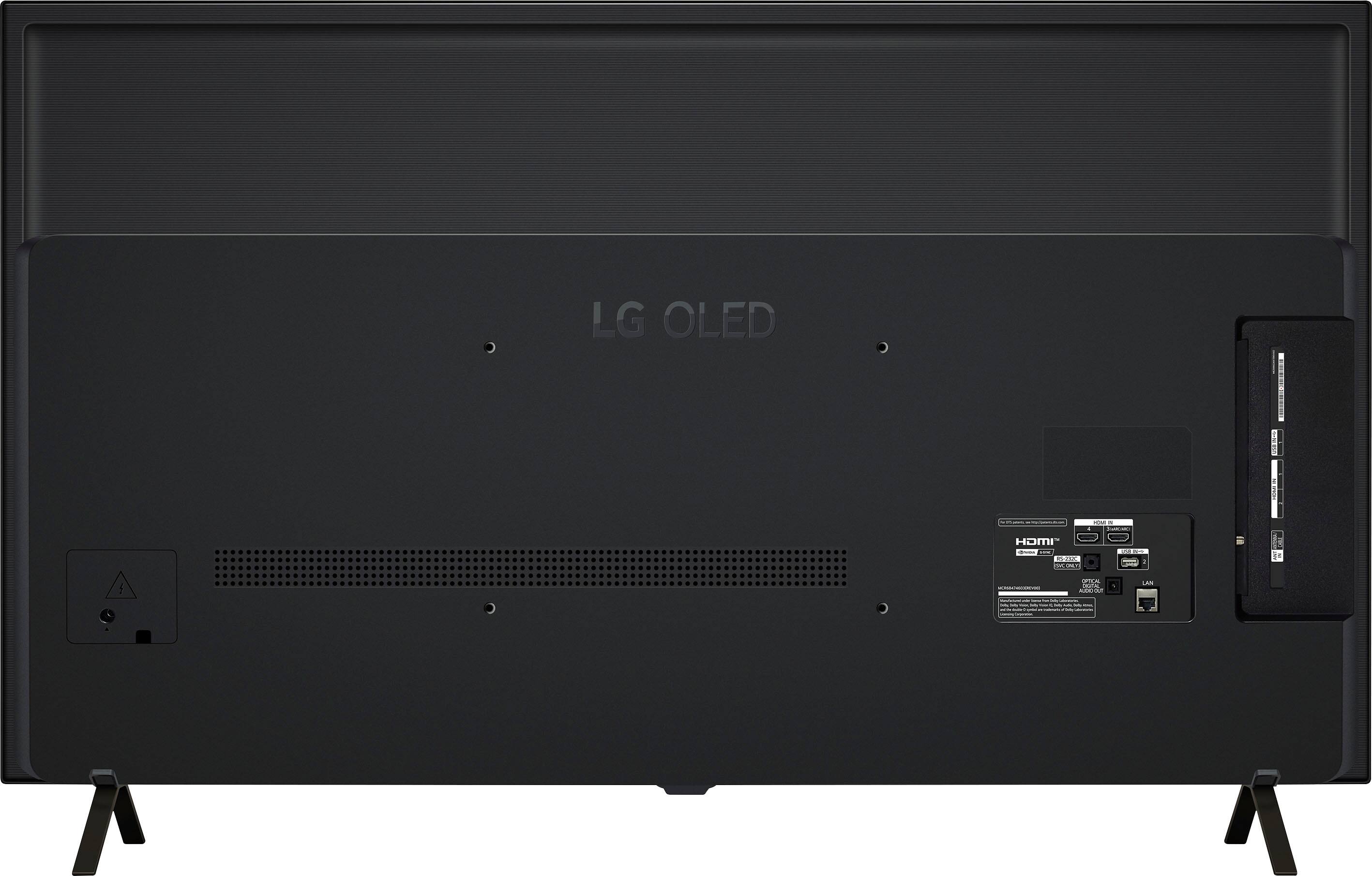
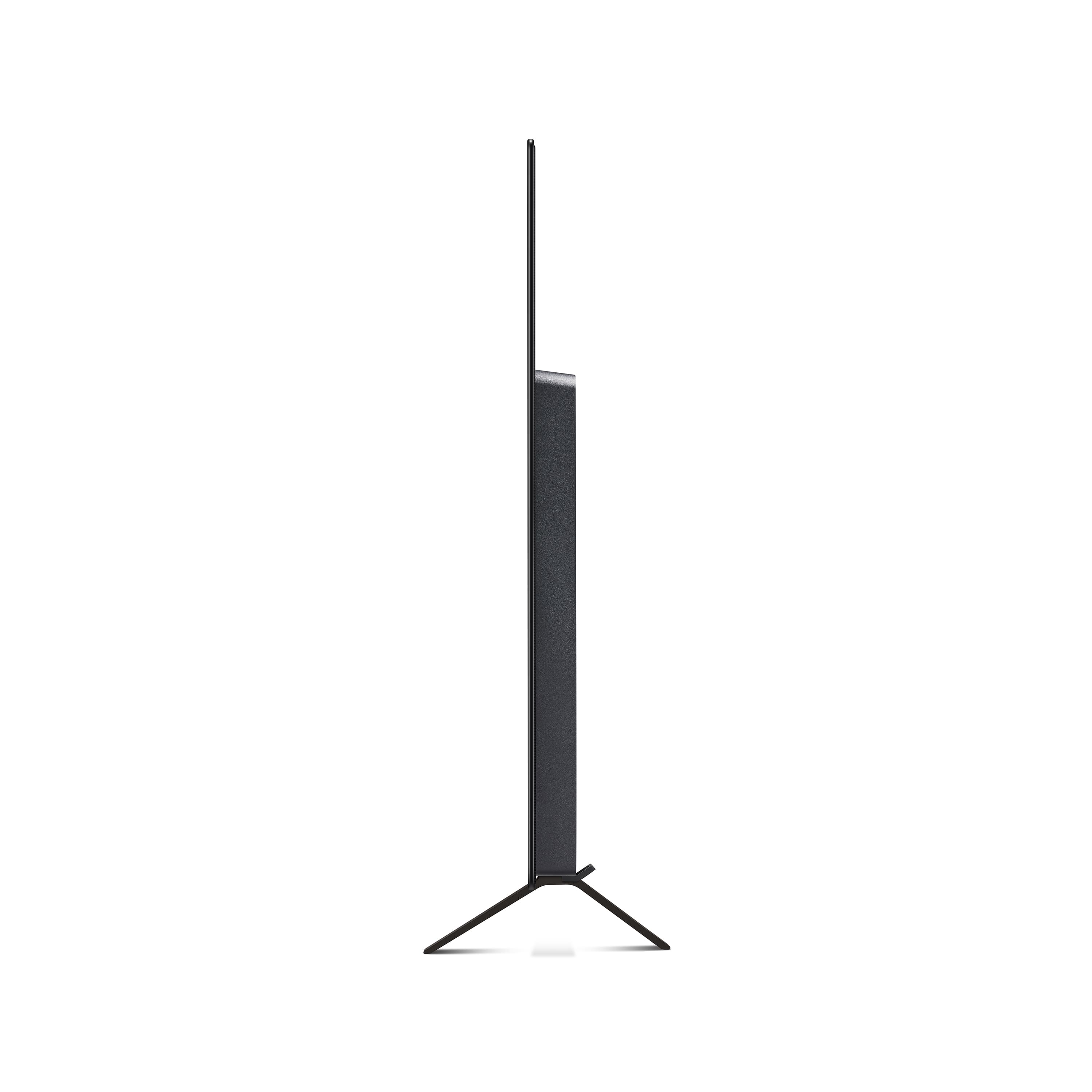
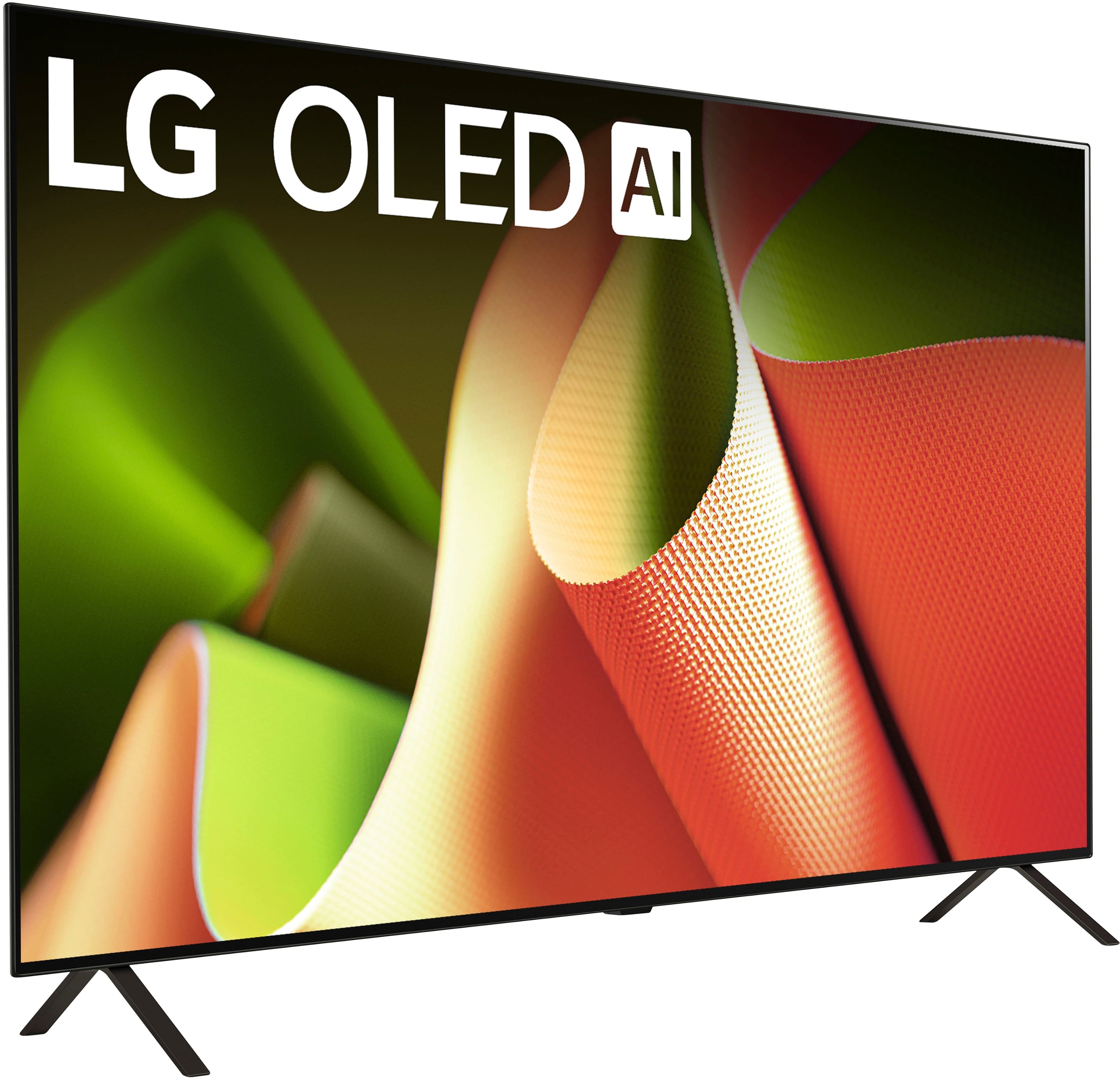
A:AnswerI found it to be fairly manageable. Probably weighs about 35 pounds. It does require you to fasten the included legs to stand it on a surface. That process is fairly awkward, These things should have simple built-in feet that can lock in place or fold into the frame for wall hanging options. The little legs are merely adequate. Not really quake proof, by any means.
A:AnswerHello there! Thank you for reaching out and sharing your question with us regarding your LG OLED TV (Model: OLED48B4PUA). We understand your situation and appreciate your interest in finding the best deal for your purchase. Please note that sale prices and promotional details for open box units are managed directly by Best Buy. As a troubleshooting step, we recommend checking the sale details on the Best Buy website and verifying with a Best Buy representative to ensure you have the most accurate pricing information for an open box purchase.
https://www.bestbuy.com/site/lg-48-class-b4-series-oled-4k-uhd-smart-webos-tv-2024/6584787.p?skuId=6584787
If you need further assistance or have additional questions, please send us a private message on Social Media @LGUSSupport. Our team will be more than happy to explore possible solutions with you.
—Renzo