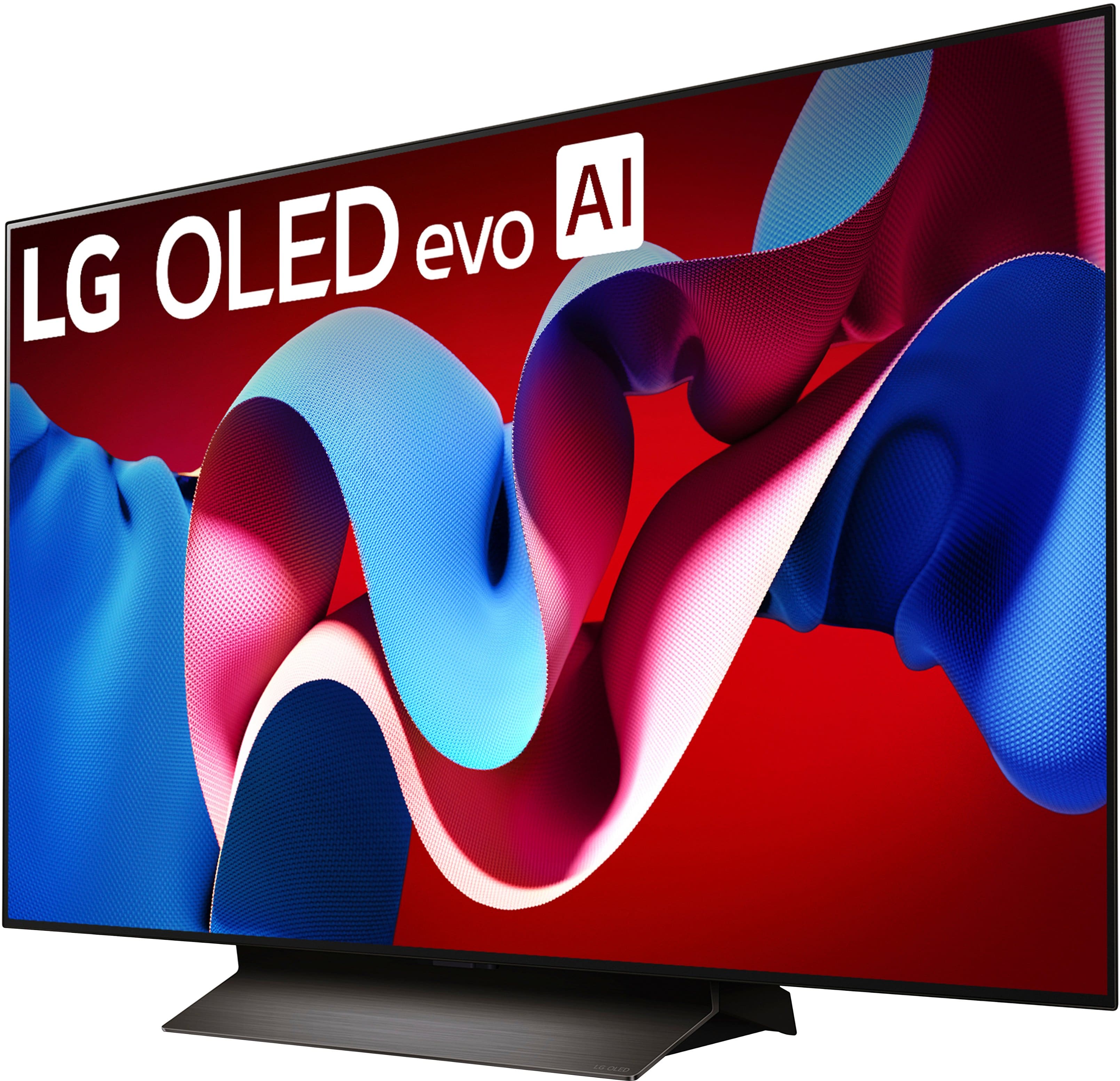
A:AnswerHi there! The LG OLED48C4PUA may not have a dedicated art gallery app pre-installed because the availability of specific apps can vary depending on the model and software version. However, you can often find similar functionality through other apps available on the LG Content Store or by using external devices to display art.
If you need help finding or setting up an app, please send us a private message on Social Media @LGUSSupport, and our team will be happy to assist you. We appreciate your interest in personalizing your viewing experience. —Renzo
A:AnswerThank you for reaching us regarding LG Smart webOS TV. It sounds like you're having trouble setting up your LG OLED48C4PUA TV with the Magic Remote. Here are some simple steps to help fix the issue:
1. Check the batteries: Make sure the Magic Remote has fresh batteries and they are installed correctly. Weak batteries can cause the remote to not respond.
2. Re-register the remote: To re-register the Magic Remote, press and hold the Guide button until a message appears saying it's re-registered with the TV.
3. Clear line of sight: Ensure there are no objects blocking the TV’s infrared receiver. Point the remote directly at the TV when using it.
4. Restart the TV: Unplug the TV, wait a few minutes, then plug it back in and turn it on. This can fix software issues.
5. Check for interference: Make sure there are no Wi-Fi routers or other devices too close to the TV, as they can interfere with the remote's signal.
6. Use TV buttons: If possible, try using the buttons on the TV to navigate through the setup. This can help you see if the problem is with the remote or the TV.
7. Deregister and re-register: If the remote is still not working, press and hold the Home and Back buttons together for 5 seconds to deregister it. Then, press the OK button to re-register the remote with the TV.
You can download its owner's manual through this link for more information: https://www.lg.com/us/support/product/lg-OLED48C4PUA.AUS. For additional assistance, please reach out to us on social media @LGUSSupport so we can help you further. ^Cris
A:AnswerThank you for reaching us regarding LG Smart webOS TV. The webOS 23 model of LG OLED48C4PUA does not include Hulu, Paramount+, and Peacock as Featured Streaming Services. Streaming services may not be available on all TV models due to differences in operating systems and agreements between manufacturers and service providers. You can download its owner's manual through this link for more information: https://www.lg.com/us/support/product/lg-OLED48C4PUA.AUS. If problem persist, please reach out to us on social media @LGUSSupport so we can help you further. ^Cris
A:AnswerHello, AuburnDeb.
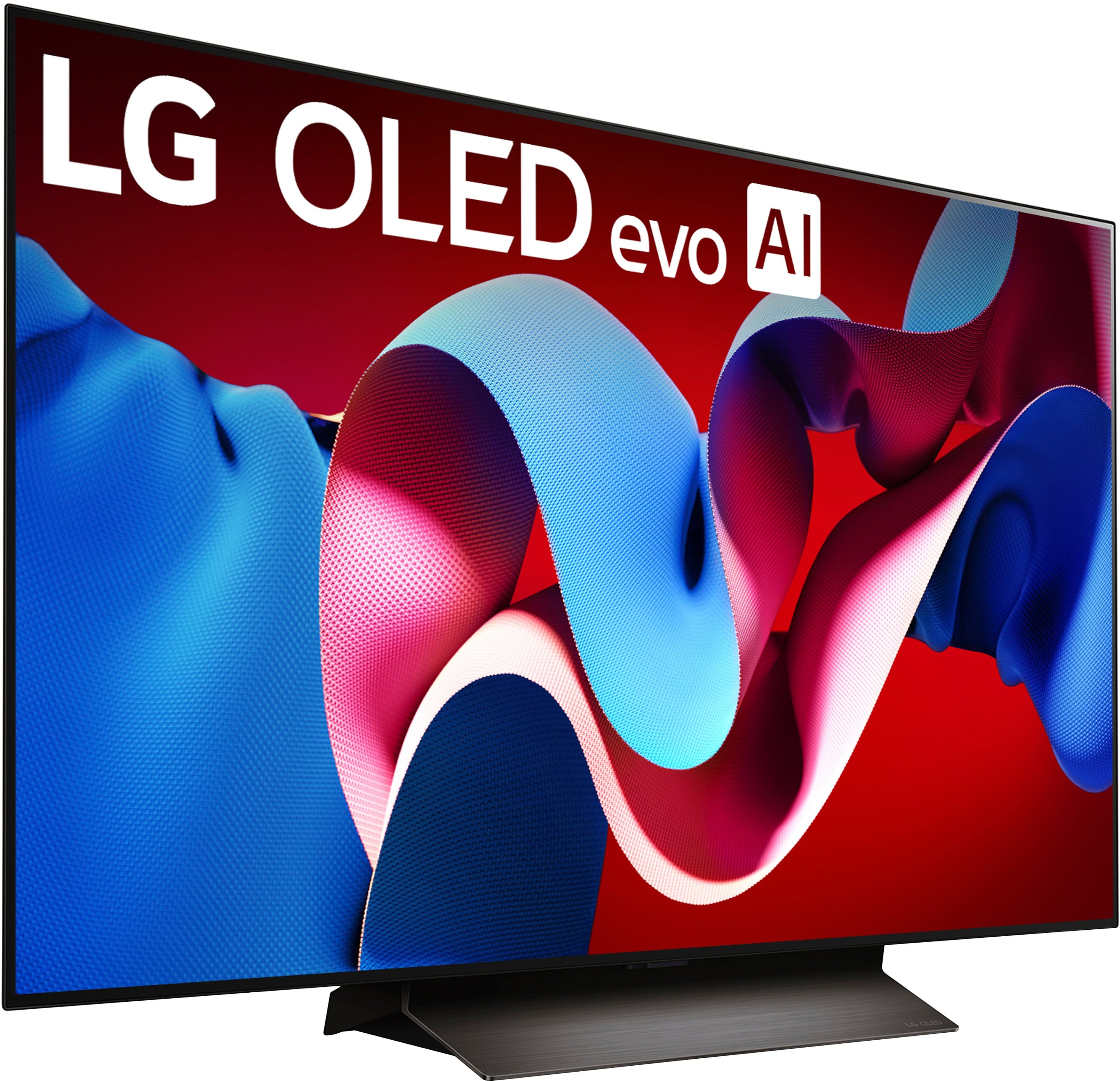
The 48-inch Class LG OLED evo AI C4 4K Smart TV 2024, Model # OLED48C4PUA, can be paired with most Bluetooth Headsets/Earbuds, but it is not guaranteed to be paired with all Bluetooth headsets/earbuds.
The Beats headset has not been tested for compatibility with the TV...^Ivan.


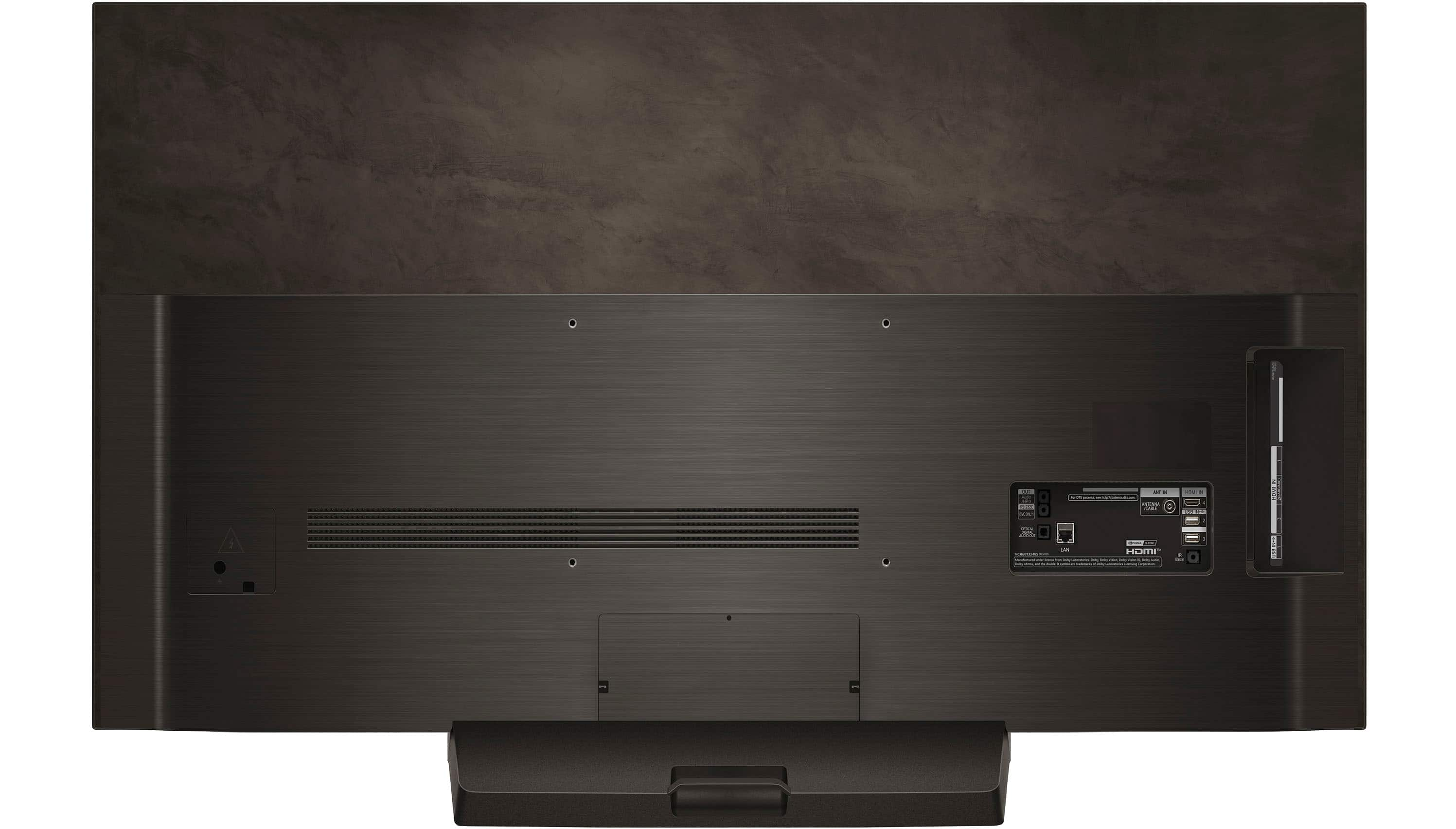
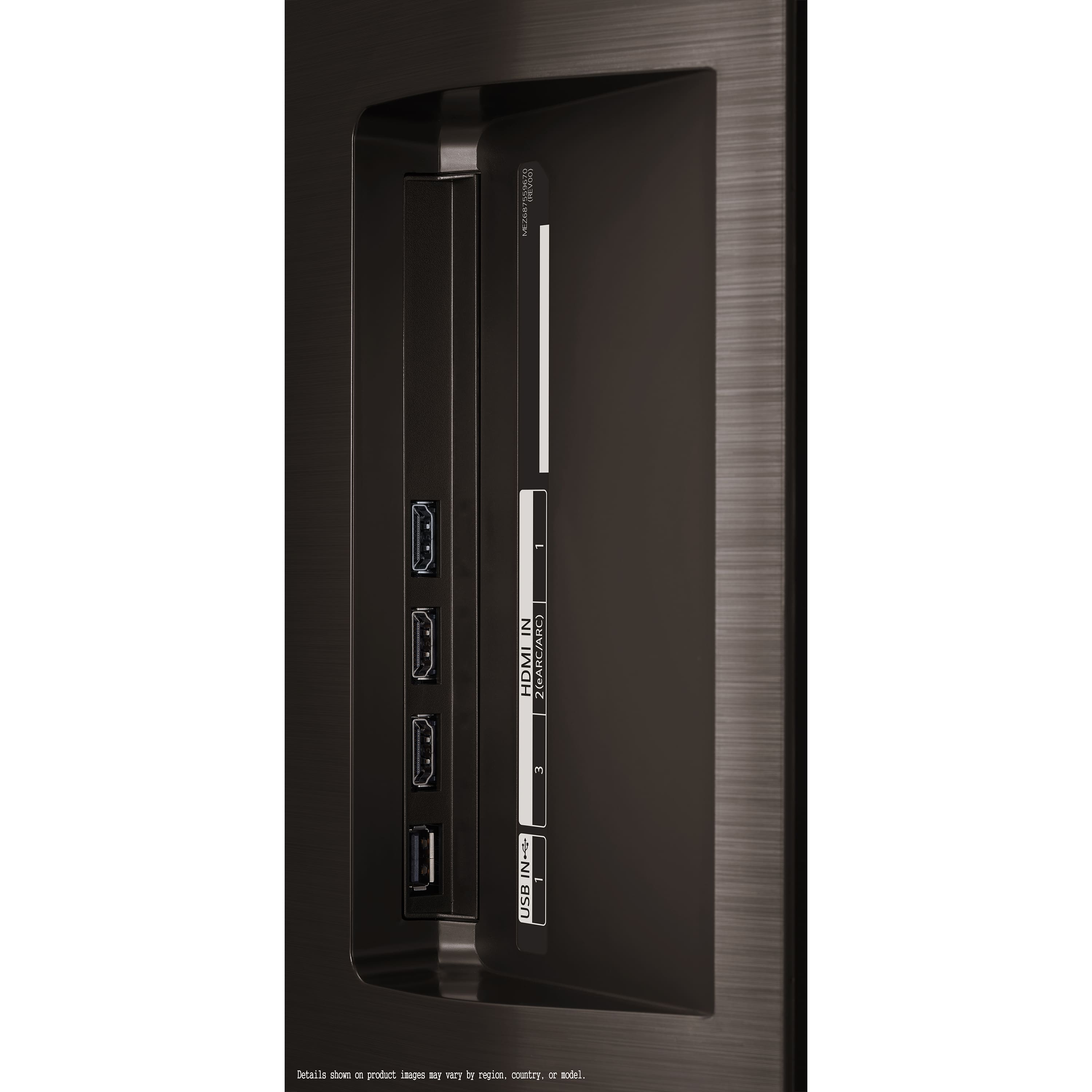
![The text on the image is grouped and corrected as follows:
OUT Audio /HPO RS-232C SVC ONLY ANT IN For DTS patents <http://patents.dts.com> ANTENNA /CABLE HDMI IN 4 USB IN NHS 2 IN HDMI 2(eARC/ARC) 3 OPTICAL DIGITAL AUDIO OUT nE 5T LAN HDMI TM MCR68132485 (REVOS] Manufactured under license from Dolby Laboratories Dolby Vision, Dolby Vision, Dolby Audio, and the double-D symbol are trademarks of Dolby Laboratories Licensing Corporation IR Blaster 3 N= USB Details shown on product images may vary by region, country, or model.](https://pisces.bbystatic.com/image2/BestBuy_US/images/products/3a3576bc-c07e-40ab-b129-09ce11187381.jpg)