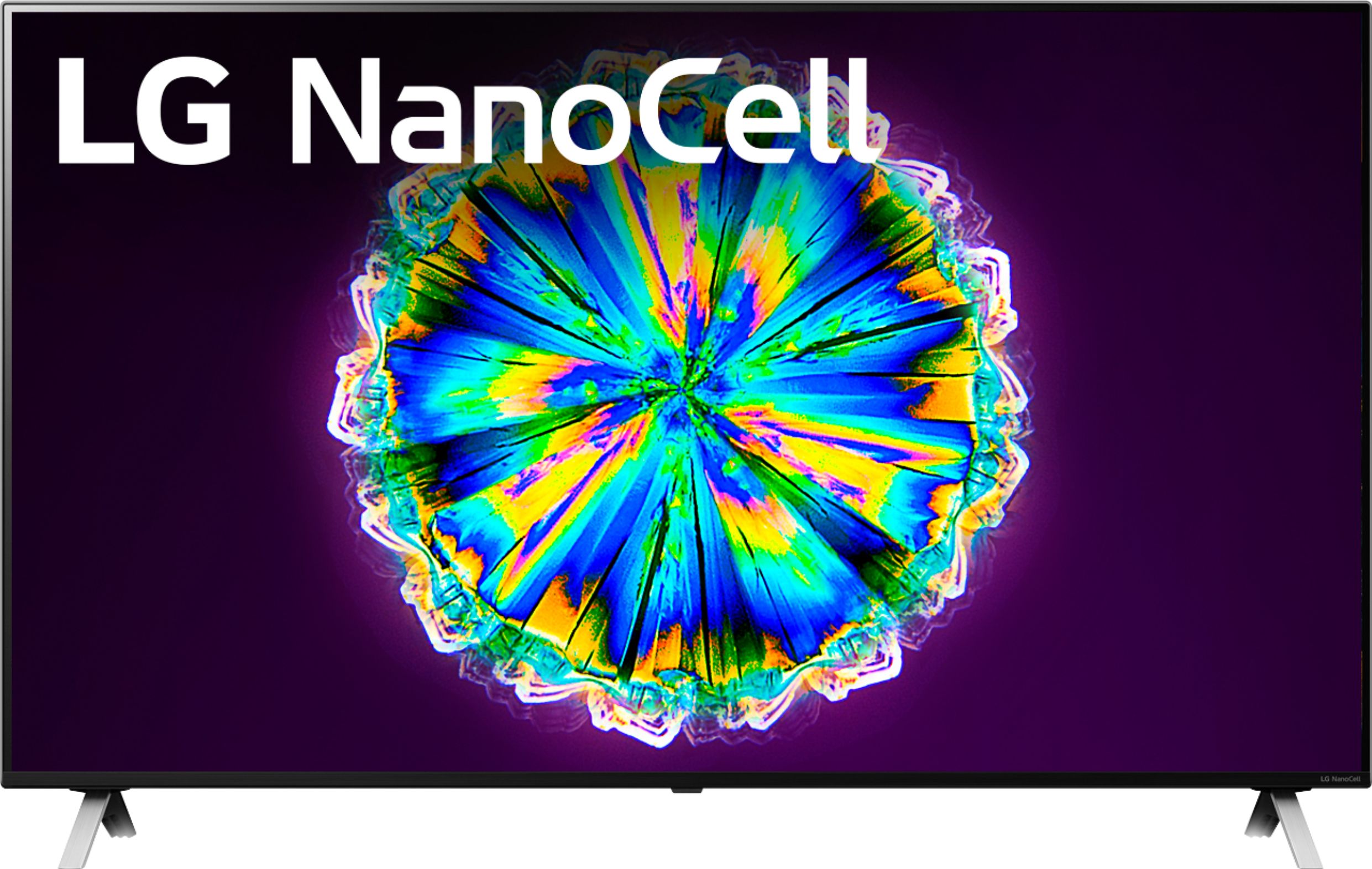
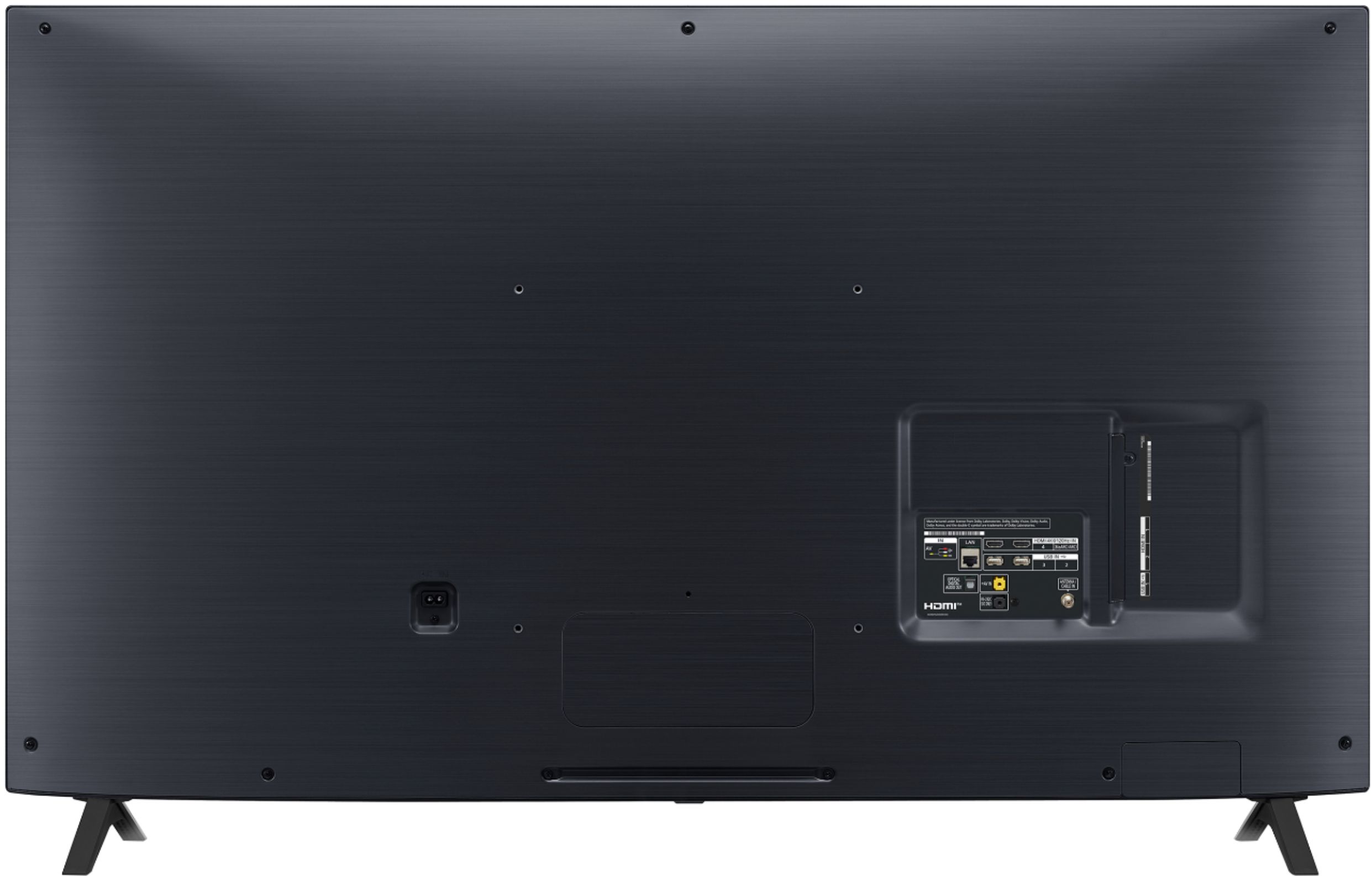
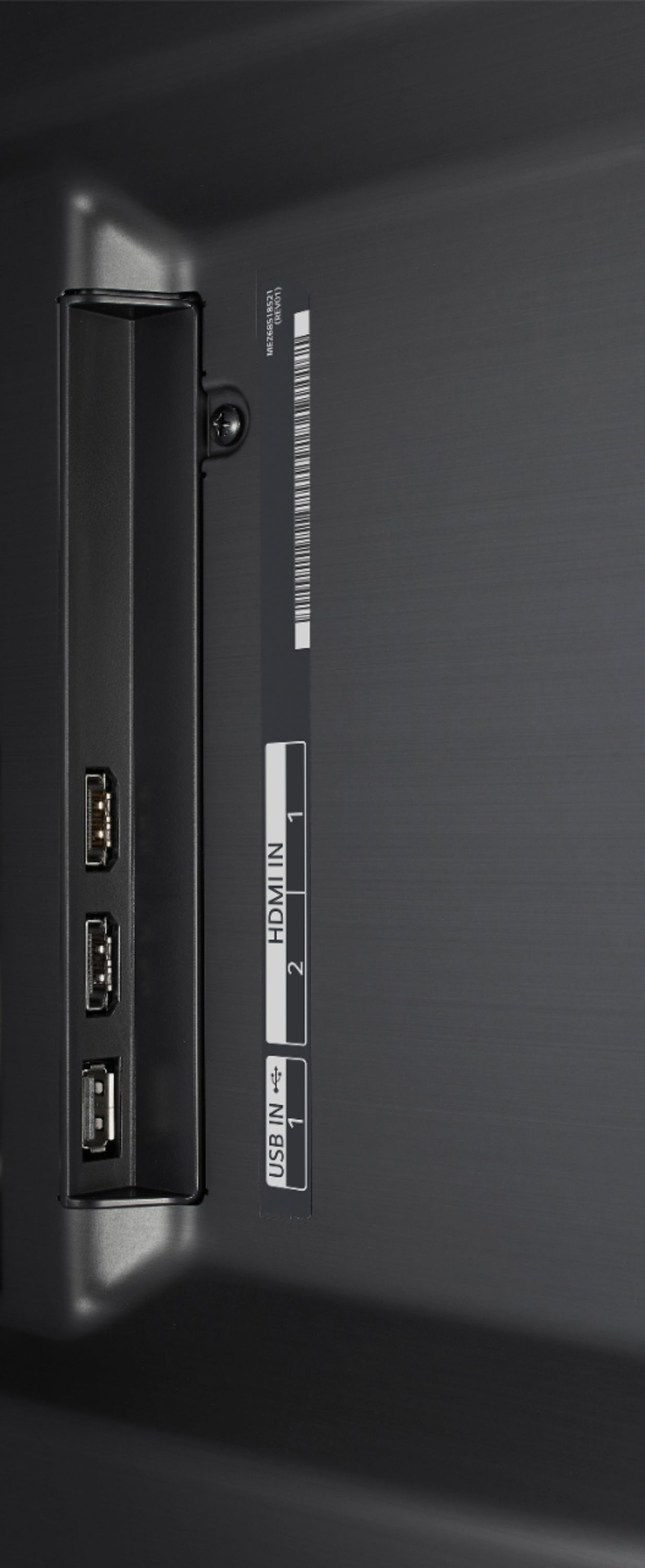
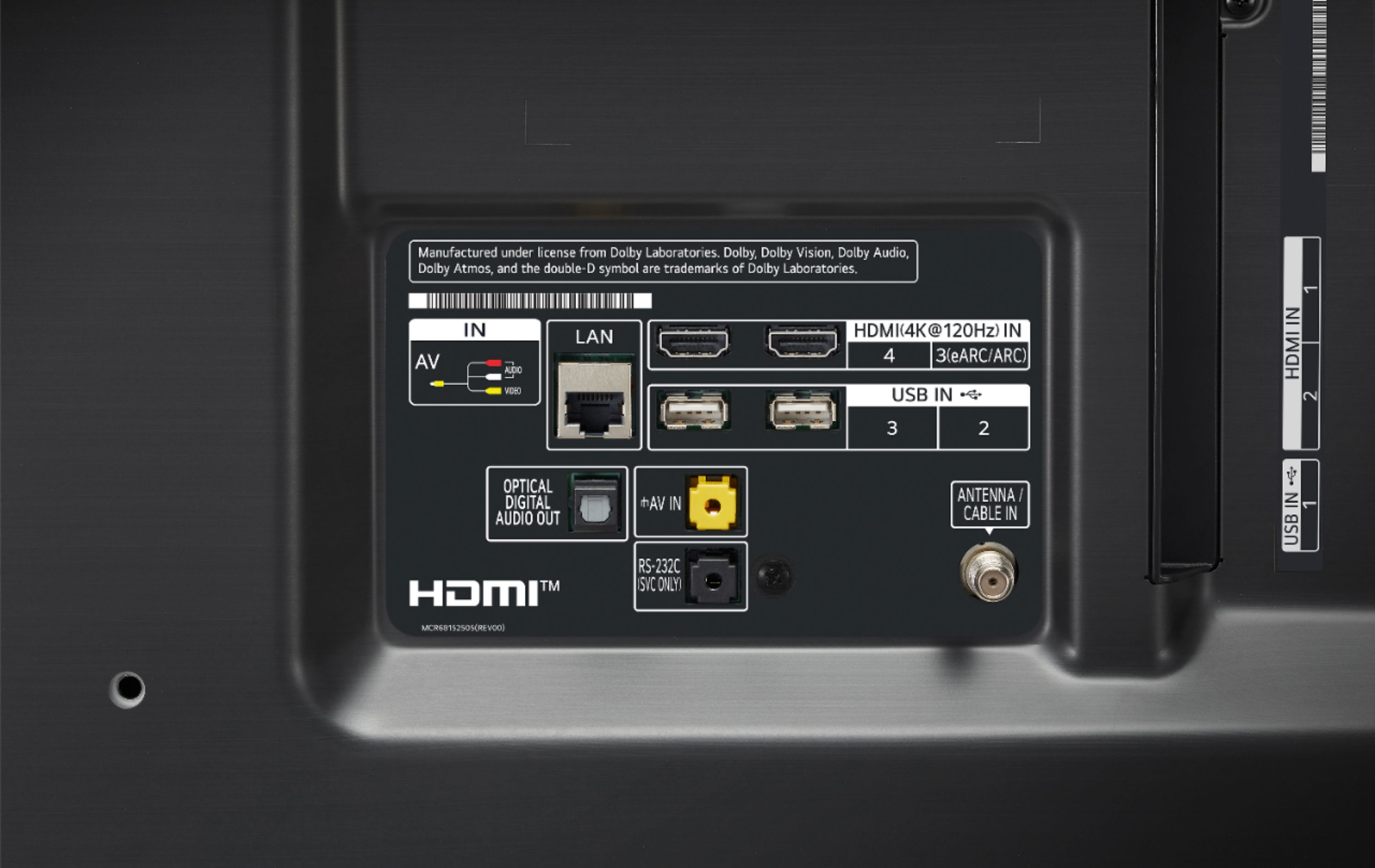
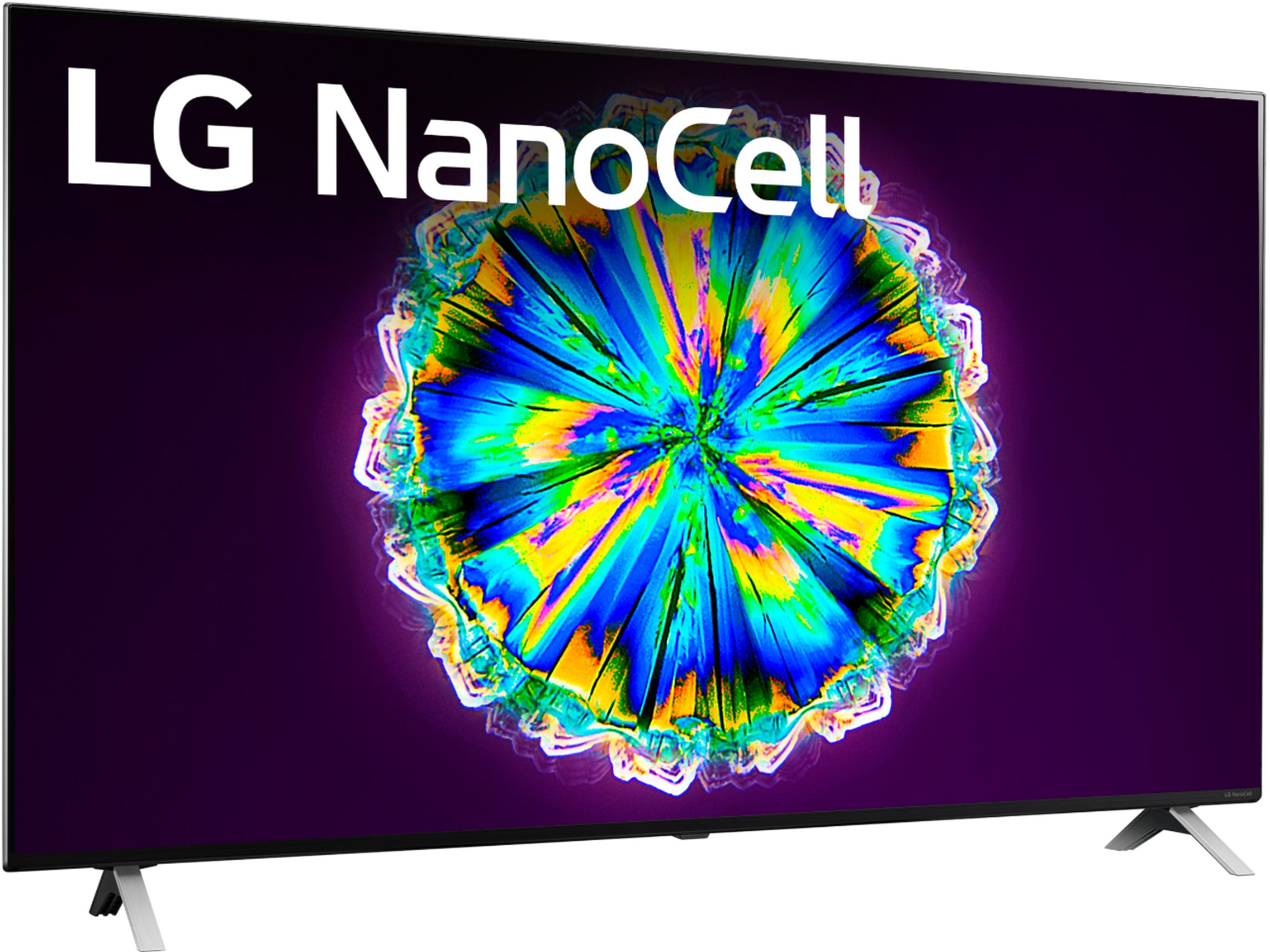
A:AnswerThe LG NanoCell 85 Series 2020 49 inch Class 4K Smart UHD NanoCell TV w/ AI ThinQ® (48.5'' Diag), Model # 49NANO85UNA is not compatible with webcams and it will not work with a camera. You can connect your computer to the TV's HDMI ports to use the TV as a computer monitor for Zoom if your computer has an HDMI Output. Most, if not all ewer computers have an HDMI port on them...^IFV
A:AnswerThe Apple TV app is a preinstalled app on the LG NanoCell 85 Series 2020 49 inch Class 4K Smart UHD NanoCell TV w/ AI ThinQ® (48.5'' Diag), Model # 49NANO85UNA and it allows you to subscribe to and watch Apple TV +...^IFV
A:AnswerHi Argus. Please contact Best Buy's Customer Service about stock availability for the LG NanoCell 85 Series 2020 49 inch Class 4K Smart UHD NanoCell TV w/ AI ThinQ® (48.5'' Diag), Model # 49NANO85UNA. They will be able to assist you about getting the TV from one of their other stores...^IFV
A:AnswerHi Jules. Regrettably, there currently isn't a Press Release that has been released officially announcing availability or the release date for the LG Electronics - 49" - Nano 8 Series - 4K UHD TV - Smart - LED - with HDR, Model # 49NANO85UNA...^IFV
A:AnswerThe LG 49" Class NanoCell 85 Series LED 4K UHD Smart webOS TV, model 49NANO85UN supports AMD FreeSync Premium for gaming. When enabling FreeSync Premium, you are given two choices: HIGH or WIDE. Unfortunately, the TV does not provide an explanation of which option to choose for 120Hz. However, based on the available information, it is likely that:
-The "HIGH" option is for a higher refresh rate, possibly 120Hz or above.
-The "WIDE" option is for a wider range of refresh rates, which may include 120Hz.
To determine the best option for your specific TV and gaming setup, you can try the following:
-Check the TV's user manual or online documentation for any information on the FreeSync Premium settings and their corresponding refresh rates.
-Experiment with both options and see which one provides the best gaming experience in terms of smoothness and responsiveness.
Additionally, it is worth noting that enabling FreeSync Premium may have some compatibility issues with other features, such as Dolby Vision. Be sure to test your TV and gaming setup to ensure that all desired features are working correctly. ^Danee
A:AnswerI’ve had this TV since around the same time and have had 120hz ever since I bought it. Are you sure you are using an HDMI 2.1 compatible cable in the correct HDMI 2.1 slots? Because only 2 of your 4 HDMI slots support 120hz at 4k.