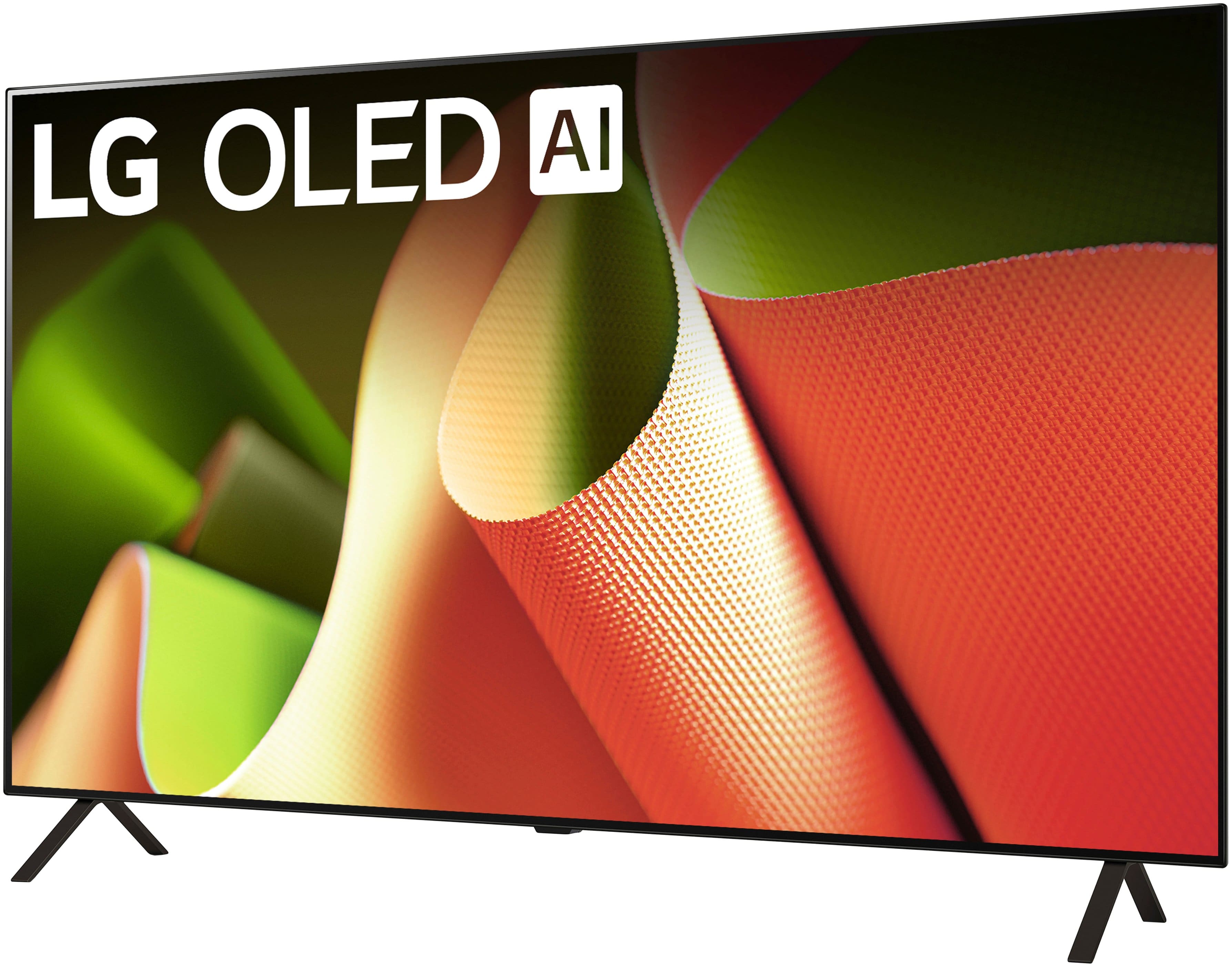
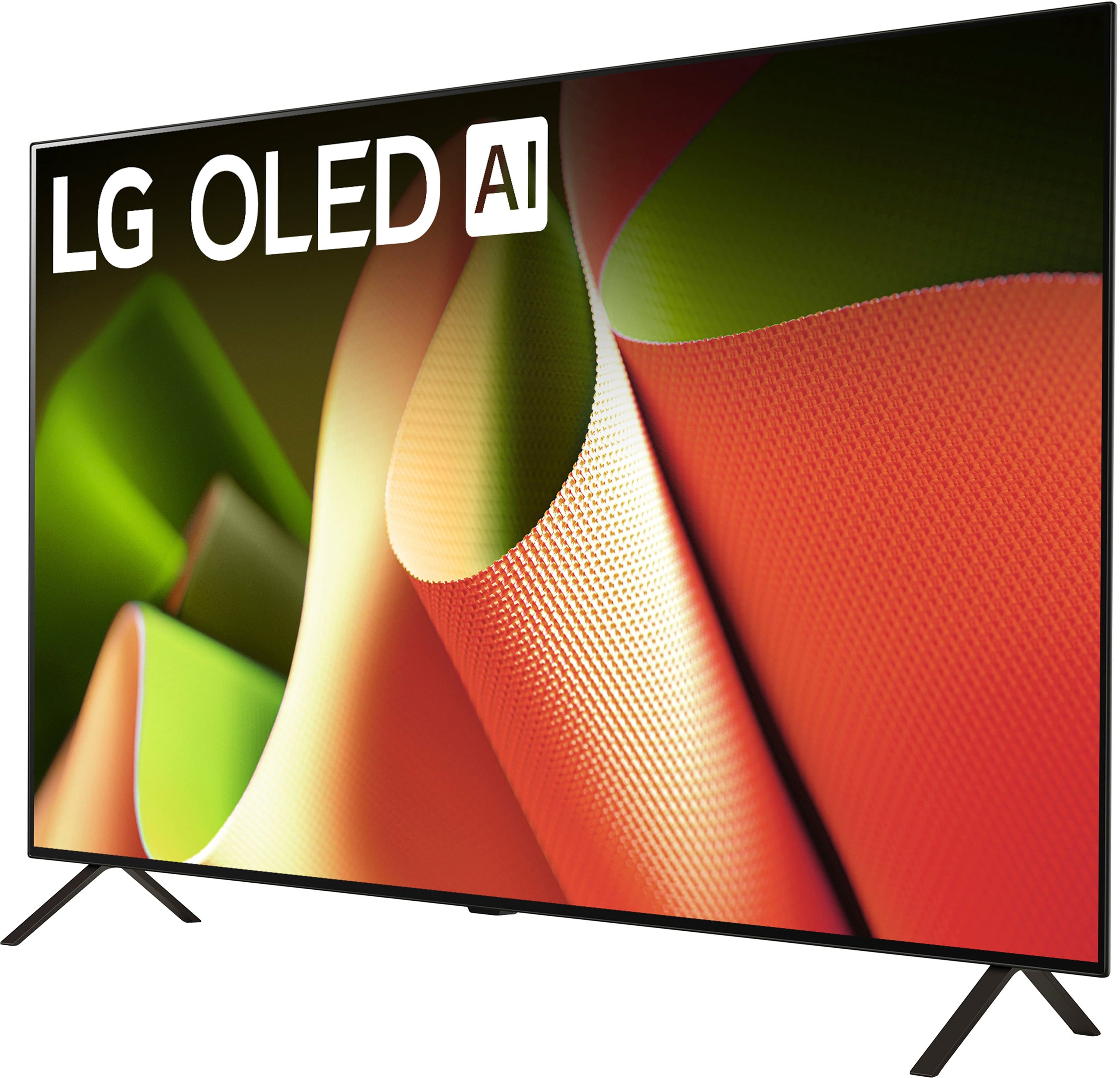
A:AnswerHi, there. Thanks for reaching out to us. For the LG TV (OLED55B4PUA) model, the standard warranty from LG covers the TV for 1 year from the date of purchase. However, there are additional extended warranties available, depending on the retailer or if you purchased a separate warranty plan.
Since your TV has quit working after 4 years, it seems like it may be outside the standard warranty period. We recommend checking with the retailer or Geek Squad to confirm if any extended protection or service plan might still apply.
Additionally, we suggest performing a power reset to see if that resolves the issue—unplug the TV, wait for about 30 seconds, then plug it back in. For more help, you may visit https://www.lg.com/us/support/help-library/lg-tv-why-does-my-tv-have-no-power--1441914332865. For further assistance, please send us a private message on social media @LGUSSupport, and we can help guide you on potential options for repairs or solutions. ^Juvy
A:AnswerHi there. Thank you for sharing your experience with us. We understand that the voice announcing changes in volume on your LG OLED TV Model #OLED55B4PUA can be unexpected. This feature is likely the Audio Guidance or Voice Guide setting, which provides audible feedback for menu navigation and volume changes.
To turn off this feature:
Press the Settings button on your remote.
Navigate to All Settings > Accessibility.
Select Audio Guidance (or Voice Guide) and toggle it to Off.
https://www.lg.com/us/tvs/lg-oled55b4pua-oled-4k-tv#pdp_specs
Please send us a private message on social media @LGUSSupport if you need further assistance. Our team will be happy to help you explore more solutions.
We appreciate your patience.
—Renzo
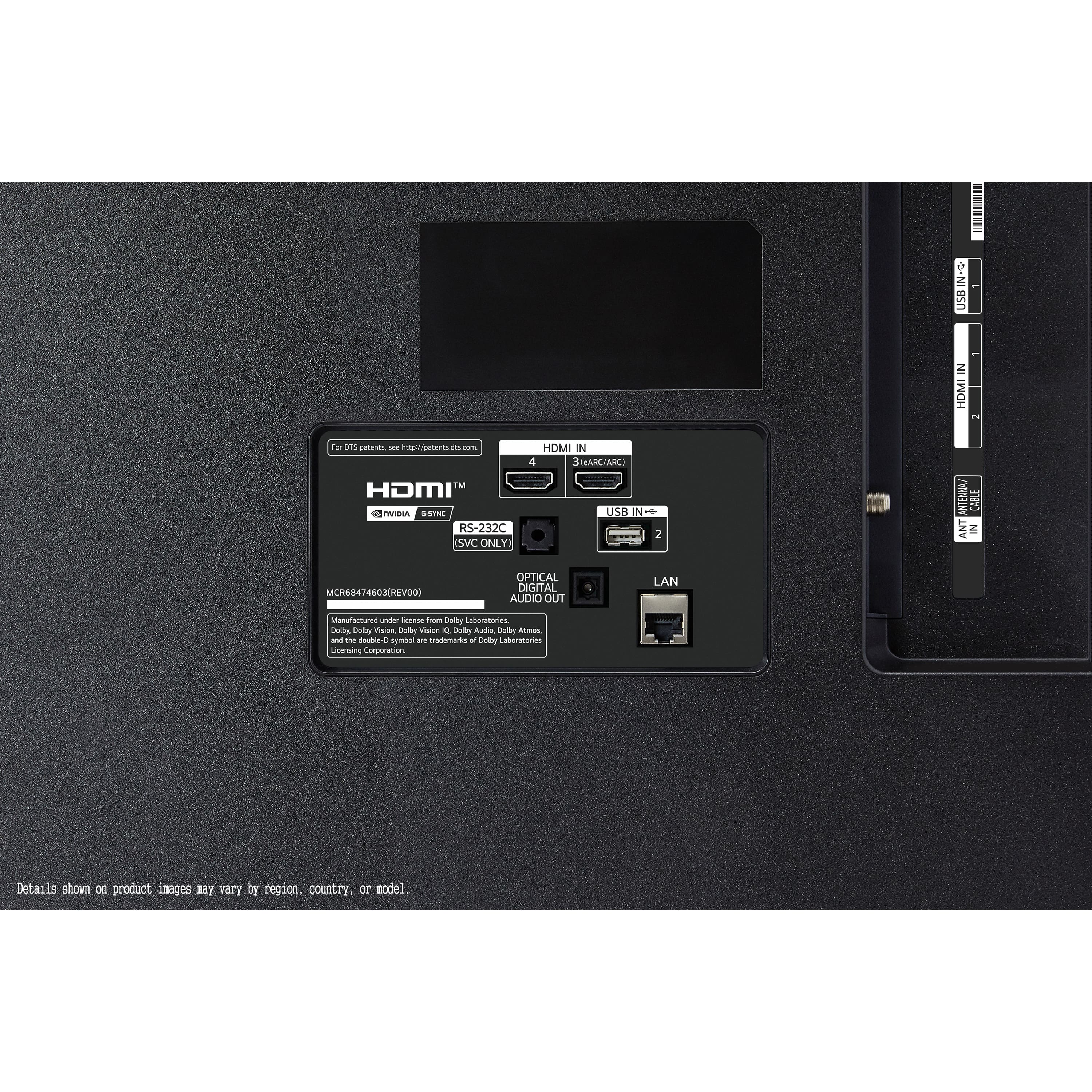
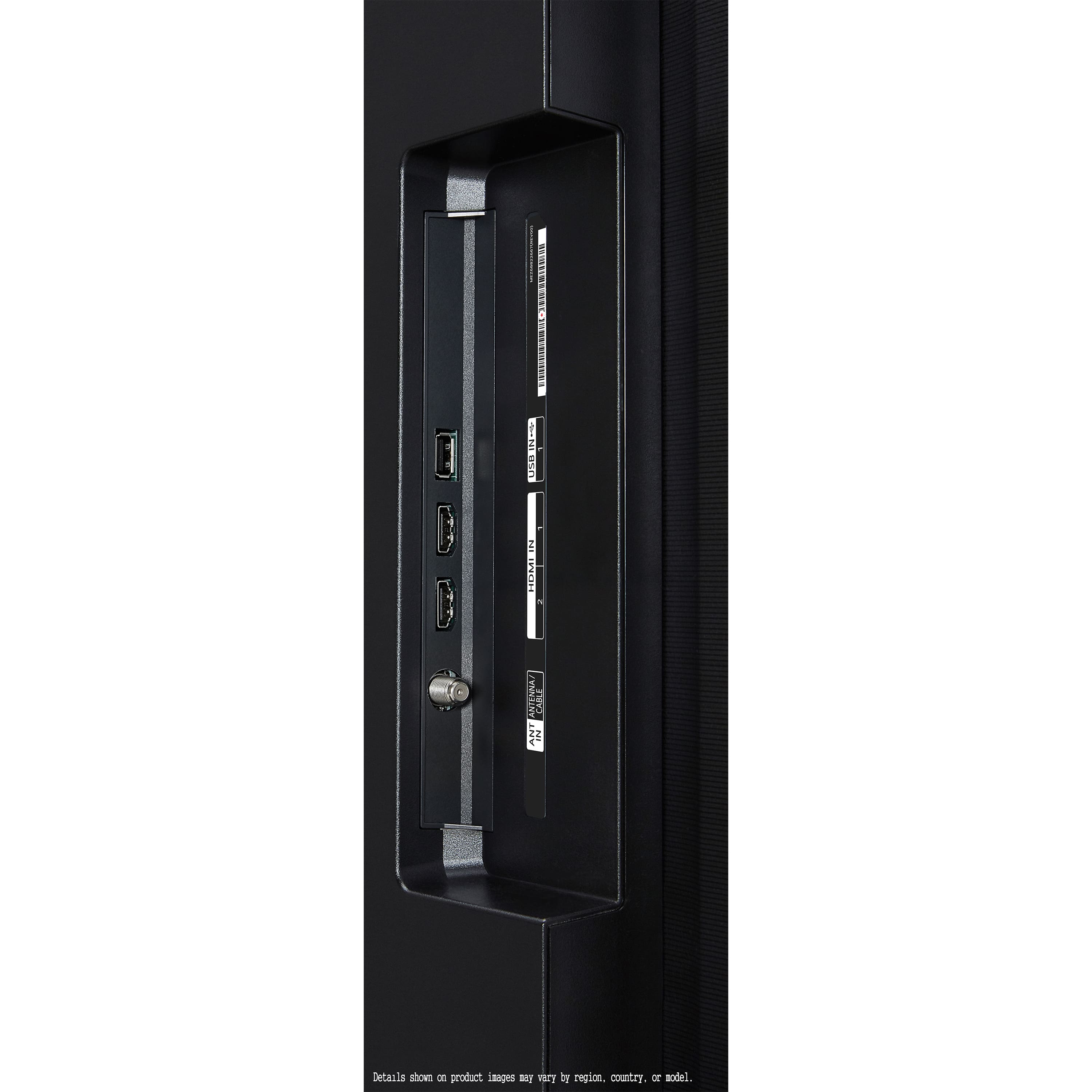
A:AnswerHi there, Dijo. Thank you for your question! We understand that you're wondering if the Insignia wireless headphones can be used with the LG OLED55B4PUA TV. Since this model supports Bluetooth® 5.1, it is compatible with Bluetooth audio devices. However, we recommend checking whether your Insignia headphones support Bluetooth audio pairing or if they require a dedicated transmitter for connection with the TV.
To connect, ensure your headphones are in pairing mode and follow the Bluetooth pairing process on your TV by going to Settings > Sound > Sound Out > Bluetooth.
https://www.lg.com/us/tvs/lg-oled55b4pua-oled-4k-tv#pdp_specs
Please send us a private message on Social Media @LGUSSupport if you need further assistance or have additional questions. We're here to help!
—Renzo
A:AnswerHello there! For an open box unit labeled as "excellent condition" by Best Buy, the warranty may differ depending on Best Buy's specific open box policy. Typically, Best Buy provides a limited warranty on open box items, but it may not be the same as the warranty for a brand-new unit. To get accurate details, we recommend contacting Best Buy directly regarding the warranty specifics for your open box purchase. Alternatively, you can reach out to us at @LGUSSupport for further assistance with any product-related inquiries.
Feel free to reach out if you need any additional help! —Renzo
A:AnswerHello there, Sophie! Thank you for your question about the OLED55B4PUA model. Unfortunately, this TV does not support simultaneous audio output to both Bluetooth devices and built-in speakers. However, some LG models do have this capability. You may access this link go to "All Specs" for more information related to your concern: https://www.lg.com/us/tvs/lg-oled55b4pua-oled-4k-tv. If you’re looking for a specific feature set, feel free to reach out for recommendations, and we can help you find a model that meets your needs. If you have any further questions or need assistance, please send us a private message on Social Media @LGUSSupport, and we’ll be happy to help. We appreciate your feedback!
—Avril
A:AnswerHi Faye! If you notice any disturbances from the speaker while watching TV, you can conduct a sound test on the television to determine if the disturbances originate from it. Not detecting any disturbances during the sound test could be attributed to an unreliable broadcast reception or a faulty external device linked to the TV, such as a set-top box, gaming console, DVD player, Blu-ray player, or computer. Please verify the device's connectivity status. If you encounter disturbances on specific channels, it might be due to an unstable broadcast reception. For further guidance on how to address this issue, please refer to the following link: https://www.lg.com/us/support/help-library/lg-tv-troubleshooting-intermittent-sound-issues-on-an-lg-tv--20153130415089.
If the problem continues, we recommend you contact us via direct message on social media @LGUSSupport.^Con.
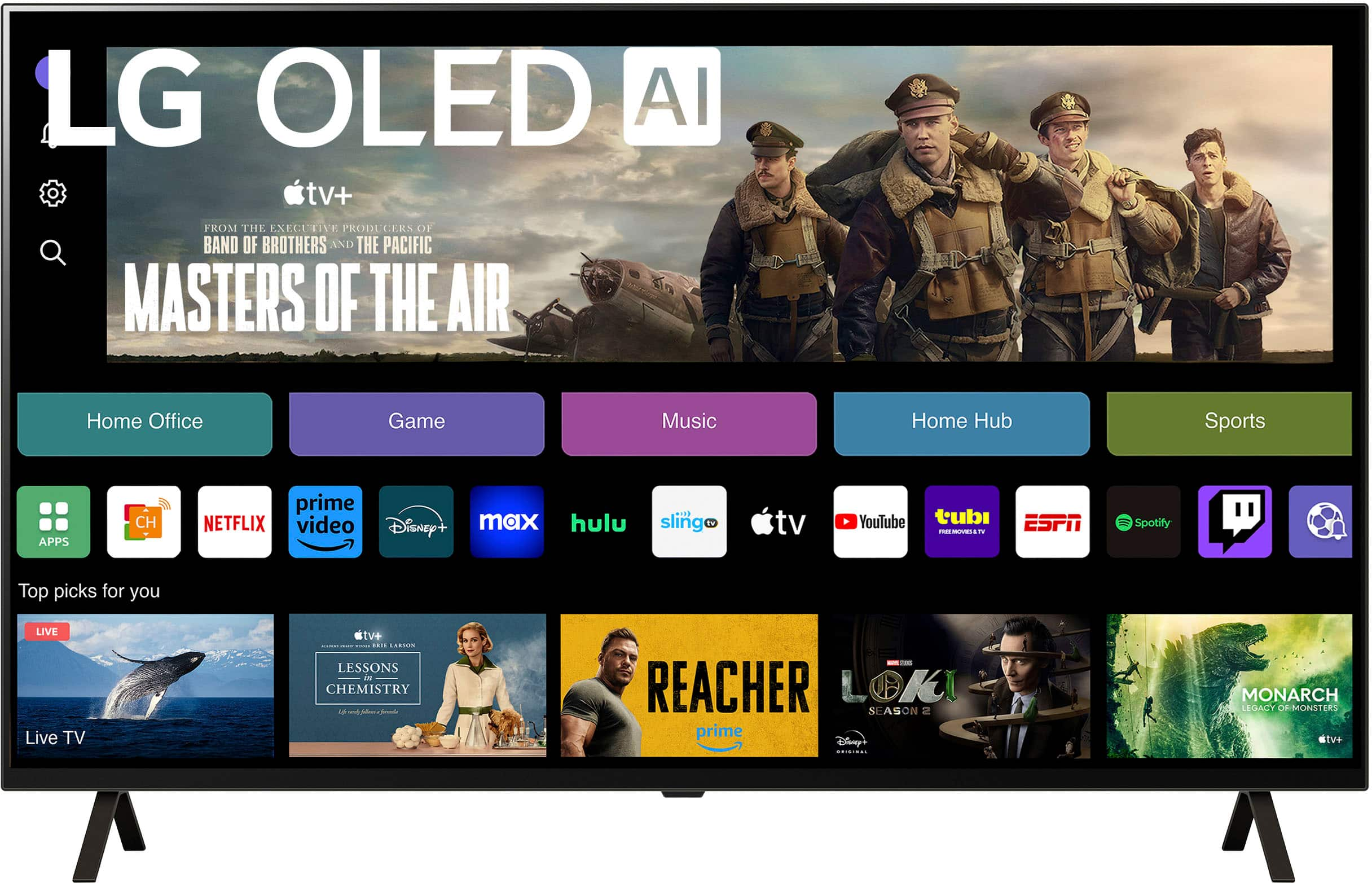
A:AnswerHi there, thank you for your question about the OLED55B4PUA TV! Yes, you can add apps like Acorn TV to your LG smart TV. The TV operates on the webOS platform, which provides access to a wide range of streaming apps. You can easily download and install Acorn TV from the LG Content Store. If you have any further questions or need assistance with your TV, please feel free to send us a private message on social media @LGUSSupport. We're here to help! Thank you for considering LG! —Avril