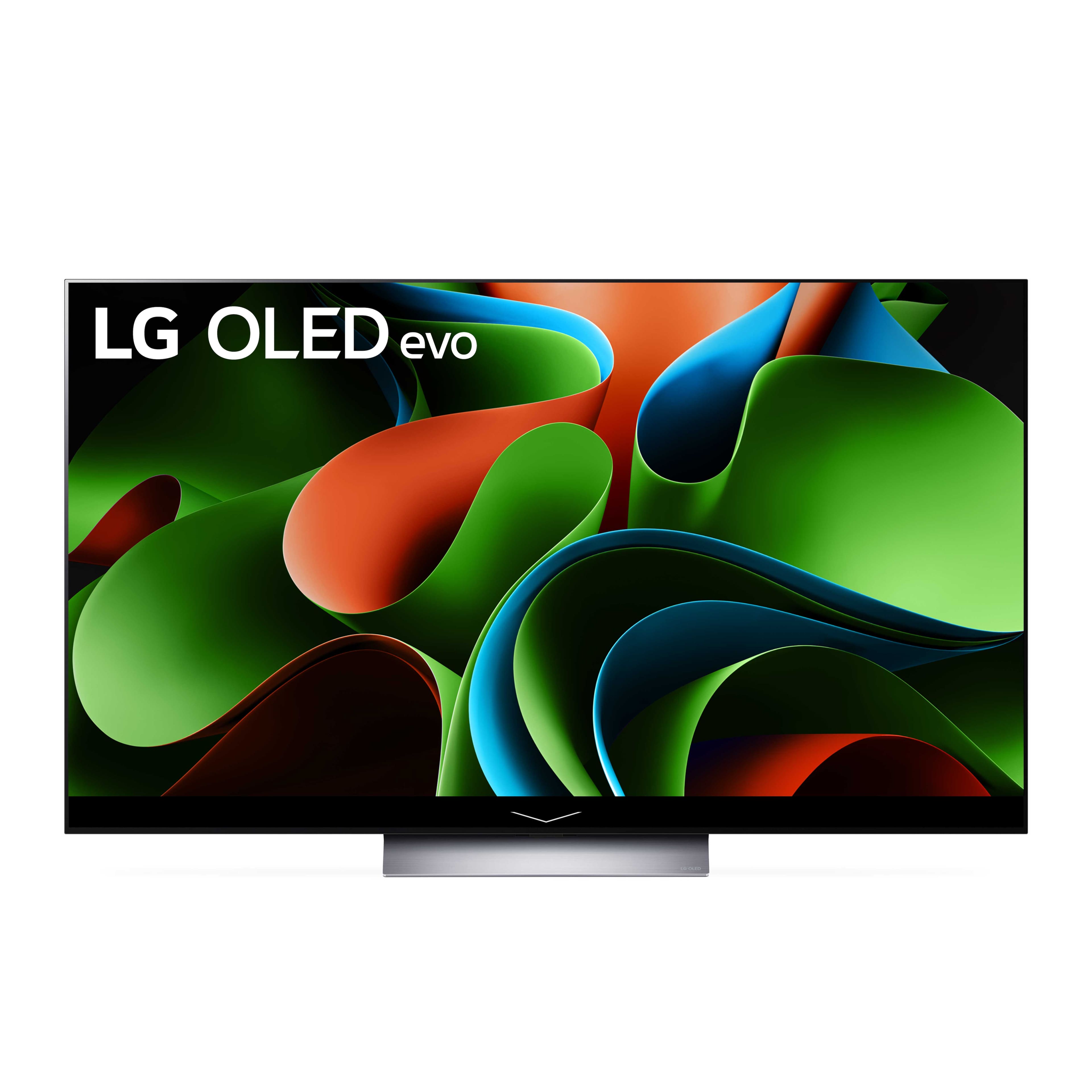
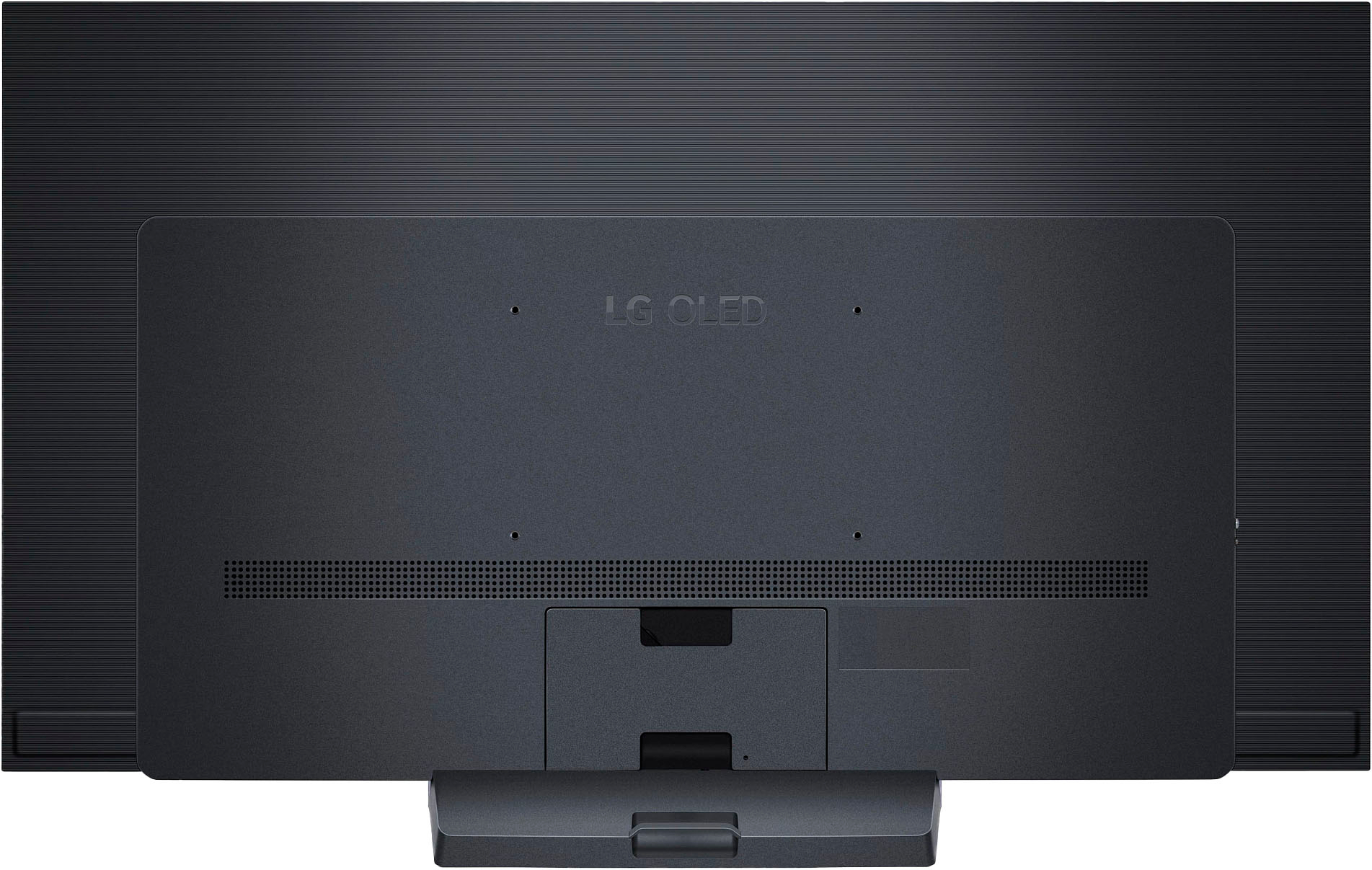
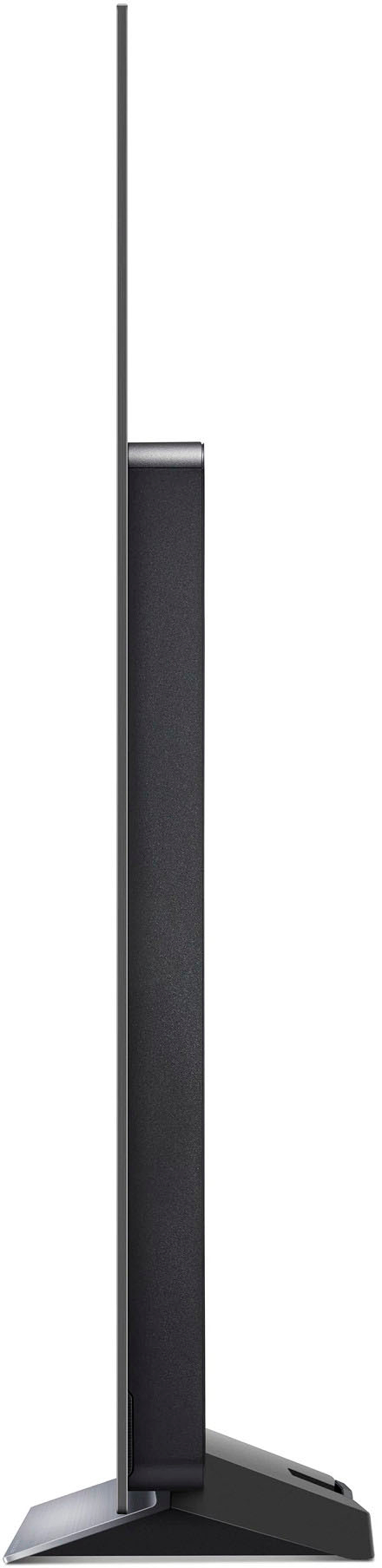
A:AnswerThank you for reaching us regarding LG Smart webOS TV. No, the LG OLED55C3PUA has a power cord that is not detachable. It is permanently connected to the TV and extends from the center of the back panel. You can download its owner's manual through this link for more information: https://www.lg.com/us/support/product/lg-OLED55C3PUA.AUS. For additional assistance, please reach out to us on social media @LGUSSupport so we can help you further. ^Cris
A:AnswerThank you for reaching us regarding LG Smart webOS TV. Yes, the LG OLED55C3PUA television is eARC compatible. You can download its owner's manual through this link for more information: https://www.lg.com/us/support/product/lg-OLED55C3PUA.AUS. For additional assistance, please reach out to us on social media @LGUSSupport so we can help you further. ^Cris
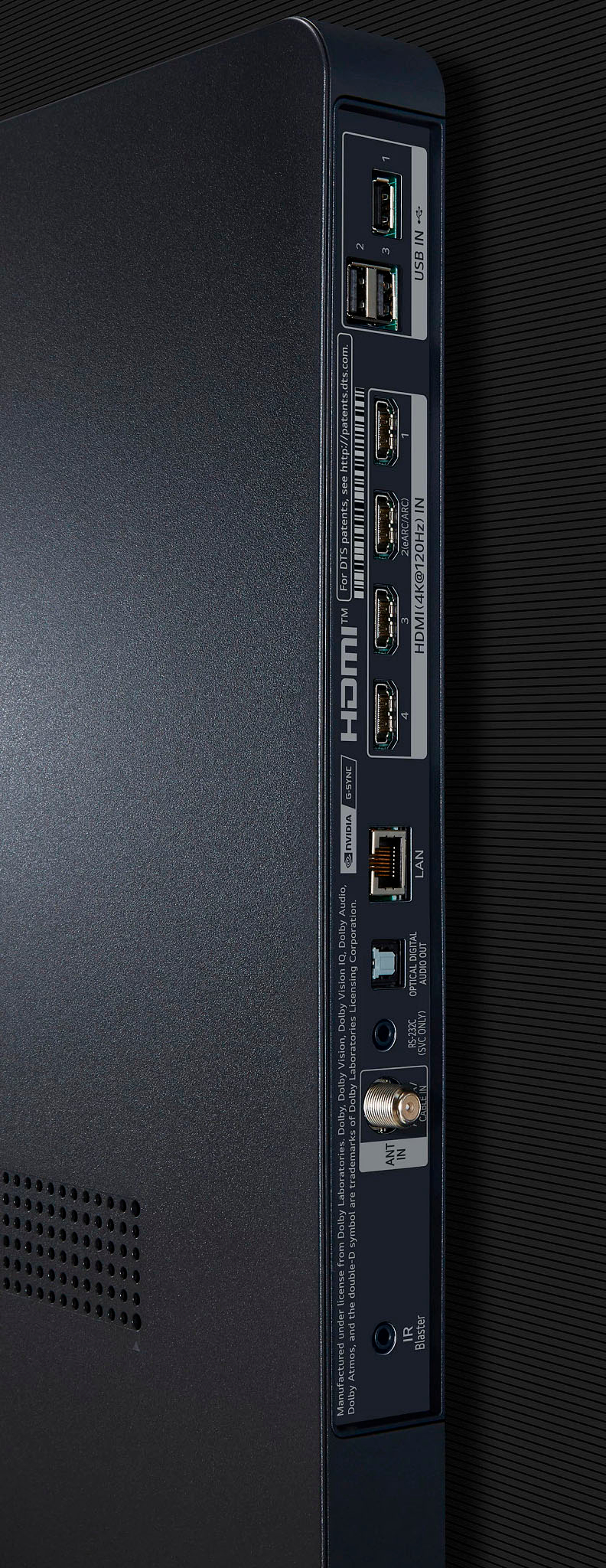
A:AnswerI cannot imagine why there would be problems interfacing this television with DISH Satellite. It has four HDMI ports, Coax a USB Port as well an Optical Audio out. You have all of the ports necessary for input/output to any device,
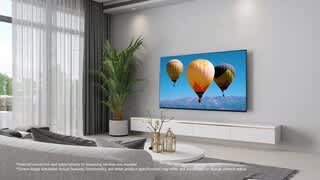
A:AnswerThank you for your interest in the LG OLED (OLED55C3PUA) model. Here are two wall mount brackets that work well with the 55" LG OLED55C3PUA:
1. Ultra Slim Tilt TV Wall Mount Bracket:
- Low Profile: 1.7" from Wall
- Tilt Angle: 12°
- Link: Amazon - Ultra Slim Tilt Mount Bracket
2. Ultra Slim Flat TV Wall Mount Bracket:
- Low Profile Design: 1.4"
- Heavy Duty Steel
- Flush Installation
- Link: Amazon - Ultra Slim Flat Mount Bracket
You can download its owner's manual through this link for more information: https://www.lg.com/us/support/product/lg-OLED55C3PUA.AUS. ^Cris
A:AnswerYes. You can either purchase the Roku unit that attaches directly to the HDMI port and into your TV's USB port, or you can buy the Roku external unit and use one of the four HDMI Ports. I am not familiar with Chromecast devices, but I feel certain it's the same ideology with that unit as well.
A:AnswerWe are unable to sign in to the HuLu app at all. I have read that this a problem with many LG/HuLu customers. We have a WiFi connection at the moment.
A:AnswerThat's where the video adjustment options kick in. You can tailor it yourself, or you can just set it to cinema mode to get a darn good representation of the original cinema