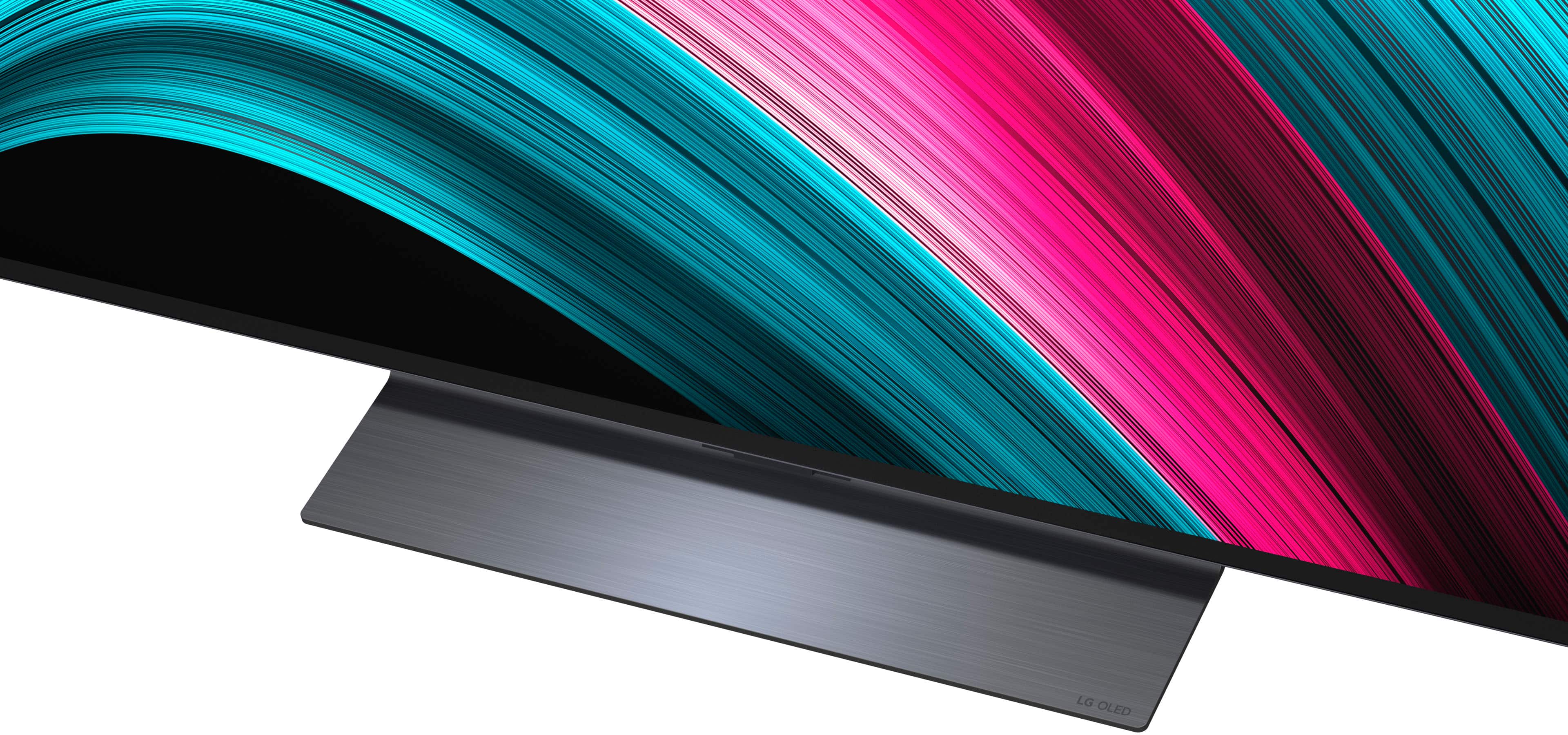
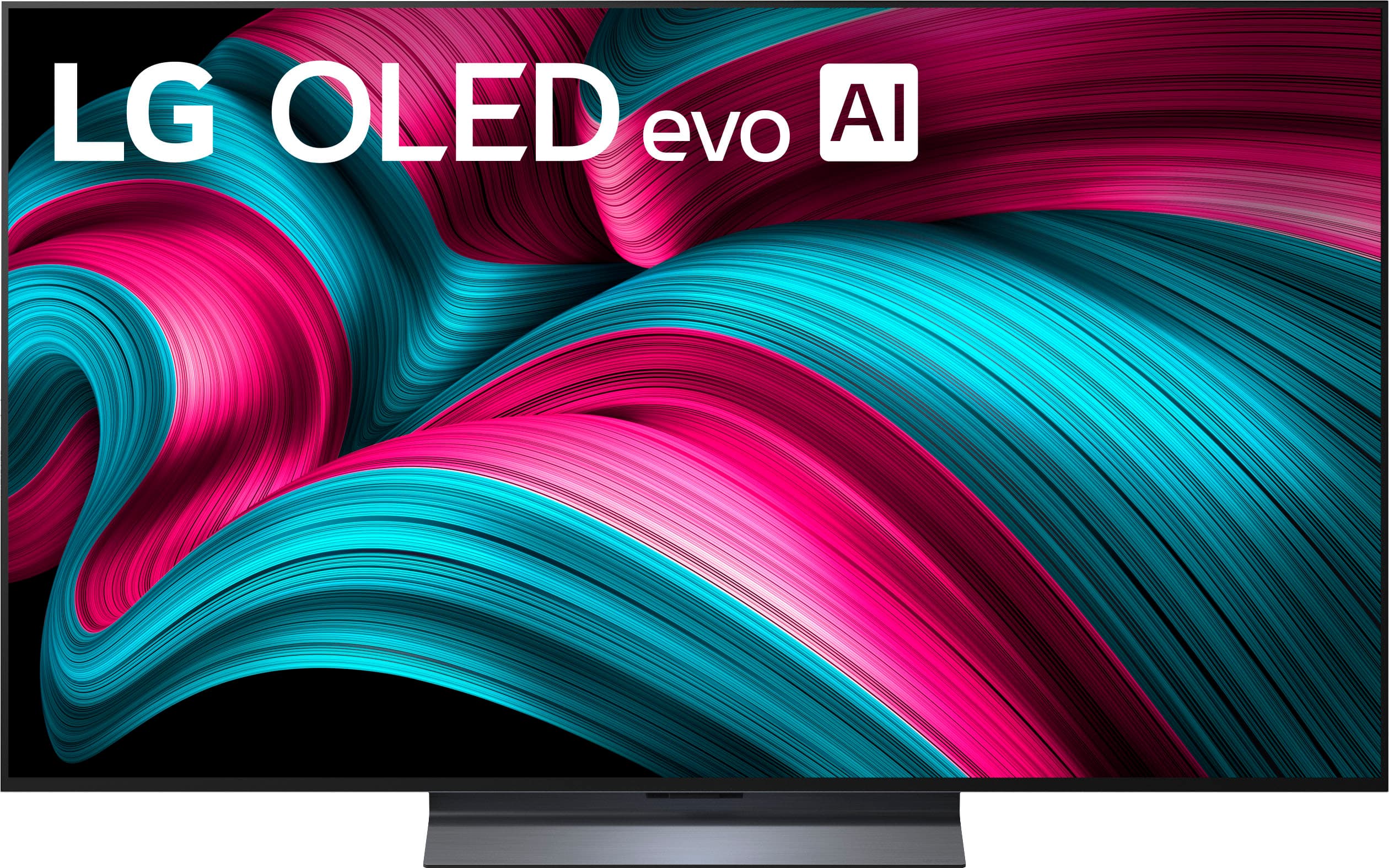
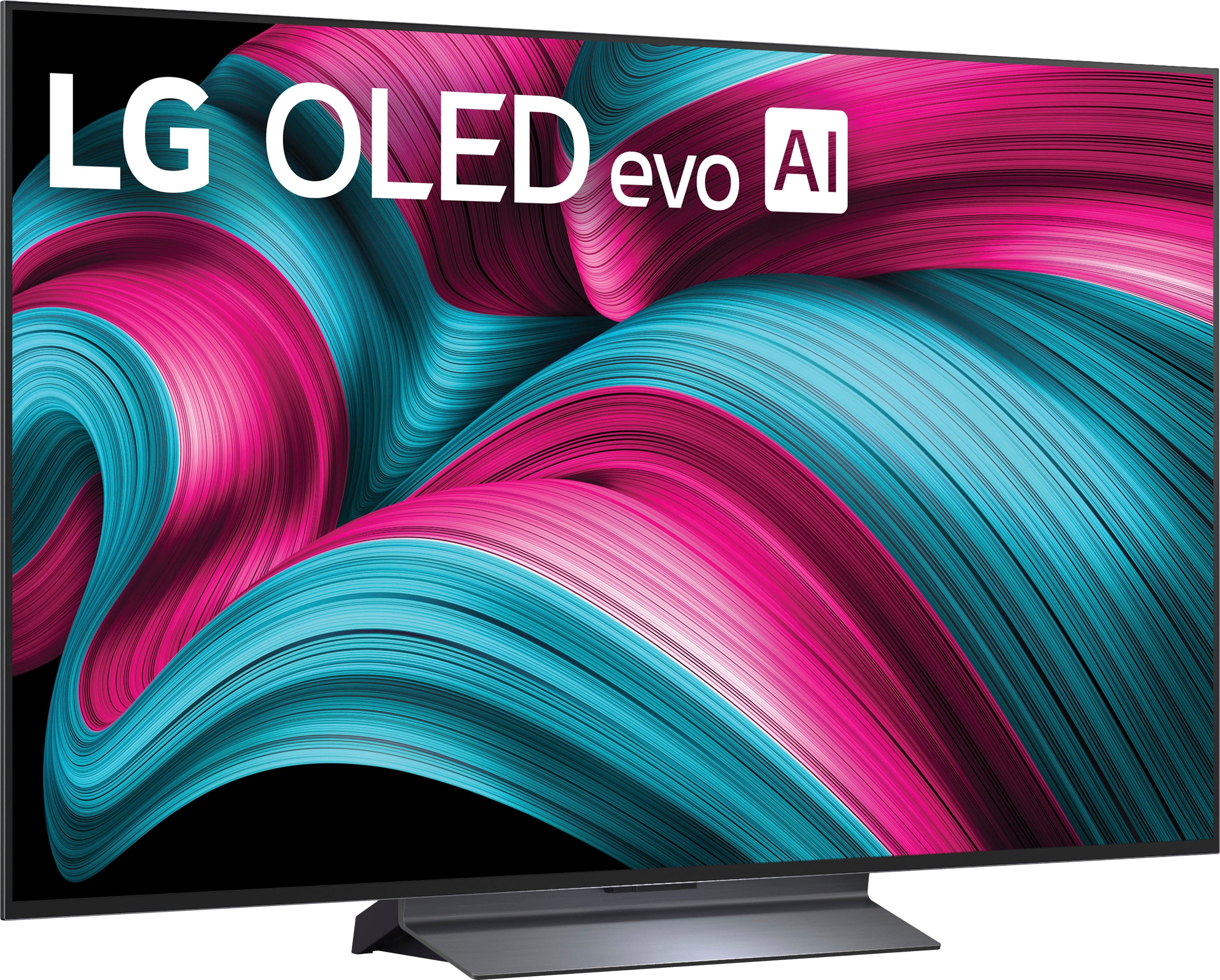
A:AnswerHi there, Danm. Thank you for sharing your inquiry with us regarding the LG 55-inch Class C5 Series OLED evo AI 4K UHD Smart webOS TV, Model OLED55C5PUA. We understand your inquiry about the corner-to-corner measurement of this unit.
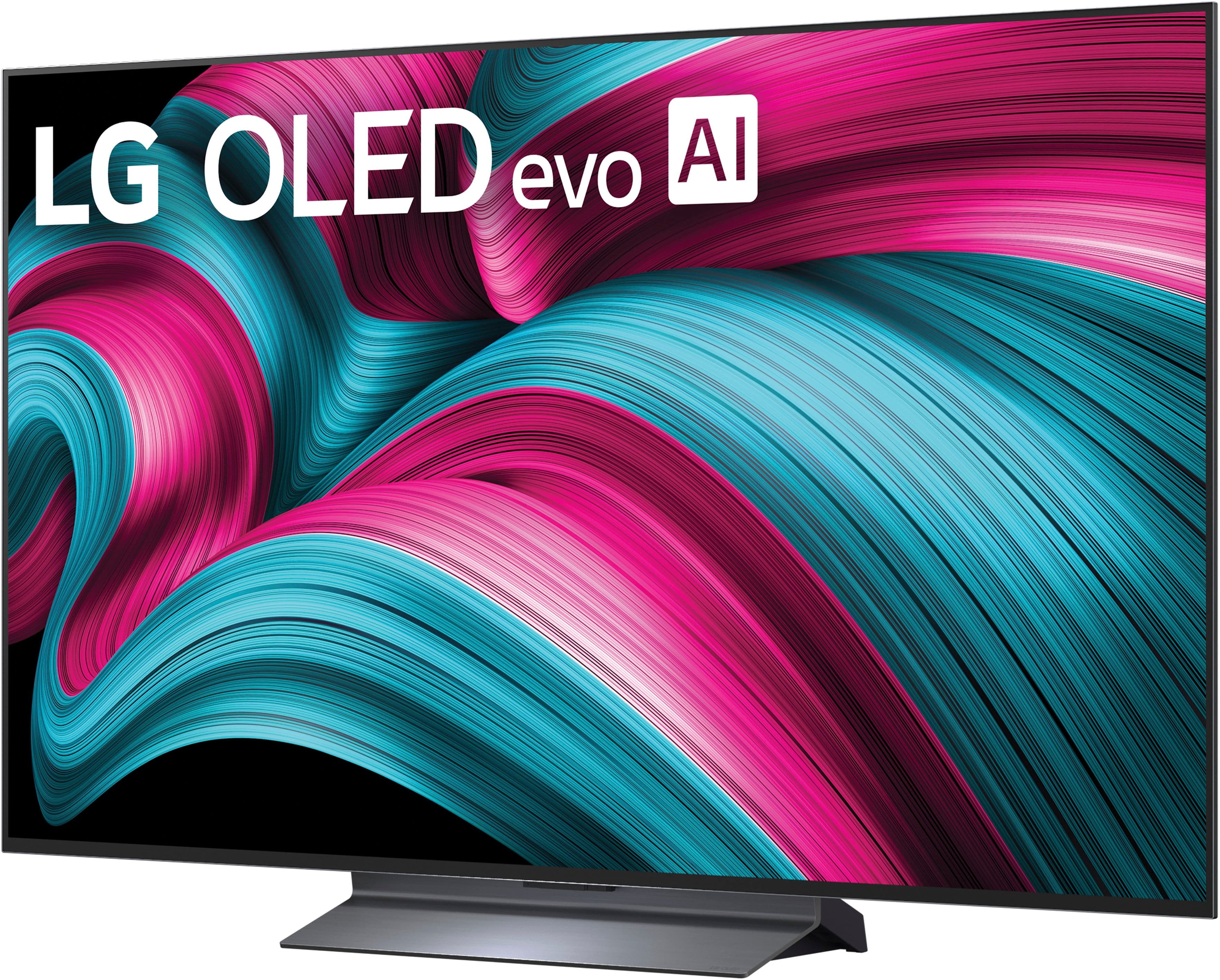
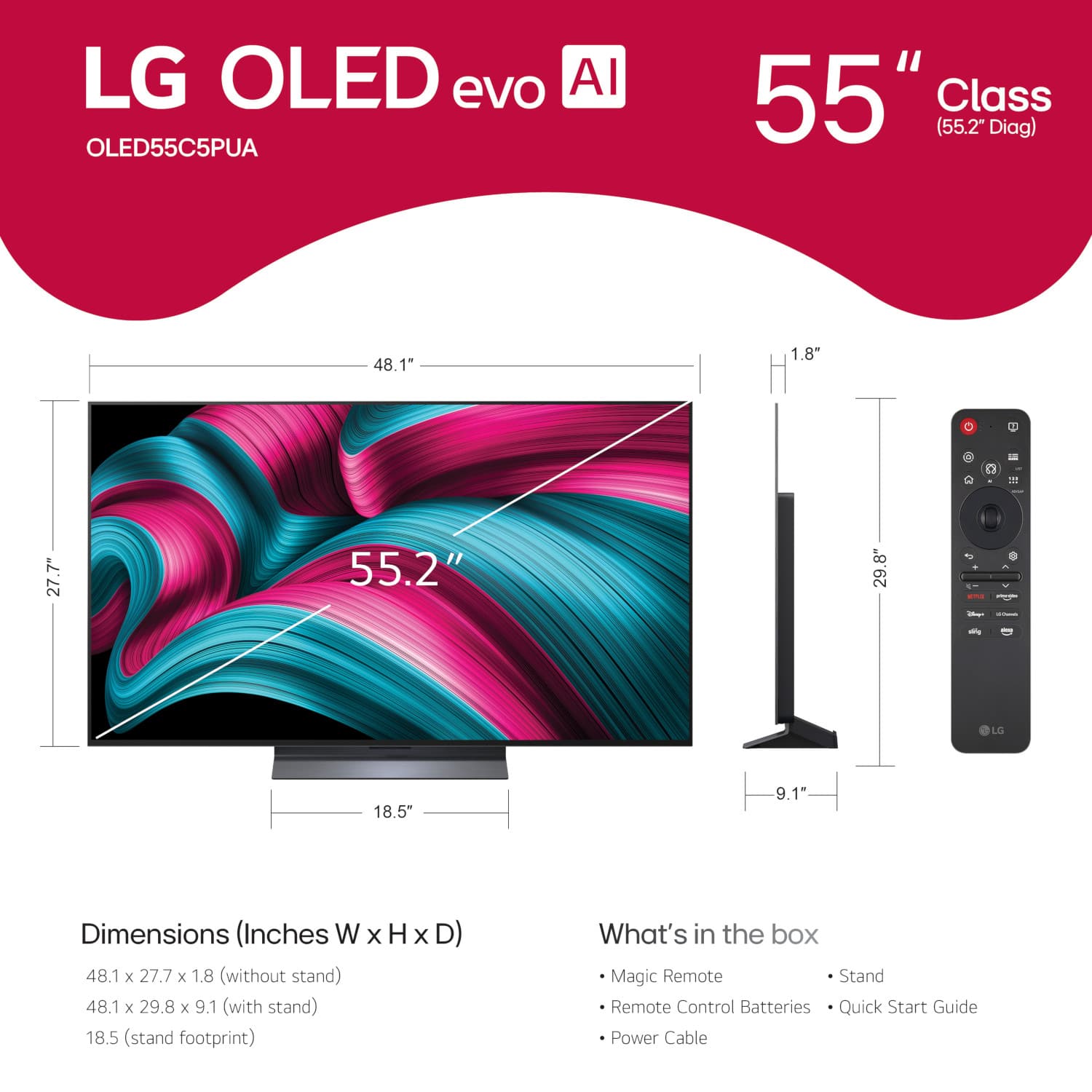
The corner-to-corner measurement you are asking for is the diagonal screen size of the television panel. We confirm that this unit has a diagonal screen measurement of 55.2 inches. This measurement refers to the viewable screen area, not including the outer bezel or frame of the TV.
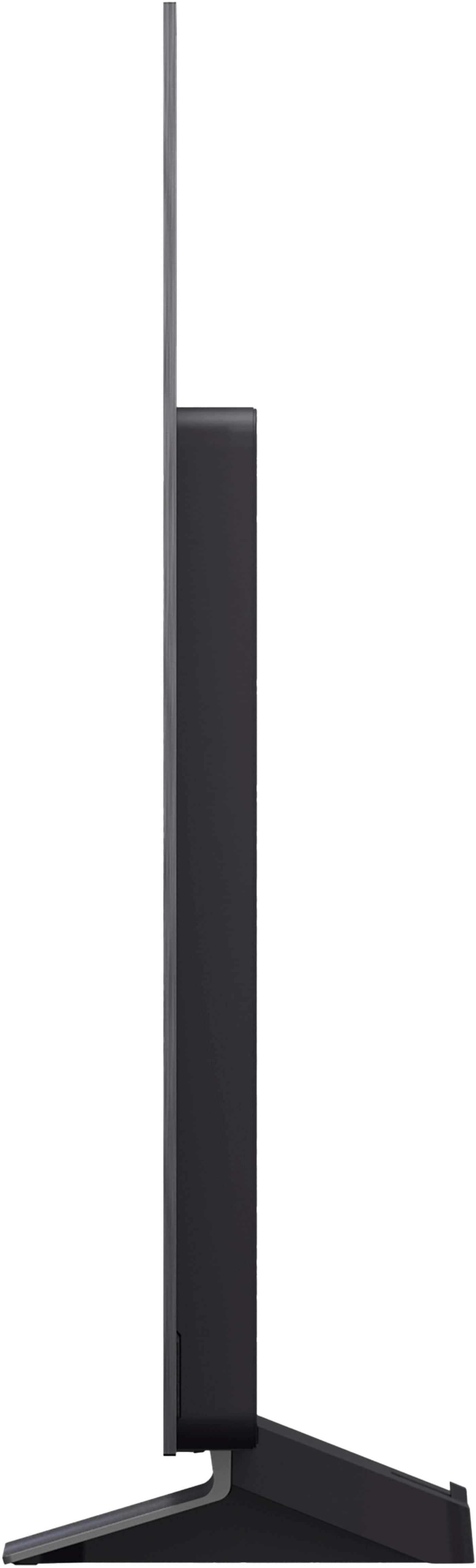
For your convenience when planning your setup, the overall dimensions of the TV without the stand are 48.1 inches (Width) x 27.7 inches (Height) x 1.8 inches (Depth).
https://www.bestbuy.com/product/lg-55-class-c5-series-oled-evo-ai-4k-uhd-smart-webos-tv-2025/JJ8VPZTR8R
Your feedback is important, and we'd like to assist you further. If you have any further questions about the TV's dimensions, installation, or any of its advanced features, please send us a private message on Social Media @LGUSSupport, and our team will be more than happy to assist you. —Renzo
A:AnswerHi there. Thank you for your inquiry about the LG OLED evo AI 4K UHD Smart webOS TV Model OLED55C5PUA. We understand you are asking about the inclusion of a Roku app.
This LG Smart TV runs on the webOS 25 operating system, which is a different smart platform than the Roku operating system. Therefore, the TV does not come with the full Roku app pre-installed because it utilizes its own smart platform.
However, you can access a vast library of streaming services and applications through the LG Content Store on the TV, which includes popular services like Netflix, Max, Disney+, YouTube, and Prime Video, among many others.
https://www.bestbuy.com/product/lg-55-class-c5-series-oled-evo-ai-4k-uhd-smart-webos-tv-2025/JJ8VPZTR8R
If you have any further questions about its features or accessing streaming services, please send us a private message on Social Media @LGUSSupport, and our team will be more than happy to assist you. —Renzo
A:AnswerBest Buy offers installation services that you can add to your cart at checkout when you purchase the LG 55" Class C5 Series OLED evo AI 4K UHD Smart webOS TV (2025), Model # OLED55C5PUA.
You can select Delivery + TV Setup & Mounting, 55” or Smaller which includes:
• Delivery, unboxing and attaching the TV mount
• Mounting the TV on a standard frame wall and concealing video cables
• Configuring video devices
• Connecting video devices to network and completing updates
• Programming manufacturer or service provider remotes
• Performing a system demo and customer education
• Cleaning up and package removal.
Or you can select Delivery + TV Setup, 55” or Smaller which includes:
• Delivery, unboxing and attaching the TV base or pedestal
• Placing the TV on your furniture and setting up video devices
• Connecting video devices to your network and completing updates
• Programming manufacturer or service provider remotes
• Performing a system demo and customer education
• Cleaning up and package removal...^Ivan.
A:AnswerHi, Ross. Yes, you can absolutely use both Roku and Firestick streaming devices with your LG OLED55C5PUA TV.
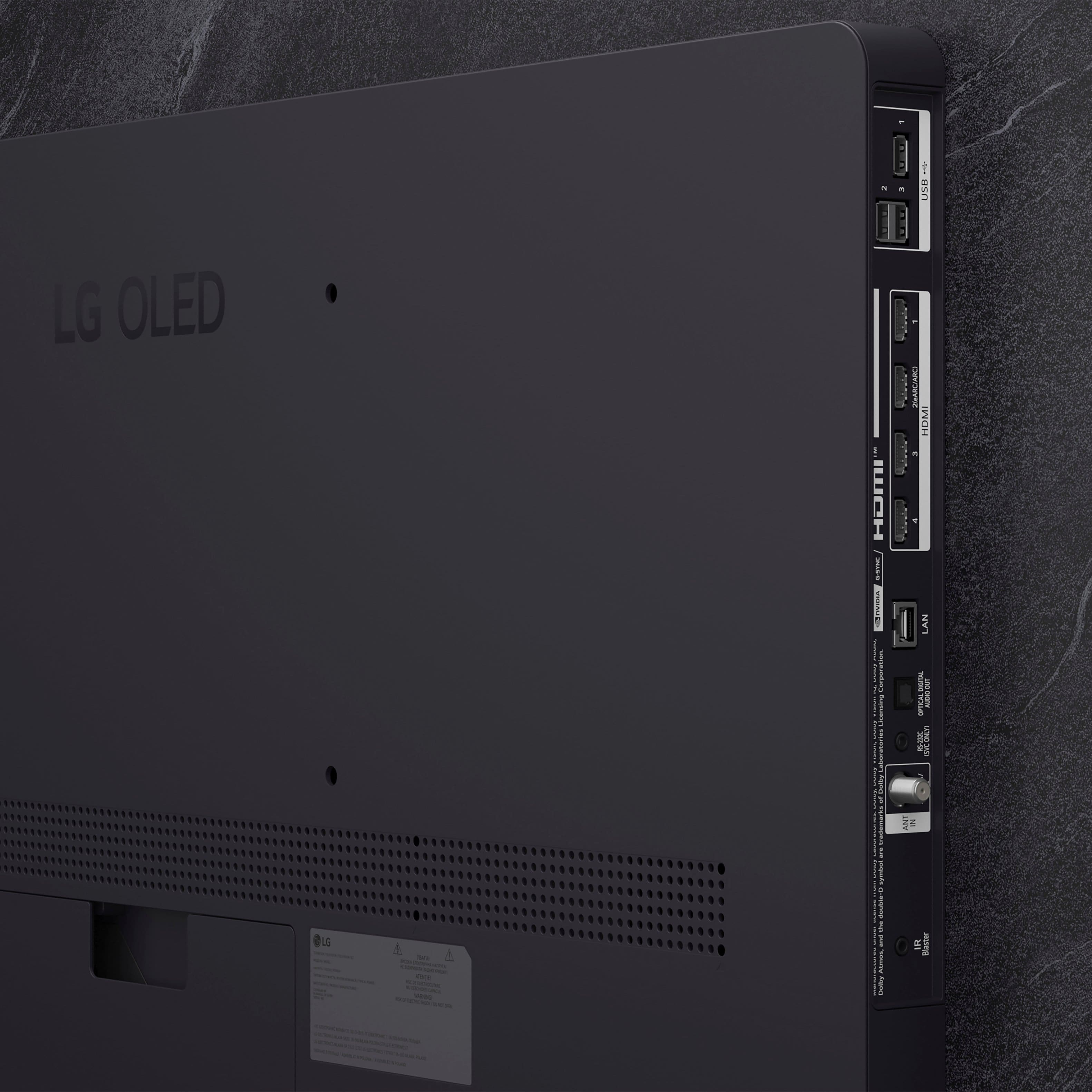
This model features four HDMI 2.1 ports, which are fully compatible with external streaming devices like Roku and Fire TV Stick. Just plug your device into any HDMI port, select the corresponding input on your TV, and you’re good to go.
If you need further assistance, please send us an email at [email protected]. We’re here to assist you. -Charles
A:AnswerThe ViX app is not preinstalled on LG TVs, but it is compatible with the webOS TV Platform (i.e. Operating System) that TVs like the LG 55" Class C5 Series OLED evo AI 4K UHD Smart webOS TV (2025), Model # OLED55C5PUA runs on, so it can be downloaded and installed on the TV through the LG Content Store (App Store) feature on the TV's home screen...^Ivan.
A:AnswerNo, it has an antenna input (same coax as cable) so if you have stations nearby you are in business. You will need an antenna, but I get by with a cheap rabbit ear. TV scans for local stations. Can use Blu-rays with a player.
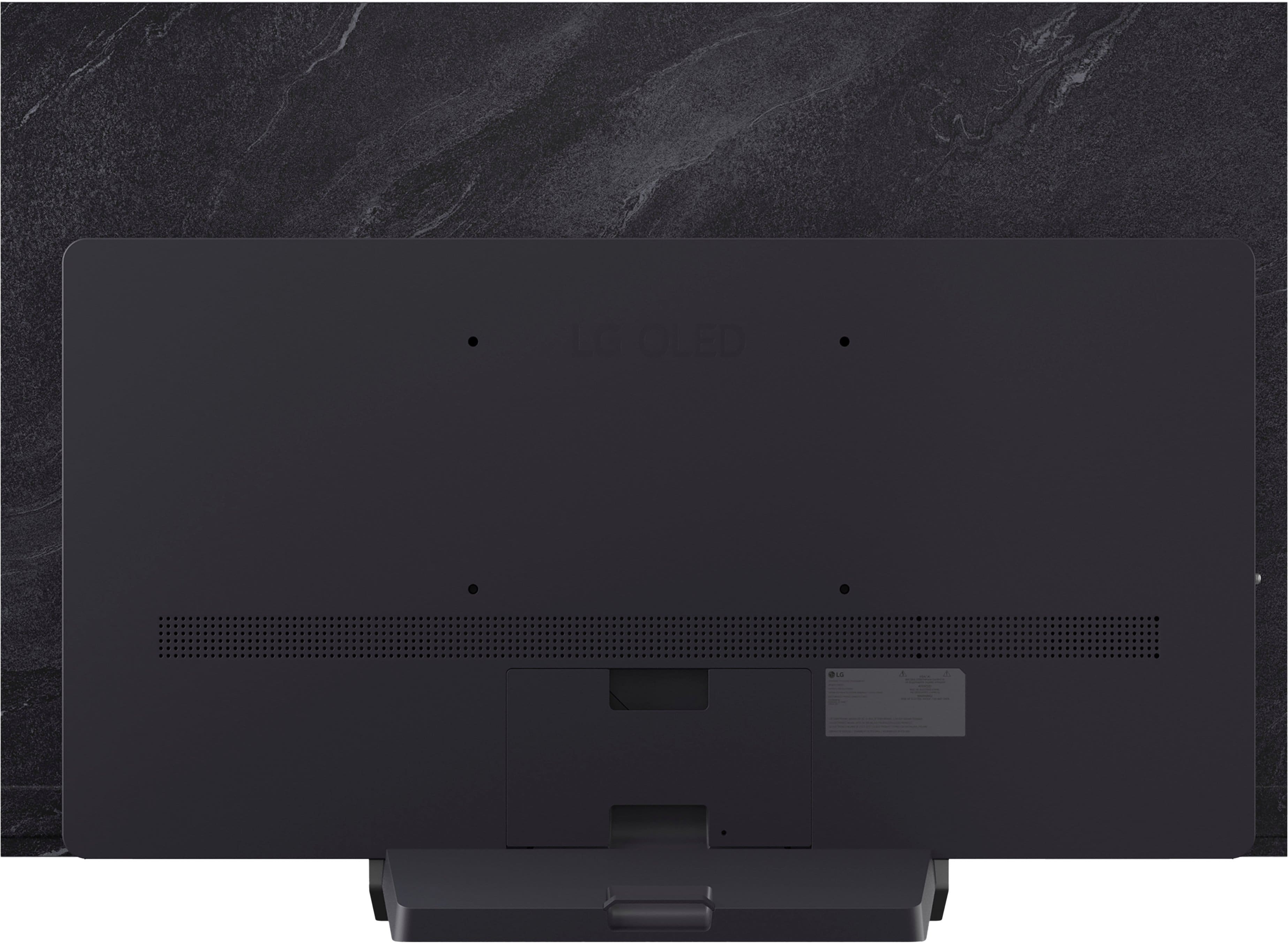
A:AnswerHi there. We understand your inquiry regarding the LG - 55" Class C5 Series OLED evo AI 4K UHD Smart webOS TV (2025). This model is indeed wall-mountable and is compatible with a 300 x 200 mm VESA mount pattern.
https://www.bestbuy.com/product/lg-55-class-c5-series-oled-evo-ai-4k-uhd-smart-webos-tv-2025/JJ8VPZTR8R
For further assistance and any specific concerns you may have, please contact us on [email protected]. —Renzo
A:AnswerBluetooth technology works the same for any Bluetooth-enabled device, regardless of whether it is the LG 55" Class C5 Series OLED evo AI 4K UHD Smart webOS TV (2025) Model # OLED55C5PUA, or another device, and it does not continue to transmit when a product is completely off. If a device is off, Bluetooth will also be off. However, if it is in standby mode, Bluetooth may still be active, allowing for low-power communication...^Ivan.
A:AnswerThe LG 55" Class C5 Series OLED evo AI 4K UHD Smart webOS TV (2025)
Model # OLED55C5PUA currently has a savings of $400 (Original price is $1,999.99).
Please contact Best Buy's Support for inquires about if and when they will have other savings or promotions on the TV...^Ivan.
A:AnswerHello there, Barney. Thank you for sharing your experience with us regarding your LG OLED55C5PUA TV. We understand your inquiries about firmware updates and stand installation.
Regarding firmware and updates from LG, these consist of improvements to the TV's operating system (webOS), bug fixes, performance enhancements, and sometimes new features for various functionalities like picture processing, audio, and smart TV apps. While your TV will function for basic viewing without every single update, installing them is highly recommended to ensure optimal performance, stability, and access to the latest improvements and security patches. They are generally not necessary for the TV's initial basic operation, but they are crucial for maintaining its best possible performance over time.
As for attaching the TV to the stand, based on the Owner's manual page 4 to 6 for installation, it does require tools. Based on the owner's manual, you will typically need a "+" shaped screwdriver (manual or electric) for securing the screws that attach the stand to the TV. It is recommended to place the screen facing down on a cushioned table or flat surface to protect it from scratches during the process. The manual also advises having at least two people to move and install a large TV safely.
For Firmware firmware update and manual for model OLED55C5PUA - https://www.lg.com/us/support/product/lg-OLED55C5PUA.AUS)
Your feedback is important, and we'd like to assist you further if you have any other questions about your unit. Please send us a private message on Social Media @LGUSSupport and our team will be more than happy to explore possible solutions. We appreciate your patience. —Renzo




. Independently Tested for Quality and Workmanship CheckPlus: 100 % Color Volume to DCI-P3 oi PSSEANE Intertek [www.IntertekCheck.com](http://www.IntertekCheck.com). 100% Color Fidelity and '100% Color Volume to DCI-P3' applies to 2025 OLED TVs. *LG OLED Display is verified by UL for Perfect Color measured to IDMS 11.5 Ring-light Reflection standards. *100% Color Volume is defined as the performance of display which is equal or greater than the size of DCI-P3 standard color volume as verified independently by Intertek. *The LG OLED Panel is certified by Intertek for 100% Color Fidelity, measured to IDMS 11.5 Ring-light Reflection standards.](https://pisces.bbystatic.com/image2/BestBuy_US/images/products/3661ed5e-8d92-47a9-baef-65aa6eb5dcb9.jpg)