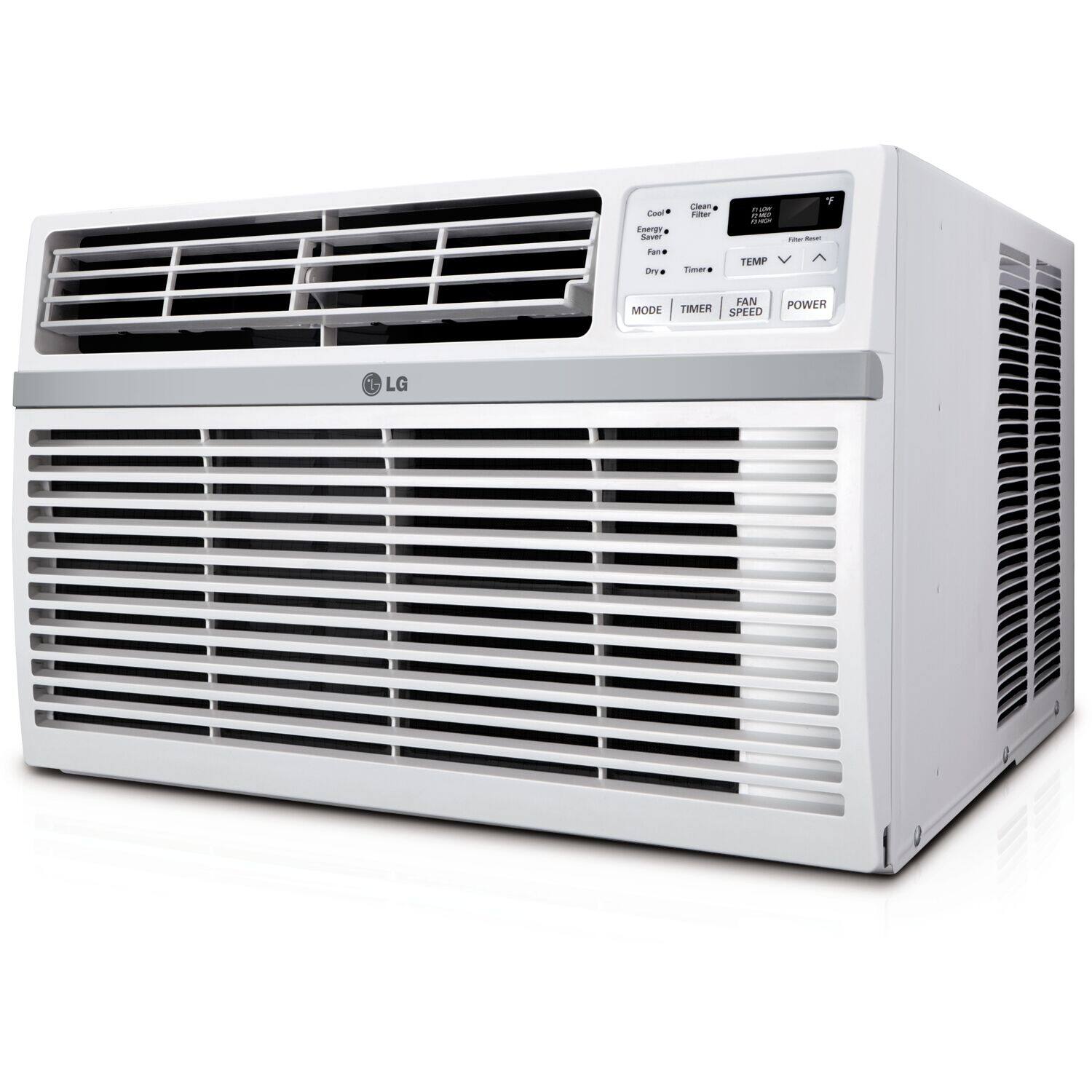
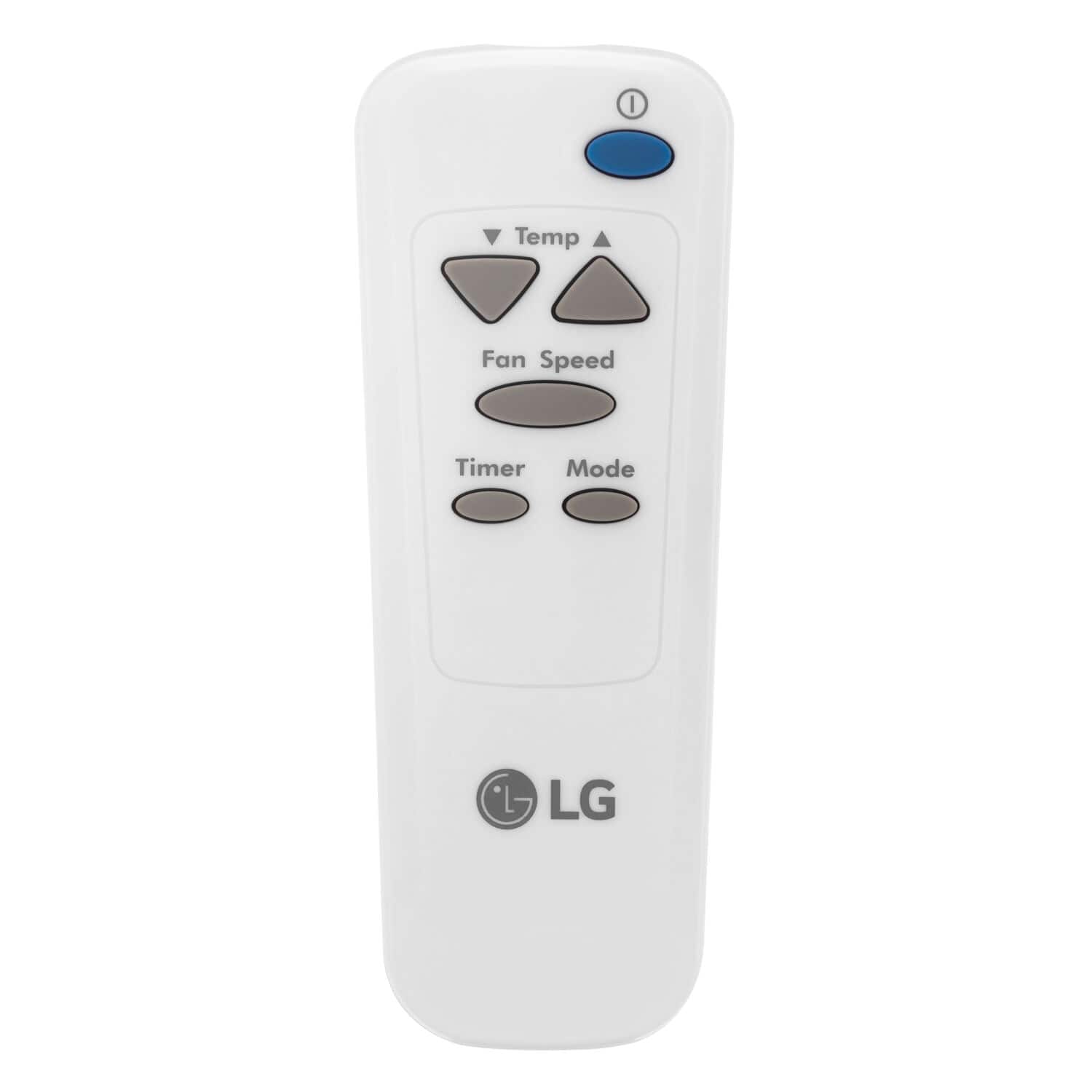
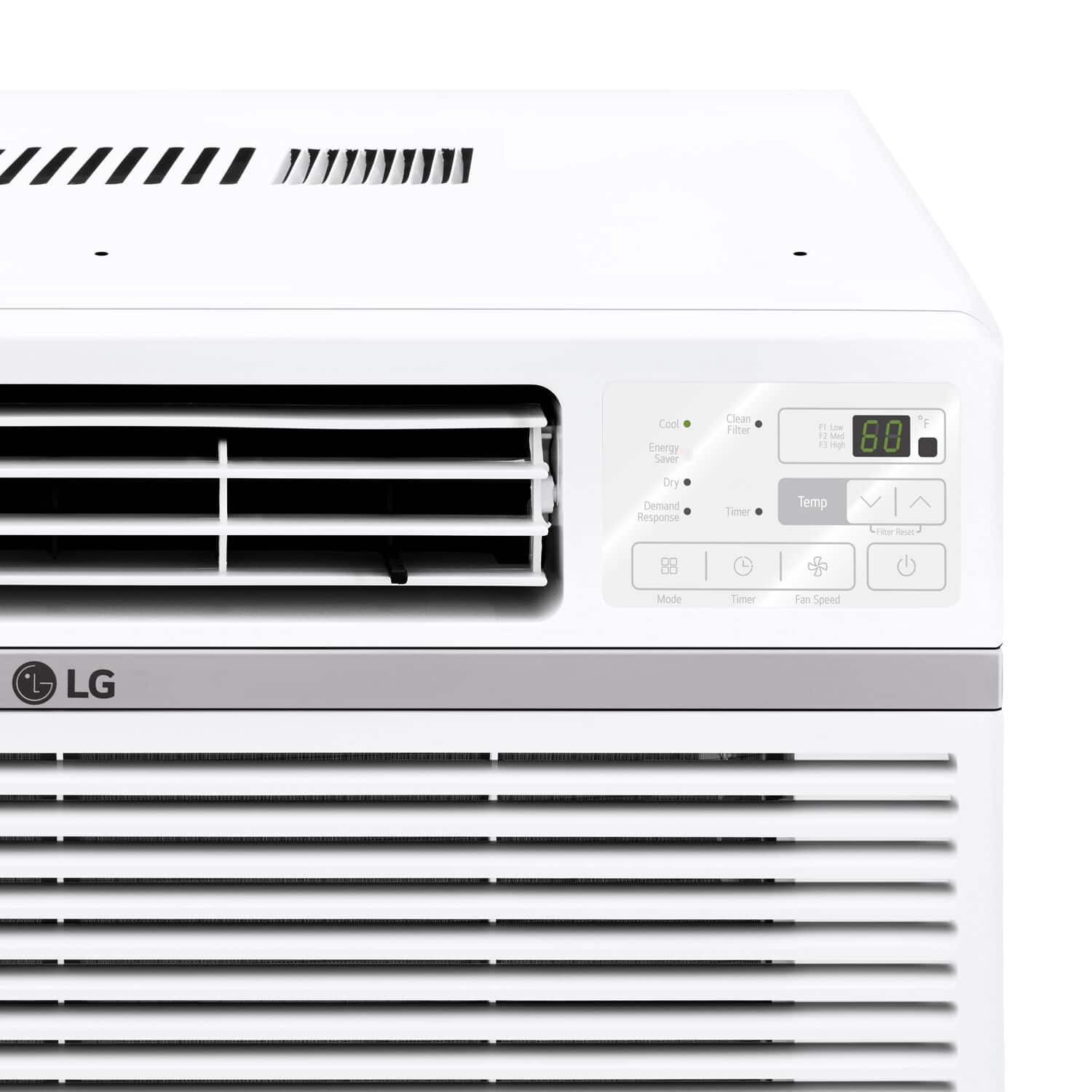
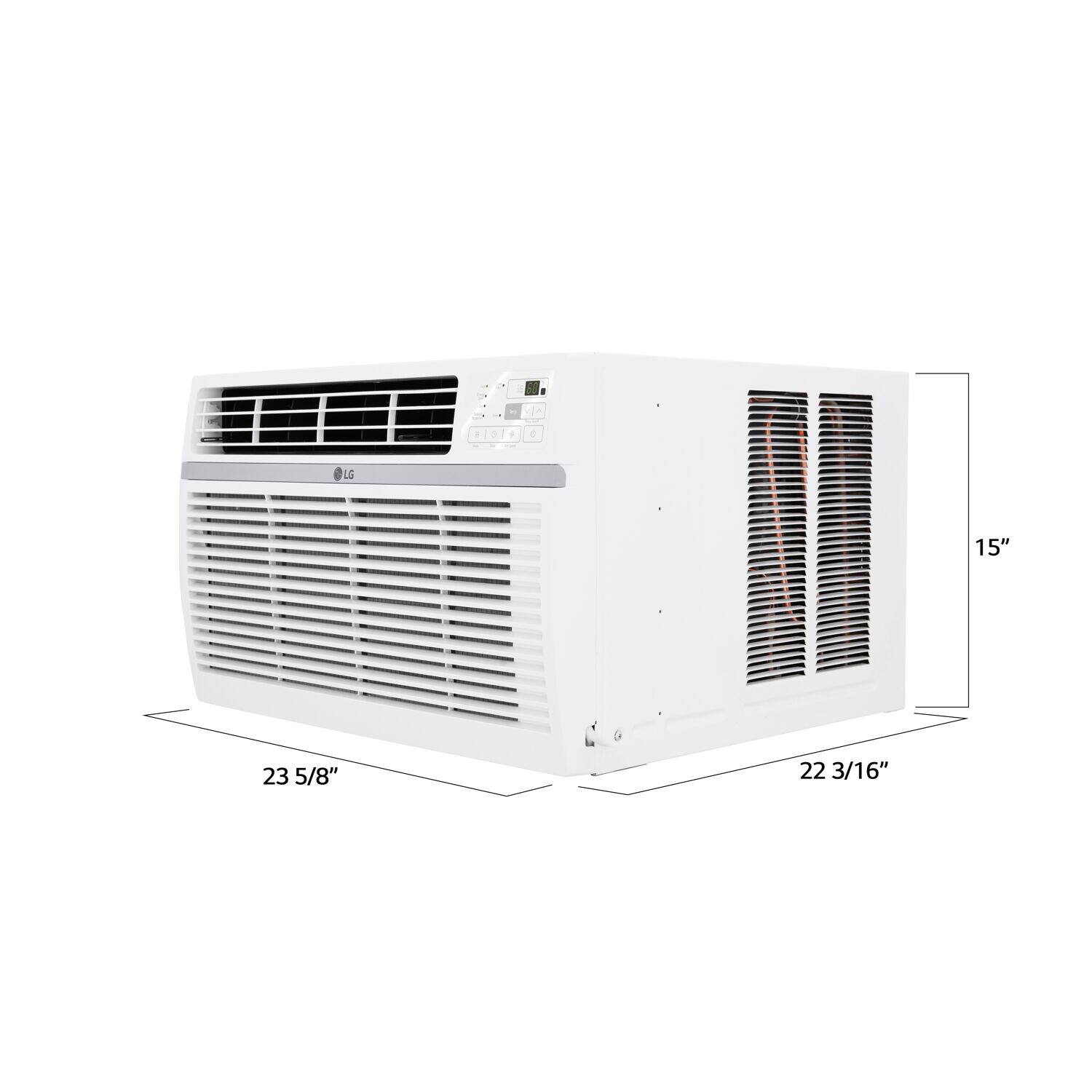
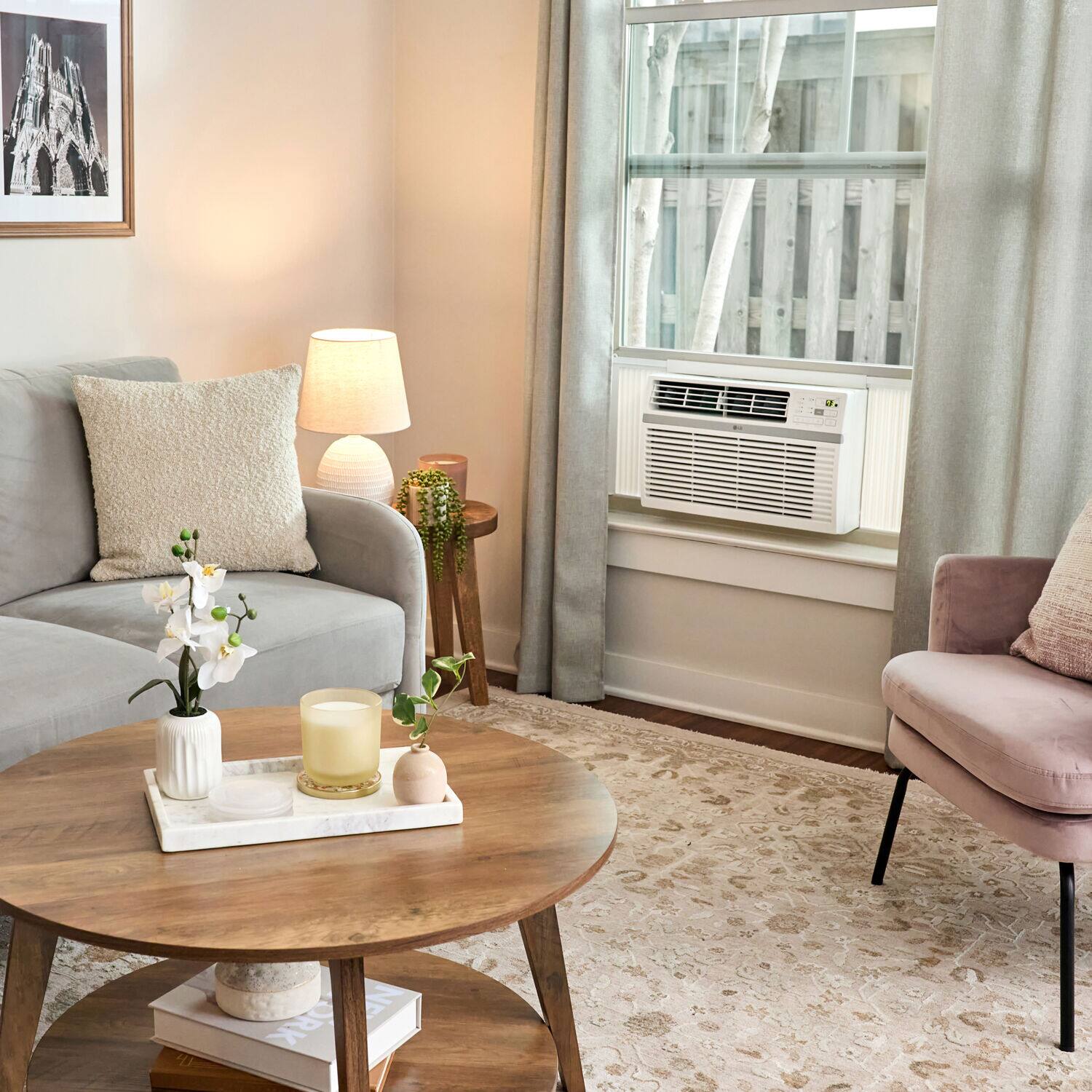
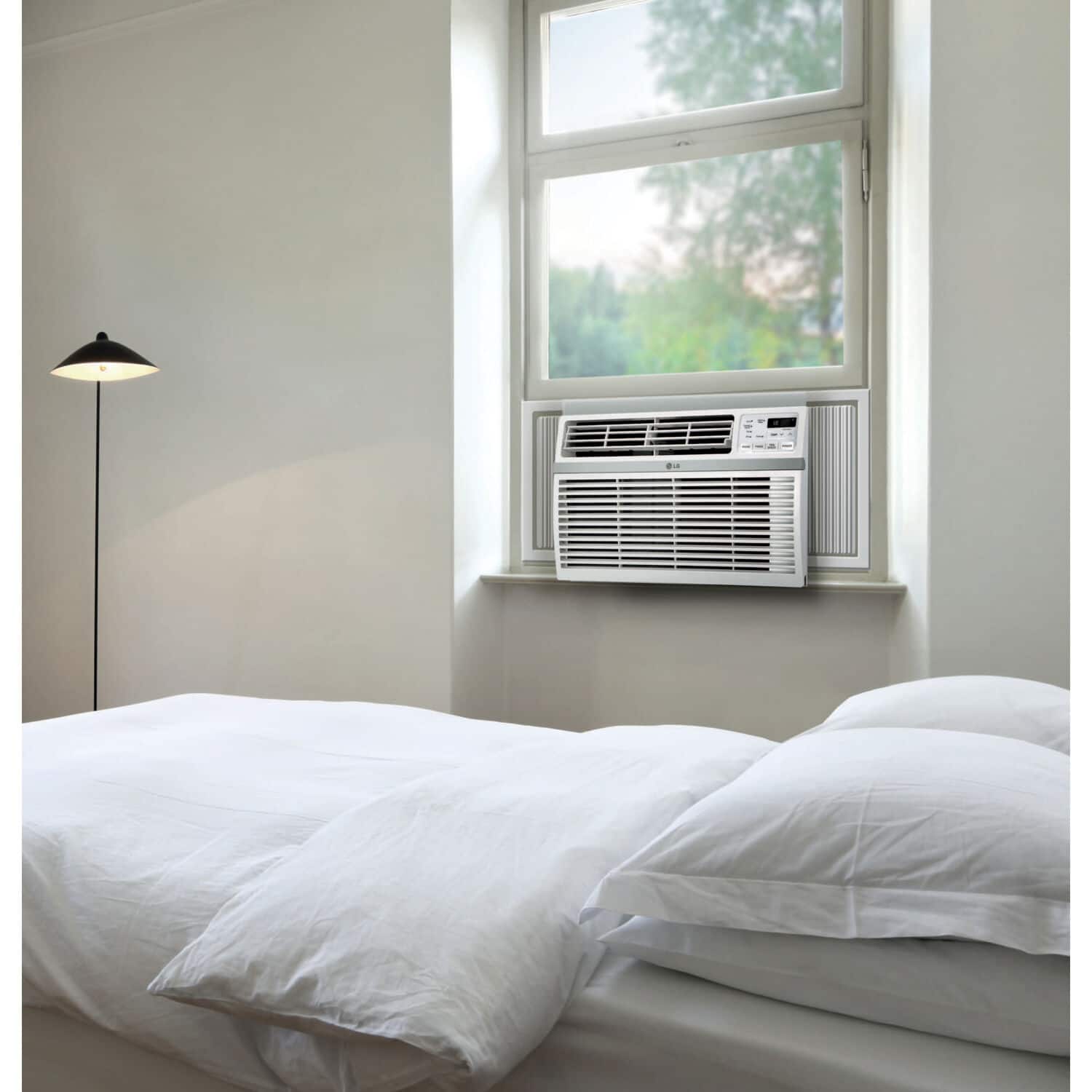
A:AnswerRegrettably, the LG 12,000 BTU Window Air Conditioner - White, Model # LW1224RD, does not have a setting on its remote control or control panel, nor instructions in the manual for toggling it between °F and ° C...^Ivan.
A:AnswerHello there! We understand your inquiry about installation charges for your LG LW1224RD window air conditioner. Installation and delivery services are arranged through Best Buy, so you’ll need to contact them directly for pricing and scheduling.
https://www.bestbuy.com/site/lg-12000-btu-window-air-conditioner-white/6585606.p?skuId=6585606
If you have any other questions about your LG unit or need assistance, please send us a private message on Social Media @LGUSSupport and our team will be more than happy to help. We appreciate your patience.
—Renzo
A:AnswerHello there, Dave. We understand your inquiry about installation services for the LG LW1224RD window air conditioner purchased through Best Buy. Installation offerings for appliances purchased at Best Buy are arranged by Best Buy’s own service team, so please contact Best Buy directly to confirm availability, pricing, and scheduling for installation in your area.
We understand your inquiry and want you to have confidence that your LW1224RD will perform efficiently once installed correctly. For any product-specific questions—such as clarifying installation steps, verifying window suitability, or optimizing performance after installation—please send us a private message on Social Media @LGUSSupport and our team will be happy to assist. We appreciate your patience and look forward to helping you enjoy cool comfort with your LG window air conditioner.
https://www.bestbuy.com/site/lg-12000-btu-window-air-conditioner-white/6585606.p?skuId=6585606
—Renzo
A:AnswerEco mode that enhances energy efficiency while maintaining indoor comfort has a different name on LG Window Air Conditioners.
On LG window air conditioners, it is called Energy Saver, and when the LG 12,000 BTU Window Air Conditioner - White, Model # LW1224RD is in Energy Saver mode, the compressor and fan turn off when the set temperature is achieved. Approximately every 3 minutes the fan turns on to allow the unit sensor to accurately determine if more cooling is needed...^Ivan.
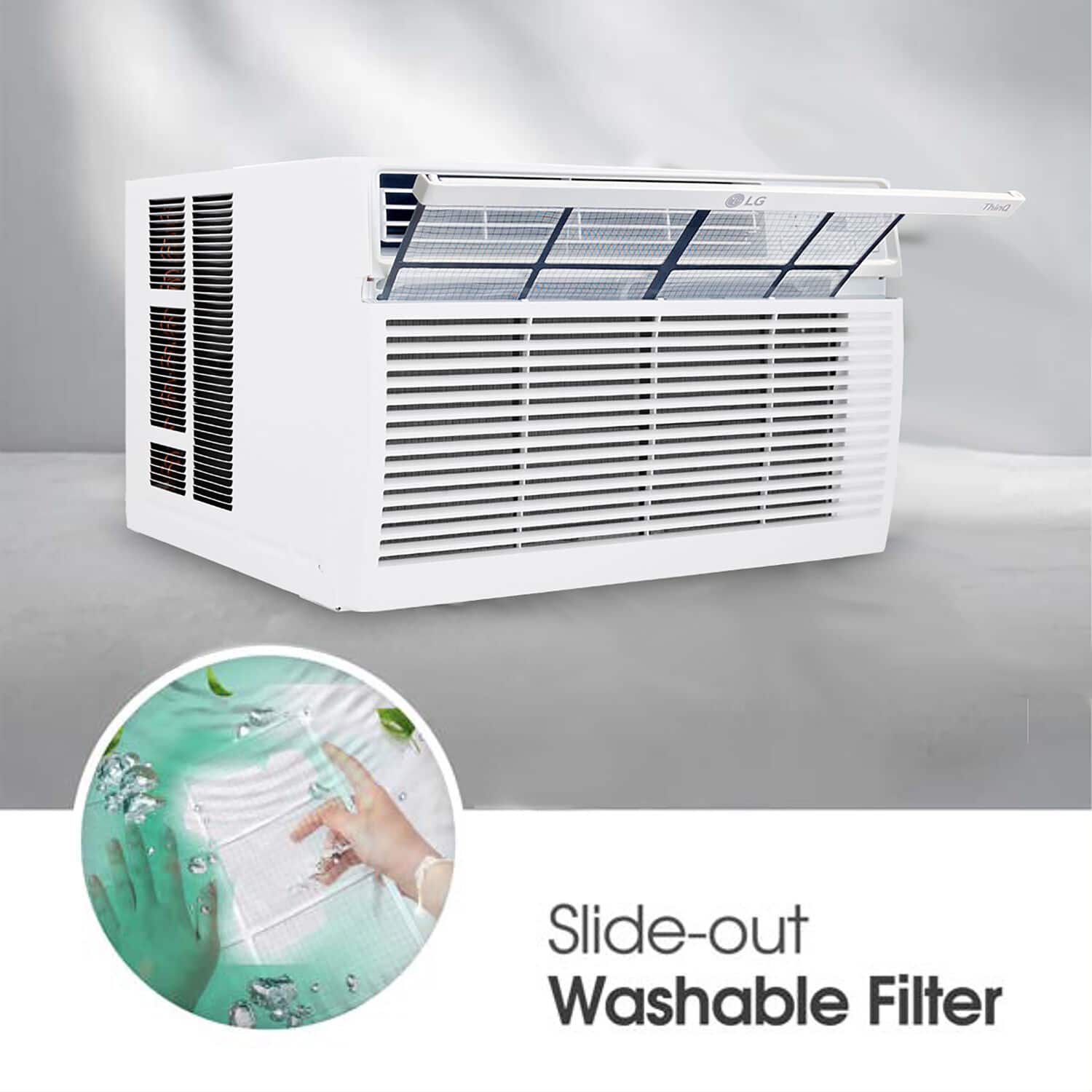
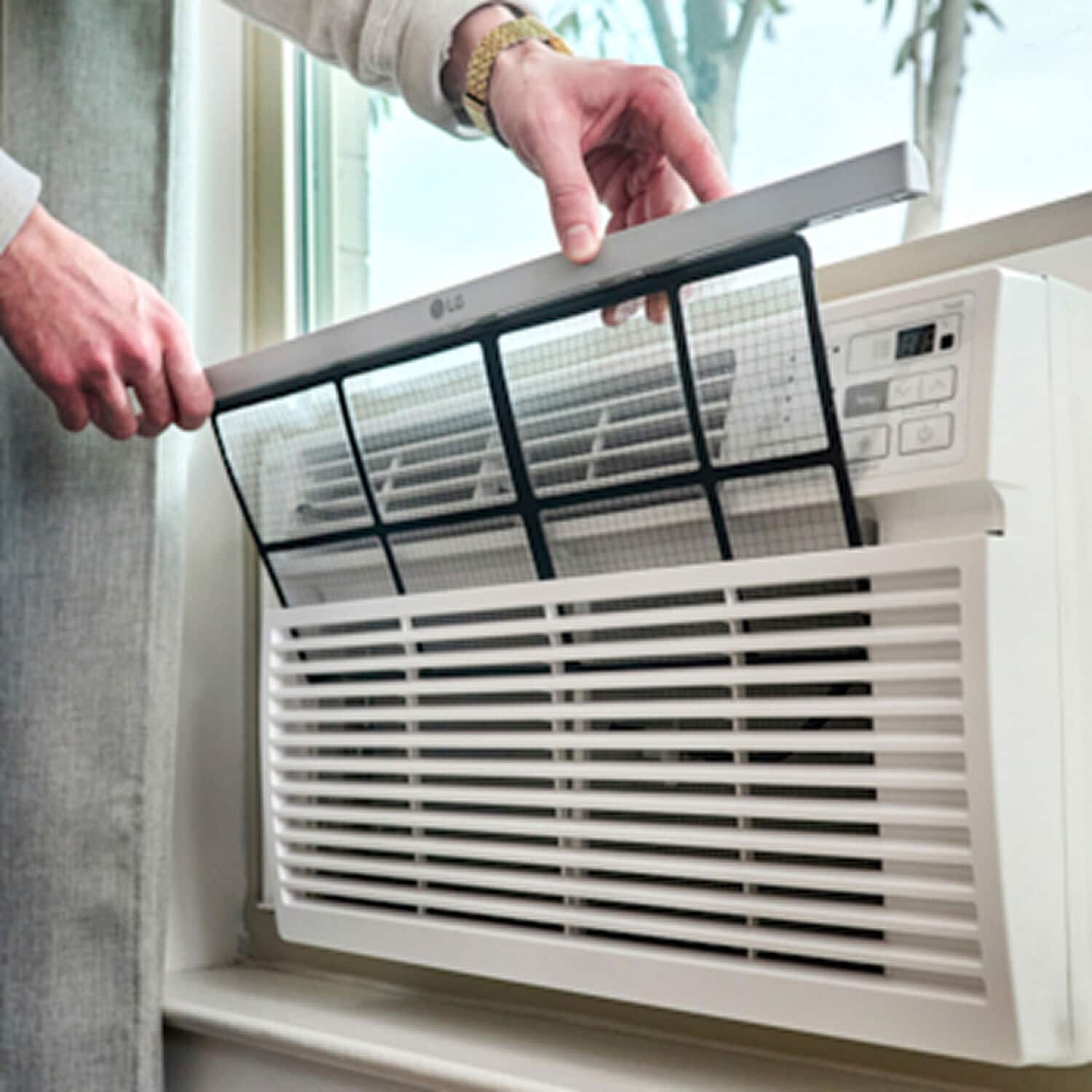
A:AnswerAs per the Clean Filter instructions on bullet 6 on page 17 in your owner's manual for the LG 12,000 BTU Window Air Conditioner, Model # LW1224RD instruct "The Clean Filter LED lights up to notify you that the filter needs to be cleaned. After cleaning the filter, press Temp ▼and ▲ together on the control panel to turn off the Clean Filter light.
NOTE
• The filter reset must be done using the control panel, not the remote control.
• This feature is a reminder to clean the air filter for more efficient operation.
The LED light turns on after 250 hours of operation."...^Ivan
A:AnswerHello there! We understand your inquiry about your LG LW1224RD 12,000 BTU Window Air Conditioner remembering your last temperature setting. This unit is designed to retain your most recent mode and temperature when you turn it off and back on again using the power button or remote—so you won’t need to reset it each time you use it.
Troubleshooting Tip: If you ever power-cycle the unit by unplugging it from the wall (or if there’s a brief power outage), it will revert to its factory default setting (typically 72 °F and “Cool” mode). To verify the memory function, simply press Power Off, wait about 10 seconds, then press Power On again; you should see your last temperature and fan speed restored.
If your AC isn’t recalling its last setting as expected, double-check that you’re using the Power button (rather than the Timer or Sleep modes) to turn it off, and ensure your remote’s batteries are fresh so that the off/on signal registers properly.
https://www.bestbuy.com/site/lg-12000-btu-window-air-conditioner-white/6585606.p?skuId=6585606
For any further assistance or if you’d like us to walk you through additional checks, please send us a private message on social media @LGUSSupport and our team will be more than happy to explore possible solutions with you. We appreciate your patience and look forward to helping you stay comfortable.
—Renzo