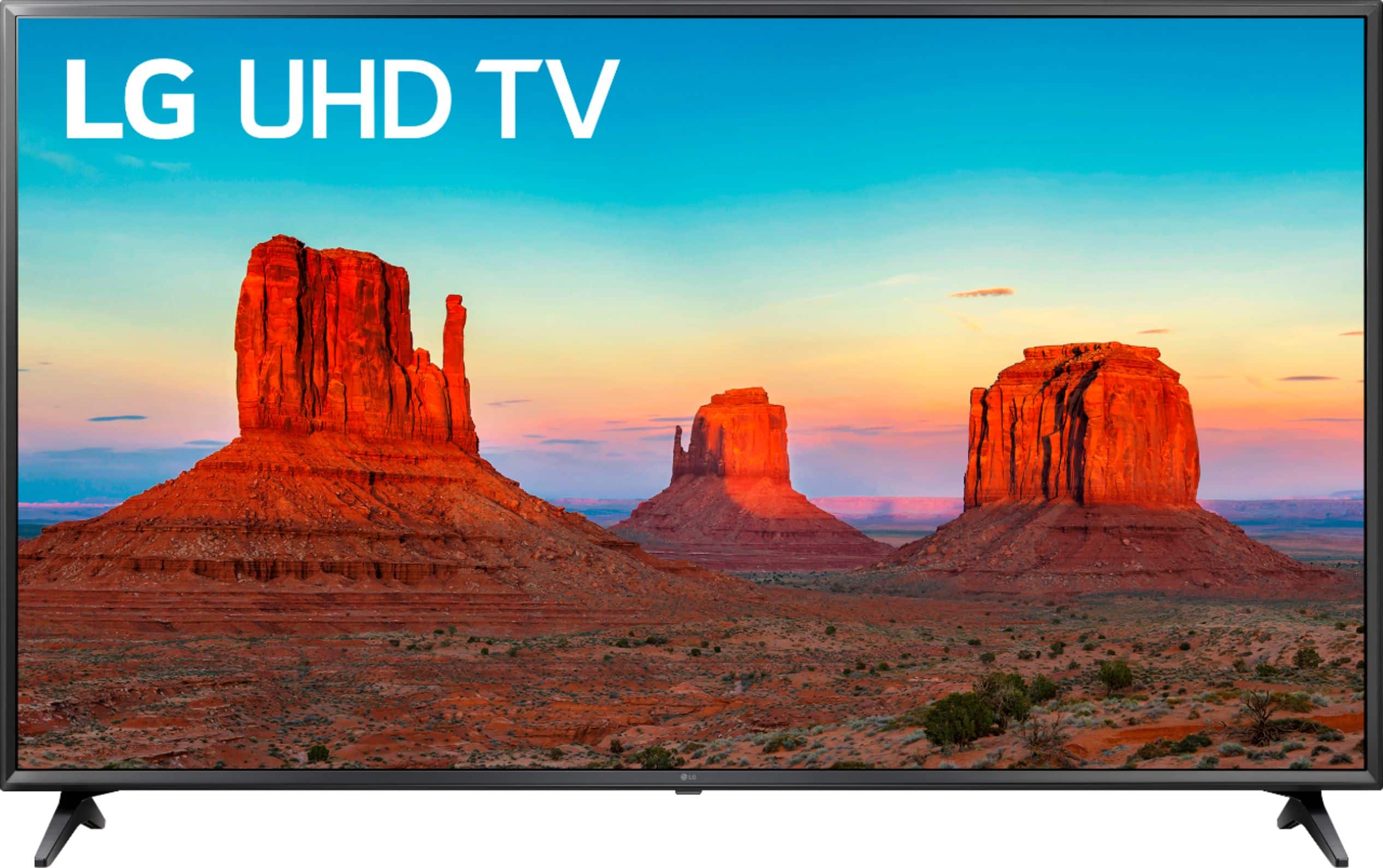
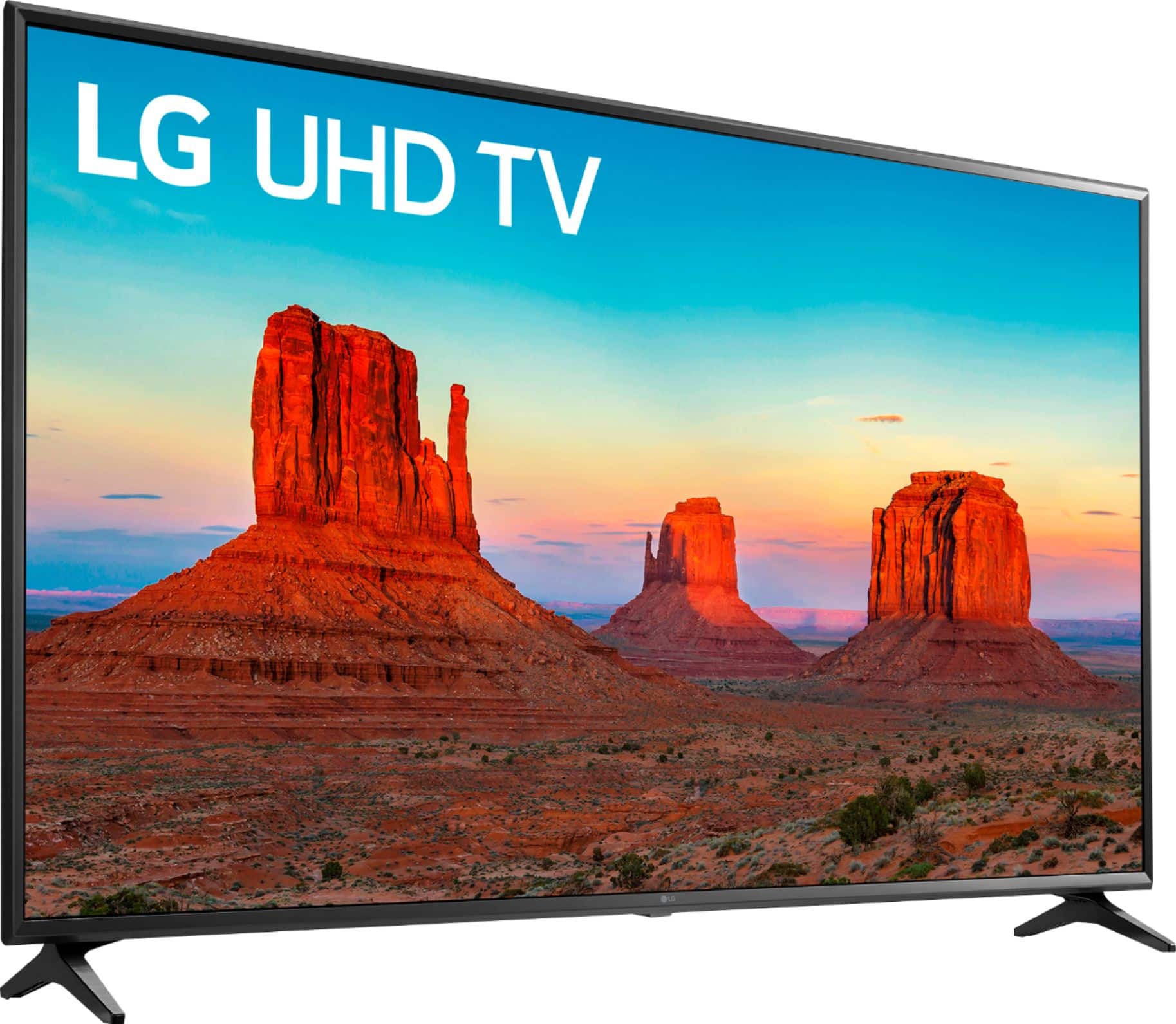
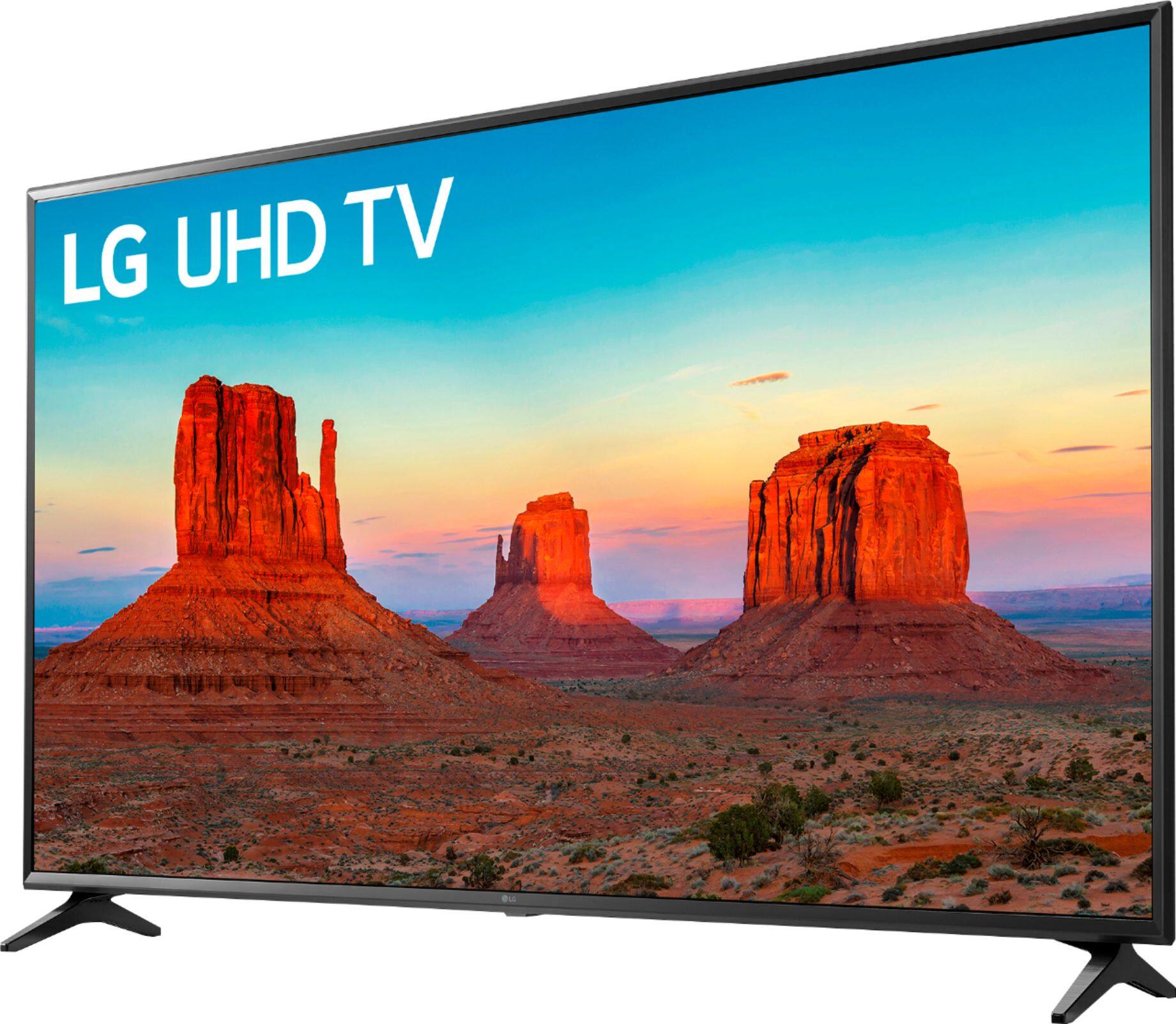
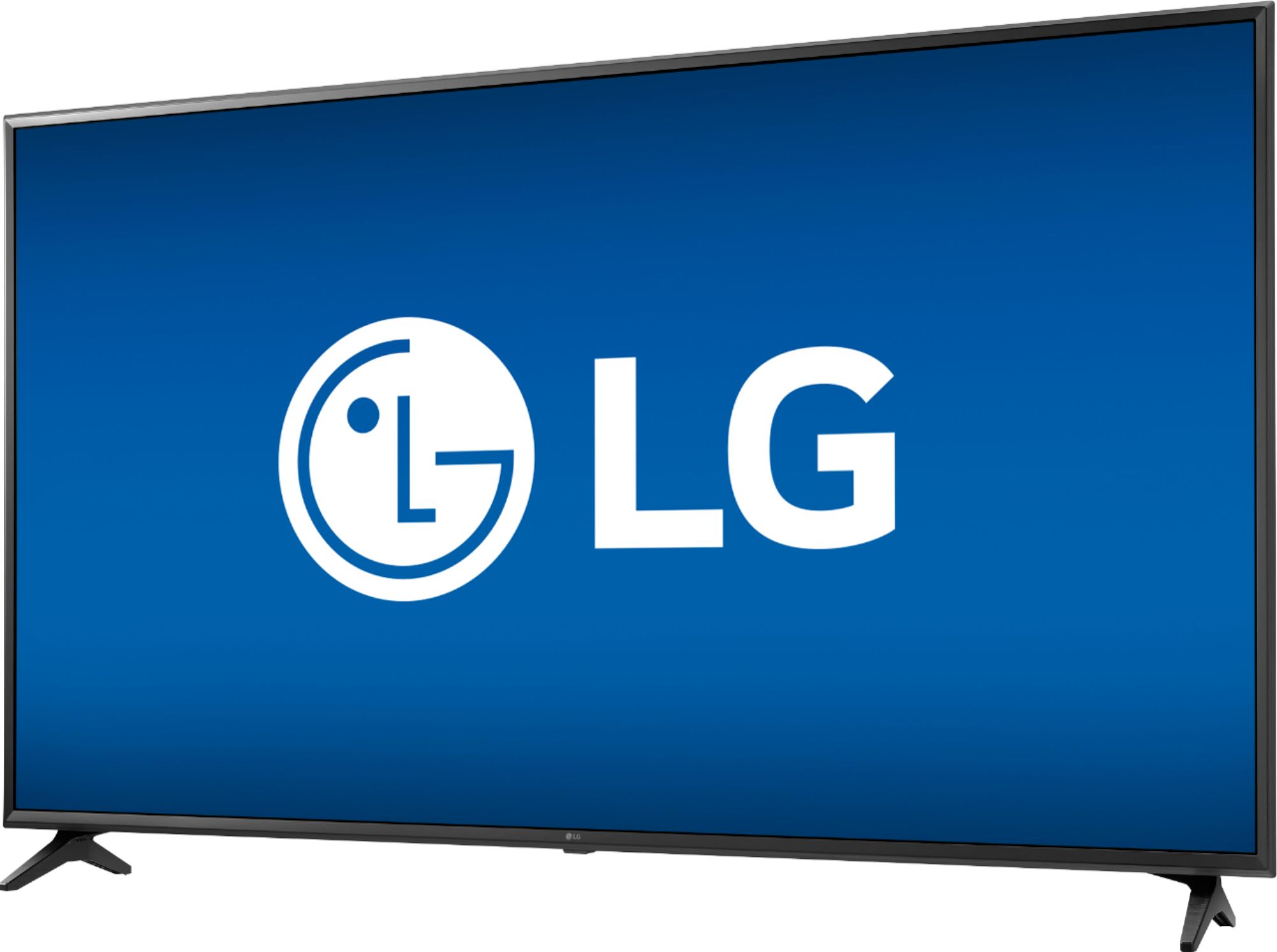
A:AnswerThe LG UK6090PUA 4K HDR Smart LED UHD TV - 65'' Class (64.5'' Diag), Model # 65UK6090PUA does not support Bluetooth so it is not compatible with the LG Magic Remote Control for Select 2018 LG AI ThinQ® Smart TV, Model # AN-MR18BA...^IFV
A:AnswerSo far almost the only thing I've watched is baseball and I am absolutely happy with the TV. You can see drops of sweat on the pitcher's nose. In slow mo you can see the seams of the ball as it spins. As I said in my review of the TV, it's a terrific value.
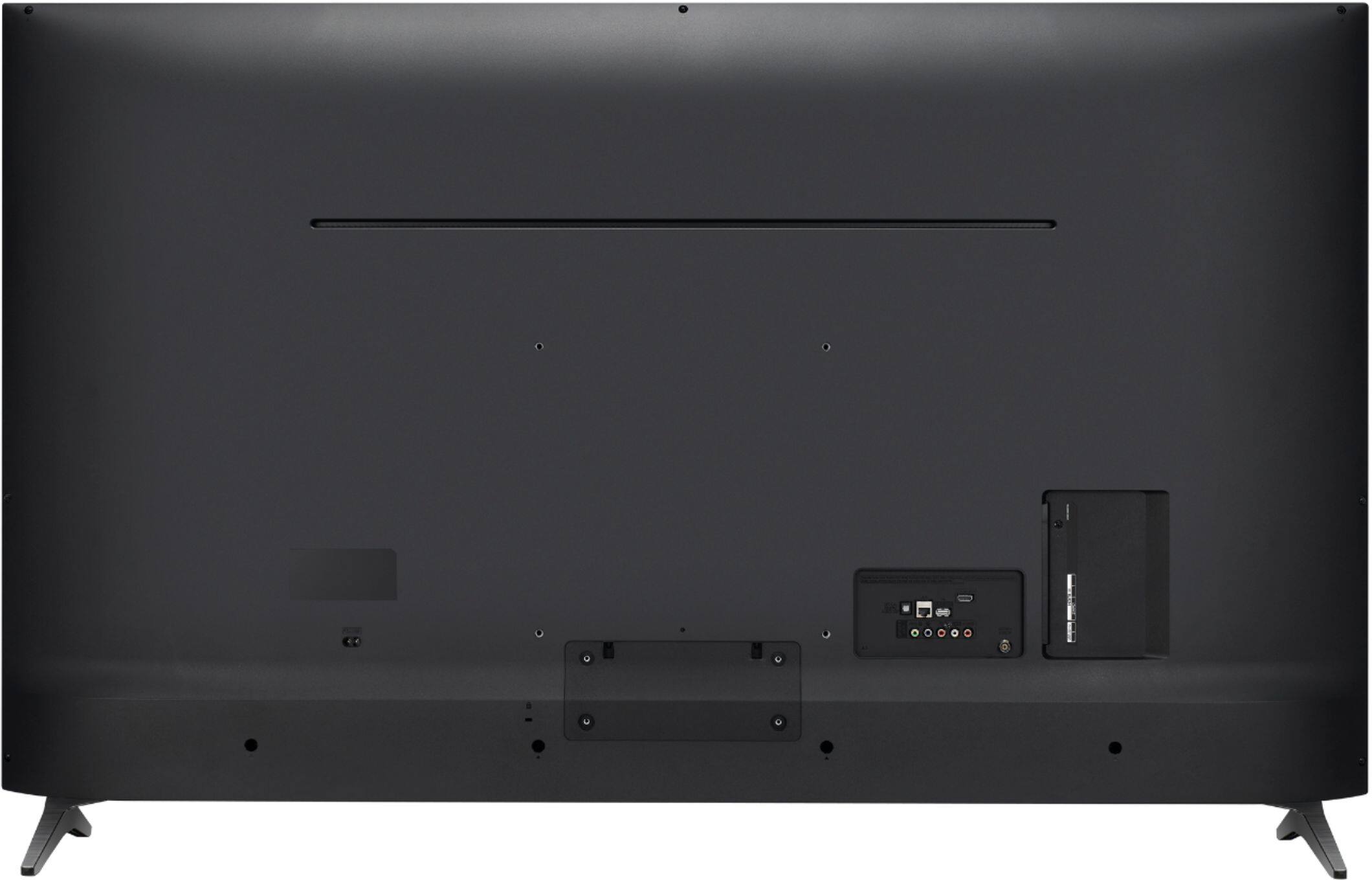
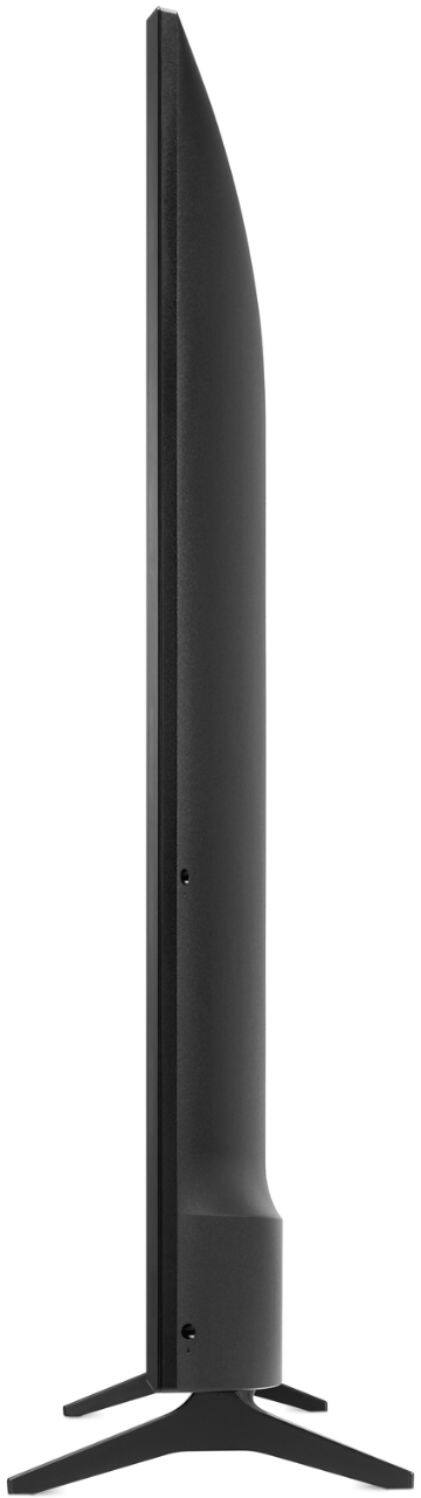
A:AnswerRegrettably, the stand legs that come as included accessories with this LG UK6090PUA 4K HDR Smart LED UHD TV - 65'' Class (64.5'' Diag), Model # 65UK6090PUA are the only type of stand that will fit on the TV for installing it on a TV stand. There are TV stands available that have a mount on them that you can mount the TV on so that the stand legs are not an issue if they are too wide for the TV stand. The TV has a VESA Wall Mount Interface pattern of 300 x 300 mm which can also be used to mount this TV on a TV stand that supports that pattern...^IFV
A:AnswerThe "K" in the model number for the LG - 65" Class - LED - UK6090PUA Series - 2160p - Smart - 4K UHD TV with HDR, Model # 65UK6090PUA identifies it as a 2018 model. As implied in the title description, it is the UK6090PUA series...^IFV
A:AnswerTV calibrations are done according to the room and environment that the TV is installed in. Even in the same house or apartment, no two rooms will have the same environment and will require their own individual calibrations, so calibration settings from someone else may not work for you for that reason. You can visit out site at https://www.lg.com/us/support/product-help/CT10000018-20150577528034-others to review settings that you can use on the LG UK6090PUA 4K HDR Smart LED UHD TV - 65" Class (64.5" Diag), Model # 65UK6090PUA and then tweak them depending on the environment it's in and to your personal taste...^IFV
A:AnswerThe 65UK6090PUA does have a full web browser. It does not have flash however. If you are in need of any assistance, have additional questions, or would just like to see our helpful tips, check us out on Twitter @LGUSSupport Facebook https://www.facebook.com/LGUSA/ or you can give us a call at 800-243-0000. ^CP