A:AnswerHello there, Oink. We understand your inquiry about enabling closed captions on your OLED77C5PUA while using an external device connected via HDMI.
In this model, the TV is capable of displaying closed captions when a signal containing the caption data is received through a digital broadcast or an external device. However, when the external device connected via HDMI does not transmit closed caption data, the TV itself cannot generate or display the captions on its own, as it is dependent on the source signal for this feature. We understand your inquiry about this specific feature, and your feedback is important, and we'd like to assist you further.
https://www.bestbuy.com/product/lg-77-class-c5-series-oled-evo-ai-4k-uhd-smart-webos-tv-2025/JJ8VPZTRLJ
If you have any further questions about this unit's features, please contact us on lgdigitalcare@lg.sprinklrsupport.com, and our team will be more than happy to assist you.
—Renzo
A:AnswerI hope you already found an answer, but just in case. I have the same TV and can see the purchase options in Amazon. As long as you are signed in to the TV app with a profile that has a payment method set up you should see an option to rent or buy movies etc. If you don't see the options, try setting up a payment method for your Amazon account on your phone, delete the TV app and start from scratch. Good luck.
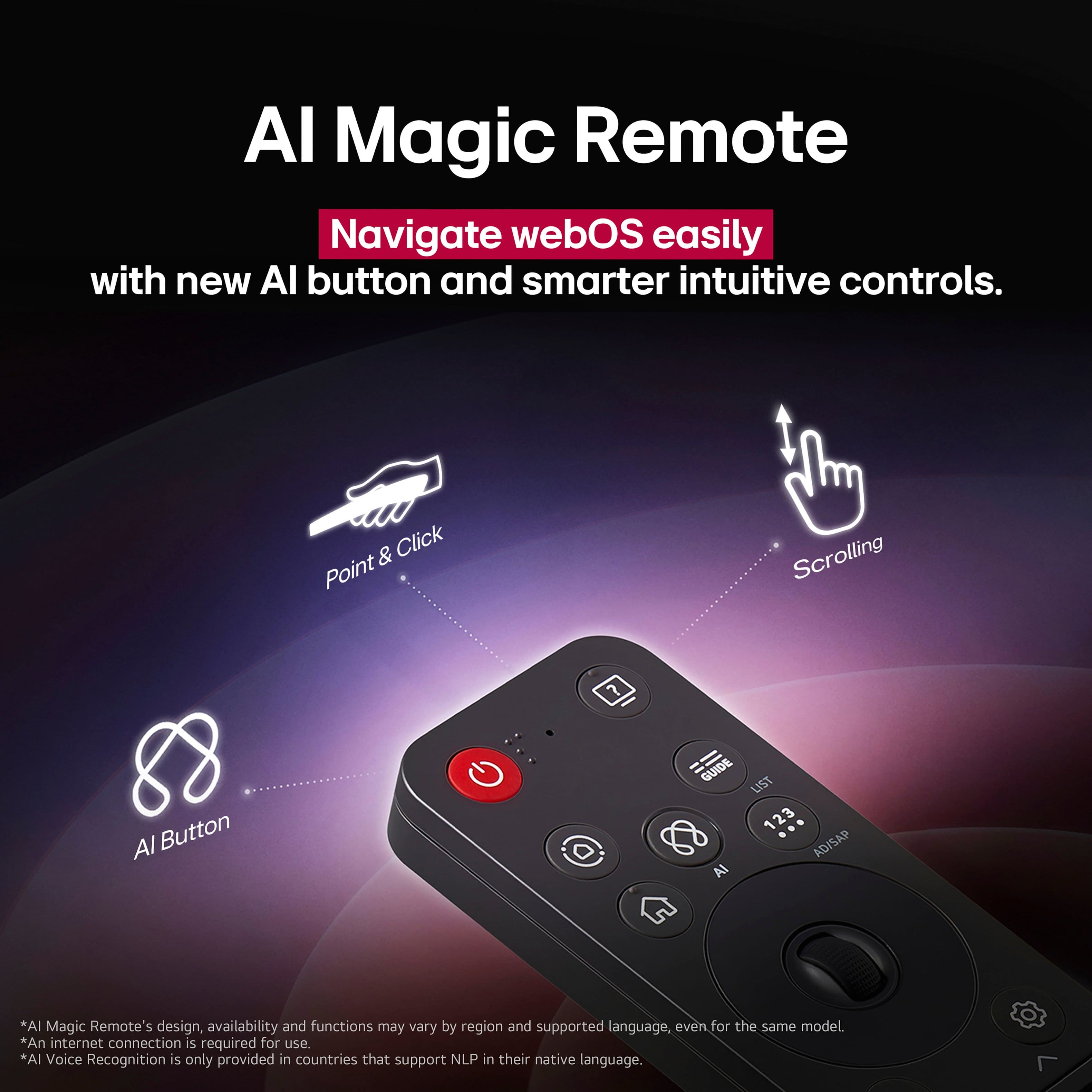
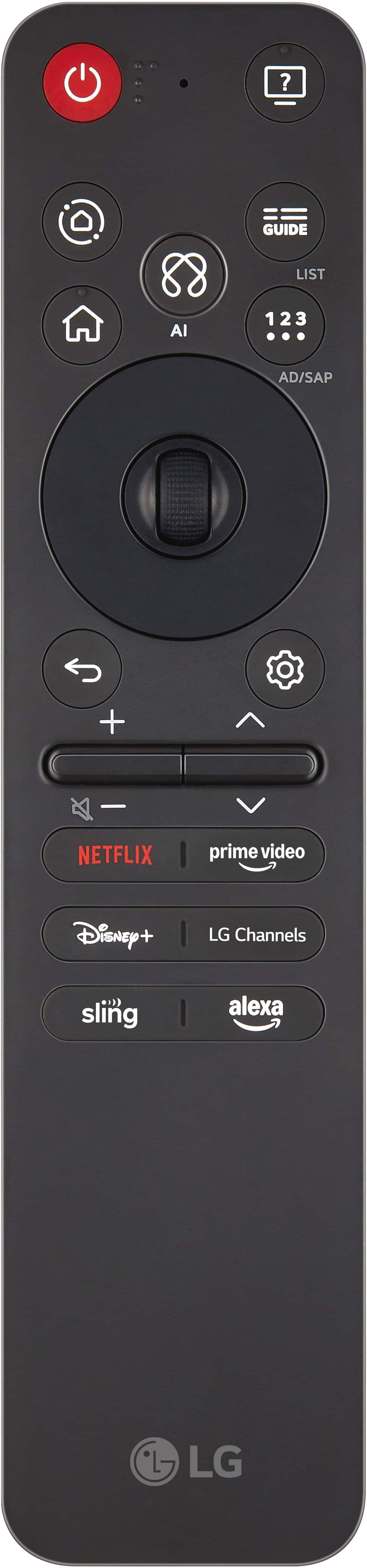
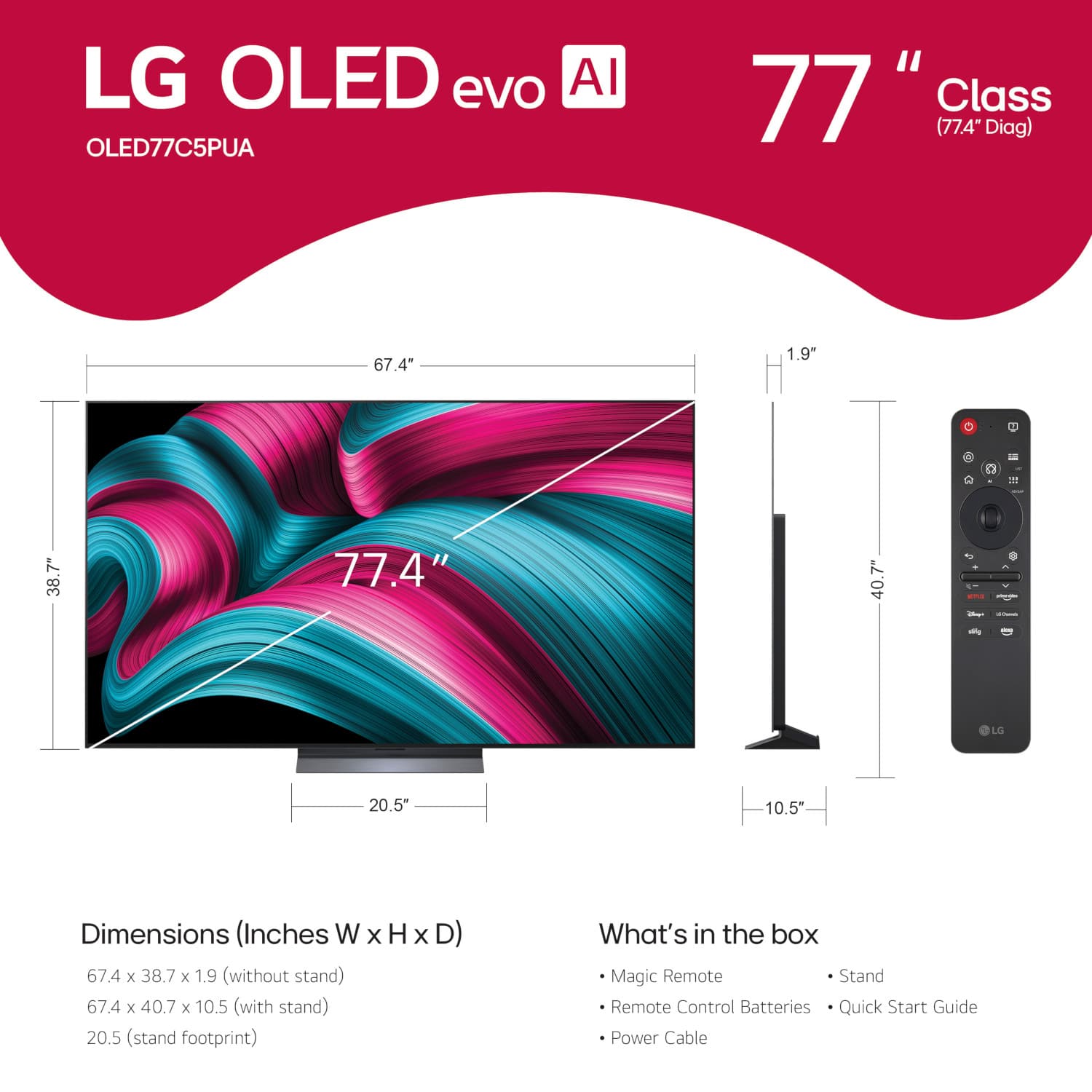
A:AnswerThe 2025 LG Magic Remote, Model # MR25GA is the only remote available for the LG 77" Class C5 Series OLED evo AI 4K UHD Smart webOS TV (2025), Model # OLED77C5PUA, that will give you full functionality on the TV.
Standard LG remote controls may work, but will only give you limited functionality with the TV...^Ivan.
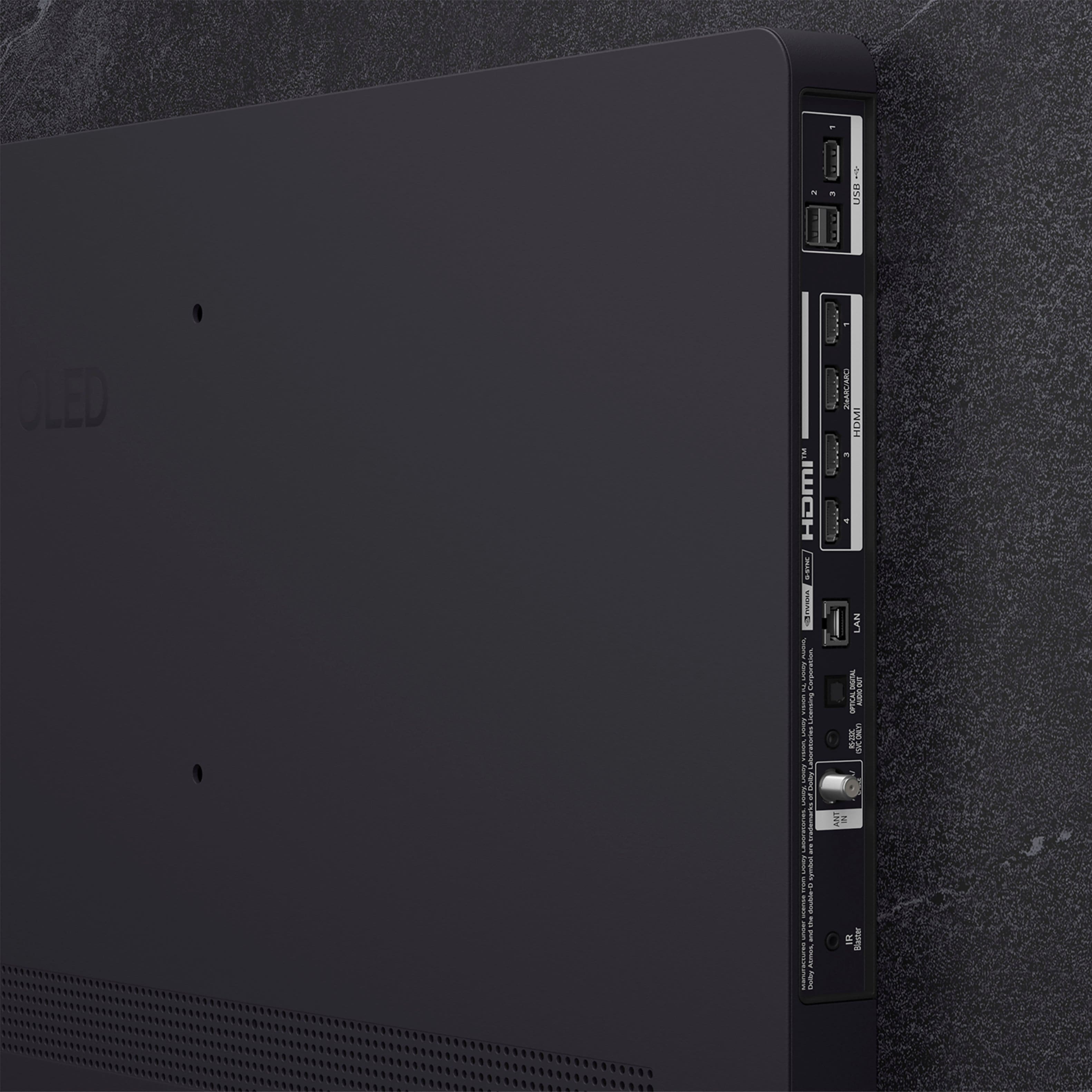
A:AnswerThe VESA-compliant mount that you use to mount the LG 77" Class C5 Series OLED evo AI 4K UHD Smart webOS TV (2025), Model # OLED77C5PUA, will determine what the minimum distance the TV will be from your wall.
The depth for VESA-compliant wall mounts will vary from one manufacturer to the next...^Ivan.
A:AnswerYou can contact Best Buy's Geek Squad about calibrations for the LG77" Class C5 Series OLED evo AI 4K UHD Smart webOS TV (2025), Model # OLED77C5PUA, or you can watch a video tutorial on YouTube [https://www.youtube.com/watch?v=asBWbkZSC-A] for the LG TV Calibration Guide (New for 2025) | Calman Ultimate Workflow Tutorial...^Ivan.
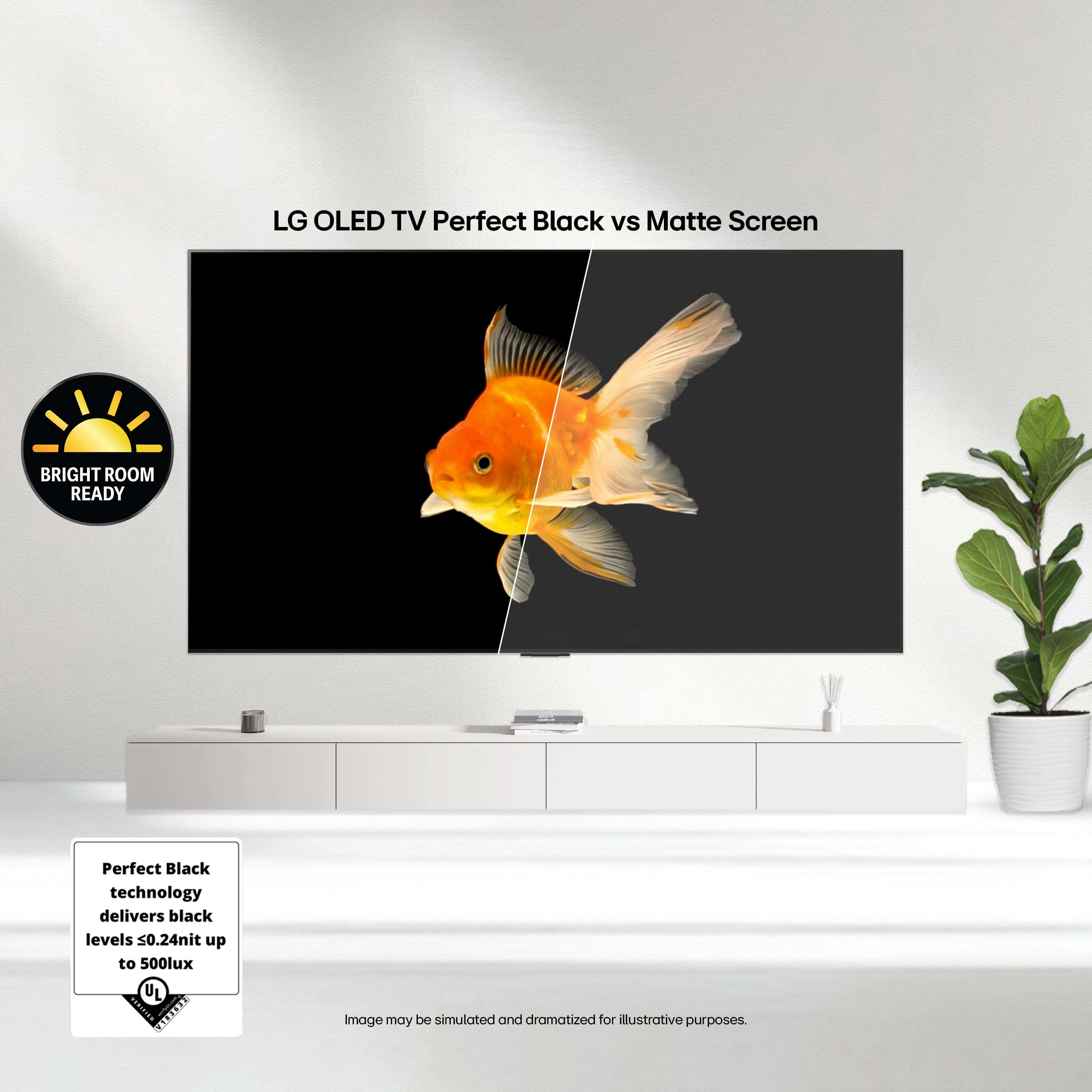
A:AnswerDepending on what type of mount you are using with the LG 77-inch Class LG OLED evo AI C5 4K Smart TV 2025, Model # OLED77C5PUA, t o minimize reflections and glare on the TV, you can position your TV away from windows and light sources to reduce direct sunlight or artificial light reflections.
Attaching a polarizing filter to your TV screen or windows can to help reduce glare by blocking light waves from specific angles.
You can apply anti-glare films to the TV screen to reduce reflections and maintain HD quality, or use ambient lighting in the room to create a balanced lighting environment, reducing the contrast between the TV screen and the surrounding area...^Ivan.
1
A:AnswerHello there, Seg. We understand your inquiry about the LG OLED77C5PUA, and we’re happy to clarify. You do not need to create an LG account or sign up for product registration in order to power on and start using your new TV. Right out of the box, the OLED77C5PUA’s webOS smart platform comes preloaded with popular streaming apps (like Netflix, Amazon Prime Video, Disney+, and YouTube) and lets you access over-the-air channels via the built-in tuner—no LG account is required for those basic functions.
However, if you would like to take advantage of additional benefits—such as accessing certain smart-home integrations (via LG ThinQ), registering for extended service plans, receiving firmware update notifications, or qualifying for special product offers—then registering your TV with LG is recommended. To do so, you simply visit the LG Product Registration page (LG Product Registration | Register Your Product | LG USA - https://www.lg.com/us/support/product-registration), sign in with an existing LG account (or create one at no cost), and enter your model information. Registering ensures that we can notify you about software updates, warranty extensions, or promotional programs tied to your OLED77C5PUA.
If you have any questions about registering, pairing your TV with LG ThinQ, or need guidance on app setup or firmware updates, please send us a private message on social media @LGUSSupport and our team will be more than happy to explore possible solutions together. We appreciate your patience and are here to help. —Renzo
A:AnswerTo disable Alexa on the LG 77" Class C5 Series OLED evo AI 4K UHD Smart webOS TV (2025)
Model # OLED77C5PUA, or on any LG Smart TV, press the Home button on the TV's remote control, navigate to the Settings option, select All Settings. choose General, select Alexa, then toggle the switch to turn off Alexa on the TV...^Ivan.
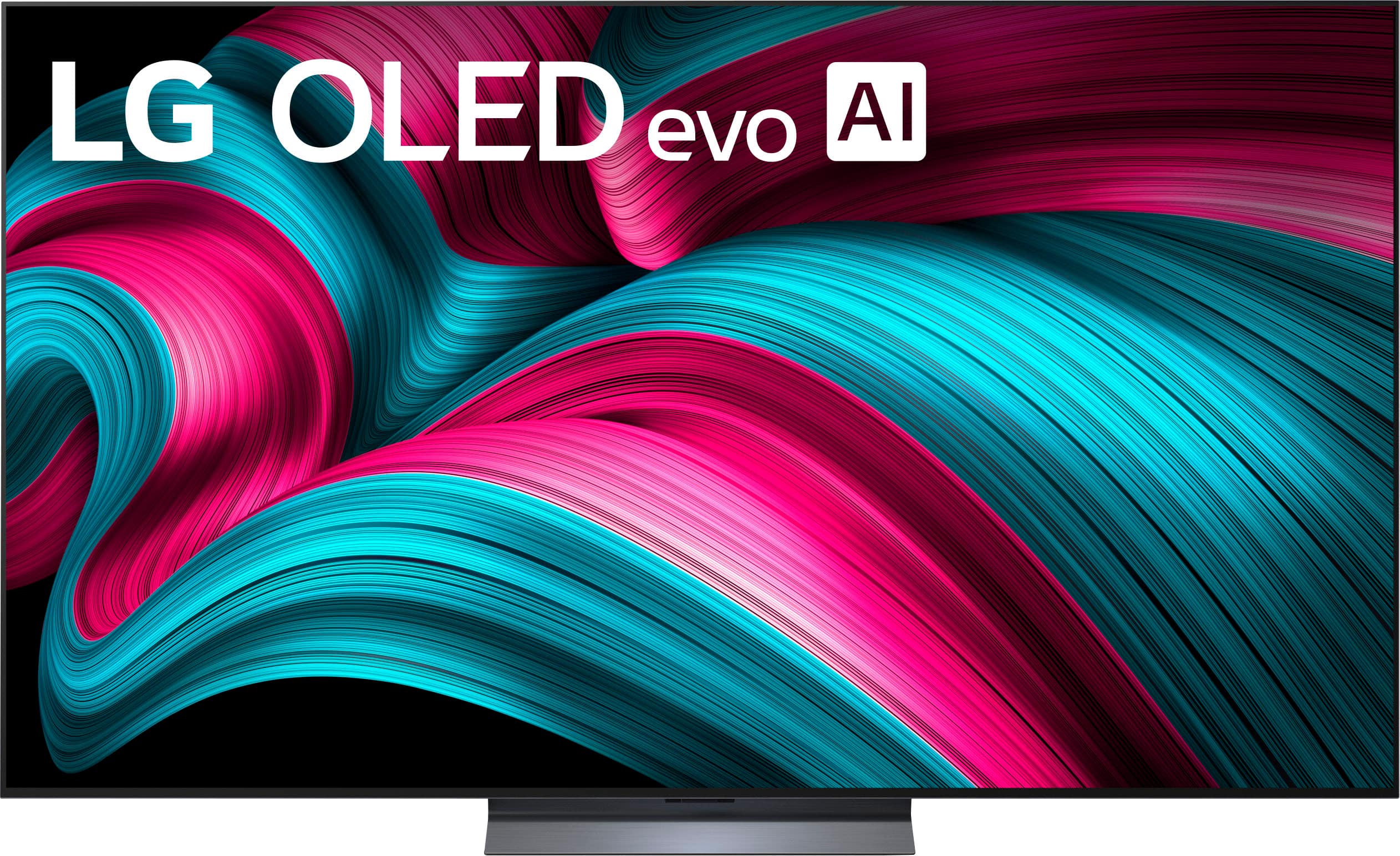

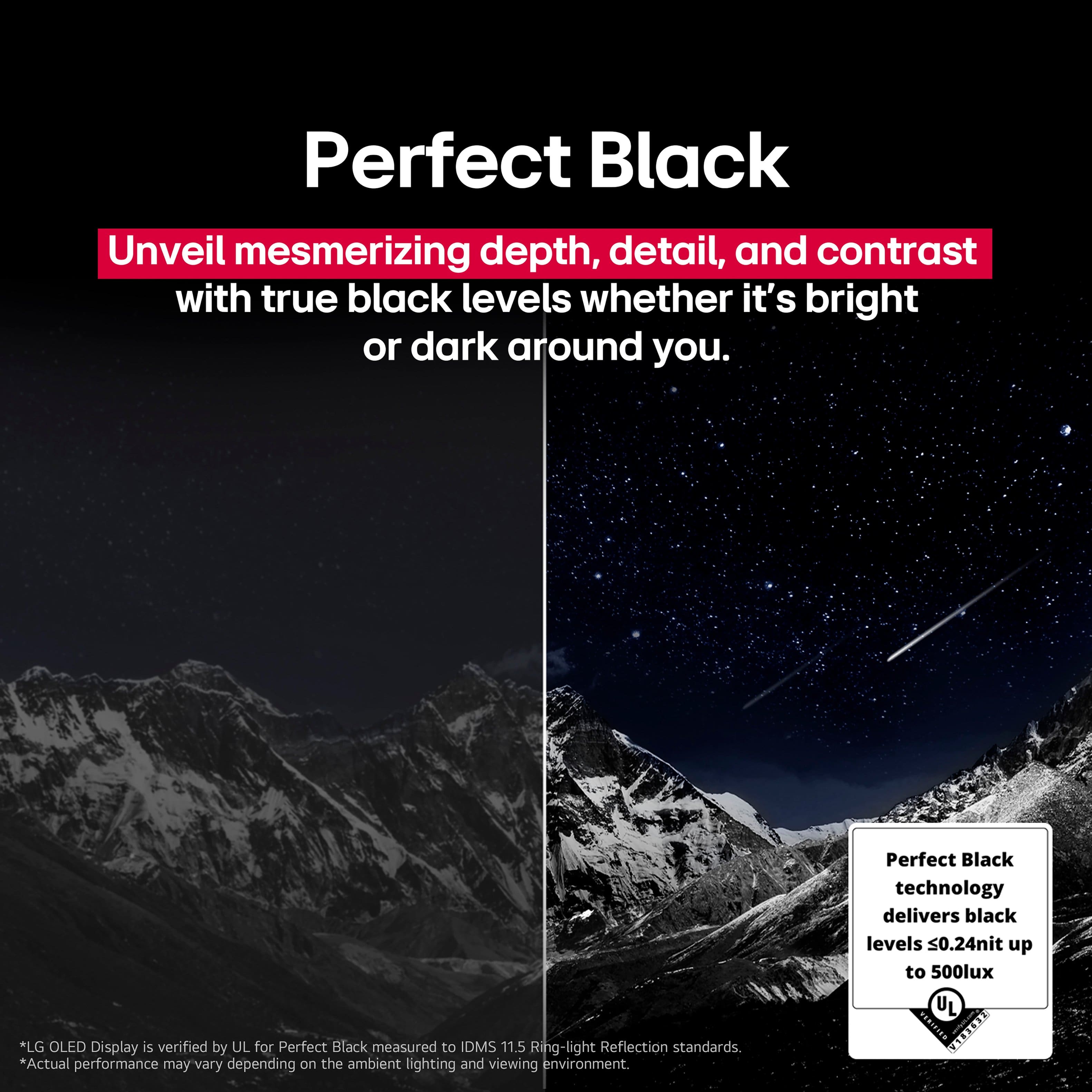
. Independently Tested for Quality and Workmanship CheckPlus: 100 % Color Volume to DCI-P3 oi PSSEANE Intertek [www.IntertekCheck.com](http://www.IntertekCheck.com). 100% Color Fidelity and '100% Color Volume to DCI-P3' applies to 2025 OLED TVs. *LG OLED Display is verified by UL for Perfect Color measured to IDMS 11.5 Ring-light Reflection standards. *100% Color Volume is defined as the performance of display which is equal or greater than the size of DCI-P3 standard color volume as verified independently by Intertek. *The LG OLED Panel is certified by Intertek for 100% Color Fidelity, measured to IDMS 11.5 Ring-light Reflection standards.](https://pisces.bbystatic.com/image2/BestBuy_US/images/products/3661ed5e-8d92-47a9-baef-65aa6eb5dcb9.jpg)