A:AnswerDVD players do not have protections against what you are planning on using it for. The protections DVD players have is Cinavia protection which prohibits copying or burning copyrighted movies to DVD and trying to play them in a DVD player. ^CP
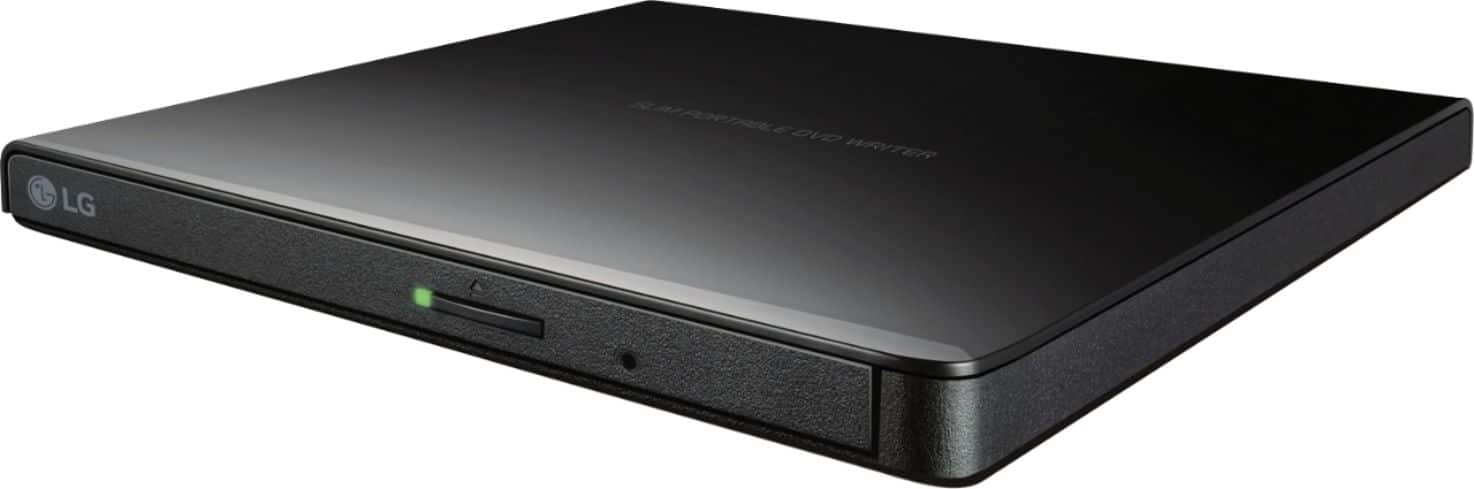
A:AnswerThe LG Ultra-Slim Portable DVD Burner & Drive with M-DISC™ Support, Model # GP65NB60 receives its power through the USB port. You will need to make sure that your USB ports on the Surface 3 can supply enough power to drive the unit or use a powered USB hub...^IFV
A:AnswerI am running YOGA 300 11BR notebook with only 2GB RAM and Windows 10 home, no CD Drive.....Sluggish machine!
But the drive has connected immediately, no hick-ups and is working just fine...
A:AnswerI would imagine not. Never hear of android recognizing external usb devices other than usb hard drives or thum drives. The tablet would have to have built-in driver support for the dvd drive.
A:AnswerThis drive is compatible with the following operating systems: Windows 8.1, Windows 8, Windows 7, Windows Vista, Windows XP, Windows Server 2008, Windows Server 2003 and Mac OS X(10.7.5). ^Daphane
A:AnswerThis unit is able to both read and write CDs and DVD discs. If you are in need of guidance with using this disc drive, please give our computer specialists a call at 800-243-0000. The LG Community Forum is also a great resource for getting help from other LG customers: https://lgcommunity.us.com/
A:AnswerThis drive is compatible with the following operating systems: Windows 8.1, Windows 8, Windows 7, Windows Vista, Windows XP, Windows Server 2008, Windows Server 2003, Mac OS X(10.7.5). ^CP
A:AnswerHello Kenneth,
To answer your question the cable that comes with the DVD writer is USB 2.0 type A (this is the end that connects into your computer) and the other end that connects into the DVD Writer is a USB type B mini. The overall length is right around 2 feet. You could use a USB 3.0 or USB 2.0 extender. I personally use a USB 3.0 extender for mine.
Hope this helps you Kenneth!
Sincerely,
Brian