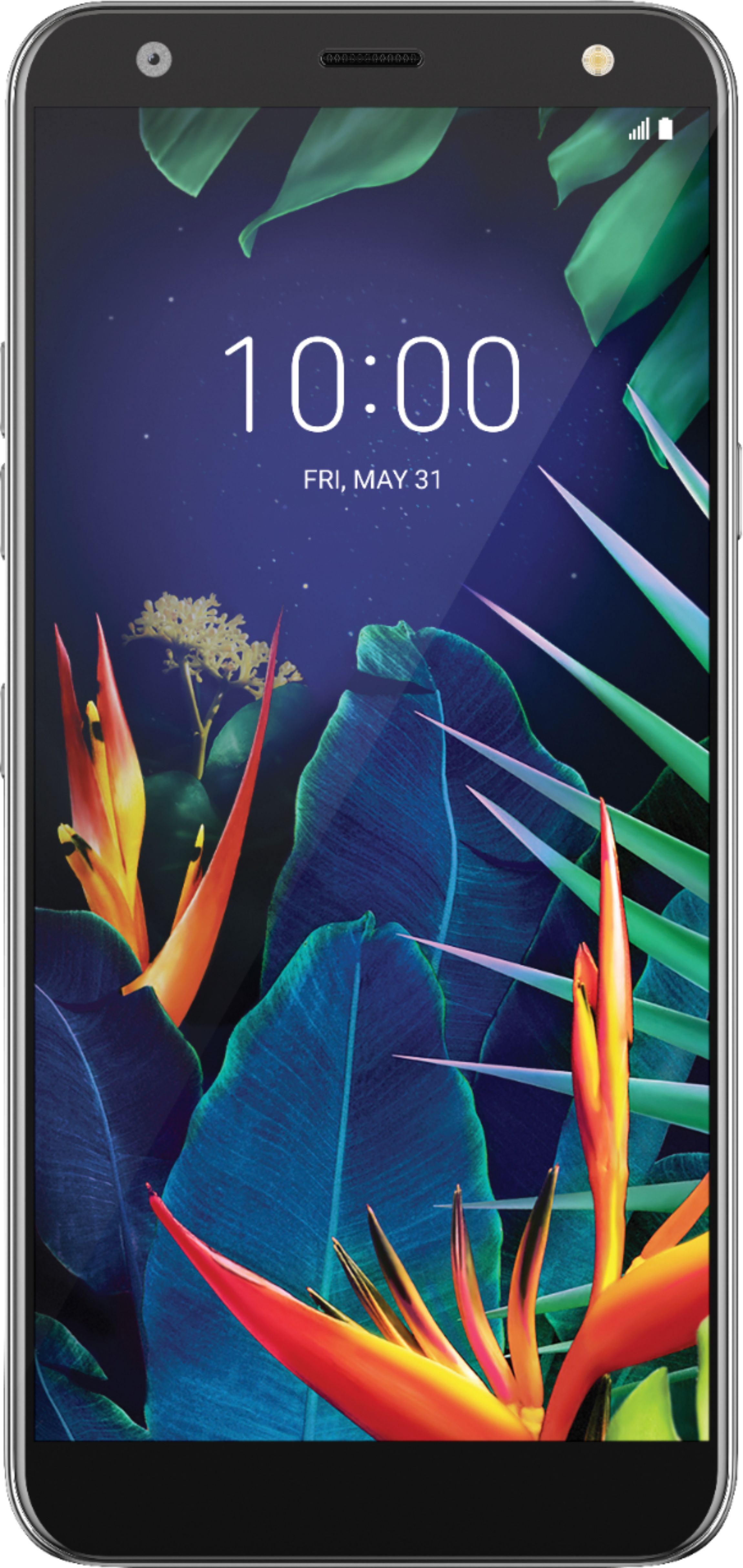
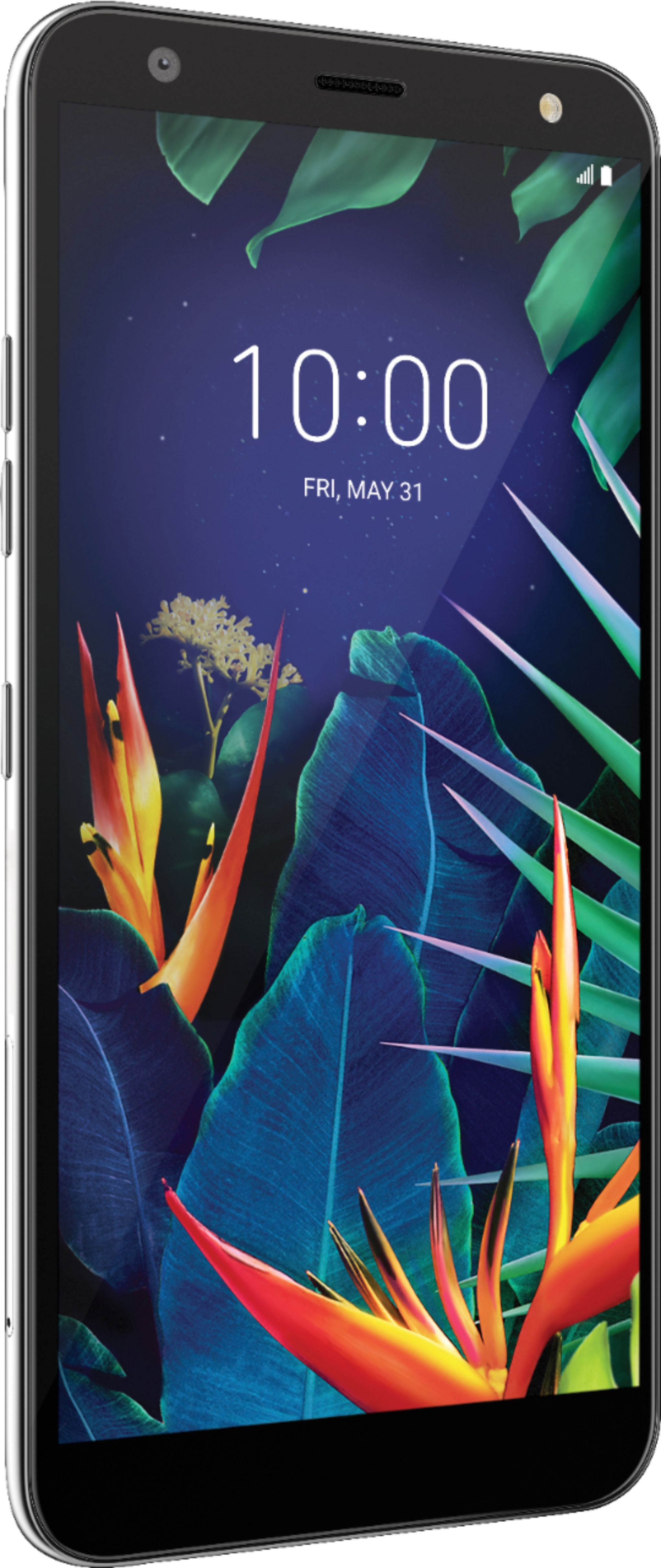
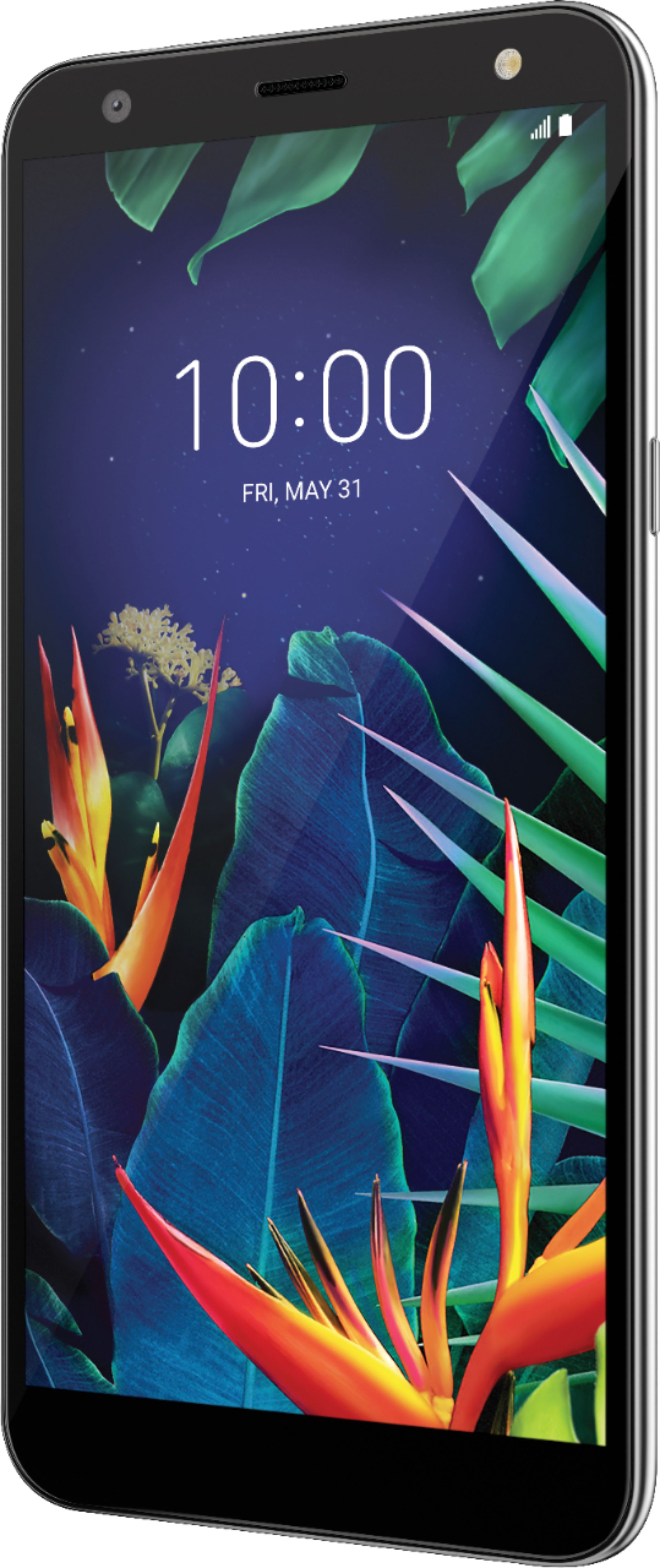
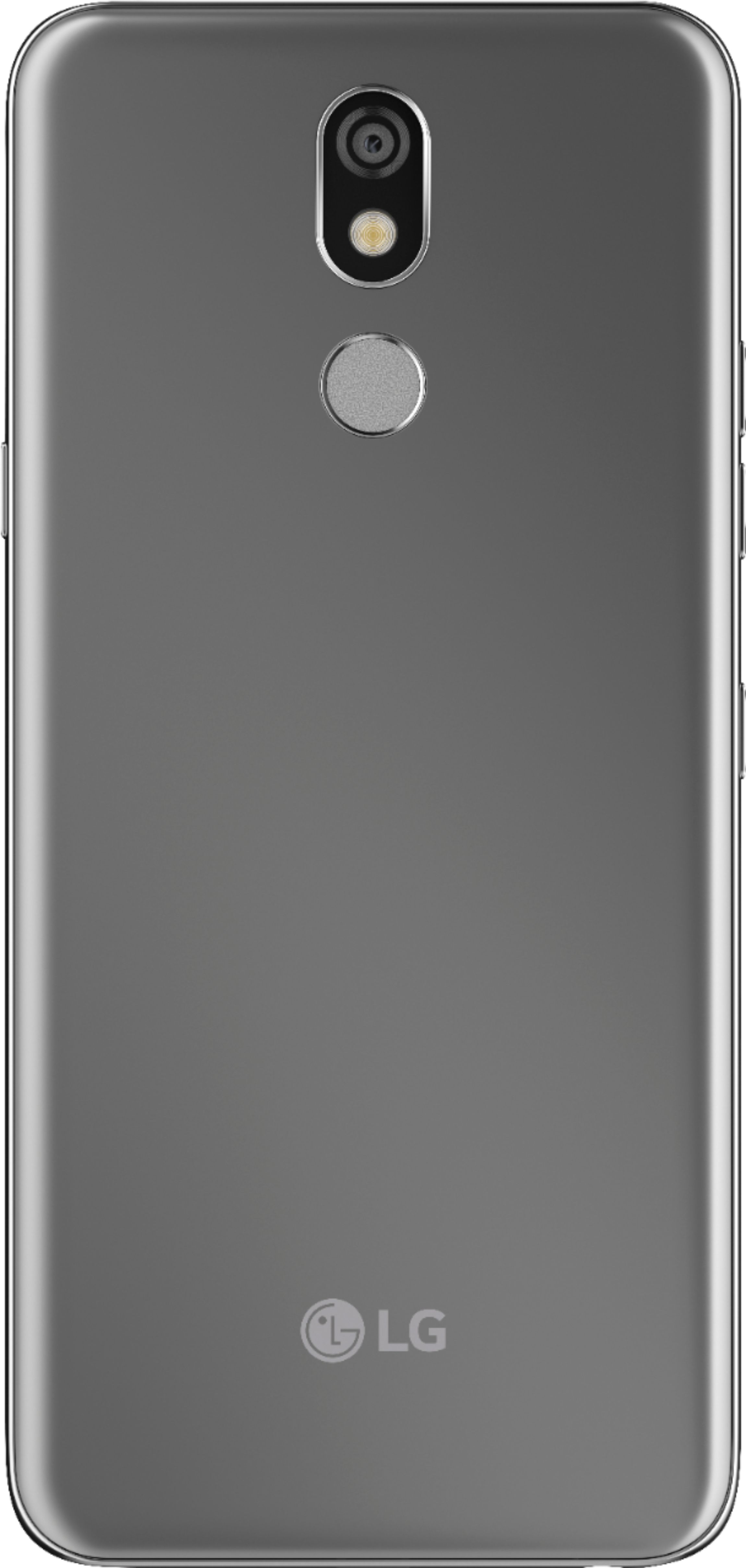
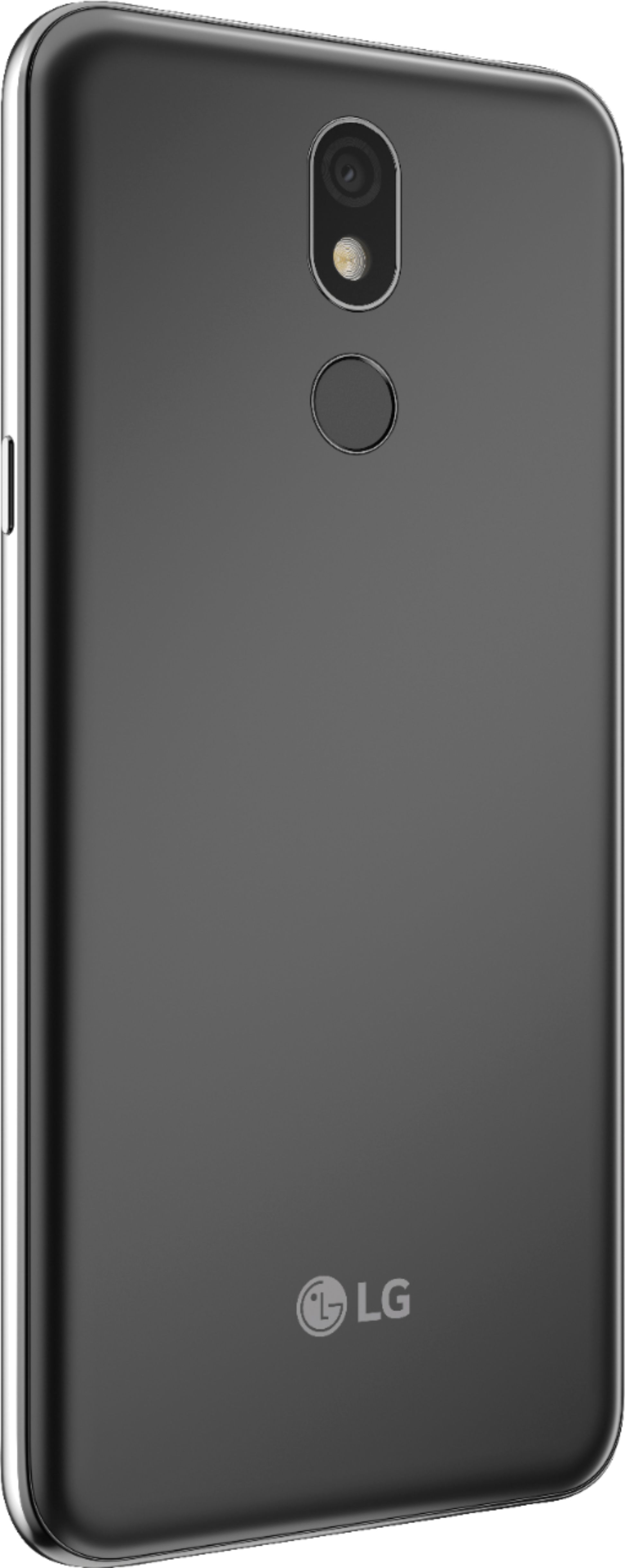
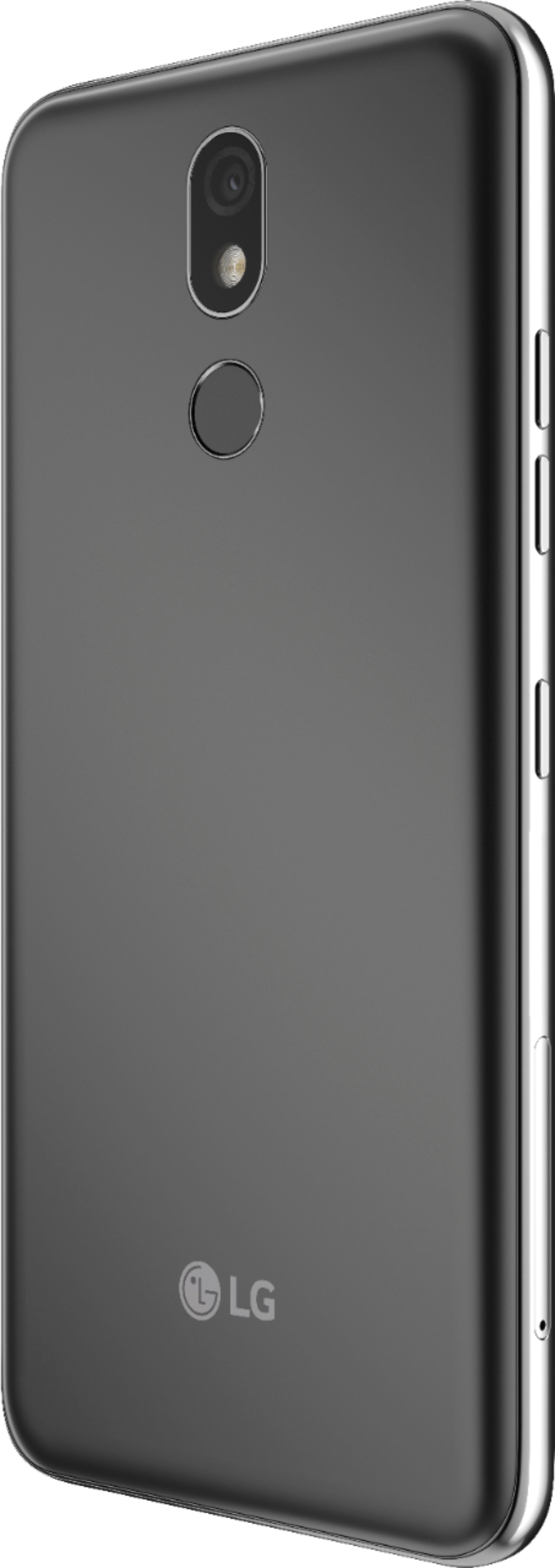
A:AnswerThe LG - K40 with 16GB Memory Cell Phone (Unlocked), Model # LMX420QN has been tested and rated for use with hearing aids for some of the wireless technologies that it uses. However, there may be some newer wireless technologies used in this device that have not been tested yet for use with hearing aids. It is important to try the different features of this device thoroughly and in different locations, using your hearing aid or cochlear implant, to determine if you hear any interfering noise. This mobile phone has a Hearing Aid Mode that, when activated, may reduce interference with some hearing aid models. The phone has an M3/T3 rating. The ratings are not guaranteed. Results will vary depending on the user’s hearing device and hearing loss. If your hearing device happens to be vulnerable to interference, you may not be able to use a rated device successfully. Trying out the device with your hearing device is the best way to evaluate it for your personal needs...^IFV
A:AnswerThere is a power button on the right side of the phone, you have to long press it and the buttons for "Power Off", "Power Off & Restart", an "Turn on Airplane Mode" comes on.
Hope this helps.
A:AnswerTo set up and connect your Oculus Go to Wi-Fi, you'll need to download the Oculus app on your mobile phone. The Oculus app runs on any Android phone running software version 6.0 Marshmallow or higher. Your phone must be connected to Wi-Fi and have Bluetooth turned on in order to set up your Oculus Go. The LG - K40™ with 16GB Memory Cell Phone (Unlocked), Model # LMX420QN runs on Android 8.1 (Oreo)...^IFV
A:AnswerThis phone comes with the following: LG K40 with 16GB Memory Cell Phone (Unlocked), USB cable,
Travel adapter, SIM tray ejector, Owner's manual. It does not come with headphones. If you need assistance with finding a phone that fits your needs best, you can contact our Customer Support by any of the below options:
Phone: 1-800-243-0000
LiveChat: https://www.lg.com/us/support/chatbot
Email: https://www.lg.com/us/support/email-appointment
Facebook Messenger: https://www.facebook.com/LGUSA/
Twitter DM: @LGUS
The LG Community Forum is also a great resource for getting help from other LG customers: https://lgcommunity.us.com/ ^CP
A:AnswerFor casting, we recommend using a Chromecast type device. If you have additional questions, you can contact our Customer Support by any of the below options:
Phone: 1-800-243-0000
LiveChat: https://www.lg.com/us/support/chatbot
Email: https://www.lg.com/us/support/email-appointment
Facebook Messenger: https://www.facebook.com/LGUSA/
Twitter: @LGUSSupport
The LG Community Forum is also a great resource for getting help from other LG customers: https://lgcommunity.us.com/ ^CP
A:AnswerPlease see the link for a side-by-side comparison of available specifications for both units. ^Daphane https://www.lg.com/us/compare/comparePrint?bizType=B2C
A:AnswerPlease contact LG Customer Support by direct message via Twitter (@LGUSSupport) or Facebook Messenger (https://www.facebook.com/LGUSA/). Please be sure to provide your name, phone number, address, email, model/serial numbers, and date of purchase and we will be happy to assist you. Mobile Communications will be better able to assist you. We apologize for any inconvenience this has caused ^Daphane