A:AnswerThis unit has a regional code printed on the rear of the unit. This unit can play only BD-ROM or DVD discs labelled same as the rear of the unit or “ALL”. ^CP
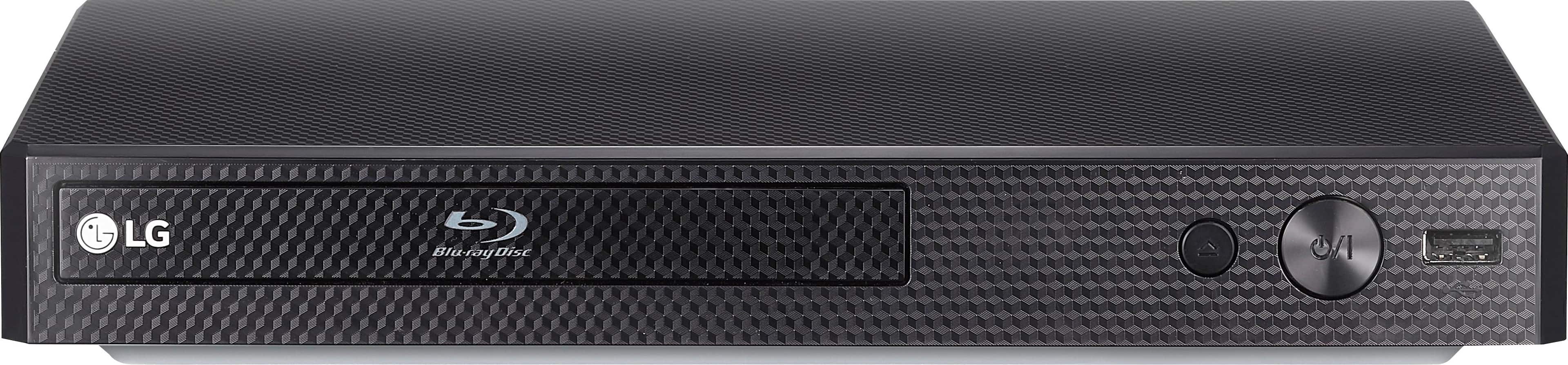
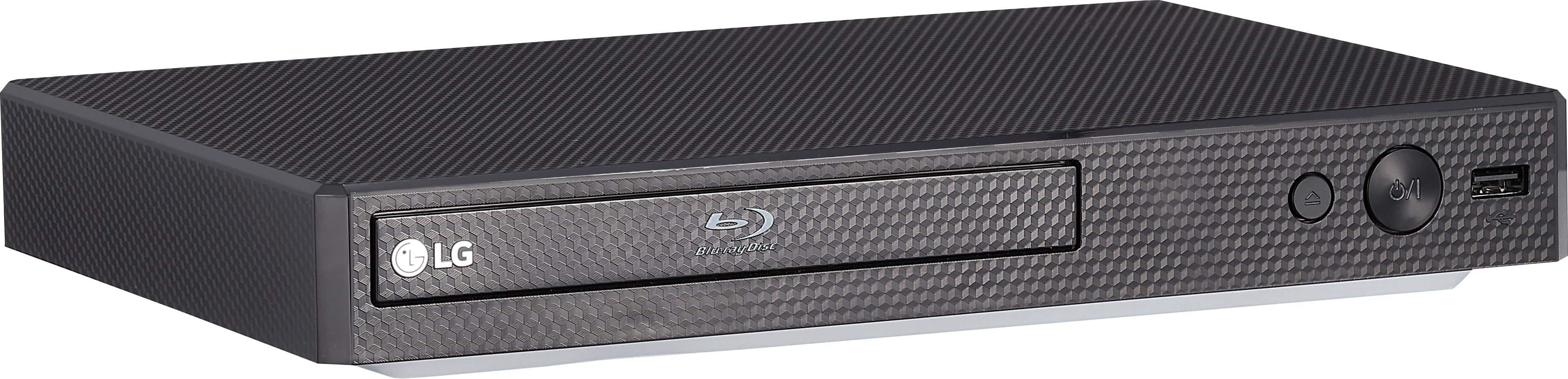
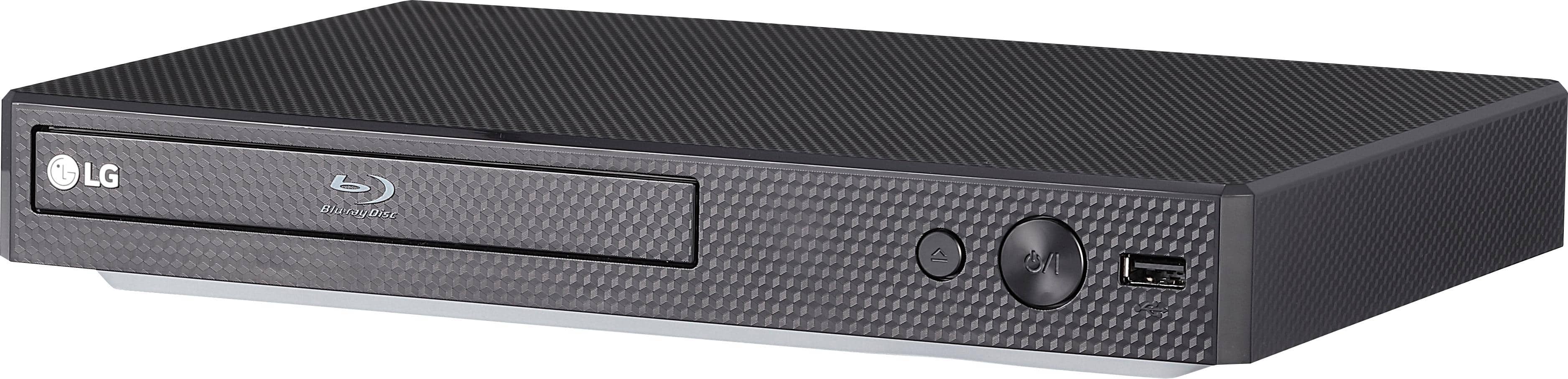
A:AnswerThe USB input on the Blu-ray player can be used with a USB thumb stick for playing movies,photos or audio. If you need assistance, you can contact our Customer Support by any of the below options:
Phone: 1-800-243-0000
LiveChat: https://www.lg.com/us/support/chatbot
Email: https://www.lg.com/us/support/email-appointment
Facebook Messenger: https://www.facebook.com/LGUSA/
Twitter: @LGUSSupport
The LG Community Forum is also a great resource for getting help from other LG customers: https://lgcommunity.us.com/
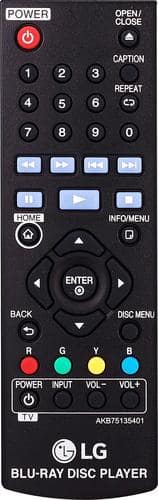
A:AnswerThe remote control for the LG Blu-ray Disc™ Player with Streaming Services, Model # BP175 has a back button on it that allows you to return to the previous screen. Please contact our Support Representatives at (800) 243-0000 if you need assistance connecting the unit to your network...^IFV
A:AnswerThis unit has a regional code printed on the rear of the unit. This unit can play only BD-ROM or DVD discs labelled same as the rear of the unit or “ALL”. ^CP
A:AnswerFyi, I solved my problem by connecting the port for the blu ray to HDMI1 on the TV, and swapped the Comcast cable box to HDMI3. Not sure why this made a difference, but the picture is fine now!
A:AnswerYes I this plays DVD’s which is why I bought it. Although I have not tried the Blu-Ray. You should buy good HDMI cables unless you already have those. They are pricey but it’s better picture/sound.
A:AnswerYes, the player has USB playback. Before connecting to PC to play a file, SmartShare PC Software should be installed on your PC. SmartShare PC Software is for sharing video, audio and photo files stored on your computer to this unit as a DLNA-compatible digital media server. ^Daphane