A:AnswerI'm pretty sure that this drive will only record one show at a time. It may be able to record more than one show per disk, depending on how long the shows are, but only one at a time.
A:AnswerPower cable is part of your power supply unit. SATA cable is also needed to connect the DVD to the motherboard. You can purchase it or you may already have one.
A:AnswerI do not know of any way to input a vhs signal directly to this dvd drive; it’s attached to the motherboard of the computer. I used to use a product by a company called Go Video to transfer vhs to dvd, but I don’t know if the company is still in business. The Go Video had both vhs and dvd slots and you could transfer directly one to the other.
A:AnswerThis device is made only for internal mounting in a desktop computer, it requires computer power and needs.a SATA connection, neither of which can be connected to a receiver. The answer is no.
A:AnswerBlu-ray discs do not use either PAL or NTSC coding but rather are in the 1080p (p: pixels, of vertical resolution) worldwide high definition standard. For assistance with your disc drive, please give our computer specialists a call at 800-243-0000. ^CP
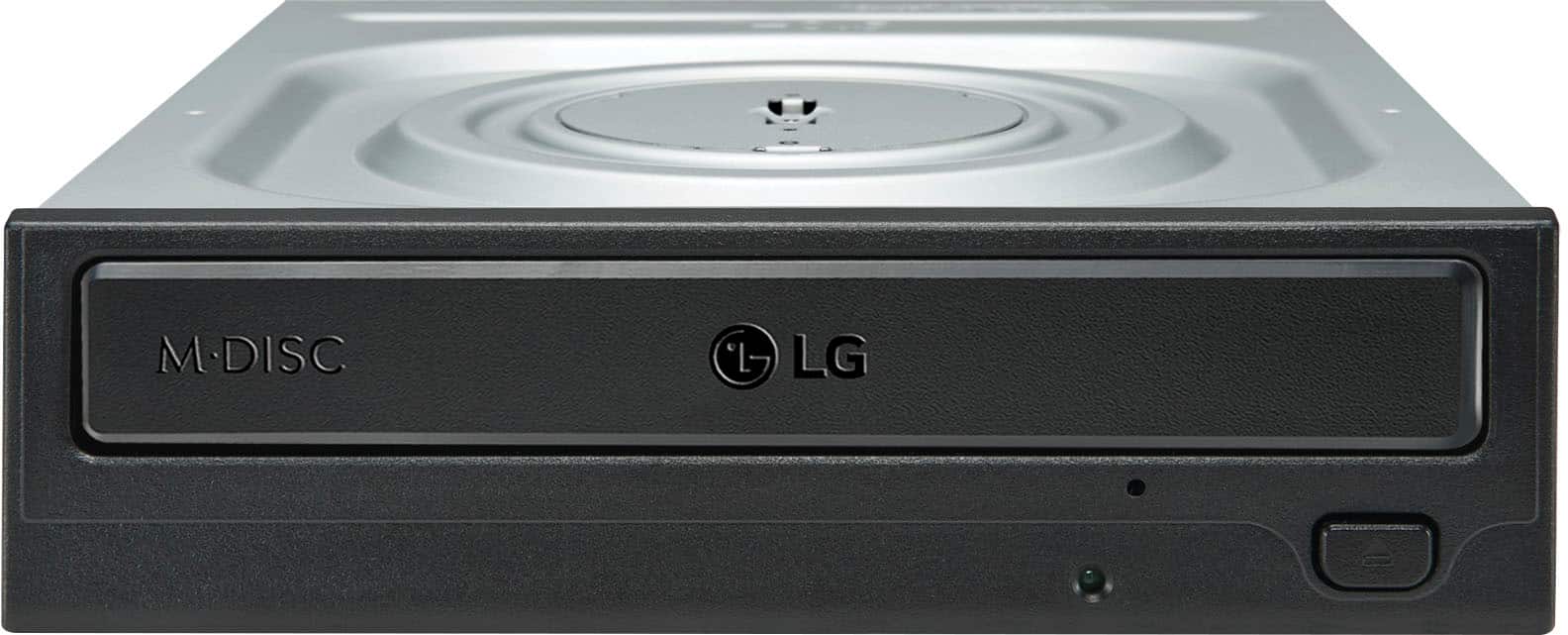
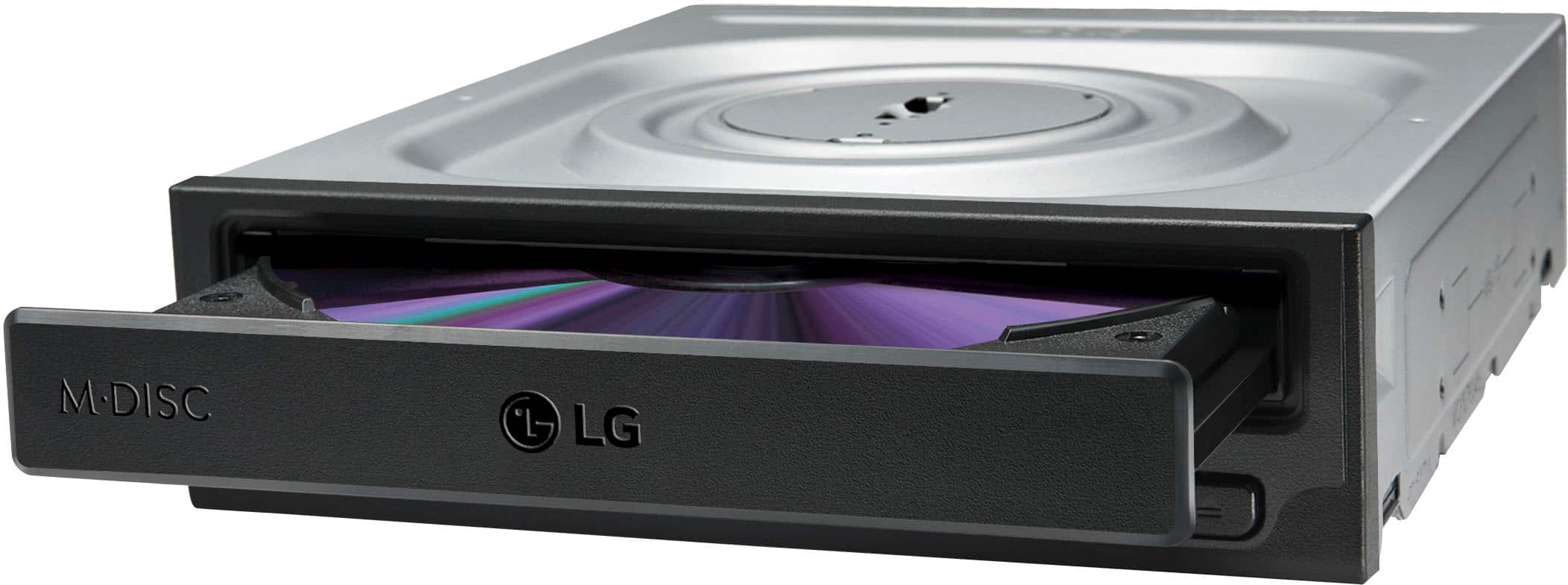
A:AnswerThe specifications for the LG Internal 24X DVD Rewriter with M-DISC™ Support, Model # GH24NSB0 on its product page on the company site at https://www.lg.com/us/burners-drives/lg-GH24NSB0-internal-dvd-drive list this drive as being compatible with Windows Vista™, Windows XP, Windows 7, and Windows 8 Operating Systems...^IFV
A:AnswerThe LG - Super-Multi 24x Internal DVD±RW/CD-RW Drive - Black, Model # GH24NSB0 is an internal drive that has to be connected to the SATA power Cable in your PC...^IFV
A:AnswerI apologize, the page refreshed, and I answered the question for a Logitech Harmony without realizing you were asking about the DVD/CD-RW. It says in the instructions that it requires Windows, but if it doesn't work you can always return it. I wish I could be of assistance, but I do not own a Mac at the moment.