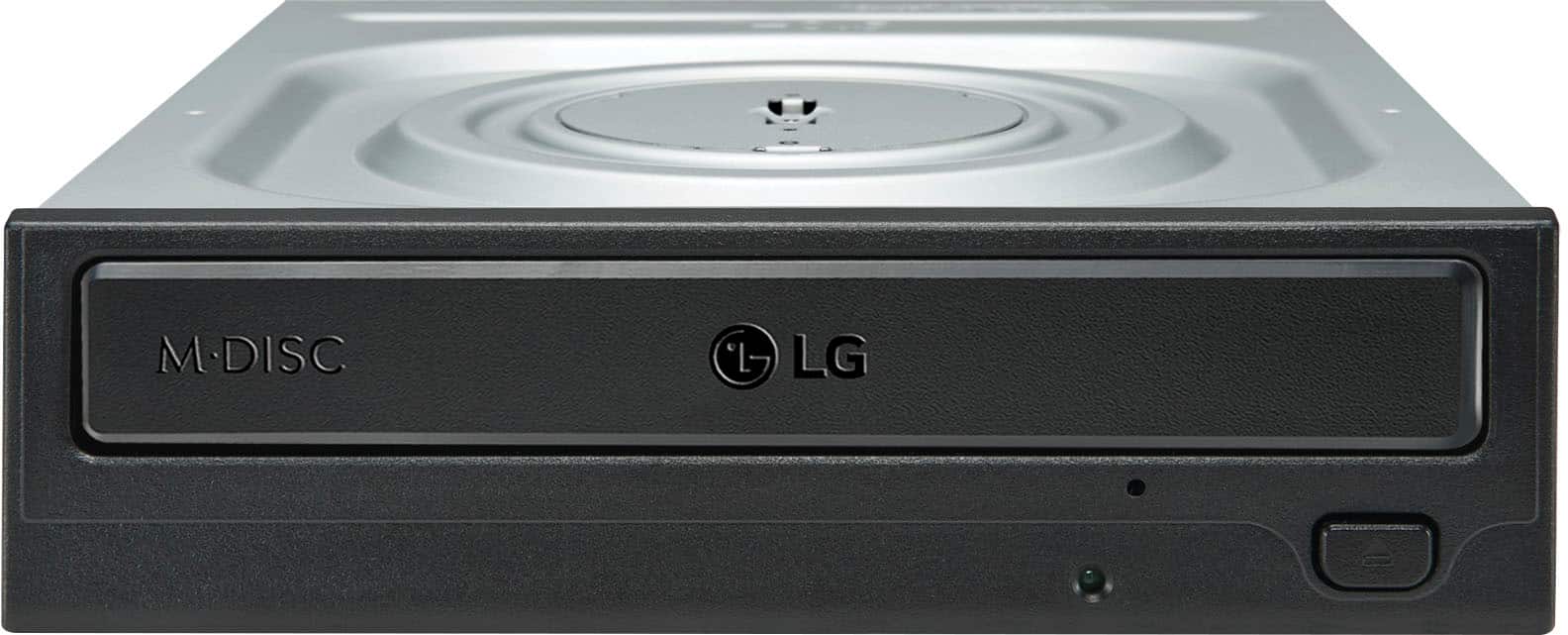
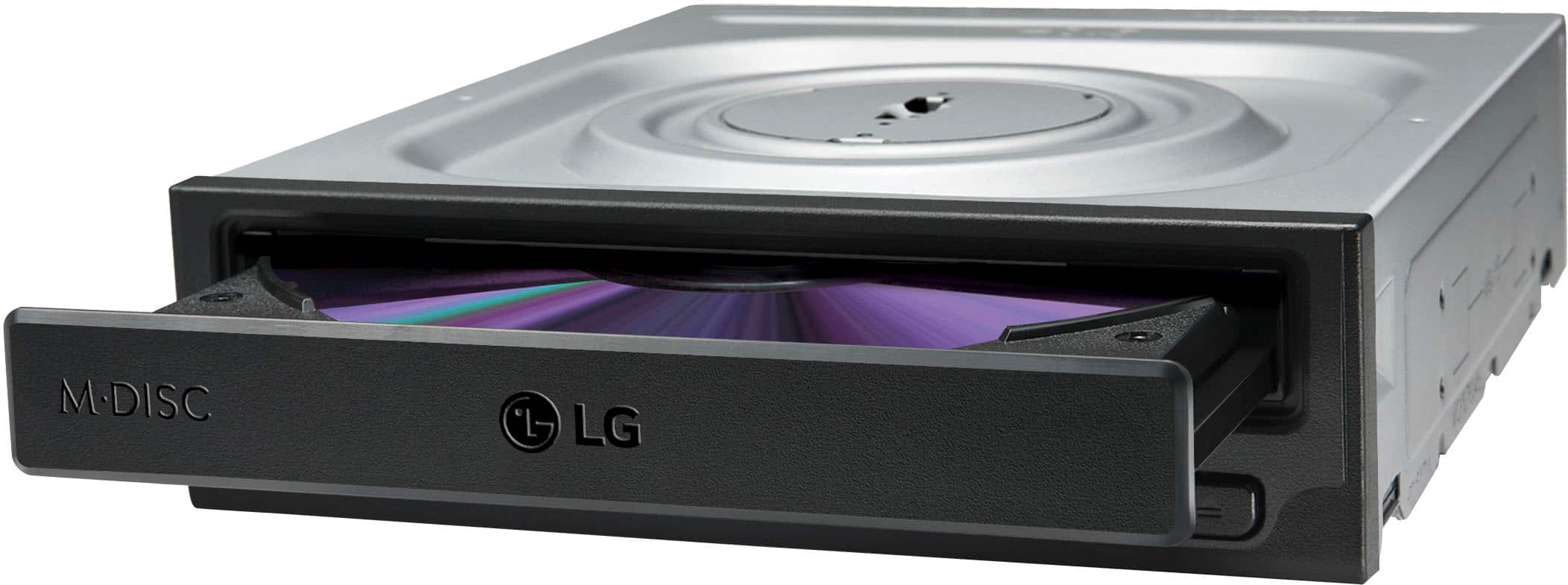
A:AnswerYes, this drive can be used with Windows 10. If you have additional questions regarding the drive, please give our computer specialists a call at 800-243-0000. ^CP
A:AnswerNo, this drive has only two connections on the back: 1) SATA cable connection 2) connection for power input. It is not meant to be used as a portable audio player
A:AnswerThis DVD RW drive is for a desktop computer not a VHS/DVD combo.
I have what you are looking for made by Panasonic, but not too sure you can find one anymore. I bought mine many years ago.
A:AnswerTommy, you pose a common question when units and parts become old and "out-dated". I grossly suggest you consult Fry's Electronics and ask one of the computer
repair Pros for the solution to your problem. If any adapters exist for the old "power" and "data" interface, then they might become helpful. A modern "motherboard"
installation-without the modern computer purchase-should solve your problem. And if that fails, then take 2 aspirins!
A:AnswerYou shouldn't have any problems. Once you have installed the drive, the plug and play should pick it up, no problem. Them insert your driver discs and away you go.
A:AnswerShould work fine. I think it depends on your burner software. Many good burners offer the ability to set the burn speeds, or simply use the auto burn speed setting which attempts to identify the disks' speed and burns at that rate. Of course, old blanks might simply have a higher than expected failure rate compared to recently purchased blanks. But burning CD's always had a bit of burn failures.