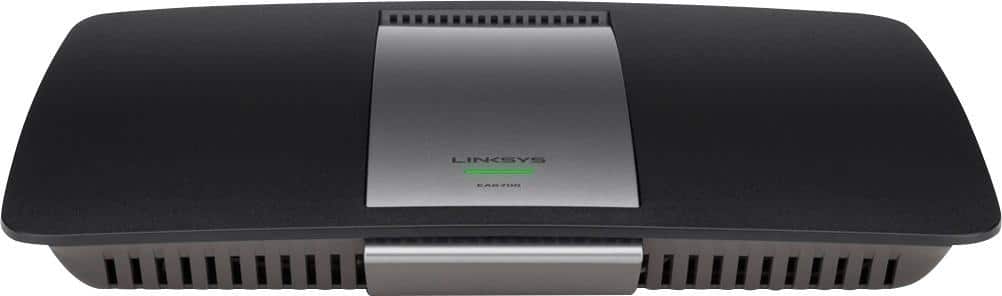
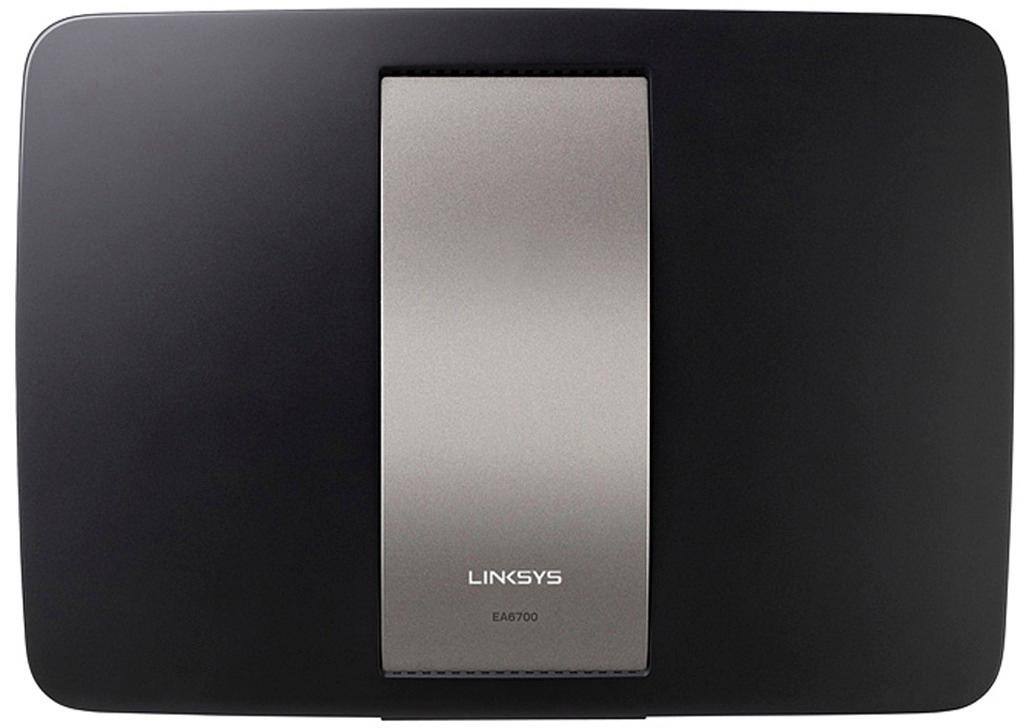
A:AnswerI bought two of these over the last 18 months to solve dead zone issues. I kept my original FIOS router in the basement and hard-wired the two AC1750’s to it. One is out in the garage attic and the other is ‘around the bend’ in my L-shaped basement for bedroom use. You can put this router into bridge mode which essentially makes it a pricey access point leaving your FIOS router in charge of the actual networking duties (IP assignments etc.} I bought my latest one for $60 on deal of the day. $50 for the 1st one last year. Pricey for an access point, but coverage is excellent. If you can get a piece of ethernet cabling between your desired install location and your FIOS router you won’t be disappointed. You can actually hardwire a PC to this thing out of the box and get to its login page. You basically go in it and skip over the normal setup and just put the router into bridge mode. Then install it in its final location. Pretty easy. Enjoy!
A:AnswerIt was very easy to activate. You need to get Linksys app then go to new device on the app. After you plug in the router and connect to the linksys internet click the find router button on the app and it will set up.
A:AnswerHi, Tatu67. If your AT&T router is a modem-router combo, then you can set the Linksys EA6700 router with it. If it's your main router, you can set the EA6700 as an access point.
A:AnswerHi there, James. The EA6700 does not support DD-WRT. However, it can be set up as an access point. Here's the link for more details: https://www.linksys.com/us/support-article?articleNum=137888.