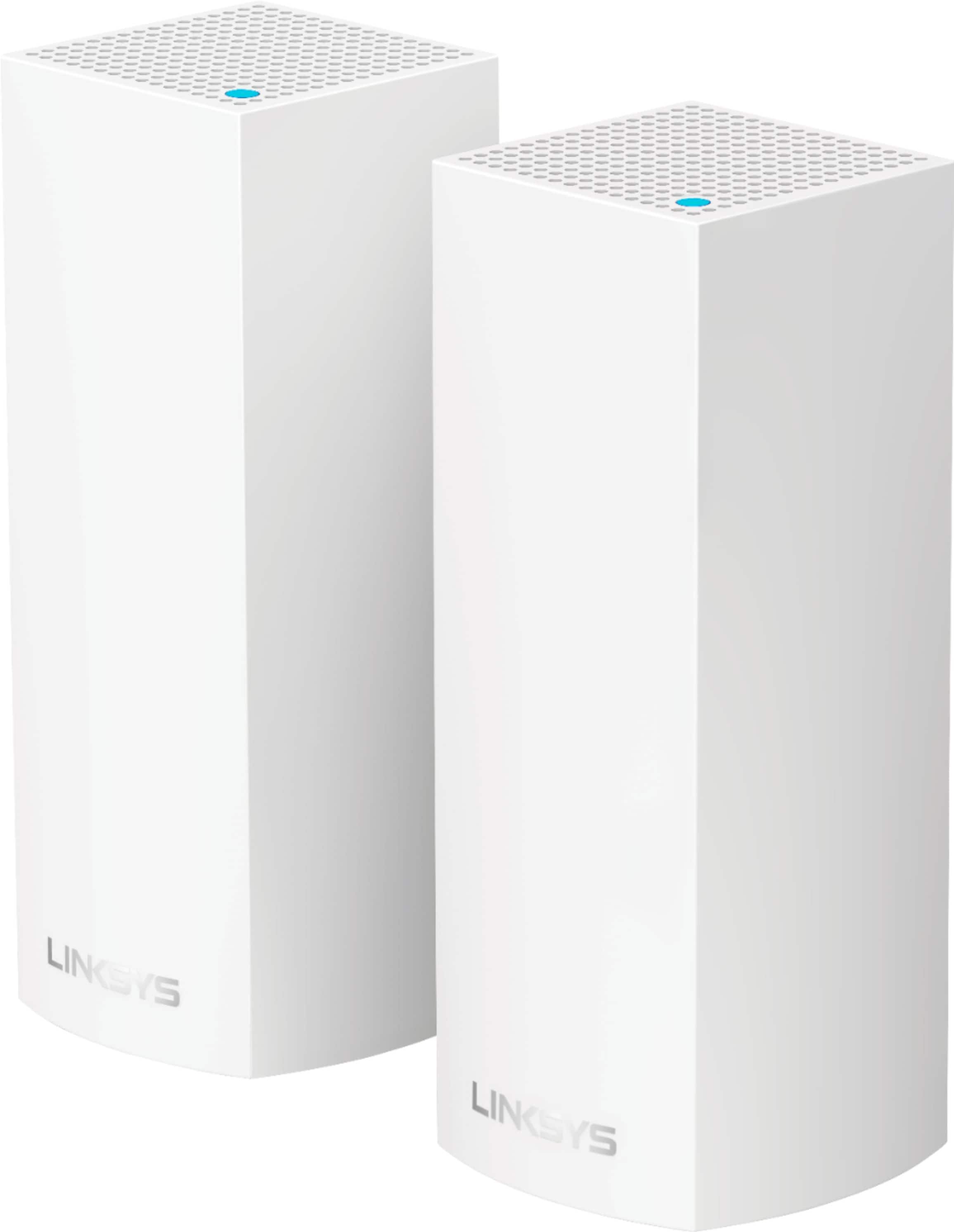
A:AnswerIt could be the other nodes are not picking up the primary node. Try bringing the other nodes closer to the primary node. Next room right upstairs or the room right below your primary node if the other node in the basement. It should detect. Use the Linksys app to add another node.
A:AnswerHi, Jane. Our routers (Mesh and Smart Wi-Fi routers) will only provide next generation Wi-Fi to your home. They don't have the capability to improve cellular connections.
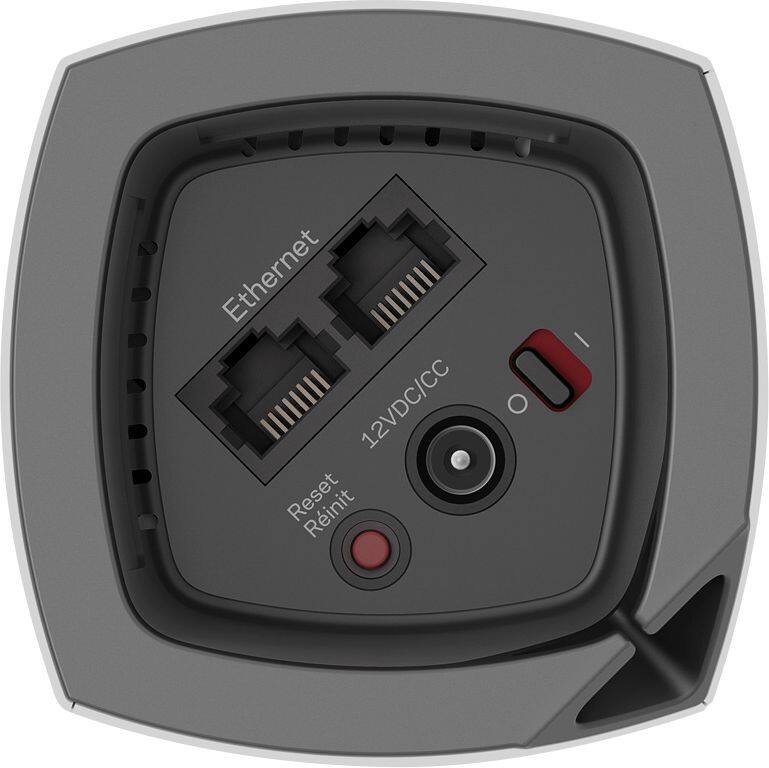
A:AnswerYes you can use these with xfinity. I also have xfinity. How it works is that the Linksys nodes essentially take the internet from the xfinity modem and send it through how ever many Linksys nodes you have, giving you much better WiFi strength throughout the entire house. Additionally each node has Ethernet ports so you can hardwire devices in every location you have a node. Just make sure you call xfinity and have them disable the wireless feature in their modem so the signals don’t fight each other.
A:AnswerHi, Erin. Updating the firmware can optimize the Velop system but, you can also try to use a different Ethernet cable for isolation. For further assistance, please reach out to us at LinksysCares@linksys.com with the link to this post for our reference.
A:AnswerHi, Lee. Our routers are designed to work with most cable ISPs as long as their modems offer Ethernet connection. However, they don't a modem feature and may still need to use the ISP's device. For more details, please reach out at LinksysCares@linksys.com.
A:AnswerYour Ring spotlight cams should work with the Linksys Velop wifi. If they do not then you most likely need a wifi extender to extend the wifi signal further.
A:AnswerSo if you had a hacker that was on your old network, and you set up a new one to get them off and start fresh. If they automatically came over to your new network, would that be very secure? No, each device must properly authenticate to any new network to be able to have access to said network.