A:AnswerHi, Gavin47. Yes, you can add as many Velop nodes to your existing Velop Mesh system, but you'll need to take your home’s layout into consideration when figuring out the optimal number of Velop nodes you need for your home.
A:AnswerHi, Tony. The Velop system displays one Wi-Fi name for the entire tri-band network but, you can use the web interface to give the 2.4 GHz and 5 GHz bands different Wi-Fi names. You can check this link to know how: https://www.linksys.com/us/support-article/?articleNum=247428.
A:AnswerHi. If you're referring to the Velop's Wi-Fi Security Features then, the Velop system supports WPA2-Personal, WPA2-Enterprise with up to 128-bit encryption.
A:AnswerYou will need a device serving as a cable modem to connect to the coaxial cable. This could be the box your cable provider installed or one you purchased yourself. (In the latter case make sure you've checked your provider's list of compatible cable modems before buying.)
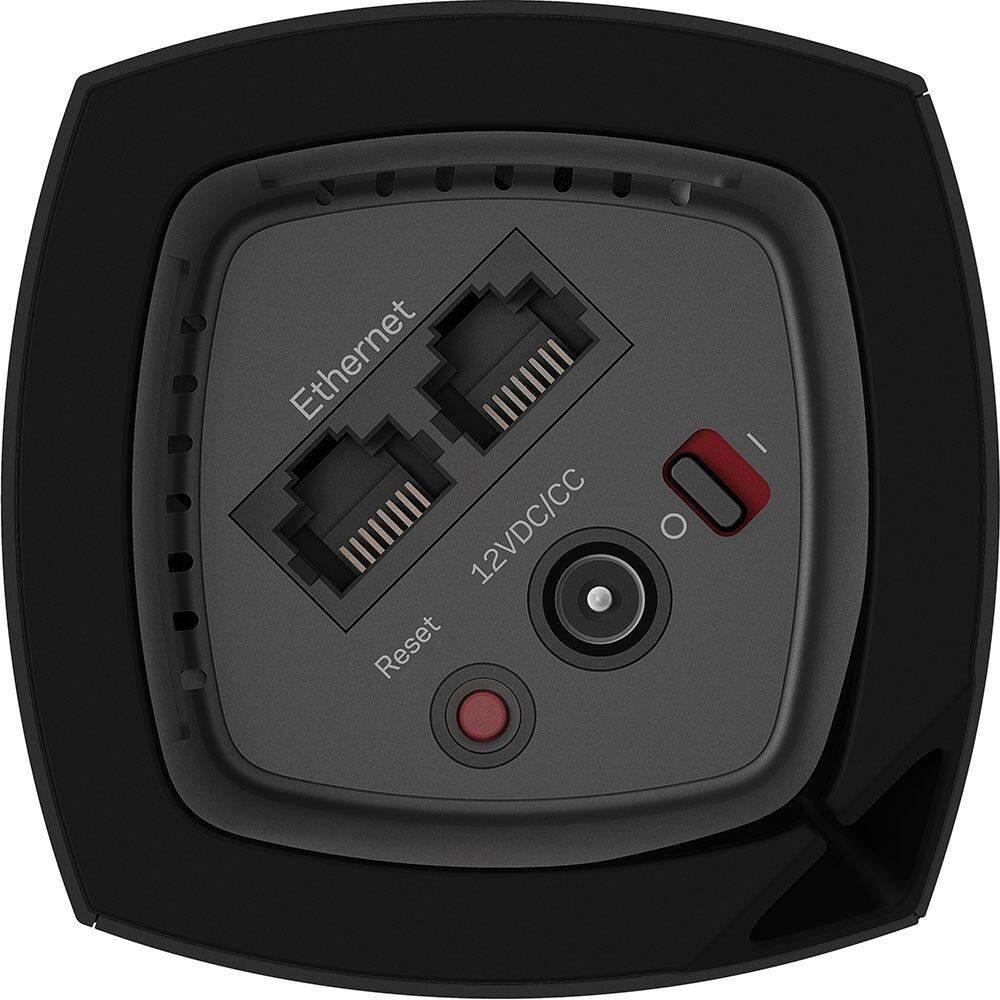
Then you use an ethernet cable to join the cable modem to the Velop "base node. "
I hope that helps feel free to ask for clarification!
A:AnswerWe have a brick home and a steel sided barn apartment where our son lives and with this system we share WiFi with him . I would say it’s worth a try! My brother introduced us to this system and his barn gets signal and it’s not as close!
A:AnswerHi. Yes, the Velop system is a good addition to your network to extend your Wi-Fi network.
But before you do, we suggest that you check with your internet provided to check on what is causing your slow internet connection since the Velop system is dependent on it.
A:AnswerI was able to provide wifi coverage to a second building that is located 150 feet from the main unit. It works so well, I am able to stream video.
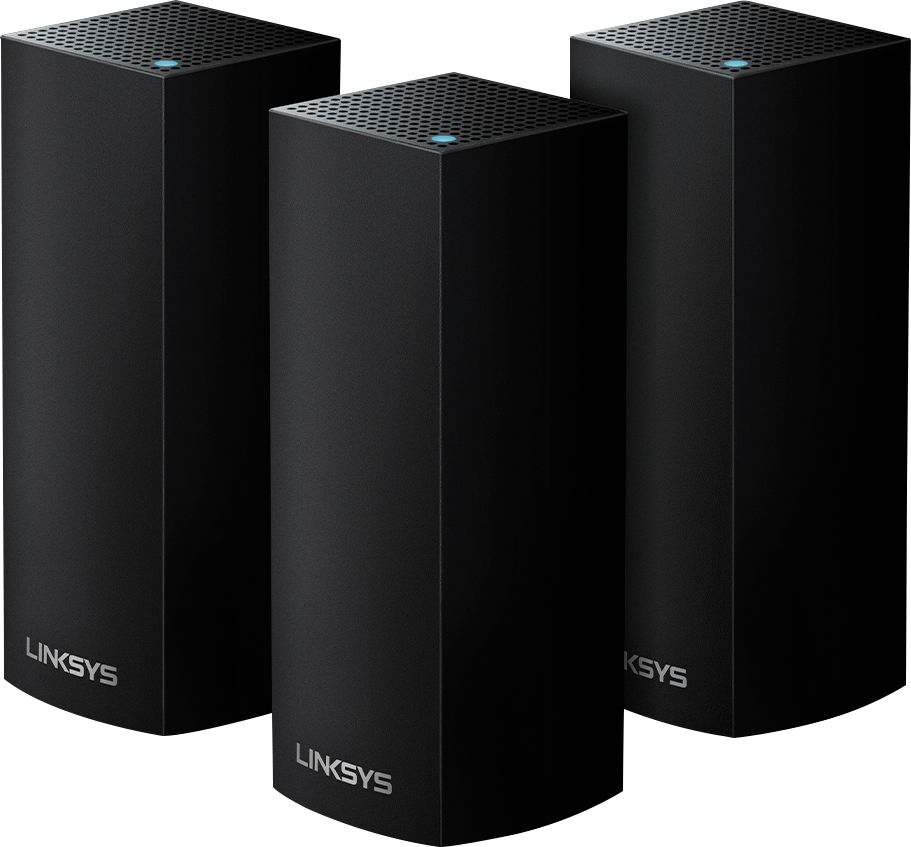
A:AnswerHi, Sara. The Linksys WHW0303B is a mesh router system, and its primary node that will connect to the modem is the main router, while the other two are the child nodes.
A:AnswerThese are not intended to increase your speed & signal but rather help you get wi-fi in areas of your home that maybe does not get good wifi connection.
Like for myself, my two security cameras didnt have a steady connection to my wifi so I could not view them in live mode. These extenders allow my cameras to keep a steady connection.
A:AnswerHi, PeteB. In order to fully utilize the Seamless Roaming feature of the Velop System, we recommend to use the same SSID for the 2.4GHz and 5GHz network. In that case, you won't be able to manually assign the devices to the 2.4GHz network unless you create a different SSID for each band.
A:AnswerIf you are asking whether this would be an alternative to your current internet provider, then no. This is designed to spread wifi around your property using whatever internet service you already have. I hope that over the next five years 5G technology will be widespread enough in rural areas-- and affordable enough-- that you'll have a superior alternative to a satellite internet service.
A:AnswerHi. The Velop System has a feature called Seamless roaming, which intuitively switches your device to the strongest WiFi network, however, your device should be 802.11K and 802.11R compliant for the seamless roaming to work.
A:AnswerHi, Mom. The Velop system only supports up to 802.11ac wireless standard. As for the speed, it supports up to 400Mbps for the 2.4GHz and up to 867Mbps for the 5GHz.
A:AnswerYou still need an internet provider. These items just provide your home with better WiFi coverage so you don’t have dead spots in your house. I use this to give my house next door internet (extending to the property next door) so I don’t have two service provider bills.