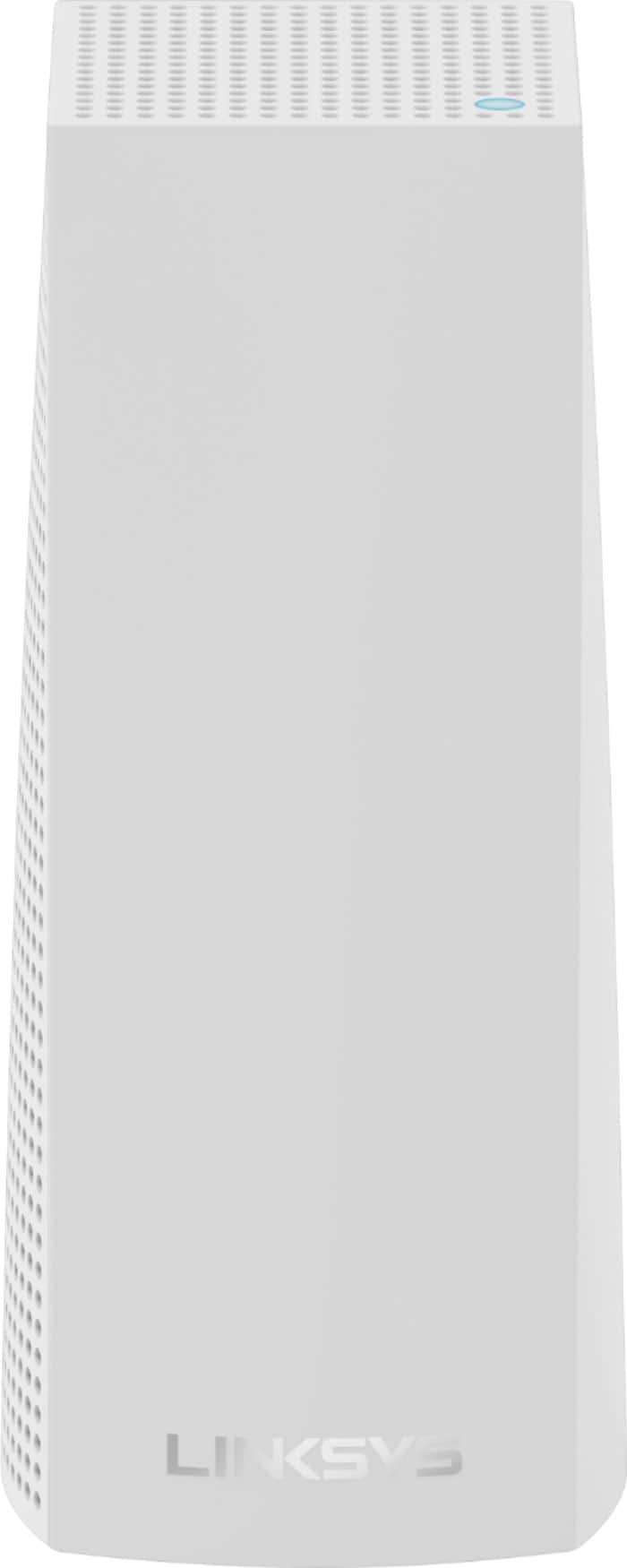
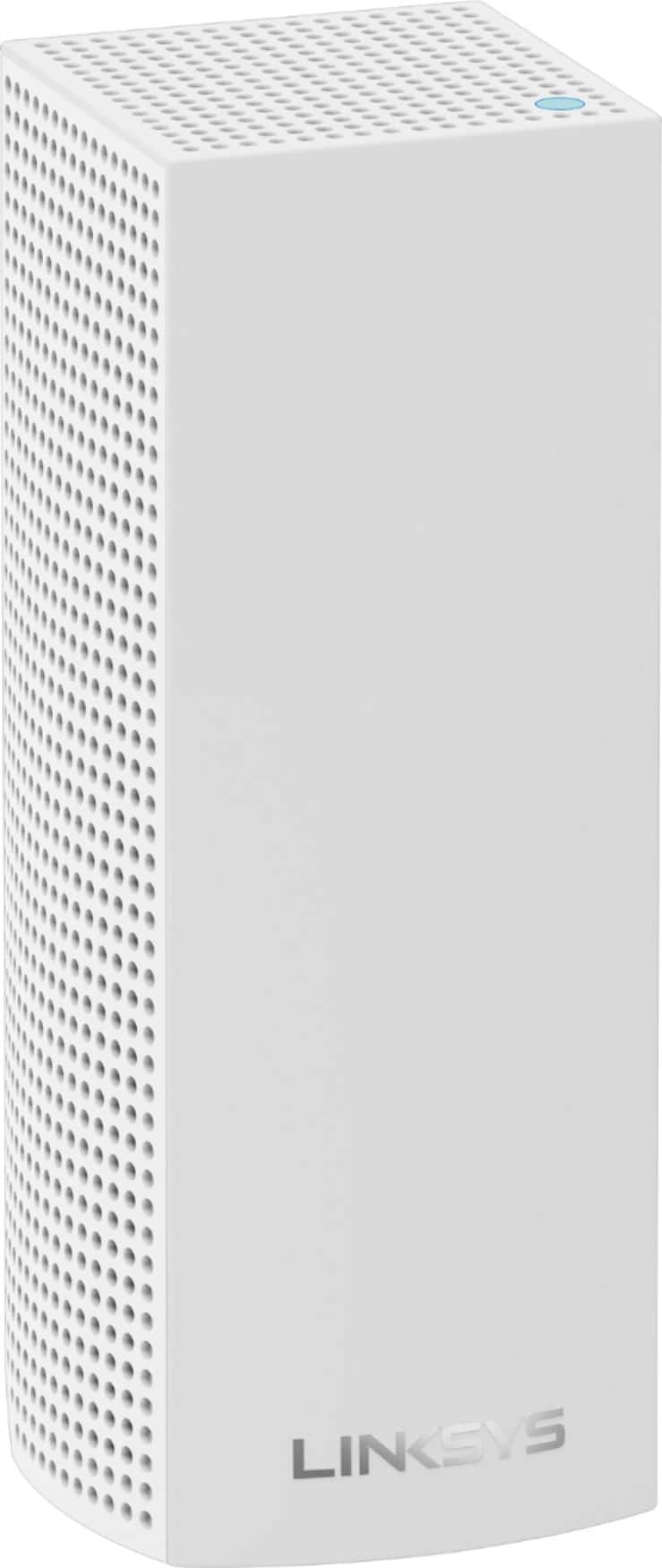
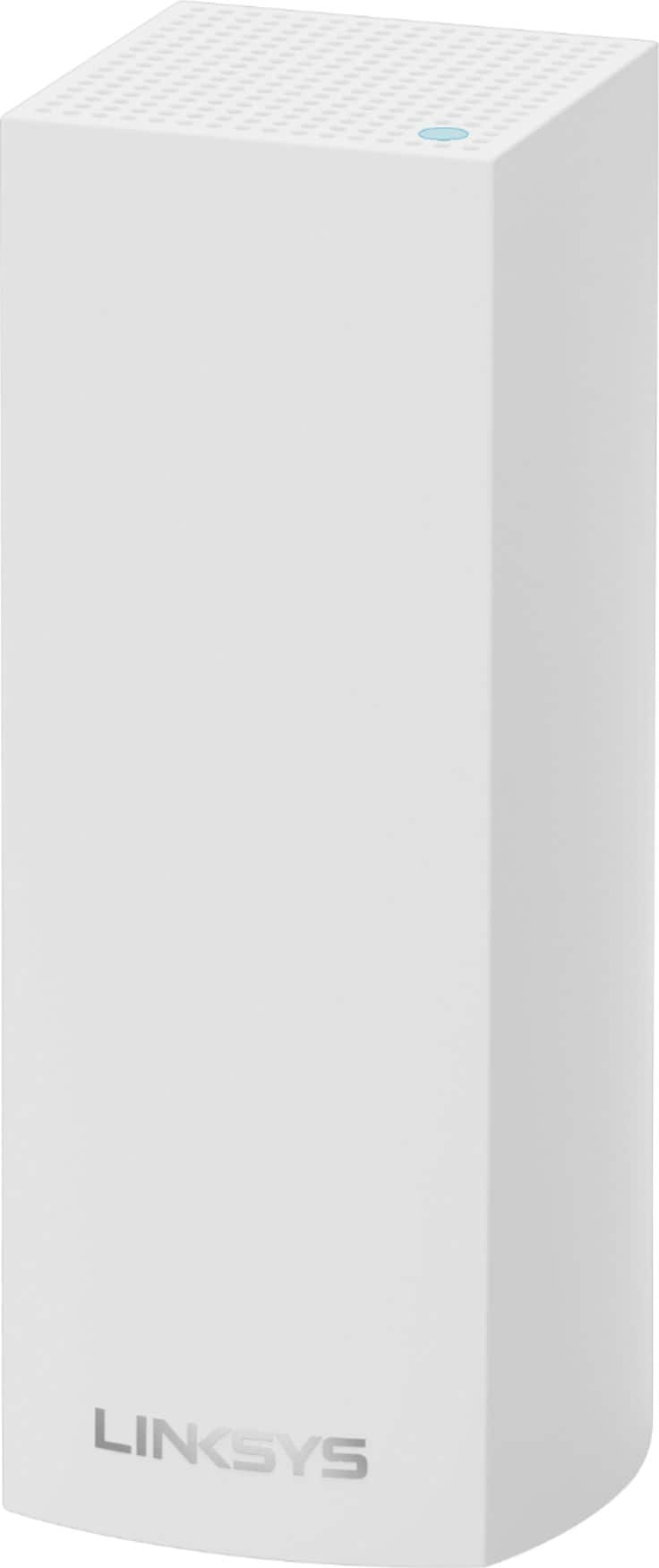
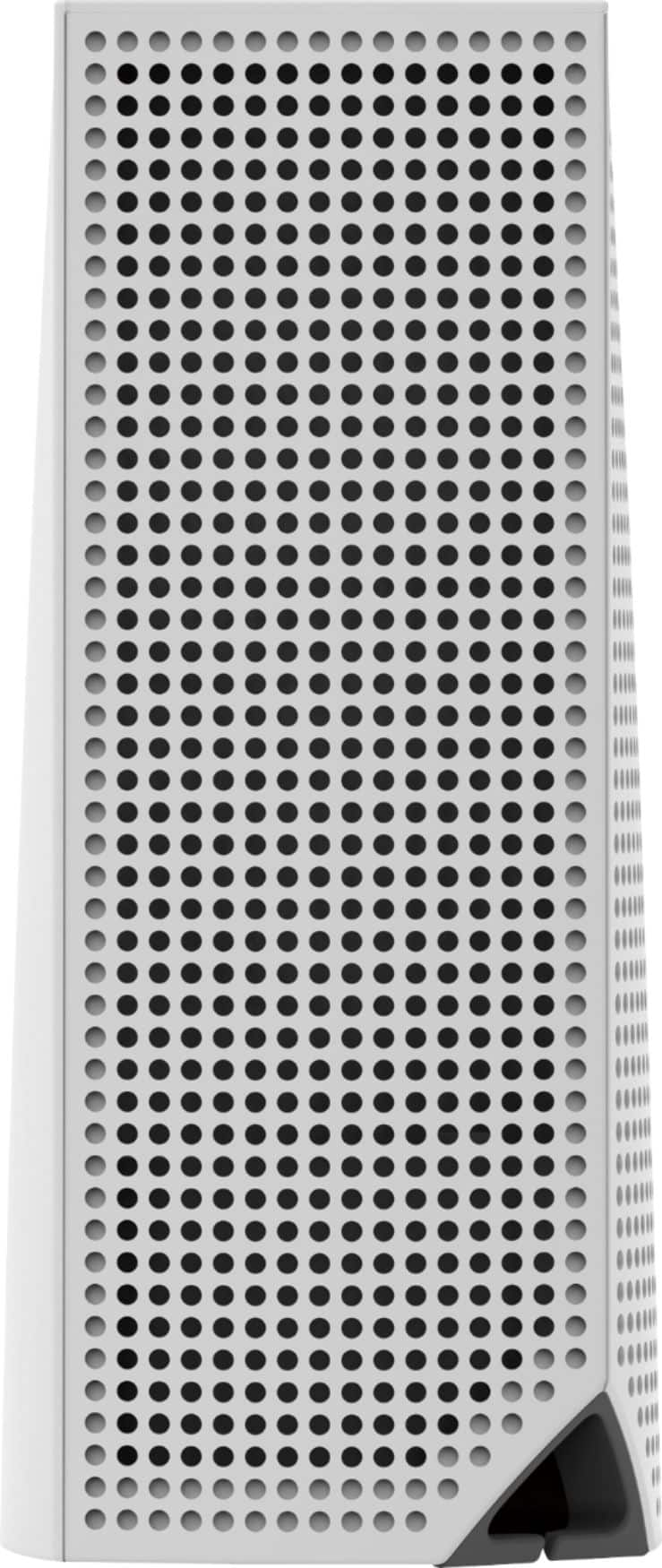
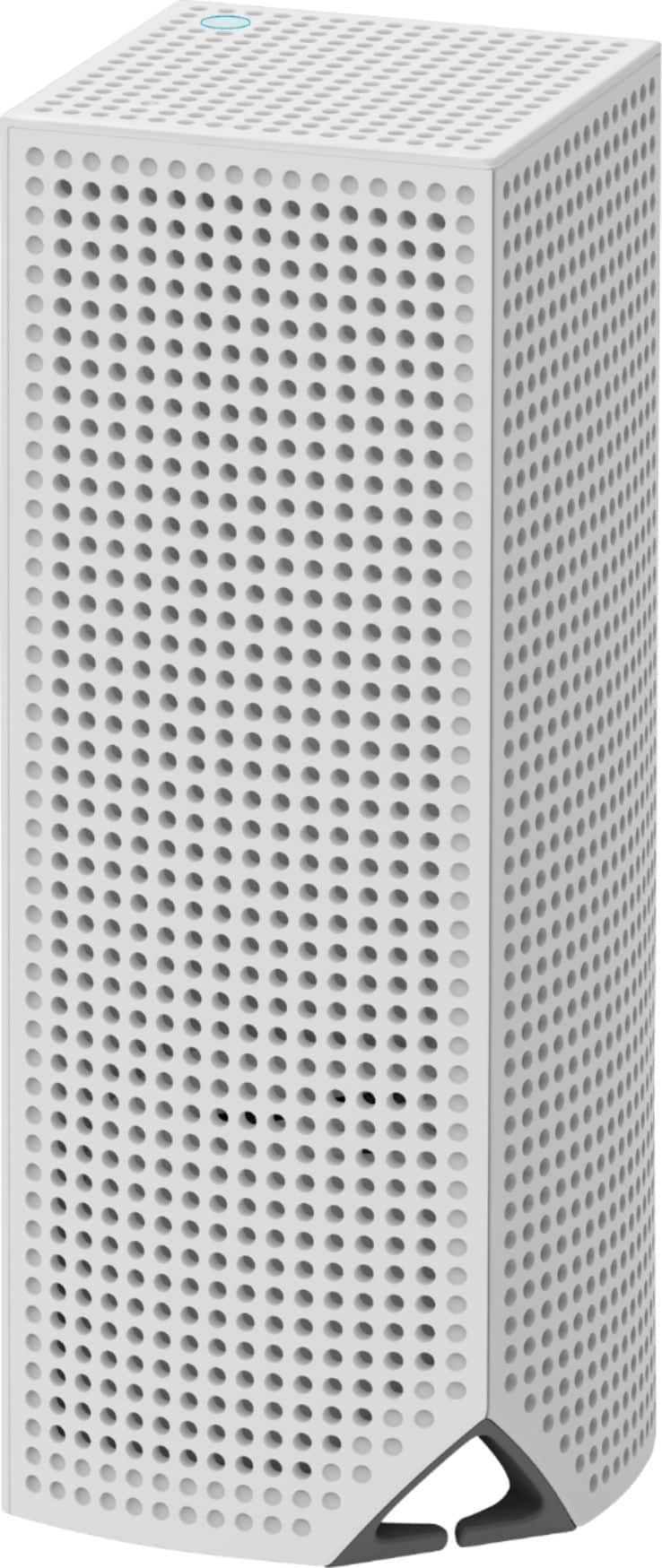
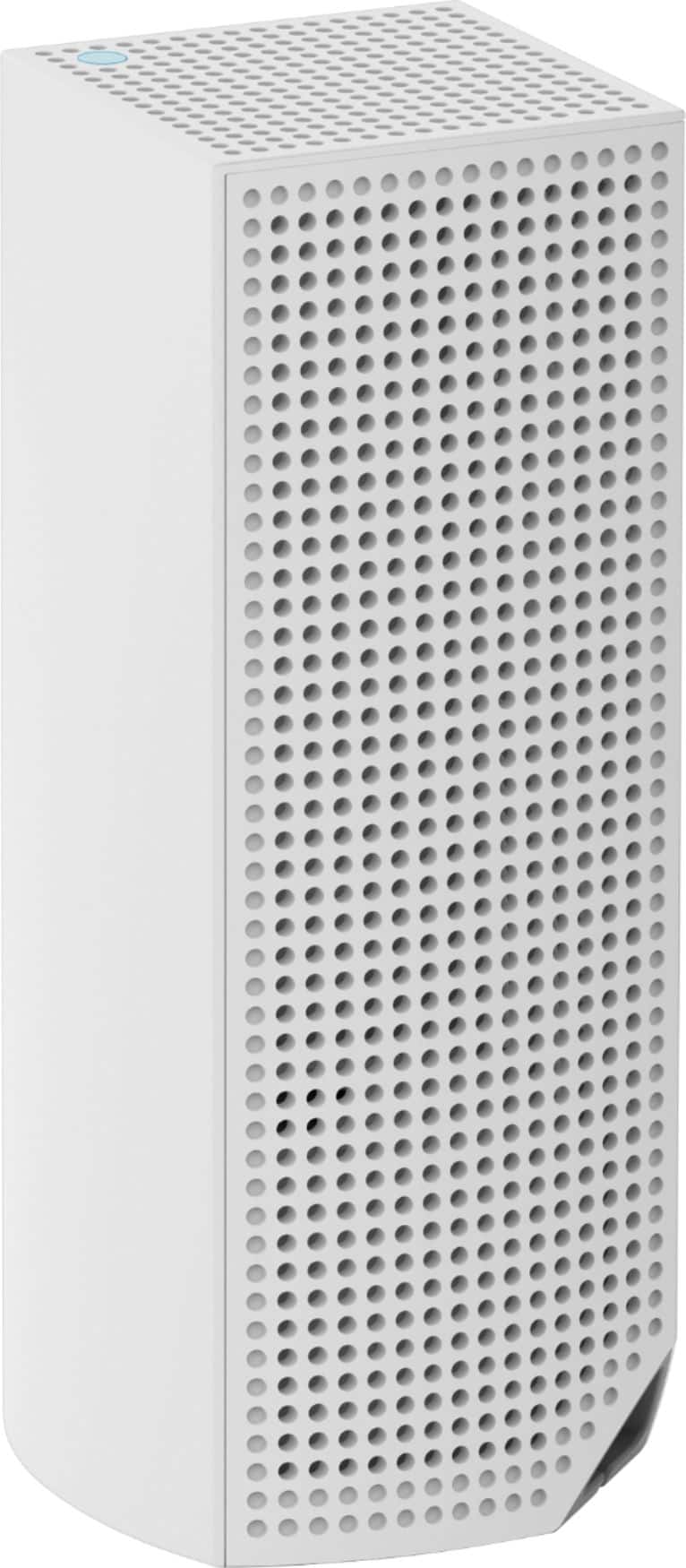
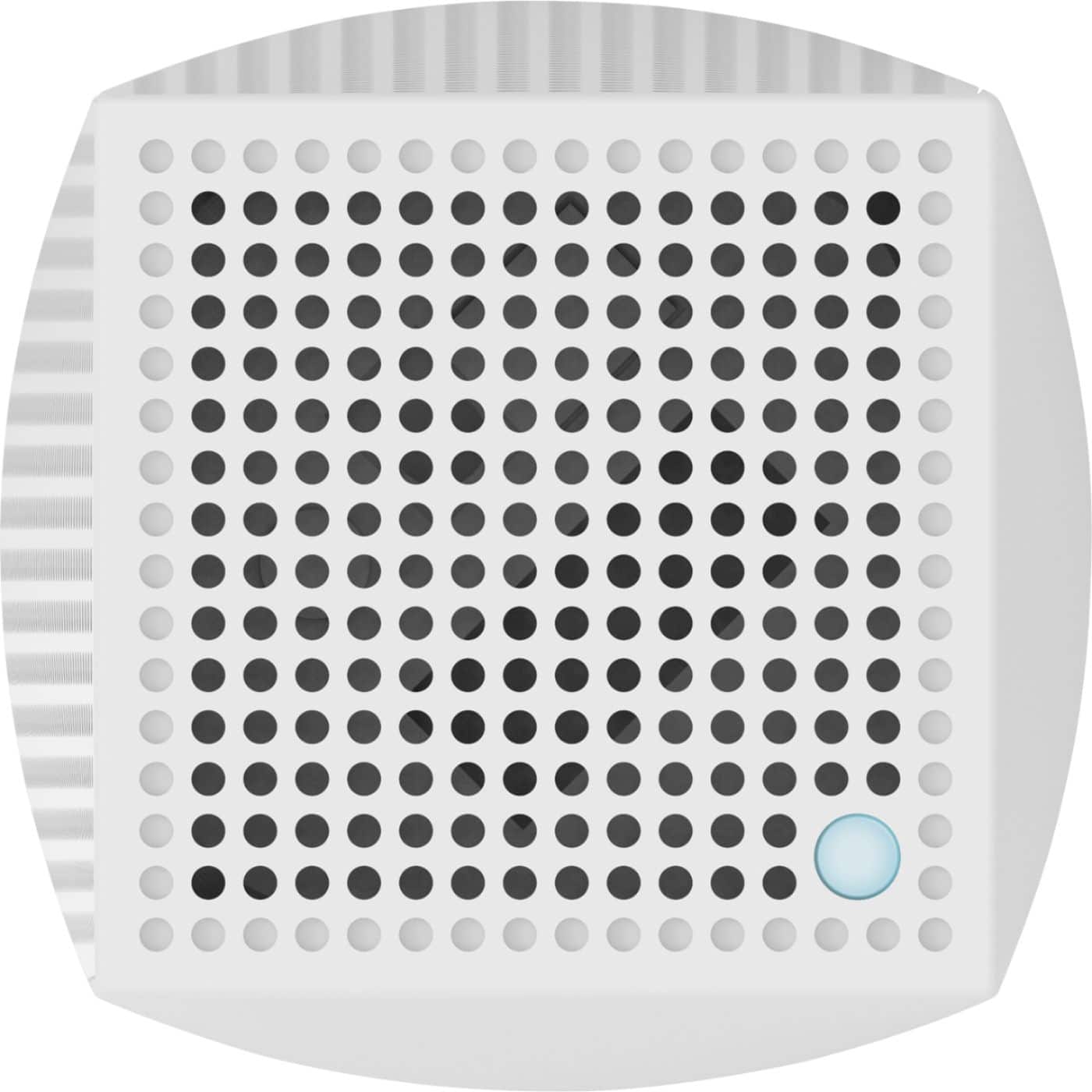
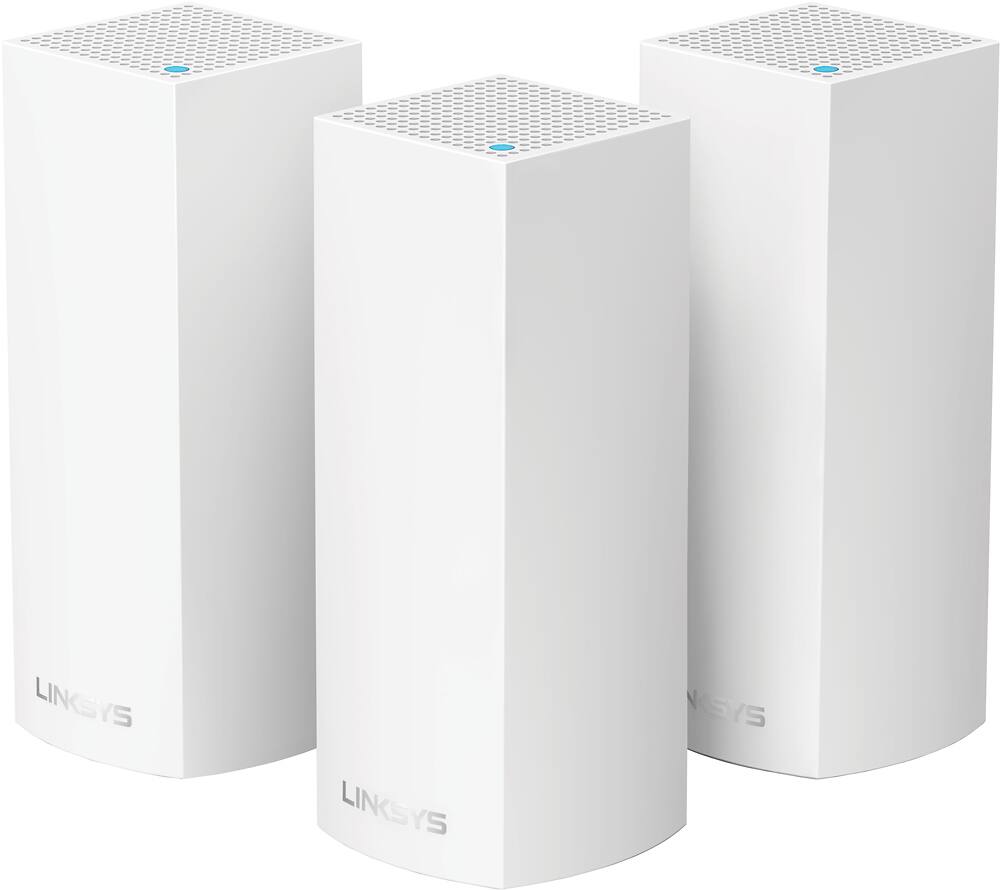
A:AnswerI had the same issue, I was using a netgear dual band router. The Velop system will replace the router and the other tower will act as “nodes” to give you the cover you need. I bought the 3 pack to cover my home that is over 3000 sq ft and I haven’t found a dead zone yet
Hope this helps
A:AnswerHi, ManU. Setting up the Linksys Velop has been made convenient through mobile phones. However, you can always call us or send us an email at LinksysCares@linksys.com for assistance. You may want to check this link to know more about the setup process: (https://www.linksys.com/us/support-article?articleNum=217442).
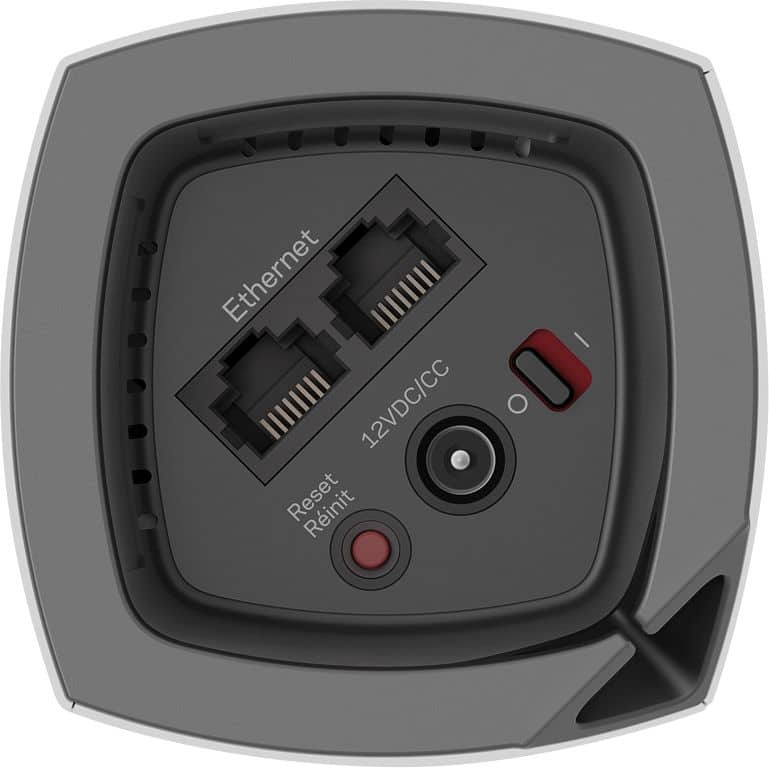
A:AnswerYou can wire stuff to the ones that are not currently wired. Unless needed there would not be much of a benefit as it is still going wireless back to the main router before going to the modem.
A:AnswerThe app allows you to adjust various settings to your preference. As for Wi-Fi extenders, this mesh Wi-Fi will make this unnecessary. Just position the nodes in a manner so they can talk to each other. That way, your Wi-Fi devices will “find” the node with the strongest signal.
A:AnswerHi WirelessQuestion. Yes, you can replace your existing router with the Velop WHW0303B. Strategically placing each nodes throughout your house, can help eliminate dead spots, and improve Wi-Fi speed.
For further assistance, feel free to email us at LinksysCares@linksys.com.
A:AnswerThis system will extend your wireless signal. This means if your internet speed is bad this will not solve your problem, but if the speed is good it will help the signal reach to almost all your house ( 2500 sq ft). This help with dead spots. If you have a smart tv they are great because you can hardwire the tv to the node an this make a big difference in buffering. Google speed test, and make sure you are getting what you pay for. One more thing check your wires and splitters, make sure your modem have a clean cable running to the Internet Service Provider point of entry.