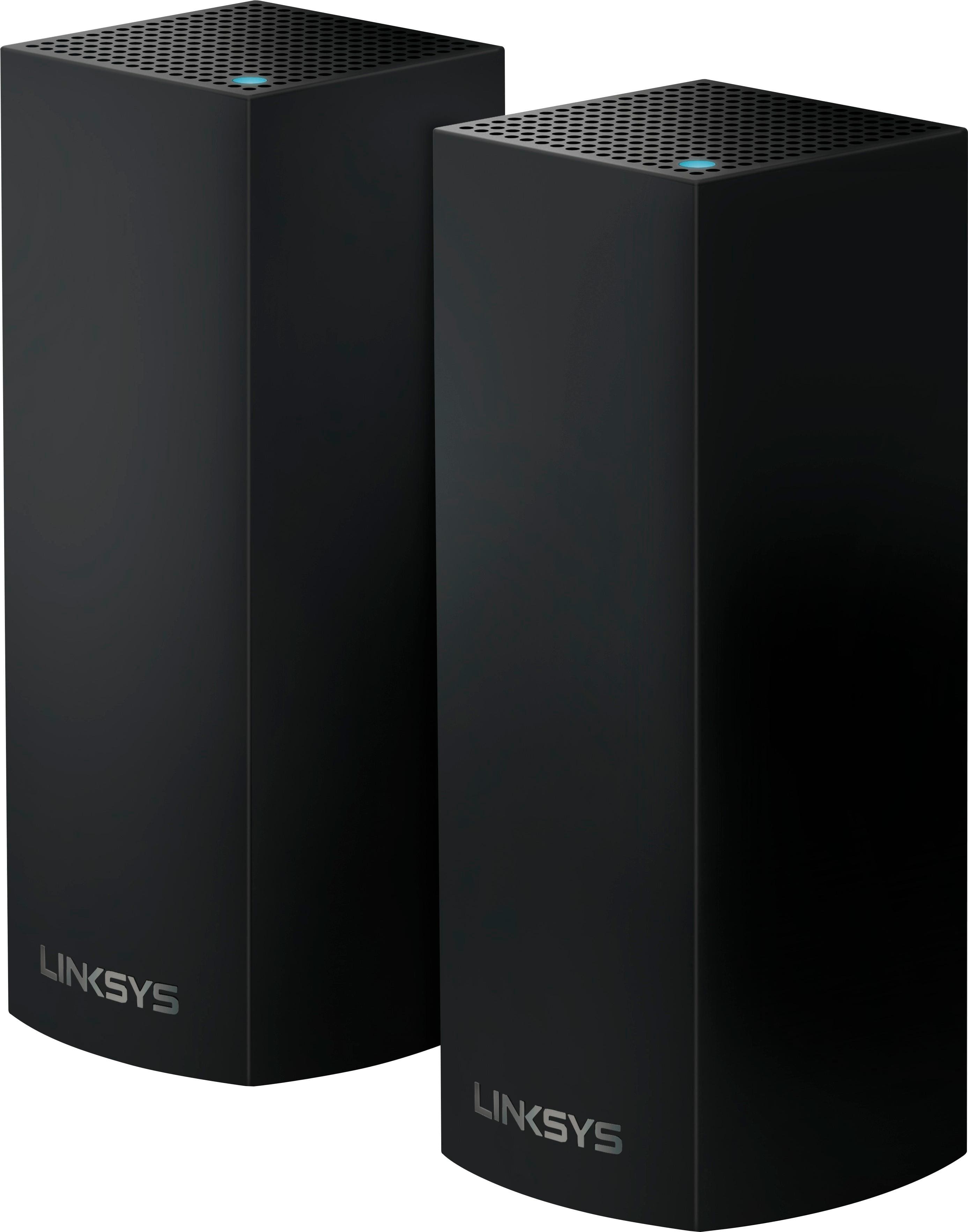
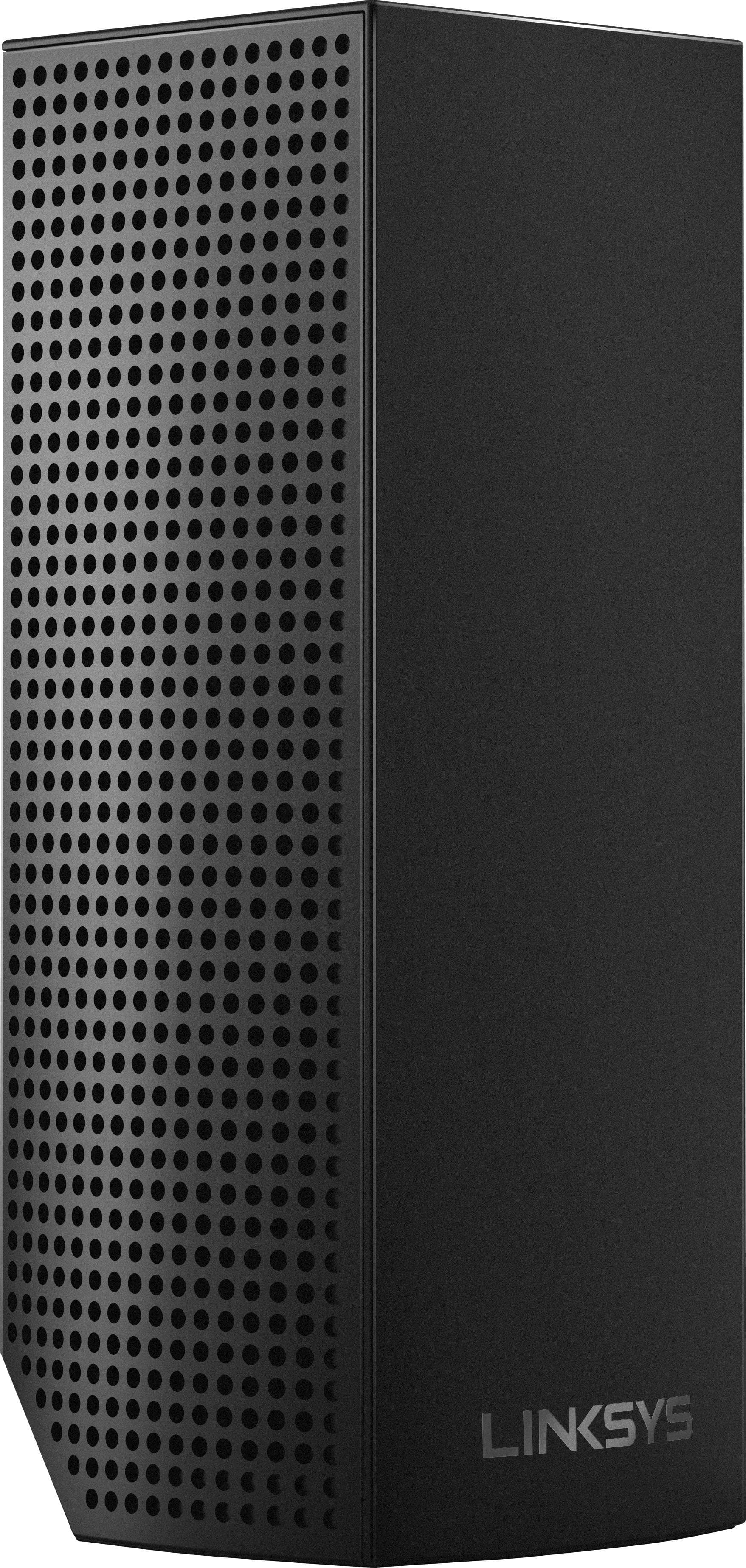
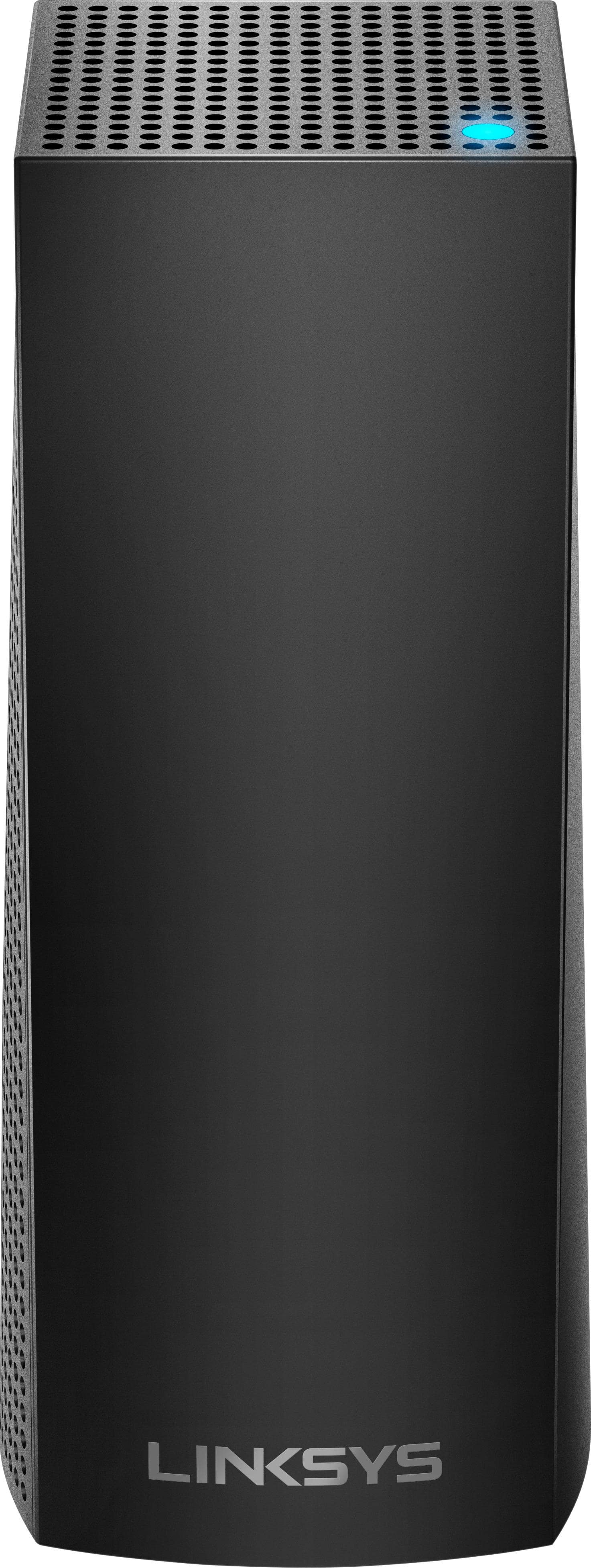
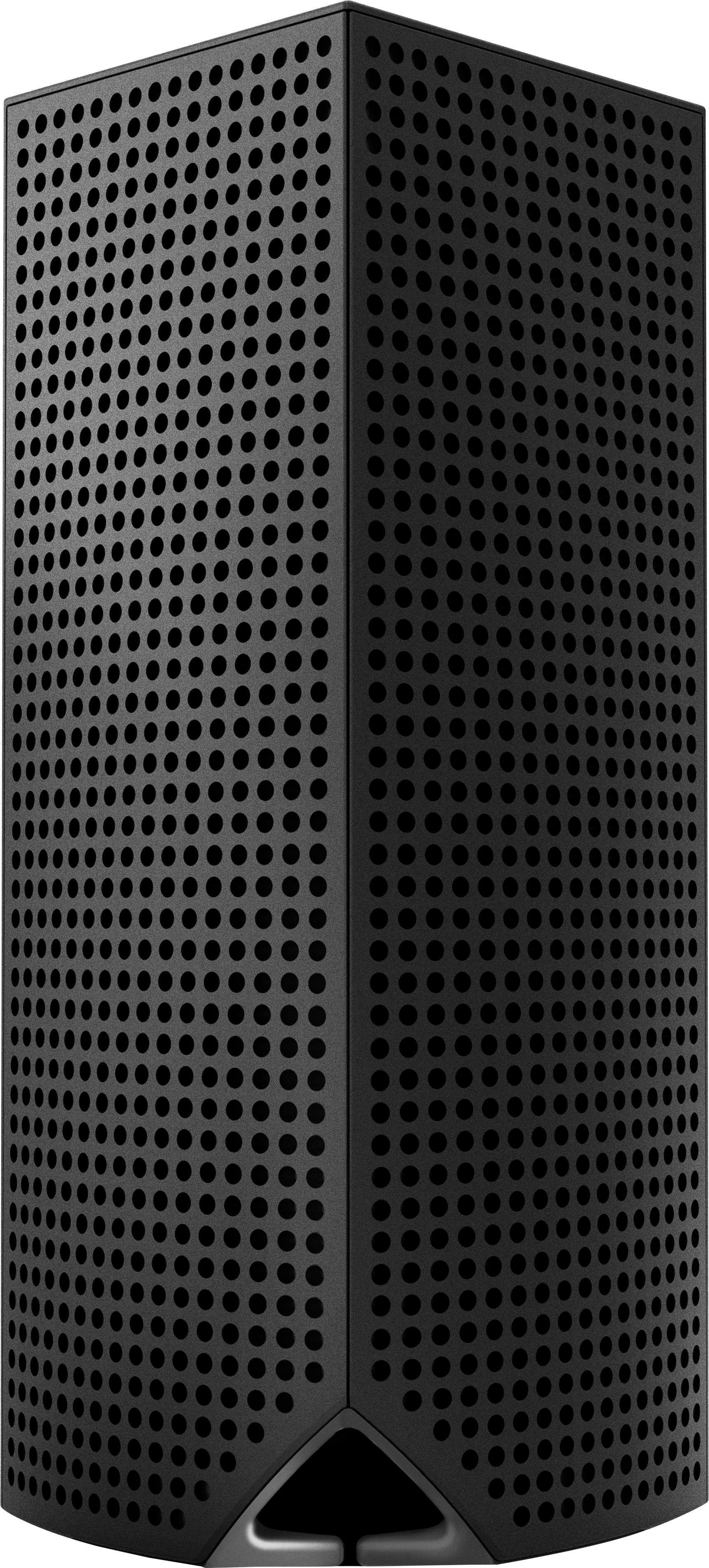
A:AnswerYou can leave the hardwire connections alone and set everything else normally, you will end up with 2 wireless networks but it is not a problem unless it causes interference ( most of the time nothing happens) do not overcomplicate what you have. Remember to follow the instructions it is very important. Read them all and then make the installation so you are sure you have all you need .
A:AnswerHi, 45foxnc. Yes. If you still want to use the router functionality of the Mode/Router, you can set up the Velop as Bridge, but take note that there are functionalities that will not work. You can also disable the router capability of the modem so you can use the full potential of the Velop device.
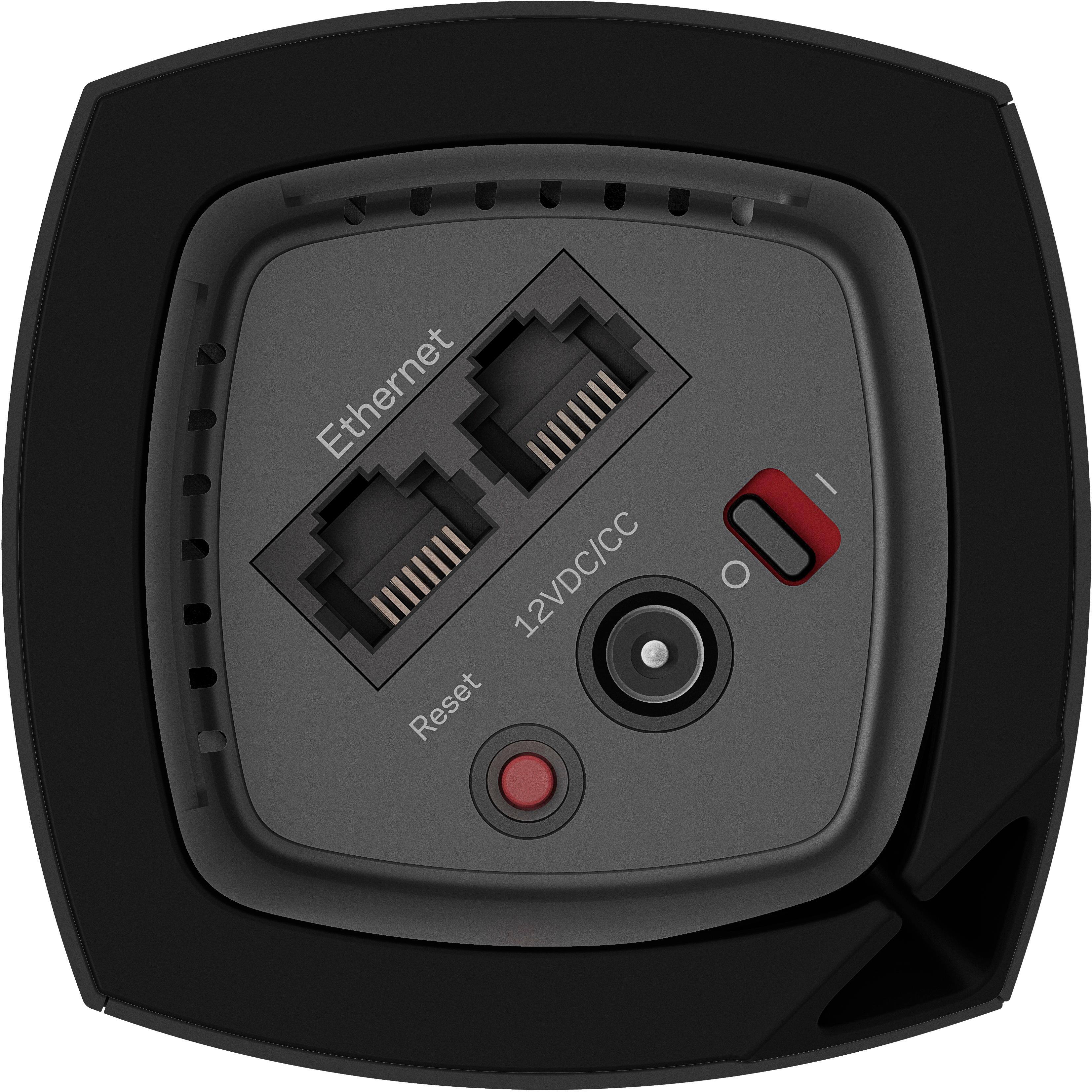
A:AnswerYou can connect any one of them into your modem. With the three nodes I am getting coverage through over 4500 square feet. Also you can run a non wifi device by running a lan cable from one of the nodes to your device. Great for where my desktop is located.
A:AnswerHi. The Velop system is a dedicated router, which means it does have a NAT firewall by default.
If you are referring to something else, feel free to email us at LinksysCares@linksys.com so that we can answer you properly.
A:AnswerYou can connect more of the same. I added a fourth into the three I originally bought. However, doing so will NOT change the number of 'bands' as that count is the number of communication frequencies each unit is built to use.
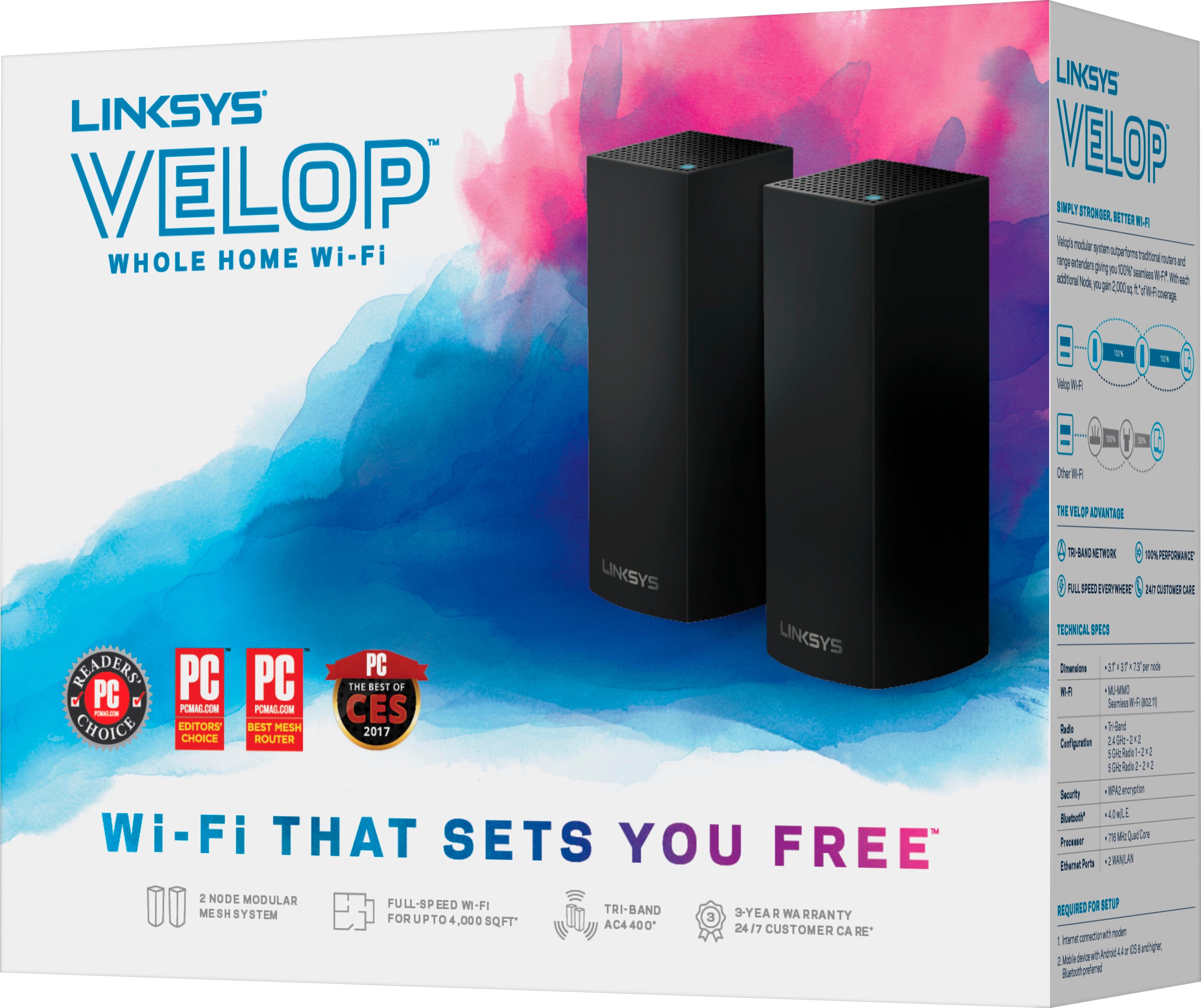
A:AnswerHi, James. The Linksys Velop system (WHW0303) should help with some connection issues as it brings full-strength mesh WiFi to your home and delivers the performance needed to support multiple WiFi devices.
A:AnswerI have two up and working now (just got them about a month ago). Only one needs direct Ethernet cable connection and the other is connected wirelessly. Been great so far, I’ve speed tested systems in the house and it’s made a nice improvement.
A:AnswerIf you plug in from your existing router you will not need amplify for these. If you need them for something else, you will still need it. Honestly with this system all you really need is more nodes depending on the size of your home.
A:AnswerI replaced my old WiFi router with a white Linksys VelopTri-Band 3 Pack. We use an iPhone 6 and an iPhone 10 with no problems. I also have a Surface Book and two bigger computers which run Windows Pro10. I have had no problem with any of these devices. I have only needed one of the three devices, but i know that I will soon need a larger coverage range.
I don't have experience with the Google hub and the puck (except for its use in ice hockey).
A:AnswerHi, Denise. You can add one node or multiple nodes to your existing Velop system and expand your current Wi-Fi coverage. For further questions, feel free to reach out to us at LinksysCares@linksys.com with the link to this post for our reference.