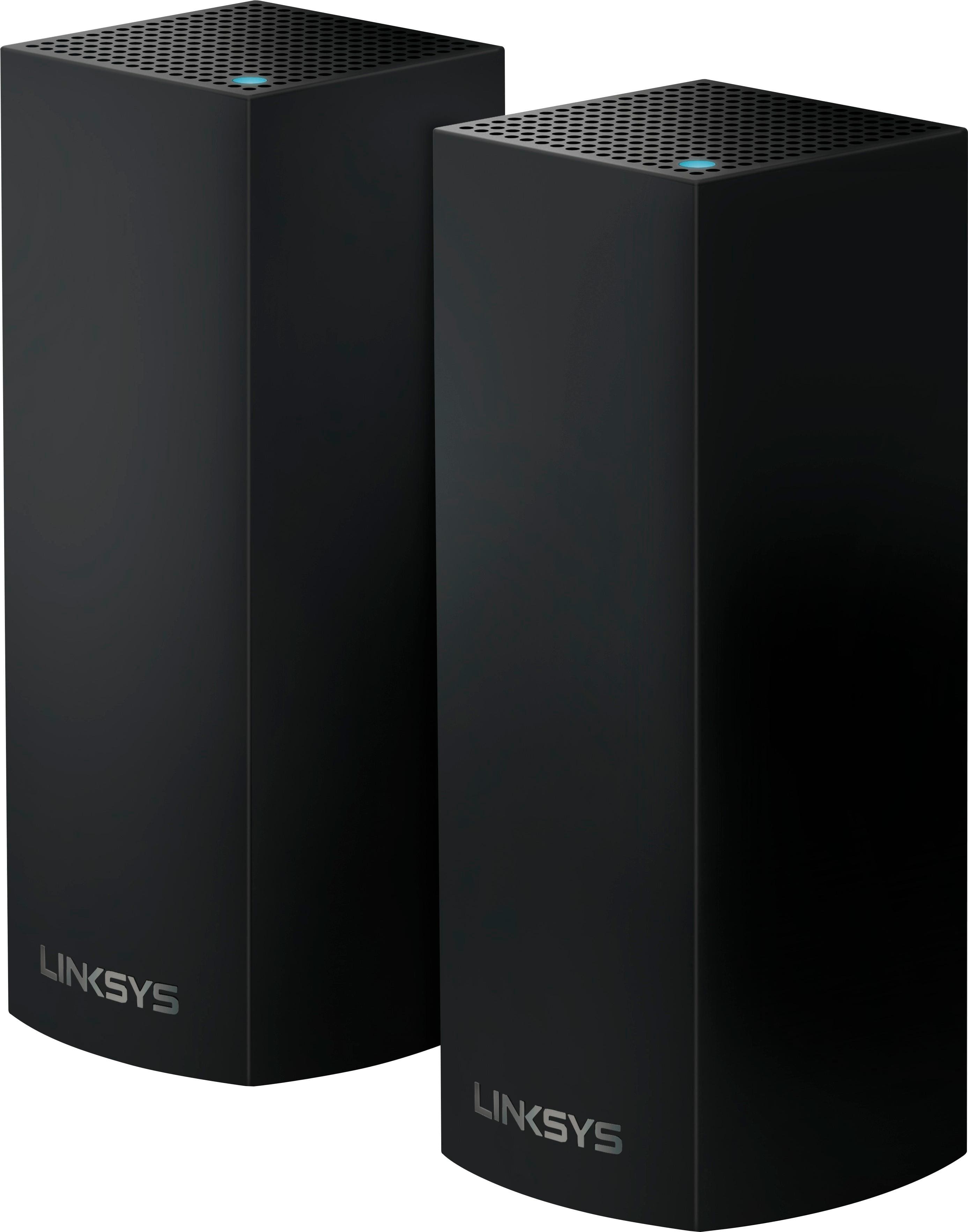
A:AnswerThe Orbi is not a true mesh network. The two units it comes with are the router and satellite. They work together as a traditional router and extender with the added perks of mesh networking. Handoff of devices between units is seemless. You don't have to worry about one of the devices holding on to a connection when the other node would be giving you a better signal. The problem is that it is not a true mesh network. If you buy an additional single satellite, you must now make sure to place the original router between the two satellites or the furthest will not work. This can make laying them out in a home difficult if perhaps the cable enters the house at one end, but you need internet at the other. This is why Orbi is not a true mesh system. Velop is new and still has some software/firmware bugs to work out, but if you need more than the two nodes the Orbi comes packed with it is still the better choice. Otherwise if the two devices the Orbi comes with would be enough to cover your home get that. It also has some improvements to make still, but overall it is a solid platform and meets the same standards as the Velop for practical application.
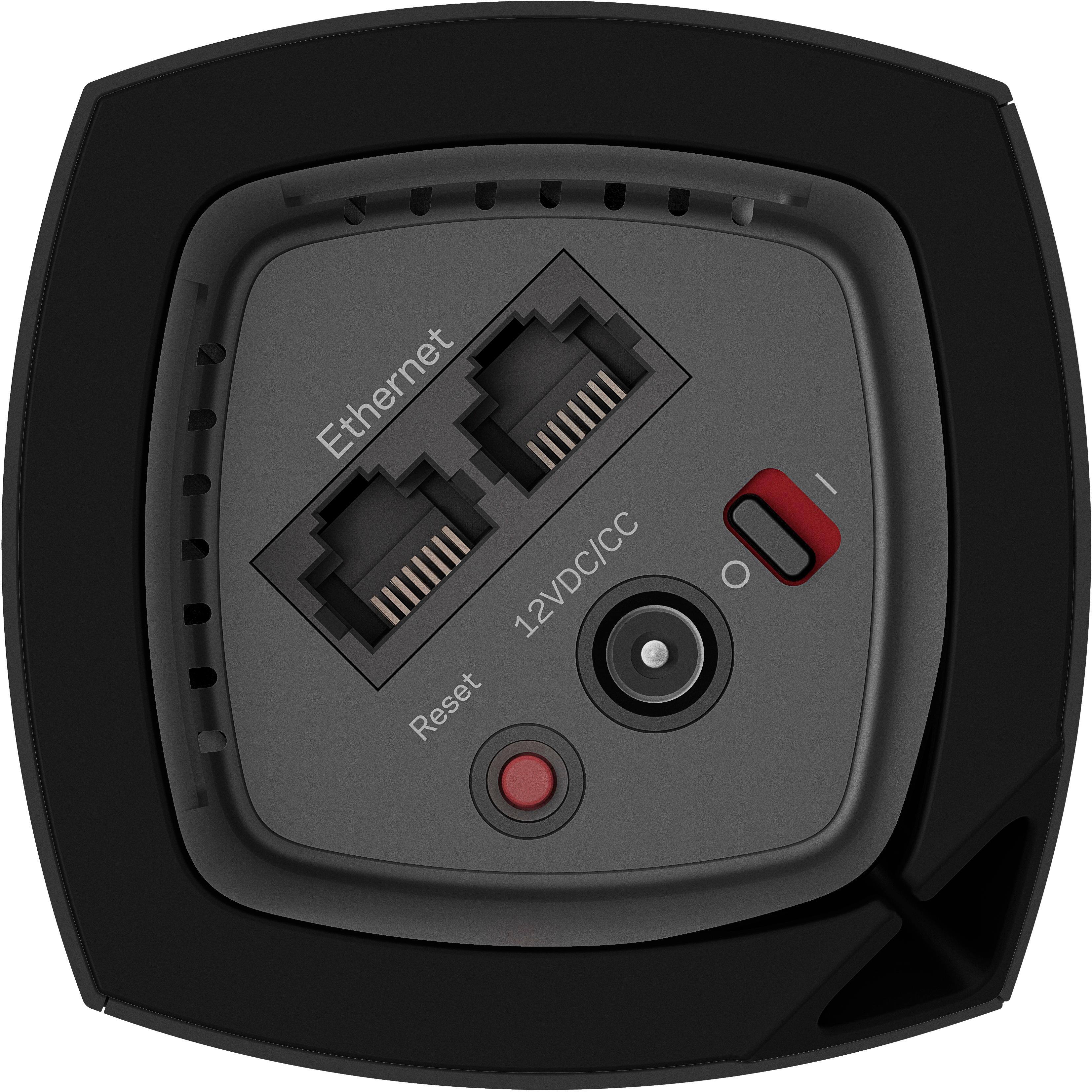
A:AnswerIt won't - the "parent" or first node is required to be plugged into a router or modem via Ethernet. This creates the new mesh network from your existing internet connection.
A:AnswerKdchs,
This system is wireless, however, your "parent" node must be physically connected to your modem via Ethernet cable or wireless to a modem/router combo. The additional node operate wirelessly and do not need Ethernet cables.
A:AnswerI returned my eero because the 3rd node buffered too much. My speed at the second and third nodes wasn't as fast as the first. I bought the linksys velop and my speed at all three nodes is the same....fast. The velop and orbi use a different signal for the backfeed and the eero uses the same signal for upload and backfeed. The eero works better if the second and third node are hardwired, but that defeats the purpose.
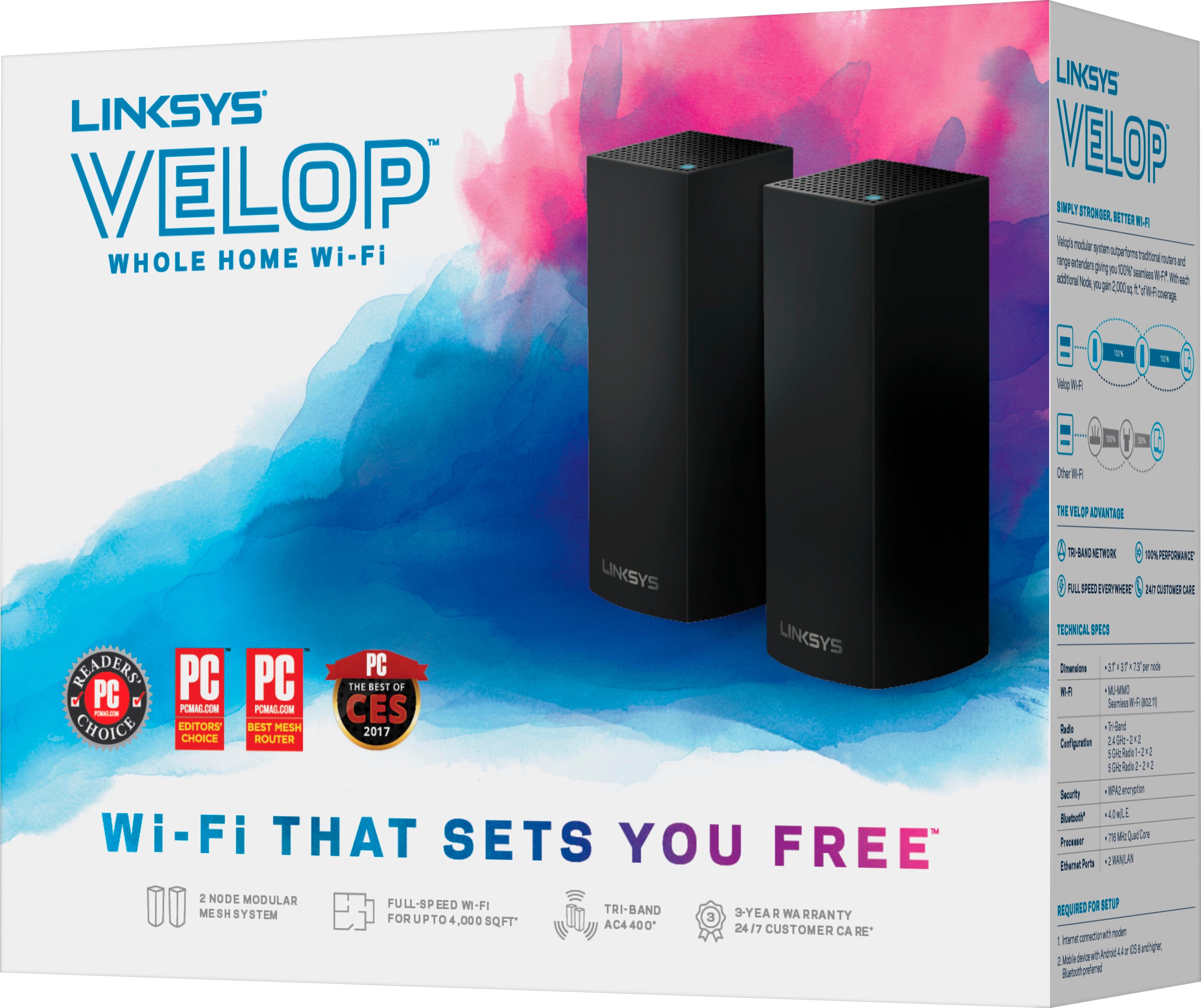
A:AnswerThe app on your phone will walk you through placing the nodes. All the nodes are exactly the same. You'll plug any one of them into the ethernet cable in your back bedroom and then you another one as an extender. You can add as many nodes as you want but you may only need two if that's all you are using now. Each node appears to be very powerful based on my layout. I have a 3 floor town home of about 2300 sq feet and I'm getting great speeds on all three floors. Only one node connects via ethernet... any additional nodes communicate to the node you have connected to your modem wirelessly. Hope that helps.
A:AnswerEach node does roughly 2000 square ft. Depending on the materials in your house or if you want wifi to cover you deck/yard I would suggest 2 node system
A:AnswerThis router can go through just about any material including steel walls. And if you wanted to be doubly sure you can have 1 outside the room and put the other inside it. The router has intense range and is much better at going through walls then any other router I have ever own. I upgraded from the Linksys ea8500 and the difference was staggering.
A:AnswerFrom my experience coming from a similar setup, the tri-band really helps by moving slower devices to 2.4ghz or the other 5ghz network, but I also have a lot of wifi devices. Each of the Linksys nodes has an ethernet port so you could hardwire them if you wanted to do so, but the speed seems to be quite fast using the mesh networking.
A:AnswerIt does get hard wired to your modem. The first one does. After that you just tell it where you are setting up the other ones and they talk to each other. It will tell you if one is not within range but in your garage should be fine.
A:AnswerEd,
You assume correctly. While all the node have different IDs at first, once you use the Linksys App to link them into the network mess, they become seamless - baring the same network name throughout the system and the individual IDs will no longer be displayed as individual hot spots.
A:AnswerThese units will provide a mesh Wi-Fi network. Which means with multiple units located throughout your residence, your coverage should be greater than just the one access point that's in your AT&T router. I have AT&T also and the router is located in the basement. Coverage in my living room and kitchen is great, but if I go to the second floor of my house or outside it often drops off.