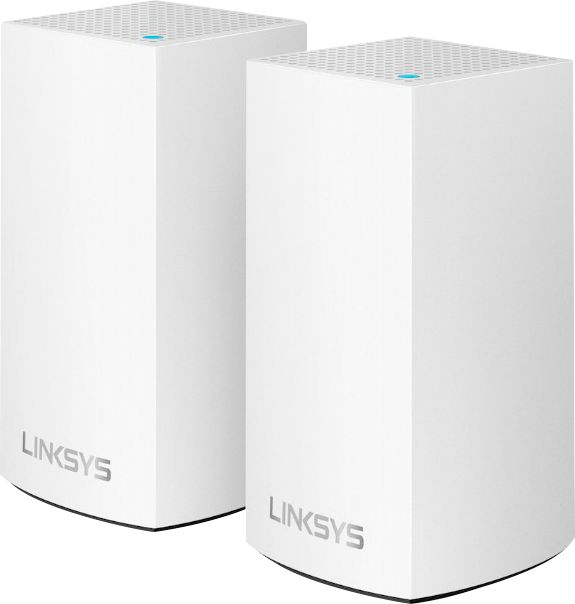
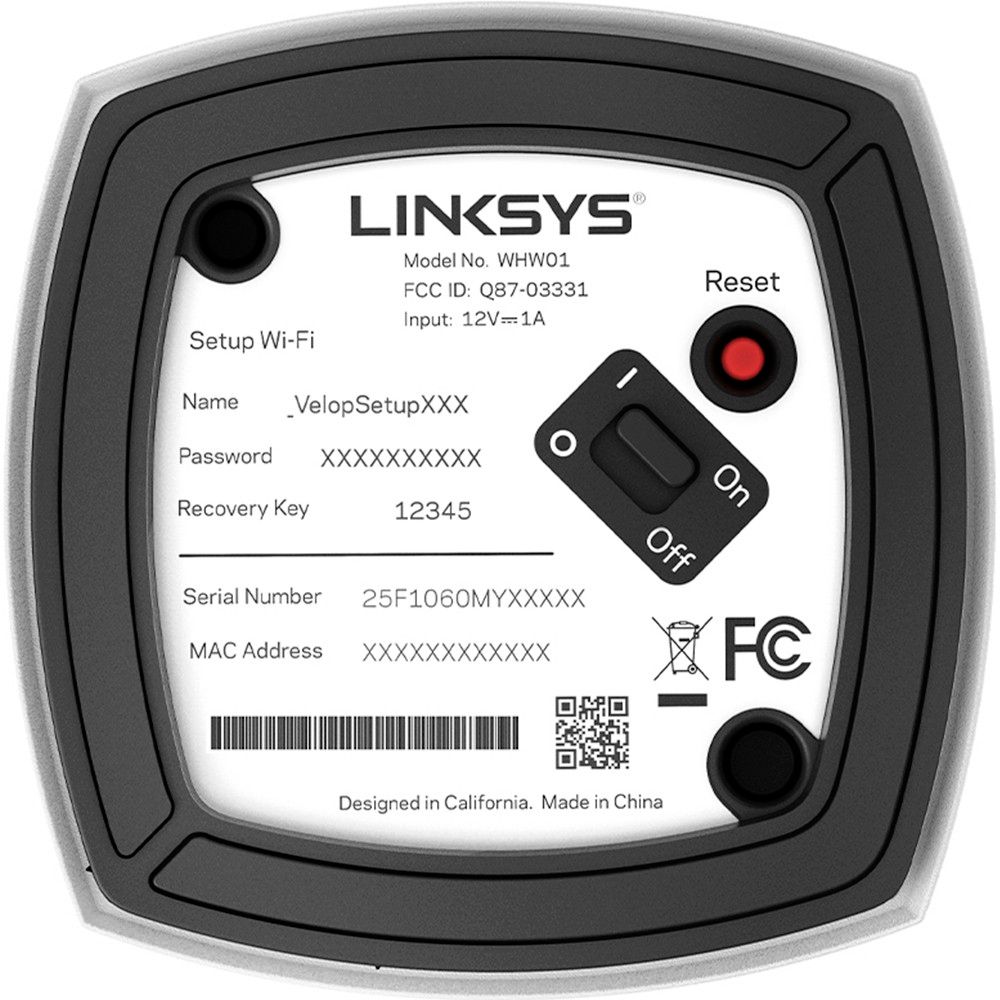
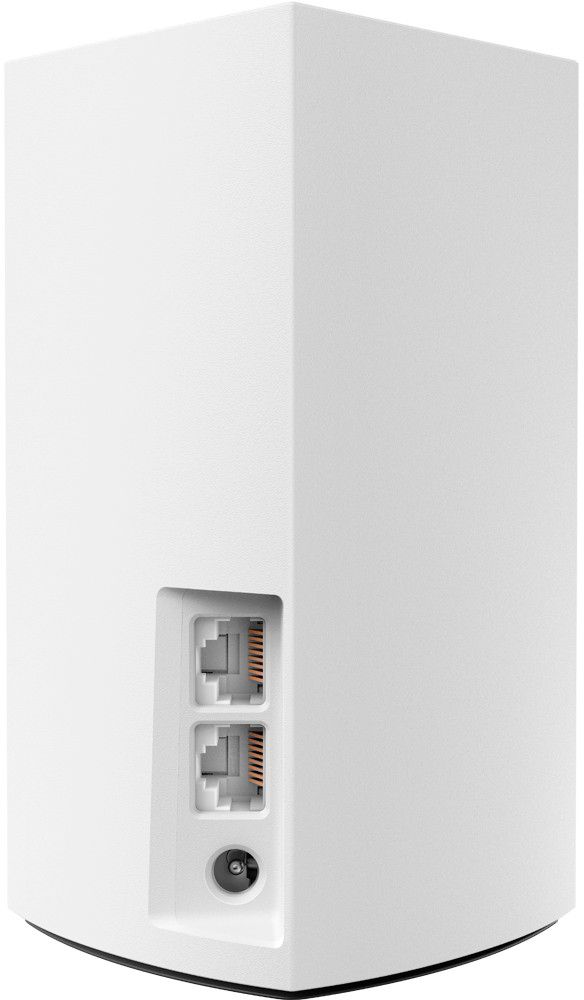
A:AnswerNO. It can only handle one hardwired device (which I responded was a weakness in its design). One can hardwire all the nodes together for best signal throughput; each nodes allows only one in & one out. As far as I can tell it's not designed to push signals through a switch that would allow access to all your devices.
A:AnswerI have one in the living room connected to my WiFi modem, one in the back bedroom and one in my patio outside, these 3 cover about 2600 sq ft with no issues and great reception.
A:AnswerYes and yes. Each node has two Ethernet ports on them which allows you to plug in devices. Note that the first node will need to be connected using one of these ports to your cable modem so that node has only one available port to connect another device to, like a PC. It works just fine to connect thru these Ethernet ports!
A:AnswerHi, jacklafferty. The Velop node works as a router and we're not quite sure about your question, however, know that the Velop system supports WPA2 personal wireless encryption.
A:AnswerI have Xfinity internet and this boosted my range greatly over my Apple router! Plus I purchased the 3 pack and placed them at each end of the house (& 1 in the middle) and have not encountered any more dead spots. Hope this helped.
A:AnswerNo, not according to the specs. This system (AC3900 version) only support 3 nodes in total. While I have not tried to expand it further than 3, it would be a dice roll for more than 3.
I do know that other versions of the Velop system can support more than 3 nodes per their specs.
Do your research and get what you need, not what you settle for!