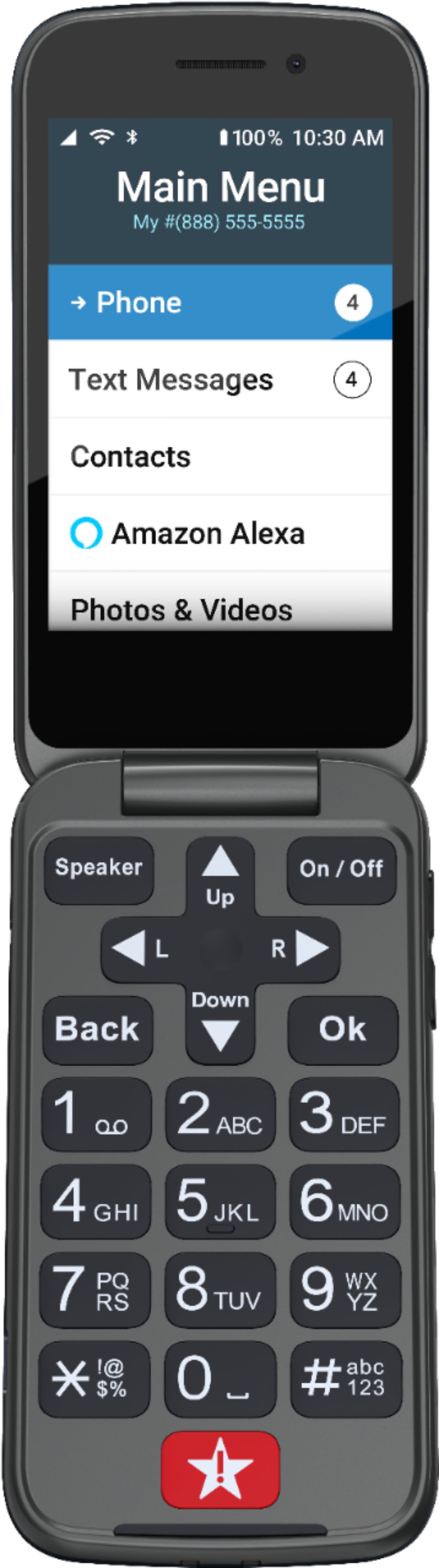
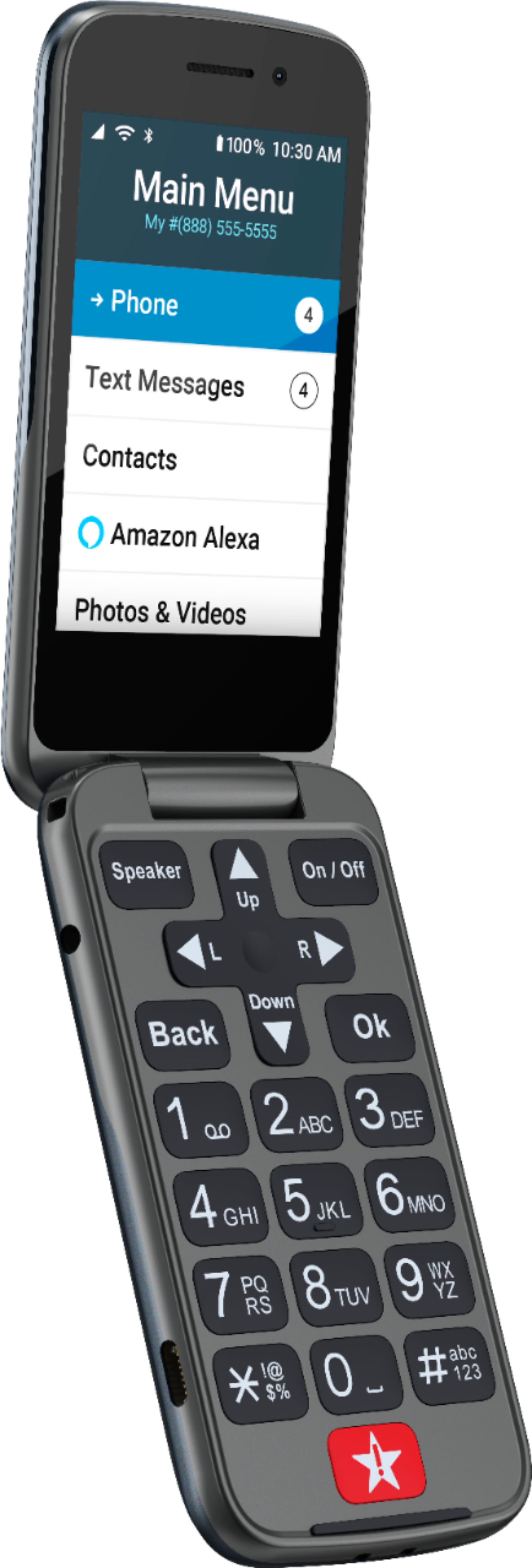
A:AnswerGreat question! The Lively Flip does support voice commands via Amazon Alexa once the feature is fully set up. For more details on using Amazon Alexa with the Lively Jitterbug Flip2, please visit the Product Support page of our website or give us a call at (800) 733-6632, between 5am and 7pm, Pacific time.
A:AnswerHi Lulu, great question! Lively phones were specifically designed to work on the Lively network which is powered by the nation’s largest and most reliable wireless network. Your Lively Flip will come with a charger and all of the components needed to get started with service. To enjoy exclusive features that are only available on the Lively network, activate with Lively by phone or on the Lively website. Lively has a variety of plans so you can choose the one that works best for you.
A:AnswerWe are so glad that you asked! For instructions on how to block a phone number, please view page 45 of the User Guide, available on our website and packaged with each phone. For immediate support, please contact our Customer Service team at 1-800-733-6632.
A:AnswerGreat question! Lively phones were specifically designed to work on the Lively network which is powered by the nation’s largest and most reliable wireless network. To enjoy exclusive features that are only available on the Lively network, activate with Lively by phone or on the Lively website. Lively offers a variety of plans so you can choose the one that works best for you.
A:AnswerGreat question! Lively phones were specifically designed to work on the Lively network which is powered by the nation’s largest and most reliable wireless network. To enjoy exclusive features that are only available on the Lively network, activate with Lively by phone or on the Lively website. Lively offers a variety of plans so you can choose the one that works best for you.
A:AnswerGreat question! Lively phones were specifically designed to work on the Lively network which is powered by the nation’s largest and most reliable wireless network. To enjoy exclusive features that are only available on the Lively network, activate with Lively by phone or on the Lively website. Lively offers a variety of plans so you can choose the one that works best for you.
A:AnswerThank-you, Moms!
I will let go my furtive search to find a way.
I'm diggin' the phone otherwise, so far, though -- happy I was able to get it!
Take best of care,
Kat
A:AnswerLively is actually powered by the nation’s most reliable network (Verizon). To enjoy exclusive features that are only available on the Lively network, activate with Lively by phone or on the Lively website. Lively has a variety of plans with data so you can choose the one that works best for you. Lively even allows you the option to transfer your cell or home phone number, as long as your number is still available. There are instructions on how to do so included with the box -- just make sure you do not cancel your previous service until the transfer is complete.
A:AnswerGreat question! All Lively phones are unlocked per nationwide standards, but we cannot control which carriers choose to accept or activate our phones. Lively cannot guarantee coverage outside of the United States. If the phone is able to connect to a network and can make/receive calls abroad, then international usage rates apply. For additional support please visit our website or contact our Customer Service team.
A:AnswerHi Betsy, we have a suggestion that may help. You can lock the volume buttons on the side of the phone. From the Main Menu, select Settings and press the OK button, Select Volumes & Sounds and press the OK button. Select Volumes and press the OK button. Select Lock Buttons and press the OK button. Select Yes to lock the volume buttons or No to unlock them and press the OK button. If the issue continues you should contact Customer Service, 1-800-733-6632, between the hours of 5am and 7pm Pacific Time, for troubleshooting.
A:AnswerHello, we are very sorry to hear that you are having difficulties answering the Lively Flip. There is no override available to allow the call to be answered when you open the phone. You may find it easier to answer via the Alexa feature. You can find information about Alexa on page 75 of the user guide or if you need assistance, please give us a call.
A:AnswerGreat question! Yes, the Lively Flip does have the option of vibrate. It is easy to set up and you have the added ability to lock the volume buttons.
A:AnswerWe are so glad you asked, Maria. Lively phones were specifically designed to work on the Lively network which is powered by the nation’s largest and most reliable wireless network. To enjoy exclusive features that are only available on the Lively network, activate with Lively by phone or on the Lively website. Lively has a variety of plans so you can choose the one that works best for you.
A:AnswerHello, yes. Our customers are able to pay by credit card, money order, or by personal check. Lively accepts the American Express
Discover, MasterCard or Visa for a form of payment.
A:AnswerHello, we are sorry to hear that you have encountered a problem. Please contact our Customer Service at, 1-800-733-6632 between 5am to 8pm, Pacific Time, 7 days a week.
A:AnswerGreat question! Yes, the Lively Flip gives you the option to have the vibration on along with your desired ring tone. For more details on the Lively Flip, please visit the Product Support page of our website.