A:AnswerI don't know, and I don't really care. I purchased this phone only for calling & receiving calls from people and for "some" texting (I'm not really up to do this really well) and that is all I need. I still haven't called Lively to ask if the "Emergency button is Active or not", or how to delete phone calls that I missed. It's not in the manual. I was given a 726 area code number, I would rather have had a 210 area code number, because stores I've called all sound very cautious about a 726 number, they sound like i'm giving them a "false" number. They don't call back.
Can you guys help me get a 210 area phone number?
I really would appreciate it. Thank you. Leo
A:AnswerUnfortunately, no. This is an option that should be included in any phone that is recommended for seniors to stop seniors from being targeted by unwanted calls. Don't know of any phone that does this.
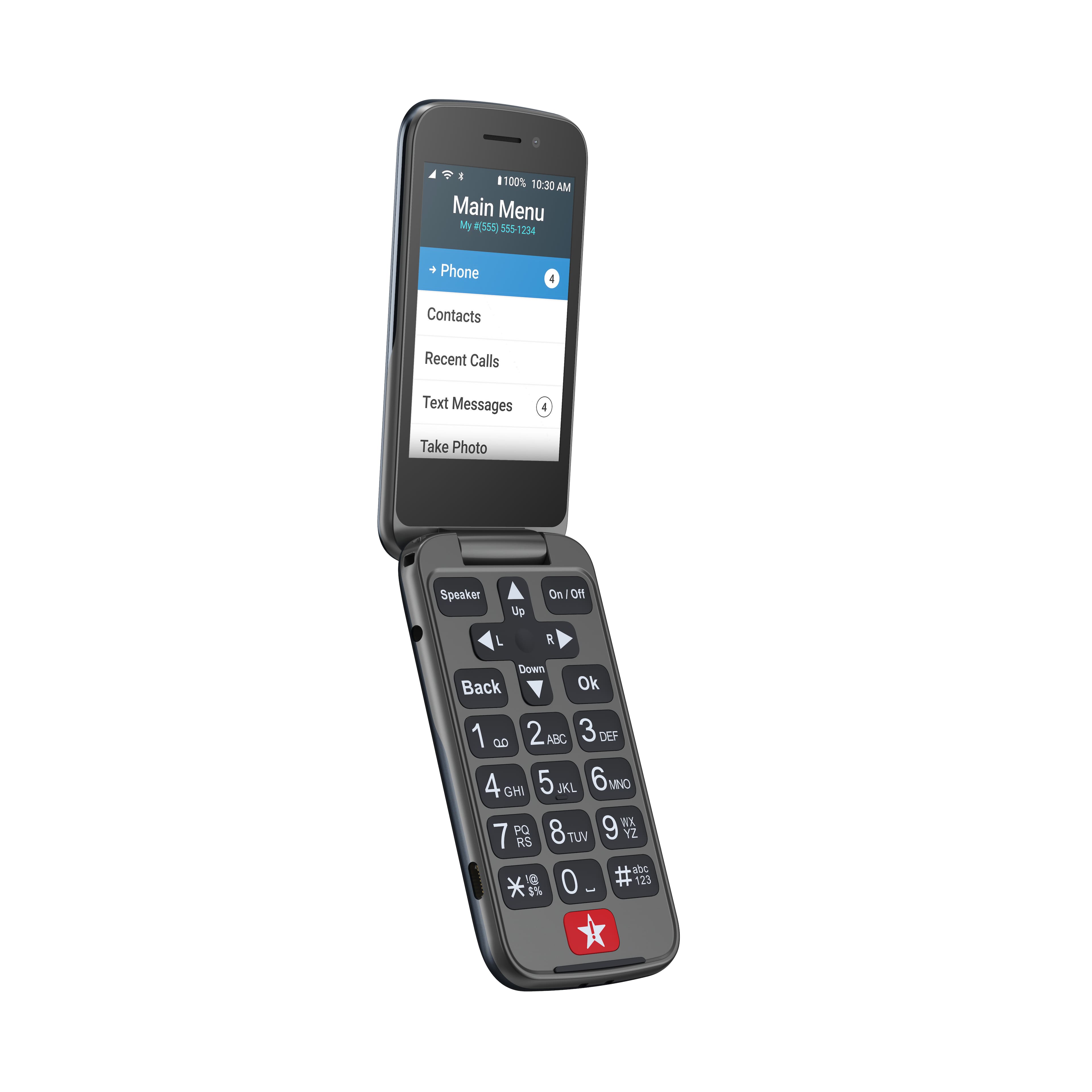
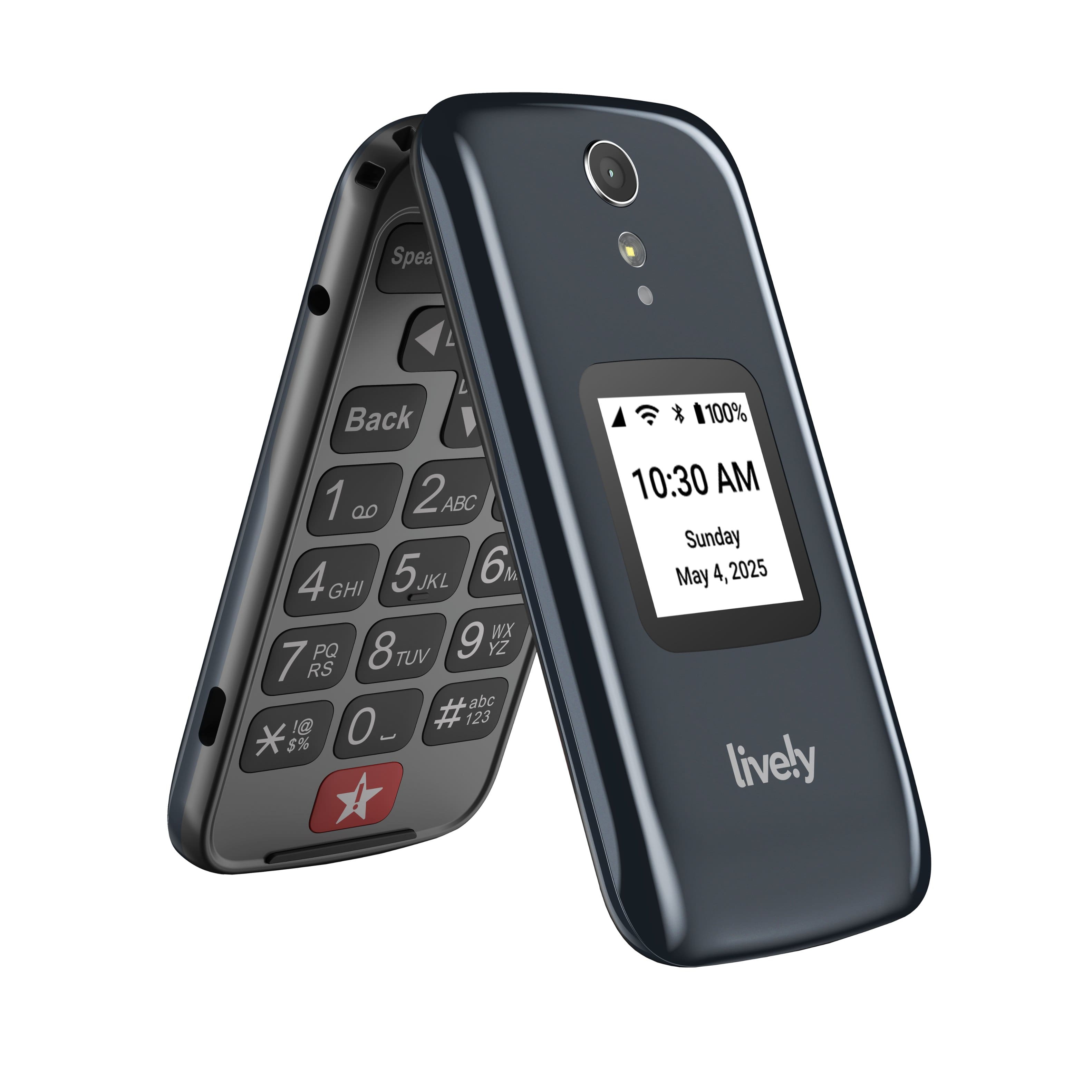
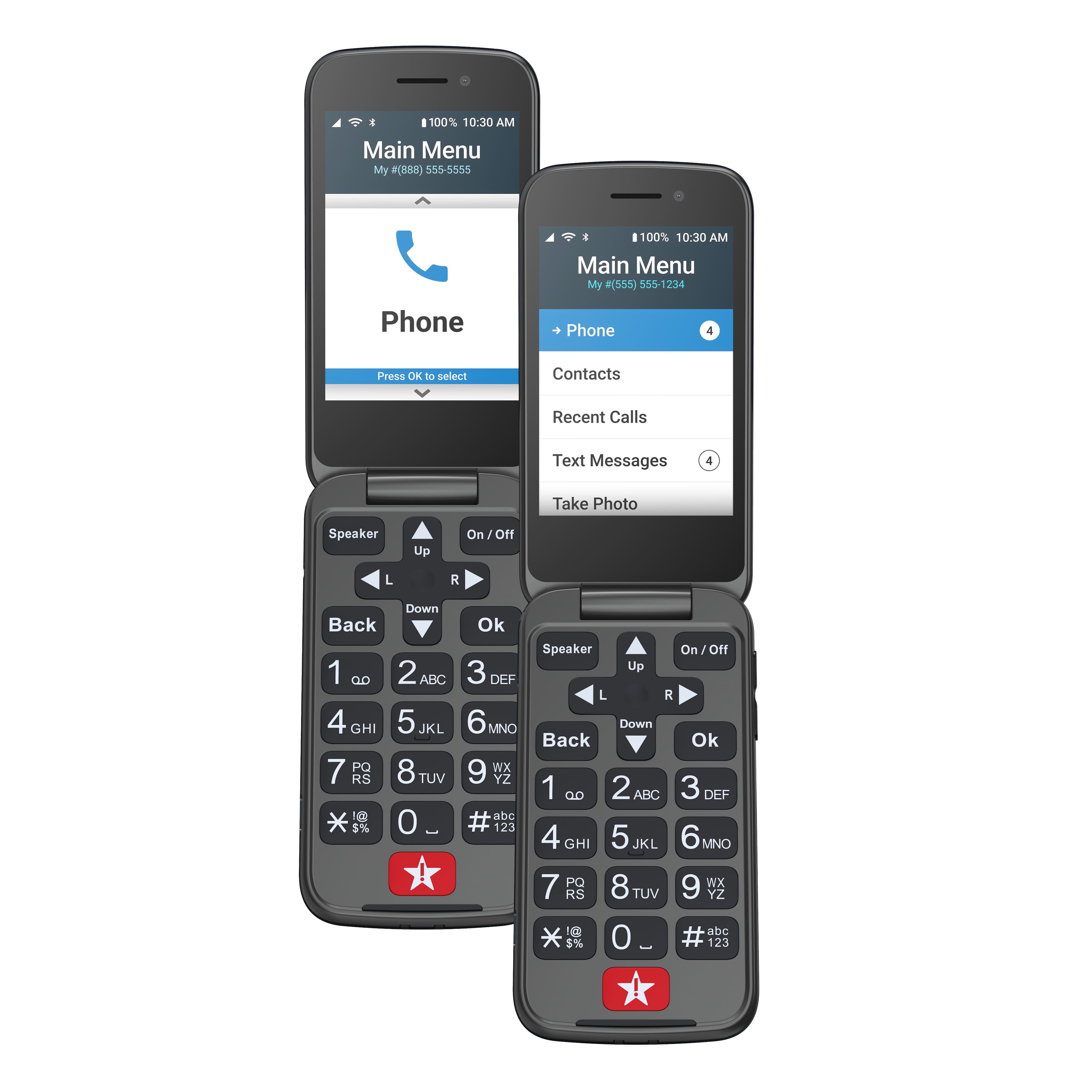
A:AnswerGreat question! The Jitterbug Flip2 phone does have the ability to connect to a vehicle via bluetooth. If you need further assistance, please contact our friendly Customer Service.
A:AnswerGreat question! Our Jitterbug Flip2 phone is available for calling and text messaging but due to the FCC regulations, the text messaging application can not be removed for incoming emergency alerts.
A:AnswerGreat Question!Yes you are able to block calls on a Jitterbug flip2 . Please call our Customer Service at 1-800-733-6632 between 6am and 6pm pacific time for assistance.
A:Answeri CANT FIND ONE AND THEY HAVE BEEN SAYING STAY ON THE LINE ABOUT 5 MINUTES TO TALK TO SOMEONE AND i HAVE BEEN WAITING FOR 45 MIUTES.
LOUSY SERVICE IM GETTING ANOTHER COMPANY SCREW THIS
A:AnswerSorry, I can't help you too much. I haven't called much except in my area of CO. I know it uses the Verizon towers & Verizon has very good service in most areas. We live in the mtns & so cell service isn't always the best in certain areas of the mtns. Sorry I couldn't help you more!
A:AnswerGreat question! The Jitterbug Flip2 is Bluetooth compatible, however it does not have the ability to download third party applications. For more details on the Jitterbug Flip2, please visit the Support page of our website.
A:AnswerGreat question! Yes, you can send and receive text and picture messages on the Jitterbug Flip2. For more details on the Jitterbug Flip2, please visit the Support page of our website.
A:AnswerGreat question! The Jitterbug Flip2 phone does not have the capability to go on the internet. If you are looking for a phone that has these features, we would recommend our Jitterbug Smart3 phone.