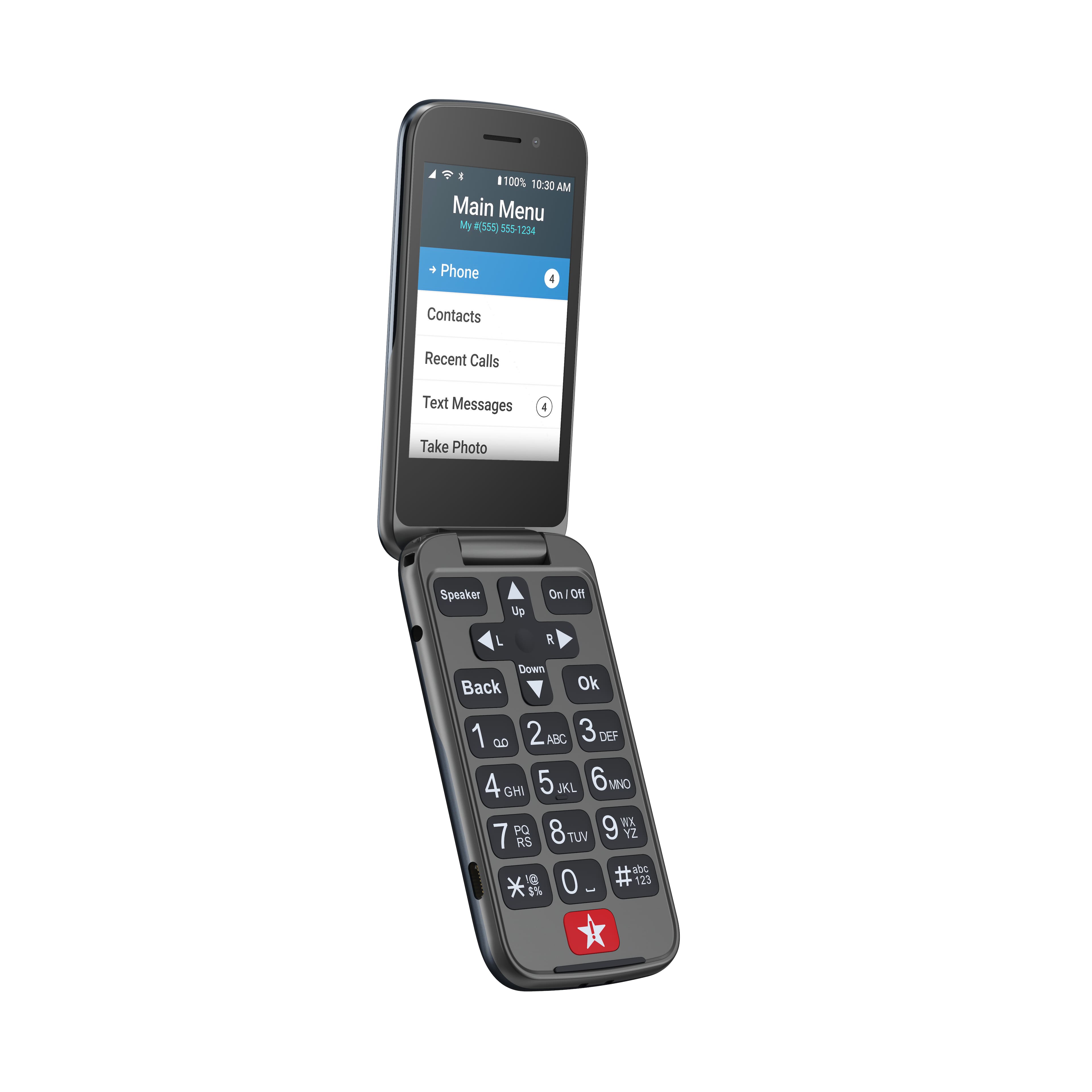
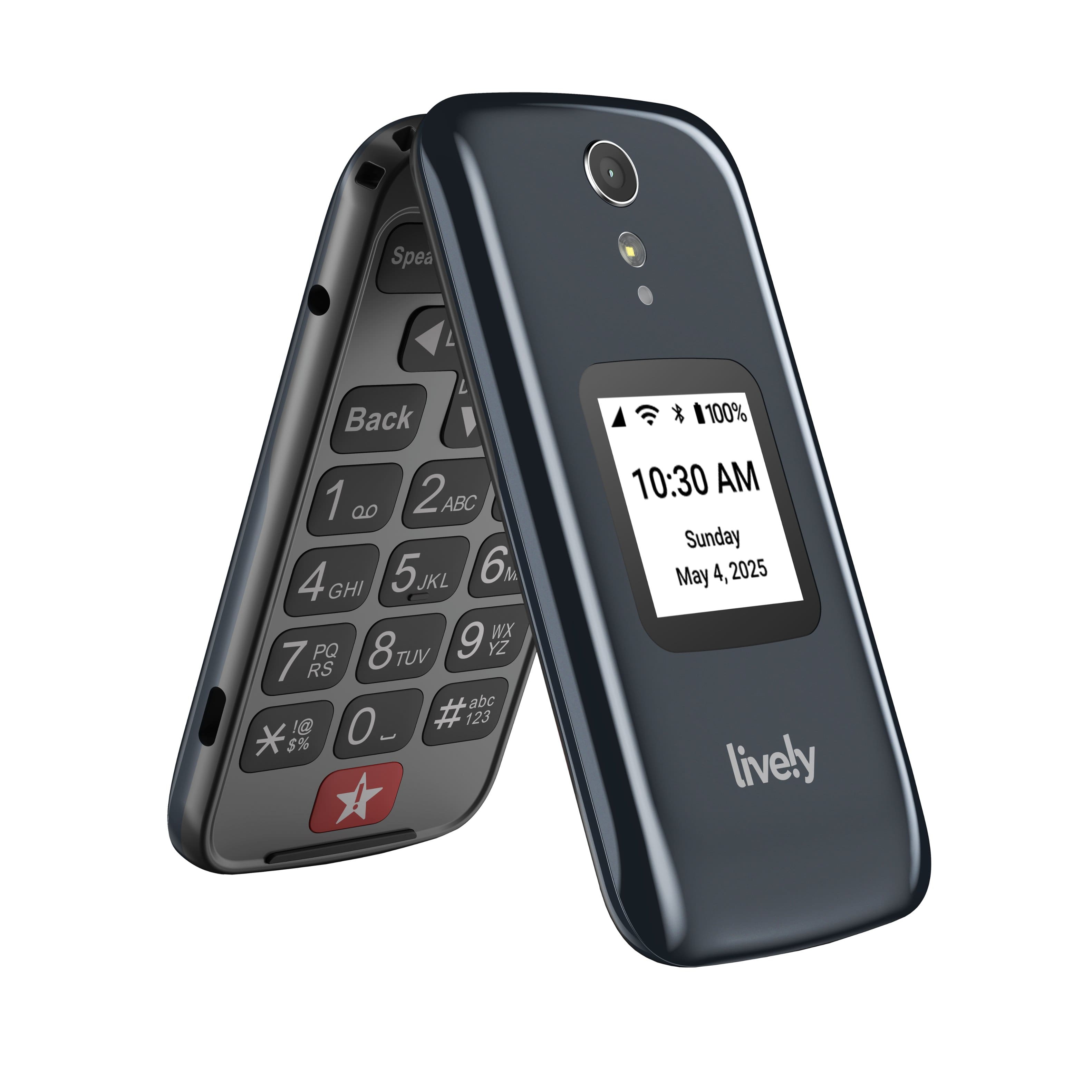
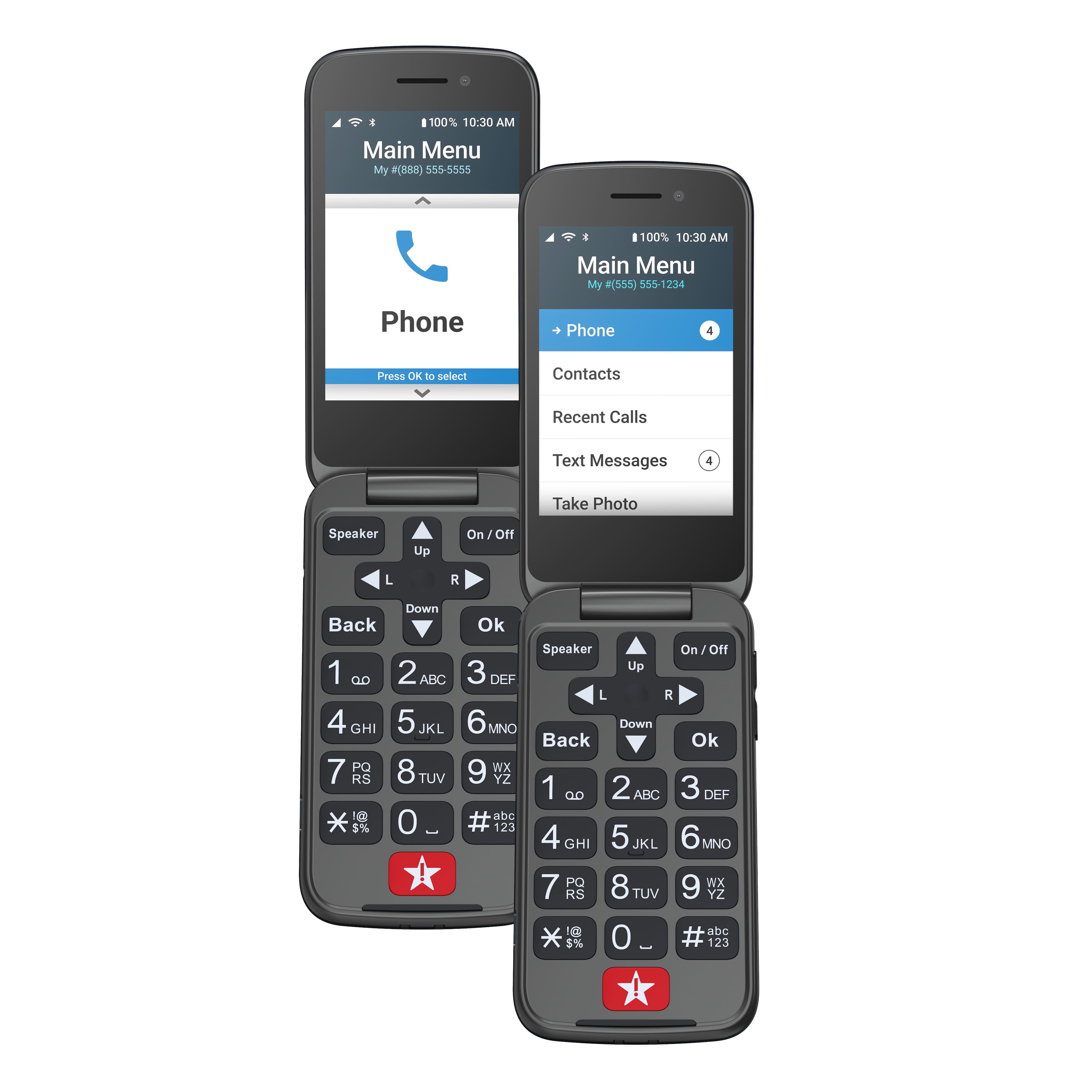
A:AnswerThank you for your interest in our products and services. The Lively Flip can block phone numbers. Instructions for blocking a phone number can be found on page 45 of the User Guide. For additional assistance, please contact our Customer Service at 1-800-733-6632.
A:AnswerWe are sorry to hear that you have encountered a problem. There is no specific number of photos that the phone will hold. The Lively Flip has approximately 10GB of available storage that is used up between items such as photos, texts, and contacts. For reference, 10GB would equate to approximately 10,000 photos. If you need any further assistance, please contact our Customer Service at 1-800-733-6632.
A:AnswerThank you for your interest in our products and services. The Lively Flip phone is an easy to use flip style phone that does not use Wi-Fi to function.
A:AnswerThank you for your interest in our products and services. The phone may still be able to access networks used in select international destinations while roaming on a participating carrier’s network. There is a $2.00/minute charge for each minute of the call.
A:Answerno money needed except to buy it. I went to best buy and it was half price 49.99. But great call will talk to you and set it up and you will get a bill for the plan you want.
A:AnswerWhile the Lively Flip does not have a location option to turn on for GPS tracking, if your father has a Health and Safety plan with our Link application service, you may be able to see his location in 30-minute intervals. For more information please visit our website, www.gretacall.com or contact our Customer Service at 1-800-733-6632.
A:AnswerThank you for your interest in our GreatCall products. All Jitterbug cell phones are unlocked per nationwide standards, but we cannot control which carriers choose to accept or activate our phones, nor do we guarantee our phones are compatible with other networks. Jitterbug phones were specifically designed to work on the GreatCall network which is powered by the nation’s largest and most dependable wireless network. GreatCall’s award winning U.S. based support and 5Star emergency response service is only available on the GreatCall network. GreatCall offers a variety of affordable plans for as low as $14.99/month and can be viewed on our website, www.greatcall.com.
A:AnswerThank you for your interest in our Lively Flip. The manufacture of the Lively Flip is Alcatel. To view more details about the Lively Flip, please view the Product Support page of our website.
A:AnswerIt doesn’t have a calendar application. It does have Lively Voice with Alexa skills, that may work. The “helpful tools”include flashlight, magnifier, clock, calculator, FM radio and mobile support.
A:AnswerNo contract is involved. You simply call Great Call, the carrier for the jitterbug lively phones, and the company will activate your new phone with the plan you choose. If you have a phone from another company, they can Port your number over before that service is canceled. You can cancel at any time with lively, and there is no termination fee.
A:Answerno you can text but it is harder since you have to tap some keys twice or three times to get a number or letter. Receiving text is ok. I would not recommend this for a senior person.