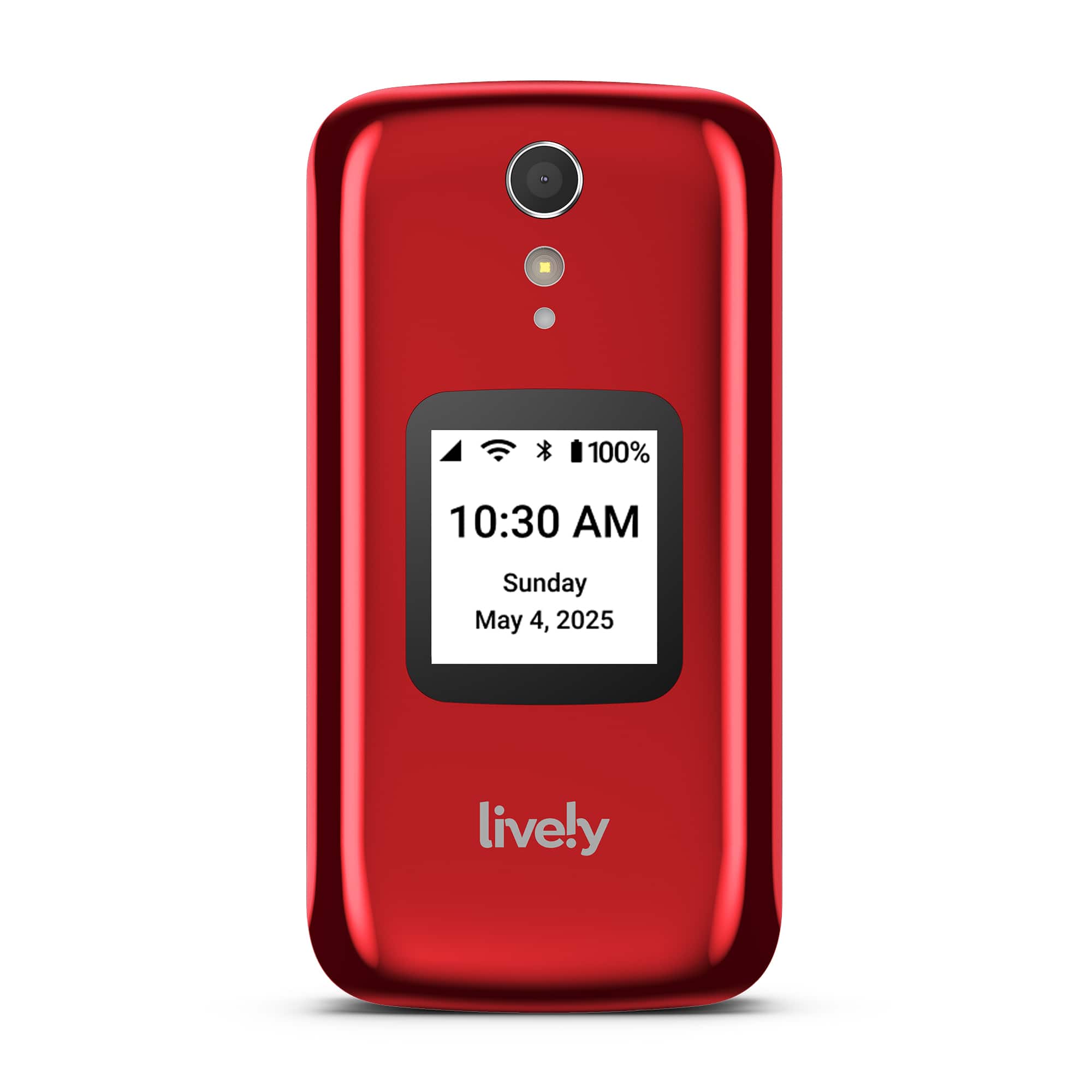
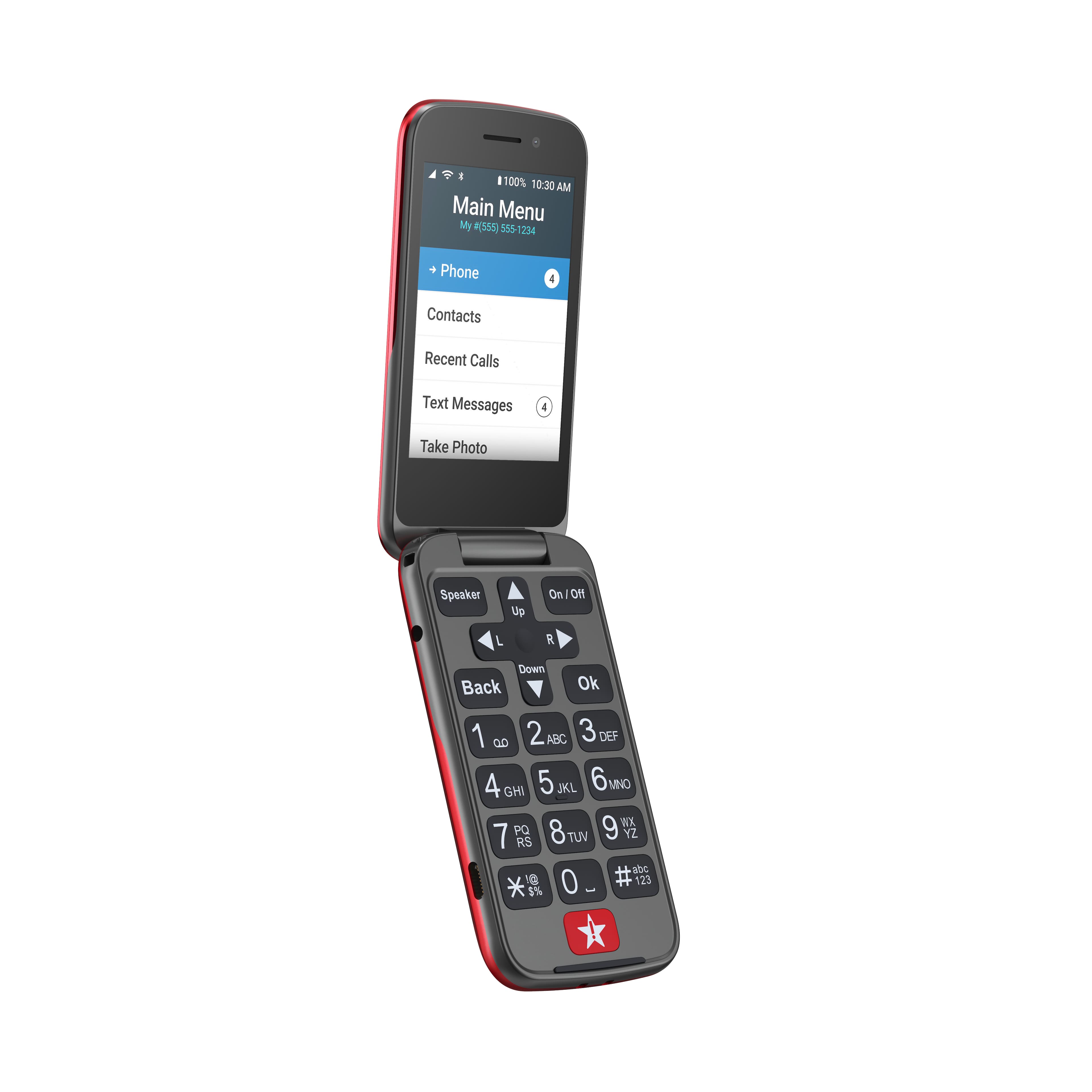
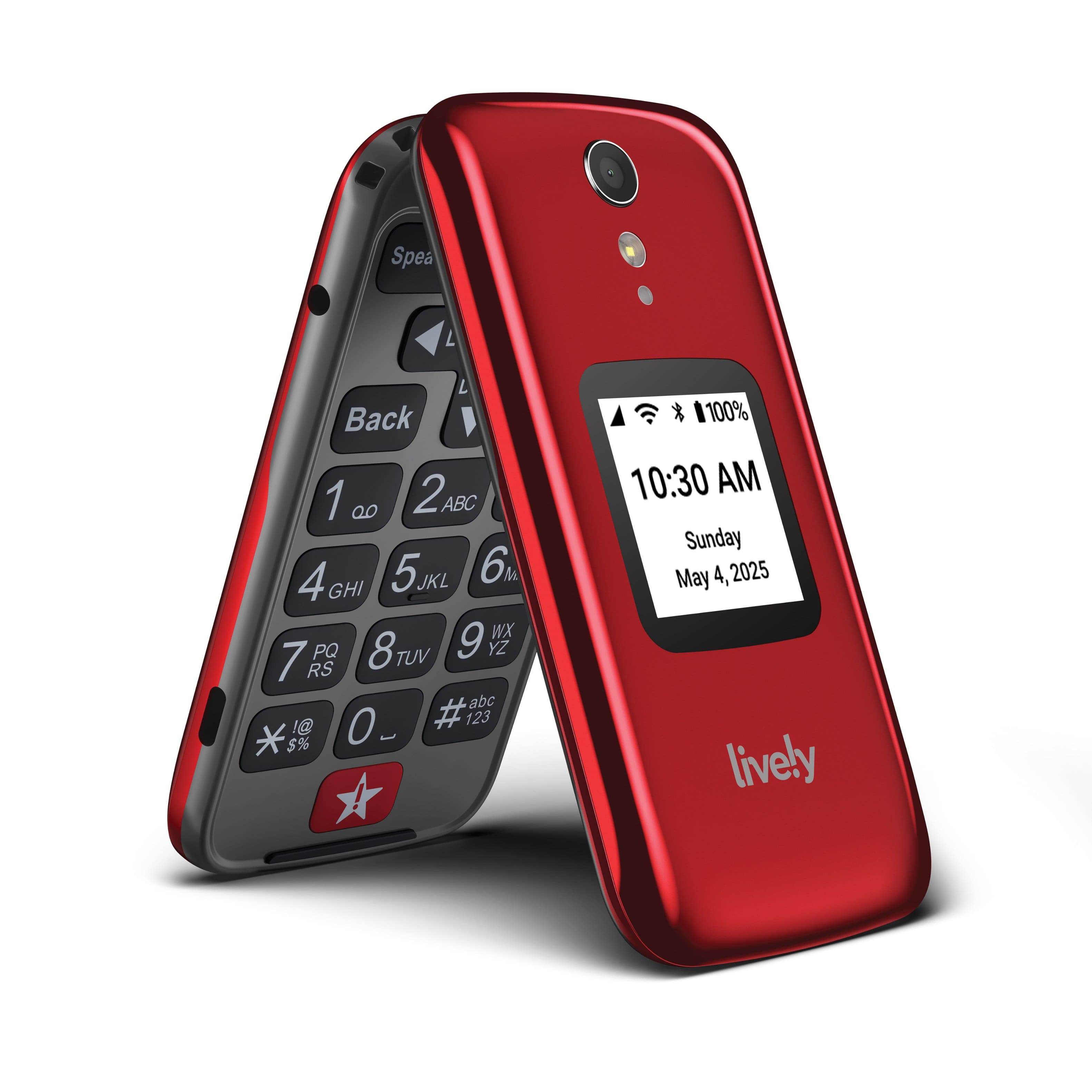
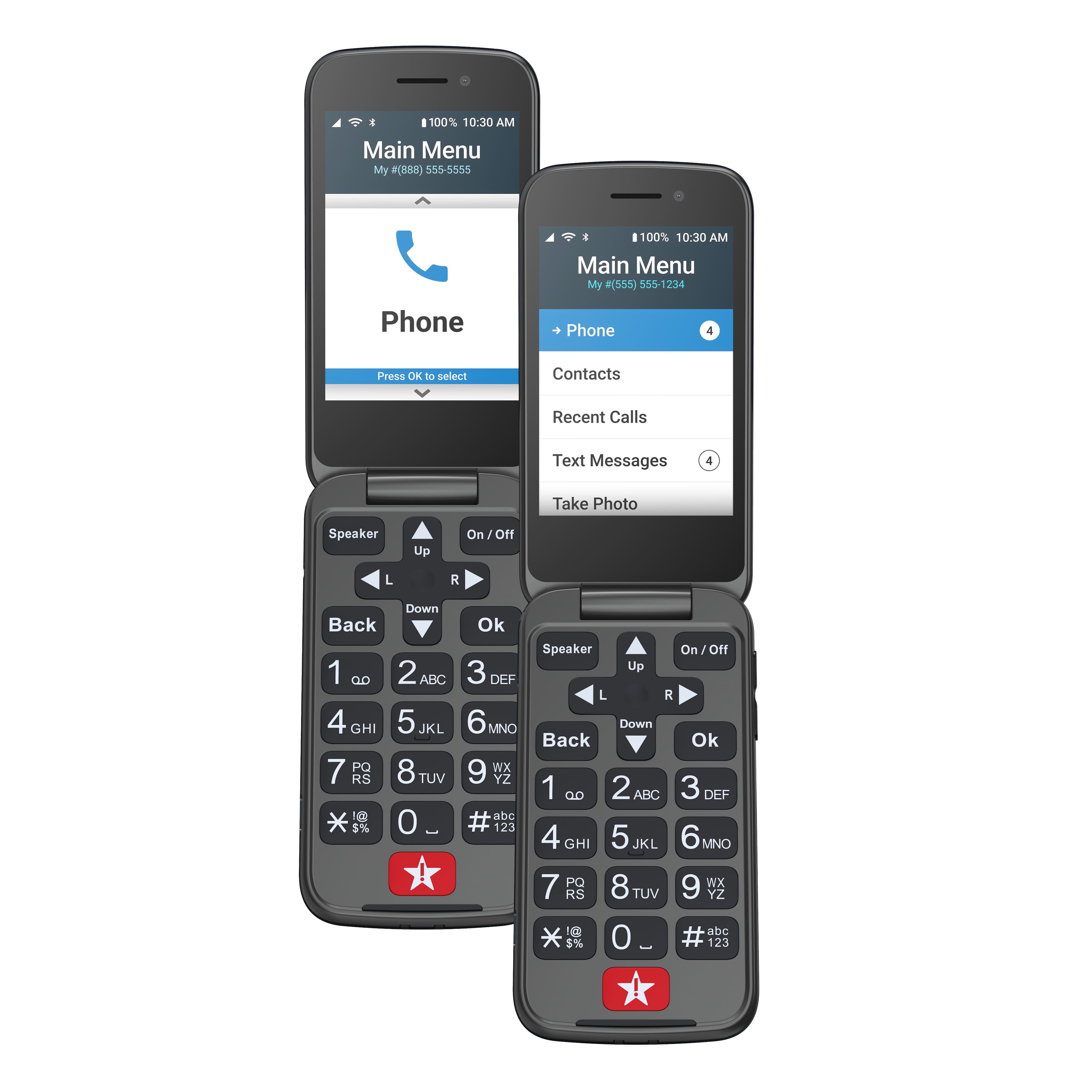
A:AnswerYes, the Lively Flip has a volume button located on the right-hand side of the phone. For more details about the Lively Flip, please visit the “Support” page of our website.
A:AnswerGreat question! The Lively Flip can block phone numbers. Instructions for blocking a phone number can be found on page 45 of the User Guide. For additional assistance, please contact our Customer Service at 1-800-733-6632.
A:AnswerI traded my number no problem. Used this Live!y number to talk to the representative instead of the number on the front of the box. 800-733-6632 .
I have used a few previous versions of GreatCall, Jitterbug, Live!y phones and I like this one best. It boots up faster and has more options in the menu to turn off button sounds, capitalize or not when entering saved numbers (Contacts), to send text to a saved contact, etc.
A:AnswerGreat question! The Lively Flip phone does not have the capability to access the internet. If you are interested in a phone that can, we would recommend our Lively Smart phone.
A:AnswerGreat Question! The Lively Flip phone has 4G LTE Coverage which is available only in the US, but International and Long Distance calling are available on the Lively Flip phone but are billed at an international rate.
A:AnswerGreat question! There are no long-distance fees for calling in the USA when using your Lively Flip phone so there is no need for a long-distance calling plan. However, if calling internationally, international long-distance fees will apply.
A:AnswerGreat question! The Lively Flip does not have a read feature, but it does have the option to set up Amazon Alexa. With the Alexa feature fully set up, you can use your voice to write texts, make calls, check the weather and more.
A:AnswerYes it can, it won't overcharge. It stays put and makes contact better than a previous Greatcall flip phone that we had. The stand just works better with this version of their flip phone.
A:AnswerGreat question! Lively phones were specifically designed to work on the Lively network which is powered by the nation’s largest and most reliable wireless network. To enjoy exclusive features that are only available on the Lively network, activate with Lively by phone or on the Lively website. Lively offers a variety of plans so you can choose the one that works best for you.
A:AnswerLively is actually powered by the nation’s most reliable network. To enjoy exclusive features that are only available on the Lively network, activate with Lively by phone or on the Lively website. Lively has a variety of plans so you can choose the one that works best for you.
A:AnswerGreat question! The Lively Flip has a storage capacity of 16GB. For more details on the Lively Flip, please visit the “Support” page of our website.
A:AnswerRegardless of where you buy the phone, you will need to call the number on the box to set up the phone. The whole process takes about 20 minutes. So basically you don't need anyone to help you activate the phone. It's best you do it instead of a store employee since lively needs sensitive information and the employee will just have to hand you the phone anyway to complete the set up.