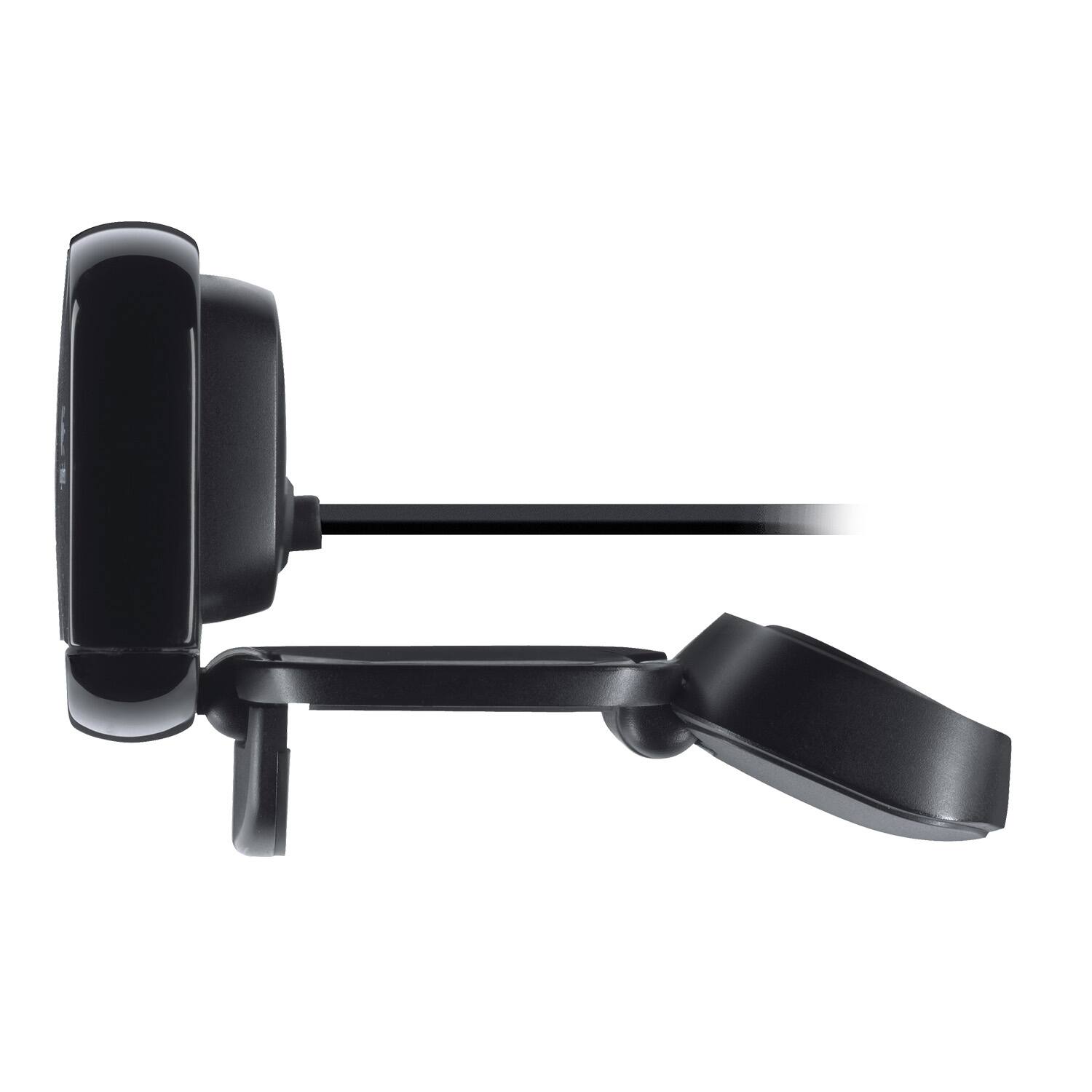
A:AnswerThe free software you want is Camera Options version 2.10.4, you can find it on our website here https://support.logi.com/hc/en-us/articles/360024846573--Downloads-HD-Webcam-C615
A:AnswerThere should be a control panel on your computer at the bottom right. It looks like a little speaker you need to right click on that and it should open something called a sound mixed and you are able to adjust the incoming noises or sounds that the mic pics up.
A:AnswerAll my still pictures taken with this webcam were saved in JPG format. I can't remember whether the camera gave me a choice of formats, because JPG was what I wanted. However, most editing software will allow you to save files in a range of different formats.
A:AnswerJust as an update to the previous answer, I have been back and forth with Logitech, it seems the software for this camera is not compatible with Monterey, even on intel based Mac's. Not sure why the package claims the camera is Mac compatible. I do not recommend purchasing it because it definitely needs adjustment which I'm not able to do on the Mac (I look terrible in this camera, it makes my skin look orange).
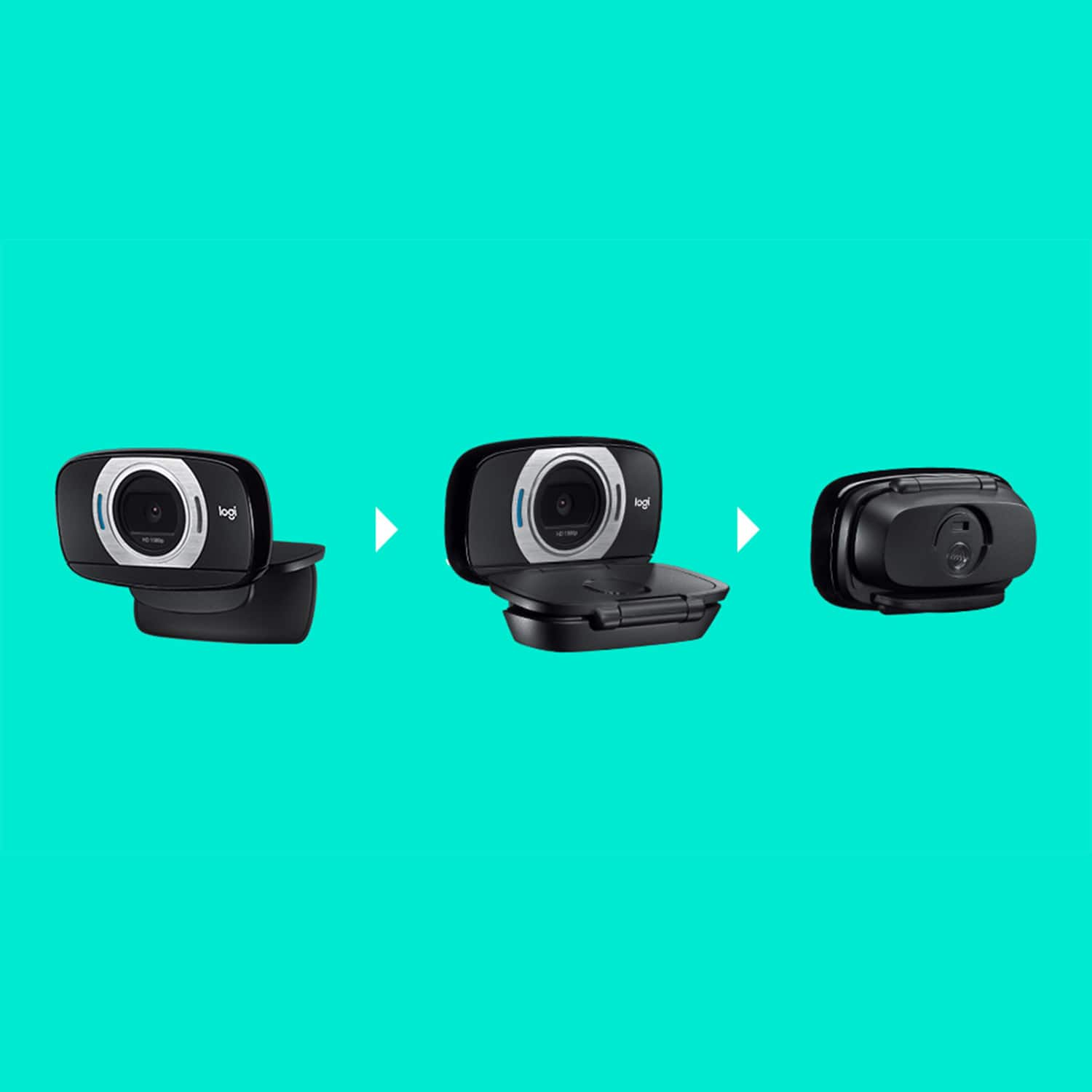
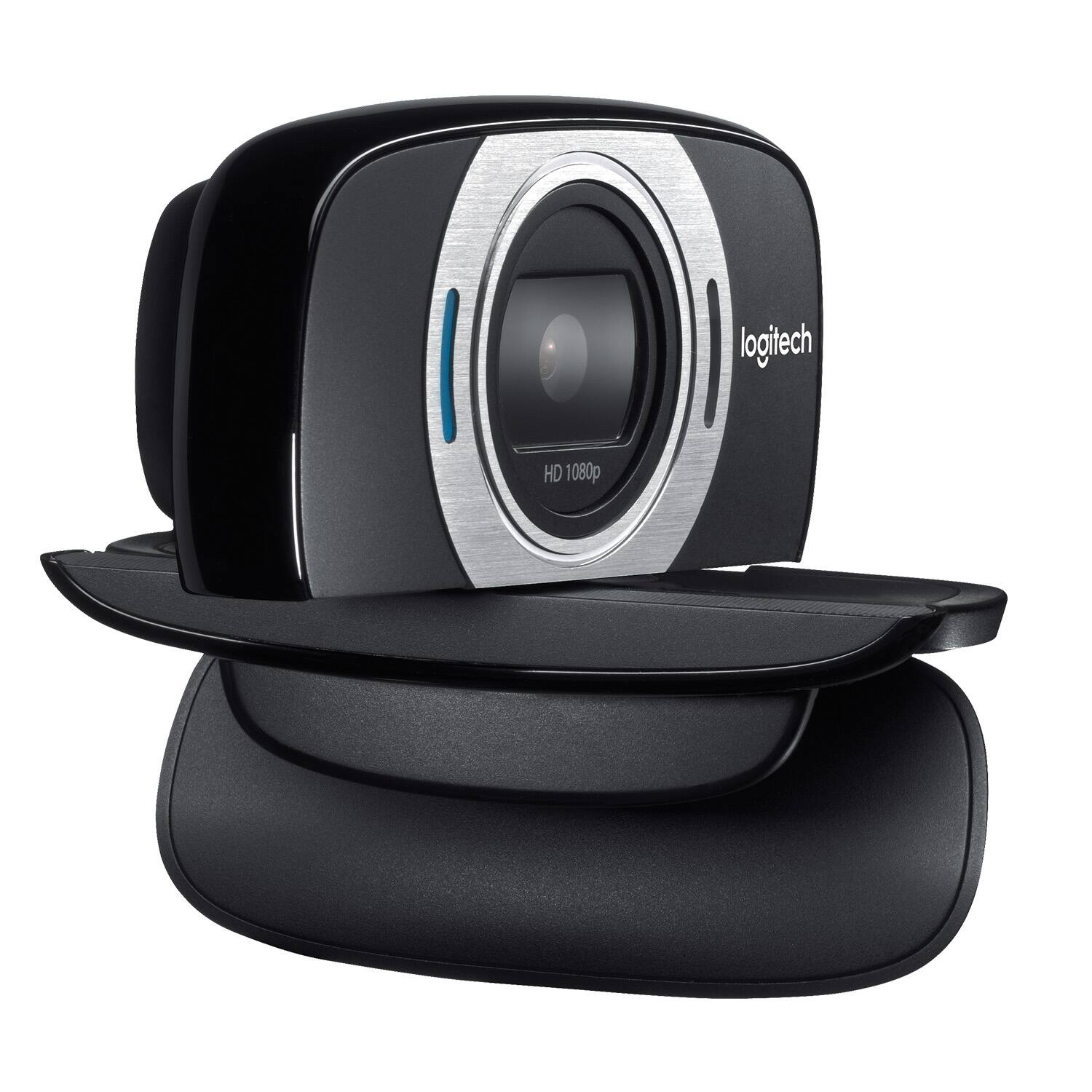
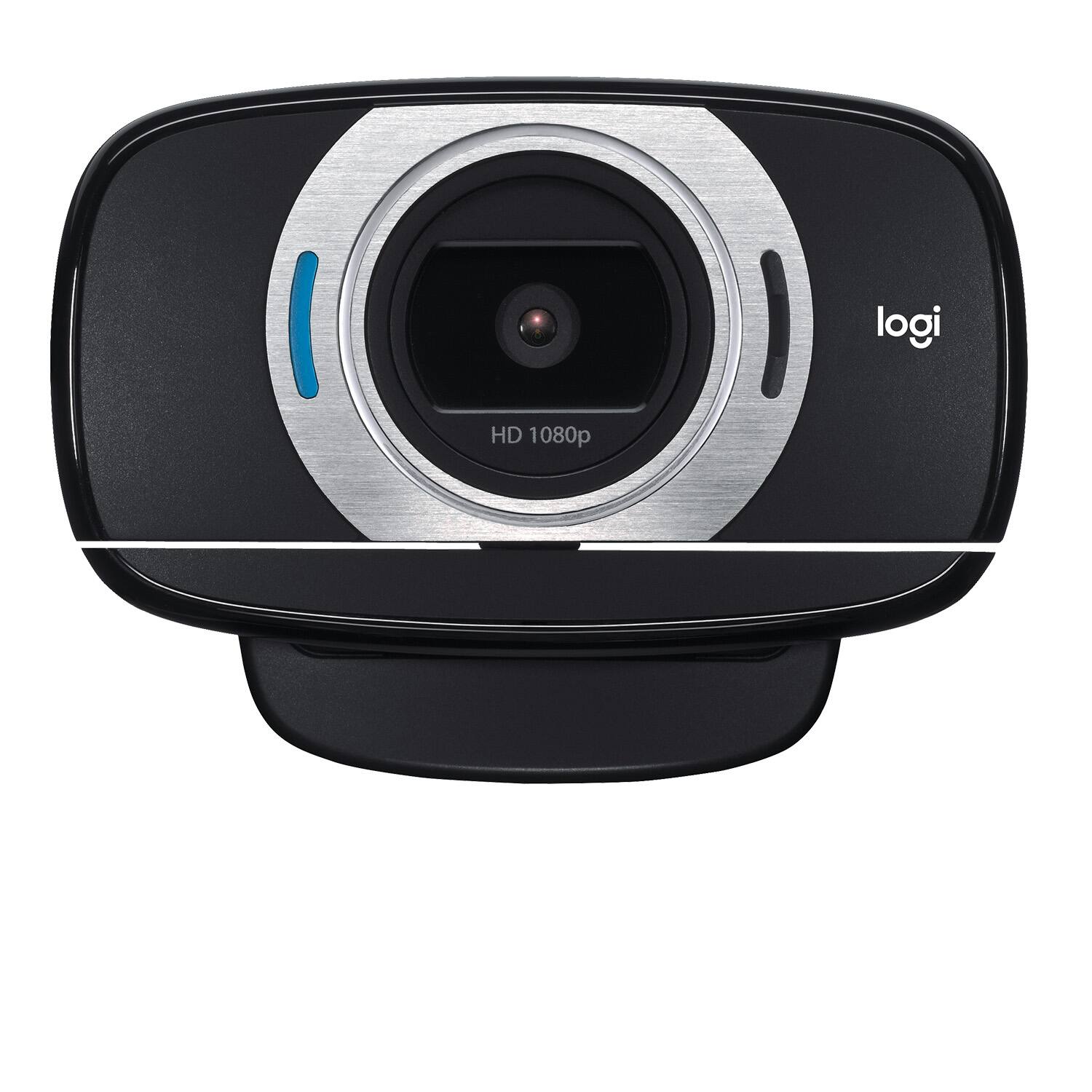
A:AnswerHello Violet, Unfortunately, the C615 isn't waterproof. Although it is portable, it is mainly for use within an office setting and can easily be transported from one office to another. I suggest using an action camera like a GoPro which are waterproof and made for outside environments.
A:AnswerHello. The C615 does not have a light source. It works pretty well in low-light conditions, but an external lighting source is always highly recommended for better quality videos.