A:AnswerYes - When you go to Logitec website download the software for the this webcam. When you click on the new Webcam software it has a Help at the top right - click on it and you can view or print the Manual.
A:AnswerHello DJAG! The C615 1080 Webcam with HD Light Correction can work with certain Smart TV yes, but It really depends on the make and model of your TV, because in most cases, you won't be able to use an external camera with them unfortunately, as webcams are designed to be used on computers mostly. I would encourage you to check the instructions of your Smart TV to see if it will allows you to do so. Should that be the case, you need to have a Smart TV with Android TV in example, then go to the Google Play Store, download a compatible app sur as Google Duo, and then once you open up the app, connect the camera to one of your TV's USB ports, it should work right away. - Mathieu from Logitech
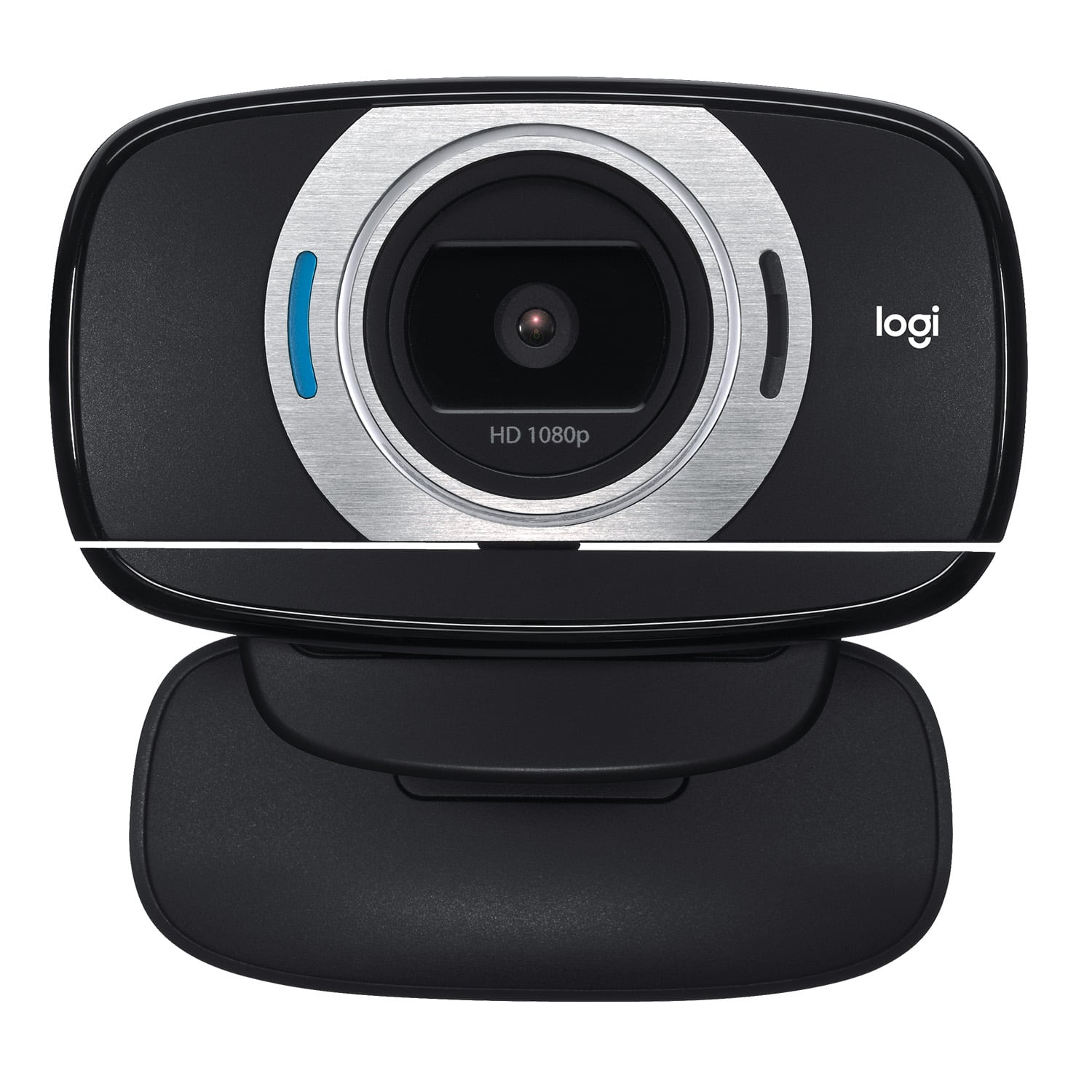
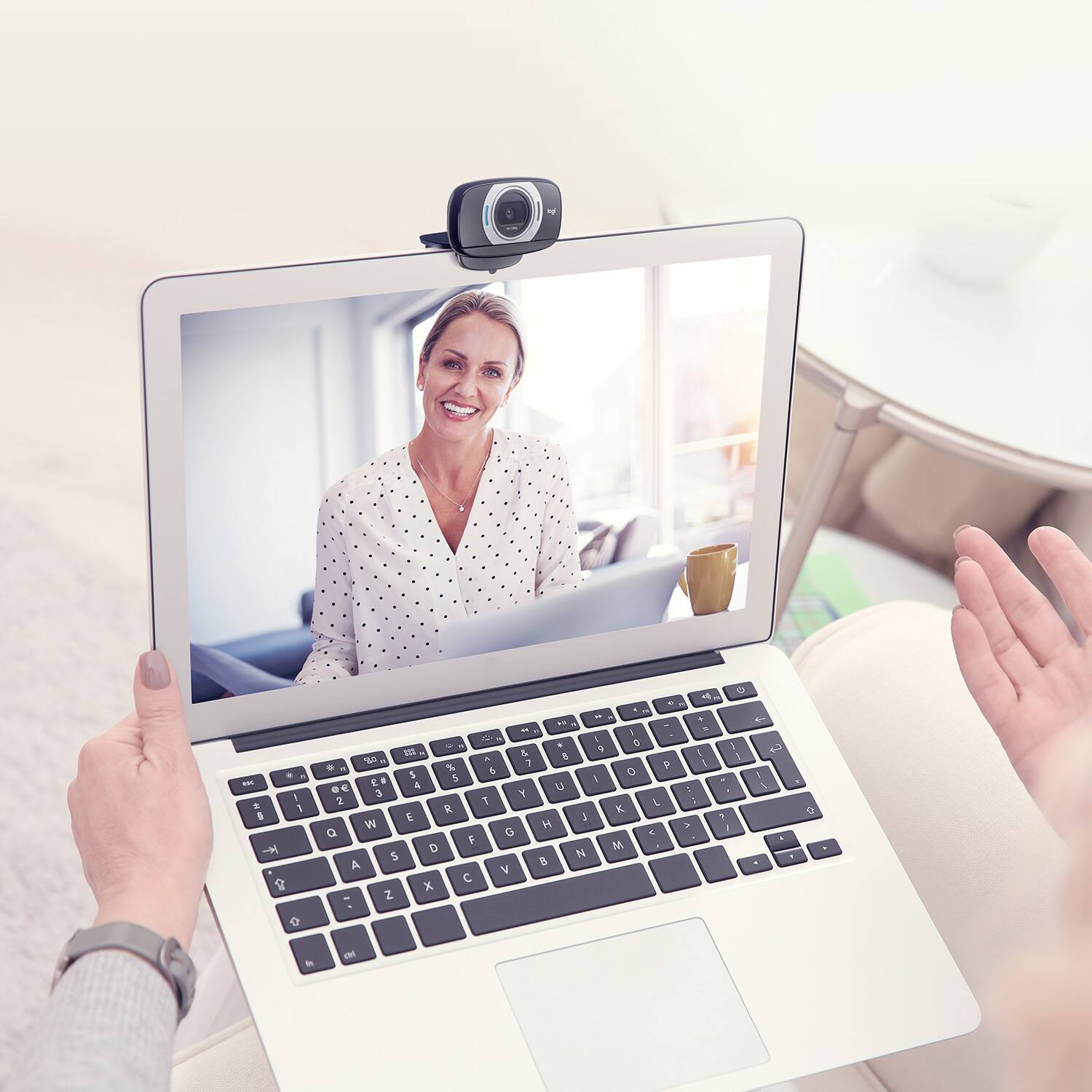
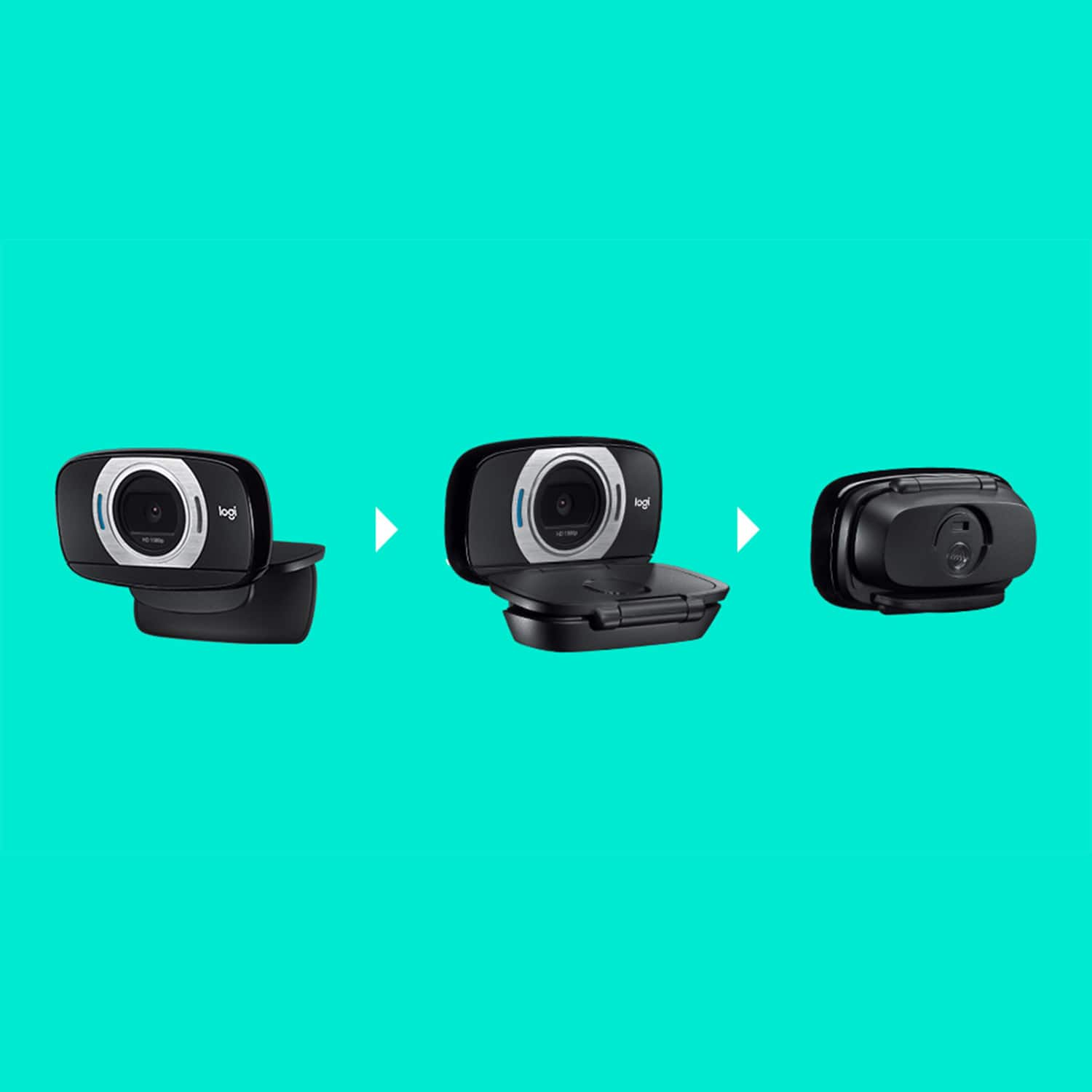
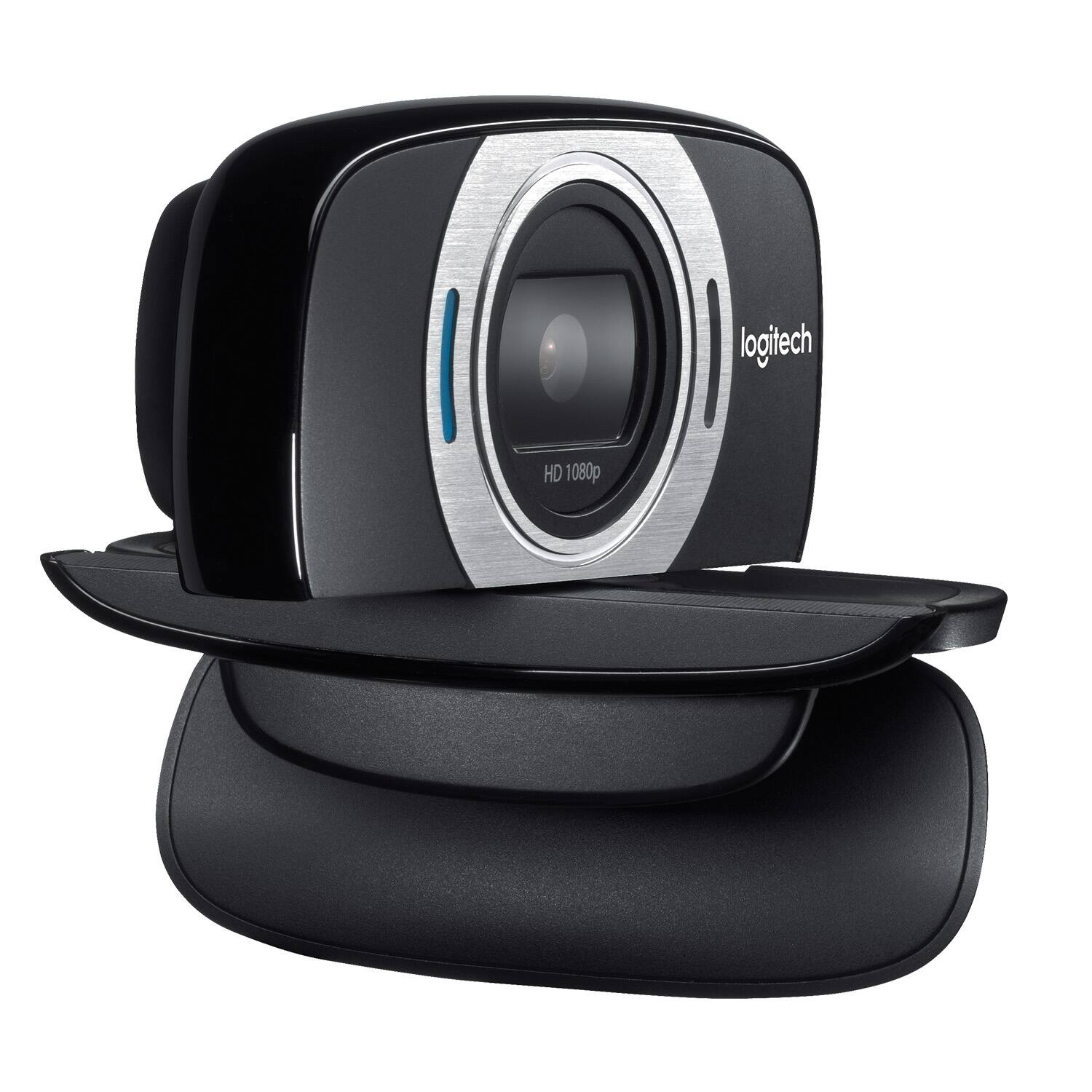
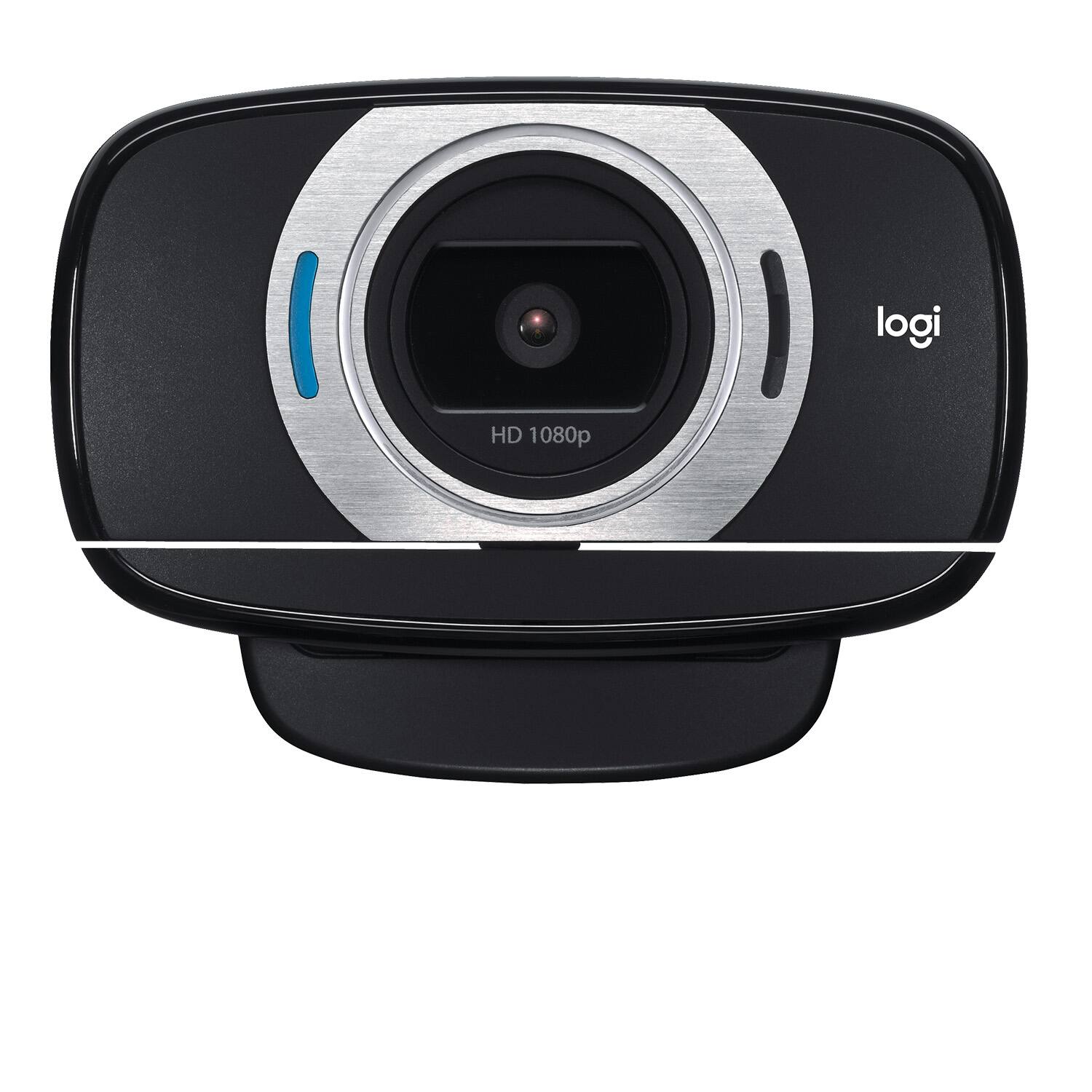
A:AnswerThis camera is simple to use and hook up. Simply cable it directly to a USB port and place it on top of your monitor. The cable is provided as part of the camera