A:AnswerDepending on what application that you're using the C920s with, you should be able to choose what microphone you use. Many of these applications---for example Zoom---automatically will choose your Blue Ice microphone. Simply check the settings before using the application. - Richard from Logitech
A:AnswerHey there! You're correct, this camera includes a built in microphone and camera, however it does not include a speaker. You'll have to attach a separate speaker system or a headset.
A:AnswerHello Superb! You use the camera with any video conferencing software such as Microsoft Teams, Zoom, Skype, etc., you can also use it with the built in Windows Camera app if you want, but to get the most out of your camera, I'd recommend downloading the free Logitech Capture software that can be downloaded here: https://www.logitech.com/en-us/product/capture.
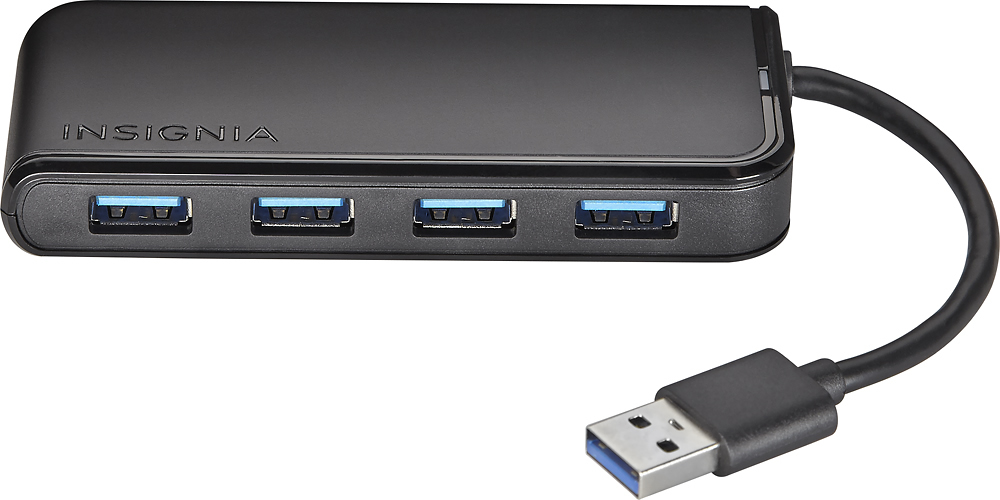
A:AnswerI've owned this camera about 2 weeks and have not needed to remove it, but don't see any reason why it couldn't be removed. You may have to make sure your computer recognises the device whenever you reconnect. If you are removing because you need the port for another device you could consider a USB hub to increase inputs. (I have this Insignia with an external drive plugged in - note that cable on the hub is very short, like 3 inches, 4-6 inches would be a lot better). But this camera did not like hub port, so another device would need to be able to use the hub port. Also, this camera has a cover. I usually have the lens covered when not using camera.