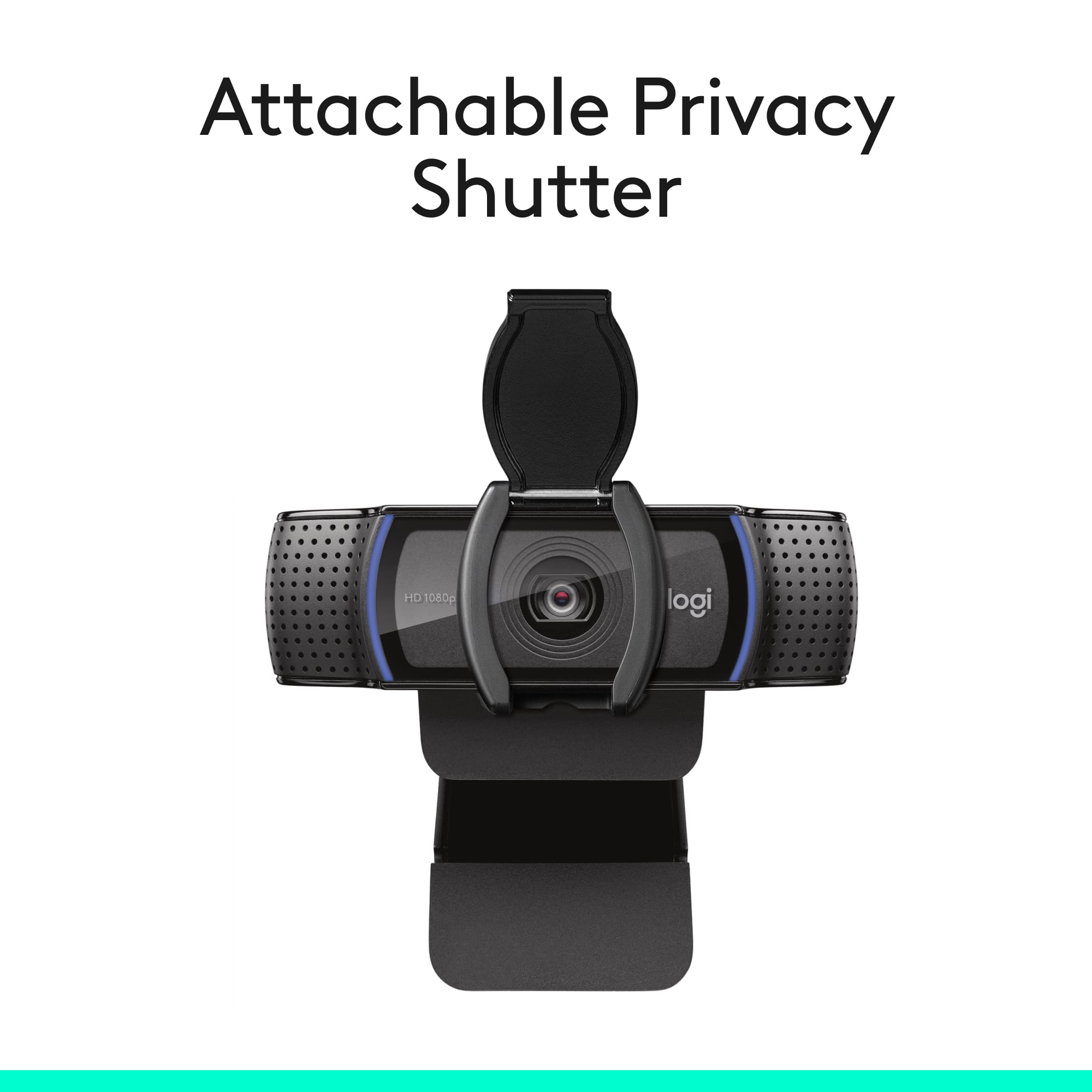
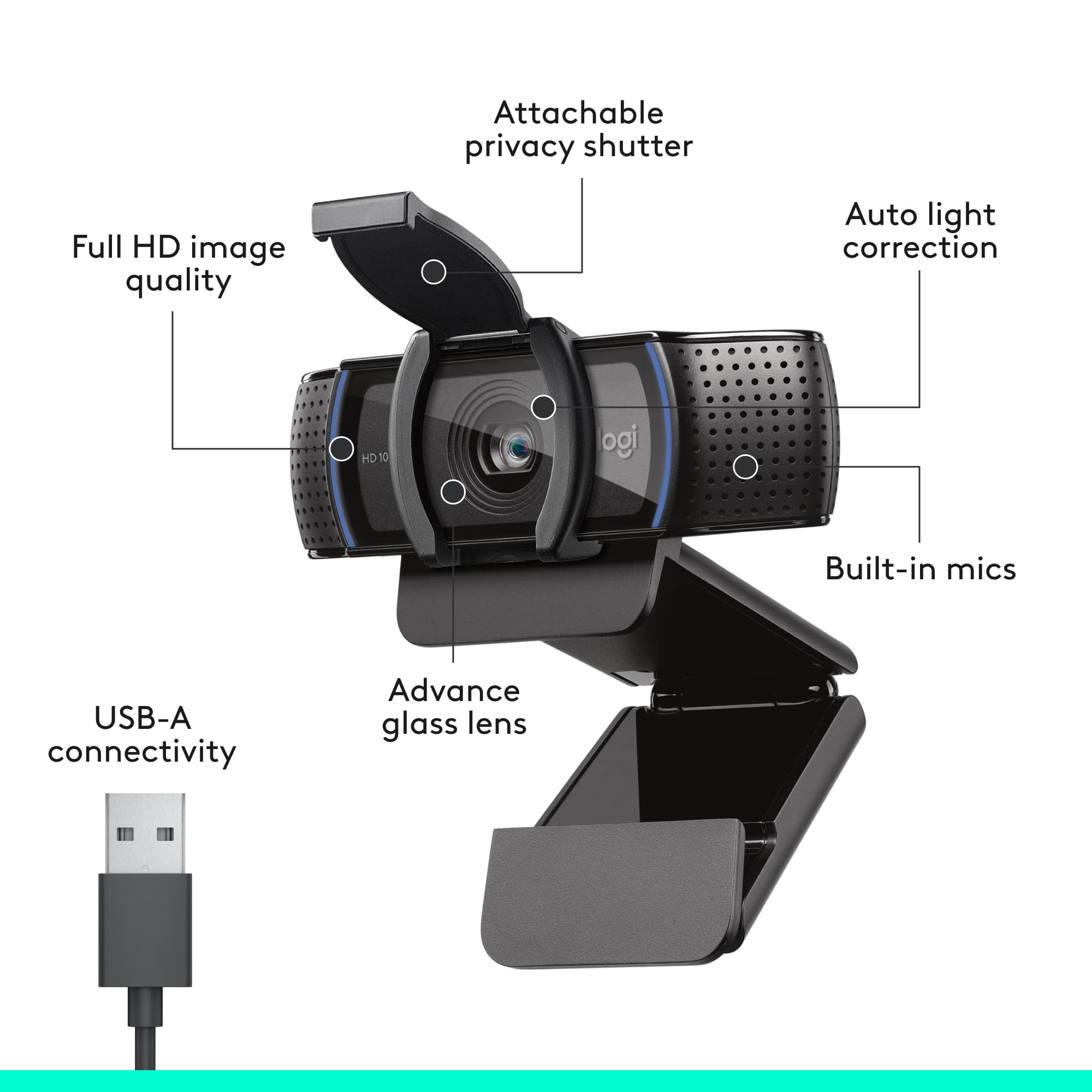
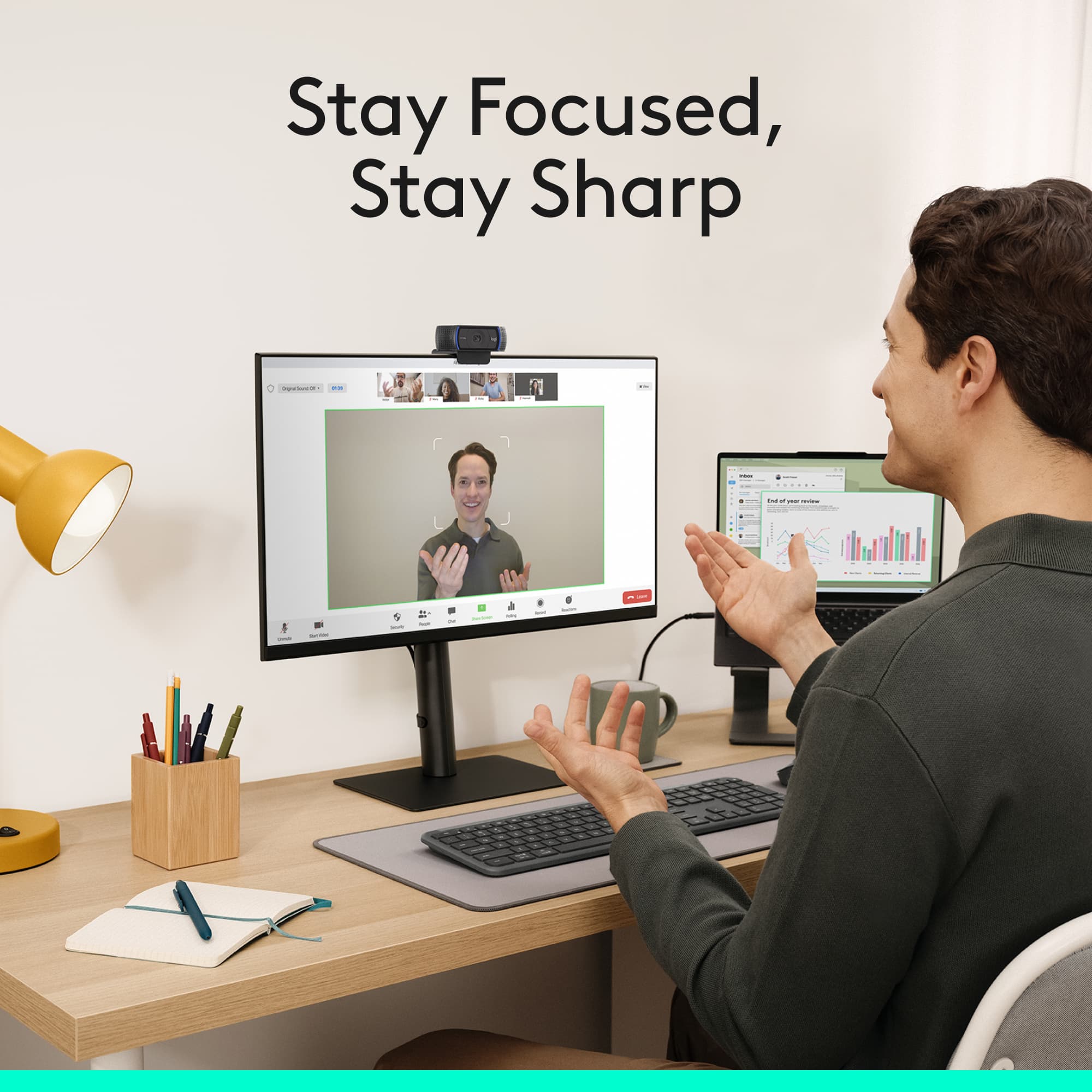
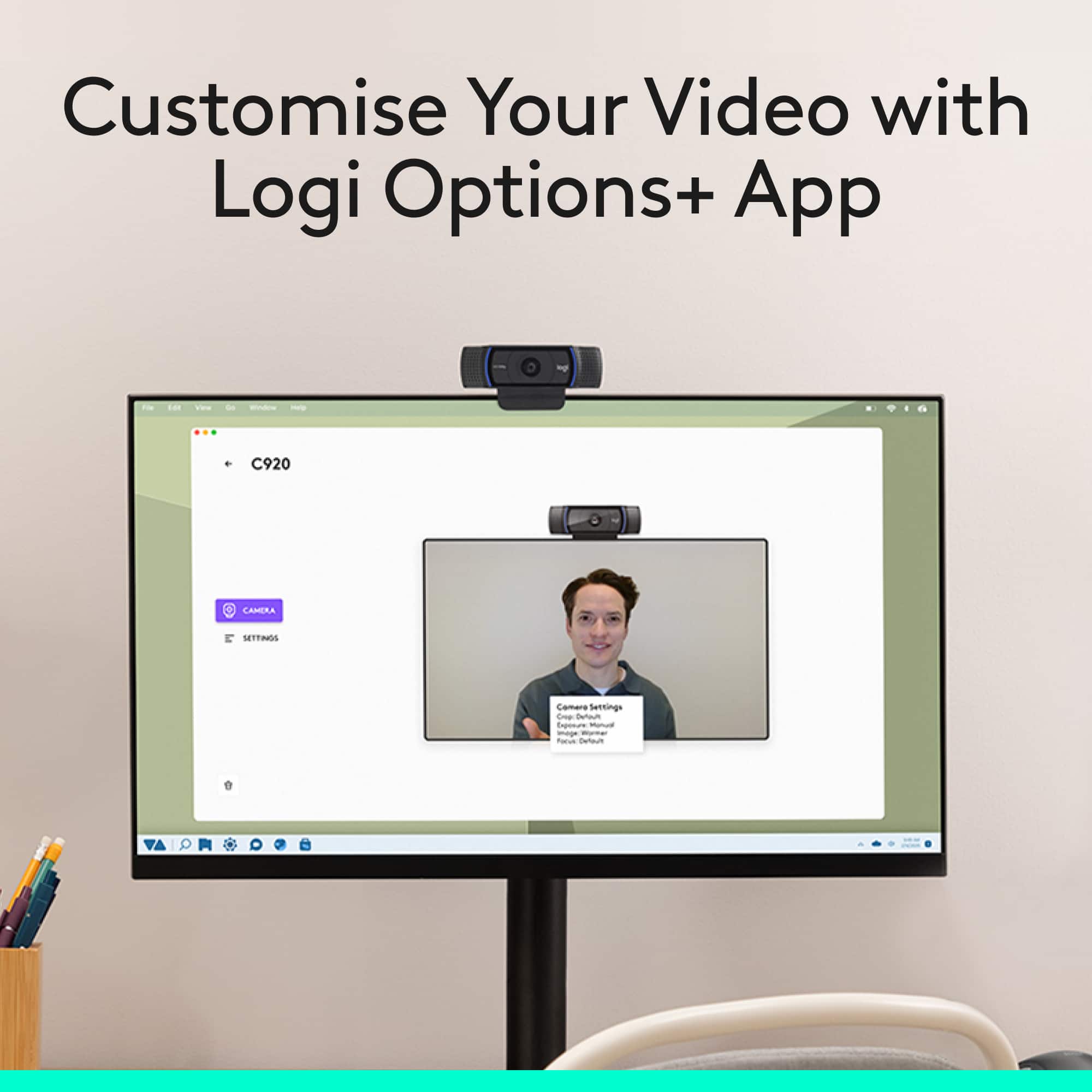
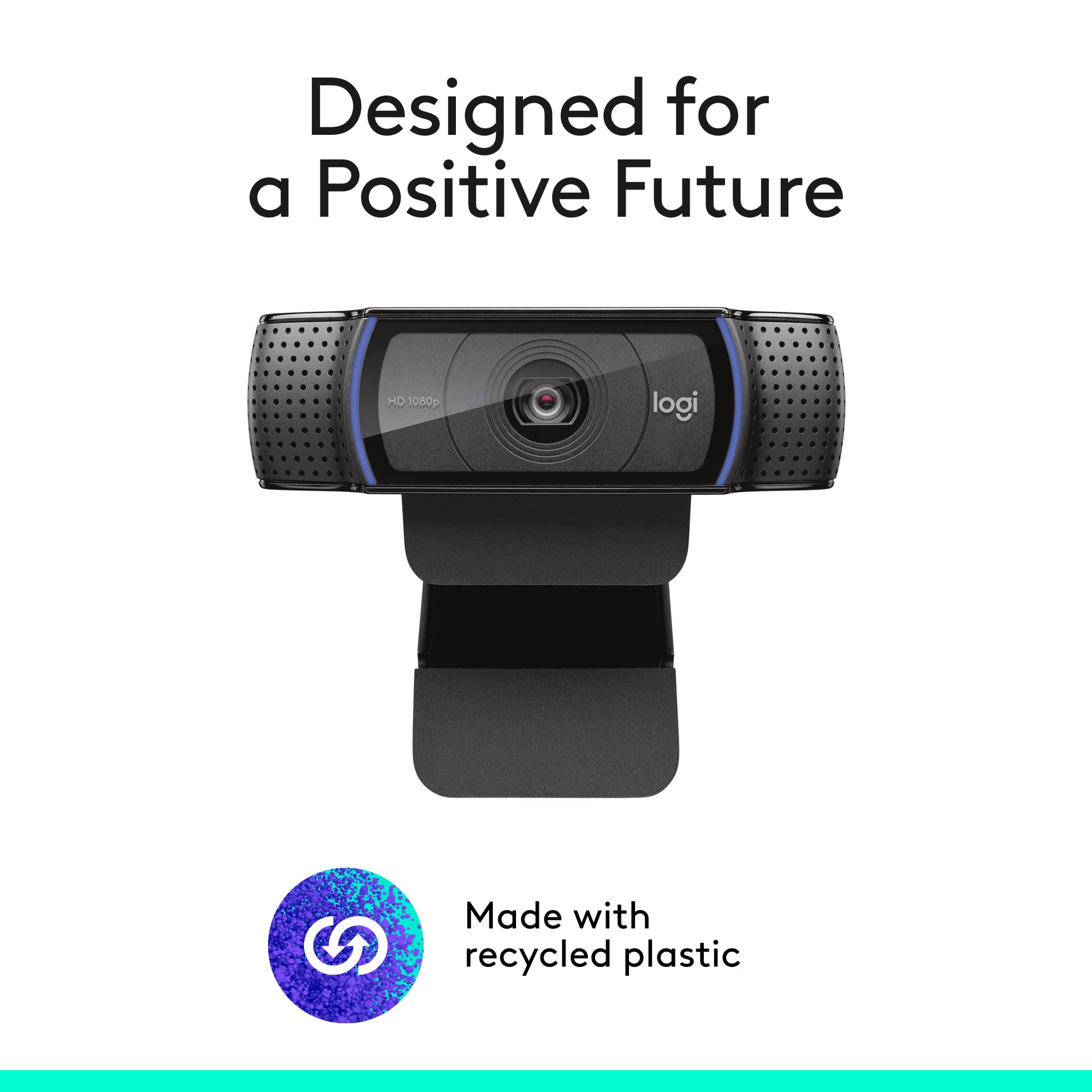
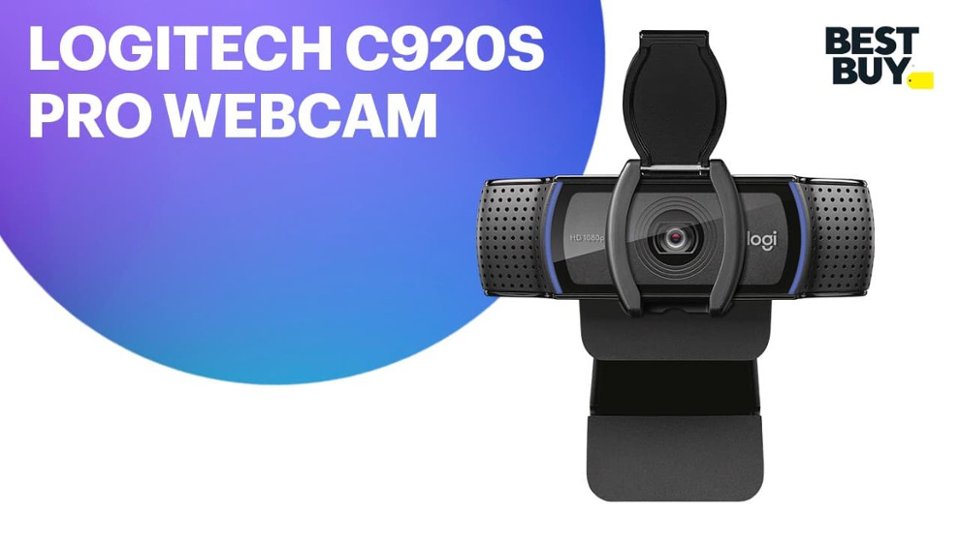
A:AnswerYes, this camera should work well for teaching courses. Its adjustable design allows for various viewing angles, which is perfect for displaying different pieces of work.
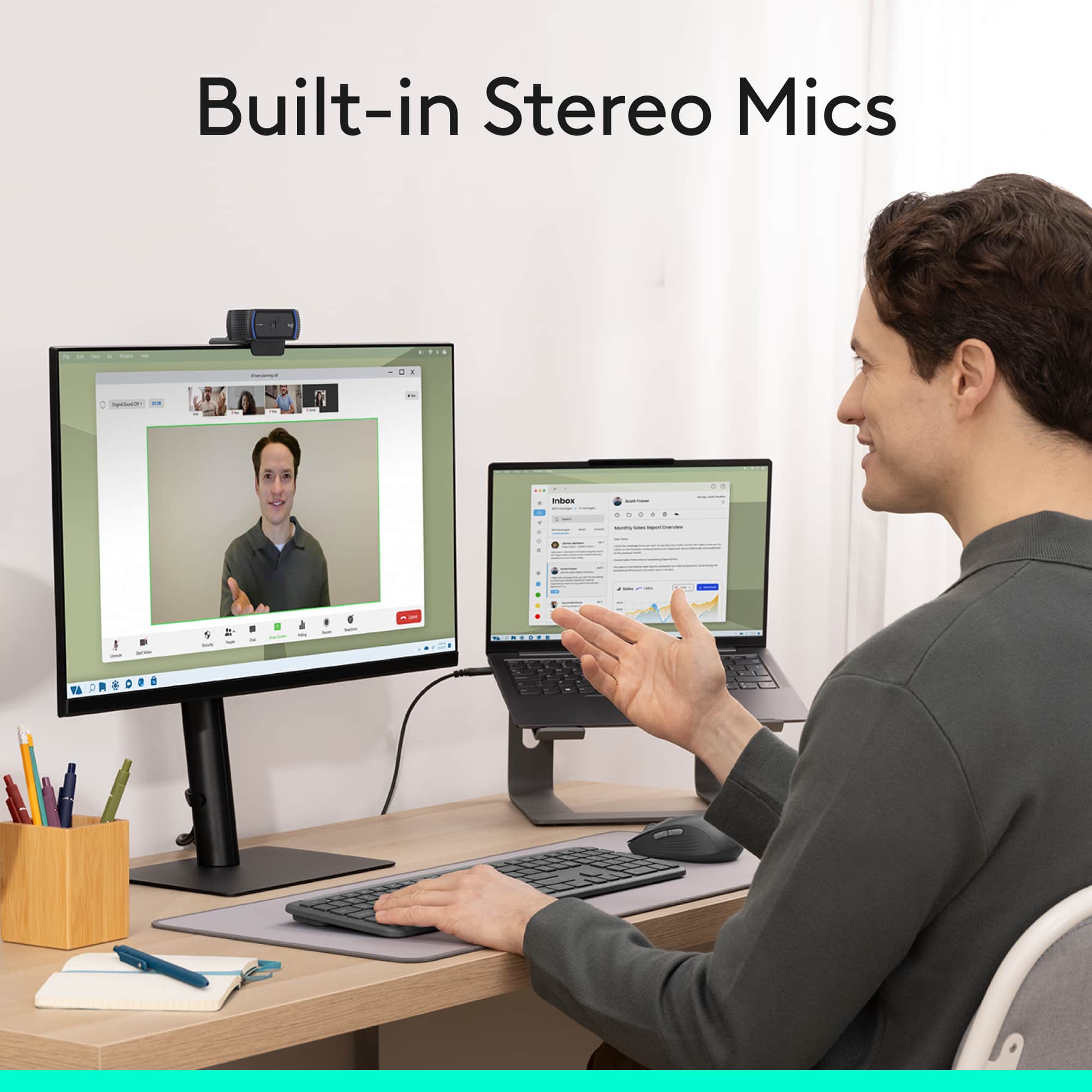
A:AnswerThe C920s webcam itself doesn’t have active noise cancellation. It does have dual microphones that help reduce background noise, but it’s not the same as true noise‑cancelling tech.
A:AnswerHi! No, C920s doesn't work for Xbox One. It is only compatible with Windows 8 or later, macOS 10.10 or later ChromeOS USB-A - A port. Works with popular calling platforms.
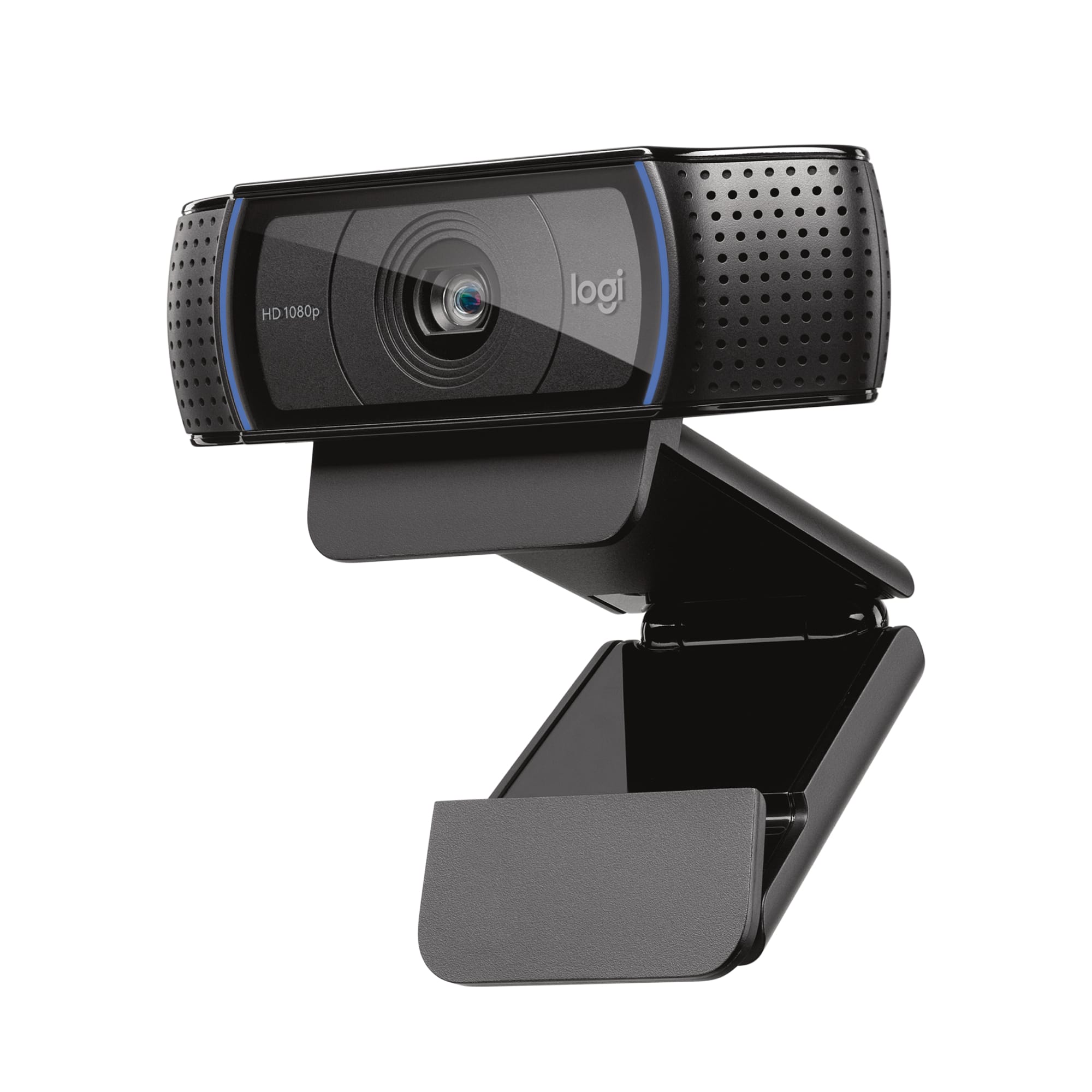
A:AnswerThe Logitech C920S Pro HD Webcam will work with virtually any standard camera tripod because it has a universal 1/4-inch tripod thread built into the bottom of its mounting clip.
A:AnswerHi! The C920s Pro webcam is primarily designed for use with computers and is compatible with the following operating systems and platforms: Windows 8 or later, macOS 10.10 or later, and Chrome OS. It works with popular calling and streaming platforms. Therefore, it is not designed and compatible for use with a PS5.
A:AnswerThe C920s webcam isn’t compatible with iPads, as they don’t support external USB webcams. It works with Windows 8 or later, macOS 10.10 or later, and ChromeOS devices that have a USB-A port.
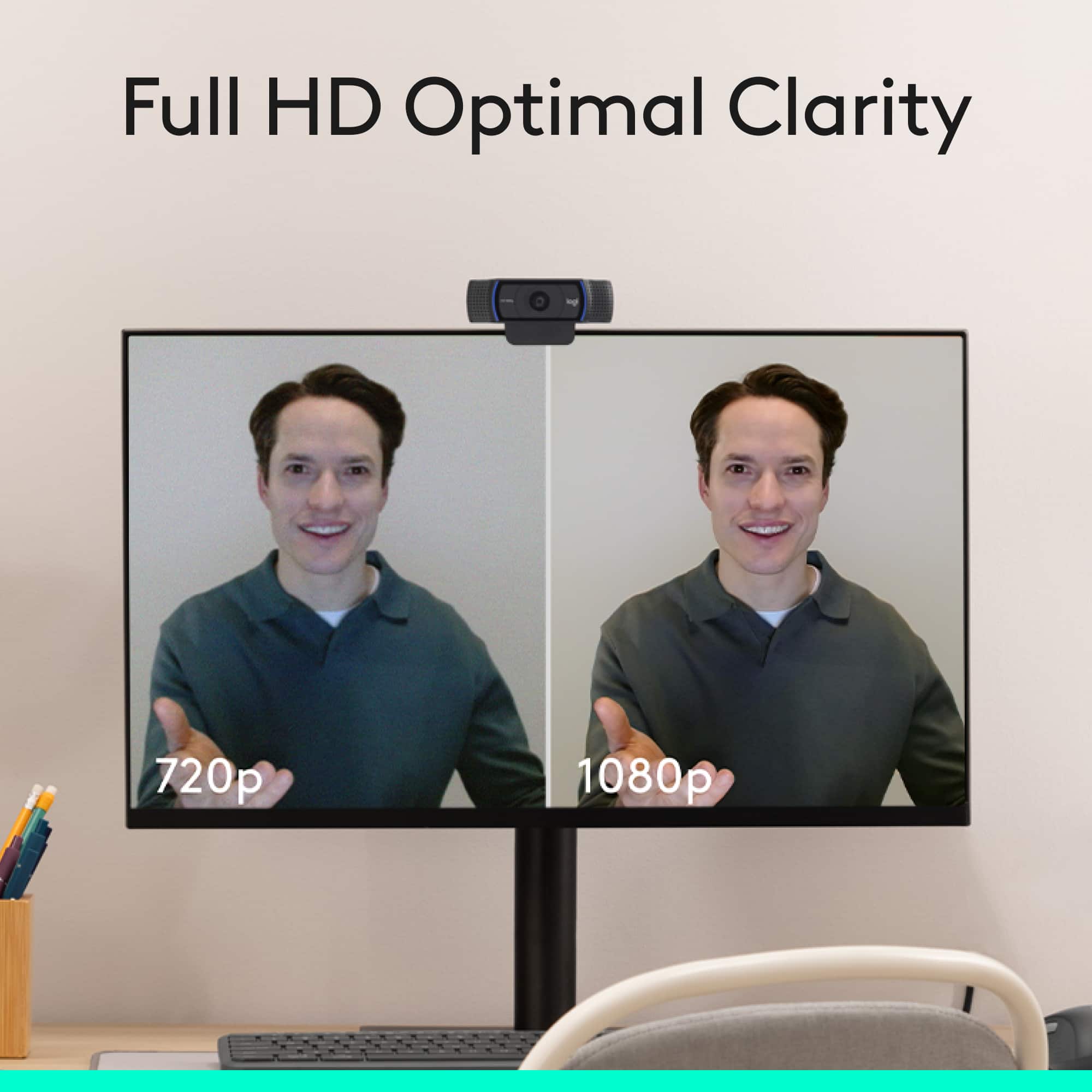
A:AnswerHey! Yes, the Logitech C920s Pro HD Webcam can record video. It captures Full HD 1080p at 30 frames per second, making it suitable for video calls, streaming, and content creation. You can use it with software like Logi Tune, OBS Studio, or even your computer’s built-in camera app to record high-quality video.