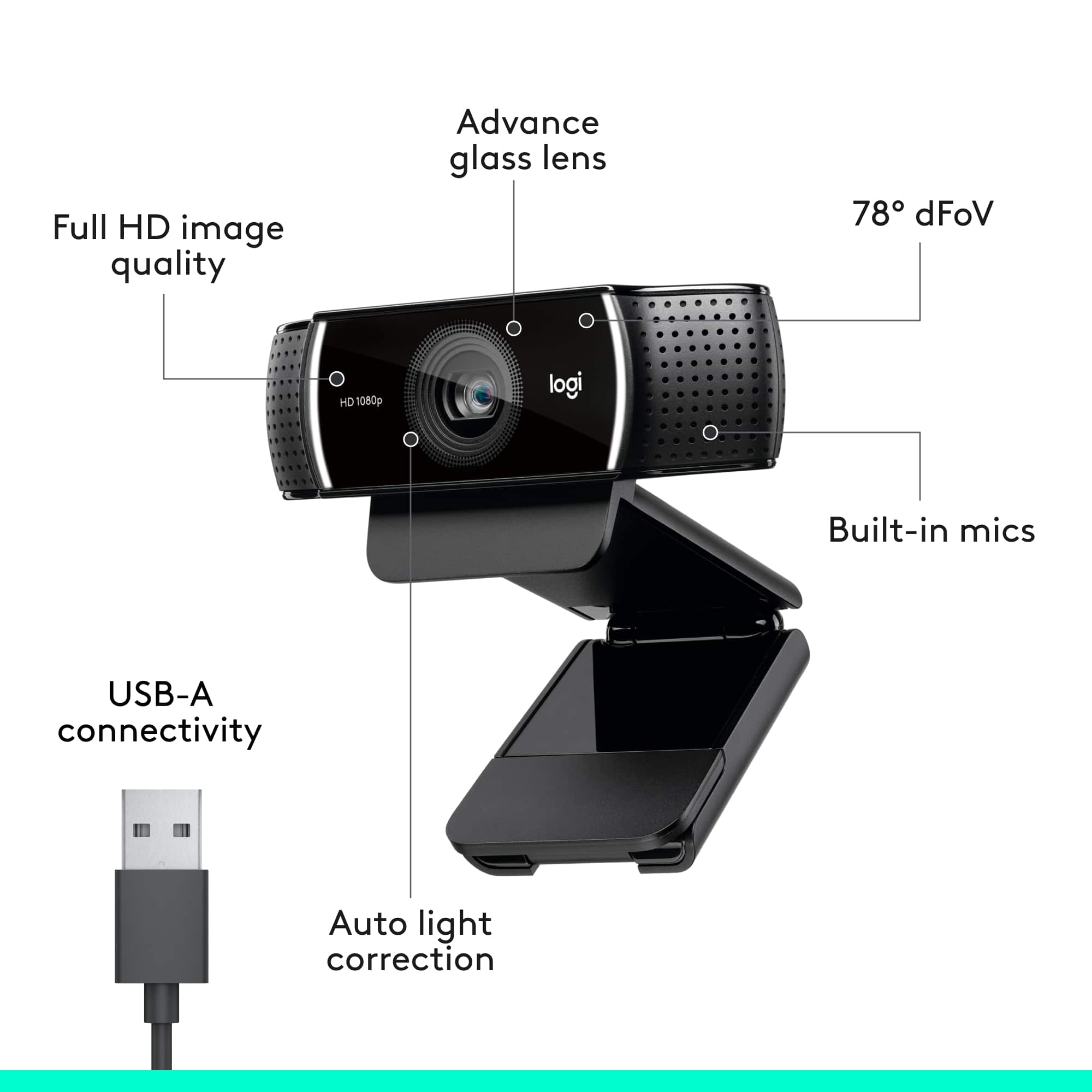
A:AnswerNo, there is no internal light. There are two small white lights that turn on when the camera is turned on, but that's just to let you know the camera is ready for capturing video.
A:AnswerIt is so simple to use.
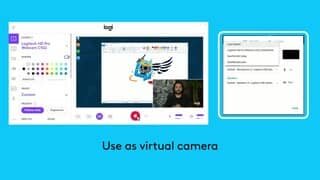
Plug the USB cable into the USB port on your computer.
Wait for your computer to detect the webcam. Your computer will automatically detect that a new piece of hardware was connected to your USB port. A message will appear asking you which camera you want to use. Click your Logitech c922 and you are ready to go.
A:AnswerYes you can record with this. Go to your camera app on your computer and you can either take pictures or record videos. Of course, any of the conference sites like zoom, skype, etc can also record meetings.
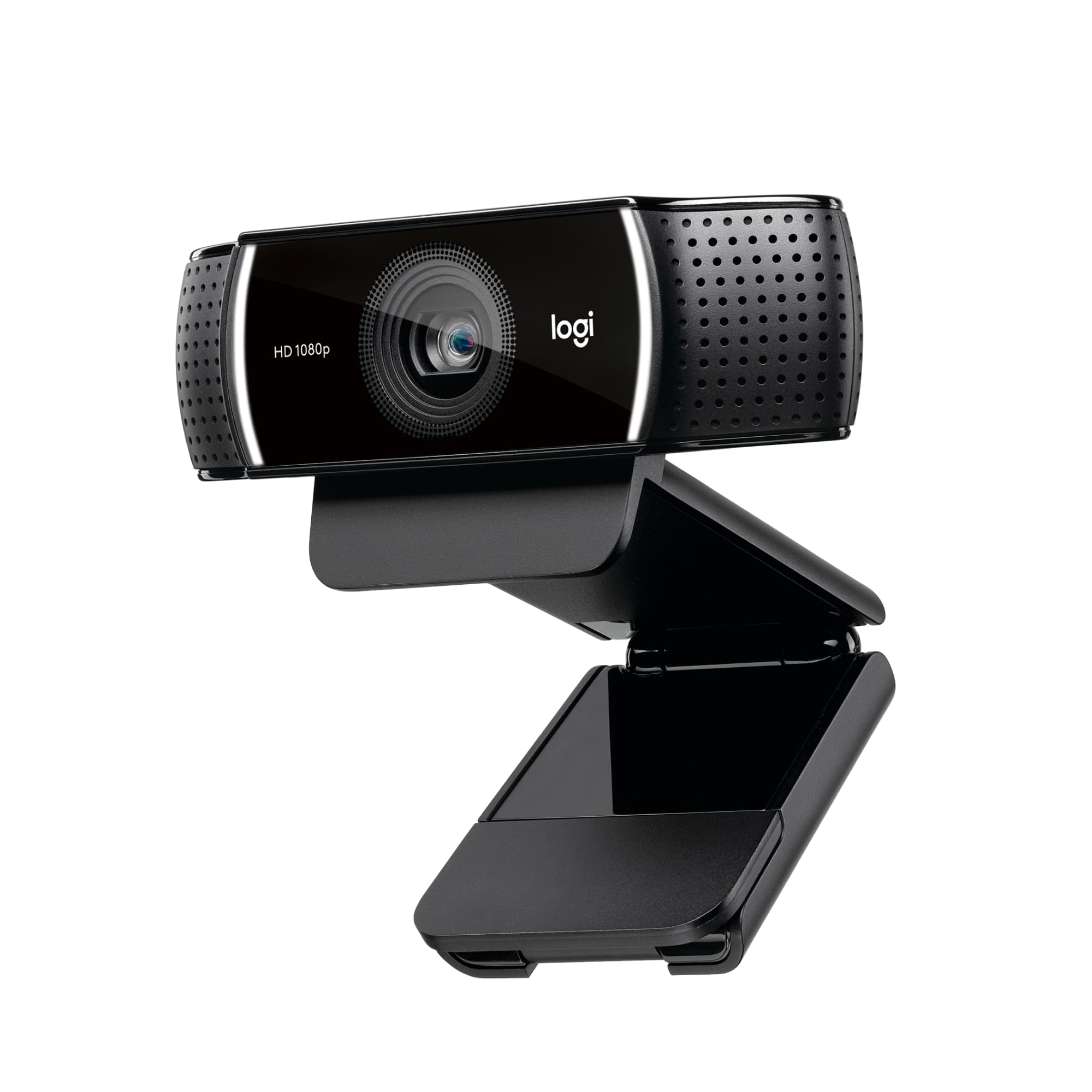
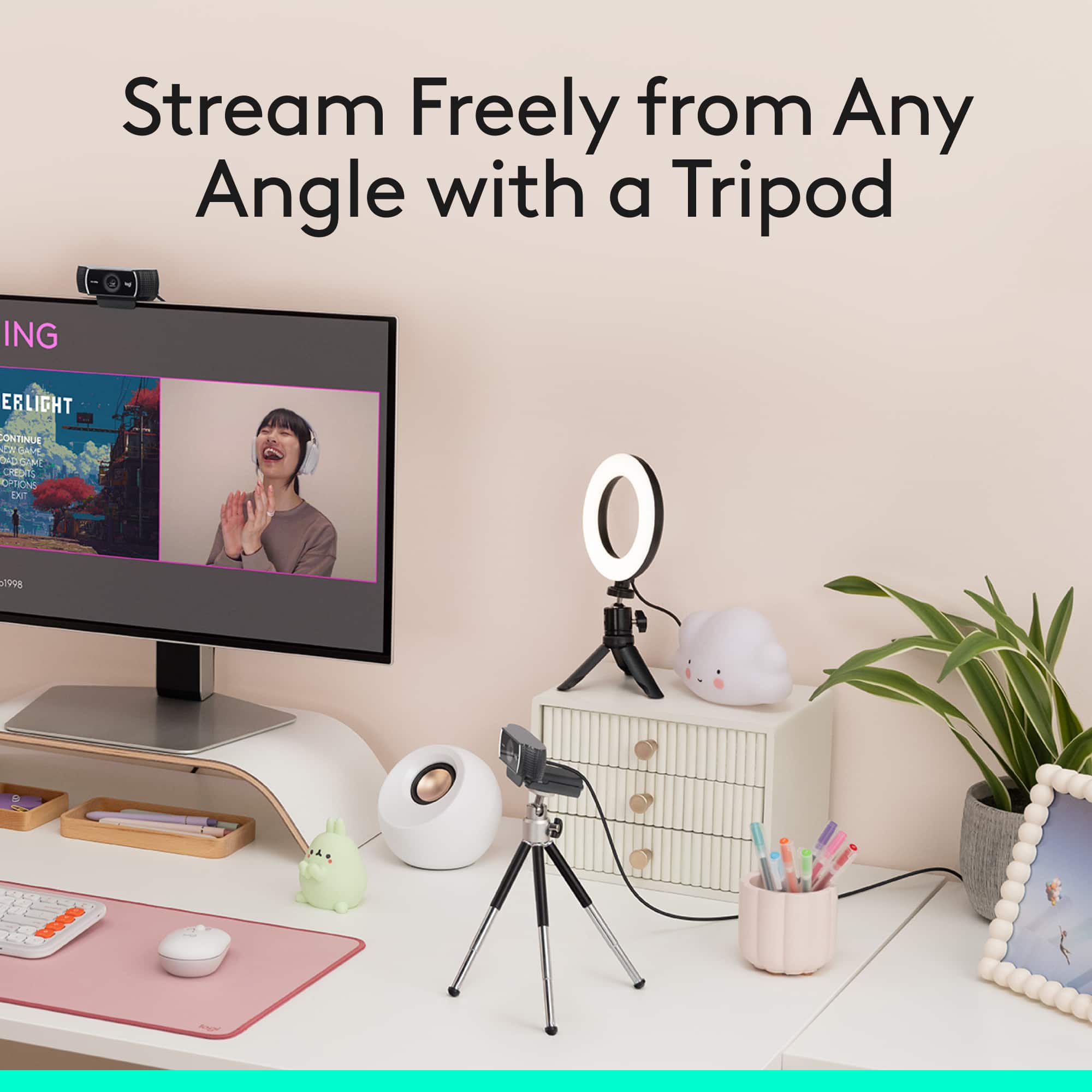
A:AnswerThere’s a gap on the bottom of the camera that allows it to be placed on top of monitors and a retractable Hadley to keep the camera handled on your monitor. Hope this helped
A:AnswerNo, it did not come with a privacy shutter. I was easily able to locate an inexpensive privacy shutter made specifically for this camera on Amazon.
If you’re hesitating to buy because it lacks a privacy shutter, don’t sweat it and get this camera. Then grab an after-market shutter for little to no expense. The camera is the important part and this one is great!